Part 9 |
Sensor Technologies and Detection Systems in Barcode Label Printers Optical Sensors, Ribbon Detection, Temperature Monitoring, Analog Signal Conditioning, and Intelligent Calibration Circuits |
1. Introduction to Sensor Systems in Barcode Printers |
1.1 |
Sensor systems are among the most essential subsystems inside barcode label printers because nearly every printing function depends on accurate real-time environmental and mechanical feedback. Without reliable sensing systems, the printer cannot properly synchronize label positioning, monitor ribbon movement, regulate thermal energy, or detect operational faults. |
1.2 |
Modern barcode printers contain numerous interconnected sensors continuously monitored by embedded firmware. These sensing systems allow the printer to behave as an intelligent electromechanical control platform rather than a simple output device. |

|
1.3 |
The increasing sophistication of barcode printer sensors closely paralleled advances in semiconductor optoelectronics, analog electronics, embedded processing, and digital signal analysis. Early printers used relatively simple photointerrupters and mechanical switches, while modern industrial printers employ precision optical arrays, temperature feedback systems, intelligent calibration algorithms, and high-resolution analog-to-digital conversion architectures. |
1.4 |
Sensor systems directly influence: |
1. Print registration accuracy |
2. Barcode alignment precision |
3. Ribbon synchronization |
4. Thermal stability |
5. Media compatibility |
6. Error detection reliability |
7. Automatic calibration capability |
8. Long-term operational consistency |
1.5 |
As print resolutions and speeds increased, sensor systems became more demanding because the allowable tolerance for positioning and timing errors became progressively smaller. |

|
2. Fundamental Roles of Sensors in Barcode Printers |
2.1 |
Barcode printers use sensors for several critical operational functions. |
2.2 |
The most important sensing applications include: |
1. Label gap detection |
2. Black mark detection |
3. Ribbon movement monitoring |
4. Printhead temperature measurement |
5. Media presence detection |
6. Motor position feedback |
7. Printhead open detection |
8. Cutter home position sensing |
2.3 |
Each sensor subsystem must provide fast, accurate, and noise-resistant signals suitable for real-time embedded control systems. |
2.4 |
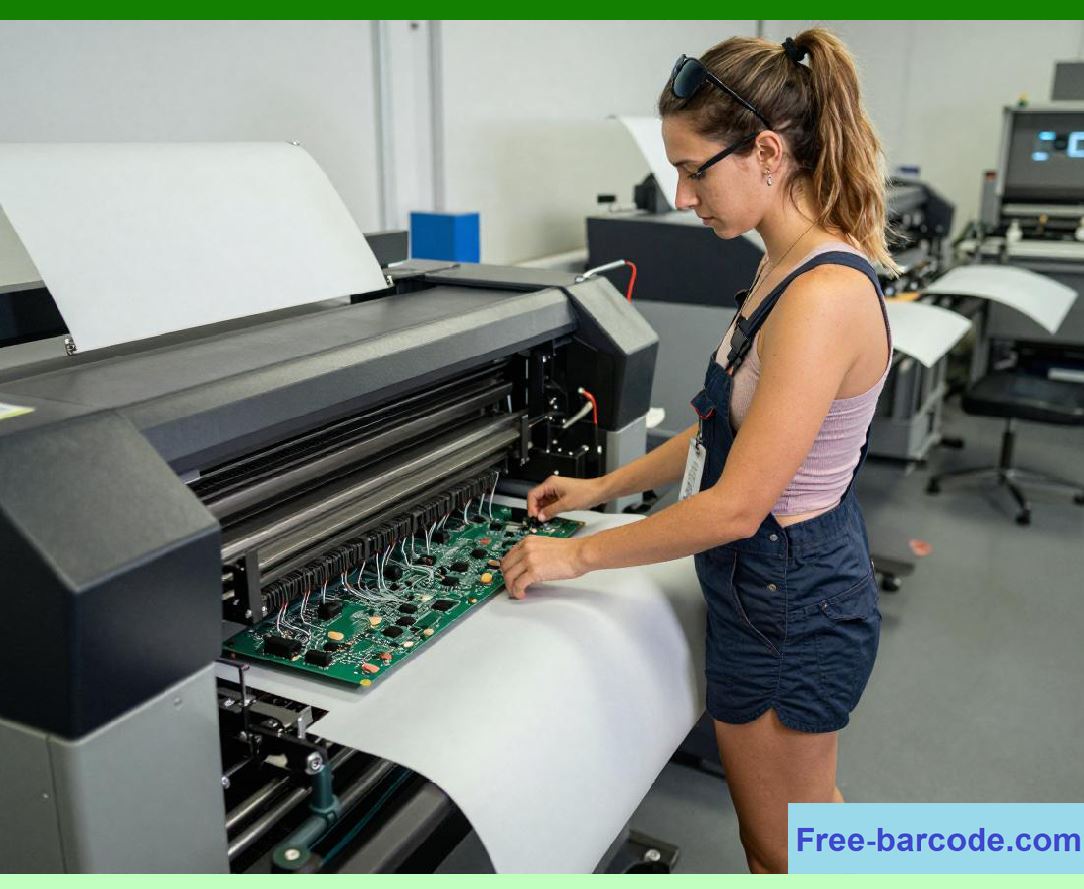
Sensor data allows the firmware to continuously adapt printer operation according to changing mechanical and environmental conditions. |
|
2.5 |
Without accurate sensing, barcode printers may experience: |
1. Label misregistration |
2. Ribbon wrinkles |
3. Barcode distortion |
4. Overheating |
5. Media jams |
6. Calibration drift |
2.6 |
Sensor reliability is especially important in industrial environments where dust, vibration, humidity, and electrical interference are common. |
2.7 |
Modern firmware increasingly relies on intelligent sensor fusion techniques combining multiple data sources for improved operational stability. |

|
3. Optical Sensing Principles |
3.1 |
Optical sensing became the dominant detection technology in barcode printers because it provides non-contact operation, fast response time, high reliability, and long operational life. |
3.2 |
Most barcode printer optical sensors use infrared light sources because infrared wavelengths are less visible to users and often provide better contrast sensitivity for label materials. |
3.3 |
Basic optical sensing systems consist of: |
1. Light emitter |
2. Optical path |
3. Target media |
4. Photodetector |
5. Signal conditioning circuitry |
3.4 |
Infrared LEDs commonly serve as optical emitters due to their efficiency and long lifespan. |
3.5 |
Phototransistors or photodiodes detect incoming light intensity. |

|
3.6 |
The detector output current is approximately proportional to incident light power: |
I_p \propto P_{light} |
Where: |
* (I_p) represents photocurrent |
* (P_{light}) represents incident optical power |
3.7 |
Optical sensor performance depends heavily on signal-to-noise ratio and stable emitter intensity. |
3.8 |
Environmental contamination such as dust or adhesive residue can significantly affect sensor accuracy. |

|
4. Transmissive Label Gap Sensors |
4.1 |
One of the most important sensor systems in barcode printers is the transmissive label gap sensor. |
4.2 |
This sensor detects the gaps between adjacent labels on continuous liner material. |
4.3 |
The transmissive system places the infrared emitter on one side of the media path and the detector on the opposite side. |
4.4 |
When label material blocks the optical path, detector current decreases. |
4.5 |
During the gap region, more light passes through the liner material, increasing detector output. |
4.6 |
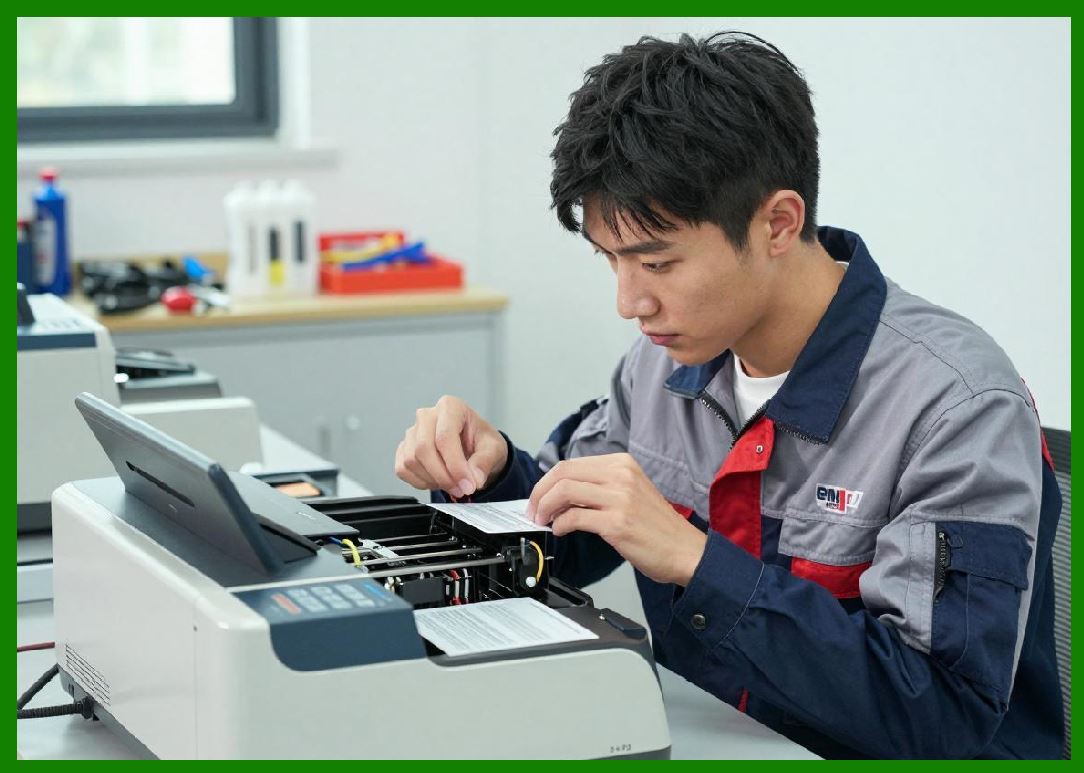
Firmware continuously monitors sensor intensity to identify transitions between labels. |
|
4.7 |
Gap detection accuracy directly determines label registration precision. |
4.8 |
Incorrect gap detection can cause: |
1. Misaligned printing |
2. Skipped labels |
3. Partial barcode truncation |
4. Cutter positioning errors |

|
5. Reflective Black Mark Sensors |
5.1 |
Some label media uses reflective registration marks instead of physical gaps. |
5.2 |
Reflective sensing systems detect black timing marks printed on the underside or surface of the media. |
5.3 |
In reflective sensors, both emitter and detector are located on the same side of the media path. |
5.4 |
The detector measures reflected light intensity from the media surface. |
5.5 |
Dark black marks absorb more light than surrounding material, reducing detector output. |
5.6 |
Reflectivity variation forms the basis for position detection. |
5.7 |
Reflective sensing is especially useful for: |
1. Ticket printing |
2. Wristband printing |
3. Continuous synthetic media |
4. Specialty labels |
5.8 |
Surface texture and media gloss significantly affect reflective sensor performance. |

|
6. Ribbon Detection and Ribbon Motion Sensors |
6.1 |
Thermal transfer printers require sophisticated ribbon monitoring systems to ensure proper ribbon transport and synchronization. |
6.2 |
Ribbon detection systems identify whether ribbon material is installed and verify correct movement during printing. |
6.3 |
Common ribbon sensing methods include: |
1. Optical transparency sensing |
2. Reflective sensing |
3. Mechanical tension sensing |
4. Encoder-based motion sensing |
6.4 |
Many thermal transfer ribbons contain transparent leader sections detectable using transmissive optical sensors. |
6.5 |
Ribbon motion monitoring helps detect: |
1. Ribbon breaks |
2. Ribbon jams |
3. Ribbon depletion |
4. Slippage conditions |
6.6 |
Ribbon synchronization accuracy directly affects print quality and ribbon conservation. |
6.7 |
Advanced printers dynamically adjust ribbon motor torque according to sensor feedback. |
6.8 |
Intelligent ribbon management became increasingly important as print speeds increased. |

|
7. Temperature Sensing Systems |
7.1 |
Thermal printhead temperature monitoring is essential because overheating can permanently damage the printhead and degrade barcode quality. |
7.2 |
Most barcode printers use thermistors embedded within or near the printhead assembly. |
7.3 |
Thermistors are temperature-sensitive resistors whose resistance changes predictably with temperature. |
7.4 |
Negative Temperature Coefficient (NTC) thermistors became especially common. |
7.5 |
NTC resistance approximately follows: |
R = R_0e^{\beta(\frac{1}{T}-\frac{1}{T_0})} |
Where: |
* (R) represents thermistor resistance |
* (R_0) represents reference resistance |
* (T) represents absolute temperature |
* (\beta) represents material constant |
7.6 |
The analog sensor voltage is converted into digital values using ADC circuits. |
7.7 |
Firmware continuously adjusts printhead energy according to measured temperature. |
7.8 |
Temperature sensing became increasingly sophisticated in high-speed industrial printers. |

|
8. Analog Signal Conditioning Circuits |
8.1 |
Raw sensor outputs are often too weak or noisy for direct processor interfacing. |
8.2 |
Analog signal conditioning circuits therefore perform several important functions: |
1. Amplification |
2. Filtering |
3. Offset correction |
4. Noise suppression |
5. Threshold generation |
8.3 |
Operational amplifiers became widely used for sensor signal amplification. |
8.4 |
Low-pass filters suppress high-frequency electrical noise generated by motors and switching power supplies. |
8.5 |
Comparator circuits convert analog signals into clean digital transitions. |
8.6 |
Hysteresis circuits improve stability by preventing oscillation near threshold points. |
8.7 |
Careful analog circuit design became increasingly important as sensor sensitivity increased. |
8.8 |
Poor signal conditioning can cause intermittent calibration failures and false media detection. |

|
9. Analog-to-Digital Conversion Systems |
9.1 |
Modern barcode printers increasingly use digital processing for sensor analysis. |
9.2 |
Analog-to-digital converters transform sensor voltages into binary numerical values readable by the processor. |
9.3 |
ADC resolution determines measurement precision. |
9.4 |
Common ADC resolutions include: |
1. 8-bit |
2. 10-bit |
3. 12-bit |
4. 16-bit |
9.5 |
Higher resolution improves sensitivity but increases computational requirements. |
9.6 |
Sampling rate also affects sensor performance. |
9.7 |
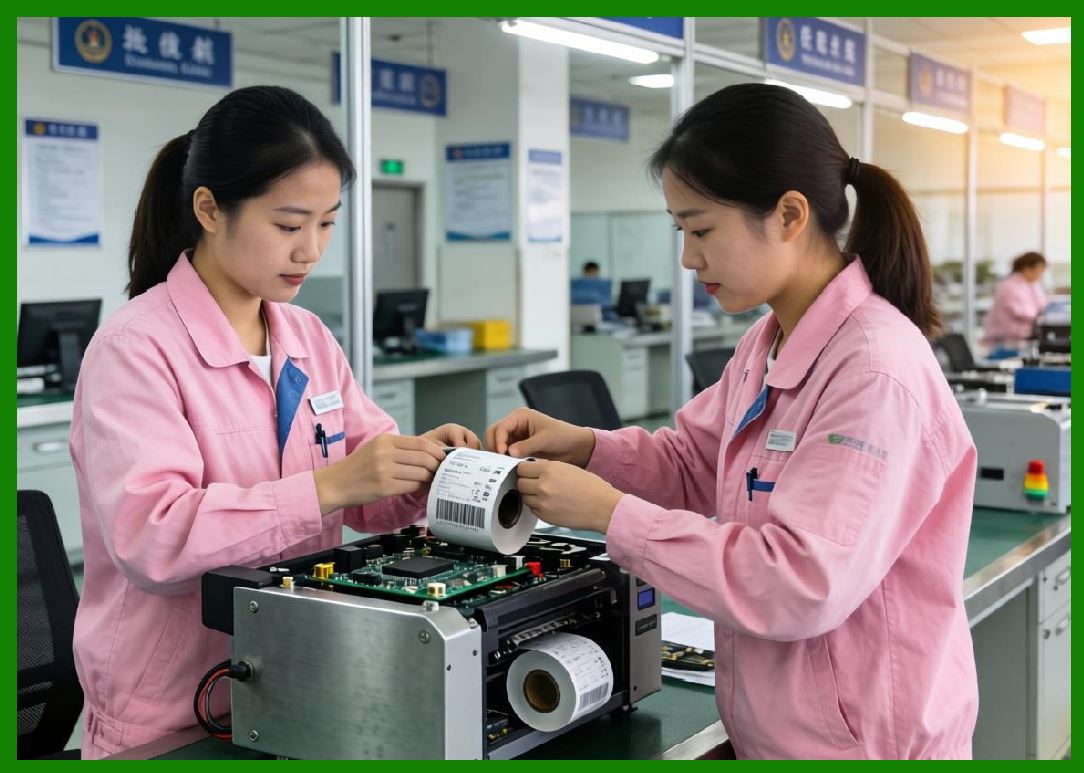
Oversampling and averaging techniques improve measurement stability. |
9.8 |
Digital filtering algorithms later replaced many analog filtering functions. |
|
10. Media Calibration Algorithms |
10.1 |
Different label materials exhibit varying optical properties, requiring automatic calibration systems. |
10.2 |
Calibration routines measure sensor response levels under actual media conditions. |
10.3 |
The printer typically samples: |
1. Label region intensity |
2. Gap region intensity |
3. Reflective mark contrast |
4. Ambient light interference |
10.4 |
Threshold levels are then automatically calculated. |
10.5 |
Dynamic threshold generation improves compatibility across diverse media types. |
10.6 |
Adaptive calibration became especially important for transparent or highly reflective materials. |
10.7 |
Intelligent algorithms compensate for sensor aging and LED intensity variation. |
10.8 |
Automatic calibration significantly improved user convenience and printer reliability. |

|
11. Printhead Open and Mechanical Position Sensors |
11.1 |
Barcode printers also require sensors for monitoring mechanical subsystem states. |
11.2 |
Printhead open sensors verify correct printhead engagement before printing begins. |
11.3 |
Mechanical switch systems were common in early printers. |
11.4 |
Later systems increasingly adopted optical or magnetic proximity sensors due to improved durability. |
11.5 |
Home position sensors monitor cutter mechanisms and moving assemblies. |
11.6 |
Incorrect mechanical positioning may cause severe hardware damage. |
11.7 |
Sensor redundancy sometimes improves safety in industrial systems. |
11.8 |
Reliable mechanical state sensing became increasingly important in automated production environments. |

|
12. Encoder Systems and Motion Feedback Sensors |
12.1 |
Encoder systems provide continuous motion feedback for advanced motor synchronization. |
12.2 |
Optical encoder wheels generate pulse trains proportional to rotational displacement. |
12.3 |
Quadrature encoders use dual phase-shifted channels for direction detection. |
12.4 |
Encoder pulse frequency corresponds to rotational velocity: |
f = \frac{N\omega}{2\pi} |
Where: |
* (f) represents pulse frequency |
* (N) represents encoder counts per revolution |
* (\omega) represents angular velocity |
12.5 |
Encoder systems enable closed-loop correction of media movement errors. |
12.6 |
High-resolution encoders became increasingly important for high-speed industrial printers. |
12.7 |
Motion feedback significantly improves barcode dimensional consistency. |
12.8 |
Advanced firmware continuously compares commanded and measured movement. |

|
13. Noise Immunity and Industrial Reliability |
13.1 |
Industrial barcode printers often operate in electrically noisy environments containing motors, relays, RF systems, and switching power supplies. |
13.2 |
Sensor systems therefore require strong noise immunity. |
13.3 |
Common protection methods include: |
1. Shielded cables |
2. Differential signaling |
3. Ground isolation |
4. Filtering capacitors |
5. Twisted-pair wiring |
13.4 |
Optical isolation sometimes separates sensitive analog circuitry from high-current subsystems. |
13.5 |
Electrostatic discharge protection prevents sensor damage during media handling. |
13.6 |
Industrial contamination resistance also became a major engineering concern. |
13.7 |
Protective sensor windows and sealed optical assemblies improve long-term reliability. |
13.8 |
Firmware-based error checking helps identify unstable sensor behavior. |

|
14. Intelligent Sensor Fusion and Modern Embedded Analytics |
14.1 |
Modern barcode printers increasingly combine multiple sensor inputs simultaneously. |
14.2 |
Sensor fusion algorithms improve accuracy by correlating independent measurements. |
14.3 |
For example, firmware may combine: |
1. Encoder feedback |
2. Ribbon motion sensing |
3. Printhead temperature |
4. Motor current monitoring |
14.4 |
Machine learning techniques may eventually identify subtle fault patterns before failures occur. |
14.5 |
Predictive maintenance systems analyze long-term sensor trends. |
14.6 |
Self-calibrating sensor architectures reduce user intervention requirements. |
14.7 |
Advanced digital signal processors allow increasingly sophisticated real-time analysis. |
14.8 |
Intelligent sensing systems are becoming central to modern smart barcode printer platforms. |

|
15. Future Trends in Barcode Printer Sensor Technology |
15.1 |
Future barcode printer sensor systems will continue evolving toward greater precision, miniaturization, and intelligence. |
15.2 |
CMOS imaging sensors may eventually replace some traditional optical gap sensors. |
15.3 |
Integrated spectral sensing could improve detection of transparent and specialty media. |
15.4 |
MEMS-based sensor technologies may reduce size and power consumption. |
15.5 |
Artificial intelligence algorithms will likely improve automatic calibration and fault prediction. |
15.6 |
Wireless diagnostic sensing may support cloud-connected industrial maintenance systems. |
15.7 |
Despite technological advances, the core objective remains unchanged: providing highly accurate real-time feedback enabling stable, synchronized, and reliable barcode printing operations. |

|
Technical Content Summary |
This part explored the detailed engineering principles of sensor technologies and detection systems used inside barcode label printers. The discussion examined optical sensing principles, transmissive gap sensors, reflective black mark detection, ribbon monitoring systems, thermistor temperature sensing, analog signal conditioning, and ADC-based digital measurement systems. |
The article described how barcode printers use intelligent sensing architectures to maintain accurate media registration, ribbon synchronization, thermal regulation, and motion control. It also analyzed calibration algorithms, encoder feedback systems, industrial noise immunity techniques, and predictive sensor analytics. |
Additionally, this section explained how sensor systems evolved from simple photodetectors into sophisticated embedded feedback networks supporting high-speed intelligent barcode printer operation. |
The next part will focus on communication interfaces and host connectivity systems inside barcode label printers, including RS-232, Centronics parallel, USB, Ethernet, Wi-Fi, Bluetooth, industrial fieldbus protocols, network print servers, protocol stacks, and remote management architectures. |
 cs@easiersoft.com