Part 10: Print-and-Apply Barcode Systems (Automation, Robotics Integration, and High-Speed Label Application) |
1. Introduction to Print-and-Apply Systems |
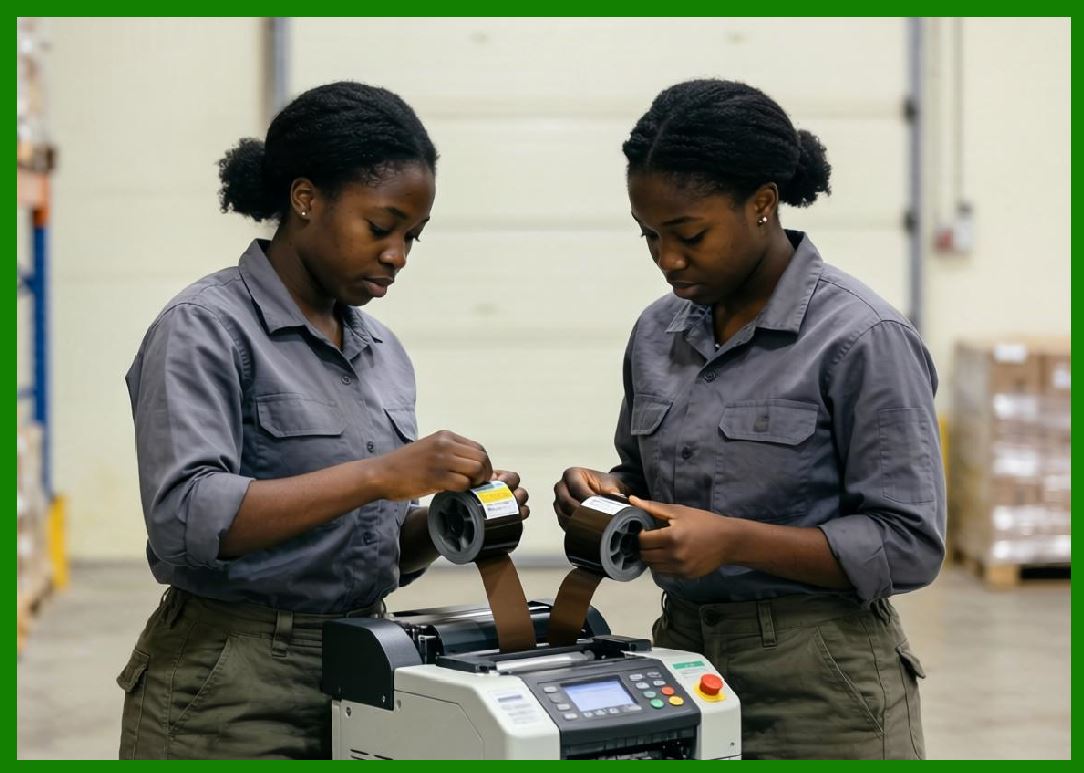
1.1 Print-and-apply barcode systems are fully automated labeling solutions that combine real-time label printing with mechanical or robotic application onto products, cartons, pallets, or packaging lines. |
1.2 Unlike conventional barcode printers that only produce labels for manual application, print-and-apply systems eliminate human intervention by synchronizing printing and labeling in a continuous automated workflow. |
1.3 These systems are widely used in high-throughput industrial environments such as logistics centers, food and beverage production lines, pharmaceutical packaging, and e-commerce fulfillment centers. |
1.4 The core value of print-and-apply systems lies in their ability to ensure accuracy, consistency, and speed in labeling operations at scale. |
|
2. Fundamental Working Principle |
2.1 A print-and-apply system integrates two main subsystems: |
1. Barcode printing engine |
2. Label application mechanism |
2.2 The workflow typically follows this sequence: |
* A label design is generated based on real-time data |
* The printer produces a label on demand |
* A robotic applicator retrieves the label |
* The label is applied to a moving or stationary product surface |
2.3 The entire process is synchronized with conveyor systems or production line controllers. |

|
3. System Architecture Overview |
3.1 A typical print-and-apply system includes: |
1. Industrial barcode printer (thermal transfer or direct thermal) |
2. Label applicator (air-blow, tamp, wipe-on, or robotic arm) |
3. Conveyor integration system |
4. Sensors and encoders |
5. Control unit (PLC or industrial computer) |
3.2 Each component must operate in precise coordination to maintain labeling accuracy. |

|
4. Printing Subsystem Characteristics |
4.1 The printing unit in print-and-apply systems is typically industrial-grade and optimized for: |
* High-speed output |
* Continuous operation |
* Large label rolls |
4.2 Thermal transfer printing is most commonly used due to its durability. |
4.3 Print resolution typically ranges from 203 DPI to 600 DPI depending on application requirements. |

|
5. Label Application Mechanisms |
5.1 There are several types of application methods: |
5.1.1 Tamp Application |
* A mechanical arm presses the label onto the product surface |
* Suitable for flat or slightly curved surfaces |
5.1.2 Blow-On Application |
* Uses compressed air to apply labels without physical contact |
* Ideal for fragile or uneven surfaces |
5.1.3 Wipe-On Application |
* Label is applied as the product moves past an applicator pad |
* High-speed continuous operation |
5.1.4 Robotic Arm Application |
* Fully programmable robotic systems |
* Used for complex positioning requirements |

|
6. Synchronization with Production Lines |
6.1 Print-and-apply systems must synchronize with conveyor speed and product positioning. |
6.2 This is achieved using: |
* Optical sensors |
* Encoders tracking conveyor movement |
* PLC-based timing control |
6.3 Accurate synchronization ensures correct label placement even at high speeds. |

|
7. Data Handling and Real-Time Printing |
7.1 Print-and-apply systems often rely on real-time data inputs from: |
* ERP systems |
* Warehouse management systems (WMS) |
* Manufacturing execution systems (MES) |
7.2 Each label may contain dynamic data such as: |
* Serial numbers |
* Batch codes |
* Expiration dates |
* Shipping information |
7.3 This enables full traceability across the supply chain. |

|
8. Automation and Control Systems |
8.1 The control system is typically based on: |
* PLC (Programmable Logic Controller) |
* Industrial PCs |
8.2 Functions include: |
* Coordinating print timing |
* Controlling applicator movement |
* Monitoring system status |
* Error detection and recovery |
8.3 Advanced systems support remote monitoring and diagnostics. |
|
9. Sensors and Feedback Mechanisms |
9.1 Sensors are essential for precision and reliability. |
9.2 Common sensor types include: |
1. Product detection sensors |
2. Label presence sensors |
3. Position encoders |
4. Air pressure sensors (for pneumatic systems) |
9.3 Feedback loops ensure accurate label placement. |

|
10. Speed and Throughput Performance |
10.1 Print-and-apply systems are designed for high throughput environments. |
10.2 Typical performance levels include: |
* Hundreds to thousands of labels per hour |
* Continuous 24/7 operation capability |
10.3 System speed depends on: |
* Printer speed |
* Applicator type |
* Conveyor velocity |

|
11. Label Accuracy and Placement Precision |
11.1 Precision is a critical performance metric. |
11.2 Factors affecting accuracy include: |
* Mechanical alignment |
* Sensor calibration |
* Conveyor stability |
11.3 High-end systems can achieve millimeter-level placement accuracy. |

|
12. Durability and Industrial Design |
12.1 Print-and-apply systems are built for harsh environments. |
12.2 Features include: |
* Metal frames |
* Industrial-grade electronics |
* Dust and moisture resistance |
12.3 They are designed for continuous operation in demanding conditions. |

|
13. Maintenance and Serviceability |
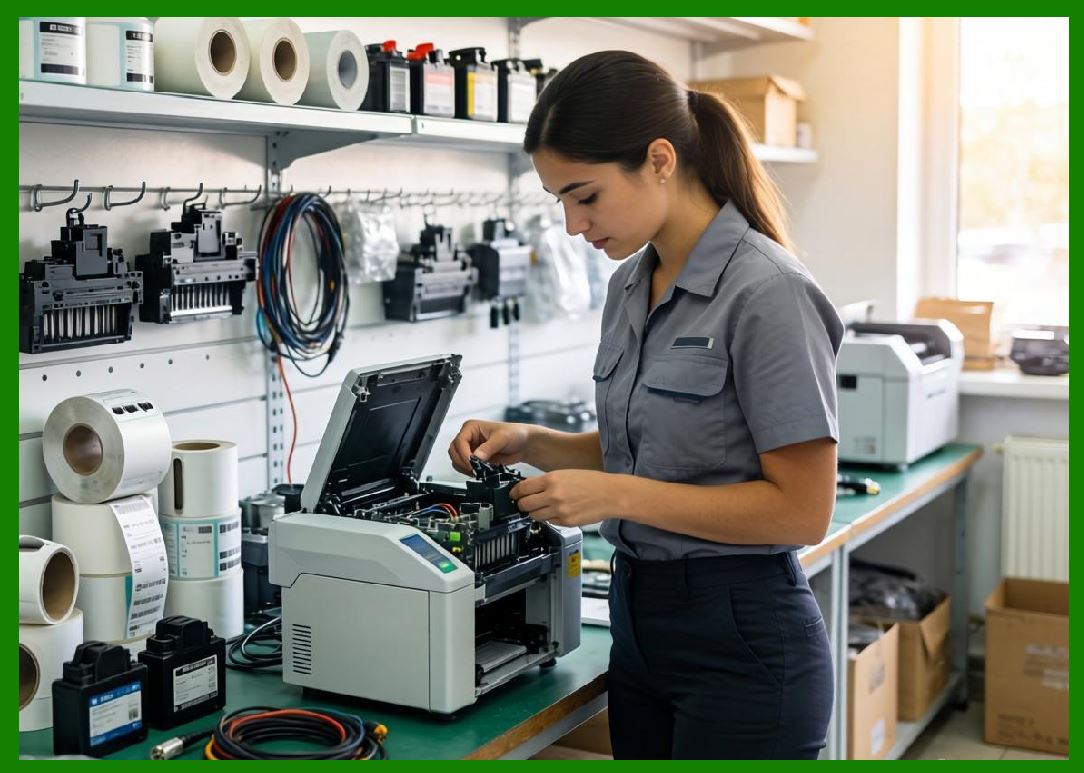
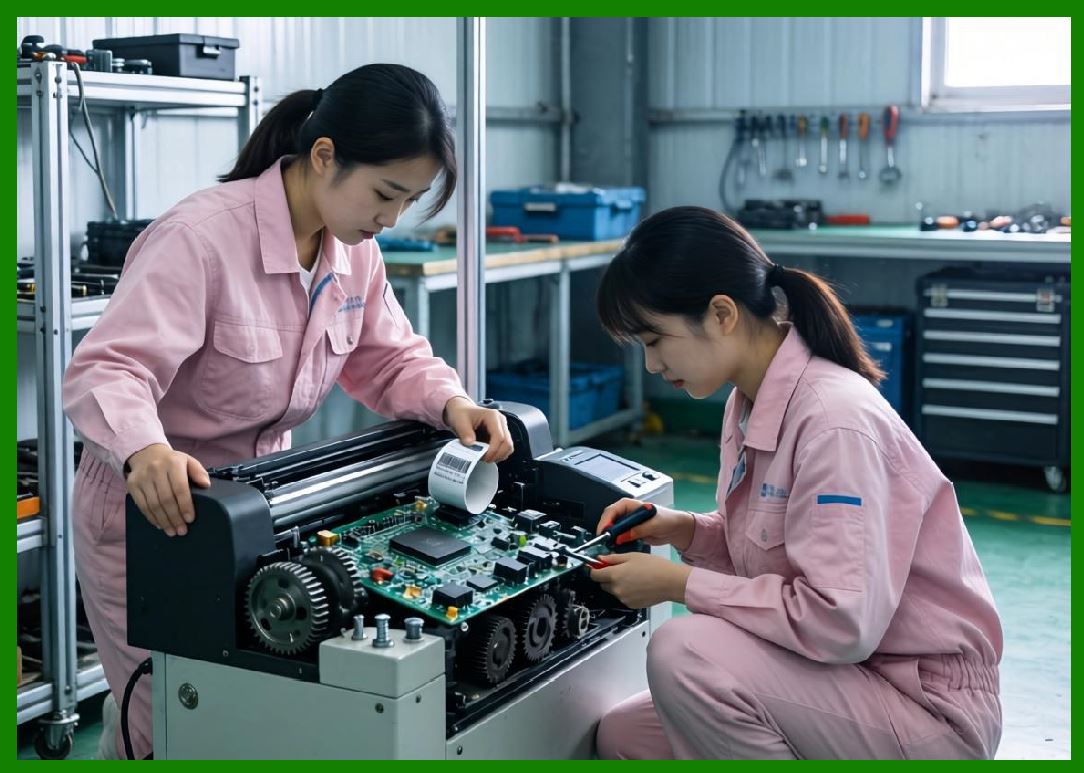
13.1 Maintenance tasks include: |
* Printhead replacement |
* Applicator calibration |
* Sensor cleaning |
* Conveyor alignment |
13.2 Modular design simplifies servicing and reduces downtime. |

|
14. Error Detection and Recovery |
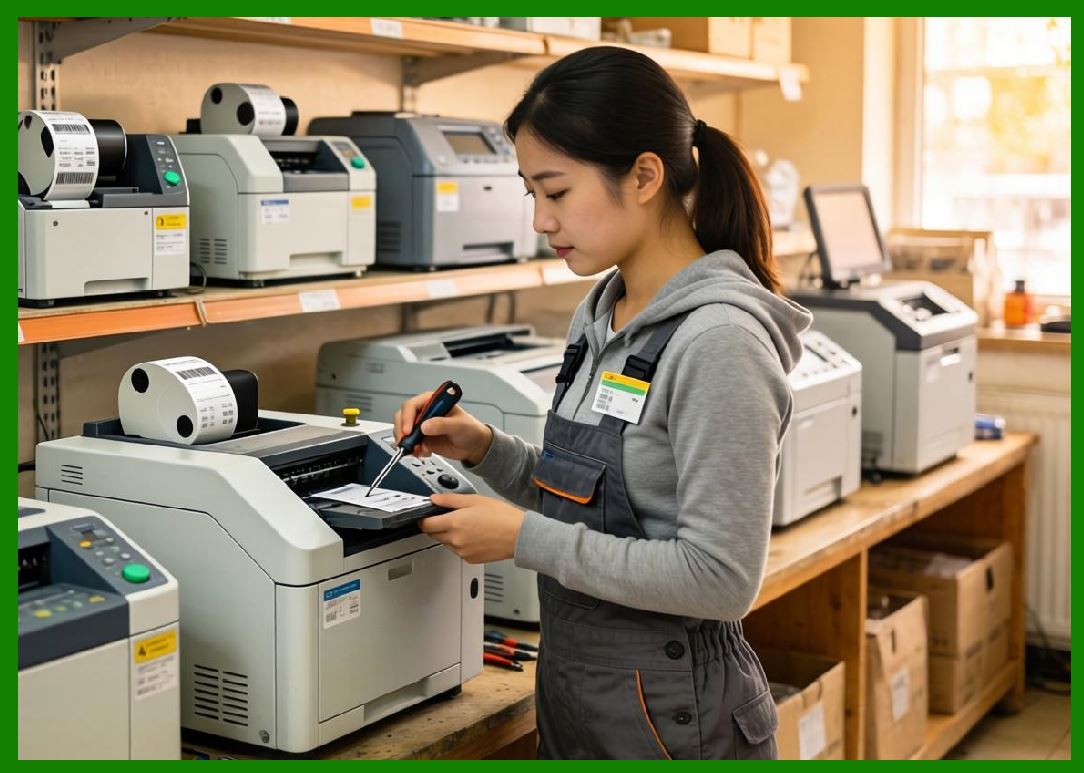
14.1 Systems include automated error handling such as: |
* Label jam detection |
* Misalignment correction |
* Reprint triggers |
14.2 Some systems can automatically retry failed label applications. |
|
15. Integration with Robotics |
15.1 Advanced systems integrate with robotic arms for complex labeling tasks. |
15.2 Robotics enable: |
* Multi-angle labeling |
* Irregular surface application |
* Multi-product handling |
15.3 This is common in automated warehouses and smart factories. |

|
16. Energy and Resource Efficiency |
16.1 Efficiency improvements include: |
* Reduced manual labor |
* Optimized label usage |
* Minimized waste through precise printing |
16.2 Energy consumption is higher than standalone printers due to automation components. |
|
17. Cost Structure |
17.1 Costs include: |
1. Printer subsystem |
2. Applicator system |
3. Control hardware |
4. Installation and integration |
5. Maintenance |
17.2 High upfront cost is offset by labor savings and efficiency gains. |

|
18. Application Scenarios |
18.1 Common applications include: |
1. Warehouse pallet labeling |
2. Shipping carton labeling |
3. Pharmaceutical traceability |
4. Food packaging compliance labeling |
5. E-commerce fulfillment centers |

|
19. Advantages of Print-and-Apply Systems |
19.1 Key advantages include: |
1. Full automation |
2. High-speed labeling |
3. Improved accuracy |
4. Reduced labor costs |
5. Integration with enterprise systems |

|
20. Limitations and Challenges |
20.1 Limitations include: |
1. High initial investment |
2. Complex installation |
3. Maintenance requirements |
4. Sensitivity to mechanical misalignment |

|
21. Comparison with Manual Labeling Systems |
21.1 Compared to manual labeling: |
* Much faster |
* More consistent |
* Less prone to human error |
21.2 However, manual systems are cheaper and more flexible for small-scale operations. |
|
22. Technological Innovations |
22.1 Innovations include: |
* AI-based vision inspection systems |
* Self-correcting applicators |
* Smart conveyor synchronization |
* Cloud-based monitoring dashboards |
|
23. Future Trends |
23.1 Future developments may include: |
1. Fully autonomous labeling robots |
2. AI-driven predictive maintenance |
3. Adaptive real-time optimization |
4. Integration with smart factory ecosystems |

|
24. Summary of Part 10 |
24.1 Print-and-apply barcode systems represent a highly automated and integrated labeling solution designed for industrial-scale operations. |
24.2 They combine real-time printing with robotic or mechanical application systems to eliminate manual intervention. |
24.3 While they involve high complexity and cost, their efficiency, accuracy, and scalability make them essential in modern automated logistics and manufacturing environments. |
End of Part 10 |
|
Part 11: RFID-Enabled Barcode Printers (Dual Encoding Systems, Smart Labeling, and Data Synchronization) |
 cs@easiersoft.com