Part 12: Performance Characteristics of Barcode Printers (Speed, Resolution, Duty Cycle, and Reliability Engineering) |
1. Introduction to Performance Evaluation in Barcode Printers |
1.1 The performance of barcode printers is a multidimensional concept that determines how effectively a printer can meet operational demands in real-world environments. |
1.2 Unlike general office printers, barcode printers are evaluated not only on output quality but also on precision, consistency, durability, and system integration capability. |
1.3 Performance characteristics directly influence: |
* Operational efficiency |
* Label readability |
* System uptime |
* Total cost of ownership |
1.4 In industrial and logistics systems, performance stability is often more important than peak performance. |

|
2. Key Performance Dimensions |
2.1 The primary performance metrics for barcode printers include: |
1. Print speed |
2. Print resolution |
3. Duty cycle |
4. Reliability and uptime |
5. Throughput efficiency |
6. Media handling stability |
2.2 These metrics are interdependent and must be evaluated collectively. |

|
3. Print Speed Performance |
3.1 Print speed refers to how quickly a printer can produce labels, typically measured in inches per second (IPS). |
3.2 Speed ranges vary by category: |
* Desktop printers: ~2IPS |
* Industrial printers: ~64+ IPS |
* Mobile printers: ~1IPS |
3.3 Factors influencing print speed include: |
* Printhead technology |
* Processing power |
* Label complexity |
* Thermal load |
3.4 Higher speed does not always mean better performance if print quality is compromised. |

|
4. Relationship Between Speed and Print Quality |
4.1 There is a fundamental trade-off between speed and resolution. |
4.2 At higher speeds: |
* Thermal response time becomes critical |
* Ink or ribbon transfer precision may decrease |
* Edge sharpness can degrade |
4.3 Manufacturers optimize firmware to balance these variables dynamically. |

|
5. Print Resolution (DPI) Analysis |
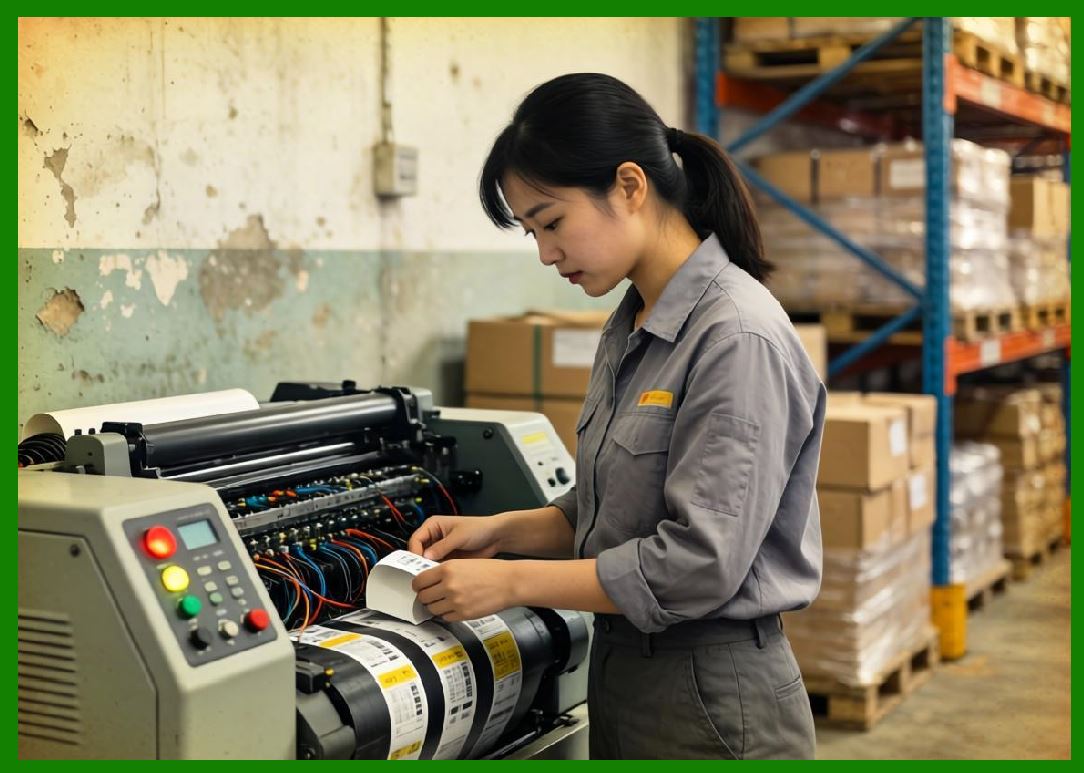
5.1 Print resolution determines the level of detail a printer can reproduce. |
\text{DPI} = \frac{\text{dots printed}}{\text{inch}} |
5.2 Common resolutions: |
* 203 DPI (standard industrial use) |
* 300 DPI (high-quality labeling) |
* 600 DPI (precision labeling, small components) |
5.3 Higher DPI is essential for: |
* Small barcode symbologies |
* 2D codes (QR, Data Matrix) |
* Regulatory compliance labels |
|
6. Impact of Resolution on Barcode Readability |
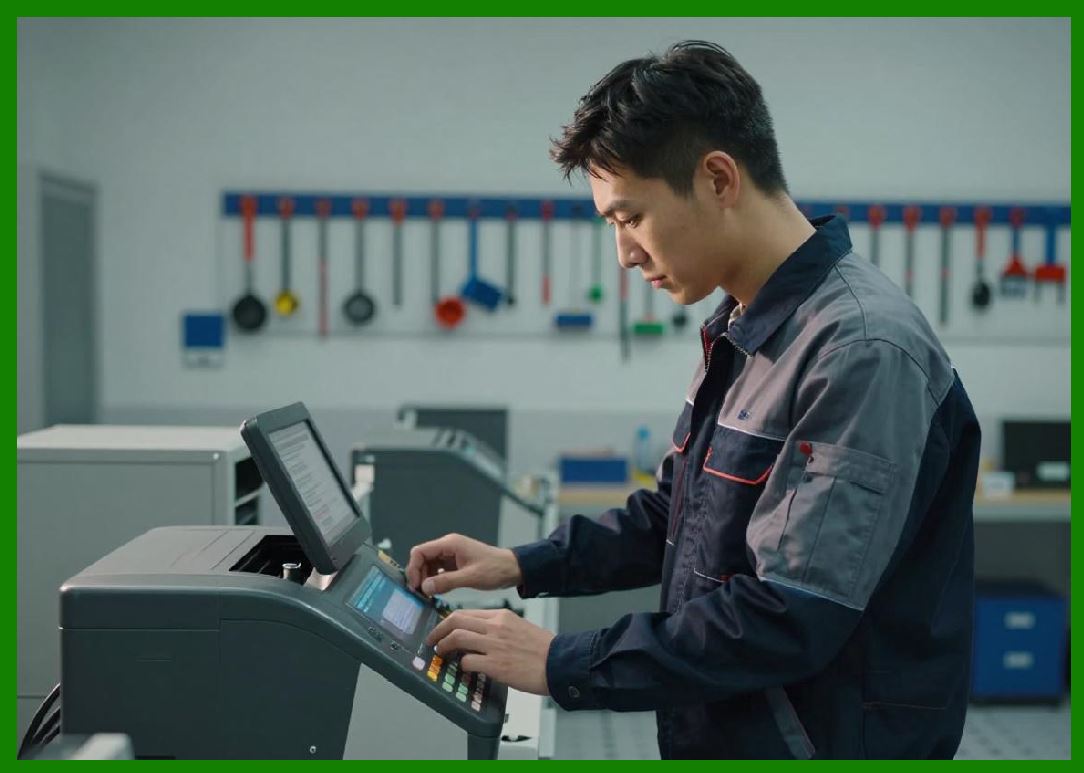
6.1 Barcode scanners rely on edge contrast and spacing accuracy. |
6.2 Low-resolution printing may cause: |
* Scanner misreads |
* Reduced scan distance |
* Data capture failures |
6.3 High-resolution printing improves: |
* First-scan read rate |
* Multi-angle readability |
* High-density encoding reliability |
|
7. Duty Cycle and Operational Load |
7.1 Duty cycle defines the maximum sustainable printing load over time without degradation. |
7.2 It is typically expressed as: |
* Labels per day |
* Continuous operating hours |
7.3 Industrial printers may operate: |
* 24/7 in manufacturing environments |
* With minimal downtime |
7.4 Exceeding duty cycle limits leads to: |
* Printhead wear |
* Mechanical fatigue |
* Reduced reliability |

|
8. Reliability Engineering in Barcode Printers |
8.1 Reliability is defined as the probability that a printer performs its intended function without failure over time. |
8.2 Key reliability engineering principles include: |
* Redundancy of critical components |
* Thermal management |
* Mechanical stress reduction |
* Predictive maintenance design |
8.3 Reliability is often measured using: |
* Mean time between failures (MTBF) |
* Mean time to repair (MTTR) |

|
9. Printhead Lifespan and Wear Mechanisms |
9.1 The printhead is the most critical and wear-prone component. |
9.2 Wear factors include: |
* Friction with media |
* Heat cycling |
* Contaminant buildup |
9.3 Common degradation effects: |
* Missing dots |
* Uneven print density |
* Reduced resolution over time |
9.4 Proper maintenance significantly extends lifespan. |

|
10. Media Handling Stability |
10.1 Stable media handling ensures consistent print alignment. |
10.2 Key mechanisms include: |
* Feed rollers |
* Sensors |
* Tension control systems |
10.3 Instability may result in: |
* Misaligned labels |
* Skewed barcodes |
* Print registration errors |

|
11. Thermal Management and Heat Control |
11.1 Thermal printers rely heavily on controlled heat distribution. |
11.2 Overheating issues can cause: |
* Printhead damage |
* Label distortion |
* Reduced print accuracy |
11.3 Advanced systems use: |
* Real-time temperature sensors |
* Adaptive power control |

|
12. Environmental Impact on Performance |
12.1 External conditions significantly affect performance: |
* Temperature extremes |
* Humidity levels |
* Dust contamination |
12.2 Industrial printers are designed to mitigate these factors through: |
* Sealed enclosures |
* Cooling systems |
* Rugged components |

|
13. Throughput Efficiency |
13.1 Throughput refers to the number of usable labels produced per unit time. |
13.2 It is influenced by: |
* Print speed |
* Error rate |
* Reprint frequency |
13.3 High throughput requires balanced optimization of all performance factors. |

|
14. Error Rates and System Efficiency |
14.1 Common error types include: |
* Misprints |
* Media jams |
* RFID encoding failures (in hybrid systems) |
14.2 Lower error rates improve: |
* Operational efficiency |
* Resource utilization |
* System uptime |

|
15. Firmware Optimization and Processing Power |
15.1 Modern barcode printers include embedded processors that handle: |
* Raster image processing |
* Data formatting |
* Communication protocols |
15.2 Efficient firmware reduces: |
* Latency |
* Print delays |
* System bottlenecks |

|
16. Connectivity Performance Impact |
16.1 Network performance affects: |
* Data transmission speed |
* Print job latency |
* System responsiveness |
16.2 Industrial systems often use: |
* Ethernet for stability |
* Wi-Fi for flexibility |

|
17. Calibration and Precision Control |
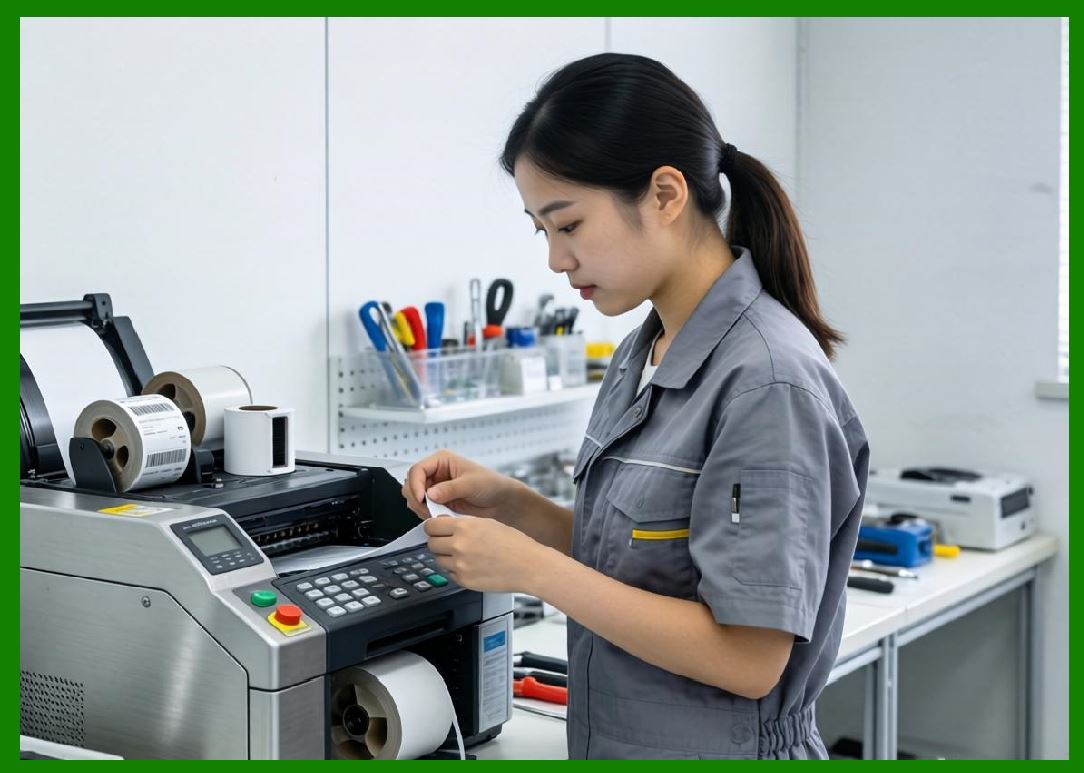
17.1 Calibration ensures consistent: |
* Print alignment |
* Barcode scaling |
* Sensor accuracy |
17.2 Poor calibration leads to: |
* Scanning failures |
* Label misplacement |
|
18. Energy Efficiency and Performance Balance |
18.1 Energy consumption must be balanced with output performance. |
18.2 High-performance systems typically consume more power due to: |
* Heating elements |
* Motors |
* Processing units |
18.3 Energy-efficient designs reduce operational costs. |

|
19. Performance Benchmarking |
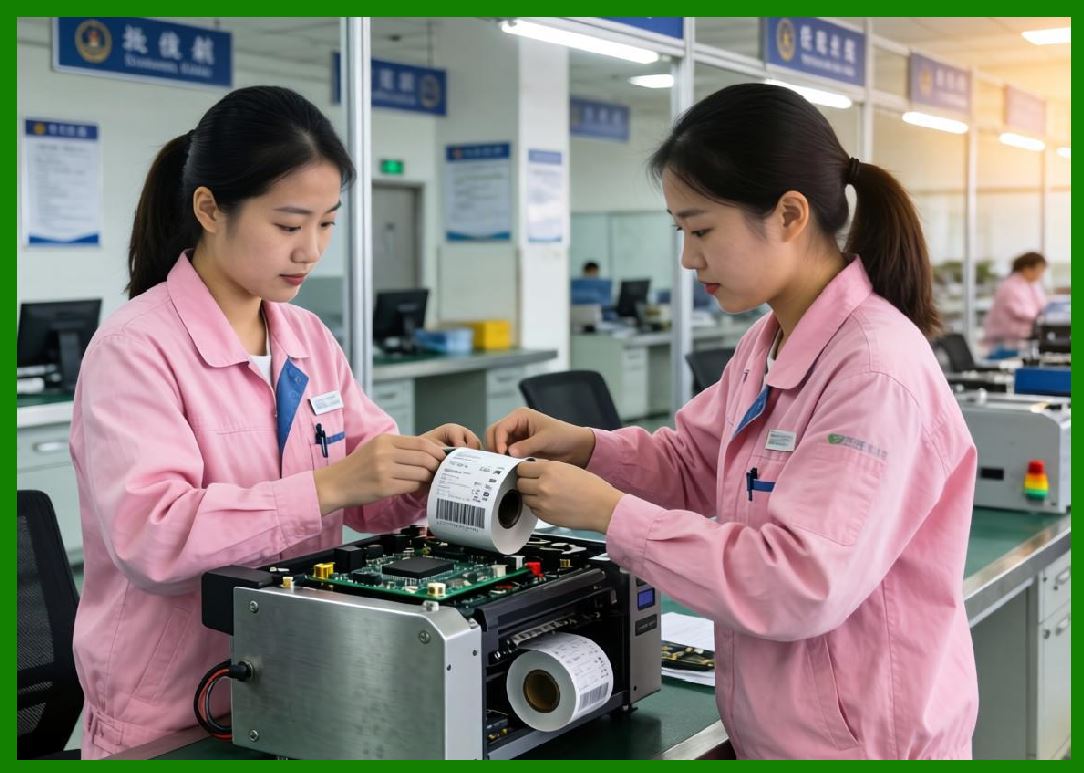
19.1 Barcode printers are evaluated using benchmarks such as: |
* Speed under load |
* Accuracy at high resolution |
* Long-duration stability |
19.2 Benchmarking ensures suitability for industrial deployment. |
|
20. Trade-offs in Performance Design |
20.1 Key trade-offs include: |
* Speed vs. resolution |
* Cost vs. durability |
* Complexity vs. reliability |
20.2 Optimal design depends on application requirements. |

|
21. Future Performance Enhancements |
21.1 Future improvements may include: |
* AI-based adaptive speed control |
* Predictive performance tuning |
* Self-healing printheads |
* Ultra-low latency processing |

|
22. Summary of Part 12 |
22.1 Performance characteristics define the operational capability of barcode printers across all categories. |
22.2 Speed, resolution, duty cycle, and reliability must be balanced to achieve optimal system performance. |
22.3 Understanding these factors is essential for selecting the correct printer for specific industrial, commercial, or mobile applications. |
End of Part 12 |

|
Part 13: Application Environment Classification (Office, Retail, Warehouse, Manufacturing, and Extreme Conditions) |
 cs@easiersoft.com