Part 13: Application Environment Classification (Office, Retail, Warehouse, Manufacturing, and Extreme Conditions) |
1. Introduction to Application Environment Classification |
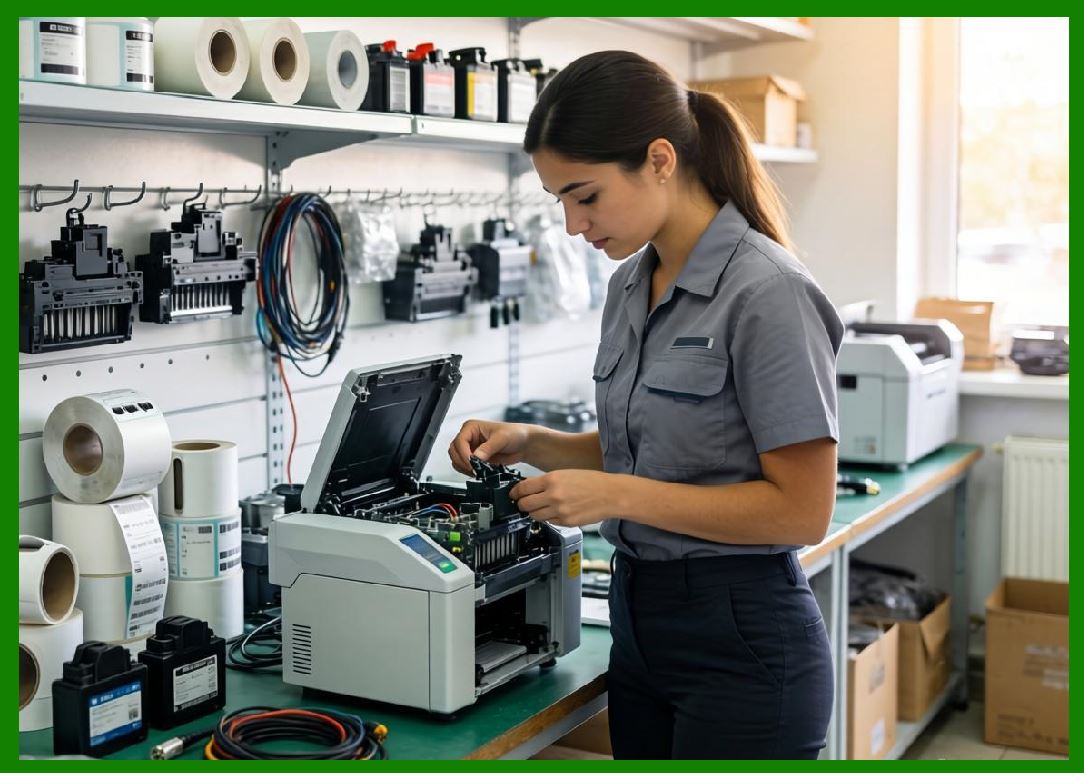
1.1 Barcode printers are not only differentiated by printing technology or structure, but also by the environment in which they are expected to operate. Application environment is one of the most critical classification dimensions because it directly determines reliability, durability, and system design requirements. |
1.2 The same barcode printer that performs well in an office may fail rapidly in a factory or outdoor logistics yard. Therefore, environmental classification ensures correct matching between device capability and real-world operational conditions. |
1.3 In practice, application environments are typically grouped into: |
* Office environments |
* Retail environments |
* Warehouse and logistics environments |
* Manufacturing and industrial environments |
* Extreme or harsh environments |
|
2. Office Environment Printing Systems |
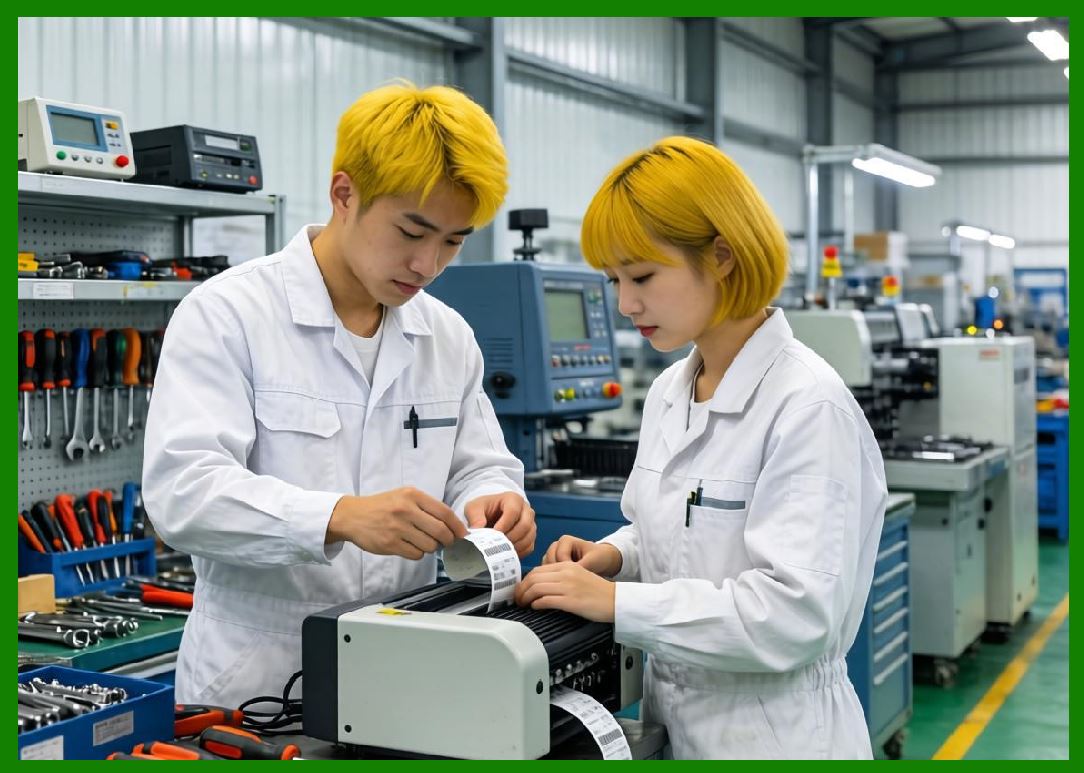
2.1 Office environments are controlled, clean, and relatively stable in temperature and humidity. |
2.2 Barcode printers used in offices are typically: |
* Desktop barcode printers |
* Standalone systems integrated with PCs |
2.3 Key characteristics include: |
* Low to medium print volume |
* Intermittent usage |
* Minimal environmental stress |
2.4 Performance priorities in office settings: |
* Ease of use |
* Low noise |
* Compact size |
* Cost efficiency |
2.5 Common applications: |
* Shipping labels |
* Asset tagging |
* Document tracking |
* Administrative labeling |
|
3. Retail Environment Printing Systems |
3.1 Retail environments require fast, flexible, and customer-facing printing systems. |
3.2 Typical devices include: |
* Desktop thermal printers |
* Mobile printers (for in-store operations) |
3.3 Key requirements: |
* Fast label generation |
* Integration with POS systems |
* Space-saving design |
3.4 Retail use cases: |
* Price labeling |
* Shelf labeling |
* Product identification |
* Receipt printing |
3.5 Retail environments prioritize: |
* Speed of service |
* Reliability during peak hours |
* Easy media replacement |
|
4. Warehouse and Logistics Environments |
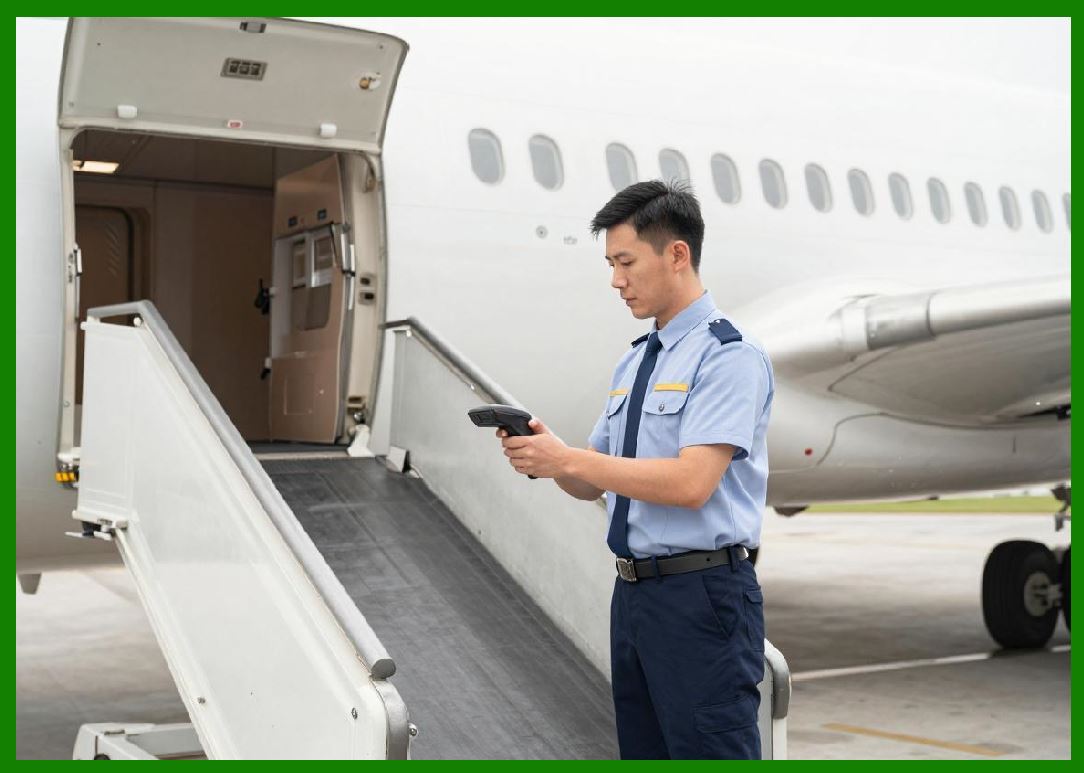
4.1 Warehouse environments are characterized by: |
* Medium to high print volumes |
* Continuous operations |
* Moderate environmental stress (dust, movement, temperature variation) |
4.2 Common printer types: |
* Industrial barcode printers |
* Print-and-apply systems |
* Mobile printers for picking operations |
4.3 Key requirements: |
* High throughput |
* Durable labels |
* Network integration with WMS systems |
4.4 Typical applications: |
* Shipping labels |
* Inventory tracking |
* Pallet labeling |
* Order fulfillment |
4.5 Performance emphasis: |
* Reliability over long shifts |
* Rapid batch printing |
* Minimal downtime |
|
5. Manufacturing and Industrial Environments |
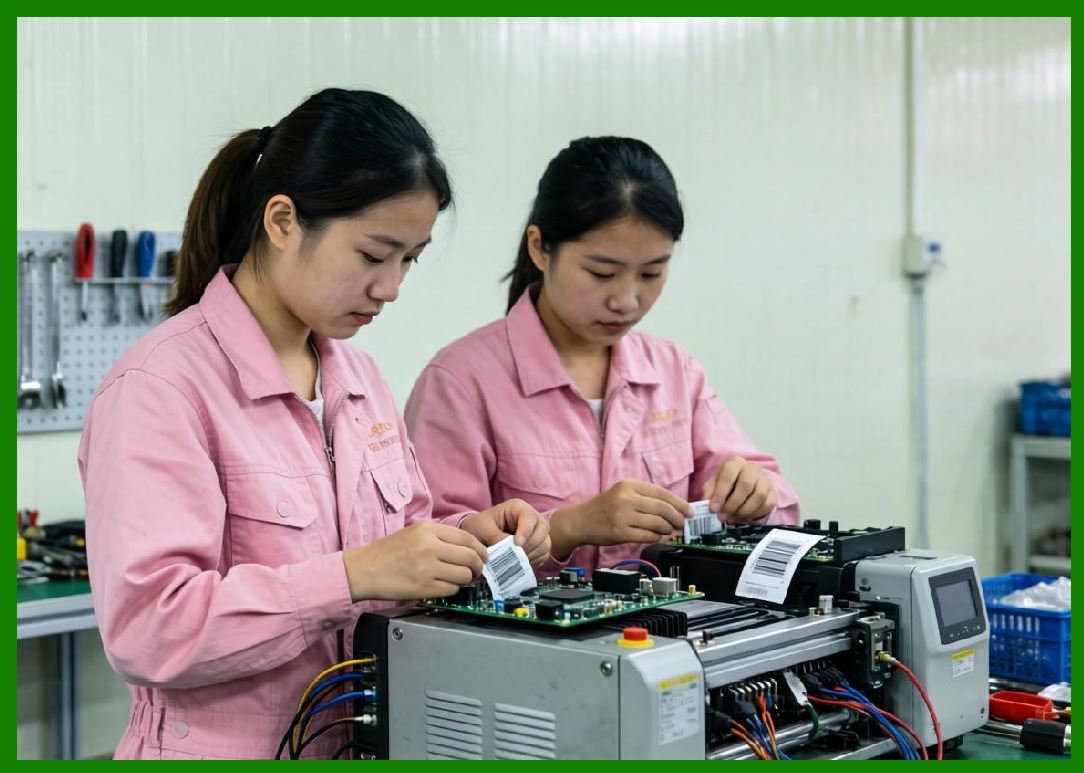
5.1 Manufacturing environments are among the most demanding for barcode printers. |
5.2 Conditions include: |
* High temperature variation |
* Dust, oil, and chemical exposure |
* Continuous 24/7 operation |
5.3 Printer types used: |
* Heavy-duty industrial printers |
* RFID-enabled printers |
* Automated print-and-apply systems |
5.4 Key requirements: |
* High durability |
* Resistance to contaminants |
* Integration with production lines |
5.5 Applications: |
* Component labeling |
* Work-in-progress tracking |
* Compliance labeling |
* Traceability systems |
5.6 Industrial environments prioritize: |
* Uptime |
* Mechanical robustness |
* Integration with MES/ERP systems |

|
6. Extreme and Harsh Environments |
6.1 Extreme environments include: |
* Outdoor logistics yards |
* Cold storage facilities |
* Chemical processing plants |
* Heavy construction sites |
6.2 Conditions may involve: |
* Sub-zero temperatures |
* High humidity or moisture |
* Direct sunlight exposure |
* Mechanical shock and vibration |
6.3 Printer requirements: |
* Ruggedized housing |
* Sealed enclosures (high IP ratings) |
* Wide operating temperature range |
6.4 Common printer types: |
* Rugged mobile printers |
* Industrial-grade sealed printers |
6.5 Applications: |
* Cold chain logistics labeling |
* Field asset tracking |
* Outdoor shipping operations |

|
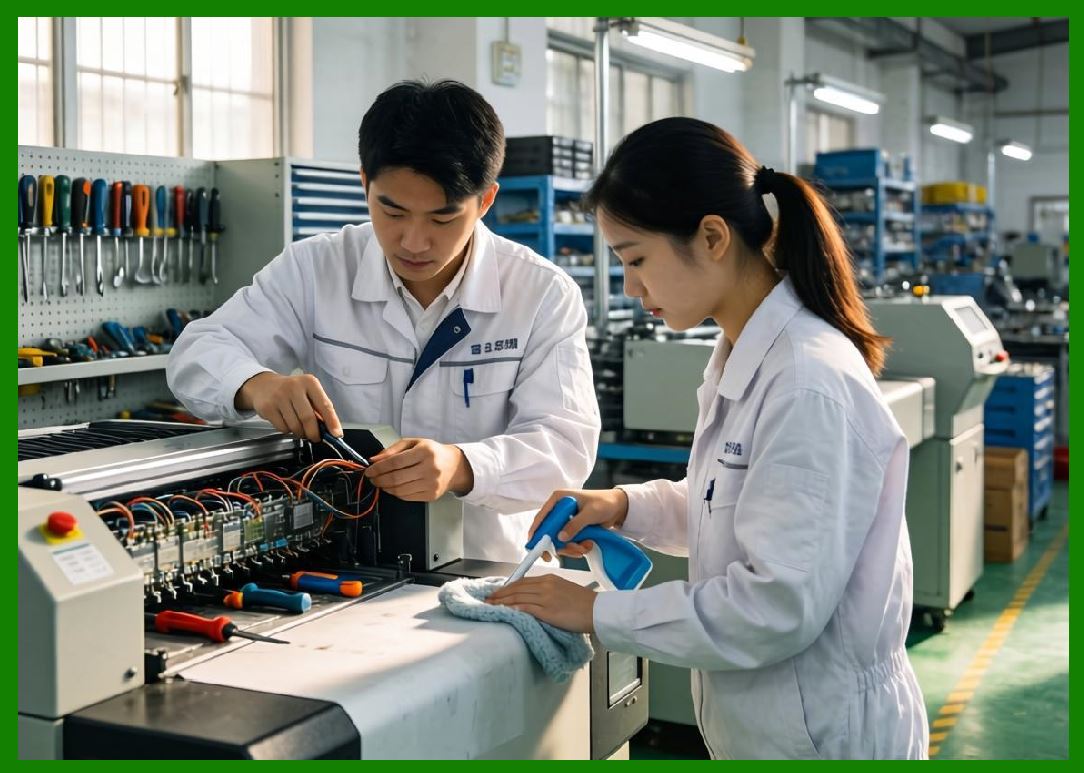
7. Environmental Stress Factors Affecting Performance |
7.1 Environmental conditions directly impact: |
* Printhead lifespan |
* Media adhesion |
* Electrical stability |
7.2 Key stress factors include: |
1. Temperature extremes |
2. Humidity and condensation |
3. Dust and particulate contamination |
4. Chemical exposure |
5. Mechanical vibration |
7.3 Each factor influences printer reliability differently. |
|
8. Temperature Effects on Barcode Printing |
8.1 High temperatures can cause: |
* Label deformation |
* Thermal printhead overheating |
* Adhesive breakdown |
8.2 Low temperatures may lead to: |
* Reduced ink transfer efficiency |
* Brittle label materials |
* Battery performance issues (mobile printers) |

|
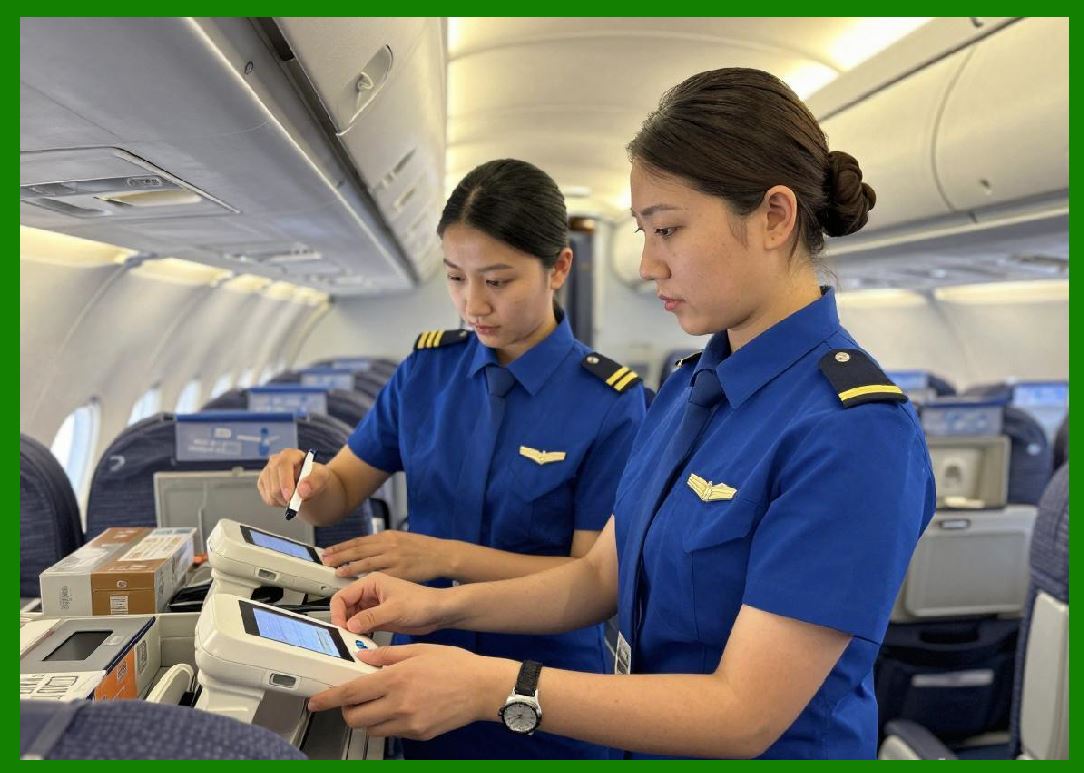
9. Humidity and Moisture Impact |
9.1 High humidity can: |
* Affect adhesive performance |
* Cause condensation on electronics |
* Degrade paper-based labels |
9.2 Waterproof synthetic labels are often required in such environments. |
|
10. Dust and Contamination Effects |
10.1 Dust accumulation can: |
* Damage printheads |
* Interfere with sensors |
* Reduce print quality |
10.2 Industrial printers often include: |
* Sealed housings |
* Air filtration systems |
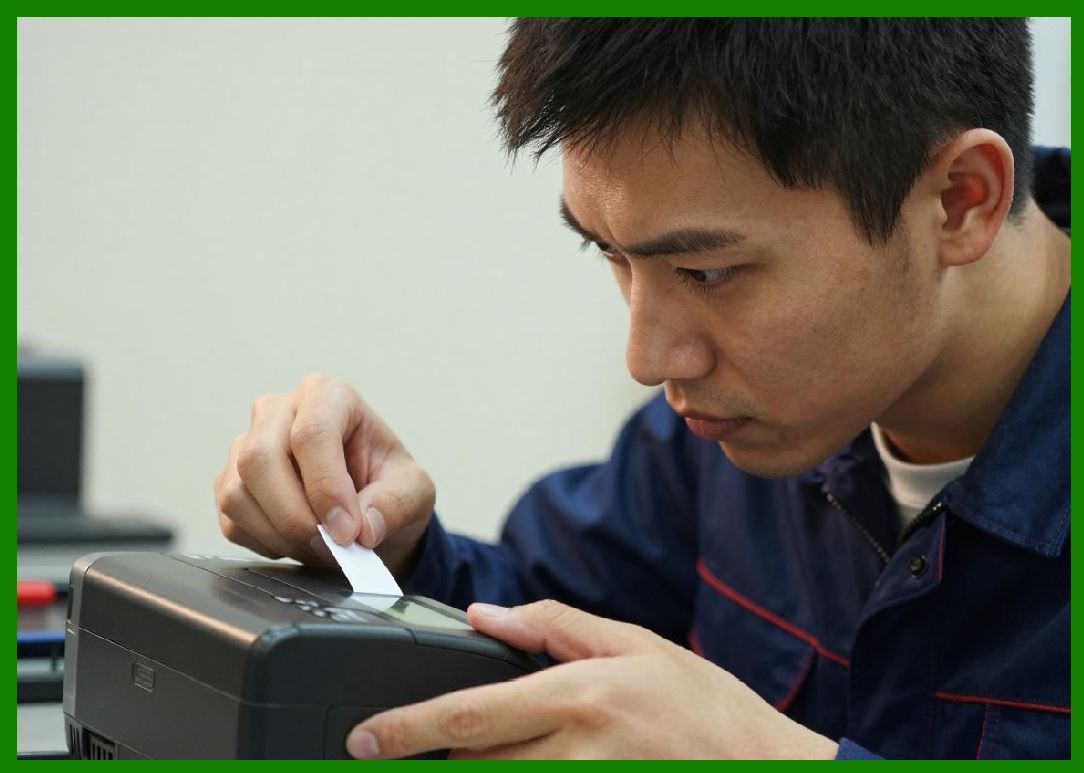
11. Chemical Exposure Considerations |
11.1 In chemical or pharmaceutical environments: |
* Labels must resist solvents, acids, and oils |
* Thermal transfer printing with resin ribbons is commonly used |
11.2 Chemical resistance is critical for long-term traceability. |
|
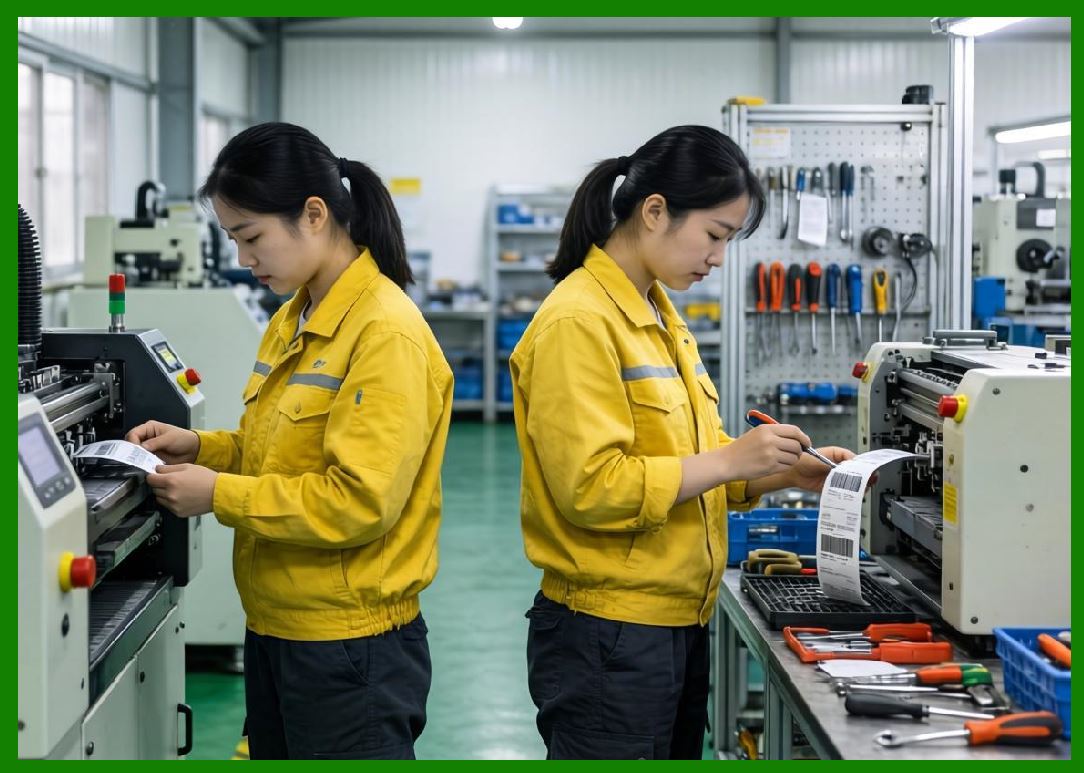
12. Vibration and Mechanical Stress |
12.1 Vibration affects: |
* Print alignment |
* Mechanical stability |
* Media feeding accuracy |
12.2 Industrial printers use reinforced frames to reduce vibration impact. |

|
13. Mobility Requirements Across Environments |
13.1 Some environments require mobility: |
* Retail floor operations |
* Field service |
* Warehouse picking |
13.2 Mobile printers are optimized for: |
* Portability |
* Wireless communication |
* Battery operation |
|
14. Integration with Environmental Systems |
14.1 Printers often integrate with: |
* Environmental sensors |
* Production control systems |
* Inventory tracking systems |
14.2 This ensures adaptive operation under varying conditions. |

|
15. Reliability Requirements by Environment |
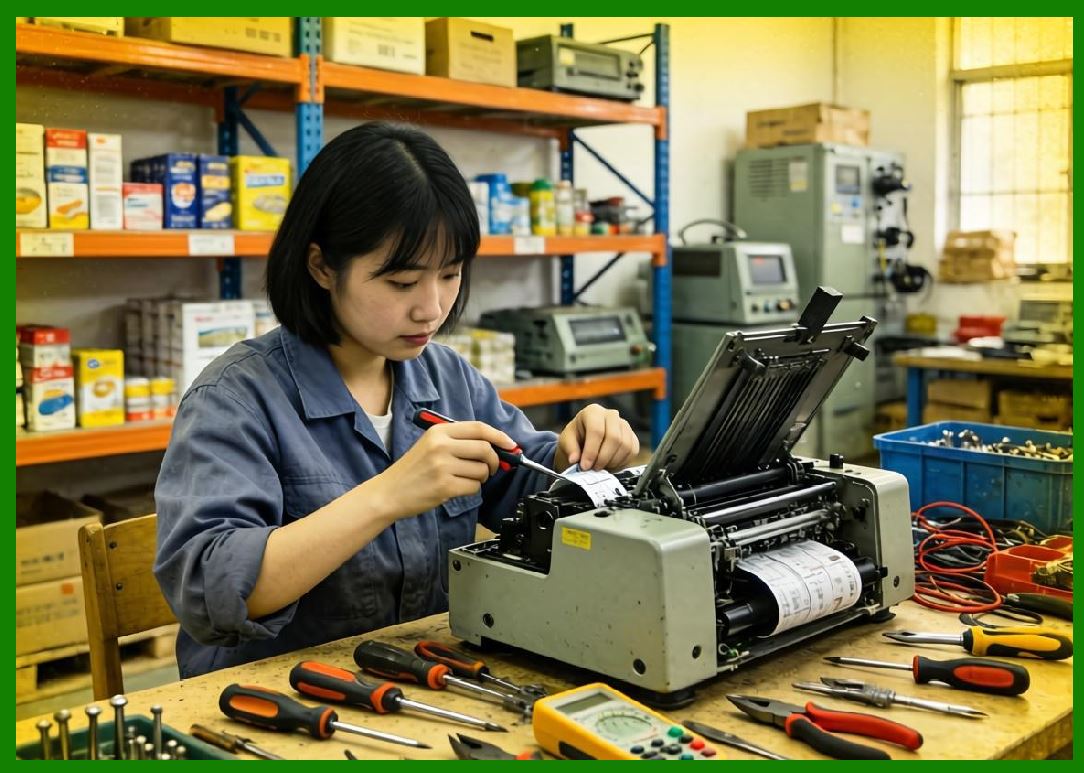
15.1 Reliability expectations vary: |
* Office: moderate reliability |
* Retail: high responsiveness |
* Warehouse: high uptime |
* Industrial: continuous operation |
* Extreme: maximum ruggedness |
|
16. Cost Considerations by Environment |
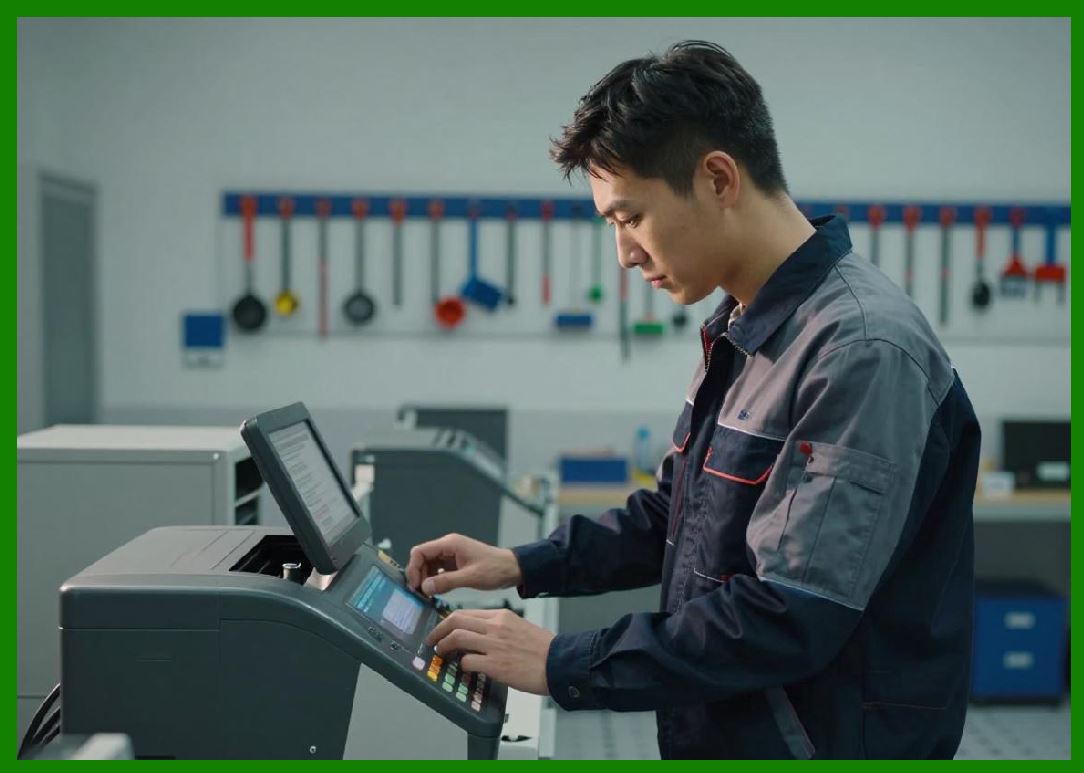
16.1 Cost increases with environmental demands: |
* Office systems: low cost |
* Retail systems: moderate cost |
* Industrial systems: high cost |
* Extreme systems: highest cost |
16.2 Higher cost reflects durability and engineering complexity. |
|
17. Performance Adaptation Strategies |
17.1 Printers adapt to environments through: |
* Adjustable heat settings |
* Adaptive print speed control |
* Environmental sensors |
* Firmware optimization |

|
18. Future Environmental Adaptation Trends |
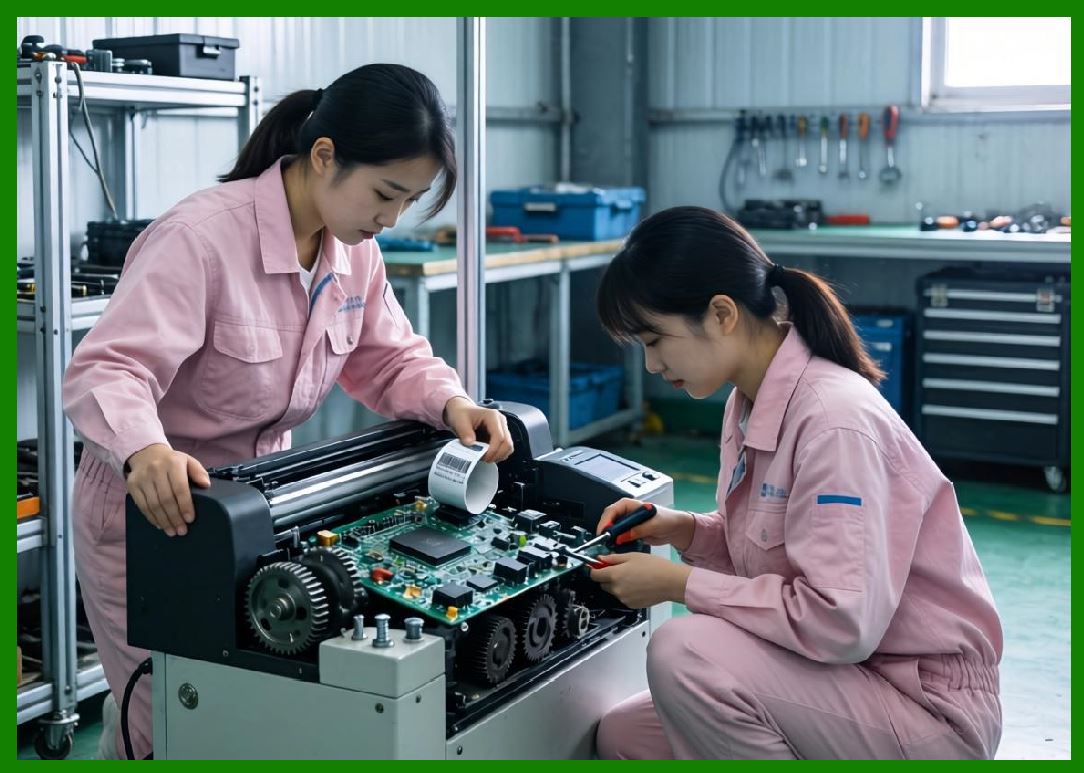
18.1 Future developments may include: |
* Self-adjusting environmental calibration |
* AI-based environmental prediction |
* Fully sealed autonomous printers |
* Smart adaptive materials |
|
19. Summary of Part 13 |
19.1 Application environment classification is essential for selecting the correct barcode printer type for specific operational conditions. |
19.2 From controlled office environments to extreme industrial conditions, each environment imposes unique requirements on performance, durability, and system design. |
19.3 Understanding environmental classification ensures optimal printer selection, improved reliability, and reduced operational risk. |
End of Part 13 |

|
Part 14: Structural Design Classification (Standalone, Modular, Embedded, and System-Integrated Architectures). |
 cs@easiersoft.com