Part 16: Media and Consumables in Barcode Printing (Labels, Ribbons, Substrates, and Material Science) |
1. Introduction to Barcode Printing Consumables |
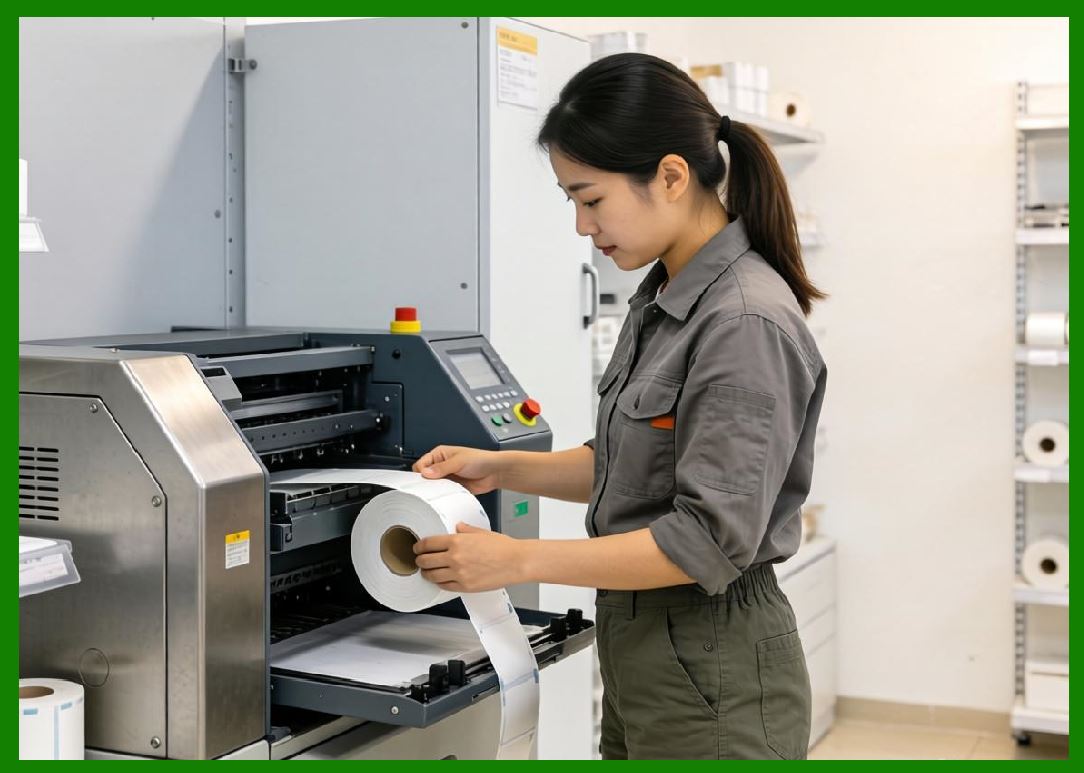
1.1 In barcode printing systems, consumables refer to all replaceable materials required for producing labels, including label media, ribbons, adhesives, and specialty substrates. |
1.2 Unlike hardware components, consumables directly determine: |
* Print durability |
* Scannability |
* Chemical resistance |
* Environmental survivability |
* Total cost of operation |
1.3 In many industrial applications, consumables represent a significant portion of long-term operational costs and are therefore carefully selected based on performance requirements. |

|
2. Categories of Barcode Printing Media |
2.1 Barcode printing media can be broadly classified into: |
1. Label substrates |
2. Thermal transfer ribbons |
3. Direct thermal materials |
4. Specialty consumable materials |
2.2 Each category plays a different role in determining final print output quality and durability. |

|
3. Label Substrates and Material Composition |
3.1 Label substrates are the physical base materials on which barcodes are printed. |
3.2 Common substrate types include: |
* Paper-based labels |
* Synthetic polymer labels |
* Polyester (PET) labels |
* Polypropylene (PP) labels |
* Vinyl and specialty films |
3.3 Each substrate type offers different properties in terms of: |
* Durability |
* Flexibility |
* Chemical resistance |
* Temperature tolerance |

|
4. Paper-Based Labels |
4.1 Paper labels are the most common and cost-effective barcode media. |
4.2 Characteristics: |
* Low cost |
* Easy to print |
* Suitable for short-term use |
4.3 Limitations: |
* Poor moisture resistance |
* Limited durability |
* Susceptible to tearing |
4.4 Typical applications: |
* Retail pricing |
* Shipping labels |
* Office documentation |

|
5. Synthetic Labels (Polyester, Polypropylene, Vinyl) |
5.1 Synthetic labels are designed for durability and environmental resistance. |
5.2 Key properties: |
* High tensile strength |
* Water resistance |
* Chemical resistance |
* Heat stability |
5.3 Differences: |
* Polyester (PET): high heat resistance |
* Polypropylene (PP): flexible and cost-effective |
* Vinyl: highly flexible and outdoor-resistant |
5.4 Applications: |
* Industrial labeling |
* Asset tracking |
* Outdoor equipment labeling |

|
6. Adhesive Systems in Barcode Labels |
6.1 Adhesives determine how labels bond to surfaces. |
6.2 Types of adhesives include: |
1. Permanent adhesives |
2. Removable adhesives |
3. High-tack adhesives |
4. Freezer-grade adhesives |
6.3 Adhesive performance depends on: |
* Surface texture |
* Temperature |
* Moisture conditions |
6.4 In cold chain logistics, freezer-grade adhesives are essential. |

|
7. Thermal Transfer Ribbons |
7.1 Thermal transfer printing requires ink ribbons that transfer ink onto label surfaces under heat. |
7.2 Ribbon types include: |
1. Wax ribbons |
2. Wax-resin ribbons |
3. Resin ribbons |

|
8. Wax Ribbons |
8.1 Wax ribbons are: |
* Low cost |
* Suitable for paper labels |
8.2 Limitations: |
* Low durability |
* Poor resistance to heat and chemicals |
8.3 Applications: |
* Retail labeling |
* Short-term shipping labels |

|
9. Wax-Resin Ribbons |
9.1 Wax-resin ribbons provide a balance between cost and durability. |
9.2 Characteristics: |
* Moderate chemical resistance |
* Better abrasion resistance than wax |
9.3 Applications: |
* Warehouse labeling |
* Logistics tracking |

|
10. Resin Ribbons |
10.1 Resin ribbons offer the highest durability level. |
10.2 Properties: |
* Excellent chemical resistance |
* High temperature tolerance |
* Strong adhesion to synthetic materials |
10.3 Applications: |
* Industrial environments |
* Automotive labeling |
* Pharmaceutical tracking |

|
11. Direct Thermal Media |
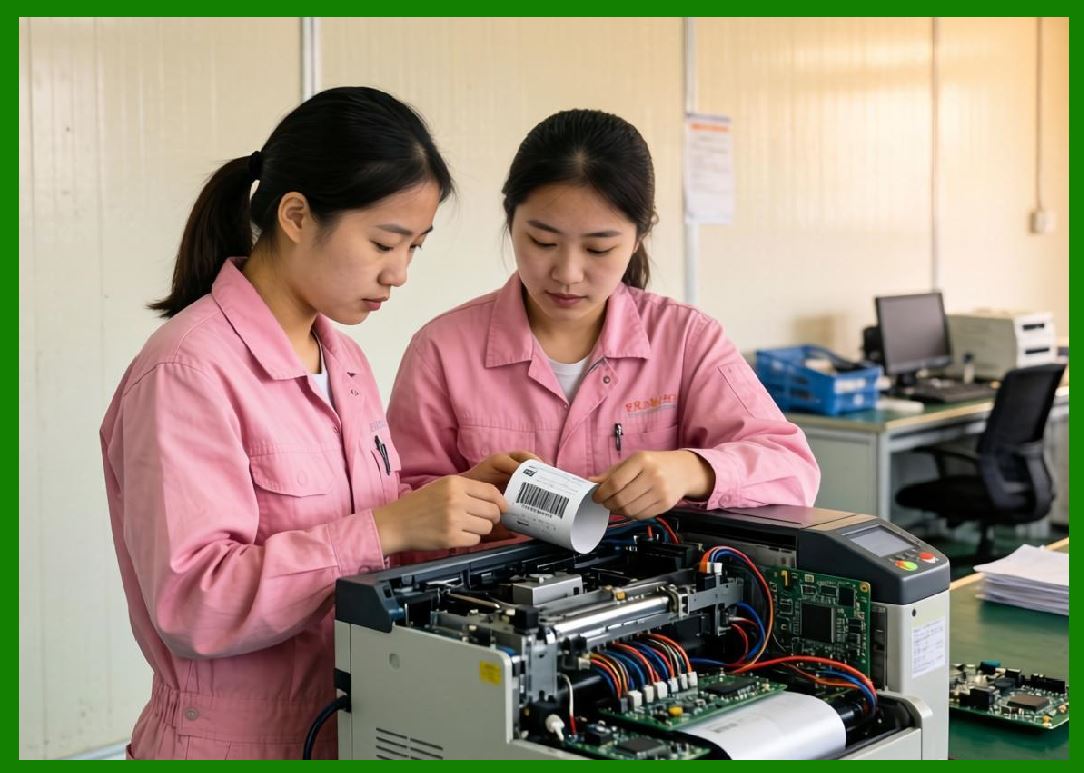
11.1 Direct thermal printing does not use ribbons. |
11.2 Instead, heat-sensitive paper is used. |
11.3 Advantages: |
* Lower cost |
* Simpler system design |
11.4 Limitations: |
* Fades over time |
* Sensitive to heat and light |
11.5 Applications: |
* Receipts |
* Temporary shipping labels |
|
12. Specialty Media Materials |
12.1 Specialty materials include: |
* RFID label inlays |
* Tamper-evident labels |
* High-temperature resistant materials |
* Cryogenic labels |
12.2 These materials are designed for extreme or specialized use cases. |

|
13. RFID Label Materials |
13.1 RFID labels combine: |
* Printable surface |
* Embedded antenna |
* Microchip |
13.2 Material selection affects: |
* Signal strength |
* Read range |
* Durability |

|
14. Environmental Resistance of Consumables |
14.1 Consumables must withstand environmental factors such as: |
* UV exposure |
* Moisture |
* Temperature extremes |
* Chemical contact |
14.2 Material selection is critical for long-term readability. |

|
15. Mechanical Durability Factors |
15.1 Mechanical durability refers to resistance against: |
* Abrasion |
* Scratching |
* Folding stress |
15.2 Synthetic materials generally outperform paper in this category. |

|
16. Print Compatibility and Surface Energy |
16.1 Surface energy affects ink or thermal transfer adhesion. |
16.2 Low surface energy materials may require: |
* Special coatings |
* Enhanced resin ribbons |

|
17. Storage and Shelf Life of Consumables |
17.1 Consumables degrade over time. |
17.2 Factors affecting shelf life: |
* Temperature |
* Humidity |
* UV exposure |
17.3 Proper storage ensures consistent print quality. |

|
18. Cost Structure of Consumables |
18.1 Consumable cost depends on: |
* Material type |
* Durability requirements |
* Production volume |
18.2 Resin ribbons and synthetic labels are more expensive but offer higher performance. |
|
19. Sustainability Considerations |
19.1 Environmental concerns include: |
* Plastic label waste |
* Ribbon disposal |
* Recyclability of materials |
19.2 Industry trends include: |
* Recyclable label materials |
* Eco-friendly adhesives |
* Reduced ribbon usage technologies |

|
20. Future Innovations in Consumable Materials |
20.1 Future developments may include: |
* Biodegradable label substrates |
* Smart materials with embedded sensors |
* Inkless printing technologies |
* Nano-coated durable surfaces |

|
21. Summary of Part 16 |
21.1 Media and consumables are fundamental to barcode printing performance and directly influence durability, readability, and environmental resistance. |
21.2 The selection of labels, ribbons, and substrates must align with application requirements and operating conditions. |
21.3 Advances in material science are driving improvements in sustainability, durability, and printing efficiency. |
End of Part 16 |

|
Part 17: Barcode Printer Connectivity and Communication Protocols (USB, Ethernet, Wi-Fi, Industrial Networks, and Cloud Integration). |
 cs@easiersoft.com