Part 17: Barcode Printer Connectivity and Communication Protocols (USB, Ethernet, Wi-Fi, Industrial Networks, and Cloud Integration) |
1. Introduction to Connectivity in Barcode Printers |
1.1 Connectivity defines how barcode printers communicate with external systems such as computers, mobile devices, enterprise servers, and industrial controllers. |
1.2 In modern environments, connectivity is not just a supporting feature but a core functional requirement, especially in logistics, manufacturing, and retail automation. |
1.3 The evolution of barcode printers has moved from simple local connections to fully networked, cloud-integrated printing ecosystems. |

|
2. Role of Communication in Barcode Printing Systems |
2.1 Barcode printers operate as endpoints in a larger data pipeline. |
2.2 A typical data flow includes: |
* Enterprise system (ERP/WMS/MES) |
* Middleware or driver layer |
* Communication protocol |
* Printer firmware execution |
* Physical label output |
2.3 Any weakness in communication can result in: |
* Label misprints |
* Data delays |
* System downtime |

|
3. USB Connectivity (Local Direct Control) |
3.1 USB is one of the most common and simplest connection methods. |
3.2 Characteristics: |
* Plug-and-play functionality |
* High data transfer stability |
* Suitable for desktop environments |
3.3 Advantages: |
* Easy installation |
* Low latency |
* Reliable short-distance communication |
3.4 Limitations: |
* Limited cable length |
* No native remote access |
* Not suitable for large-scale networks |
3.5 Typical use cases: |
* Office label printing |
* Standalone workstation setups |

|
4. Serial Communication (RS-232 and Legacy Systems) |
4.1 Serial communication is an older but still widely used industrial protocol. |
4.2 Characteristics: |
* Low-speed but highly reliable |
* Resistant to electromagnetic interference |
* Simple protocol structure |
4.3 Advantages: |
* Stable in harsh environments |
* Compatible with legacy industrial systems |
4.4 Limitations: |
* Slow data transfer |
* Limited scalability |
4.5 Use cases: |
* Manufacturing equipment integration |
* Embedded industrial systems |

|
5. Ethernet Connectivity (Wired Networking Standard) |
5.1 Ethernet is the most common networking method for industrial barcode printers. |
5.2 Characteristics: |
* High-speed data transmission |
* Stable connection |
* Supports multiple devices in network environments |
5.3 Advantages: |
* Centralized printer management |
* Remote configuration |
* Integration with enterprise systems |
5.4 Ethernet enables printers to act as network nodes in smart factories. |

|
6. Wi-Fi Connectivity (Wireless Flexibility) |
6.1 Wi-Fi allows barcode printers to operate without physical network cables. |
6.2 Characteristics: |
* Flexible deployment |
* Mobile-friendly integration |
* Supports dynamic environments |
6.3 Advantages: |
* Easy relocation of printers |
* Supports mobile devices and tablets |
* Reduces cabling complexity |
6.4 Limitations: |
* Signal interference |
* Security vulnerabilities if not properly configured |
6.5 Use cases: |
* Retail environments |
* Warehouses with mobile workflows |
* Temporary installations |

|
7. Bluetooth Connectivity (Short-Range Mobile Integration) |
7.1 Bluetooth is commonly used in mobile barcode printers. |
7.2 Characteristics: |
* Short-range communication |
* Low power consumption |
* Simple pairing with mobile devices |
7.3 Use cases: |
* Field service printing |
* Mobile logistics operations |
* Retail handheld systems |

|
8. Industrial Communication Protocols |
8.1 Barcode printers in industrial environments often use specialized protocols such as: |
* Modbus |
* PROFINET |
* Ethernet/IP |
* CAN bus (in embedded systems) |
8.2 These protocols allow direct integration with: |
* PLCs (Programmable Logic Controllers) |
* Factory automation systems |
* Industrial robots |
8.3 Industrial protocols prioritize: |
* Deterministic communication |
* Real-time responsiveness |
* High reliability |

|
9. Networked Printing Architecture |
9.1 In network environments, printers are assigned IP addresses and managed centrally. |
9.2 Features include: |
* Remote monitoring |
* Job queuing |
* Shared printer pools |
9.3 This architecture improves: |
* Resource utilization |
* Operational efficiency |

|
10. Cloud-Based Printing Systems |
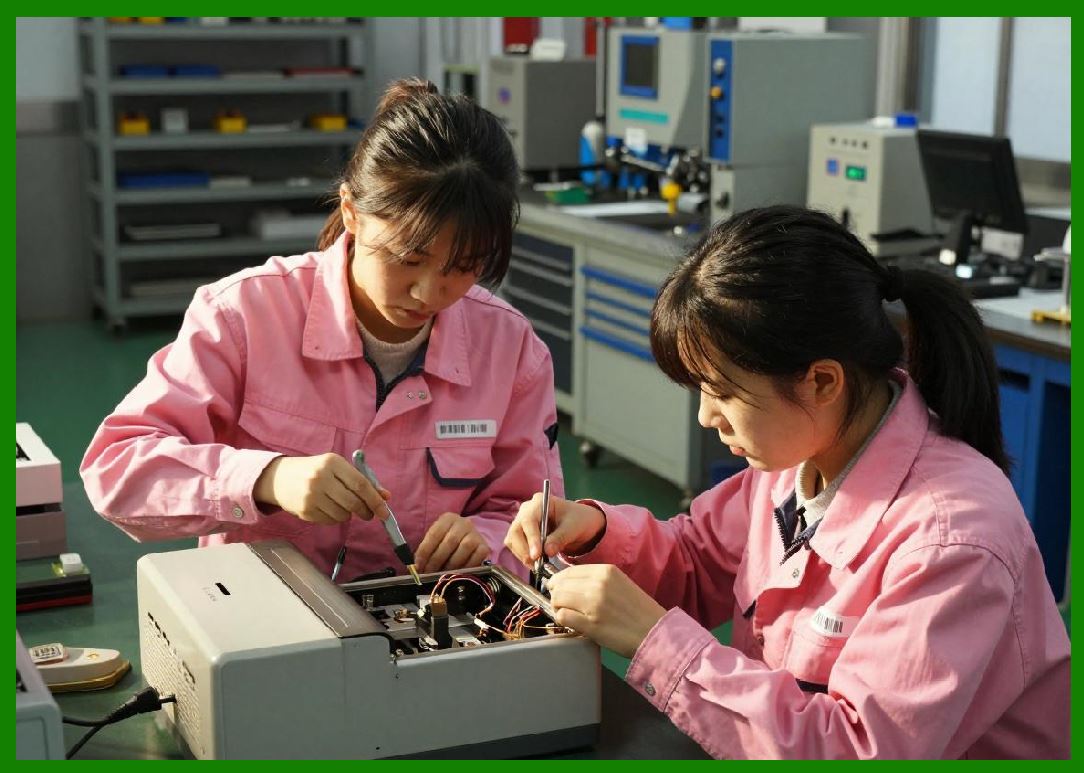
10.1 Cloud integration allows barcode printers to be managed via internet-based platforms. |
10.2 Capabilities include: |
* Remote print job submission |
* Centralized configuration |
* Real-time analytics |
10.3 Cloud printing supports distributed global operations. |
|
11. Middleware and Print Server Integration |
11.1 Middleware acts as a bridge between enterprise systems and printers. |
11.2 Functions include: |
* Data formatting |
* Protocol translation |
* Print job scheduling |
11.3 Print servers manage multiple printers simultaneously in large environments. |

|
12. Data Formats and Printer Languages |
12.1 Barcode printers interpret data using specialized printer languages such as: |
* ZPL (Zebra Programming Language) |
* EPL (Eltron Programming Language) |
* CPCL (Comtec Printer Control Language) |
12.2 These languages define: |
* Label layout |
* Barcode encoding |
* Text formatting |

|
13. Real-Time Communication Requirements |
13.1 Many applications require real-time printing, meaning: |
* Immediate data processing |
* Instant label generation |
* Minimal latency |
13.2 This is critical in: |
* Logistics sorting systems |
* Manufacturing lines |
* Healthcare labeling systems |

|
14. Security in Printer Communication |
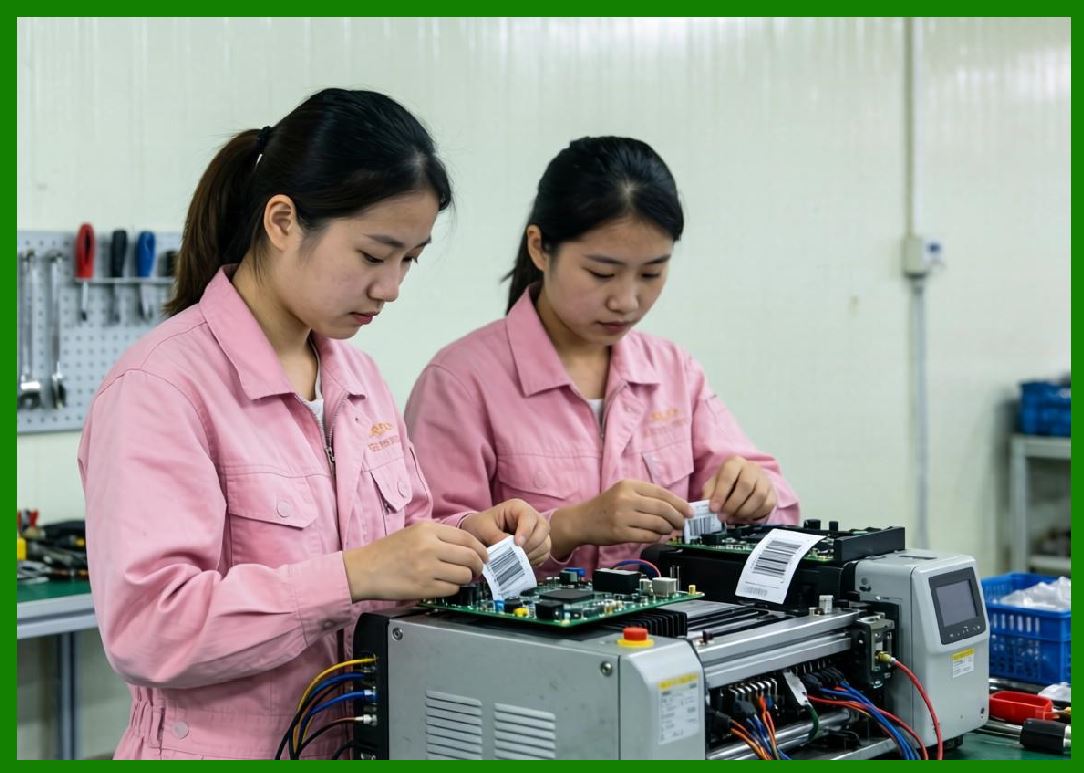
14.1 Security is increasingly important due to network exposure. |
14.2 Security measures include: |
* Data encryption (TLS/SSL) |
* User authentication |
* Secure firmware updates |
* Network firewalls |
14.3 Poor security can lead to: |
* Data interception |
* Unauthorized printing |
* System manipulation |
|
15. Device Management and Remote Monitoring |
15.1 Modern printers support remote management features: |
* Status monitoring |
* Error reporting |
* Configuration updates |
15.2 IT administrators can manage entire printer fleets centrally. |

|
16. Fault Tolerance and Communication Recovery |
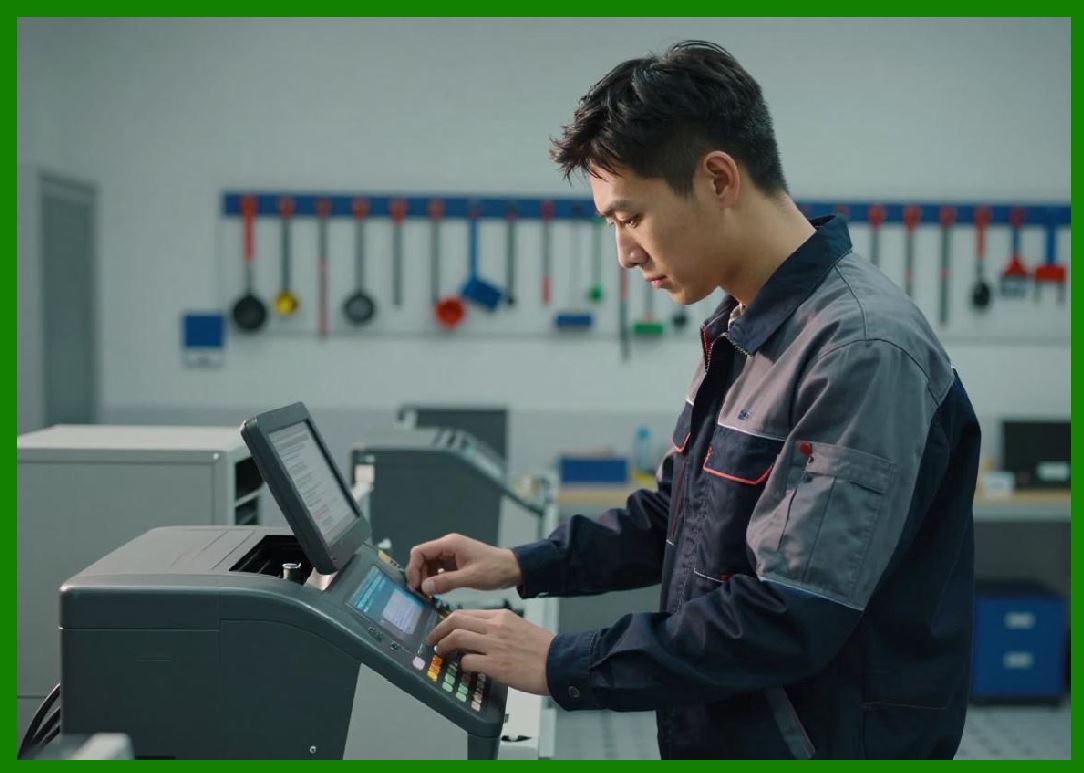
16.1 Communication systems must handle: |
* Network interruptions |
* Data packet loss |
* Printer offline conditions |
16.2 Recovery mechanisms include: |
* Job re-queuing |
* Buffer storage |
* Automatic reconnection |
|
17. Performance Impact of Connectivity Choices |
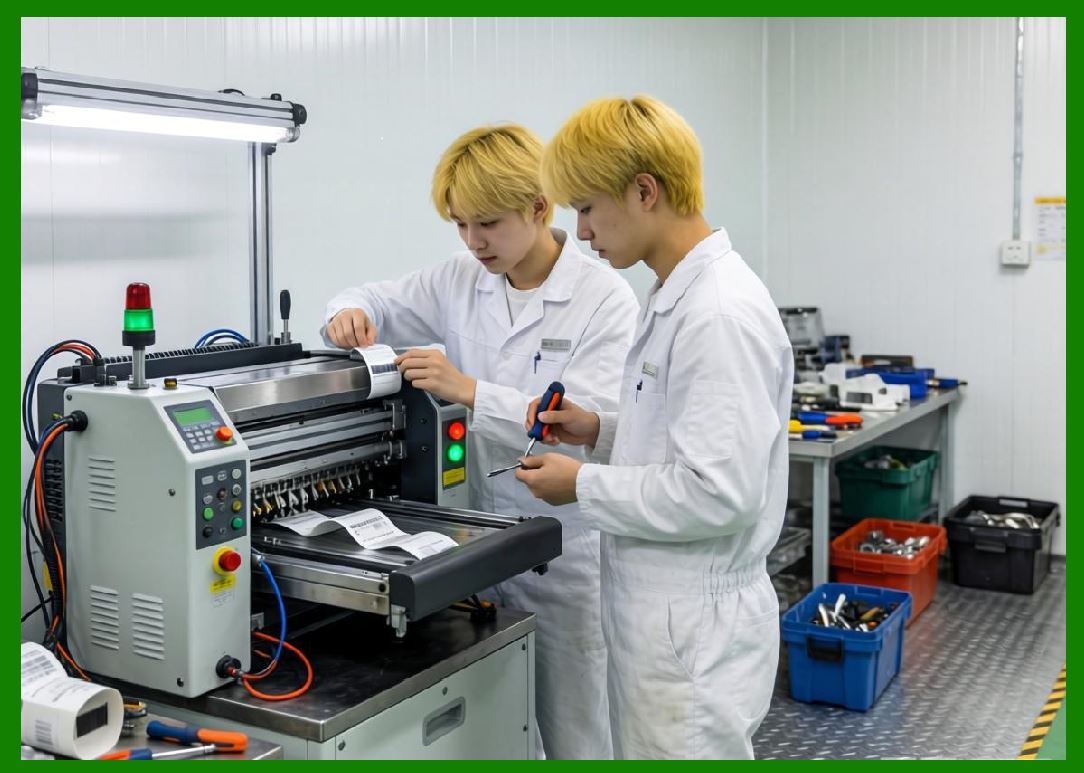
17.1 Connectivity affects: |
* Printing speed |
* System responsiveness |
* Data accuracy |
17.2 Ethernet generally offers highest stability, while wireless offers flexibility. |
|
18. Integration with Enterprise Systems |
18.1 Barcode printers connect with: |
* ERP systems (resource planning) |
* WMS systems (warehouse management) |
* MES systems (manufacturing execution) |
18.2 This enables: |
* Real-time label generation |
* Automated workflows |
* Full traceability |

|
19. Future Trends in Connectivity |
19.1 Emerging developments include: |
* 5G-enabled printers |
* Fully cloud-native printing ecosystems |
* Edge computing integration |
* AI-managed network optimization |
|
20. Summary of Part 17 |
20.1 Connectivity and communication protocols are essential for integrating barcode printers into modern digital ecosystems. |
20.2 From simple USB connections to cloud-based industrial networks, connectivity defines how printers interact with enterprise systems and automation infrastructure. |
20.3 As industries move toward smart factories and IoT-driven logistics, connectivity will become even more critical in barcode printing systems. |
End of Part 17 |

|
Part 18: Barcode Printer Firmware and Software Architecture (Drivers, Embedded Systems, Print Languages, and Workflow Logic). |
 cs@easiersoft.com