Part 2: Direct Thermal Barcode Printers (Principles, Structure, Materials, and Performance Analysis) |
1. Introduction to Direct Thermal Printing |
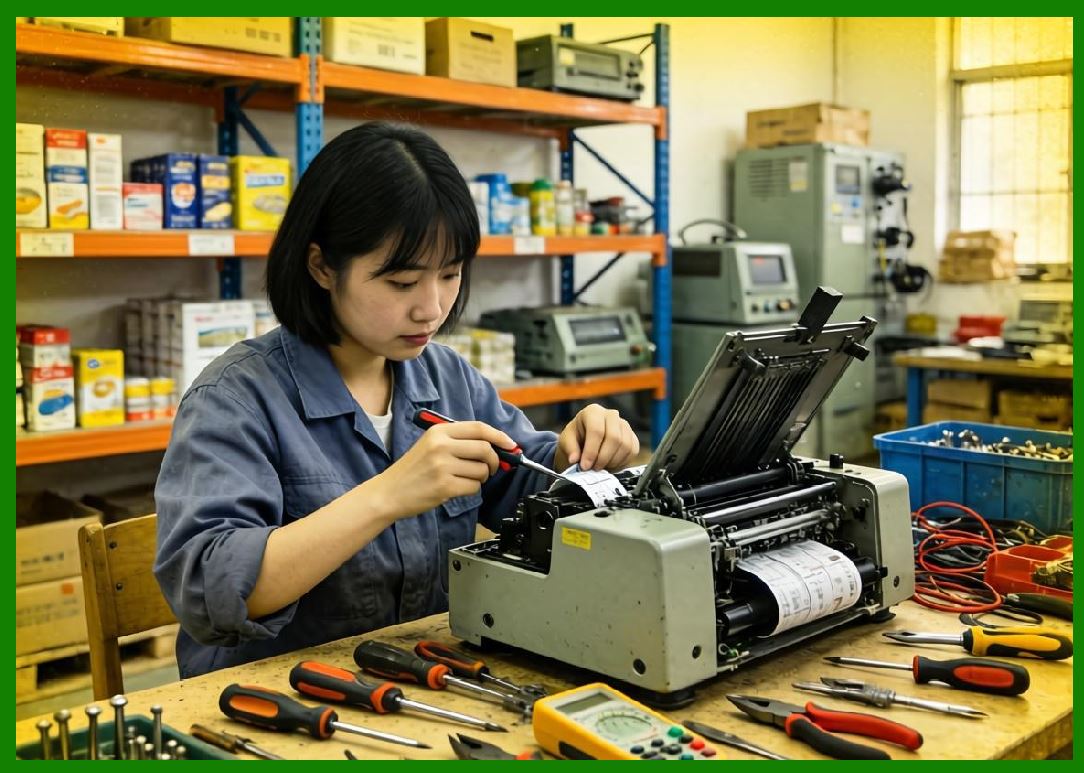
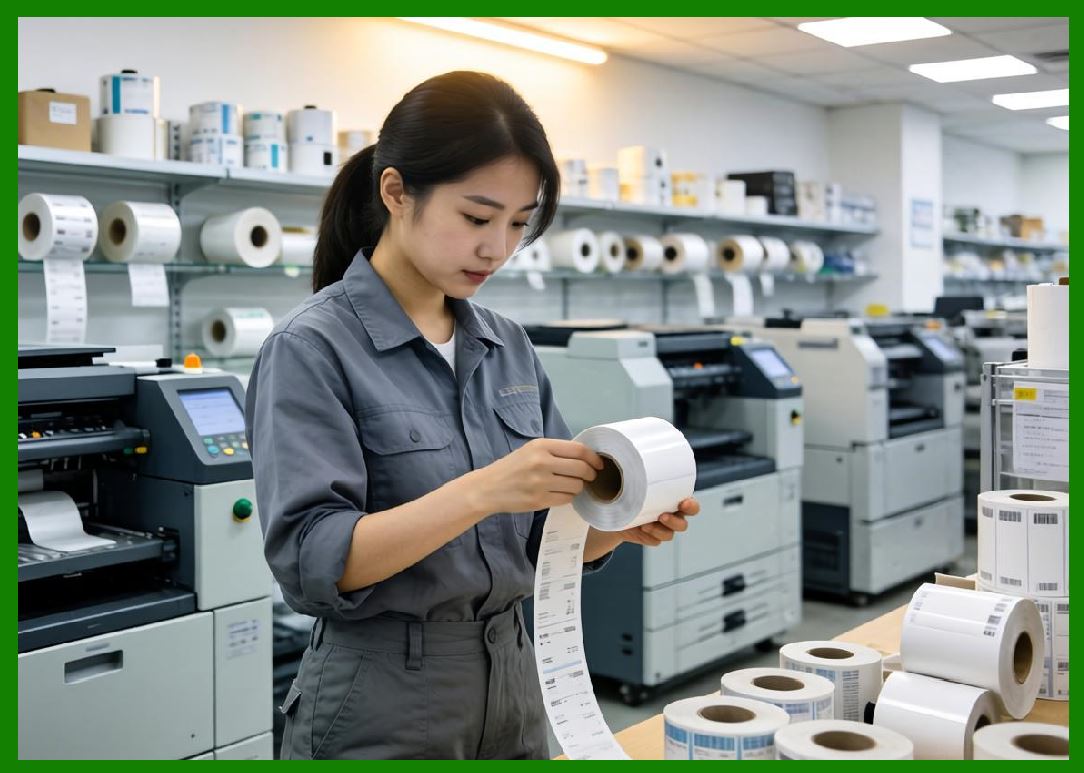
1.1 Direct thermal printing is one of the most widely used barcode printing technologies due to its simplicity, cost-effectiveness, and reliability in short- to medium-term labeling applications. It operates without the need for ink, toner, or ribbon, relying instead on chemically treated media that reacts to heat. |
1.2 In this process, a thermal printhead selectively applies heat to specific areas of a heat-sensitive label. The heated regions undergo a chemical reaction that causes them to darken, forming the desired barcode or image. |
1.3 Direct thermal printers are particularly popular in industries such as logistics, retail, healthcare, and transportation, where labels are used temporarily and do not require long-term durability. |
|
2. Fundamental Printing Principle |
2.1 The core principle of direct thermal printing is based on thermochromic chemistry. The label material is coated with a special layer containing leuco dyes and developers. |
2.2 When heat is applied: |
* The leuco dye reacts with the developer |
* A color change occurs (typically from colorless to black) |
* The reaction is localized to the heated areas |
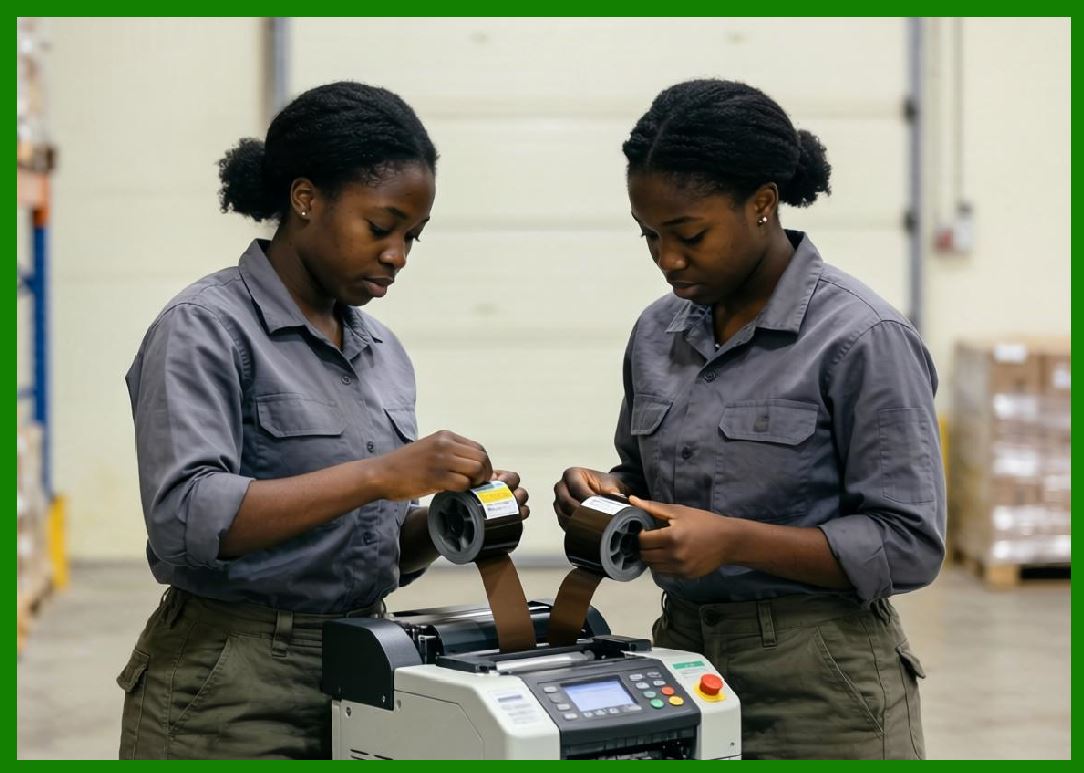
2.3 The thermal printhead consists of an array of tiny heating elements. Each element corresponds to a pixel in the printed image. |
2.4 By precisely controlling which elements are activated and for how long, the printer creates patterns that represent barcodes, text, or graphics. |
|
3. Structure of Direct Thermal Printers |
3.1 A typical direct thermal barcode printer consists of the following key components: |
1. Thermal printhead |
2. Platen roller |
3. Media supply system |
4. Drive motor |
5. Controller board |
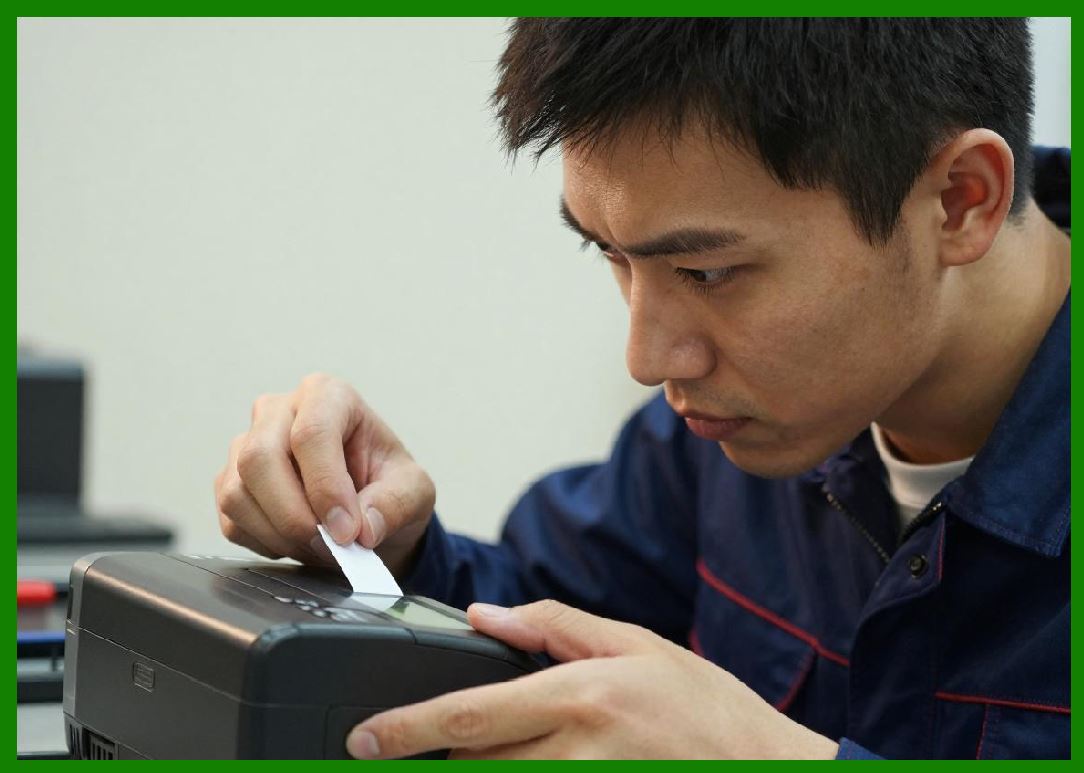
3.2 The thermal printhead is the most critical component. It contains hundreds or thousands of resistive heating elements aligned in a row. |
3.3 The platen roller is a rubber-coated cylinder that presses the label against the printhead, ensuring proper contact for heat transfer. |
3.4 The media supply system feeds the label material through the printer in a controlled manner. |
3.5 The controller board processes incoming data and converts it into signals that drive the printhead. |
|
4. Thermal Printhead Technology |
4.1 The printhead is typically made using thin-film or thick-film technology. |
4.2 Each heating element can rapidly heat up and cool down, enabling high-speed printing. |
4.3 Key parameters of the printhead include: |
* Resolution (e.g., 203 DPI, 300 DPI, 600 DPI) |
* Element density |
* Energy efficiency |
4.4 Printhead lifespan is influenced by: |
* Operating temperature |
* Media quality |
* Cleaning frequency |

|
5. Thermal Media Composition |
5.1 Direct thermal labels are coated with multiple layers: |
1. Base paper or synthetic substrate |
2. Thermal coating (leuco dye + developer) |
3. Protective topcoat (optional) |
5.2 The thermal coating is sensitive to heat and forms the visible image. |
5.3 The topcoat provides protection against: |
* Moisture |
* Abrasion |
* Chemicals |
5.4 Media quality significantly affects print clarity and durability. |

|
6. Printing Process Workflow |
6.1 The printing process follows these steps: |
1. Data is sent to the printer |
2. The controller processes the data into a bitmap |
3. The printhead heats selected elements |
4. The label passes under the printhead |
5. The image is formed line by line |
6.2 The synchronization between media movement and printhead activation is critical for accurate printing. |

|
7. Resolution and Print Quality |
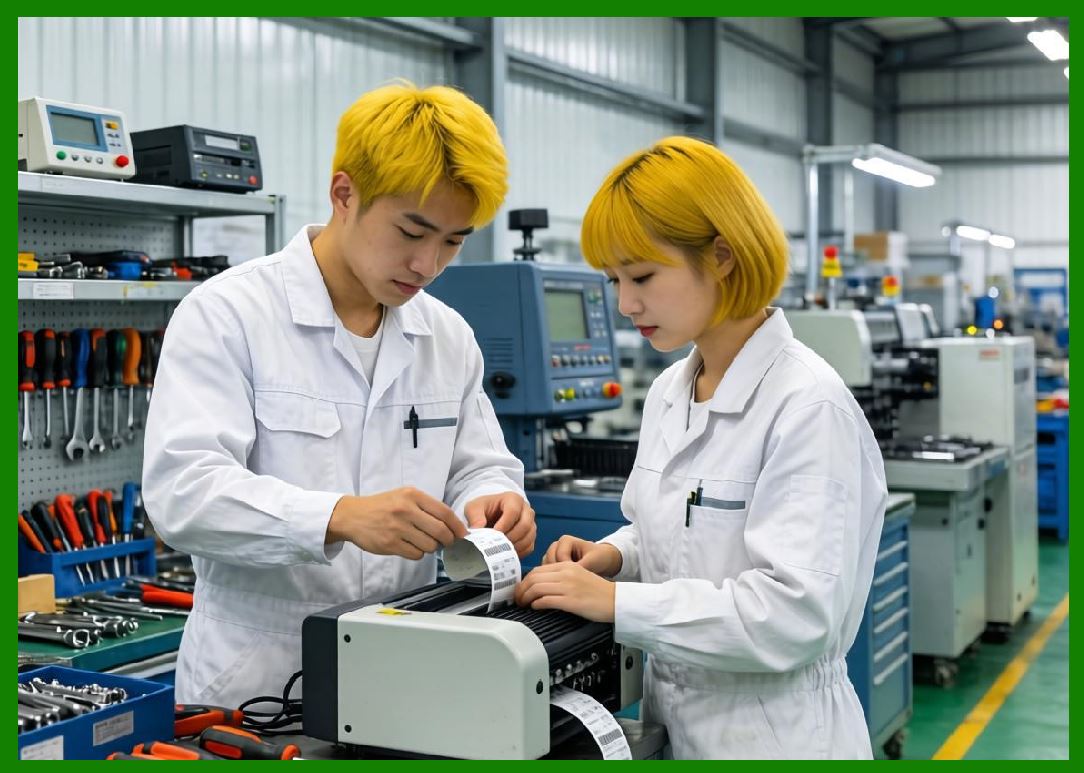
7.1 Resolution determines the level of detail in the printed barcode. |
7.2 Common resolutions include: |
* 203 DPI (standard) |
* 300 DPI (high precision) |
* 600 DPI (very high precision) |
7.3 Higher resolution is required for: |
* Small labels |
* High-density barcodes |
* 2D codes such as QR and Data Matrix |
7.4 Print quality is also influenced by: |
* Heat control |
* Media uniformity |
* Mechanical alignment |
|
8. Print Speed and Throughput |
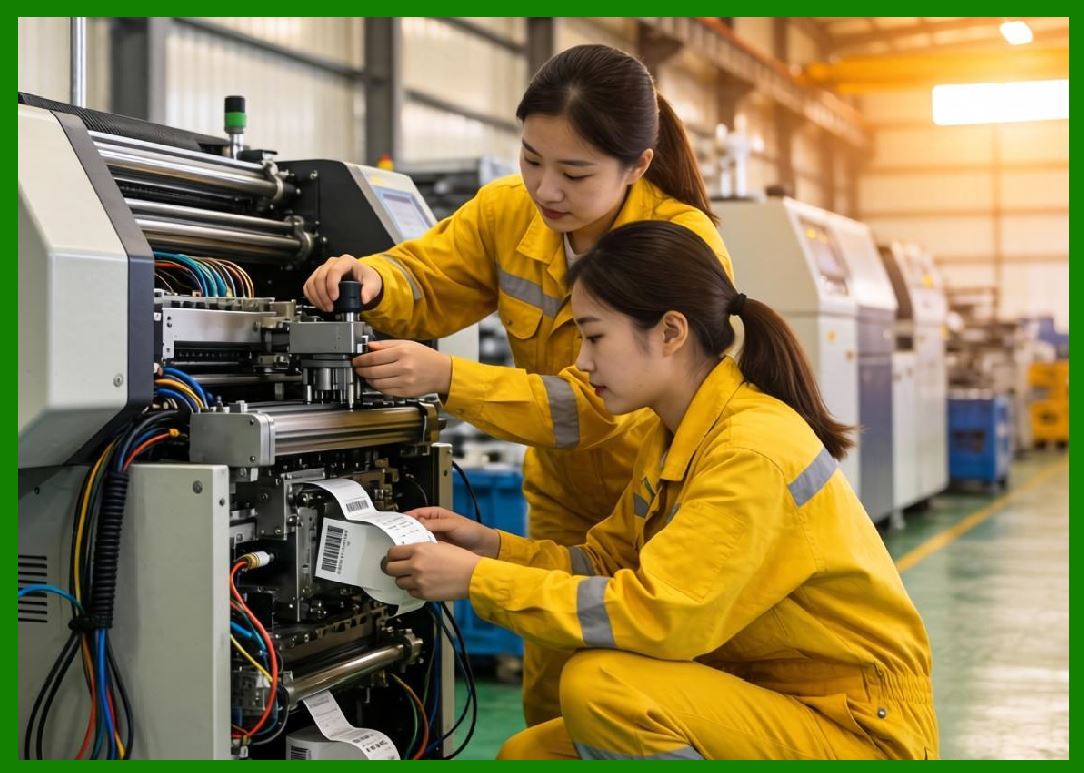
8.1 Direct thermal printers are capable of high-speed printing, typically ranging from 2 to 12 inches per second. |
8.2 Speed depends on: |
* Printhead capability |
* Data processing speed |
* Media type |
8.3 Higher speeds may reduce print quality if not properly calibrated. |
|
9. Durability of Printed Labels |
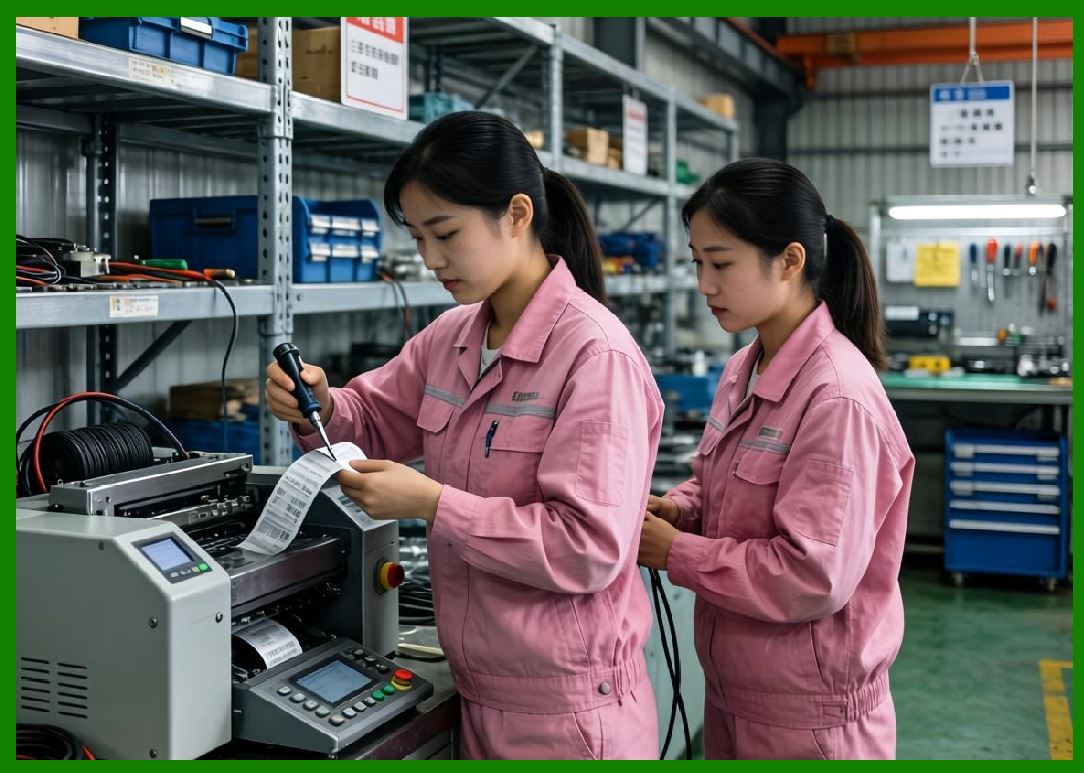
9.1 Direct thermal labels are inherently less durable than thermal transfer labels. |
9.2 They are susceptible to: |
* Heat exposure |
* UV light |
* Chemical contact |
* Physical abrasion |
9.3 Over time, the printed image may fade or darken unintentionally. |
9.4 Therefore, direct thermal printing is best suited for short-term applications. |
|
10. Advantages of Direct Thermal Printing |
10.1 Key advantages include: |
1. No for ink, toner, or ribbon |
2. Lower operating costs |
3. Simple mechanical design |
4. Reduced maintenance requirements |
10.2 These advantages make direct thermal printers highly efficient for high-volume, short-term labeling. |

|
11. Limitations of Direct Thermal Printing |
11.1 Despite its advantages, direct thermal printing has several limitations: |
1. Limited label lifespan |
2. |
3. Lower resistance to environmental factors |
4. Media cost can be higher than plain paper |
11.2 These limitations restrict its use in long-term labeling applications. |

|
12. Application Scenarios |
12.1 Direct thermal printers are commonly used in: |
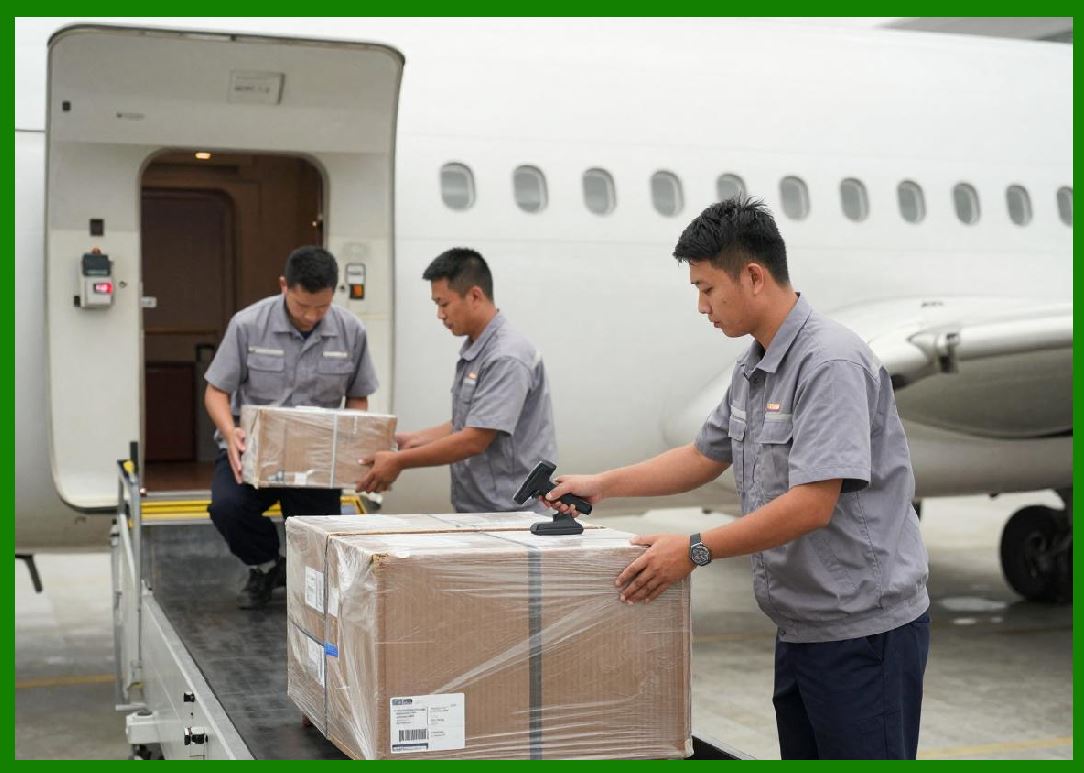
1. Shipping and logistics labels |
2. Retail receipts |
3. Healthcare patient identification |
4. Airline boarding passes |
12.2 These applications typically require labels that are used within a short time frame. |
|
13. Environmental Considerations |
13.1 Direct thermal printing is considered environmentally friendly in some aspects because it eliminates the need for ribbons. |
13.2 However, thermal paper may contain chemicals that require proper disposal. |
13.3 Advances in eco-friendly coatings are improving sustainability. |

|
14. Maintenance Requirements |
14.1 Maintenance is relatively simple but essential for performance: |
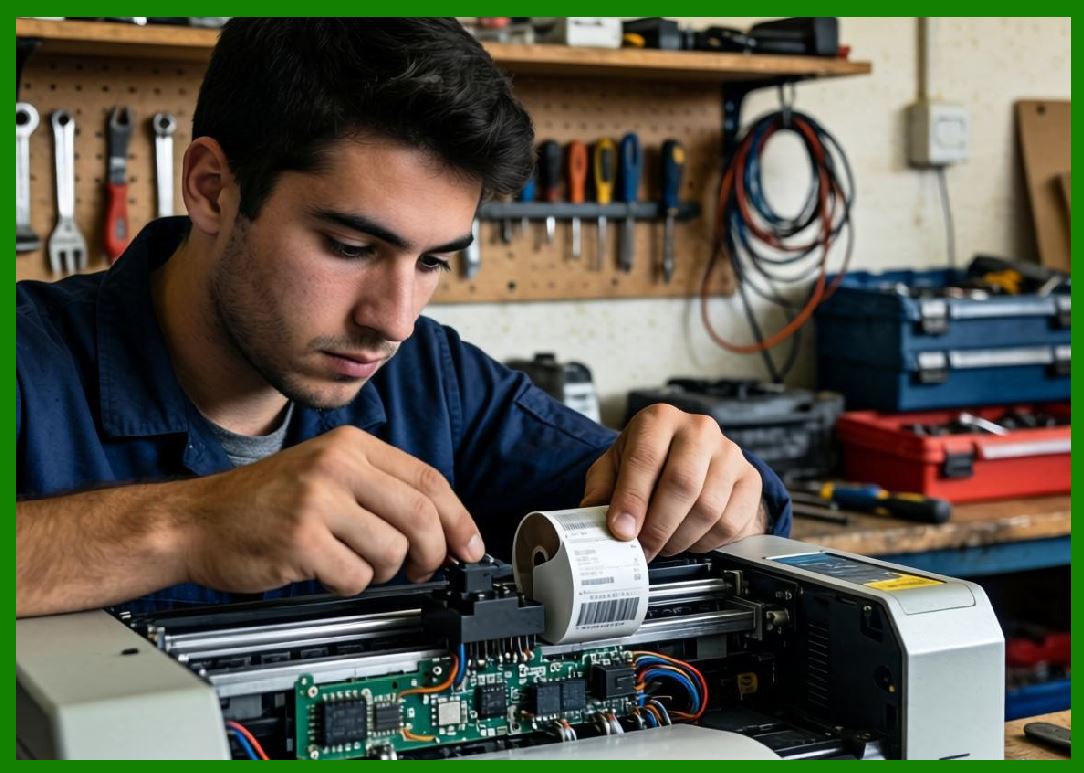
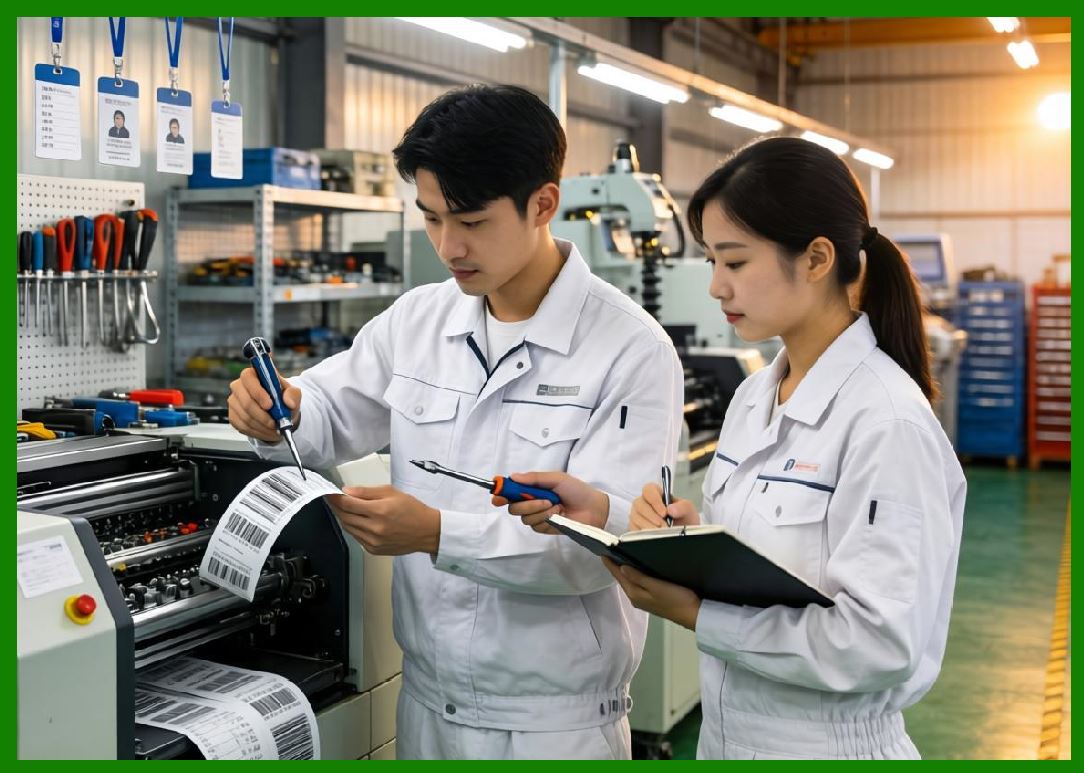
1. Regular cleaning of the printhead |
14.2 Proper maintenance extends printhead life and ensures consistent print quality. |

|
15. Energy Efficiency |
15.1 Direct thermal printers are generally energy-efficient because they only consume power during printing. |
15.2 Energy consumption depends on: |
* Print density |
* Print speed |
* Printhead efficiency |

|
16. Comparison with Other Technologies |
16.1 Compared to thermal transfer printing: |
* Simpler but less durable |
16.2 Compared to inkjet printing: |
* Faster and more reliable for barcodes |
16.3 Compared to laser printing: |
* More specialized and efficient for label production |
|
17. Technological Innovations |
17.1 Recent innovations include: |
1. Improved thermal coatings |
2. Smart printhead temperature control |
3. Integration with cloud systems |
17.2 These advancements enhance performance and expand application areas. |

|
18. Cost Analysis |
18.1 Cost factors include: |
1. Printer purchase price |
2. Media cost |
3. Maintenance |
18.2 Direct thermal printers typically have a low total cost of ownership for short-term applications. |
|
19. Reliability and Failure Modes |
19.1 Common issues include: |
1. Printhead wear |
2. Poor print quality due to dirty printhead |
3. Media sensitivity issues |
19.2 Preventive maintenance reduces failure rates. |

|
20. Future Trends |
20.1 Future developments may include: |
1. More durable thermal media |
2. Enhanced environmental resistance |
3. Integration with IoT systems |
|
21. Summary of Part 2 |
21.1 Direct thermal barcode printers are a fundamental category characterized by simplicity, efficiency, and cost-effectiveness. |
21.2 Their operation is based on heat-sensitive media, eliminating the need for consumables like ink or ribbon. |
21.3 While they offer many advantages, their limitations in durability make them suitable primarily for short-term applications. |
21.4 Understanding their principles, structure, and performance characteristics is essential for selecting the right printing solution. |
End of Part 2 |

|
Part 3: Thermal Transfer Barcode Printers (Ribbon Technology, Material Science, and Long-Term Durability Analysis). |
 cs@easiersoft.com