Part 23: Barcode Printer Performance Optimization (Speed, Throughput, Latency, and System Bottleneck Analysis) |
1. Introduction to Performance Optimization in Barcode Printers |
1.1 Performance optimization in barcode printers focuses on maximizing label output efficiency while maintaining accuracy, readability, and system stability. |
1.2 Unlike general printing systems, barcode printers must balance multiple competing constraints: |
* High-speed output |
* Precise geometric accuracy |
* Real-time data processing |
* Continuous industrial operation |
1.3 Performance is not defined by a single metric but by a combination of throughput, latency, and system responsiveness under sustained workloads. |

|
2. Key Performance Metrics |
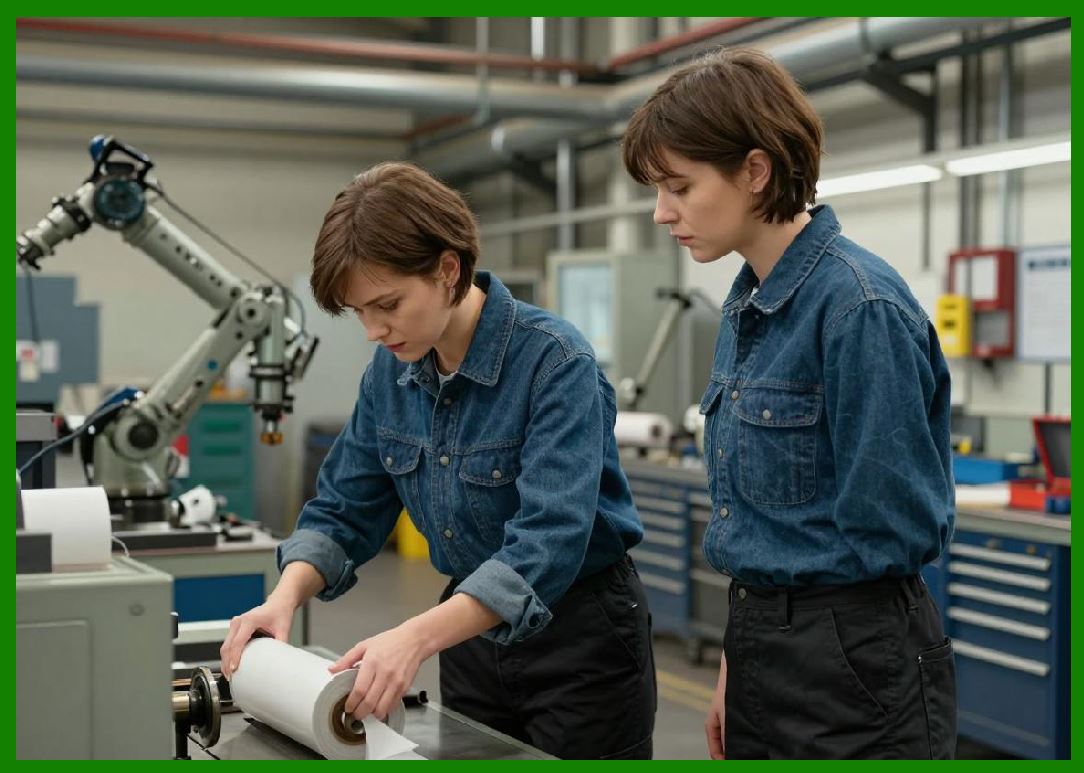
2.1 The most important performance indicators include: |
* Print speed (labels per second or mm/sec) |
* Throughput (labels per minute/hour) |
* Processing latency |
* First label output time |
* Sustained duty cycle efficiency |
2.2 These metrics determine how well a printer performs in real-world production environments. |
|
3. Print Speed Optimization |
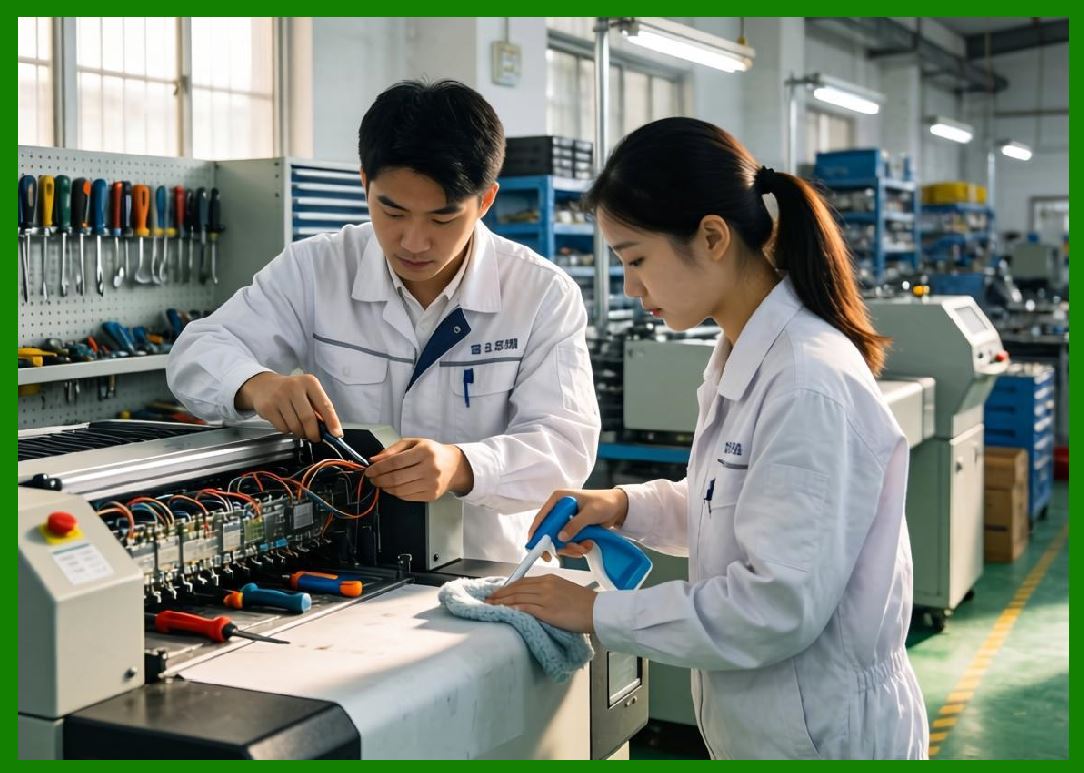
3.1 Print speed refers to how fast a barcode printer can physically produce labels. |
3.2 Factors affecting print speed include: |
* Printhead technology |
* Resolution settings |
* Thermal transfer efficiency |
* Data complexity of label design |
3.3 Higher speed typically reduces resolution or increases system load, requiring careful balance. |
|
4. Throughput and System Efficiency |
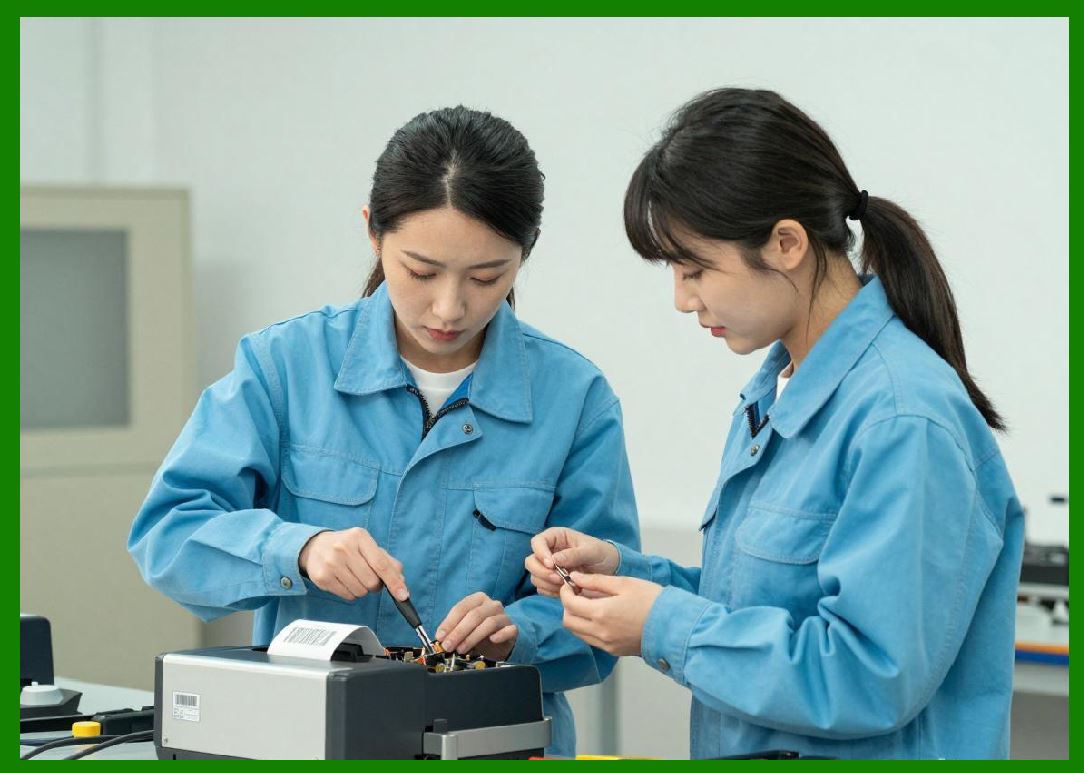
4.1 Throughput measures total output over time, including processing delays and job switching overhead. |
4.2 True throughput is influenced by: |
* Data processing speed |
* Network communication latency |
* Buffer management efficiency |
4.3 A printer with high print speed but poor data handling may still have low effective throughput. |
|
5. Latency in Barcode Printing Systems |
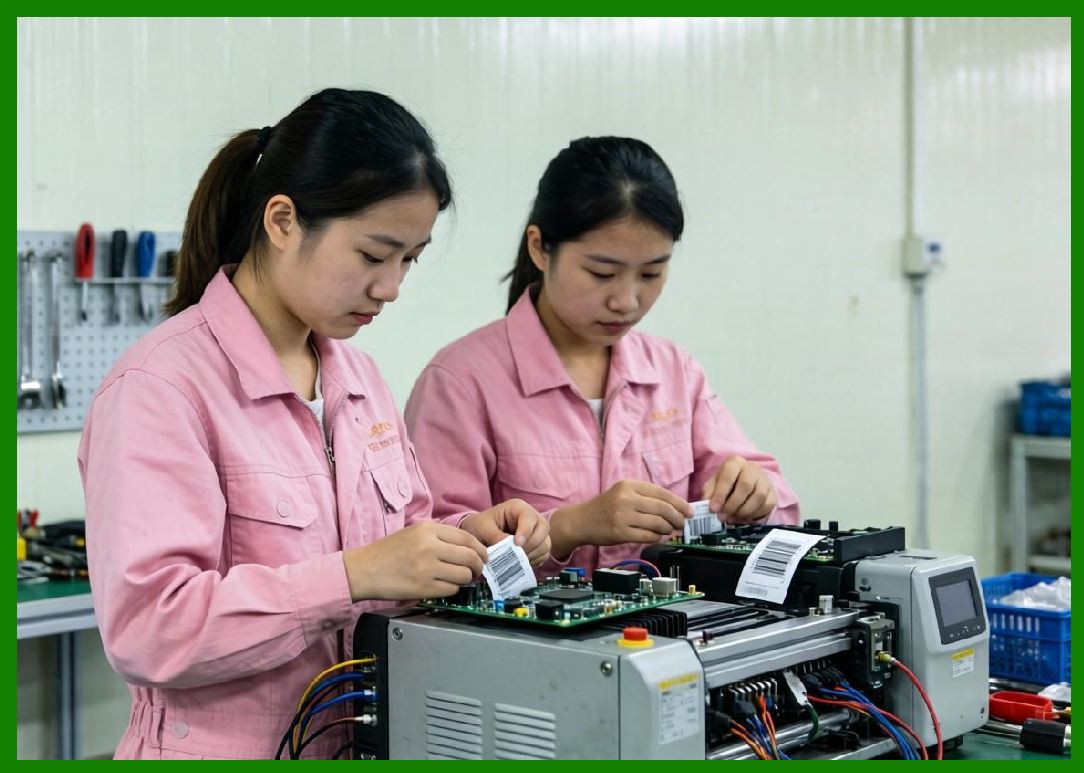
5.1 Latency is the delay between receiving a print command and initiating physical printing. |
5.2 Latency sources include: |
* Data parsing time |
* Network transmission delay |
* Firmware processing time |
* Print queue management |
5.3 Low latency is critical in real-time environments such as logistics sorting systems. |
|
6. First Label Out Time (FLOT) |
6.1 First Label Out Time refers to the time required to print the first label after a job is initiated. |
6.2 FLOT is influenced by: |
* System initialization speed |
* Template loading time |
* Printhead warm-up (thermal systems) |
6.3 Reducing FLOT improves responsiveness in dynamic production environments. |

|
7. Data Processing Optimization |
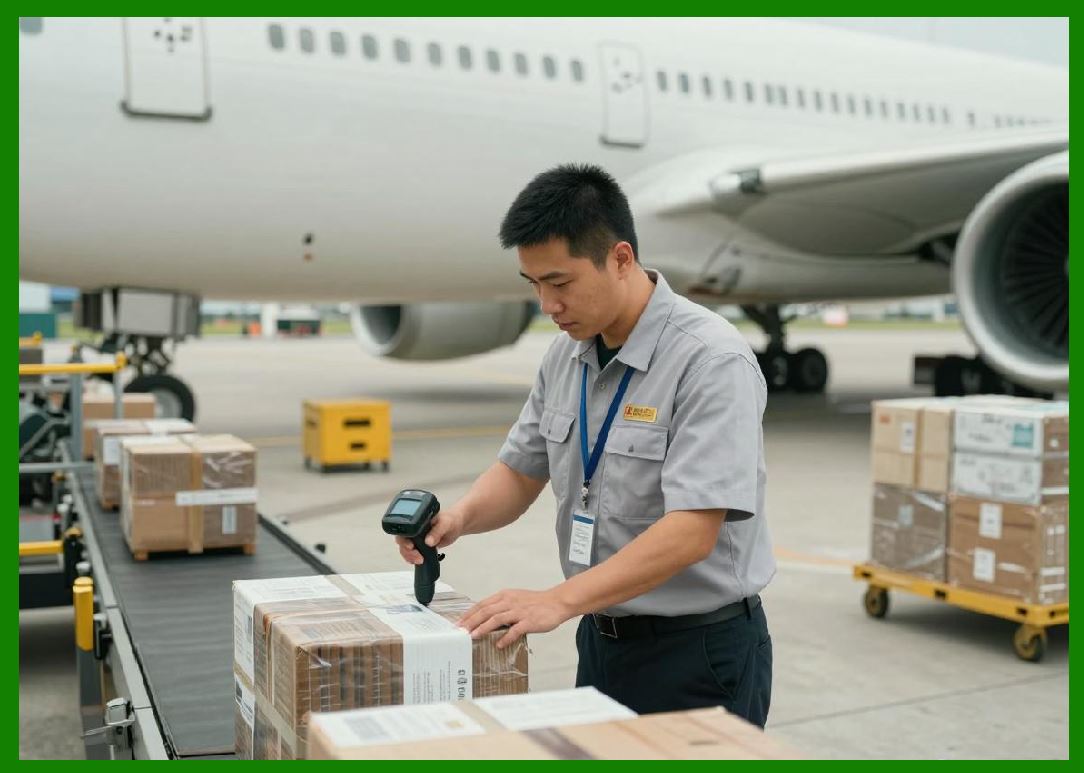
7.1 Barcode printers must process structured data into printable formats. |
7.2 Optimization techniques include: |
* Pre-rendered label templates |
* Efficient barcode encoding algorithms |
* Cached font and image libraries |
7.3 Reducing computational complexity improves real-time performance. |
|
8. Memory Buffering and Job Queuing |
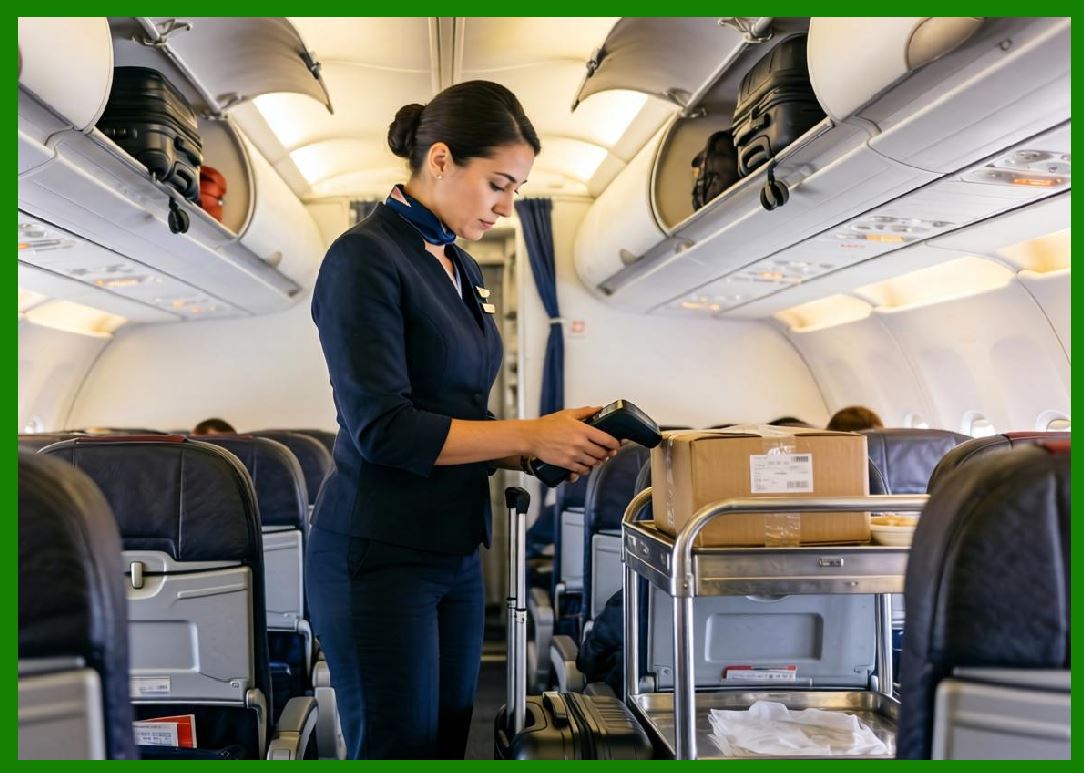
8.1 Printers use memory buffers to store incoming print jobs before execution. |
8.2 Benefits include: |
* Smoother data flow |
* Reduced communication delays |
* Support for batch processing |
8.3 Poor buffer management can cause bottlenecks or job loss. |
|
9. Printhead Performance Optimization |
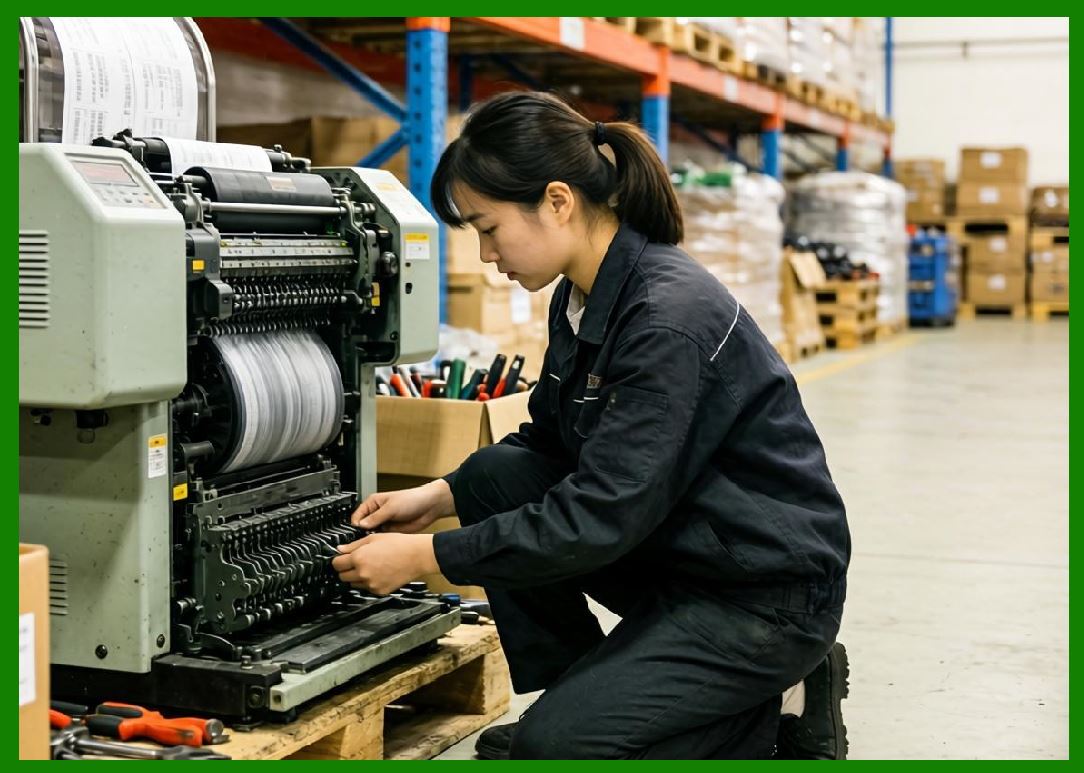
9.1 The printhead is one of the most critical performance components. |
9.2 Optimization involves: |
* Thermal calibration control |
* Energy-efficient heating cycles |
* Dot density management |
9.3 Overheating or uneven heating can reduce both speed and quality. |
|
10. Media Handling Efficiency |
10.1 Media movement directly impacts print speed and accuracy. |
10.2 Key mechanisms include: |
* Stepper motor precision |
* Feed roller synchronization |
* Tension control systems |
10.3 Misalignment or slippage reduces throughput and increases error rates. |

|
11. Resolution vs Speed Trade-off |
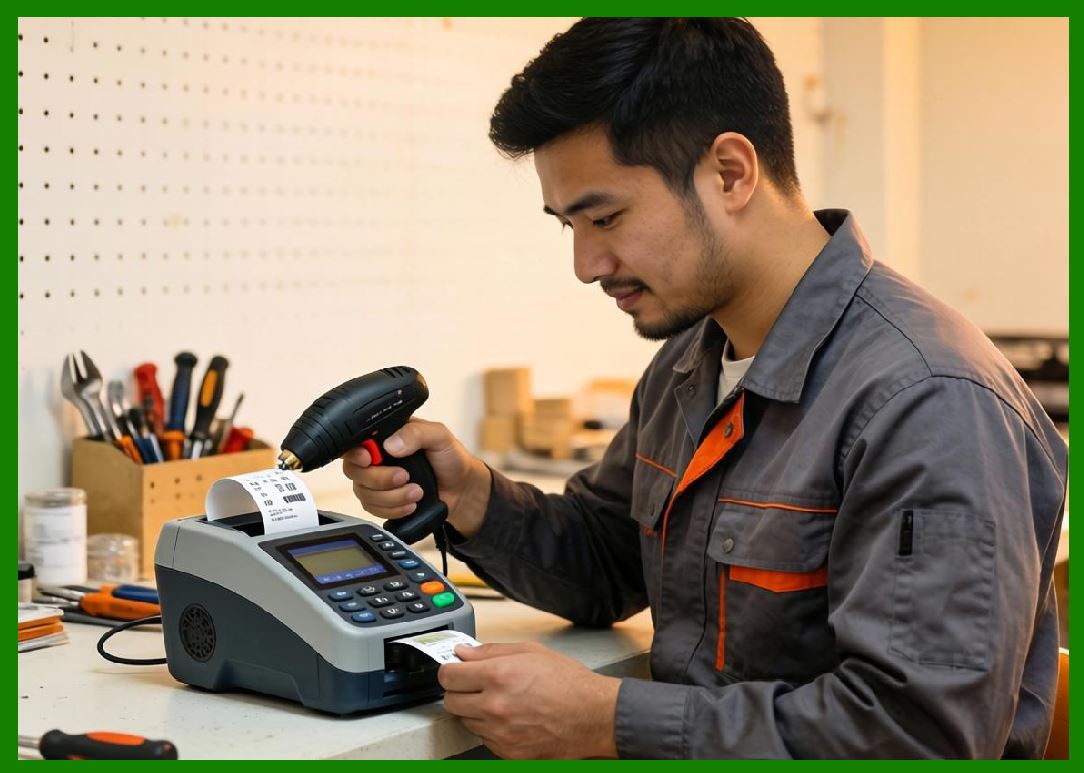
11.1 Higher resolution improves quality but reduces speed. |
11.2 Relationship between resolution and performance can be expressed conceptually as: |
\text{Performance} \propto \frac{1}{\text{Resolution}} \quad \text{(general trade-off relationship)}} |
11.3 Industrial systems often use adaptive resolution to balance speed and clarity. |
|
12. Network and Communication Bottlenecks |
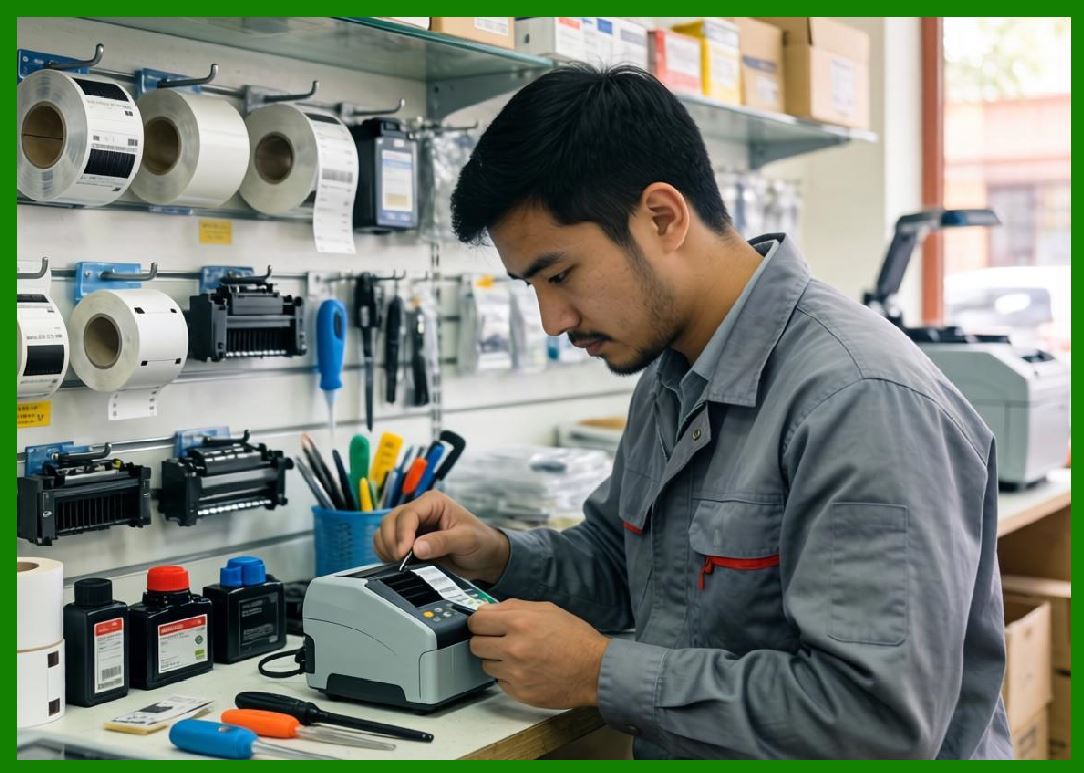
12.1 Network delays can significantly affect printer performance. |
12.2 Common bottlenecks include: |
* Slow Ethernet or Wi-Fi throughput |
* Congested print servers |
* Inefficient protocol handling |
12.3 Optimized systems use high-speed Ethernet and direct communication protocols. |
|
13. Firmware-Level Performance Tuning |
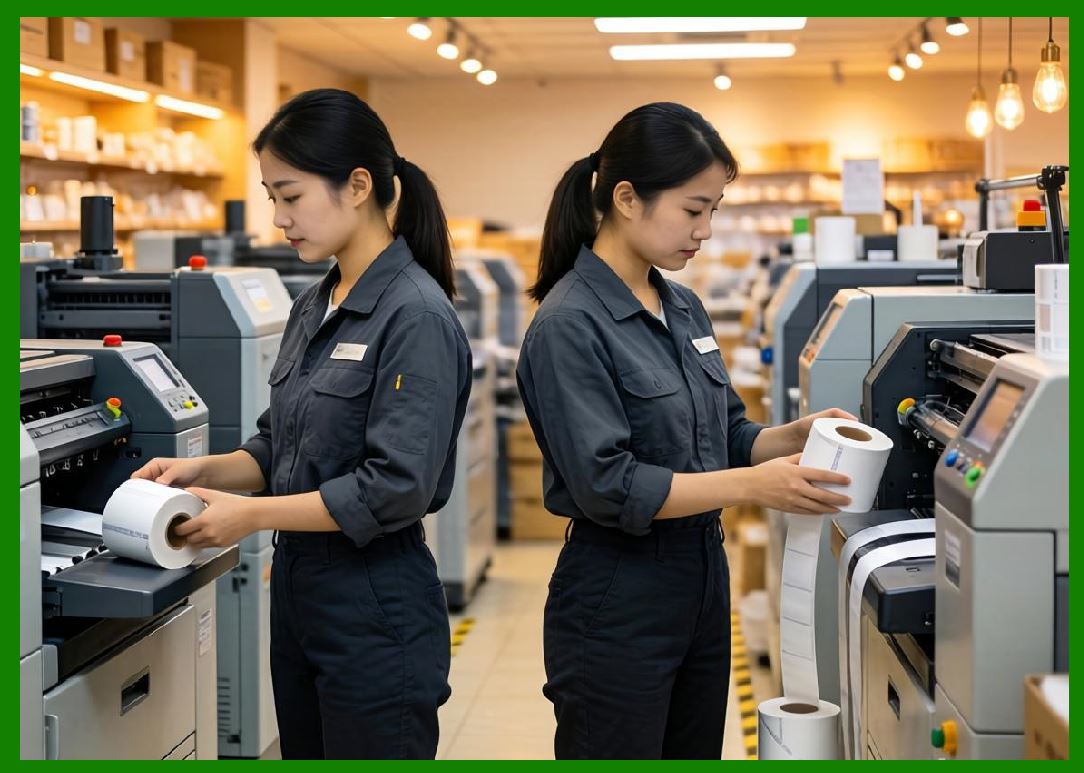
13.1 Firmware optimization techniques include: |
* Parallel processing of print jobs |
* Interrupt-driven processing |
* Real-time scheduling algorithms |
13.2 Efficient firmware reduces internal processing delays. |
|
14. Multi-Job Processing and Parallelization |
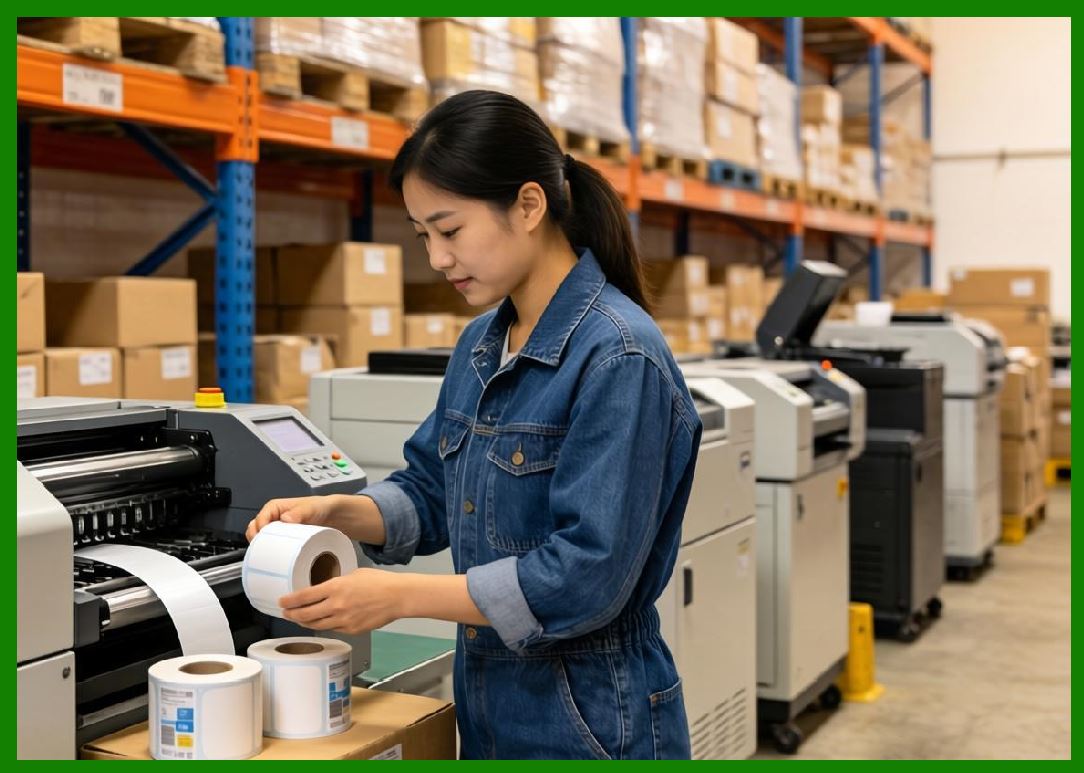
14.1 Advanced printers support multiple simultaneous jobs. |
14.2 Techniques include: |
* Job prioritization queues |
* Parallel rendering pipelines |
* Multi-buffer systems |
14.3 This improves efficiency in high-volume environments. |
|
15. Bottleneck Identification in Printing Systems |
15.1 Common bottlenecks include: |
* Printhead heating limitations |
* Data transmission delays |
* Mechanical feed constraints |
* CPU processing limits |
15.2 Identifying bottlenecks is essential for optimization. |

|
16. Thermal System Optimization |
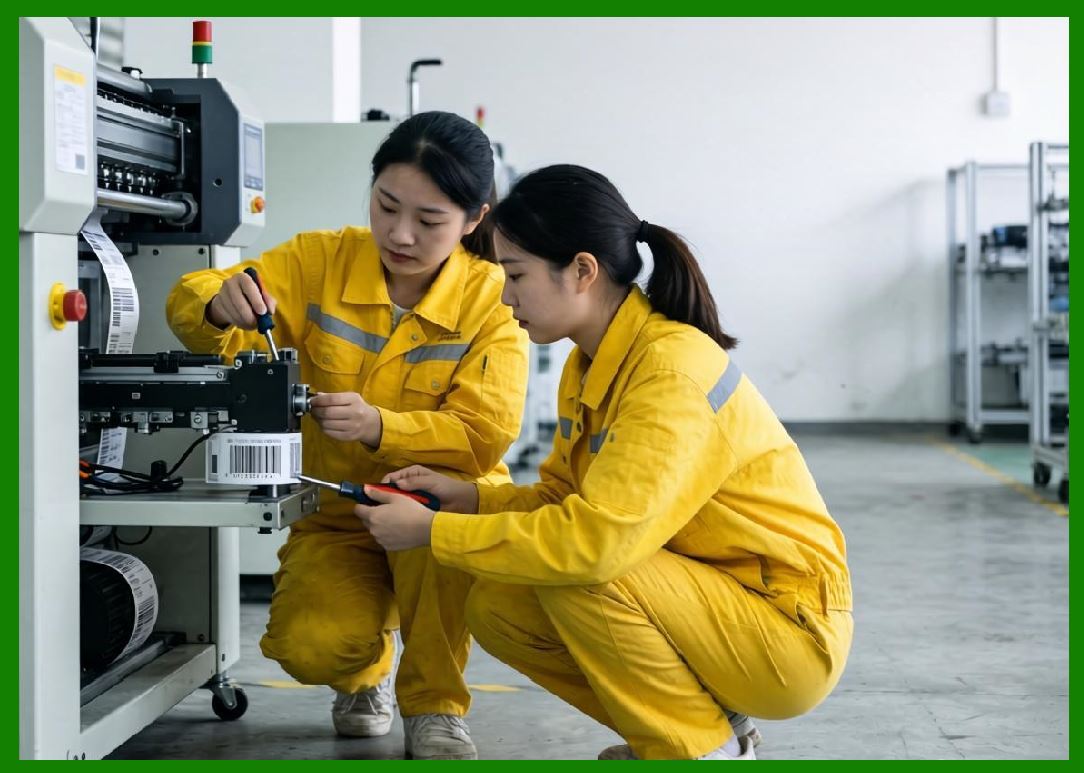
16.1 Thermal printing systems require precise heat control. |
16.2 Optimization includes: |
* Rapid heating and cooling cycles |
* Energy-efficient pulse control |
* Heat distribution balancing |
16.3 Poor thermal control leads to inconsistent output and reduced speed. |
|
17. Adaptive Performance Control Systems |
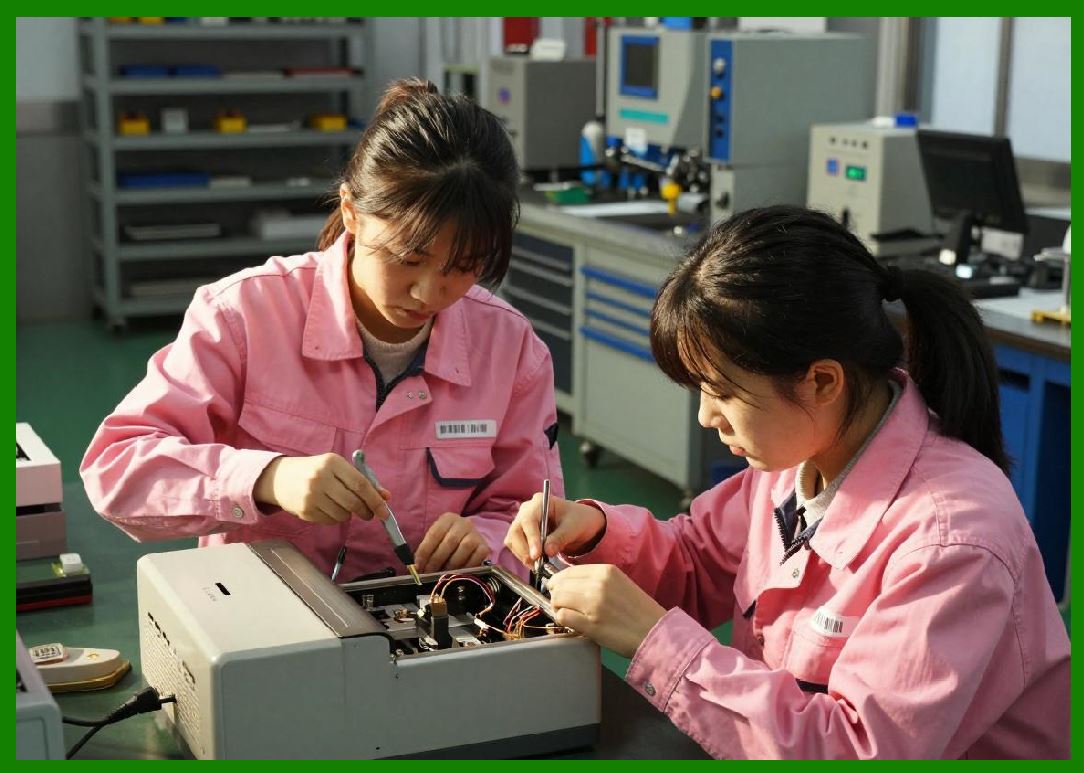
17.1 Modern printers may adjust performance dynamically based on: |
* Label complexity |
* Environmental conditions |
* System load |
17.2 This ensures optimal balance between speed and quality. |
|
18. Industrial High-Throughput Optimization |
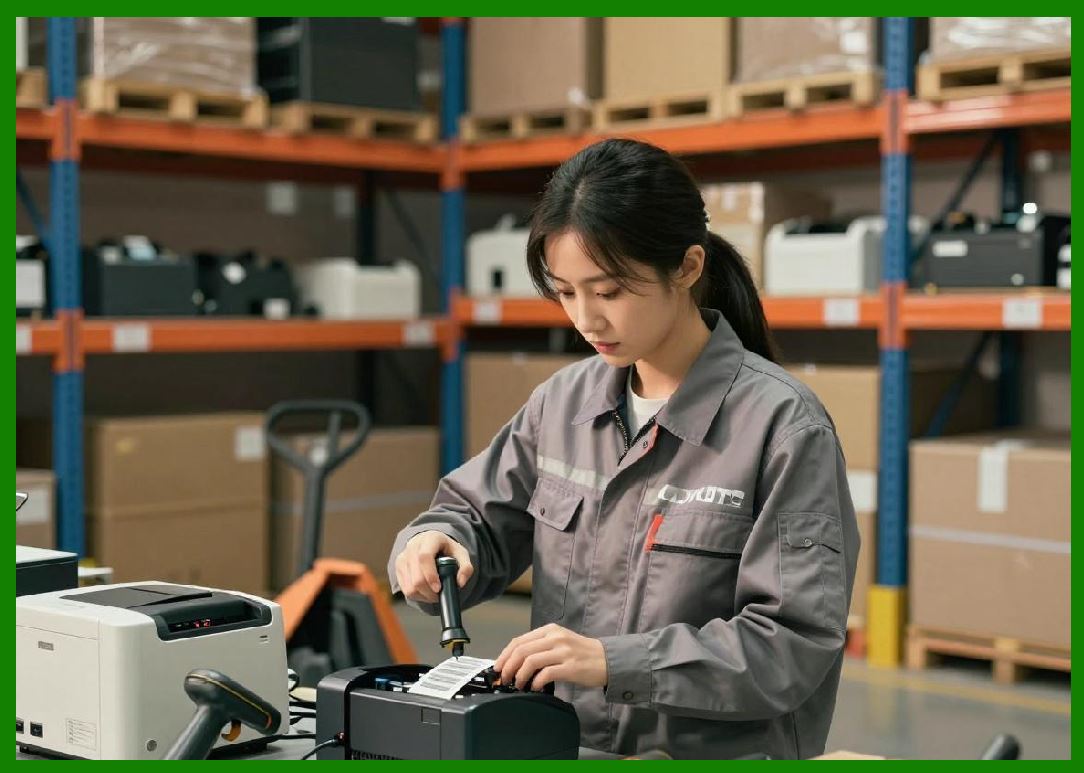
18.1 Industrial systems focus on sustained performance under continuous operation. |
18.2 Techniques include: |
* High-capacity memory buffers |
* Heavy-duty mechanical components |
* Continuous duty cycle design |
|
19. AI-Assisted Performance Optimization |
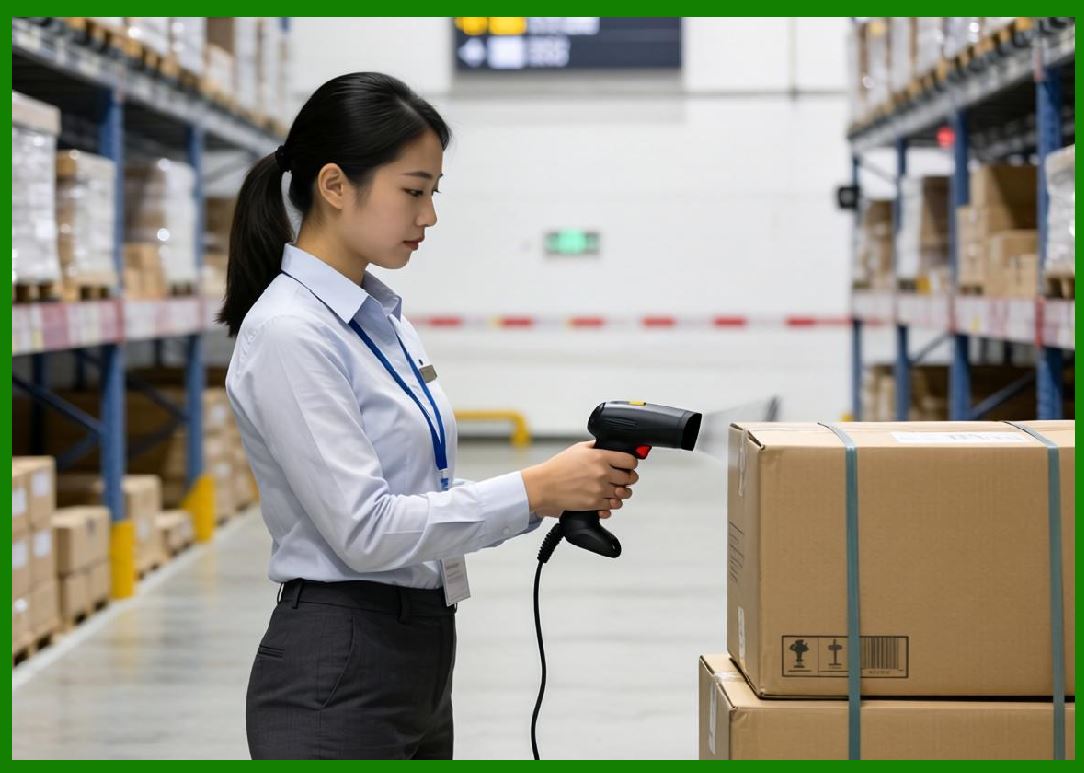
19.1 Artificial intelligence is increasingly used to: |
* Predict optimal print settings |
* Reduce energy consumption |
* Balance speed and quality dynamically |
19.2 AI systems learn from historical performance data. |
|
20. Future Performance Optimization Trends |
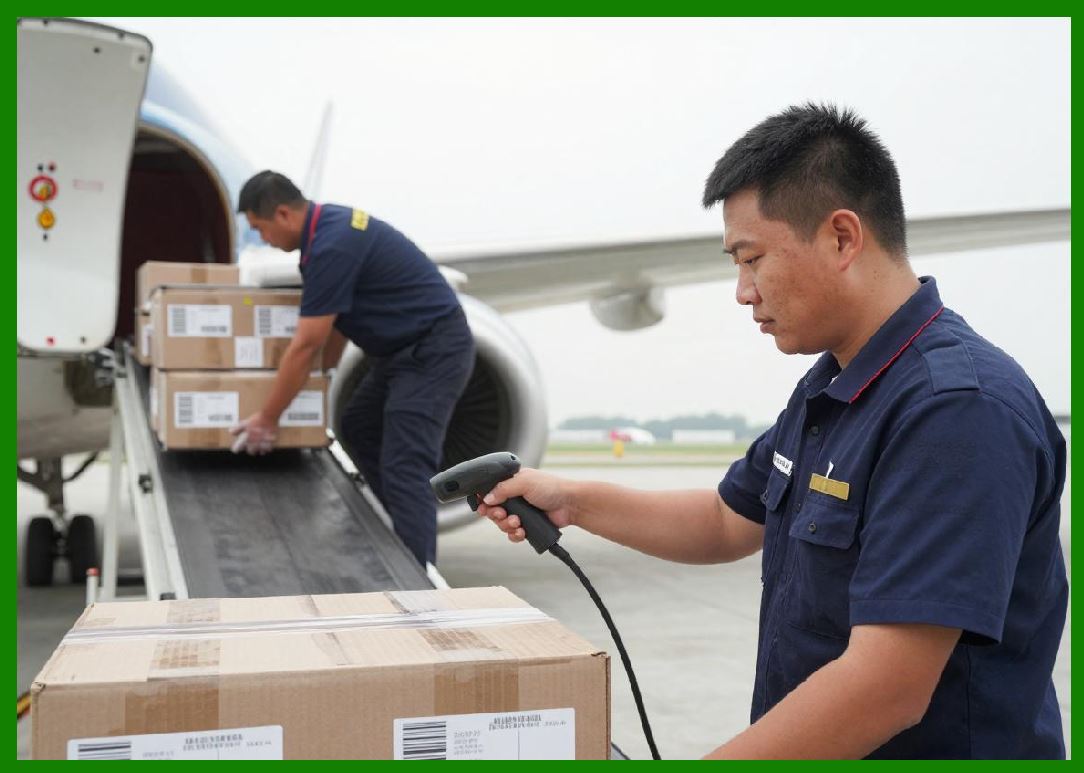
20.1 Future advancements include: |
* Fully autonomous performance tuning systems |
* Real-time cloud optimization feedback loops |
* Edge-AI processing for instant decision-making |
* Self-balancing industrial print networks |
|
21. Summary of Part 23 |
21.1 Performance optimization in barcode printers is a multi-layered engineering challenge involving hardware, firmware, network communication, and system integration. |
21.2 Key performance factors include speed, throughput, latency, and bottleneck management. |
21.3 Future systems will increasingly rely on AI and real-time adaptive control to achieve near-optimal performance under all operating conditions. |
End of Part 23 |
|
Part 24: Barcode Printer Calibration, Maintenance Engineering, and Lifecycle Management Strategies. |
 cs@easiersoft.com