Part 24: Barcode Printer Calibration, Maintenance Engineering, and Lifecycle Management Strategies |
1. Introduction to Calibration and Maintenance Engineering |
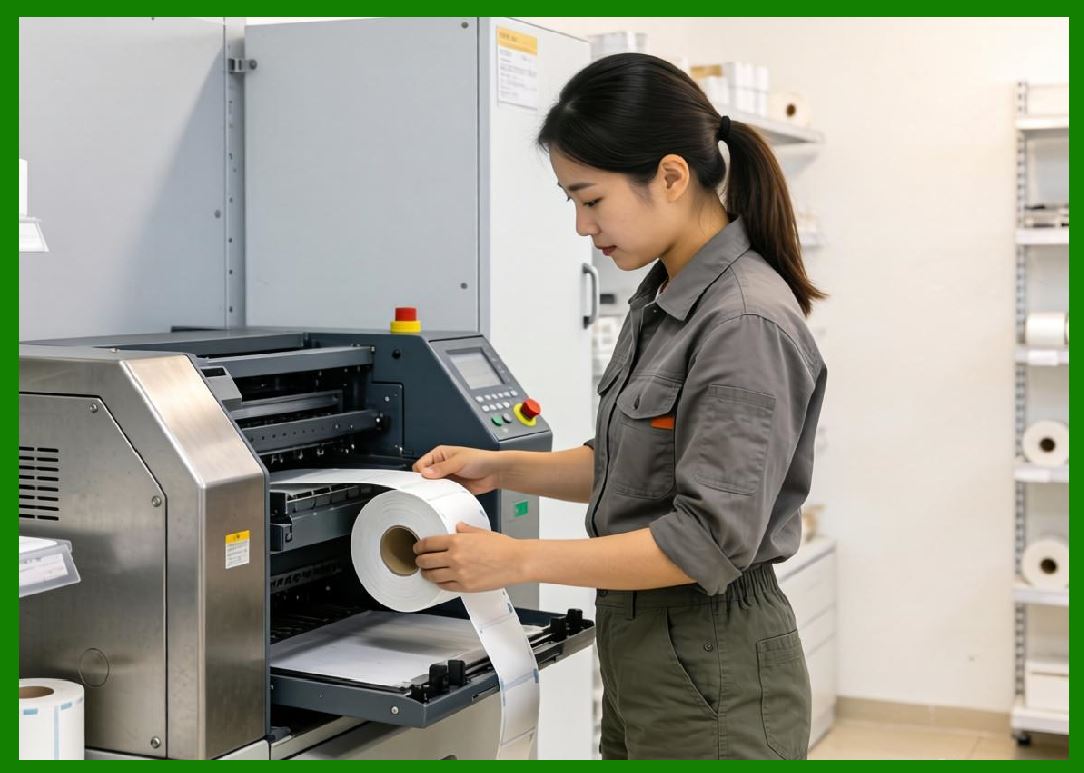
1.1 Barcode printers operate in precision-driven environments where even microscopic deviations can cause barcode scanning failures. As a result, calibration and maintenance are not optional tasks but essential engineering processes that ensure long-term system stability. |
1.2 Maintenance engineering in barcode printing covers: |
* Mechanical alignment |
* Thermal calibration |
* Optical accuracy tuning |
* Lifecycle component replacement |
* Preventive and predictive maintenance strategies |
1.3 Together, these processes ensure consistent output quality across millions of print cycles. |
|
2. Printer Calibration Fundamentals |
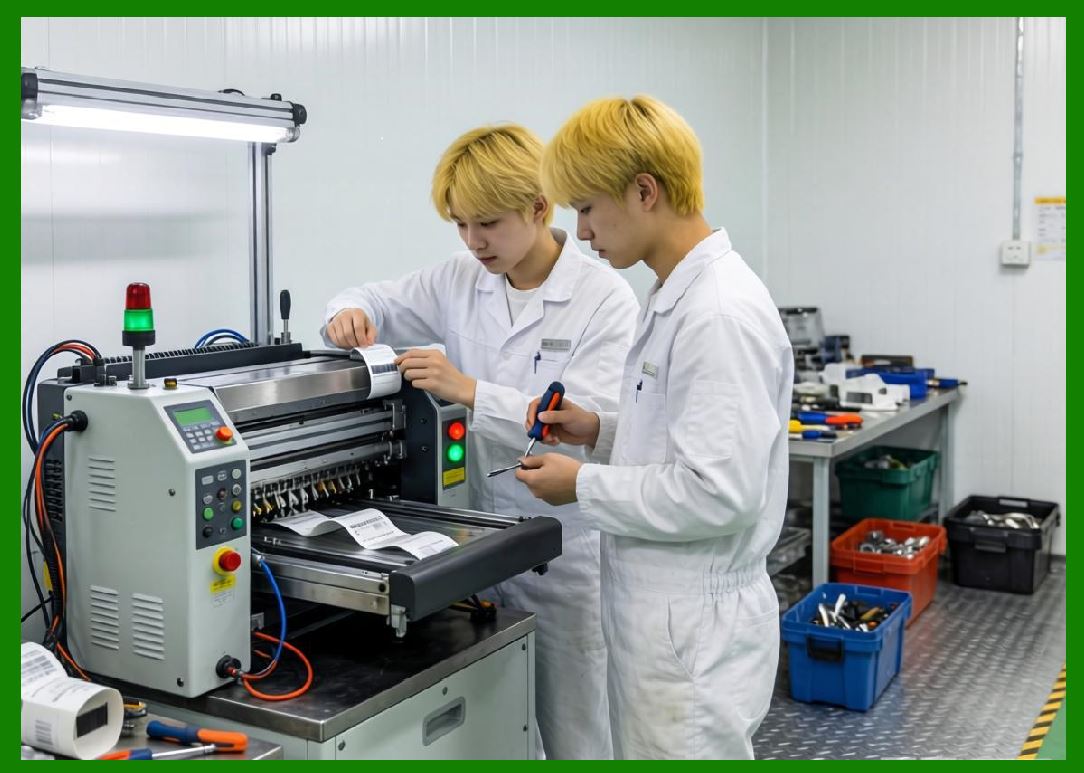
2.1 Calibration is the process of adjusting a printer mechanical and electronic systems to ensure accurate and consistent output. |
2.2 Key calibration objectives include: |
* Ensuring correct print alignment |
* Maintaining accurate dot placement |
* Controlling thermal energy distribution |
* Synchronizing media movement with printhead activity |
2.3 Calibration is required at installation and periodically throughout the printer lifecycle. |
|
3. Printhead Calibration and Alignment |
3.1 The printhead is the most sensitive component in a barcode printer. |
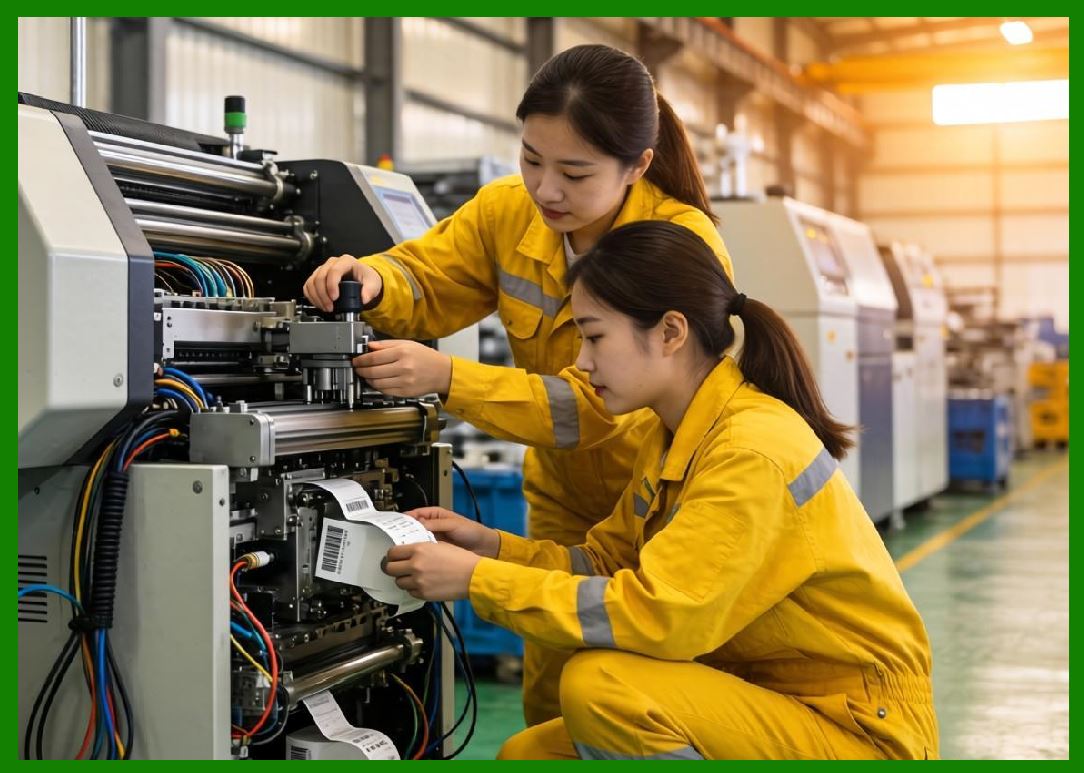
3.2 Calibration tasks include: |
* Horizontal alignment correction |
* Vertical dot synchronization |
* Thermal intensity balancing |
3.3 Misalignment can cause: |
* Broken bar edges |
* Skewed barcodes |
* Reduced scan readability |
3.4 Industrial systems often use automated calibration routines to maintain precision. |
|
4. Media Feed Calibration |
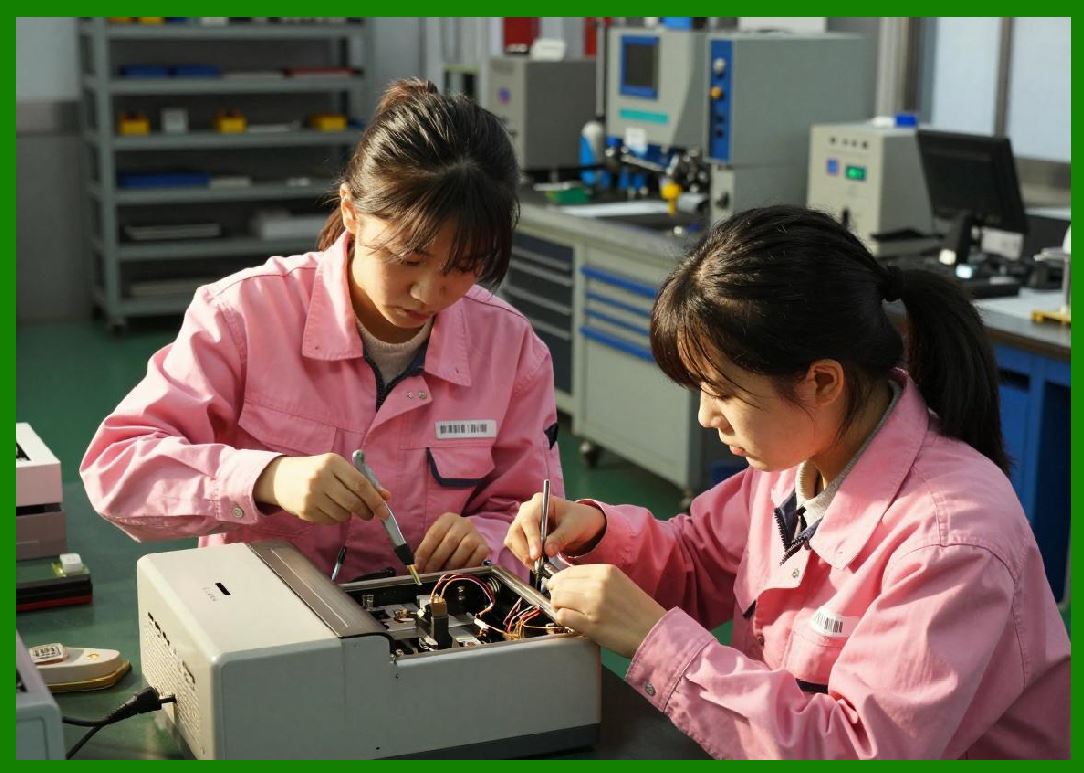
4.1 Media feed calibration ensures that label material moves at the correct speed and position relative to the printhead. |
4.2 Key elements include: |
* Stepper motor tuning |
* Roller tension adjustment |
* Gap sensor calibration |
4.3 Incorrect media calibration leads to: |
* Label misplacement |
* Partial barcode printing |
* Wasted consumables |
|
5. Thermal Calibration in Printing Systems |
5.1 Thermal calibration ensures consistent heat distribution across the printhead. |
5.2 Factors affecting thermal calibration include: |
* Print density settings |
* Environmental temperature |
* Printhead aging |
5.3 Proper calibration ensures: |
* Uniform barcode contrast |
* Stable edge definition |
* Reduced printhead wear |

|
6. Optical and Sensor Calibration |
6.1 Barcode printers rely on sensors to detect: |
* Label gaps |
* Black marks |
* Media position |
6.2 Calibration ensures: |
* Accurate sensor sensitivity |
* Reliable media detection |
* Prevention of misfeeds |
6.3 Sensor drift over time requires periodic recalibration. |

|
7. Preventive Maintenance Strategies |
7.1 Preventive maintenance focuses on scheduled servicing before failures occur. |
7.2 Typical tasks include: |
* Printhead cleaning |
* Roller replacement |
* Dust removal |
* Firmware updates |
7.3 Benefits: |
* Reduced downtime |
* Extended equipment lifespan |
* Improved print consistency |

|
8. Predictive Maintenance Systems |
8.1 Predictive maintenance uses data analytics to anticipate failures. |
8.2 Data sources include: |
* Printhead temperature logs |
* Motor cycle counts |
* Error frequency tracking |
* Print quality degradation trends |
8.3 This enables maintenance before critical failure occurs. |
|
9. Corrective Maintenance Procedures |
9.1 Corrective maintenance occurs after a failure has already happened. |
9.2 Common corrective actions: |
* Printhead replacement |
* Motor repair |
* Sensor recalibration |
* Firmware reinstallation |
9.3 While necessary, excessive corrective maintenance indicates poor system reliability. |

|
10. Lifecycle Management of Printer Components |
10.1 Each component has a defined operational lifecycle: |
* Printhead: high wear, limited lifespan |
* Platen rollers: medium wear |
* Electronics: long lifespan |
* Housing and frame: very long lifespan |
10.2 Lifecycle tracking helps optimize replacement schedules. |
|
11. Mean Time Between Maintenance Events |
11.1 Maintenance intervals are often based on usage cycles rather than time alone. |
\text{Maintenance Interval} = \frac{\text{Total Operating Cycles}}{\text{Expected Wear Rate}} |
11.2 This ensures maintenance is aligned with real operational stress. |

|
12. Printhead Lifecycle Management |
12.1 The printhead is typically the most frequently replaced component. |
12.2 Wear factors include: |
* Heat cycles |
* Mechanical abrasion |
* Media friction |
12.3 Proper usage practices extend printhead lifespan significantly. |

|
13. Consumable-Driven Maintenance Cycles |
13.1 Consumables such as ribbons and labels influence maintenance schedules. |
13.2 Poor-quality consumables accelerate wear on: |
* Printhead surfaces |
* Feed rollers |
* Sensor systems |
13.3 High-quality consumables reduce long-term maintenance costs. |
|
14. Environmental Impact on Maintenance Frequency |
14.1 Harsh environments increase maintenance requirements. |
14.2 Key factors: |
* Dust accumulation |
* Humidity exposure |
* Chemical contamination |
* Temperature fluctuations |
14.3 Industrial environments require more frequent servicing. |
|
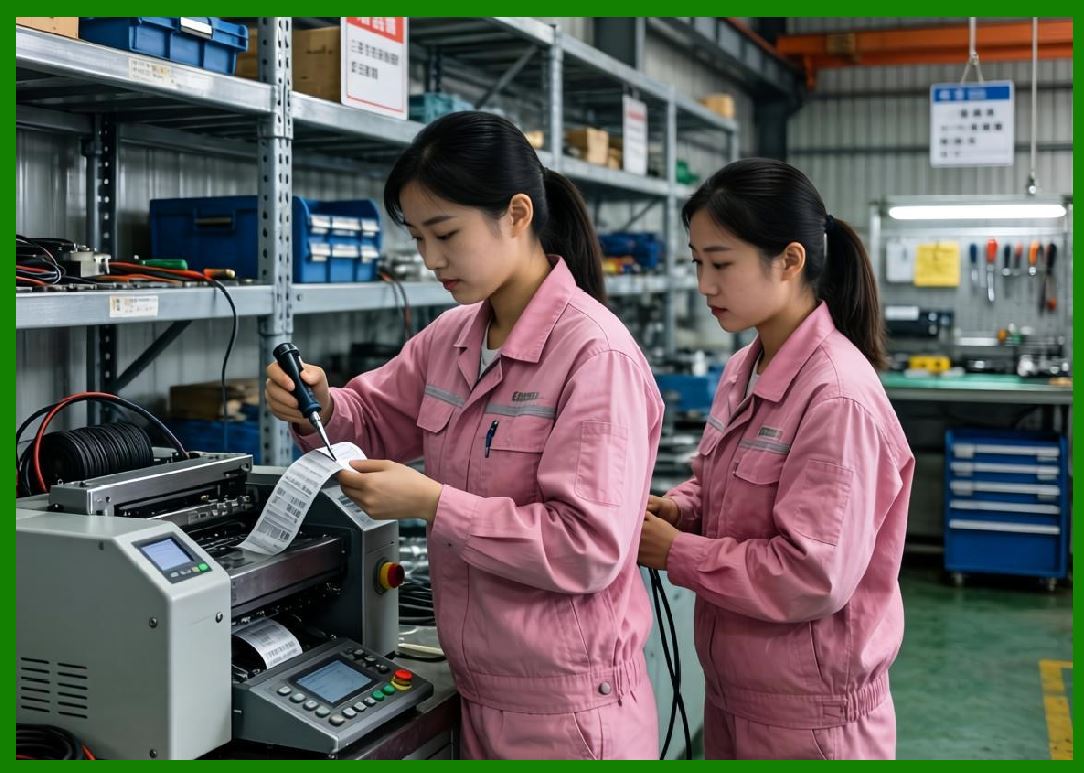
15. Firmware and Software Maintenance |
15.1 Maintenance is not limited to hardware; firmware also requires updates. |
15.2 Firmware maintenance includes: |
* Bug fixes |
* Performance optimization |
* Security patching |
* Feature upgrades |
15.3 Outdated firmware can reduce system stability and security. |
|
16. Automated Maintenance Systems |
16.1 Advanced printers support automated maintenance functions such as: |
* Self-cleaning cycles |
* Automatic calibration routines |
* Diagnostic self-tests |
16.2 These systems reduce human intervention requirements. |

|
17. Maintenance Cost Optimization |
17.1 Maintenance costs can be reduced through: |
* Predictive analytics |
* High-quality consumables |
* Standardized components |
* Modular system design |
17.2 Poor maintenance planning increases total cost of ownership significantly. |

|
18. Failure Prevention Through Maintenance Engineering |
18.1 Effective maintenance engineering aims to prevent failures rather than react to them. |
18.2 Strategies include: |
* Condition-based monitoring |
* Early warning systems |
* Performance trend analysis |

|
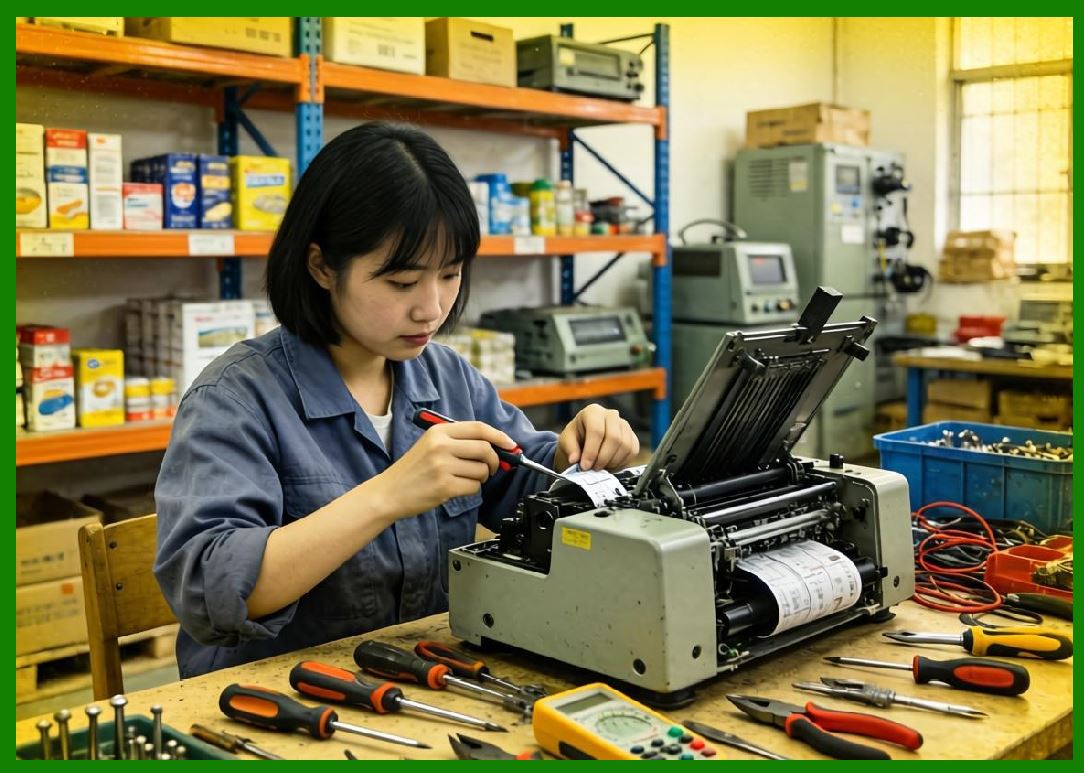
19. Digital Lifecycle Management Systems |
19.1 Modern systems use digital tools to track printer lifecycle status. |
19.2 These systems monitor: |
* Usage history |
* Component wear levels |
* Maintenance schedules |
19.3 This enables data-driven maintenance decisions. |
|
20. Future Trends in Calibration and Maintenance |
20.1 Future developments include: |
* Fully autonomous self-calibrating printers |
* AI-driven predictive maintenance ecosystems |
* Real-time cloud-based diagnostic systems |
* Self-repairing firmware logic |

|
21. Summary of Part 24 |
21.1 Calibration and maintenance engineering are essential for ensuring long-term reliability and precision in barcode printing systems. |
21.2 Through structured calibration processes and predictive maintenance strategies, barcode printers maintain consistent performance across millions of operational cycles. |
21.3 Future systems will increasingly rely on automation, AI, and digital lifecycle management to minimize downtime and maximize operational efficiency. |
End of Part 24 |
|
Part 25: Barcode Printer Industry Applications and Sector-Specific Deployment Models (Retail, Logistics, Healthcare, Manufacturing, and Government Systems). |
 cs@easiersoft.com