Part 3: Thermal Transfer Barcode Printers (Ribbon Technology, Material Science, and Long-Term Durability Analysis) |
1. Introduction to Thermal Transfer Printing |
1.1 Thermal transfer printing is one of the most important and widely adopted barcode printing technologies, particularly in applications requiring high durability, long lifespan, and resistance to environmental factors. |
1.2 Unlike direct thermal printing, which relies on chemically coated media, thermal transfer printing uses a ribbon coated with ink (or resin/wax compounds). Heat from the printhead transfers this ink onto the label surface. |
1.3 This method enables the production of highly durable barcodes that can withstand harsh conditions such as heat, moisture, chemicals, and abrasion. |
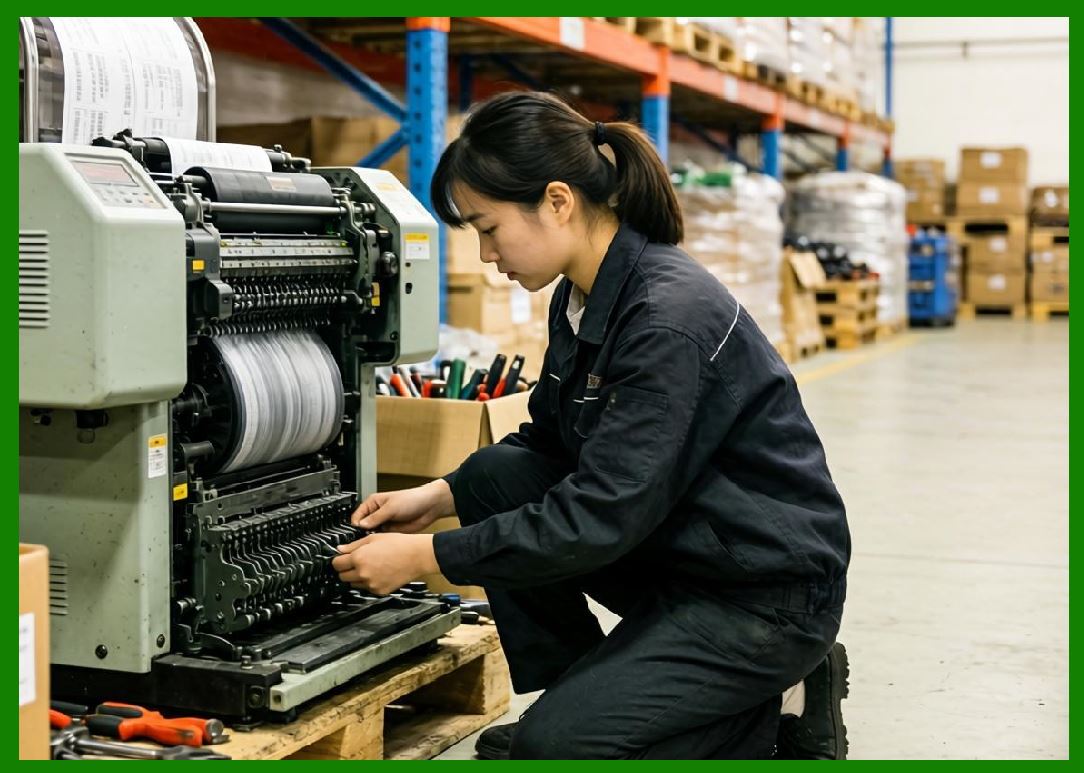
1.4 Thermal transfer printers are extensively used in industries such as manufacturing, automotive, electronics, pharmaceuticals, warehousing, and asset tracking. |
|
2. Fundamental Printing Principle |
2.1 The thermal transfer process involves three main elements: |
1. Thermal printhead |
2. Ribbon (ink carrier) |
3. Label substrate |
2.2 During printing: |
* The printhead heats selected elements |
* The heat melts or softens the ink coating on the ribbon |
* The ink is transferred onto the label surface |
* The image solidifies as it cools |
2.3 The precision of heat control determines the quality of the printed barcode. |

|
3. Structure of Thermal Transfer Printers |
3.1 Thermal transfer printers share many structural similarities with direct thermal printers but include additional components for ribbon handling. |
3.2 Key components include: |
1. Thermal printhead |
2. Platen roller |
3. Ribbon supply spindle |
4. Ribbon take-up spindle |
5. Media supply system |
6. Drive motors |
7. Control electronics |
3.3 The ribbon path must be carefully aligned to ensure consistent ink transfer. |

|
4. Thermal Transfer Ribbon Composition |
4.1 The ribbon is a critical consumable in thermal transfer printing. |
4.2 It typically consists of multiple layers: |
1. Base film (usually polyester) |
2. Release layer |
3. Ink layer (wax, resin, or hybrid) |
4. Back coating (for heat resistance and lubrication) |
4.3 The ink layer formulation determines the performance characteristics of the printed image. |

|
5. Types of Thermal Transfer Ribbons |
5.1 Thermal transfer ribbons are generally classified into three types: |
5.1.1 Wax Ribbons |
* Composed primarily of wax-based ink |
* Low melting point |
* Suitable for paper labels |
* Cost-effective but less durable |
5.1.2 Resin Ribbons |
* Composed of synthetic resin materials |
* High melting point |
* Excellent durability and resistance |
* Ideal for synthetic labels |
5.1.3 Wax-Resin Ribbons |
* Hybrid formulation |
* Balanced performance |
* Moderate durability and cost |
5.2 Selection of ribbon type depends on application requirements. |

|
6. Label Substrate Compatibility |
6.1 Thermal transfer printing supports a wide range of substrates: |
1. Paper labels |
2. Polyester (PET) |
3. Polypropylene (PP) |
4. Polyethylene (PE) |
5. Vinyl |
6.2 Synthetic materials provide enhanced durability and are often paired with resin ribbons. |
6.3 Compatibility between ribbon and substrate is essential for optimal performance. |

|
7. Print Quality and Resolution |
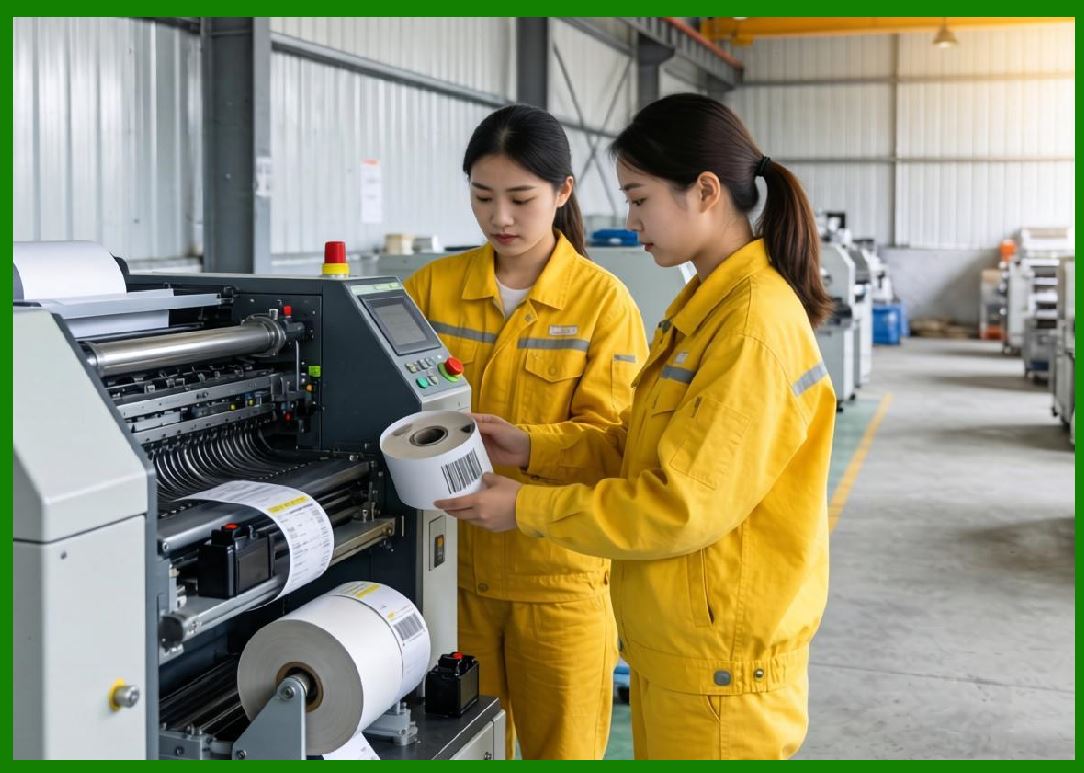
7.1 Thermal transfer printers offer high print quality with sharp edges and strong contrast. |
7.2 Common resolutions include: |
* 203 DPI |
* 300 DPI |
* 600 DPI |
7.3 High resolution is critical for: |
* Small barcodes |
* High-density data encoding |
* Regulatory compliance labeling |
7.4 Print quality depends on: |
* Ribbon formulation |
* Printhead condition |
* Heat and pressure control |
|
8. Durability of Printed Labels |
8.1 One of the key advantages of thermal transfer printing is durability. |
8.2 Printed labels can resist: |
* Heat and temperature fluctuations |
* UV exposure |
* Moisture and humidity |
* Chemical exposure (solvents, oils) |
* Abrasion and friction |
8.3 Resin-based prints offer the highest level of durability. |
|
9. Print Speed and Efficiency |
9.1 Thermal transfer printers typically operate at speeds ranging from 2 to 14 inches per second. |
9.2 Speed depends on: |
* Ribbon type |
* Print resolution |
* Printer model |
9.3 Higher speeds may require increased heat energy, which can impact printhead lifespan. |

|
10. Ribbon Handling Mechanisms |
10.1 Proper ribbon handling is crucial for consistent printing. |
10.2 Key aspects include: |
* Ribbon tension control |
* Alignment |
* Take-up synchronization |
10.3 Poor ribbon handling can lead to: |
* Wrinkling |
* Uneven printing |
* Ribbon breakage |

|
11. Advantages of Thermal Transfer Printing |
11.1 Major advantages include: |
1. High durability of printed images |
2. Wide media compatibility |
3. Excellent print quality |
4. Resistance to environmental factors |
11.2 These benefits make thermal transfer printing suitable for long-term applications. |

|
12. Limitations of Thermal Transfer Printing |
12.1 Despite its strengths, thermal transfer printing has some drawbacks: |
1. Requires ribbons (additional consumable) |
2. Higher operational complexity |
3. Increased maintenance requirements |
4. Higher total cost compared to direct thermal |
12.2 However, these drawbacks are often justified by improved durability. |
|
13. Maintenance and Printhead Care |
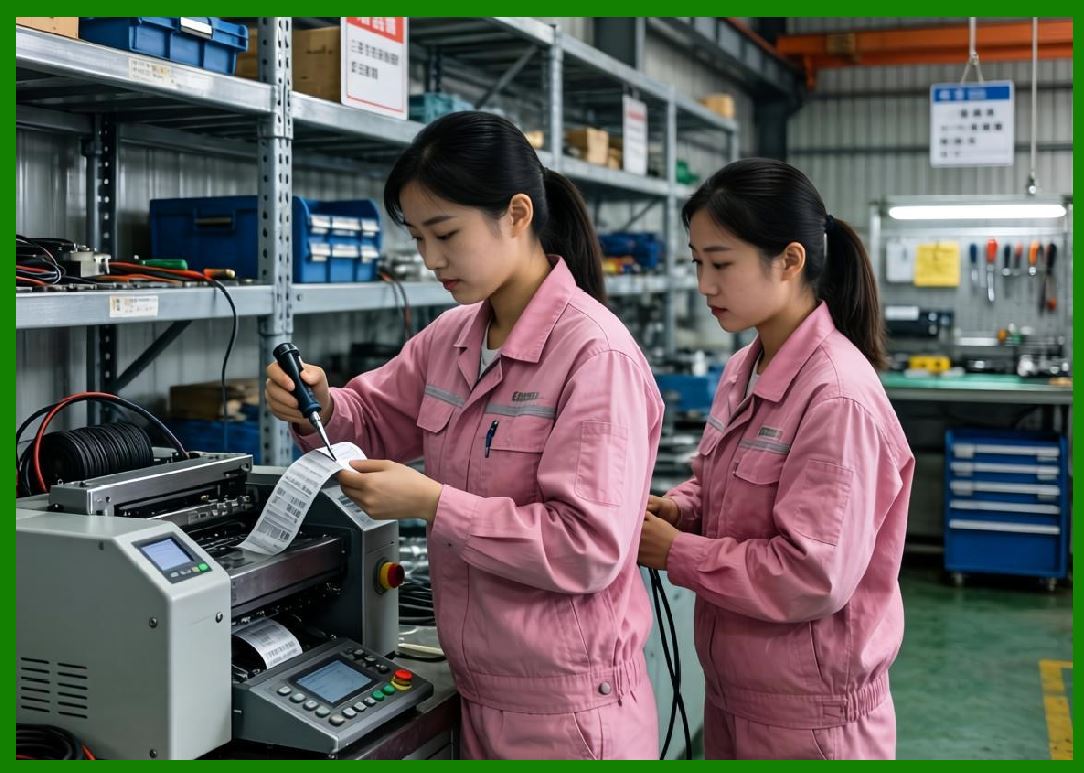
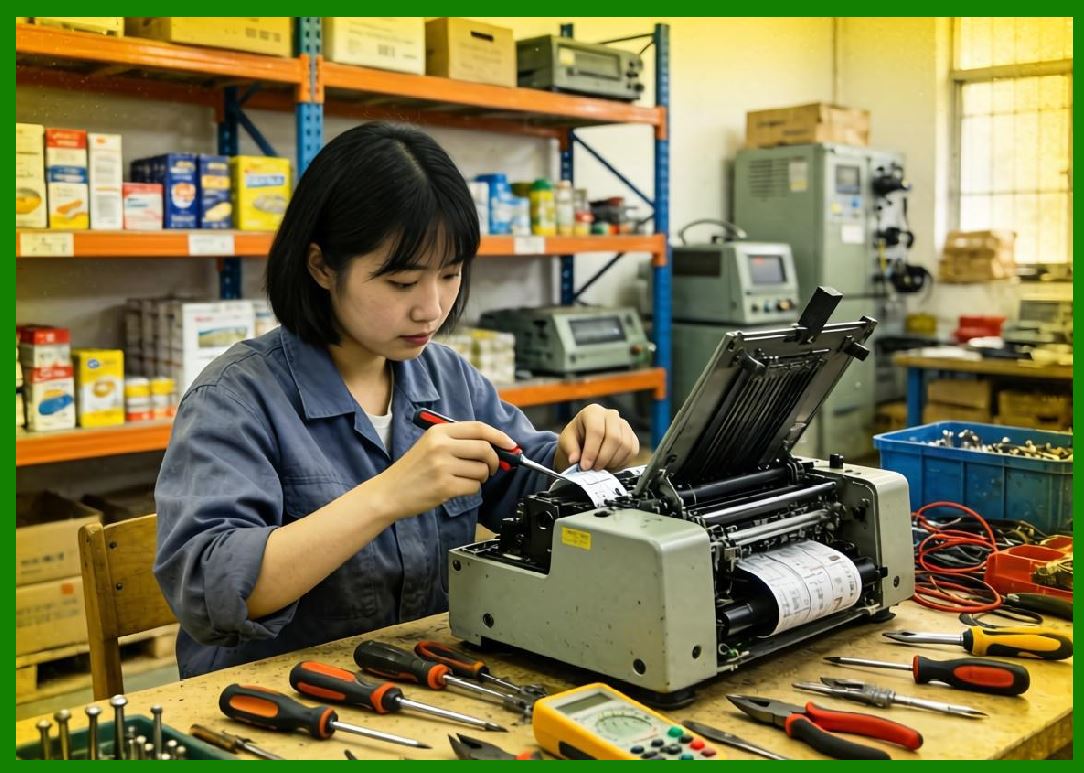
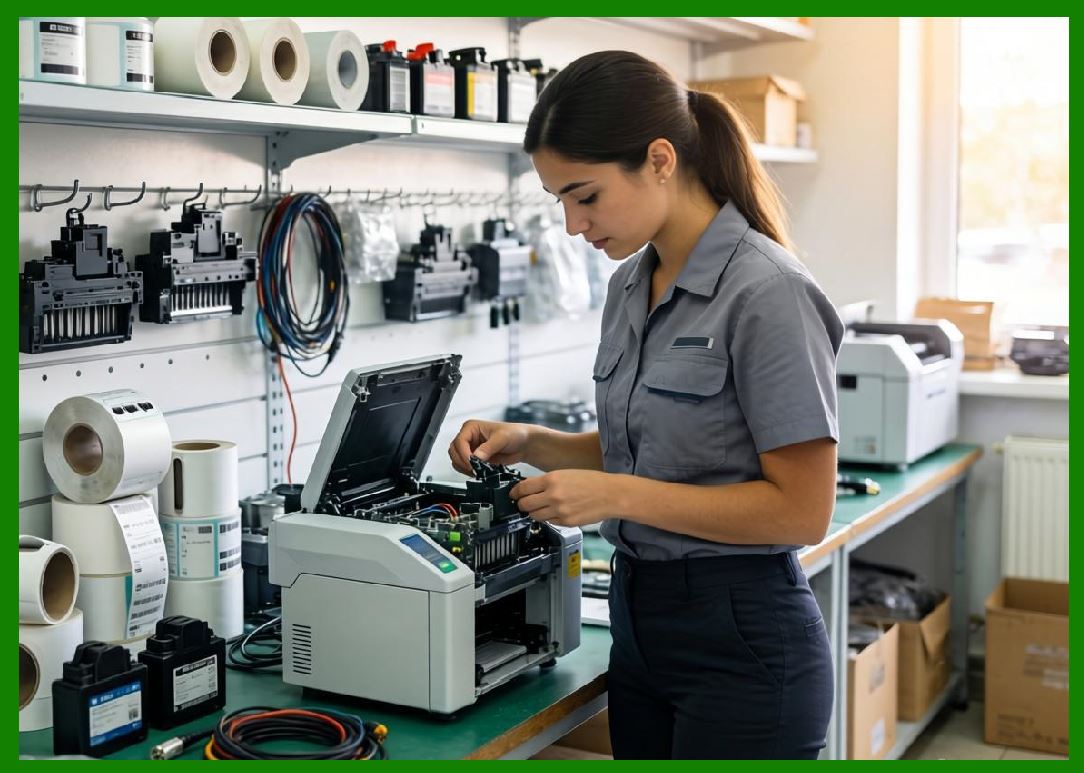
13.1 Maintenance is critical for ensuring consistent performance. |
13.2 Recommended practices include: |
1. Regular cleaning of the printhead |
2. Using high-quality ribbons and media |
3. Avoiding excessive heat settings |
13.3 Printhead wear is a primary maintenance concern. |

|
14. Cost Considerations |
14.1 Total cost of ownership includes: |
1. Printer cost |
2. Ribbon cost |
3. Label cost |
4. Maintenance |
14.2 While initial costs are higher, long-term durability can reduce replacement costs. |

|
15. Application Scenarios |
15.1 Thermal transfer printers are widely used in: |
1. Asset tracking |
2. Product labeling |
3. Industrial manufacturing |
4. Chemical labeling |
5. Outdoor applications |
15.2 These applications require long-lasting and reliable labels. |
|
16. Environmental Resistance Analysis |
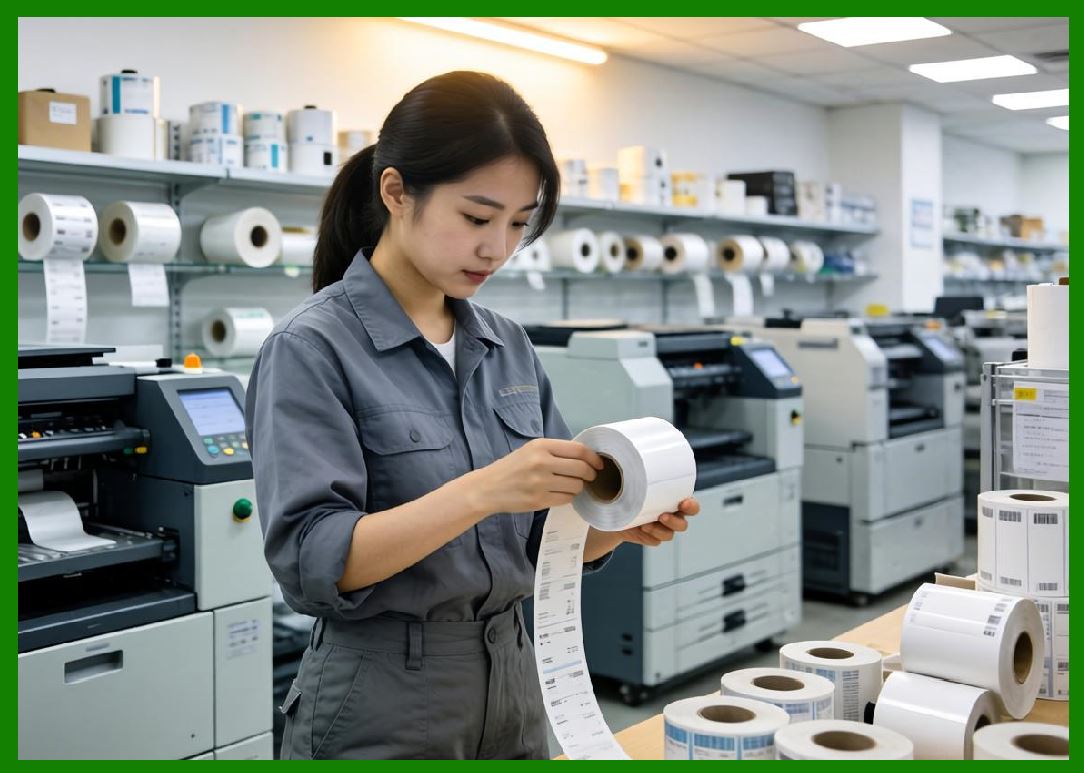
16.1 Thermal transfer labels are designed for harsh environments. |
16.2 Performance factors include: |
* Resistance to extreme temperatures |
* Waterproof properties |
* Chemical resistance |
16.3 Resin ribbons provide the highest level of protection. |
|
17. Comparison with Direct Thermal Printing |
17.1 Key differences include: |
1. Thermal transfer uses ribbons; direct thermal does not |
2. Thermal transfer provides higher durability |
3. Direct thermal is simpler and cheaper |
17.2 Selection depends on application requirements. |

|
18. Technological Innovations |
18.1 Recent innovations include: |
1. Advanced ribbon formulations |
2. Smart printhead temperature control |
3. Improved energy efficiency |
4. Integration with digital systems |
18.2 These innovations enhance performance and reliability. |

|
19. Reliability and Failure Modes |
19.1 Common issues include: |
1. Ribbon wrinkling |
2. Poor adhesion |
3. Printhead damage |
4. Incorrect heat settings |
19.2 Proper configuration minimizes these risks. |

|
20. Future Trends |
20.1 Future developments may include: |
1. Eco-friendly ribbon materials |
2. Increased automation |
3. Integration with IoT and Industry 4.0 systems |

|
21. Summary of Part 3 |
21.1 Thermal transfer barcode printers are essential for applications requiring high durability and long-lasting labels. |
21.2 Their use of ribbons allows for flexible material compatibility and superior resistance to environmental factors. |
21.3 Although they involve higher costs and complexity, their performance advantages make them indispensable in industrial and long-term labeling scenarios. |
End of Part 3 |

|
Part 4: Inkjet Barcode Printers (Droplet Formation, Ink Chemistry, and High-Speed Variable Data Printing). |
 cs@easiersoft.com