Part 4: Inkjet Barcode Printers (Droplet Formation, Ink Chemistry, and High-Speed Variable Data Printing) |
1. Introduction to Inkjet Barcode Printing |
1.1 Inkjet barcode printing represents a fundamentally different approach compared to thermal-based technologies. Instead of using heat to activate coatings or transfer ink, inkjet printers generate images by precisely depositing microscopic droplets of liquid ink onto a substrate. |
1.2 This technology is widely used in applications that require: |
* High-speed printing |
* Variable data (e.g., serial numbers, batch codes) |
* Printing on diverse surfaces, including non-porous materials |
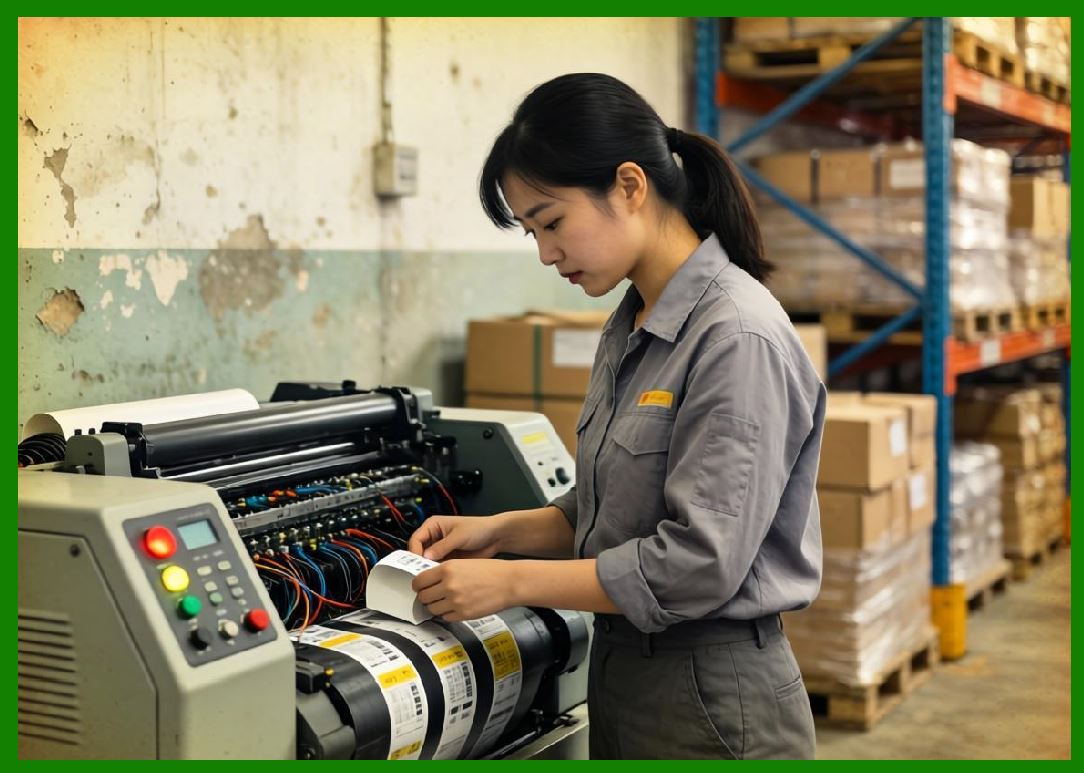
1.3 Inkjet barcode printers are commonly found in packaging lines, industrial marking systems, and large-scale logistics operations. |
1.4 Their ability to print without direct contact with the substrate makes them especially suitable for irregular or moving surfaces. |
|
2. Fundamental Printing Principle |
2.1 Inkjet printing works by ejecting controlled droplets of ink through microscopic nozzles onto a surface. |
2.2 The process involves: |
* Ink storage and delivery |
* Droplet generation |
* Droplet placement |
* Ink fixation (drying or curing) |
2.3 The accuracy of droplet placement determines barcode quality, especially for high-density symbologies. |
2.4 Two main physical forces are used to generate droplets: |
* Thermal energy |
* Mechanical deformation (piezoelectric effect) |

|
3. Classification of Inkjet Technologies |
3.1 Inkjet barcode printers can be broadly classified into: |
1. Continuous Inkjet (CIJ) |
2. Drop-on-Demand (DOD) |
3.2 Each type has distinct operating principles and performance characteristics. |
|
4. Continuous Inkjet (CIJ) Technology |
4.1 CIJ printers generate a continuous stream of ink droplets. |
4.2 The process involves: |
* Pumping ink at high pressure |
* Breaking the stream into droplets using vibration |
* Charging selected droplets electrically |
* Deflecting charged droplets onto the substrate |
4.3 Unused droplets are recirculated back into the system. |
4.4 Advantages of CIJ include: |
* Extremely high speed |
* Ability to print on moving production lines |
* Non-contact operation |
4.5 Limitations include: |
* Complex system design |
* Higher maintenance requirements |
* Ink waste management |
|
5. Drop-on-Demand (DOD) Technology |
5.1 DOD printers eject ink only when needed, improving efficiency. |
5.2 Two main types of DOD systems are: |
5.2.1 Thermal Inkjet (TIJ) |
* Uses localized heating to create vapor bubbles |
* Bubble expansion forces ink droplets out |
5.2.2 Piezoelectric Inkjet |
* Uses piezoelectric crystals that deform when voltage is applied |
* Deformation creates pressure to eject ink |
5.3 DOD systems offer: |
* Higher precision |
* Lower ink consumption |
* Simpler operation compared to CIJ |
|
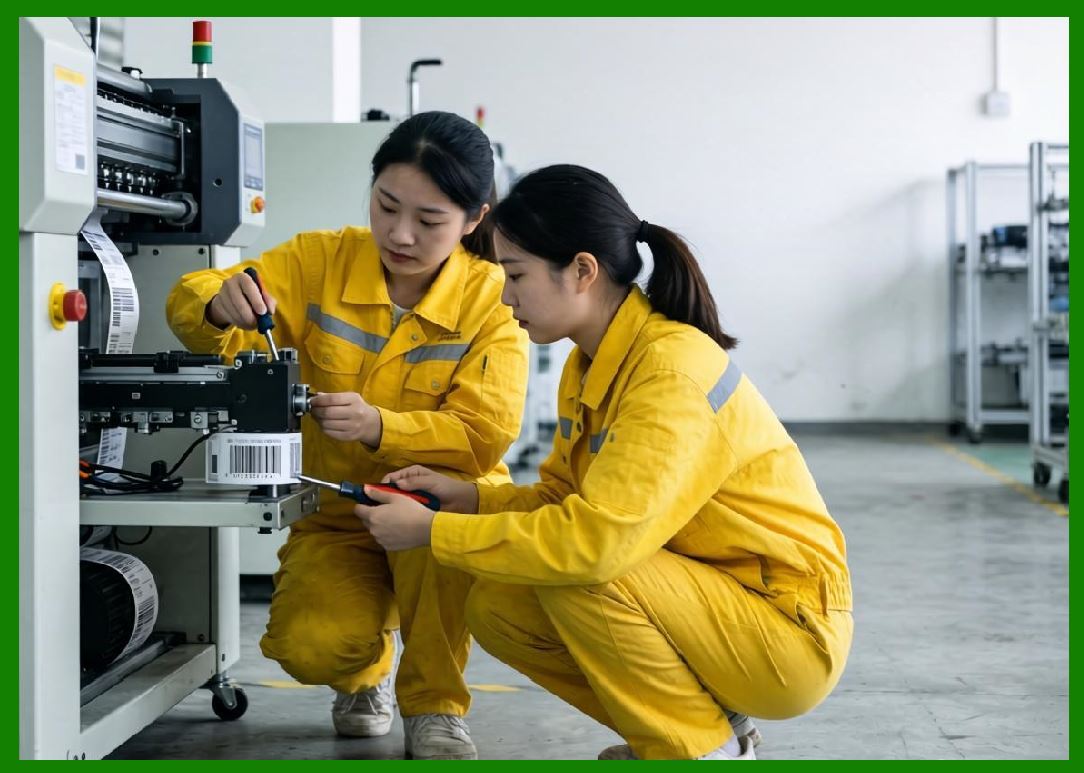
6. Ink Composition and Chemistry |
6.1 Ink formulation is critical to inkjet performance. |
6.2 Typical ink components include: |
1. Colorants (dyes or pigments) |
2. Solvents |
3. Binders |
4. Additives (for viscosity, drying, adhesion) |
6.3 Ink types include: |
* Water-based inks |
* Solvent-based inks |
* UV-curable inks |
* Oil-based inks |
6.4 The choice of ink depends on: |
* Substrate type |
* Environmental conditions |
* Durability requirements |
|
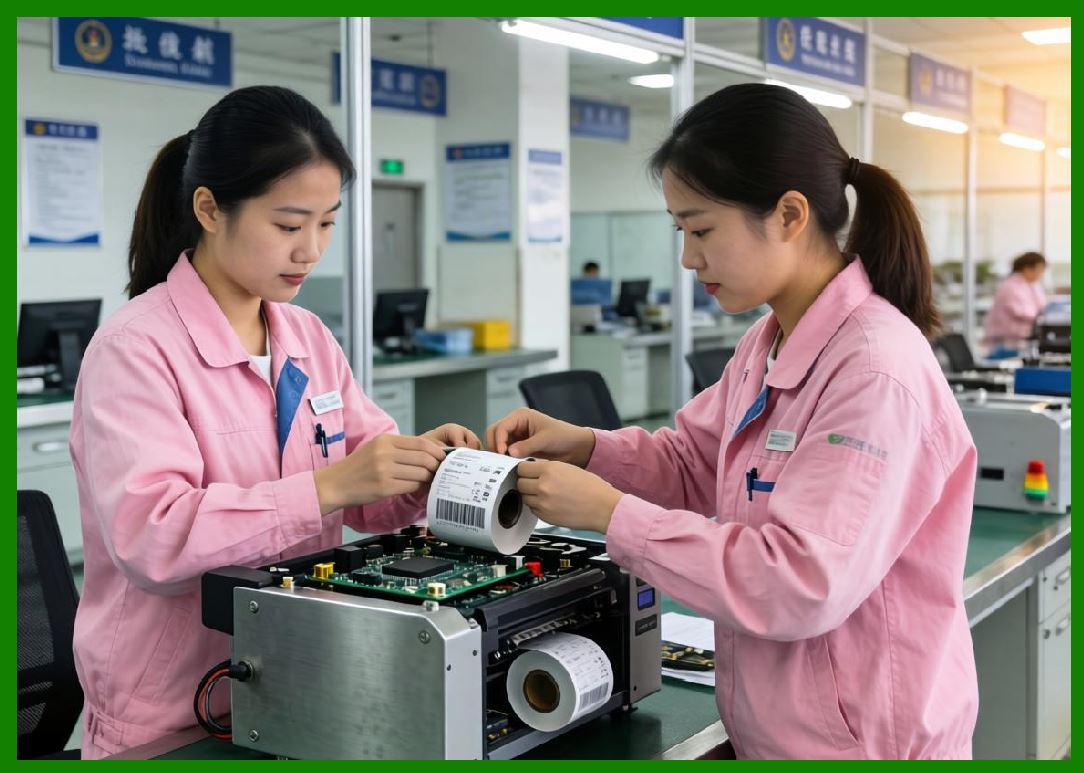
7. Substrate Compatibility |
7.1 Inkjet printers can print on a wide variety of materials: |
1. Paper and cardboard |
2. Plastics |
3. Glass |
4. Metals |
5. Flexible packaging materials |
7.2 Surface properties such as porosity and surface energy affect ink adhesion. |
7.3 Pre-treatment methods (e.g., corona treatment) may be used to improve adhesion. |
|
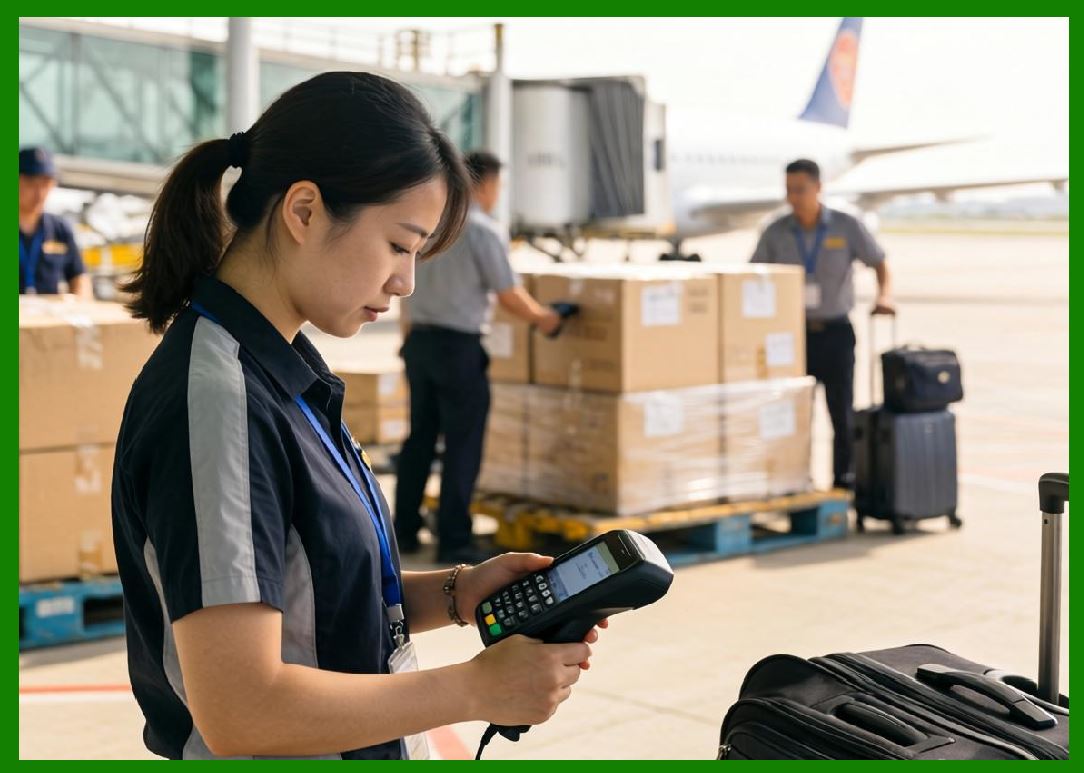
8. Droplet Formation and Control |
8.1 Droplet size typically ranges from a few picoliters to tens of picoliters. |
8.2 Key parameters include: |
* Droplet velocity |
* Droplet volume |
* Ejection frequency |
8.3 Precise control ensures: |
* Accurate barcode dimensions |
* Consistent print quality |
* Minimal ink spread |
|
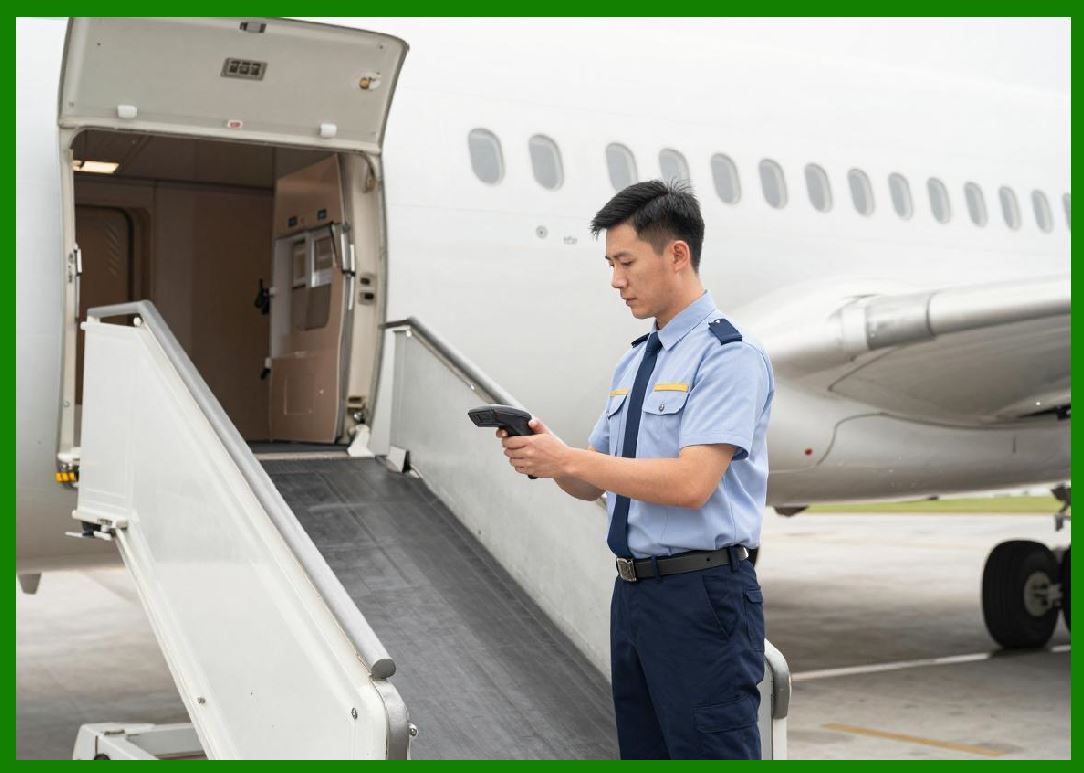
9. Print Resolution and Quality |
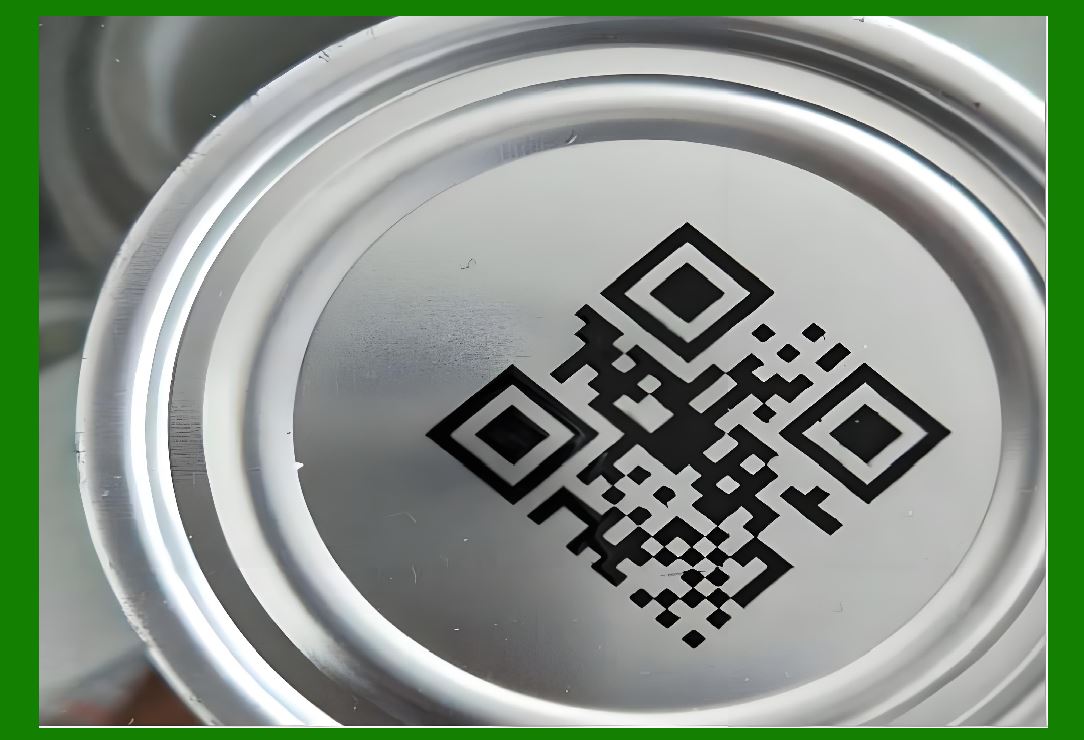
9.1 Inkjet resolution is measured in DPI and can exceed 600 DPI in advanced systems. |
9.2 High resolution is necessary for: |
* Small barcodes |
* 2D codes |
* High-density information encoding |
9.3 Print quality is influenced by: |
* Ink absorption |
* Droplet placement accuracy |
* Substrate characteristics |
|
10. Print Speed and Throughput |
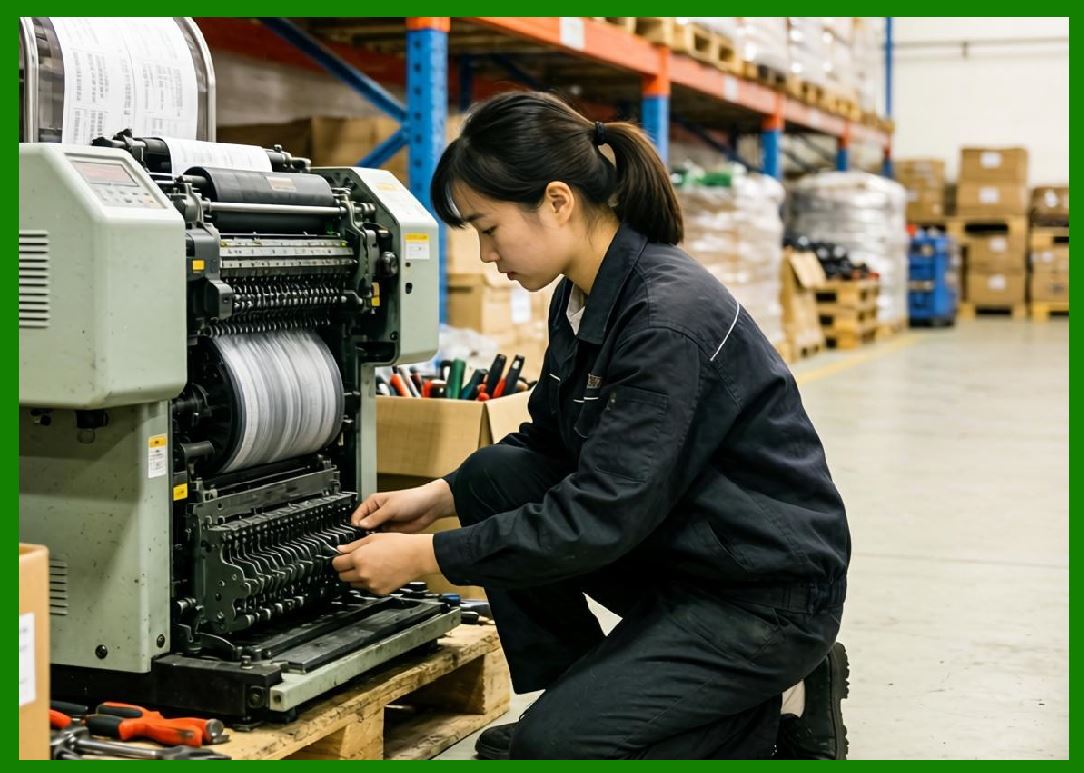
10.1 Inkjet printers are capable of extremely high speeds, especially CIJ systems. |
10.2 They are ideal for: |
* High-speed production lines |
* Real-time printing applications |
10.3 Speed is influenced by: |
* Printhead design |
* Ink drying time |
* Data processing capability |
|
11. Drying and Curing Mechanisms |
11.1 Ink must dry or cure after deposition to ensure durability. |
11.2 Common methods include: |
1. Evaporation (solvent-based inks) |
2. Absorption (porous materials) |
3. UV curing (UV inks) |
4. Heat-assisted drying |
11.3 Drying speed affects production efficiency and print quality. |

|
12. Advantages of Inkjet Barcode Printing |
12.1 Key advantages include: |
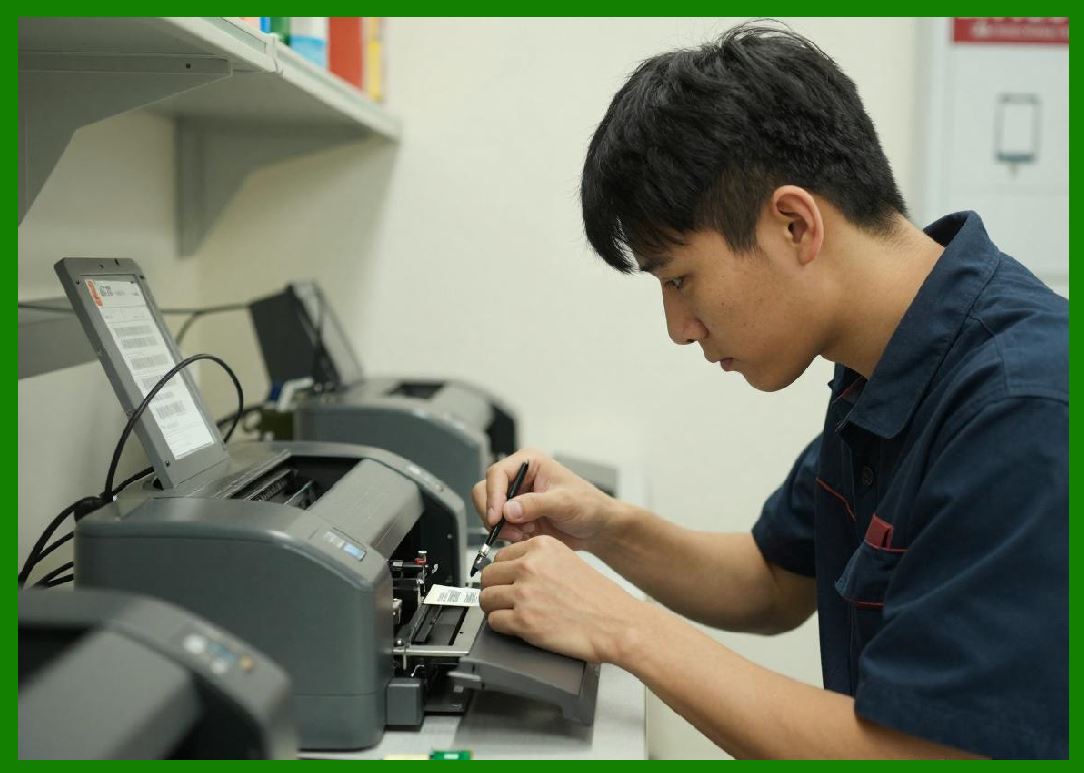
1. Non-contact printing |
2. High-speed operation |
3. Ability to print on surfaces |
4. Support for variable data printing |
5. Minimal mechanical wear |
12.2 These features make inkjet ideal for industrial marking applications. |
|
13. Limitations of Inkjet Printing |
13.1 Limitations include: |
1. Ink cost |
2. Sensitivity to environmental conditions |
3. Potential for nozzle clogging |
4. Maintenance requirements |
13.2 Print durability may be lower than thermal transfer unless specialized inks are used. |
|
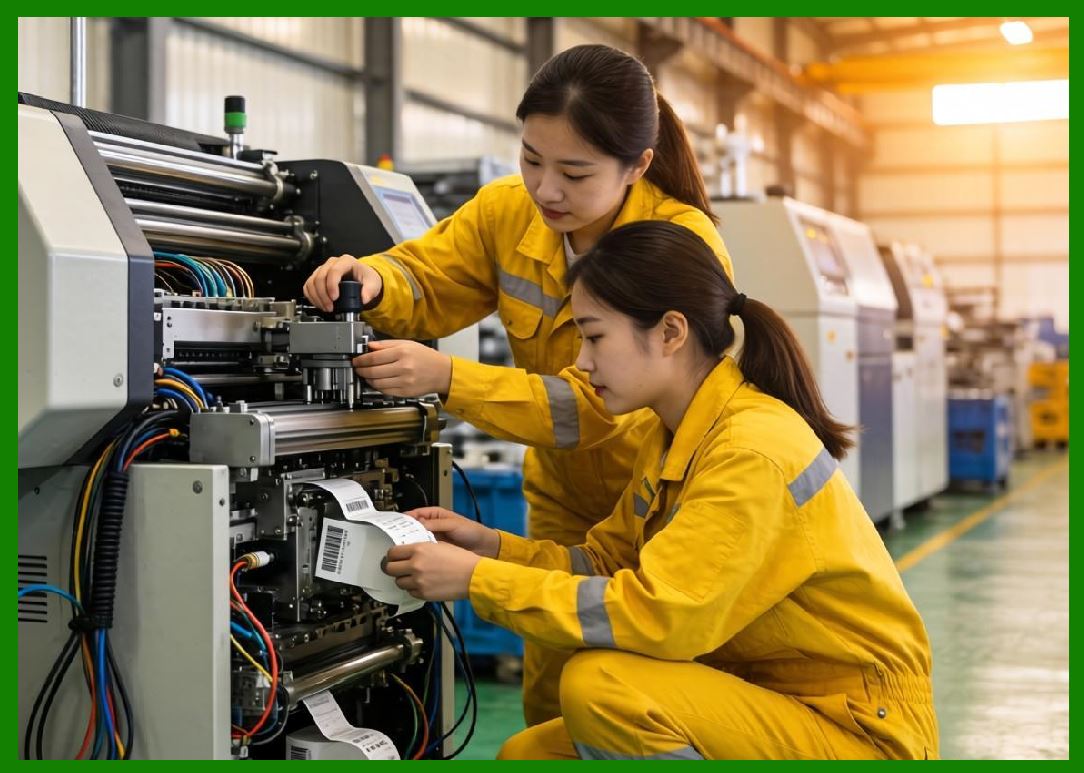
14. Maintenance and Reliability |
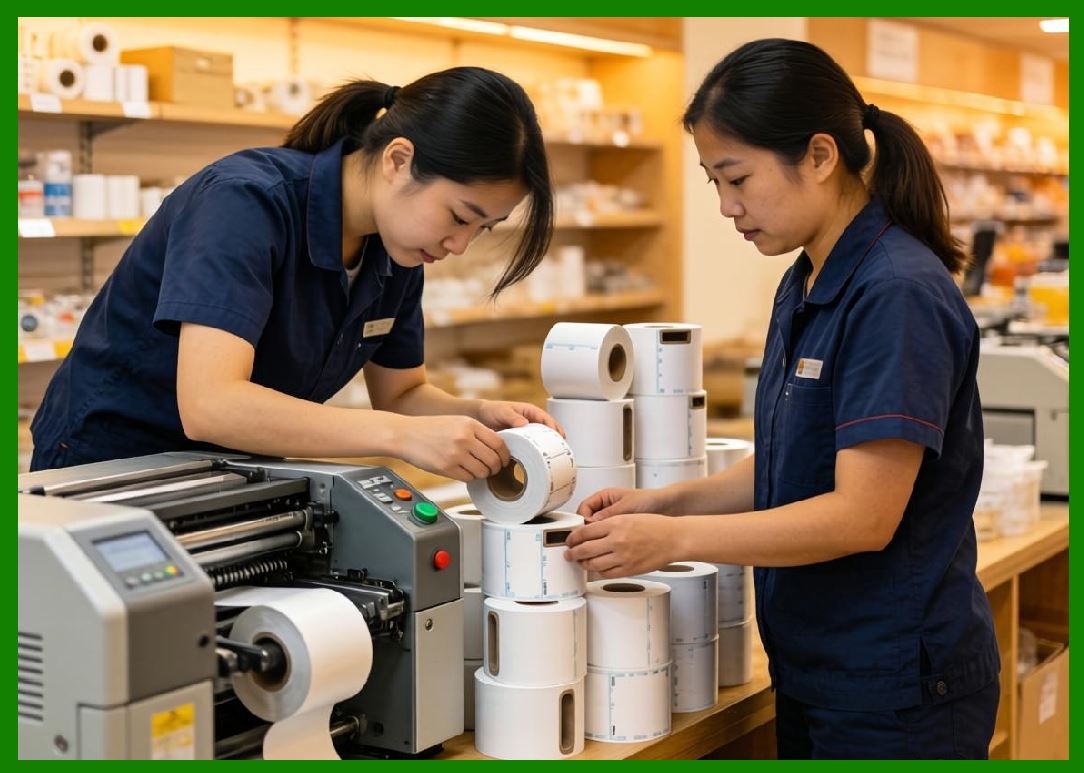
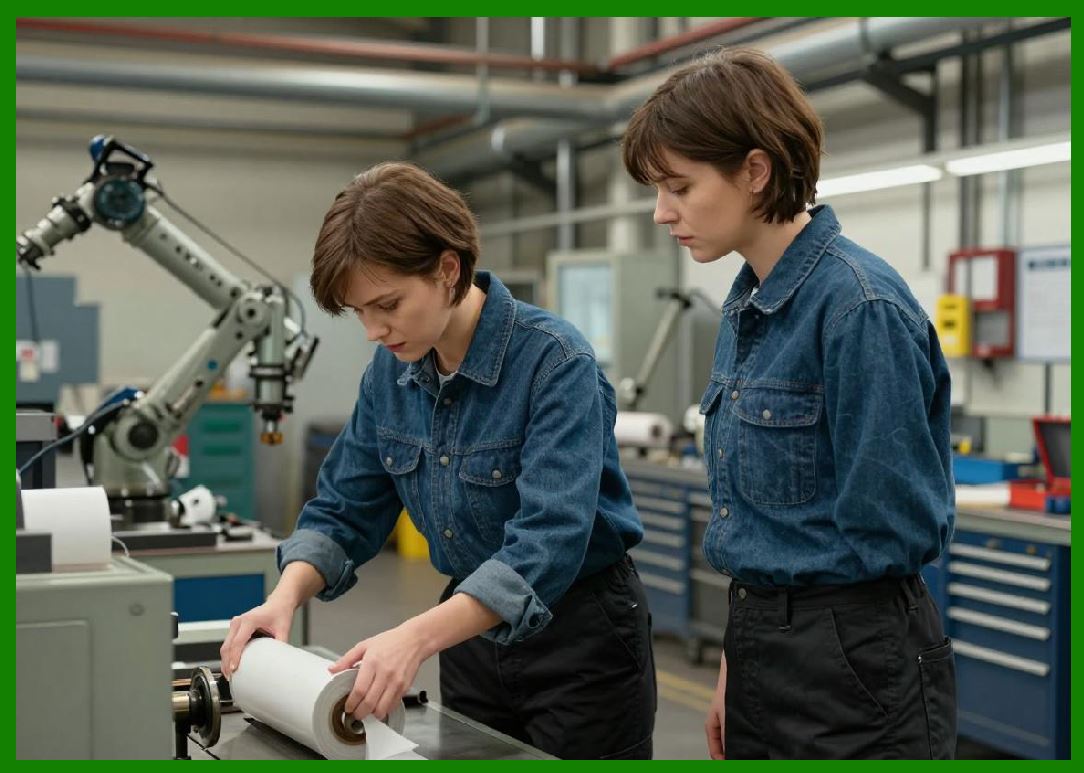
14.1 Maintenance tasks include: |
1. Cleaning printheads |
2. Preventing ink drying in nozzles |
3. Monitoring ink levels |
4. Replacing filters |
14.2 Regular maintenance ensures consistent performance and prevents downtime. |
|
15. Environmental Considerations |
15.1 Environmental factors affecting inkjet printing include: |
* Temperature |
* Humidity |
* Airflow |
15.2 These factors influence: |
* Ink viscosity |
* Drying time |
* Print quality |
|
16. Cost Analysis |
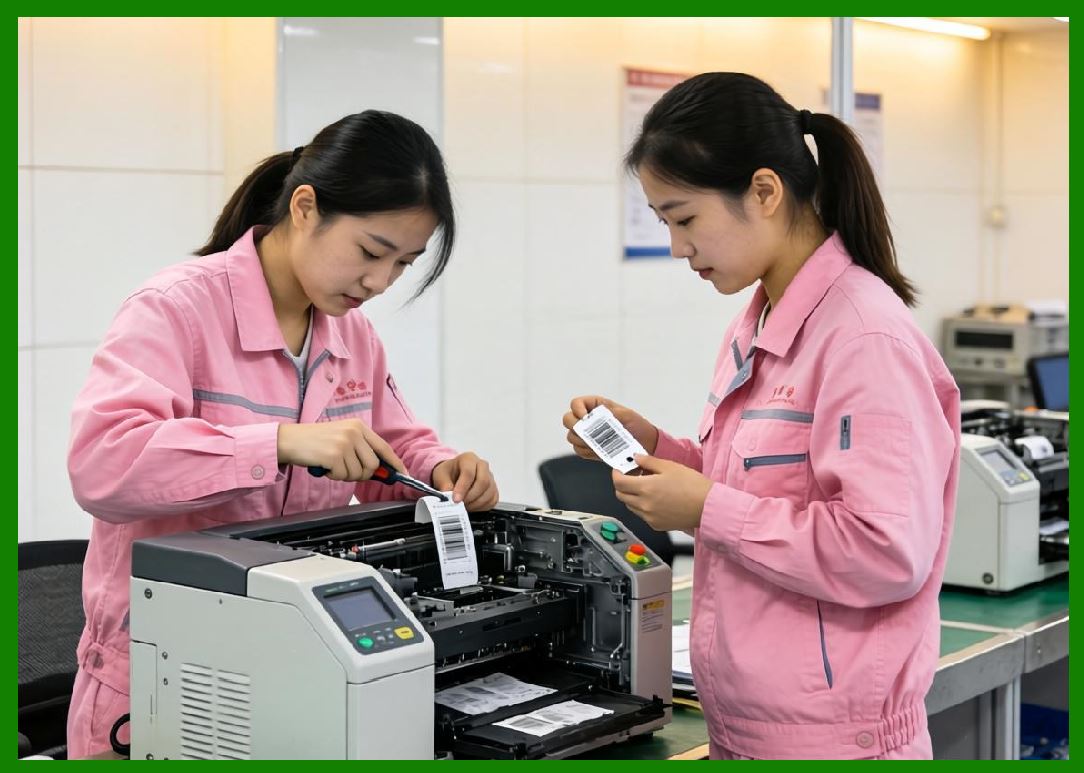
16.1 Cost components include: |
1. Printer hardware |
2. Ink consumption |
3. Maintenance |
4. Energy usage |
16.2 While initial costs may be moderate, ink expenses can be significant over time. |
|
17. Application Scenarios |
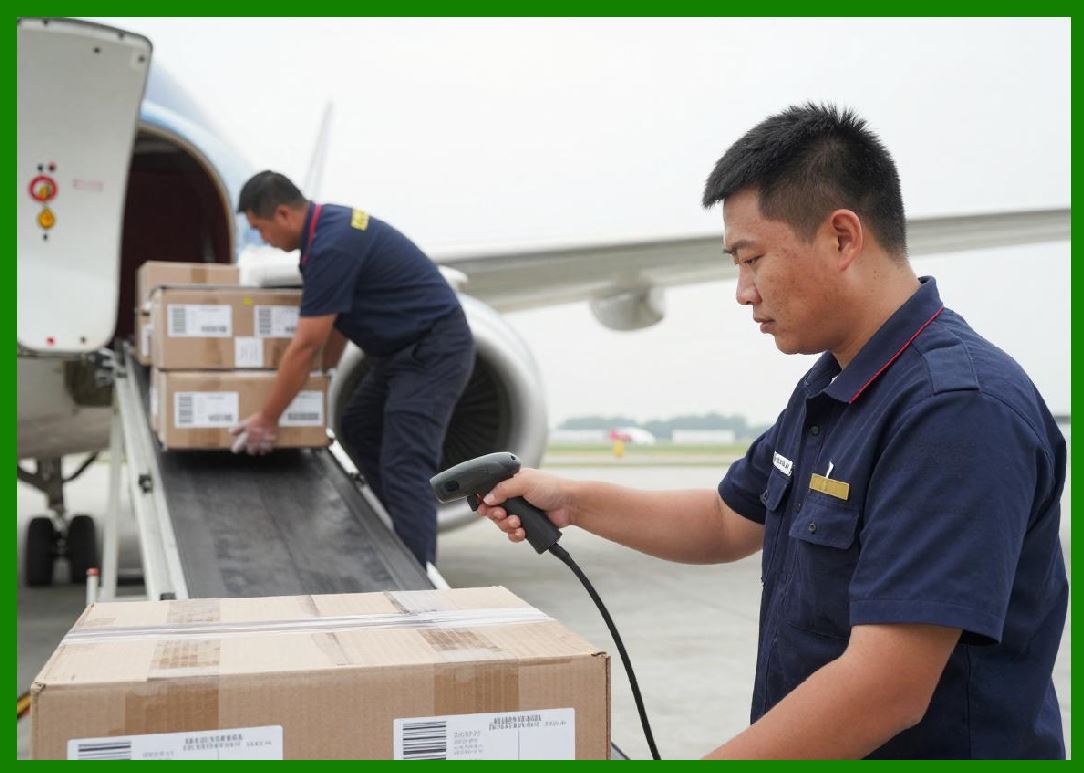
17.1 Inkjet barcode printers are used in: |
1. Packaging and labeling |
2. Food and beverage industry |
3. Pharmaceutical coding |
4. Electronics manufacturing |
5. Logistics and shipping |
17.2 They are particularly valuable for dynamic, real-time printing. |

|
18. Comparison with Thermal Technologies |
18.1 Compared to thermal printing: |
* Inkjet offers more flexibility in substrates |
* Thermal printing provides higher durability (in many cases) |
* Inkjet supports high-speed variable data |
18.2 Each technology serves different application needs. |
|
19. Technological Innovations |
19.1 Recent advancements include: |
1. High-resolution industrial printheads |
2. Advanced ink formulations |
3. Smart monitoring systems |
4. Integration with automation systems |
19.2 These innovations improve efficiency and reliability. |
|
20. Future Trends |
20.1 Future developments may include: |
1. Eco-friendly inks |
2. Higher resolution printing |
3. AI-driven print optimization |
4. Increased integration with Industry 4.0 |

|
21. Summary of Part 4 |
21.1 Inkjet barcode printers provide a versatile and high-speed solution for modern industrial printing needs. |
21.2 Their non-contact printing method allows for flexibility across a wide range of materials and applications. |
21.3 While they require careful maintenance and ink management, their advantages in speed and adaptability make them indispensable in many industries. |
End of Part 4 |
|
Part 5: Laser Barcode Printers (Electrophotographic Imaging, Toner Physics, and High-Resolution Output Systems). |
 cs@easiersoft.com