Part 5: Laser Barcode Printers (Electrophotographic Imaging, Toner Physics, and High-Resolution Output Systems) |
1. Introduction to Laser Barcode Printing |
1.1 Laser barcode printing is based on electrophotographic imaging technology, originally developed for office document printing. It has been adapted for barcode generation in environments where high resolution, precise edge definition, and integration with standard document workflows are required. |
1.2 Unlike thermal or inkjet technologies, laser printers use a combination of electrostatic charges, light exposure, and toner particles to create images on paper or label media. |
1.3 Laser barcode printers are commonly used in: |
* Office environments |
* Inventory documentation |
* Product labeling (non-industrial durability) |
* Shipping documentation integrated with forms |
1.4 While not always the first choice for industrial barcode labeling, laser printers play an important role in hybrid printing environments. |

|
2. Fundamental Electrophotographic Principle |
2.1 Laser printing is based on the principle of electrophotography, which involves the controlled manipulation of electrostatic charges. |
2.2 The process includes: |
1. Charging a photoconductive drum |
2. Exposing the drum to a laser beam |
3. Developing the image with toner |
4. Transferring toner to paper |
5. Fusing the toner onto the substrate |
2.3 The laser selectively discharges areas of the drum to form a latent image corresponding to the barcode. |

|
3. Key Components of Laser Barcode Printers |
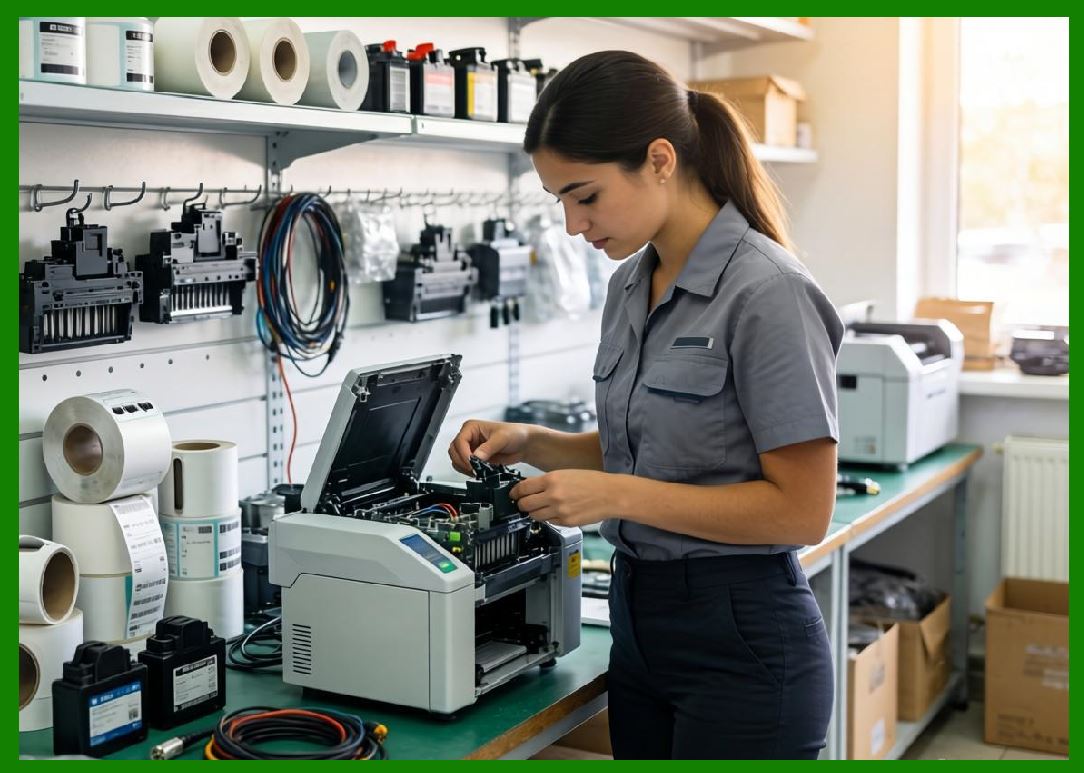
3.1 A laser printer consists of several critical components: |
1. Laser scanning unit |
2. Photoconductive drum |
3. Primary charging roller |
4. Developer unit (toner system) |
5. Transfer roller |
6. Fuser assembly |
7. Paper transport system |
3.2 Each component plays a role in ensuring accurate image formation. |
|
4. Laser Scanning System |
4.1 The laser scanning unit directs a focused laser beam across the photoconductive drum. |
4.2 It uses: |
* Rotating mirrors (polygon mirror) |
* Lenses for beam focusing |
* Modulation signals to control exposure |
4.3 The laser precision determines the resolution and sharpness of the printed barcode. |

|
5. Photoconductive Drum Technology |
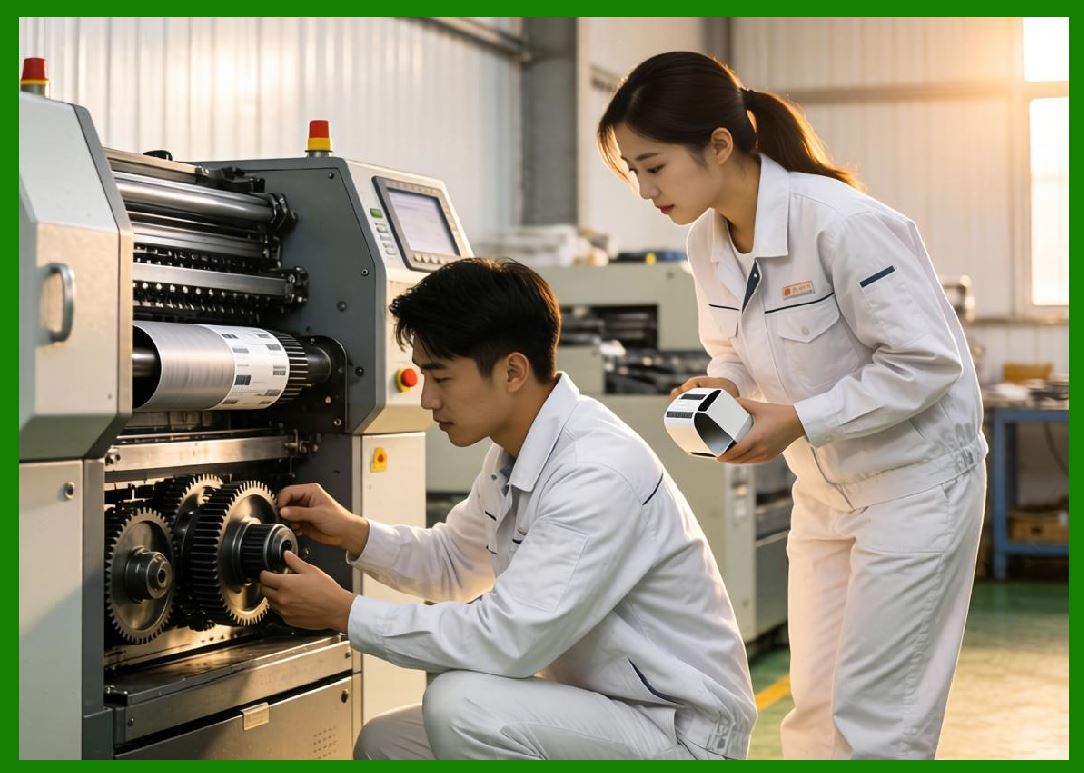
5.1 The drum is coated with a photoconductive material that changes electrical properties when exposed to light. |
5.2 In darkness: |
* The drum holds a uniform electrostatic charge |
5.3 When exposed to the laser: |
* The charge dissipates in exposed areas |
* A latent electrostatic image is formed |
5.4 Drum quality affects image consistency and lifespan. |
|
6. Toner Composition and Physics |
6.1 Toner is a fine composed of: |
1. Polymer resin |
2. Pigments (for color) |
3. Charge control agents |
4. Additives for flow and adhesion |
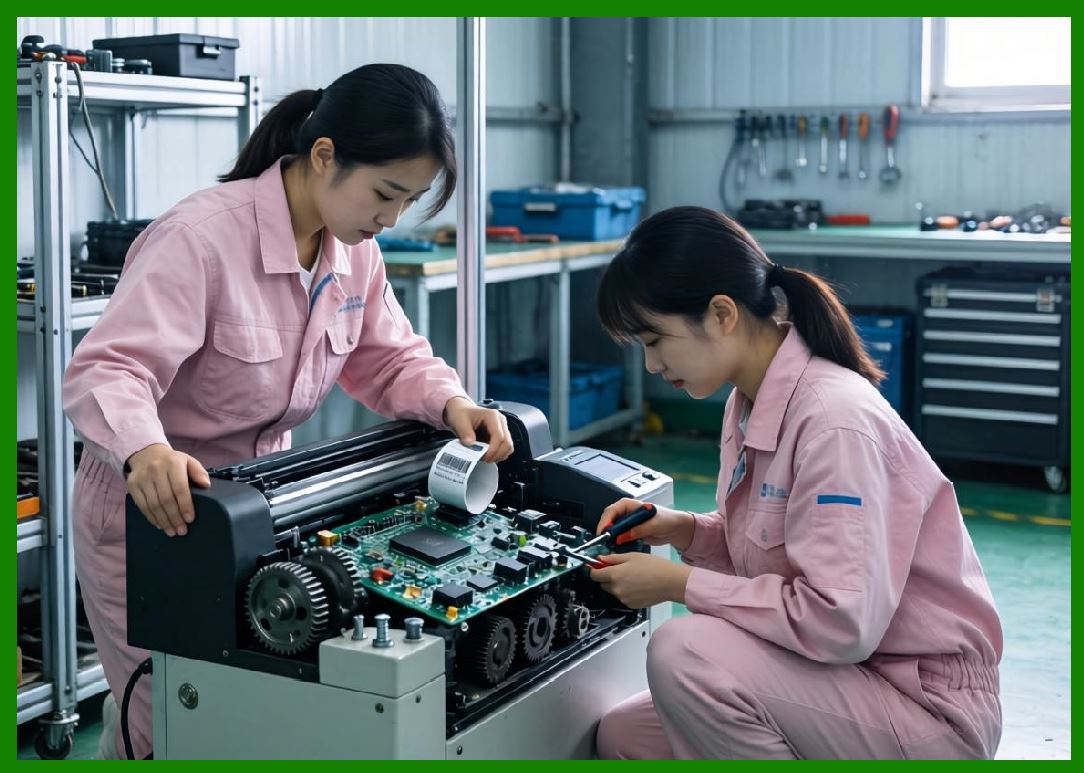
6.2 Toner particles are electrostatically charged and adhere to the latent image on the drum. |
6.3 The particle size influences: |
* Resolution |
* Edge sharpness |
* Print density |
|
7. Image Development Process |
7.1 The developer unit applies toner to the drum. |
7.2 Charged toner particles are attracted to . |
7.3 This forms a visible image on the drum surface. |
7.4 The uniformity of toner application is critical for barcode readability. |

|
8. Image Transfer Mechanism |
8.1 The toner image is transferred from the drum to the paper using a transfer roller or corona wire. |
8.2 The paper is given an opposite charge, attracting the toner. |
8.3 Proper alignment ensures accurate image placement. |

|
9. Fusing Process |
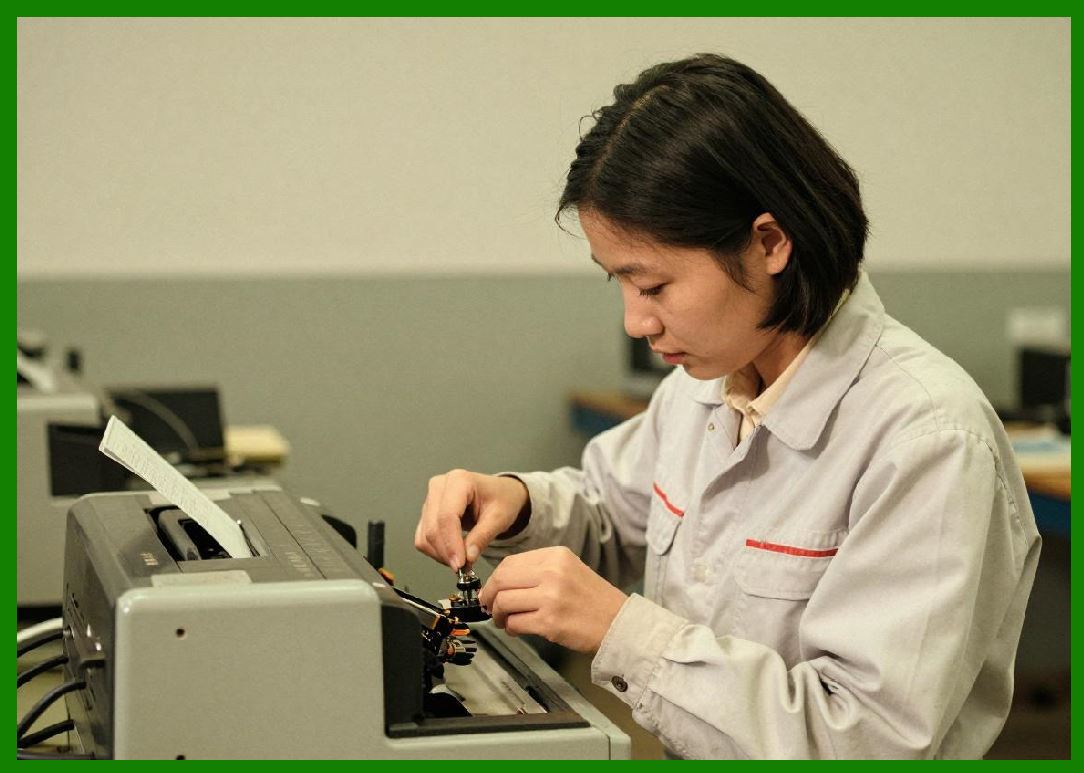
9.1 The fuser assembly uses heat and pressure to permanently bond toner to the substrate. |
9.2 It consists of: |
* Heated roller |
* Pressure roller |
9.3 The toner melts and fuses into the fibers of the paper or coating. |
9.4 Fusing temperature and pressure must be carefully controlled. |
|
10. Print Resolution and Quality |
10.1 Laser printers offer high resolution, typically: |
* 600 DPI |
* 1200 DPI |
* 2400 DPI (advanced systems) |
10.2 High resolution enables: |
* Precise barcode edges |
* High-density data encoding |
* Fine text printing |
10.3 Print quality depends on: |
* Laser precision |
* Toner particle size |
* Drum condition |

|
11. Print Speed and Throughput |
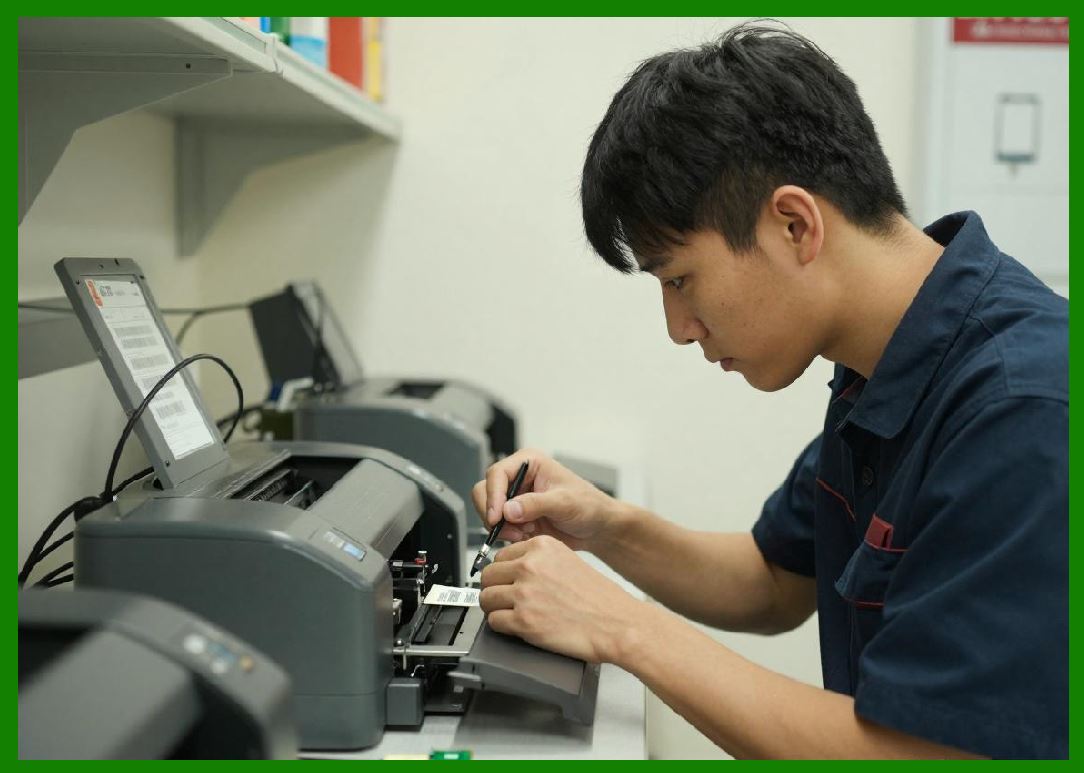
11.1 Laser printers are capable of high-speed printing, measured in pages per minute (PPM). |
11.2 They are suitable for: |
* Batch printing |
* High-volume document production |
11.3 Speed depends on: |
* Engine design |
* Page complexity |
* Data processing speed |
|
12. Media Compatibility |
12.1 Laser printers support various media types: |
1. Plain paper |
2. Label sheets |
3. Cardstock |
4. Synthetic media (limited) |
12.2 Heat-sensitive materials must be compatible with fusing temperatures. |
12.3 Improper media can cause: |
* Melting |
* Jamming |
* Poor adhesion |

|
13. Barcode Quality Considerations |
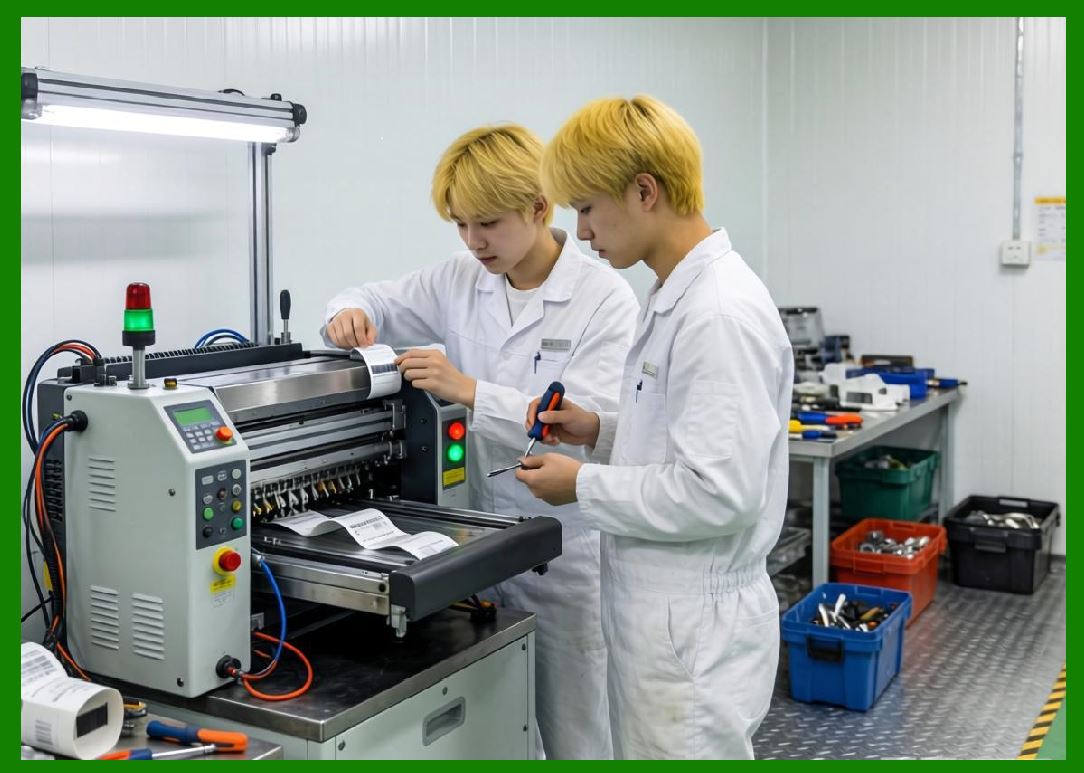
13.1 Laser printers can produce high-quality barcodes if properly configured. |
13.2 Key factors include: |
1. Toner density |
2. Edge sharpness |
3. Contrast ratio |
4. Registration accuracy |
13.3 However, laser printing may not always meet industrial barcode durability standards. |
|
14. Advantages of Laser Barcode Printing |
14.1 Key advantages include: |
1. High resolution |
2. Fast printing speeds |
3. Integration with office workflows |
4. No liquid ink handling |
14.2 These features make laser printers ideal for administrative and documentation purposes. |

|
15. Limitations of Laser Printing |
15.1 Limitations include: |
1. Limited durability of printed labels |
2. Sensitivity to heat during operation |
3. Less suitable for harsh environments |
4. Higher energy consumption |
15.2 They are generally not ideal for industrial labeling applications. |

|
16. Maintenance and Reliability |
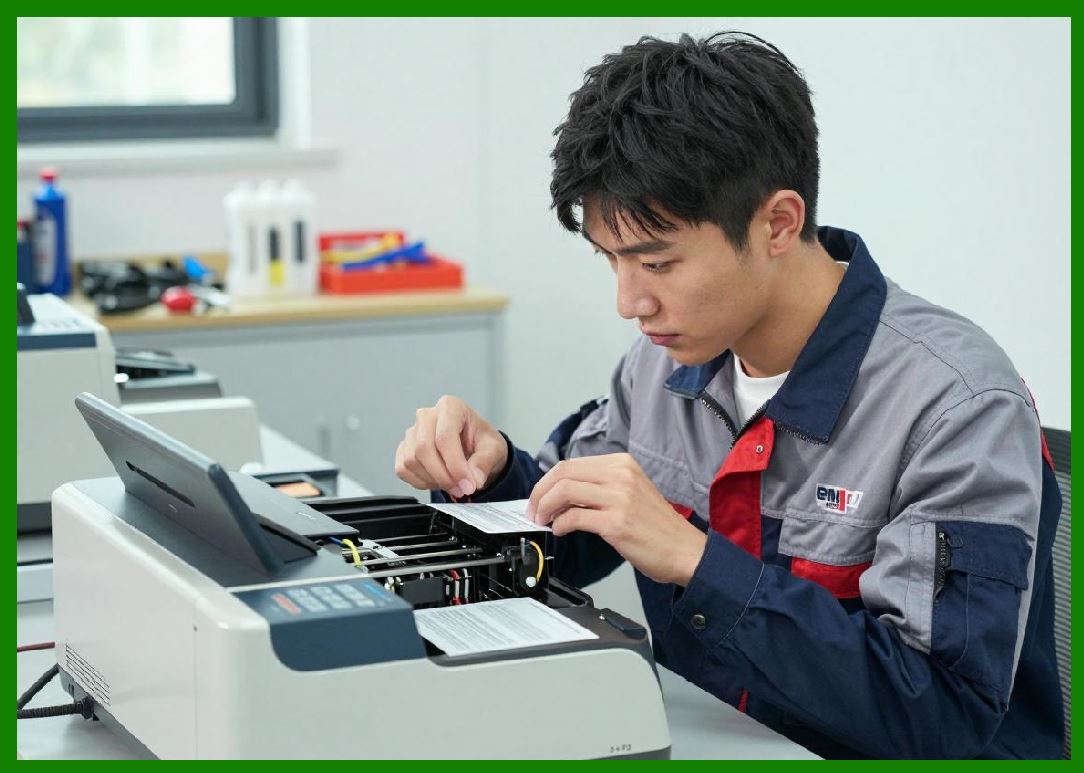
16.1 Maintenance involves: |
1. Replacing toner cartridges |
2. Cleaning internal components |
3. Replacing drums and fuser units |
16.2 Wear components include: |
* Drum |
* Fuser |
* Rollers |
16.3 Regular maintenance ensures consistent print quality. |

|
17. Environmental Considerations |
17.1 Laser printers consume more energy due to the fusing process. |
17.2 Toner particles may require careful handling. |
17.3 Recycling programs are available for cartridges. |

|
18. Cost Analysis |
18.1 Cost components include: |
1. Printer purchase price |
2. Toner cartridges |
3. Maintenance kits |
4. Energy consumption |
18.2 Cost per page can be low for high-volume printing. |

|
19. Application Scenarios |
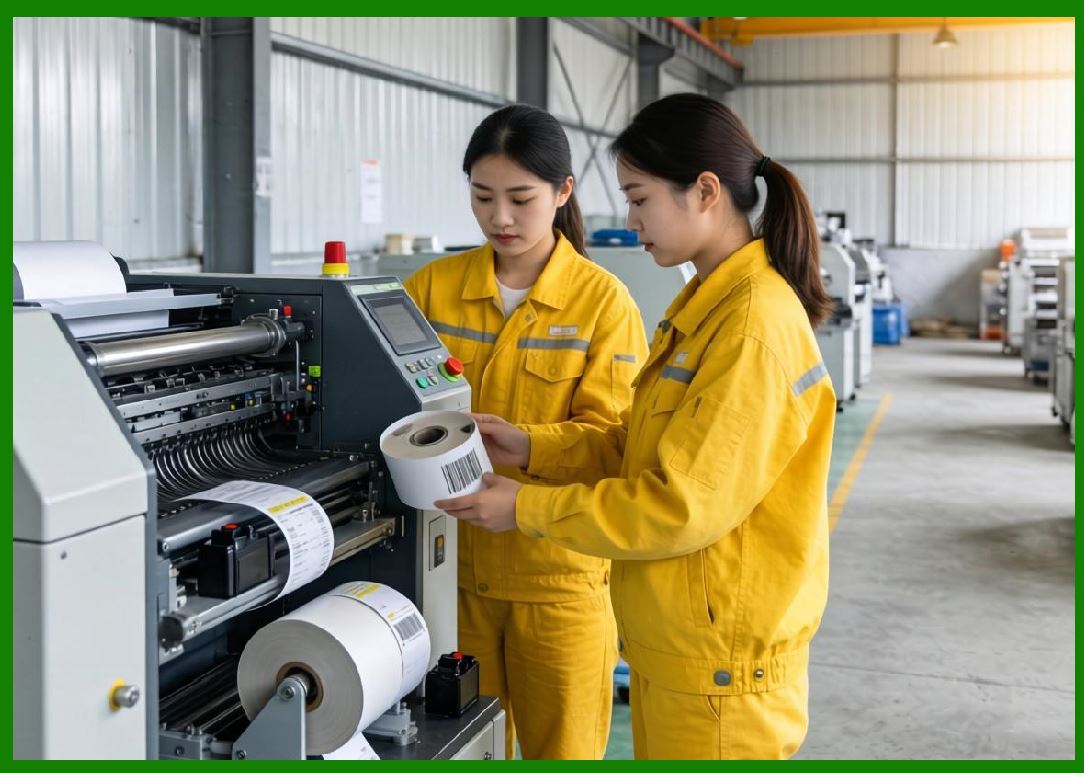
19.1 Laser barcode printers are used in: |
1. Office environments |
2. Shipping documentation |
3. Inventory reports |
4. Retail back-office operations |
19.2 They are best suited for non-industrial barcode applications. |
|
20. Comparison with Other Technologies |
20.1 Compared to thermal printing: |
* Higher resolution but lower durability |
20.2 Compared to inkjet: |
* More consistent output |
* Less susceptible to ink drying issues |
20.3 Each technology has distinct advantages depending on use case. |

|
21. Technological Innovations |
21.1 Innovations include: |
1. Smaller toner particles |
2. Improved energy efficiency |
3. Enhanced image processing algorithms |
4. Wireless connectivity |

|
22. Future Trends |
22.1 Future developments may include: |
1. Eco-friendly toner formulations |
2. Higher resolution systems |
3. Integration with digital workflows |
|
23. Summary of Part 5 |
23.1 Laser barcode printers utilize electrophotographic technology to produce high-resolution images. |
23.2 They are well-suited for office and document-based barcode applications. |
23.3 While they offer excellent print quality and speed, their limitations in durability and environmental resistance make them less suitable for industrial labeling. |
23.4 Understanding their principles and performance characteristics helps in selecting the right tool for specific applications. |
End of Part 5 |
|
Part 6: Desktop Barcode Printers (Compact Design, Use Cases, and Performance Trade-offs). |
 cs@easiersoft.com