Part 7: Industrial Barcode Printers (Heavy-Duty Design, High Throughput, and Harsh Environment Performance) |
1. Introduction to Industrial Barcode Printers |
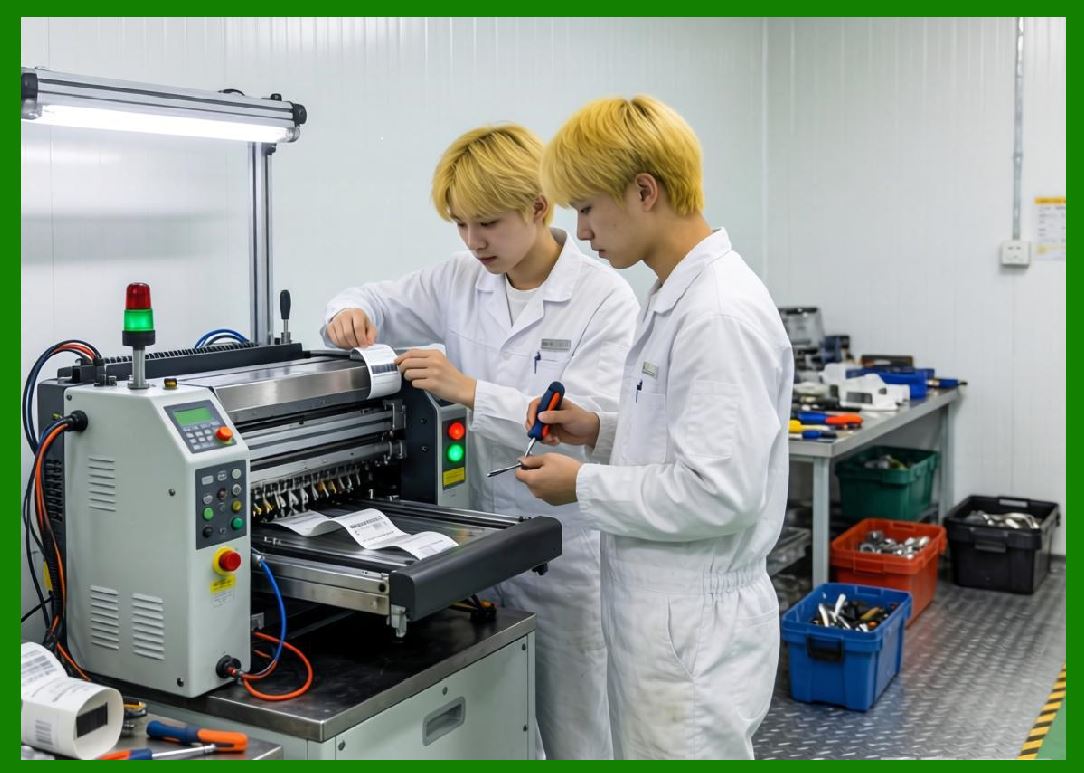
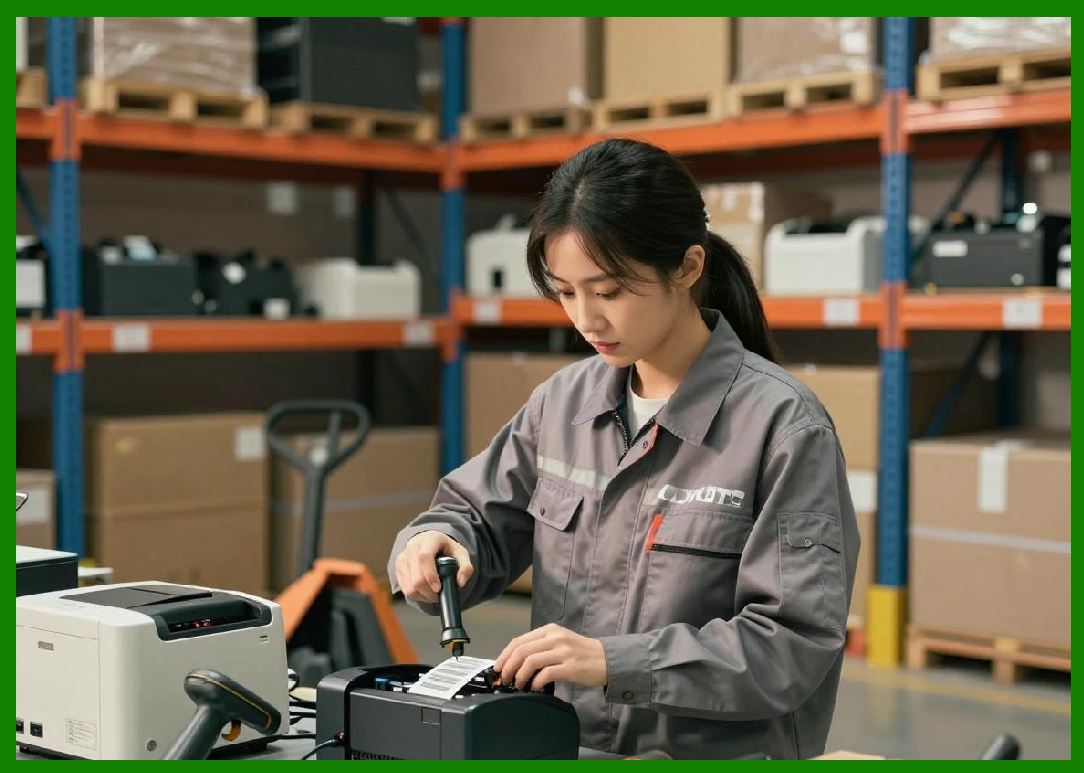
1.1 Industrial barcode printers represent the highest tier of durability, performance, and reliability within the barcode printing ecosystem. They are engineered to operate continuously in demanding environments such as manufacturing plants, distribution centers, logistics hubs, and warehouses. |
1.2 These printers are designed for high-volume, mission-critical operations where downtime can lead to significant operational and financial losses. |
1.3 Unlike desktop printers, industrial barcode printers emphasize rugged construction, extended duty cycles, and advanced automation capabilities. |
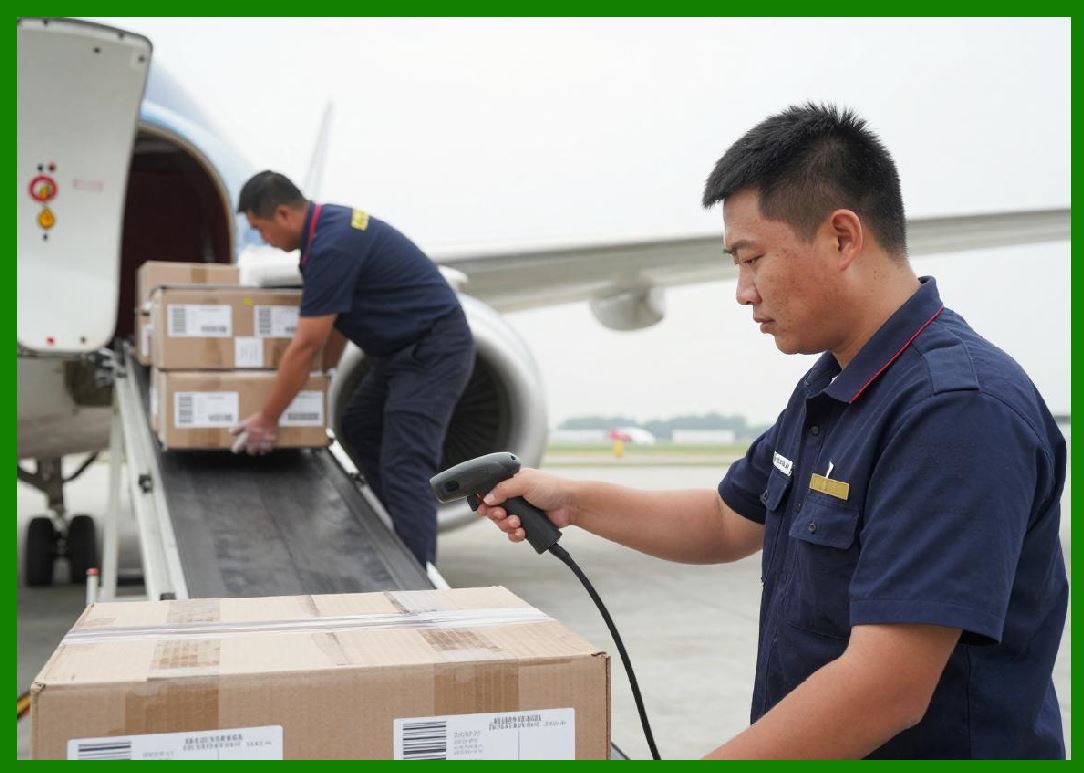
1.4 They are a core component in large-scale supply chain systems, enabling accurate tracking, identification, and data capture. |
|
2. Design Philosophy and Engineering Objectives |
2.1 Industrial barcode printers are built with the following goals: |
1. Maximum durability |
2. Continuous high-speed operation |
3. Resistance to harsh environmental conditions |
4. Minimal downtime and maintenance |
2.2 Engineers prioritize mechanical robustness, thermal stability, and long component lifespan. |
2.3 The design often includes modular components for easy servicing and replacement. |

|
3. Structural Characteristics |
3.1 Industrial printers feature: |
1. Metal chassis (steel or aluminum) |
2. Reinforced internal components |
3. Heavy-duty drive systems |
4. Advanced cooling mechanisms |
3.2 The rigid structure minimizes vibration and ensures consistent print quality. |
3.3 Enclosures are often sealed to protect against dust and contaminants. |

|
4. Printing Technologies Used |
4.1 Industrial barcode printers primarily use: |
1. Thermal transfer printing |
2. Direct thermal printing |
4.2 Thermal transfer is more common due to its durability advantages. |
4.3 Some industrial systems also integrate: |
* RFID encoding |
* Print-and-apply automation |
|
5. Print Resolution and Quality |
5.1 Industrial printers support a wide range of resolutions: |
* 203 DPI (standard high-speed applications) |
* 300 DPI (balanced performance) |
* 600 DPI (high-precision labeling) |
5.2 High resolution is critical for: |
* Small labels |
* High-density barcodes |
* Compliance with industry standards |
5.3 Print quality remains consistent even under high-speed operation. |
|
6. Print Speed and Throughput |
6.1 Industrial printers offer high-speed performance, typically ranging from 6 to 14 inches per second, with some models exceeding this range. |
6.2 They are designed for: |
* Continuous operation (24/7) |
* High-volume label production |
6.3 Throughput is optimized through: |
* Powerful processors |
* Efficient data handling |
* High-performance printheads |

|
7. Duty Cycle and Workload Capacity |
7.1 Industrial printers have extremely high duty cycles. |
7.2 They can produce: |
* Thousands to tens of thousands of labels per day |
7.3 Components are designed to withstand prolonged use without failure. |
7.4 Duty cycle is a key differentiator from desktop printers. |

|
8. Media Handling Capabilities |
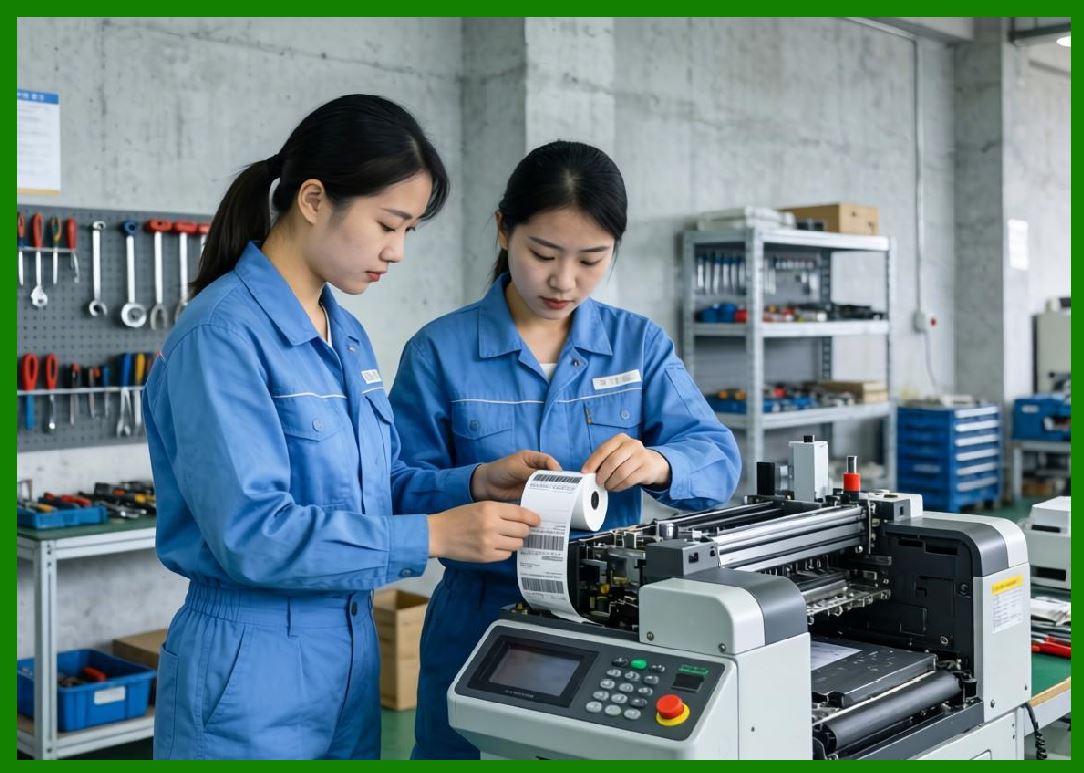
8.1 Industrial printers support a wide range of media: |
1. Large label rolls |
2. Continuous media |
3. Tags and specialty materials |
8.2 Features include: |
* Automatic media calibration |
* Advanced sensors (gap, black mark, RFID) |
* High-capacity media holders |
8.3 Media handling systems are designed for efficiency and reliability. |

|
9. Ribbon Handling (Thermal Transfer Models) |
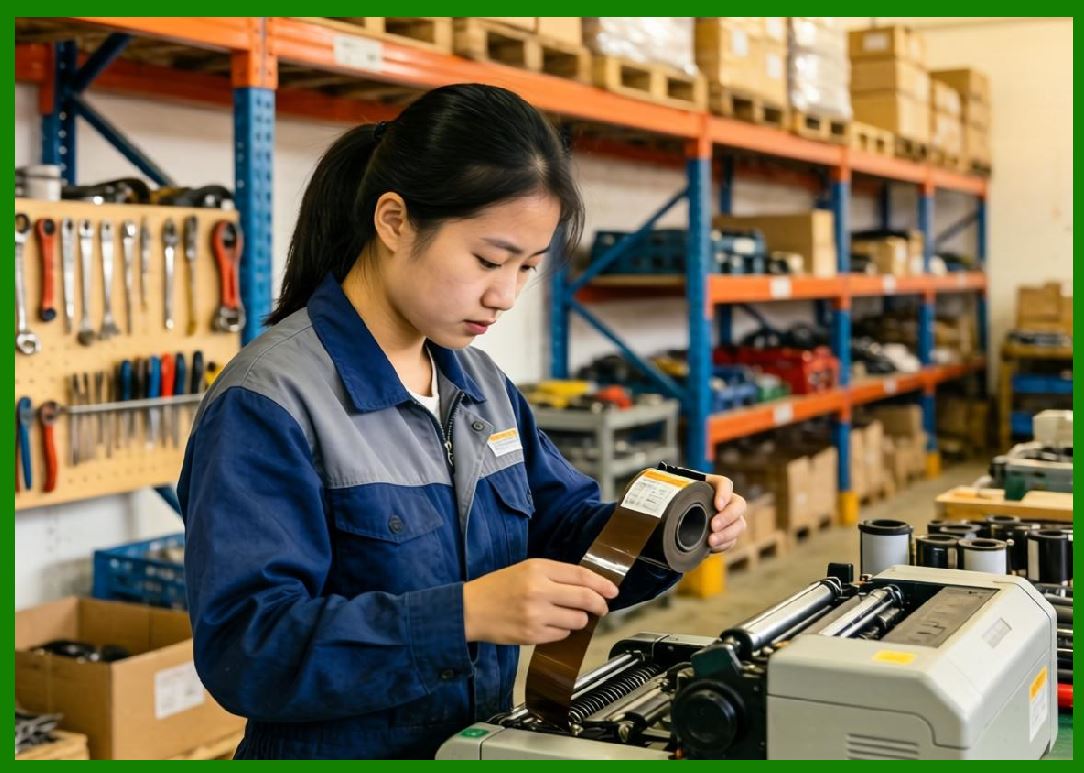
9.1 Industrial printers support large ribbon rolls, reducing downtime. |
9.2 Features include: |
1. Automatic ribbon tension control |
2. Anti-wrinkle mechanisms |
3. Ribbon save functions |
9.3 Efficient ribbon handling improves print quality and reduces waste. |
|
10. Environmental Resistance |
10.1 Industrial printers are built to withstand harsh conditions, including: |
* Dust and debris |
* High humidity |
* Temperature fluctuations |
* Vibrations |
10.2 Many models meet industrial protection standards (e.g., IP ratings). |
10.3 Environmental resistance ensures reliable operation in challenging settings. |
|
11. Connectivity and System Integration |
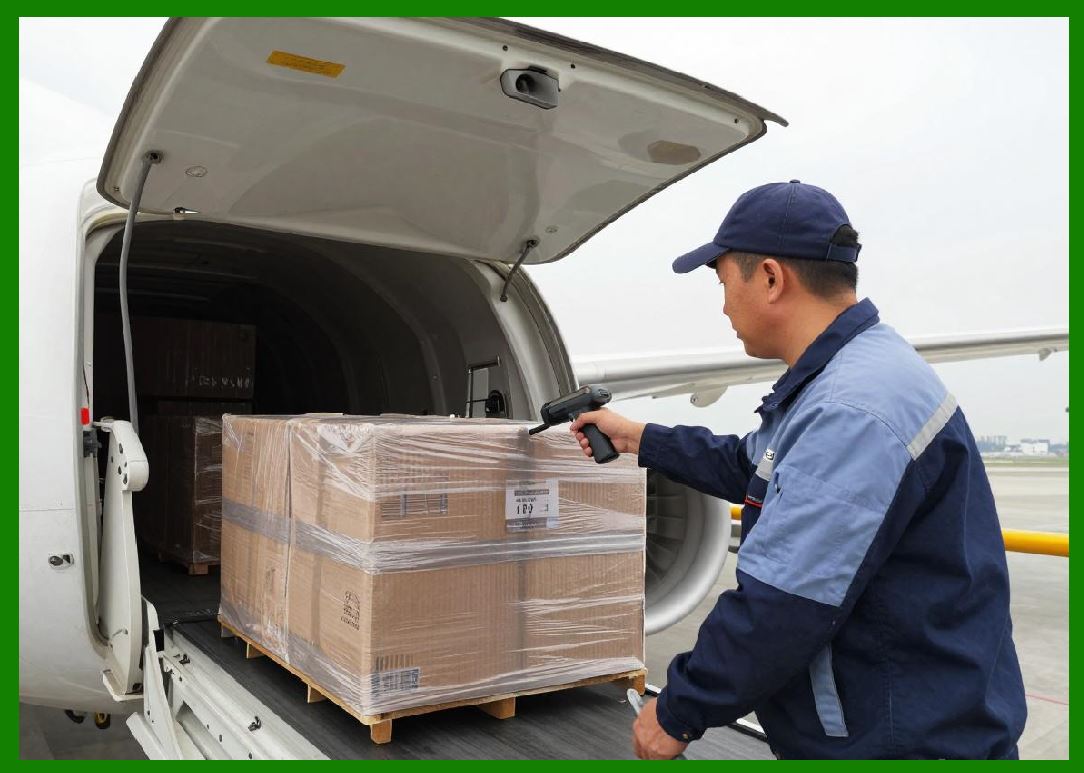
11.1 Industrial printers offer extensive connectivity options: |
1. Ethernet |
2. Wi-Fi |
3. Serial ports |
4. USB |
11.2 They integrate with: |
* Warehouse management systems (WMS) |
* Manufacturing execution systems (MES) |
* Enterprise resource planning (ERP) systems |
11.3 Advanced models support remote monitoring and management. |
|
12. Automation and Print-and-Apply Systems |
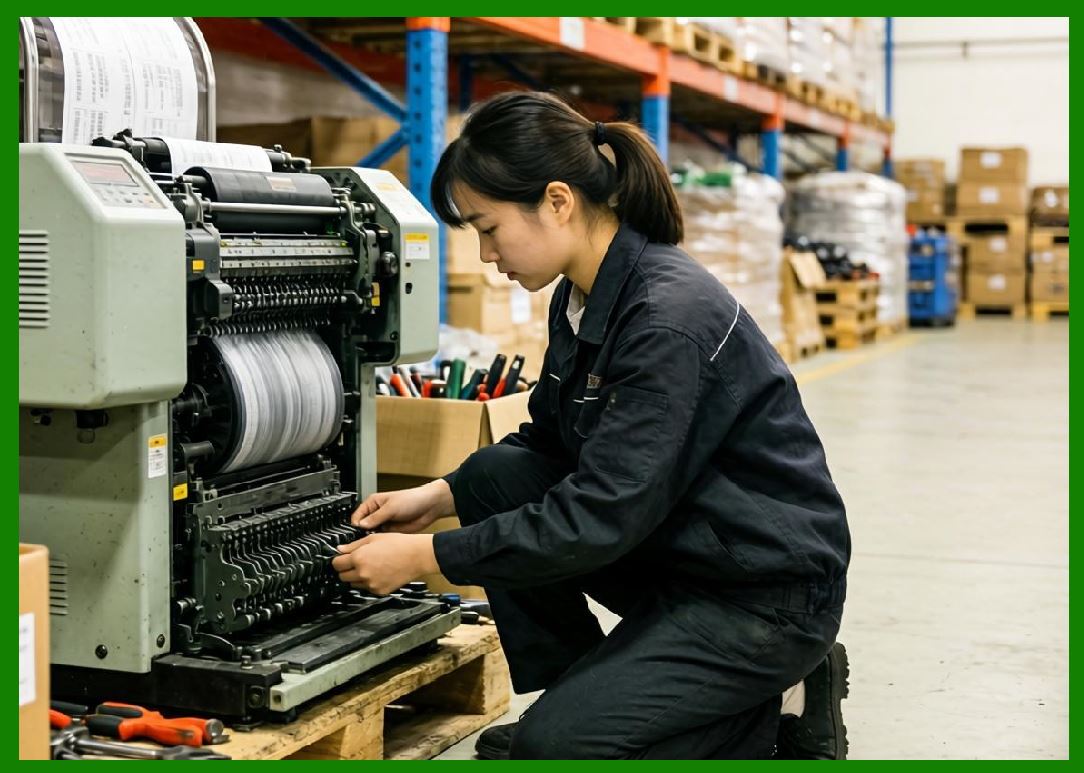
12.1 Industrial printers are often integrated into automated systems. |
12.2 Print-and-apply systems: |
* Print labels in real time |
* Automatically apply them to products or packaging |
12.3 Automation improves efficiency and reduces human error. |
|
13. Durability and Component Lifespan |
13.1 Industrial printers are designed for long service life. |
13.2 Key components include: |
1. High-durability printheads |
2. Long-life motors |
3. Reinforced rollers |
13.3 Regular maintenance ensures consistent performance. |

|
14. Maintenance and Serviceability |
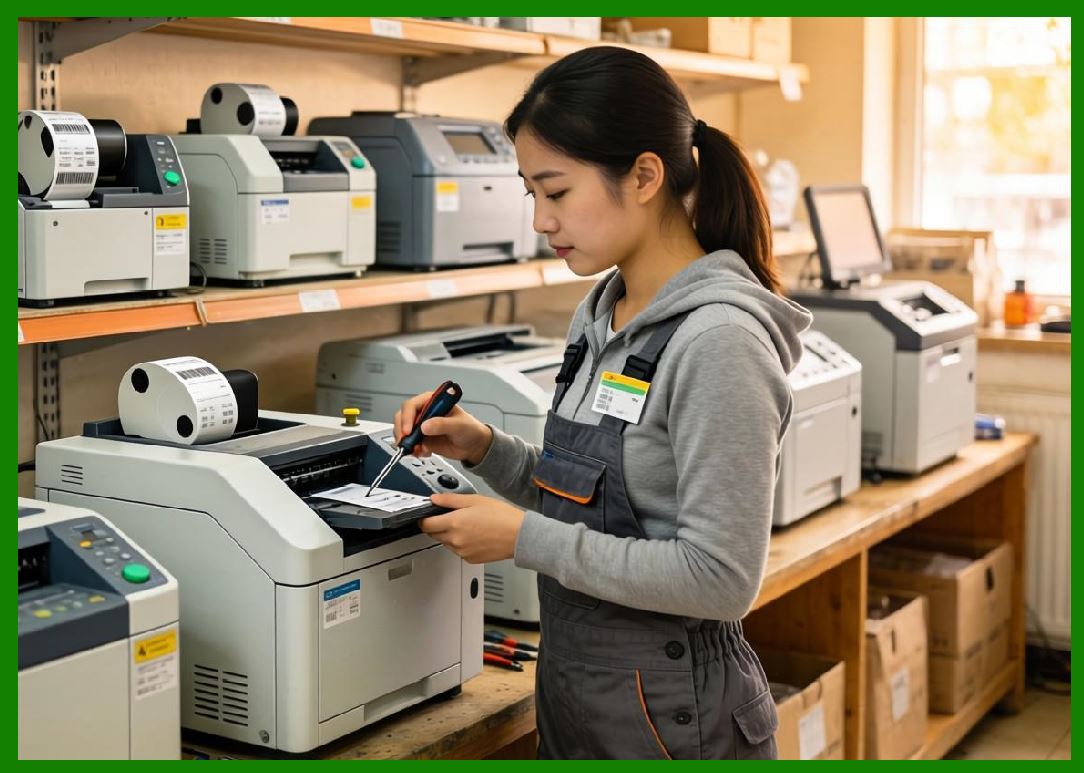
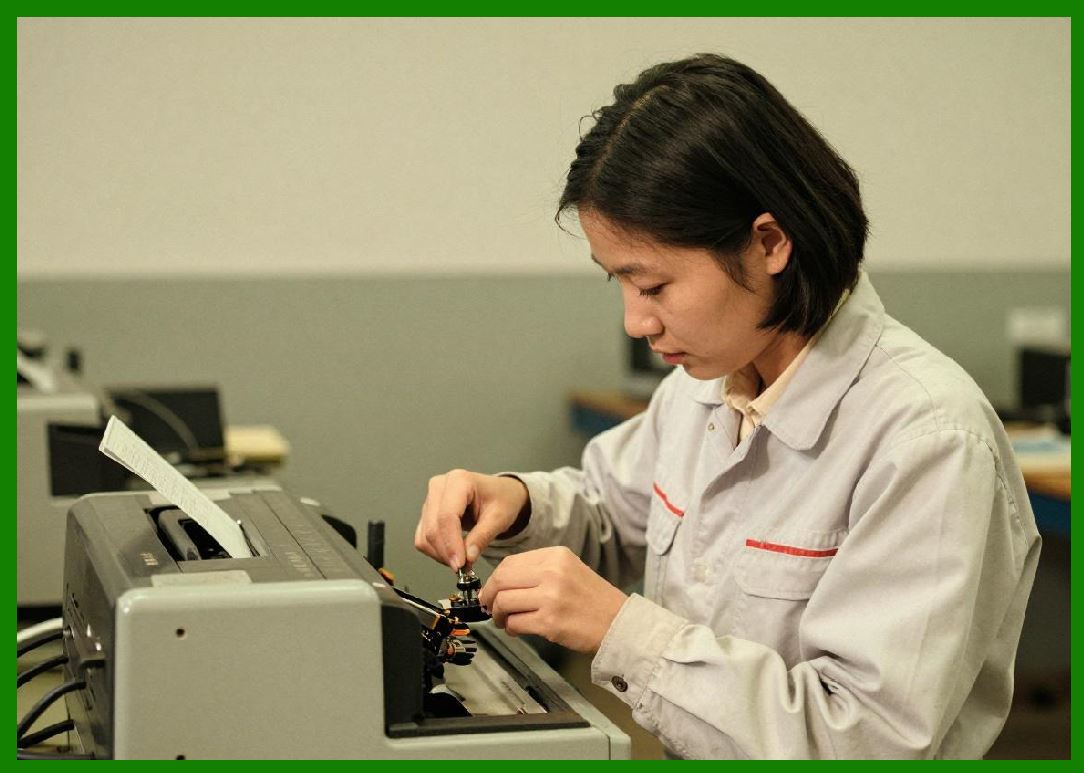
14.1 Maintenance is simplified through modular design. |
14.2 Common maintenance tasks include: |
1. Printhead cleaning |
2. Component replacement |
3. Firmware updates |
14.3 Easy access to internal components reduces downtime. |
|
15. Energy Consumption |
15.1 Industrial printers consume more power due to: |
* High-speed operation |
* Continuous use |
15.2 Energy efficiency is improved through: |
* Optimized heating systems |
* Intelligent power management |

|
16. Cost Structure |
16.1 Cost considerations include: |
1. Higher initial purchase price |
2. Consumables (labels, ribbons) |
3. Maintenance and service |
16.2 Despite higher upfront costs, they offer lower cost per label in high-volume scenarios. |

|
17. Application Scenarios |
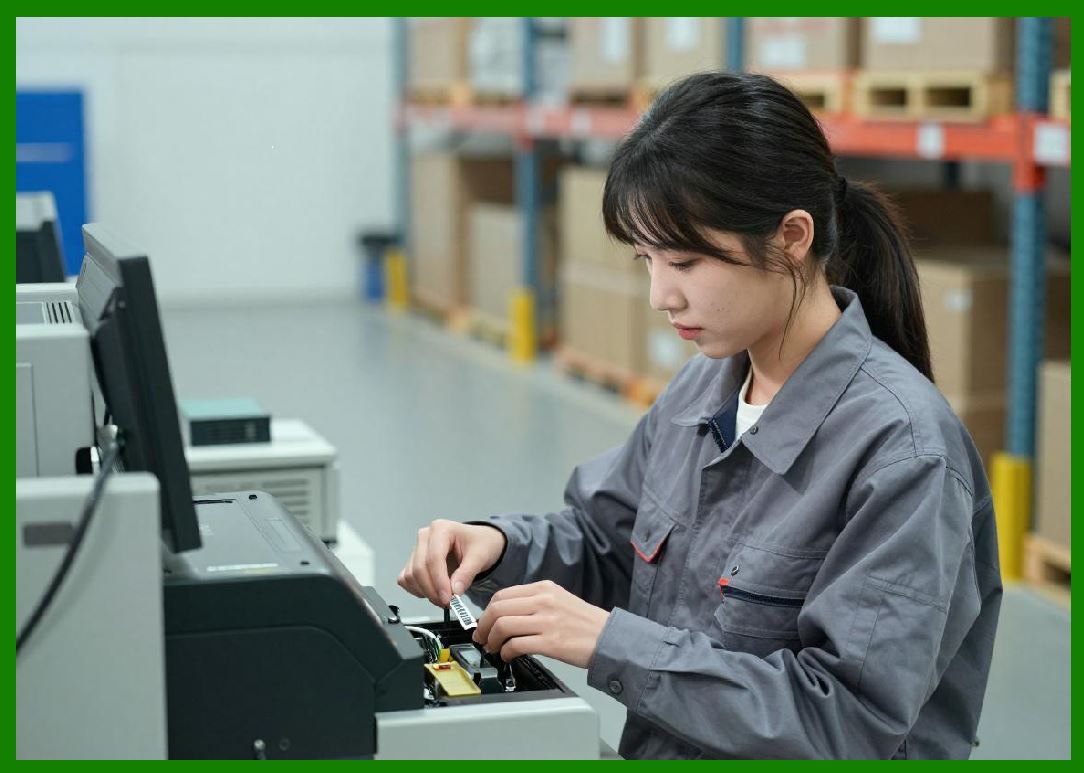
17.1 Industrial barcode printers are used in: |
1. Manufacturing lines |
2. Logistics and distribution centers |
3. Automotive industry |
4. Electronics production |
5. Pharmaceutical labeling |
17.2 These applications require reliability and high throughput. |
|
18. Advantages of Industrial Barcode Printers |
18.1 Key advantages include: |
1. High durability |
2. Continuous operation capability |
3. High-speed performance |
4. Advanced automation support |

|
19. Limitations and Trade-offs |
19.1 Limitations include: |
1. High initial cost |
2. Larger physical size |
3. Increased complexity |
19.2 These trade-offs are justified in high-demand environments. |
|
20. Comparison with Desktop and Mobile Printers |
20.1 Compared to desktop printers: |
* More durable and powerful |
20.2 Compared to mobile printers: |
* Higher performance but less portable |
20.3 Industrial printers are optimized for stationary, high-volume use. |

|
21. Technological Innovations |
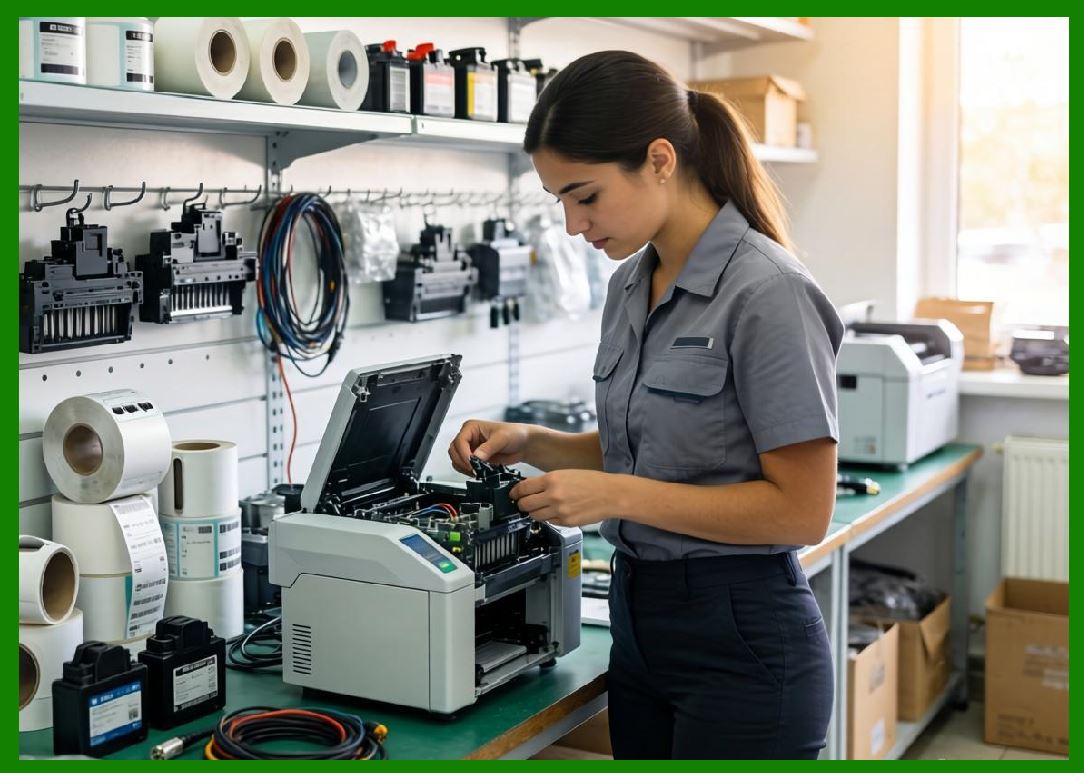
21.1 Recent advancements include: |
1. IoT-enabled monitoring |
2. Predictive maintenance systems |
3. Enhanced printhead technologies |
4. Integration with smart factories |
|
22. Future Trends |
22.1 Future developments may include: |
1. AI-driven performance optimization |
2. Greater automation |
3. Sustainability improvements |

|
23. Selection Guidelines |
23.1 When selecting an industrial printer, consider: |
1. Print volume requirements |
2. Environmental conditions |
3. Required durability |
4. Integration needs |
|
24. Summary of Part 7 |
24.1 Industrial barcode printers are designed for demanding, high-volume environments requiring reliability and durability. |
24.2 Their robust construction, high-speed performance, and advanced features make them essential in large-scale operations. |
24.3 Although they involve higher costs and complexity, their long-term benefits outweigh these challenges in industrial applications. |
End of Part 7 |
|
Part 8: Mobile Barcode Printers (Portability, Wireless Communication, and Field Operations). |
 cs@easiersoft.com