Part 8: Mobile Barcode Printers (Portability, Wireless Communication, and Field Operations) |
1. Introduction to Mobile Barcode Printers |
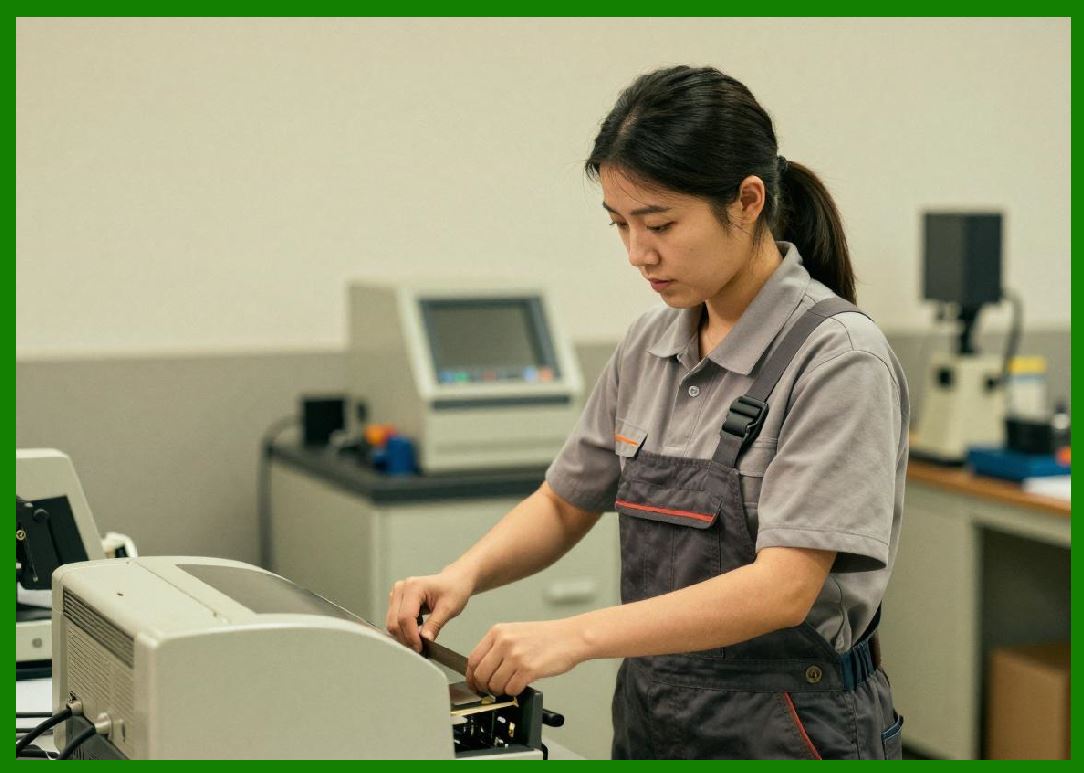
1.1 Mobile barcode printers are compact, lightweight printing devices designed for on-the-go label and receipt generation. They are optimized for field operations where portability, wireless communication, and real-time data processing are essential. |
1.2 These printers enable workers to print labels at the point of activity rather than returning to a fixed workstation, significantly improving efficiency and accuracy. |
1.3 Mobile barcode printers are widely used in: |
* Logistics and delivery services |
* Retail inventory management |
* Healthcare environments |
* Field service operations |
1.4 Their development has been closely tied to advancements in wireless technology, battery systems, and mobile computing. |
|
2. Design Philosophy and Engineering Objectives |
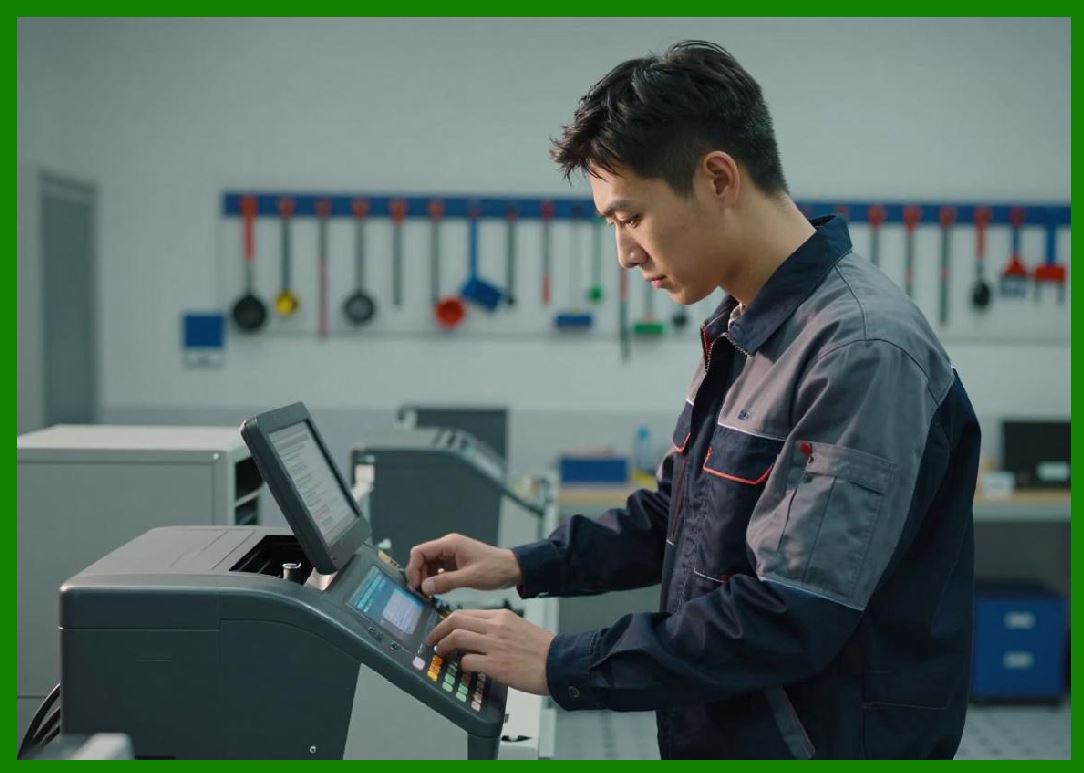
2.1 Mobile barcode printers are engineered with the following priorities: |
1. Portability and lightweight design |
2. Battery-powered operation |
3. Wireless connectivity |
4. Ease of use in dynamic environments |
2.2 Designers must balance performance with constraints such as battery life, size, and durability. |
2.3 Ergonomics is a critical consideration, as these devices are often handheld or worn by users. |
|
3. Structural Characteristics |
3.1 Mobile printers typically feature: |
1. Compact and rugged housing |
2. Integrated battery compartment |
3. Small form-factor printhead |
4. Minimalist control interface |
3.2 The enclosure is often reinforced to withstand drops, shocks, and vibrations. |
3.3 Many models include belt clips, shoulder straps, or mounting options for convenience. |
|
4. Printing Technologies Used |
4.1 Mobile barcode printers primarily use: |
1. Direct thermal printing |
4.2 Thermal transfer is rarely used due to: |
* Space constraints |
* Ribbon handling complexity |
4.3 Direct thermal technology aligns well with the need for simplicity and portability. |
|
5. Print Resolution and Quality |
5.1 Typical resolutions include: |
* 203 DPI (most common) |
* 300 DPI (in advanced models) |
5.2 These resolutions are sufficient for: |
* Standard linear barcodes |
* Basic 2D codes |
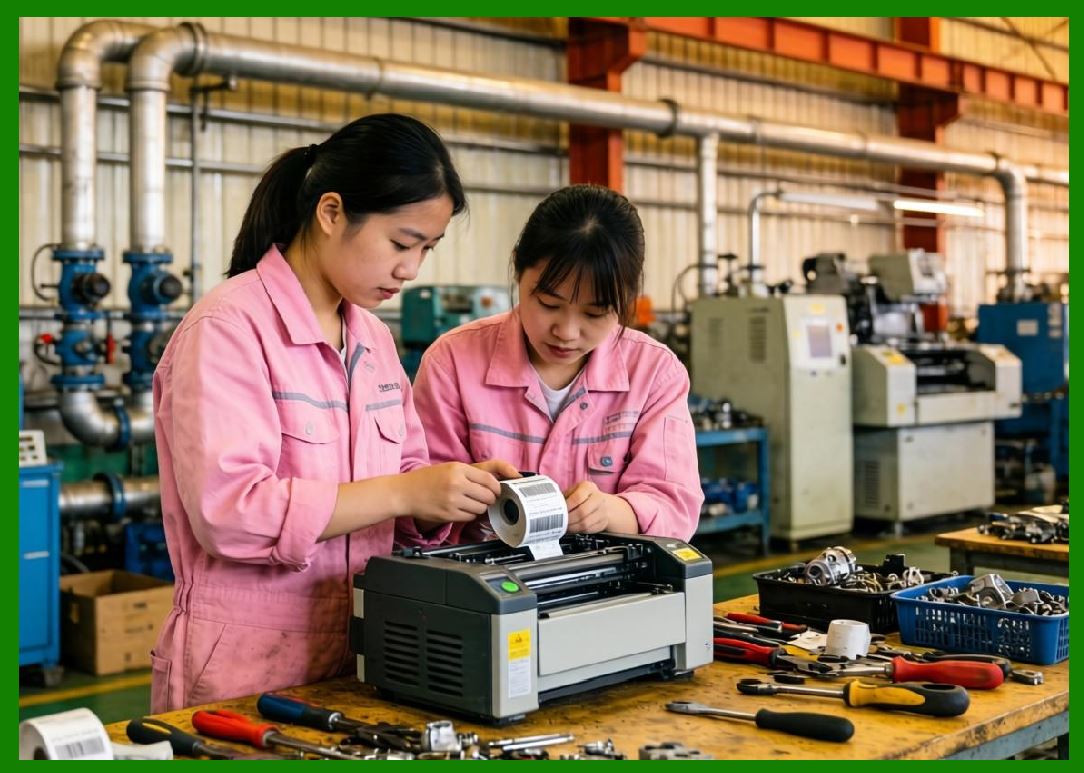
5.3 Print quality depends on: |
* Media quality |
* Printhead condition |
* Environmental factors |
|
6. Print Speed and Throughput |
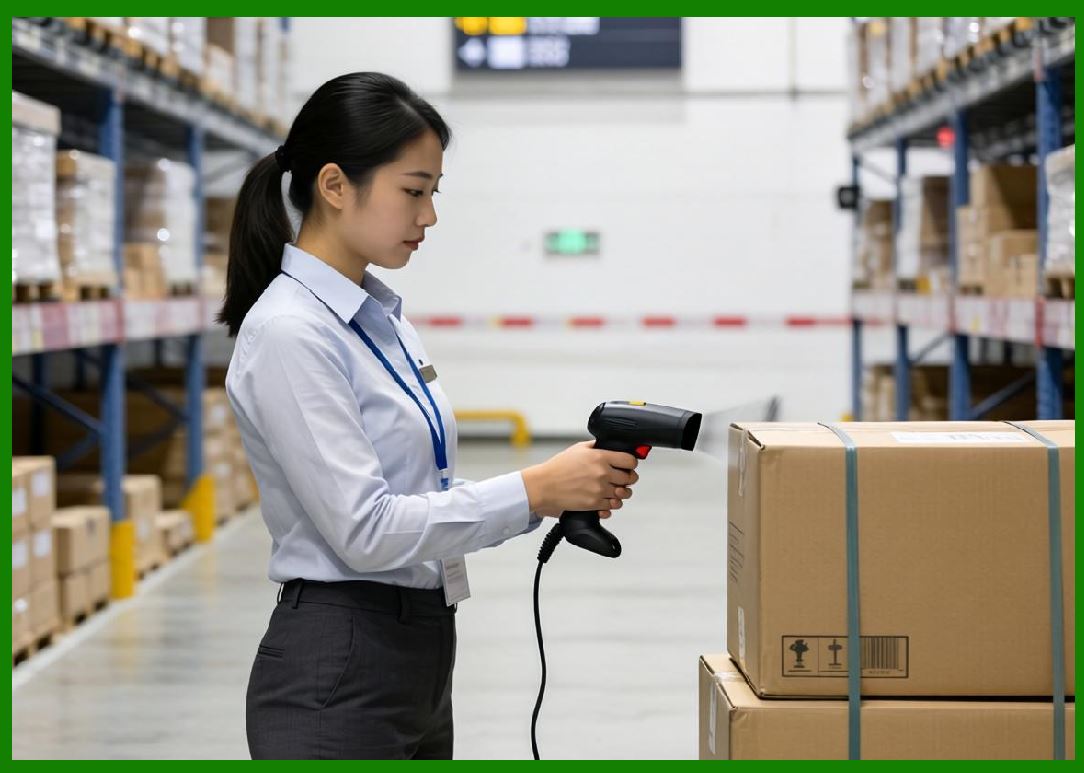
6.1 Mobile printers generally operate at speeds between 1 and 5 inches per second. |
6.2 Speed is limited by: |
* Battery capacity |
* Thermal constraints |
* Compact hardware design |
6.3 They are optimized for on-demand printing rather than high-volume output. |
|
7. Media Handling Capabilities |
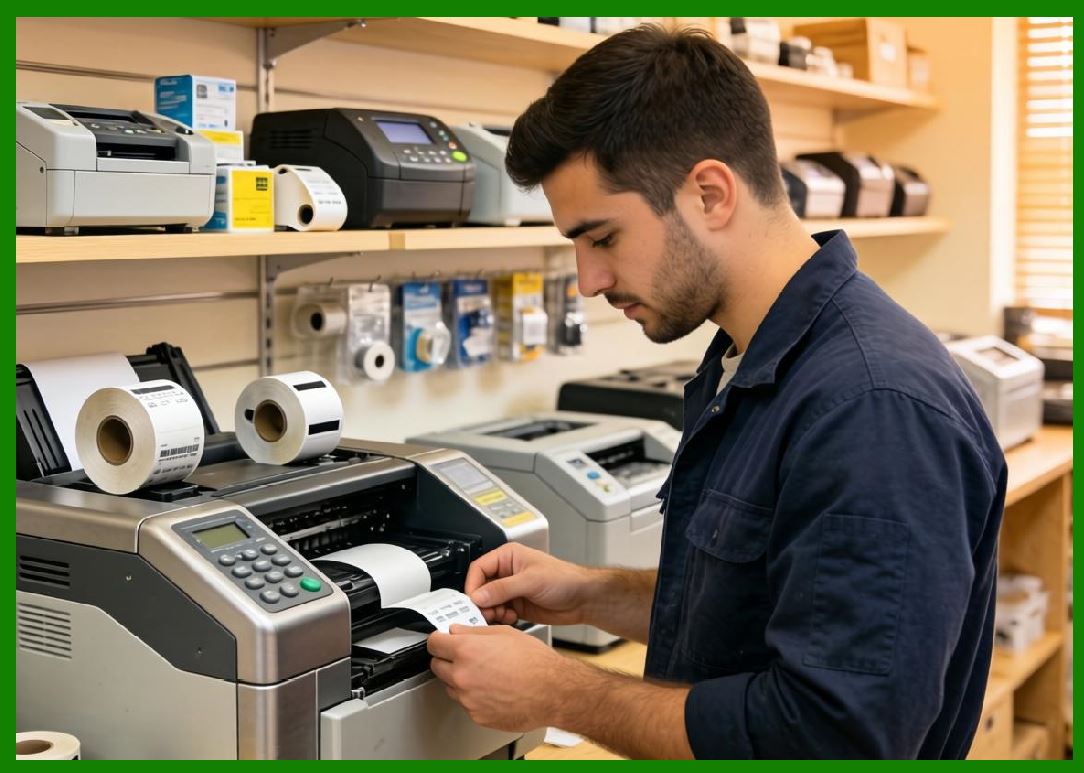
7.1 Mobile printers support: |
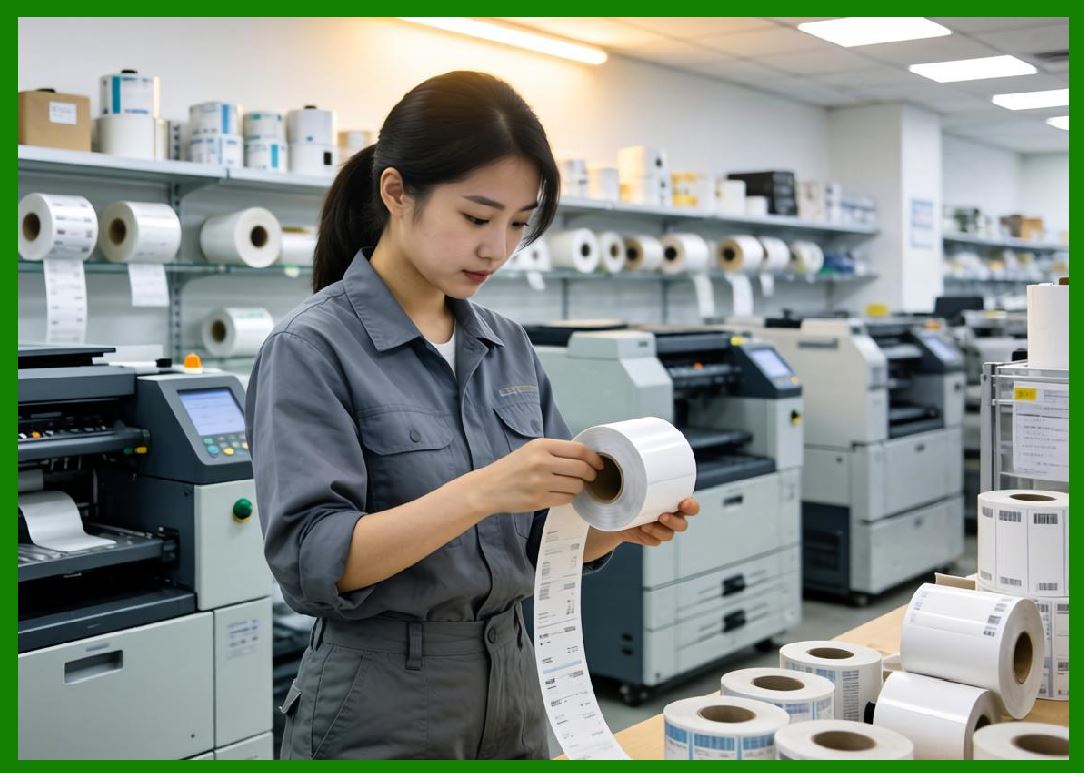
1. Small label rolls |
2. Receipt paper |
3. Linerless labels (in some models) |
7.2 Media capacity is limited due to size constraints. |
7.3 Easy-loading mechanisms are essential for field usability. |

|
8. Battery Technology and Power Management |
8.1 Mobile printers rely on rechargeable batteries, typically lithium-ion. |
8.2 Key considerations include: |
1. Battery capacity |
2. Charging time |
3. Power efficiency |
8.3 Power management features include: |
* Sleep modes |
* Energy-efficient printhead control |
8.4 Battery life directly impacts operational productivity. |

|
9. Wireless Connectivity |
9.1 Wireless communication is a core feature of mobile printers. |
9.2 Common connectivity options include: |
1. Bluetooth |
2. Wi-Fi |
3. NFC (Near Field Communication) |
9.3 These technologies enable integration with: |
* Smartphones |
* Tablets |
* Handheld terminals |
|
10. Integration with Mobile Devices |
10.1 Mobile barcode printers are designed to work seamlessly with mobile computing platforms. |
10.2 Integration includes: |
1. Mobile applications |
2. SDKs (Software Development Kits) |
3. Cloud-based printing systems |
10.3 This enables real-time data processing and label generation. |
11. Durability and Ruggedness |
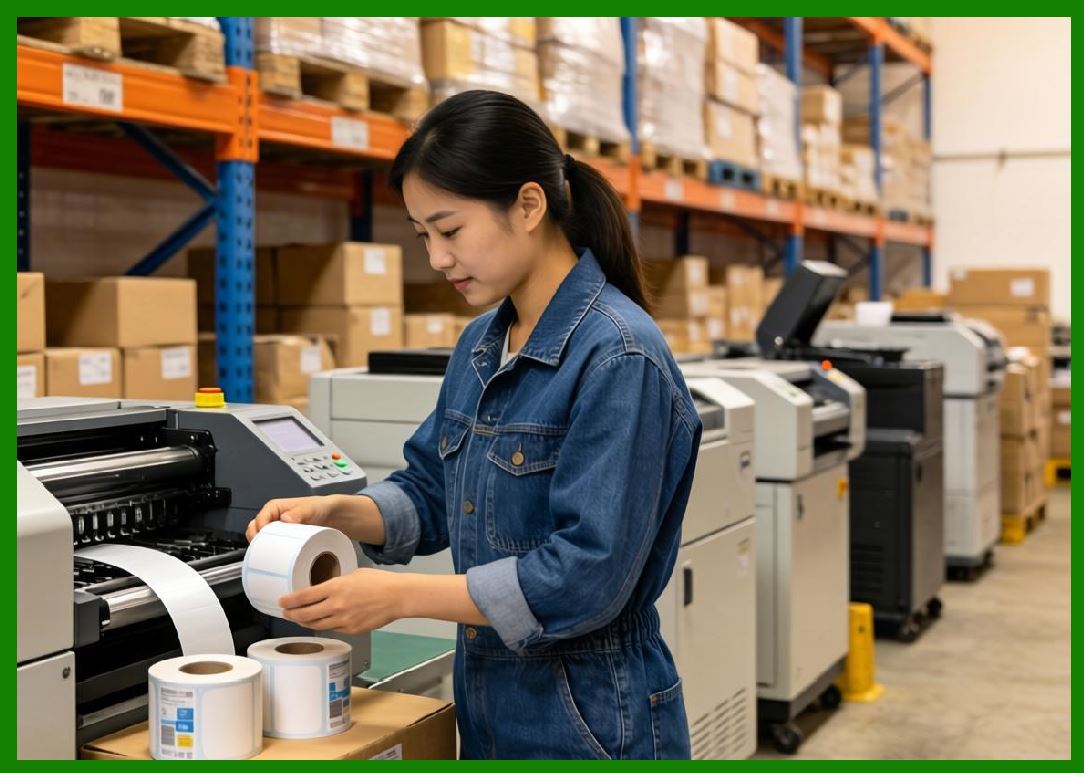
11.1 Mobile printers are built to withstand: |
* Drops and impacts |
* Dust exposure |
* Temperature variations |
|
11.2 Many models meet ruggedness standards (e.g., drop ratings, IP ratings). |
11.3 Durability is essential for field operations. |
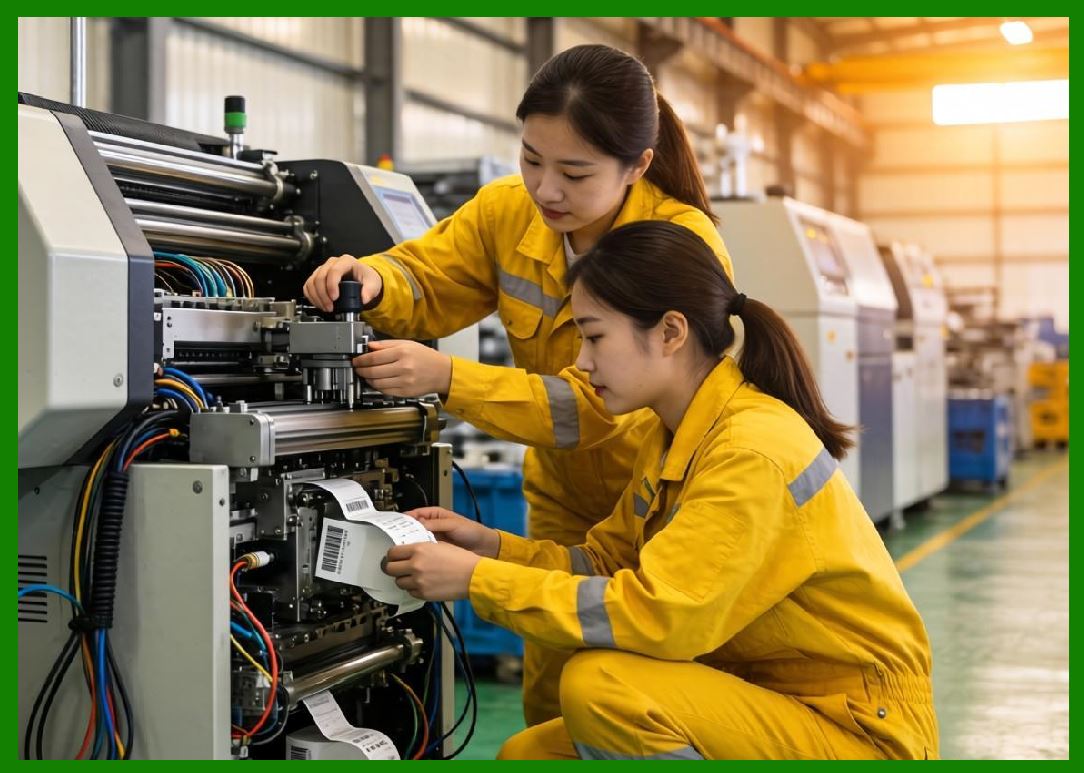
12. Environmental Considerations |
12.1 Mobile printers operate in diverse environments, including: |
* Outdoor conditions |
* Warehouses |
* Vehicles |
12.2 Environmental factors affect: |
* Print quality |
* Battery performance |
* Media behavior |
|
13. Maintenance Requirements |
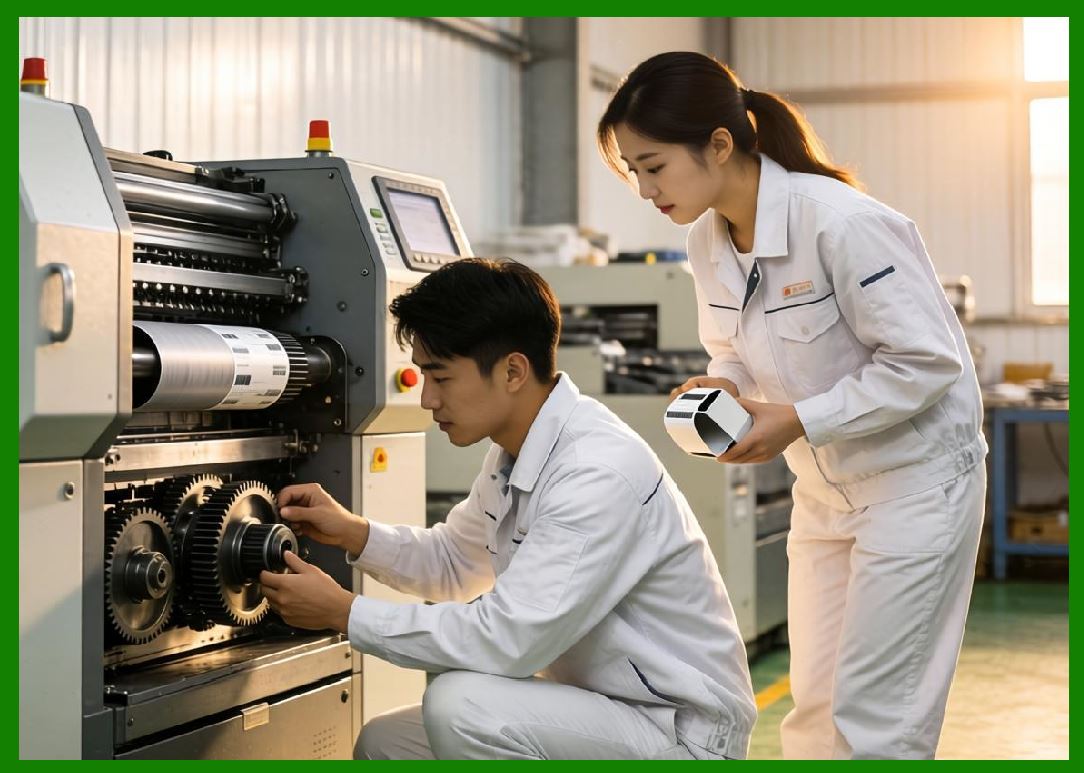
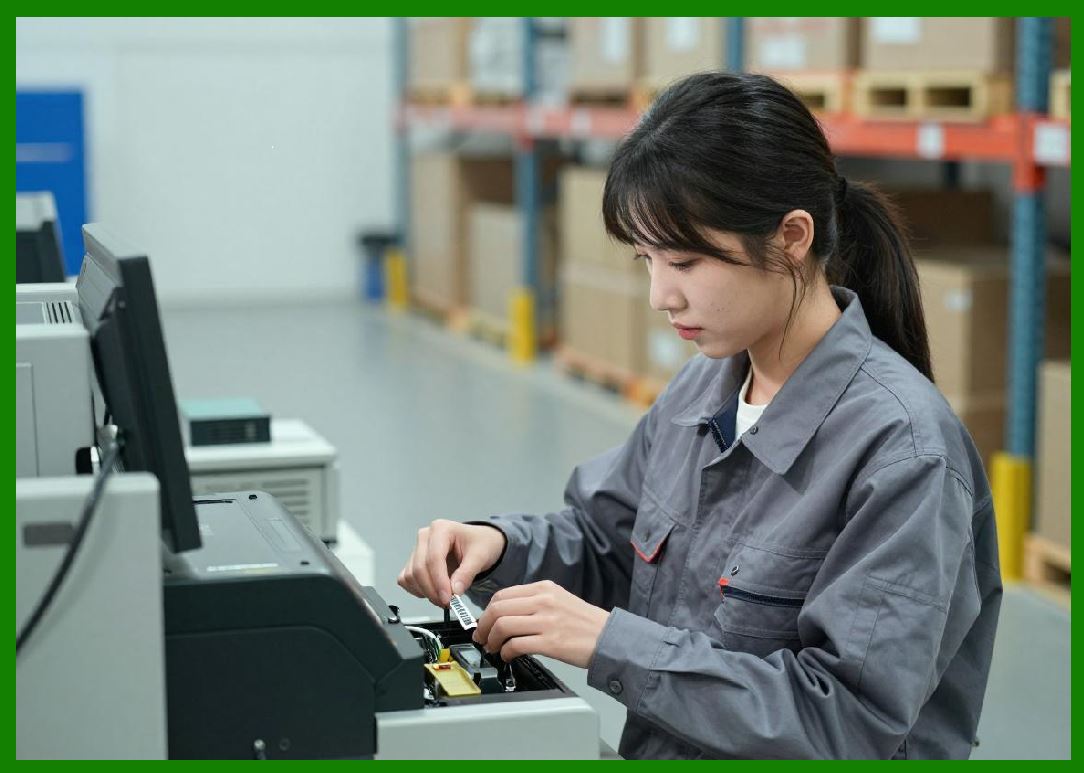
13.1 Maintenance is minimal but includes: |
1. Cleaning the printhead |
2. Replacing media |
3. Battery care |
13.2 Proper maintenance ensures reliable performance. |
|
14. User Interface and Usability |
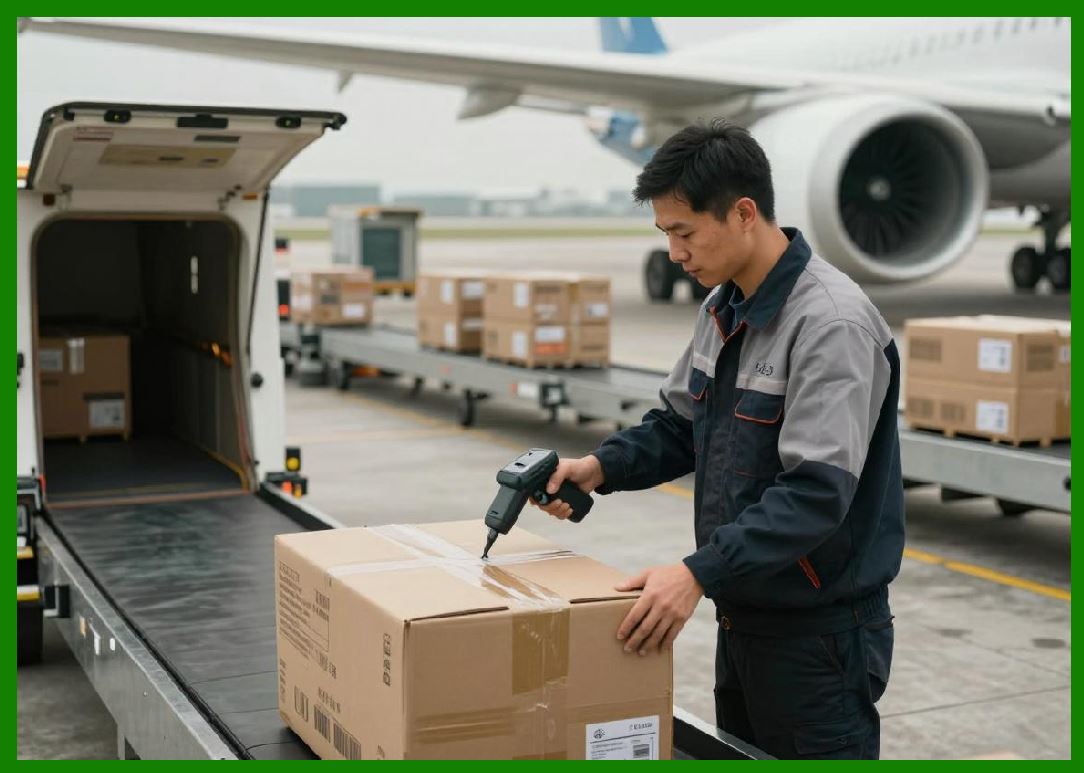
14.1 Mobile printers feature simple interfaces: |
* Buttons for basic control |
* LED indicators |
* Small displays (optional) |
14.2 Ease of use is critical for field efficiency. |
|
15. Security Considerations |
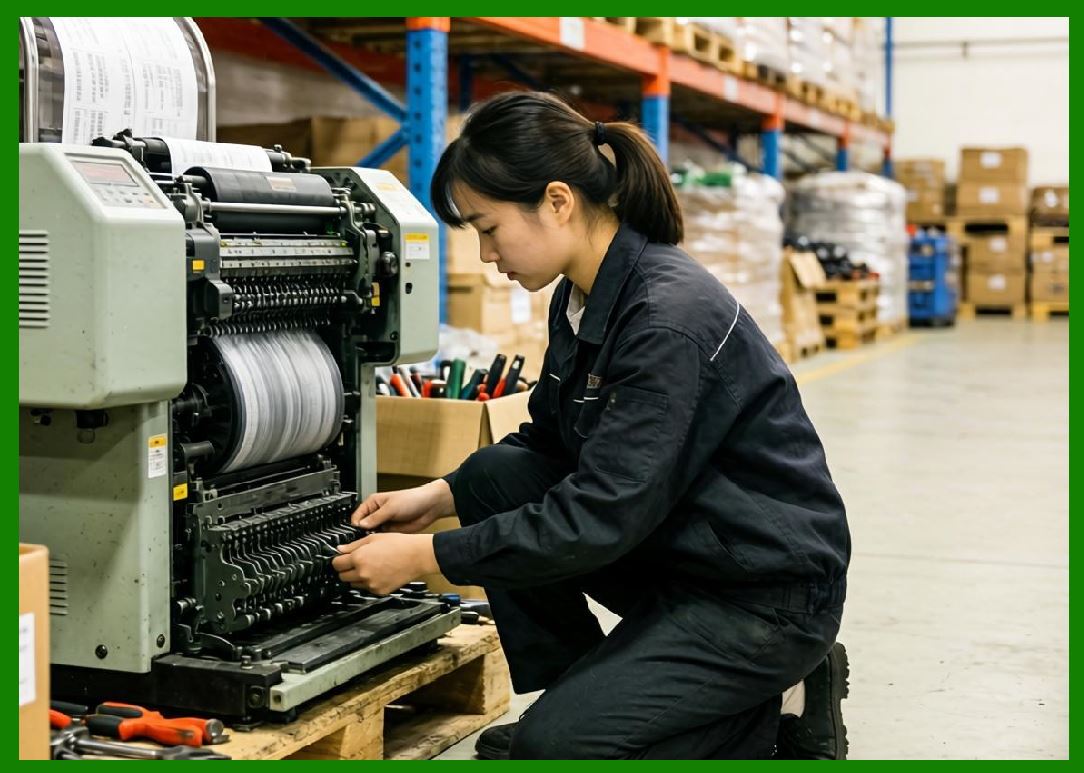
15.1 Wireless connectivity introduces security concerns. |
15.2 Security features may include: |
1. Encrypted communication |
2. Authentication protocols |
3. Secure firmware updates |
|
16. Cost Structure |
16.1 Cost factors include: |
1. Device cost |
2. Media cost |
3. Battery replacement |
4. Maintenance |
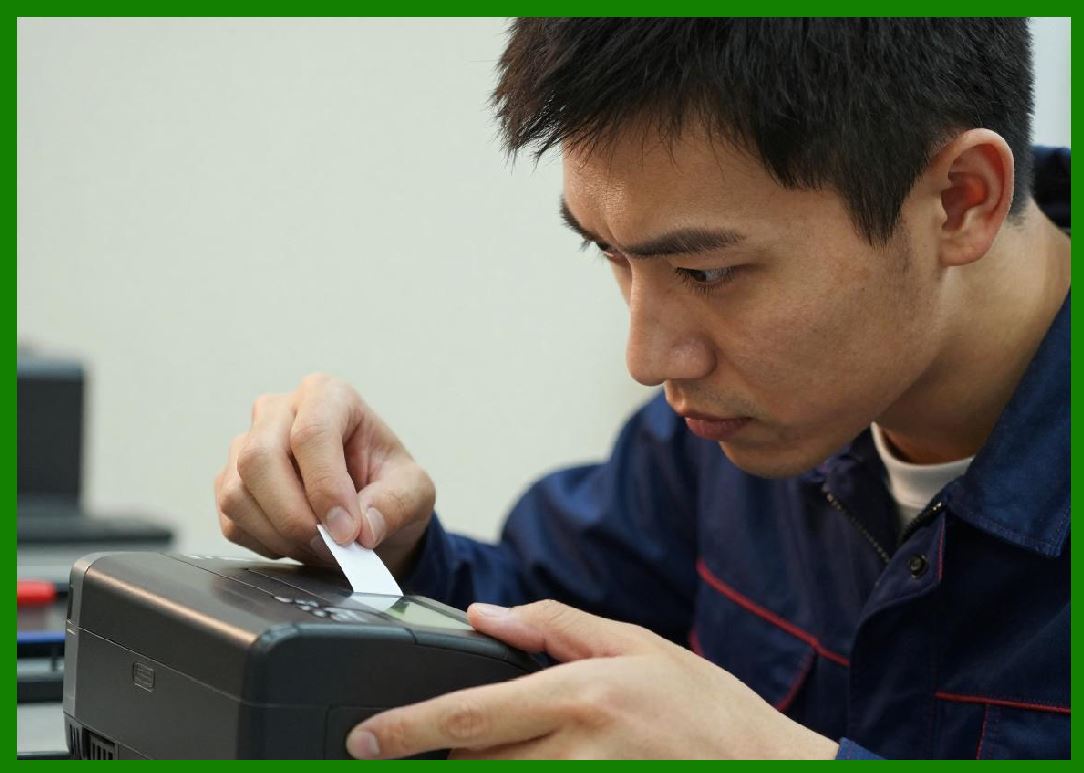
16.2 Mobile printers are generally more expensive than desktop printers due to portability features. |
|
17. Application Scenarios |
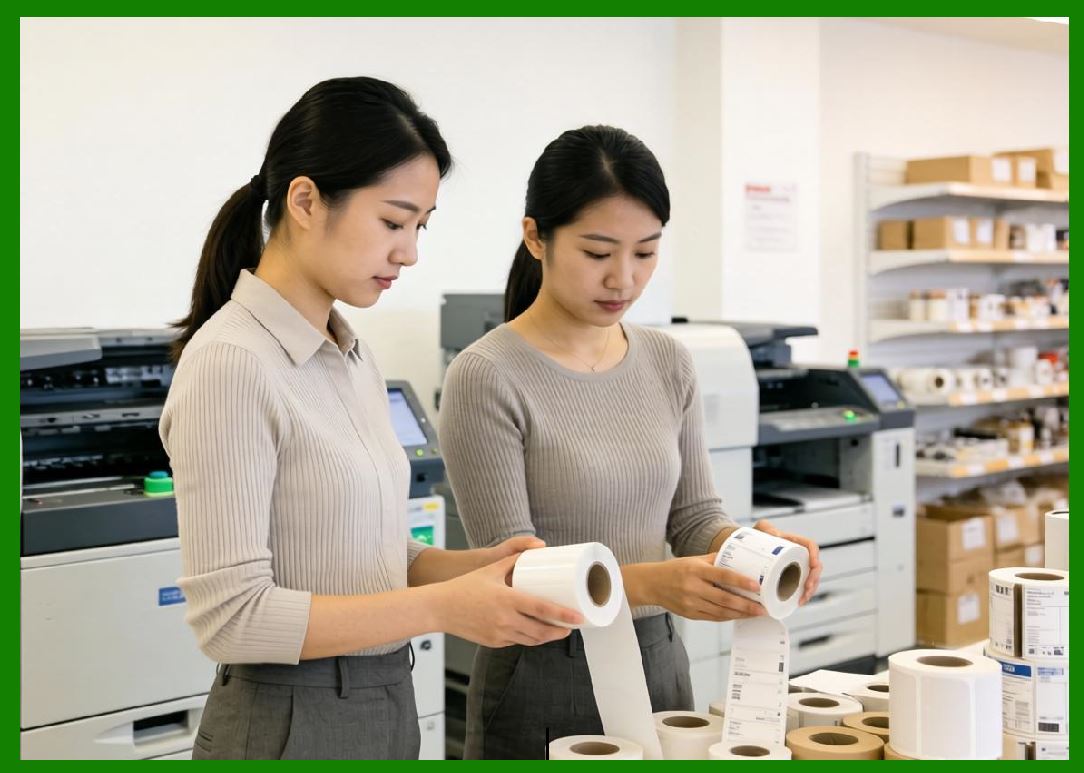
17.1 Common use cases include: |
1. Delivery and logistics (on-site label printing) |
2. Retail (price marking, inventory updates) |
3. Healthcare (patient wristbands) |
4. Field service (asset labeling) |
17.2 These applications benefit from real-time printing capabilities. |
|
18. Advantages of Mobile Barcode Printers |
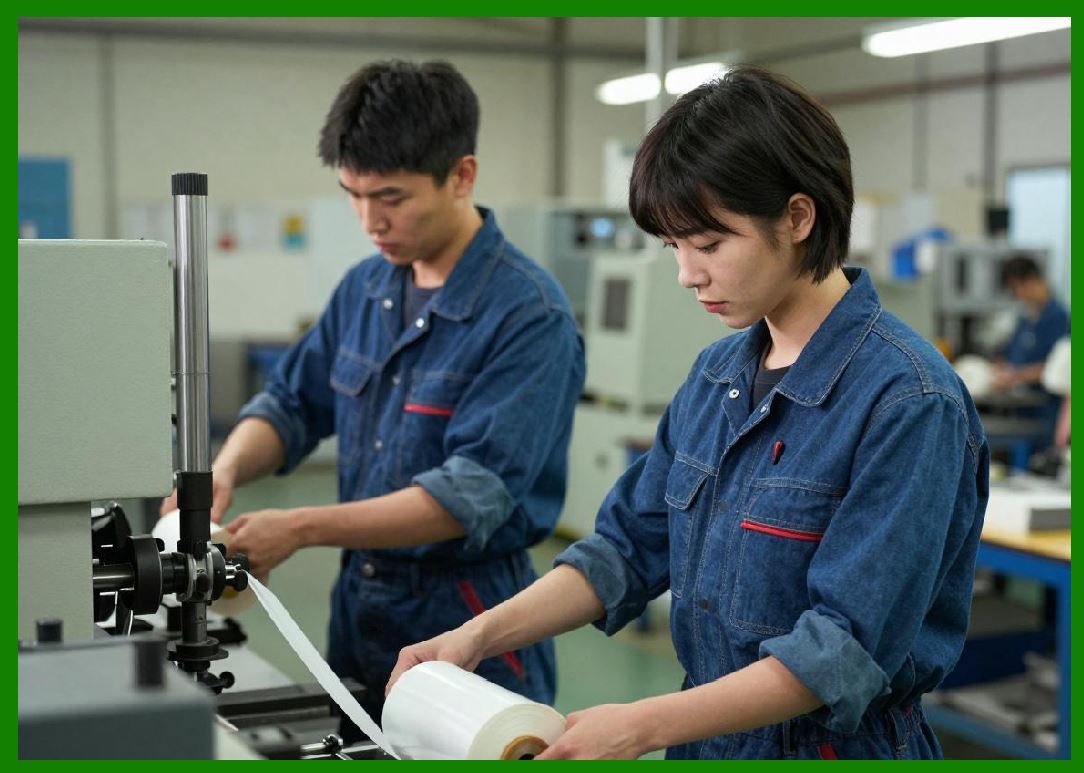
18.1 Key advantages include: |
1. Portability |
2. Real-time printing |
3. Wireless integration |
4. Improved workflow efficiency |
|
19. Limitations and Trade-offs |
19.1 Limitations include: |
1. Lower print speed |
2. Limited media capacity |
3. Shorter battery life |
4. Reduced durability compared to industrial printers |
19.2 These trade-offs are necessary for portability. |

|
20. Comparison with Desktop and Industrial Printers |
20.1 Compared to desktop printers: |
* More portable but less powerful |
20.2 Compared to industrial printers: |
* Lower performance but greater flexibility |
20.3 Mobile printers fill a unique niche in field operations. |

|
21. Technological Innovations |
21.1 Recent developments include: |
1. Improved battery technology |
2. Faster wireless communication |
3. Integration with cloud platforms |
4. Enhanced durability |

|
22. Future Trends |
22.1 Future developments may include: |
1. Longer battery life |
2. AI-assisted printing |
3. Enhanced mobile integration |
4. Sustainable materials |
|
23. Selection Guidelines |
23.1 When choosing a mobile printer, consider: |
1. Battery life requirements |
2. Connectivity needs |
3. Print volume |
4. Environmental conditions |
|
24. Summary of Part 8 |
24.1 Mobile barcode printers provide a flexible and efficient solution for on-the-go printing needs. |
24.2 Their portability and wireless capabilities enable real-time operations in dynamic environments. |
24.3 While they have limitations in speed and capacity, their advantages in mobility and convenience make them indispensable in many industries. |
End of Part 8 |
|
Part 9: Standalone Barcode Printers (Independent Operation and Embedded Systems Design). |
 cs@easiersoft.com