Part 9: Standalone Barcode Printers (Independent Operation and Embedded Systems Design) |
1. Introduction to Standalone Barcode Printers |
1.1 Standalone barcode printers are self-contained printing systems that can operate independently without requiring continuous connection to a host computer or external control system. |
1.2 Unlike desktop, industrial, or mobile printers that often depend on external software or devices for full functionality, standalone printers integrate computing, storage, and printing capabilities into a single unit. |
1.3 These printers are widely used in environments where simplicity, reliability, and independence are critical, such as retail counters, warehouse stations, production checkpoints, and ticketing systems. |
1.4 The defining characteristic of standalone barcode printers is their embedded intelligence, allowing them to process data and execute print jobs locally. |

|
2. Core Concept of Embedded Printing Systems |
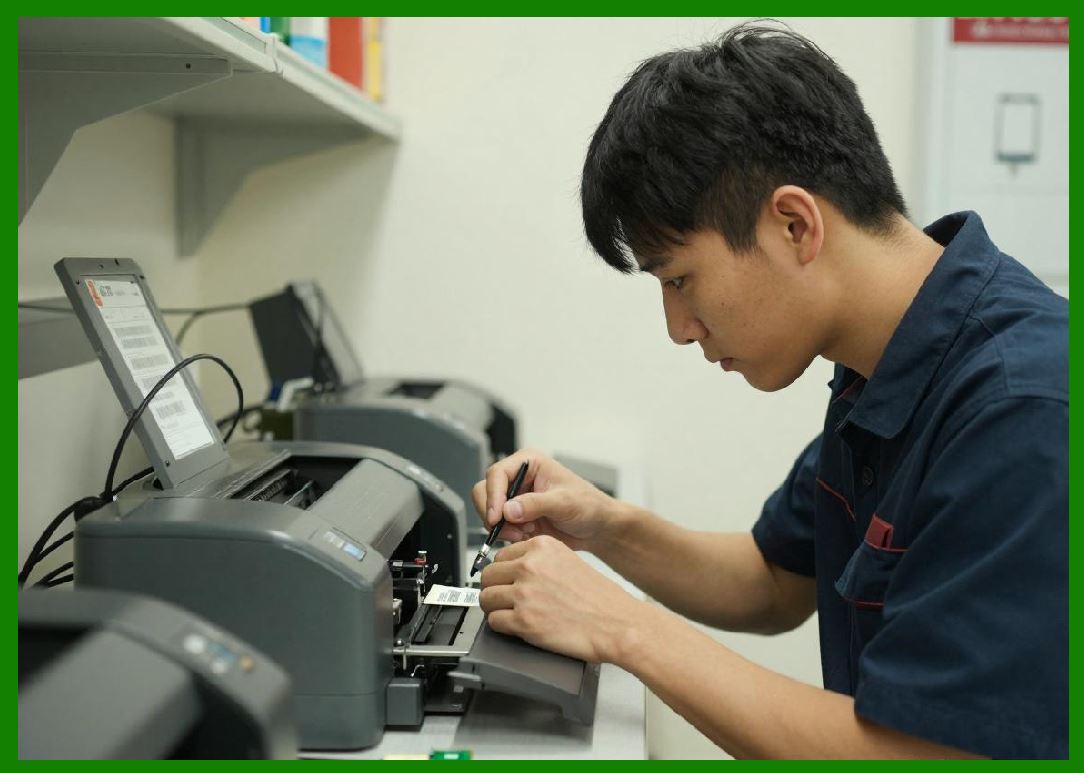
2.1 Standalone barcode printers are built around embedded systems architecture, meaning they contain onboard processors, memory, and firmware that control all printing functions. |
2.2 This architecture eliminates the need for continuous external computation and allows the printer to: |
* Store label templates |
* Process variable data |
* Execute print jobs autonomously |
2.3 Embedded systems are optimized for: |
* Real-time performance |
* Low power consumption |
* High reliability |
|
3. Structural Architecture of Standalone Printers |
3.1 A typical standalone barcode printer includes: |
1. Embedded CPU or microcontroller |
2. Internal memory (RAM + flash storage) |
3. Print engine (thermal or thermal transfer) |
4. Input interface (keypad, touchscreen, or barcode scanner) |
5. Output interface (label dispensing system) |
6. Connectivity modules (optional) |
3.2 The integration of computing and printing hardware into a single chassis is a defining feature. |

|
4. Internal Processing and Firmware Systems |
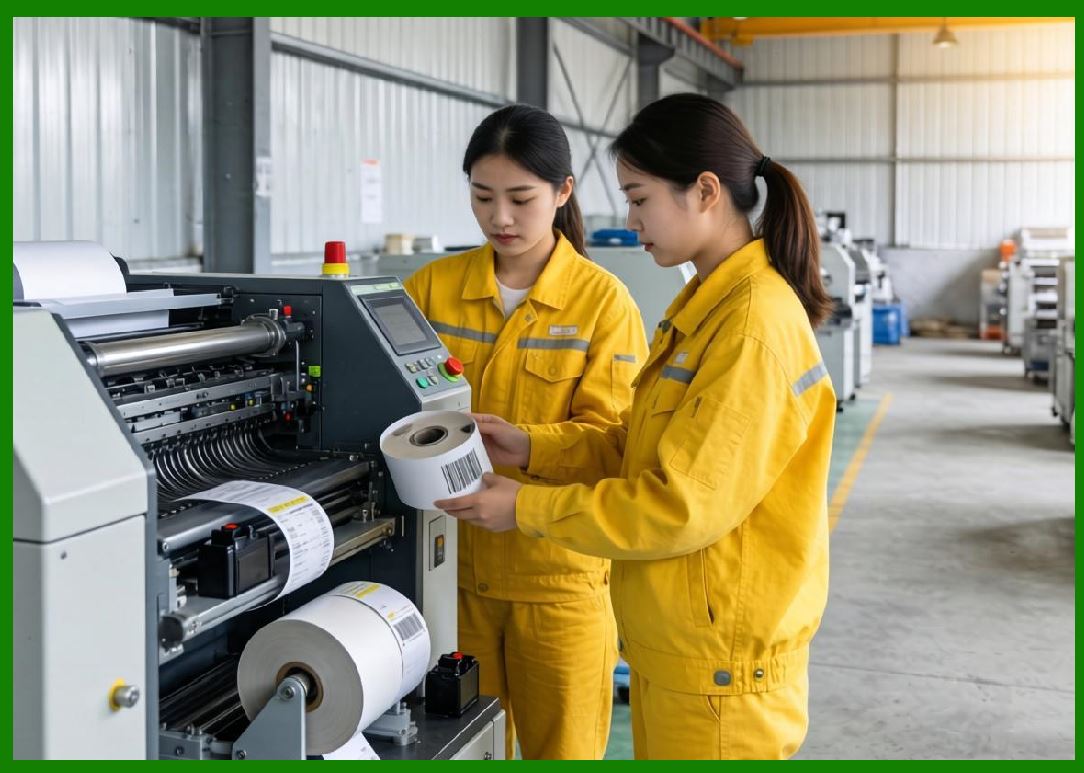
4.1 The firmware in standalone printers acts as the operating system of the device. |
4.2 It is responsible for: |
* Interpreting print commands |
* Managing memory allocation |
* Controlling printhead operations |
* Handling input data |
4.3 Many standalone printers use proprietary firmware optimized for speed and stability. |
4.4 Some advanced systems support scripting or programmable workflows. |
|
5. Data Input Methods |
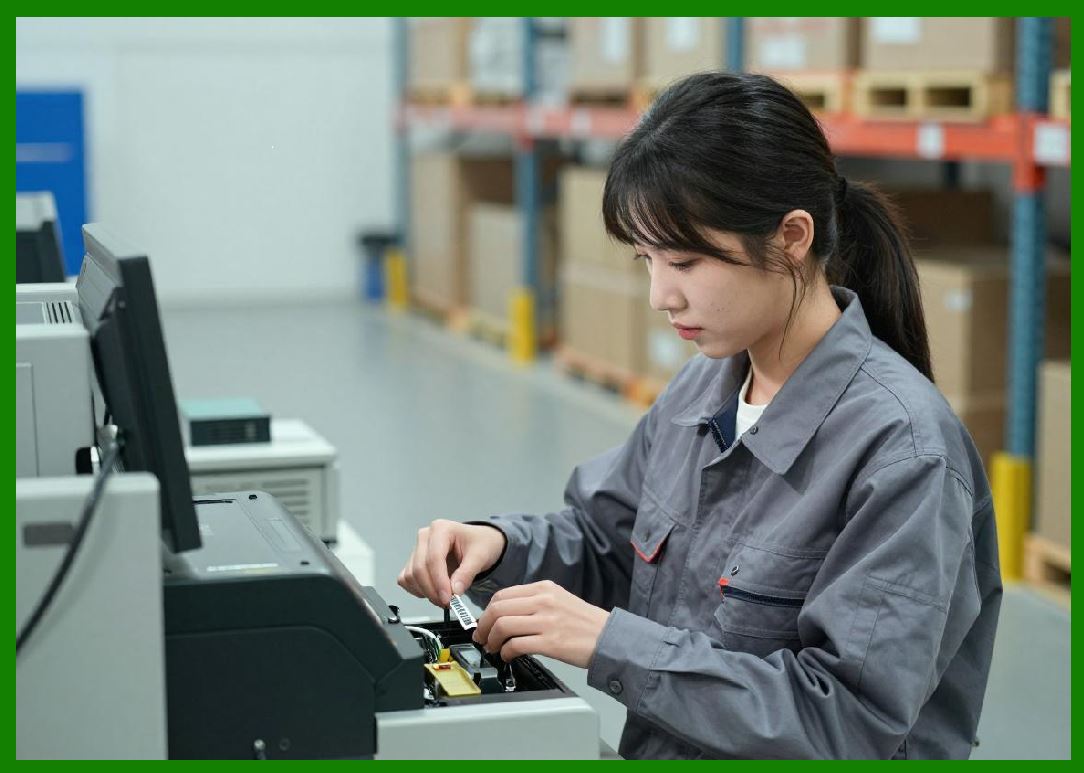
5.1 Standalone barcode printers can receive data through multiple methods: |
1. Manual input via keypad or touchscreen |
2. Scanning barcodes with built-in scanners |
3. USB or serial data transfer |
4. Network communication (Ethernet/Wi-Fi) |
5. Preloaded templates stored in memory |
5.2 This flexibility allows them to function in environments with or without network infrastructure. |
|
6. Printing Workflow in Standalone Mode |
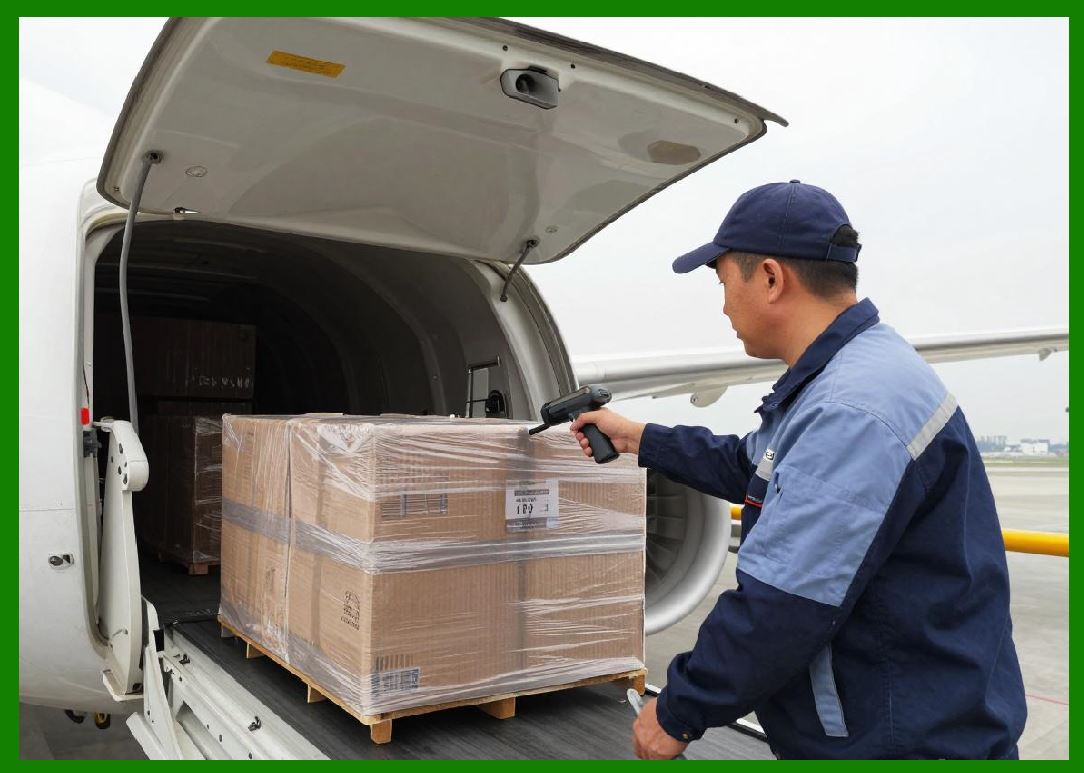
6.1 The workflow typically follows these steps: |
1. Data input or retrieval from memory |
2. Template selection |
3. Data mapping into barcode format |
4. Print execution |
5. Label dispensing |
6.2 All processing occurs internally without external computation. |
6.3 This reduces dependency on PCs or servers. |
|
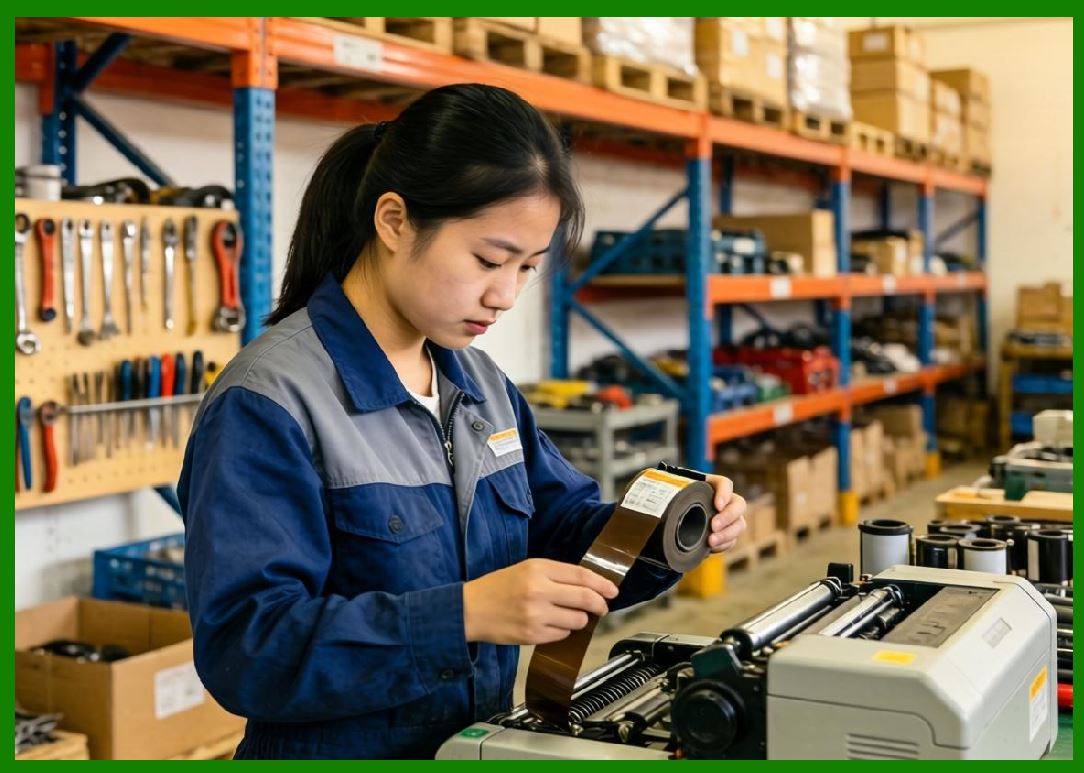
7. Print Engine Technologies Used |
7.1 Standalone printers may use: |
1. Direct thermal printing |
2. Thermal transfer printing |
7.2 The choice depends on application requirements: |
* Short-term labeling direct thermal |
* Long-term durability thermal transfer |
7.3 The print engine is tightly integrated with the embedded controller. |
|
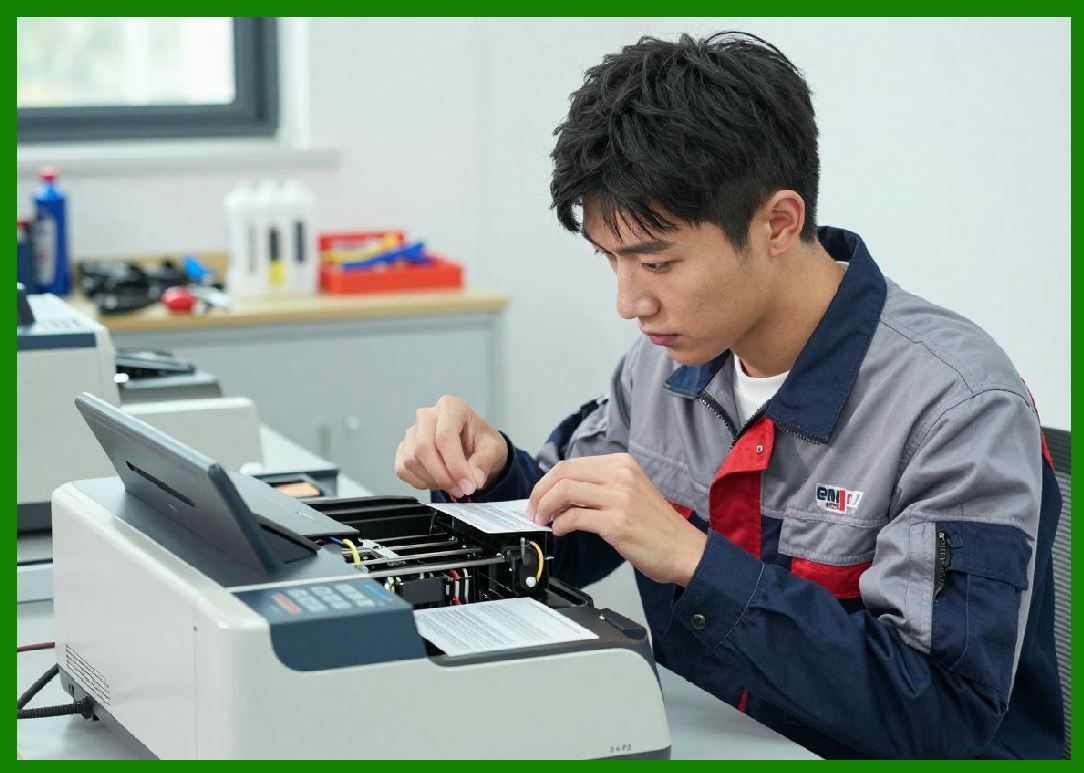
8. Memory and Storage Capabilities |
8.1 Internal memory allows storage of: |
* Label templates |
* Fonts |
* Barcode symbologies |
* Print history |
8.2 Storage types include: |
* Flash memory |
* RAM |
* Expandable storage (SD cards or USB drives) |
8.3 This enables offline operation. |
|
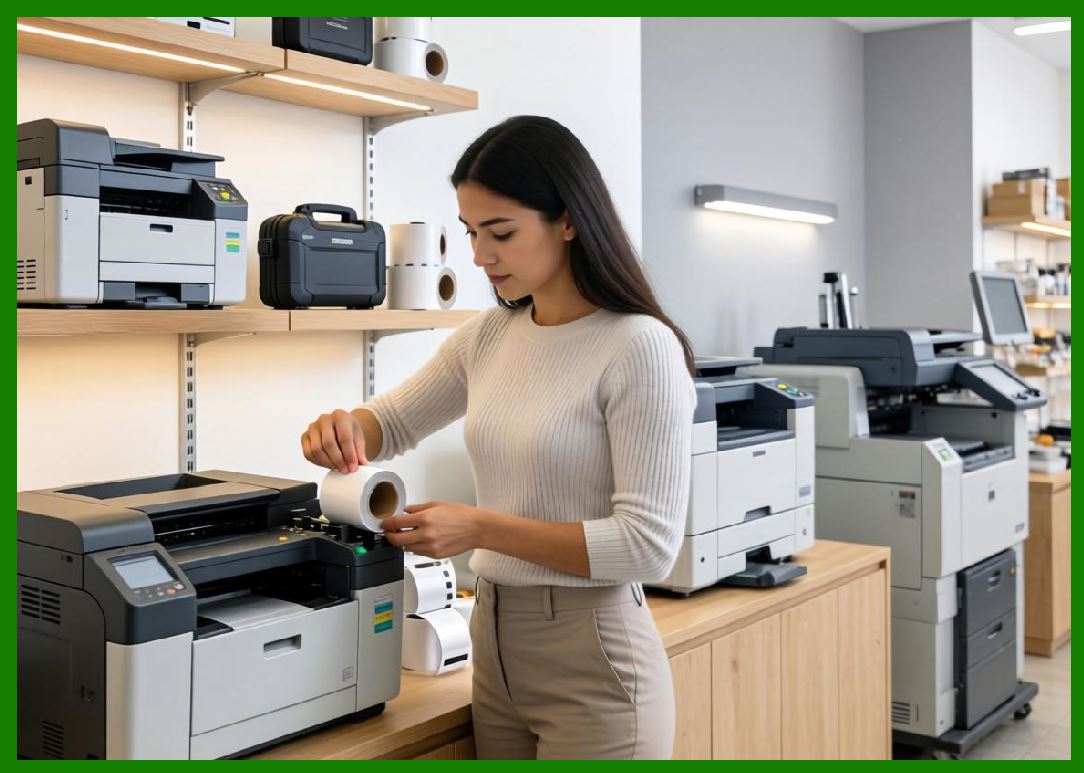
9. User Interface Design |
9.1 Standalone printers feature integrated user interfaces such as: |
1. LCD screens |
2. Touch panels |
3. Physical keypads |
9.2 Interfaces are designed for simplicity and quick operation. |
9.3 Some models support multi-language displays. |
|
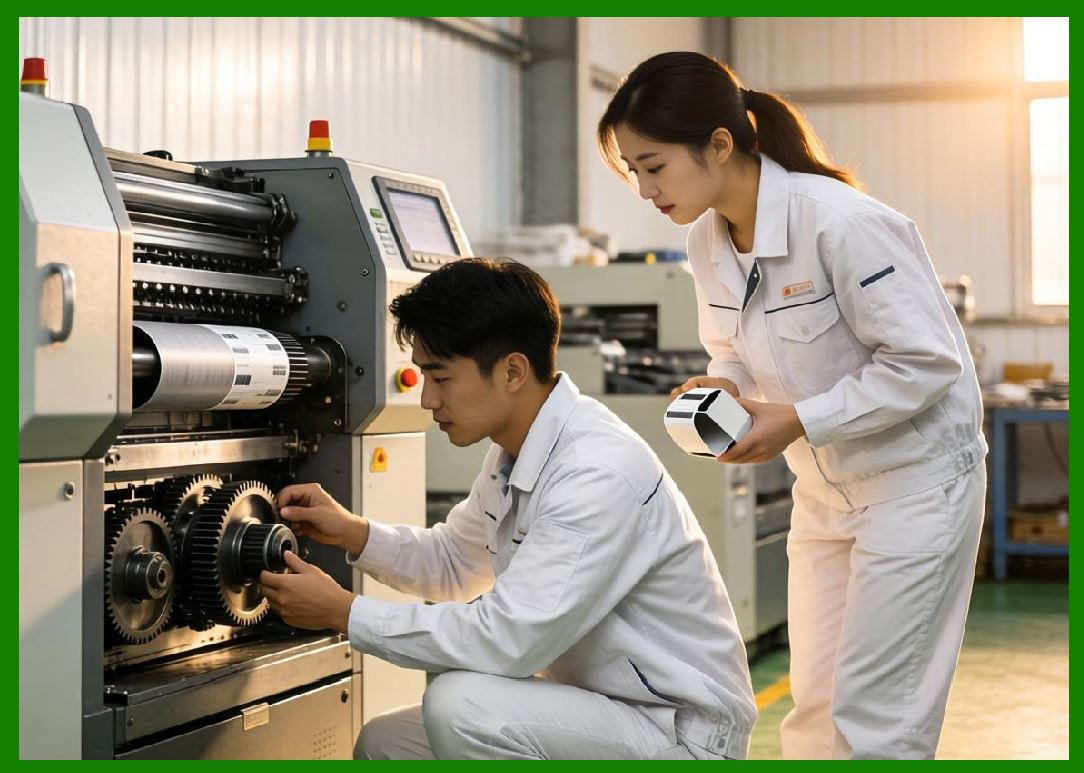
10. Connectivity Options |
10.1 While standalone printers can operate independently, many support optional connectivity: |
* USB |
* Ethernet |
* Wi-Fi |
* Bluetooth |
10.2 Connectivity enables: |
* Remote updates |
* Data synchronization |
* Integration with enterprise systems |
|
11. Label Design and Template Management |
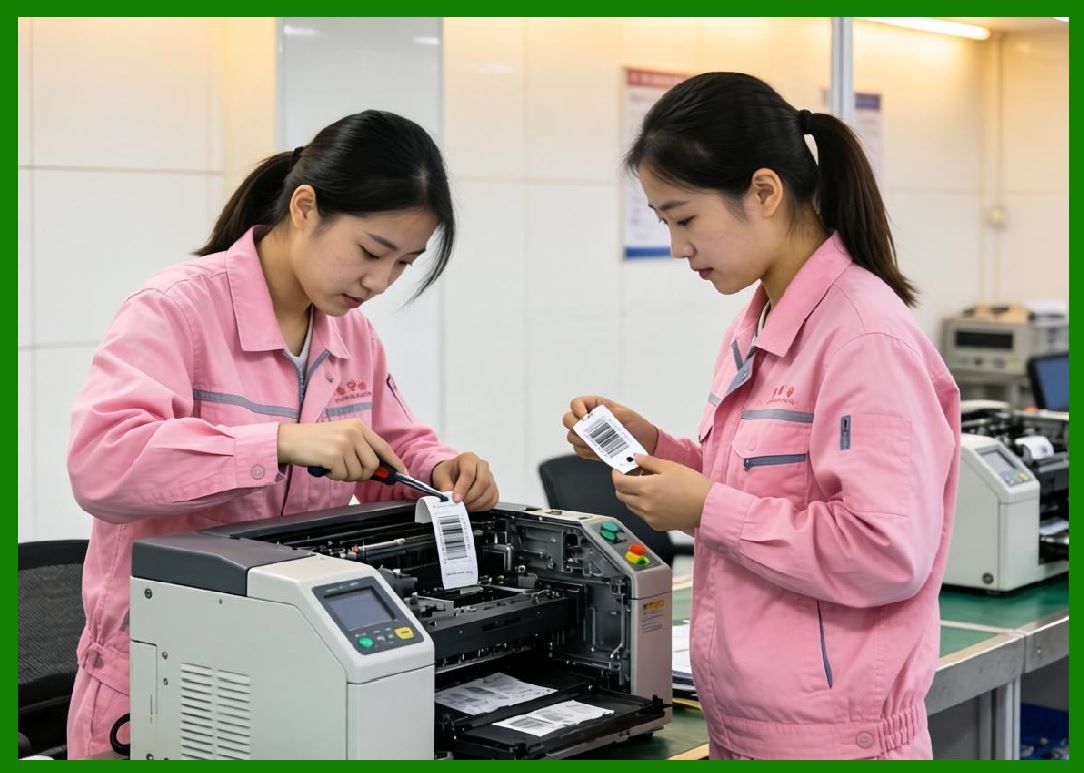
11.1 Standalone printers often include built-in label design tools. |
11.2 Users can: |
* Create templates |
* Store multiple label formats |
* Edit fields directly on the device |
11.3 This reduces reliance on external software. |
|
12. Performance Characteristics |
12.1 Performance depends on: |
* Embedded processor speed |
* Memory capacity |
* Print engine efficiency |
12.2 Standalone printers typically offer moderate to high performance suitable for controlled environments. |
|
13. Reliability and System Independence |
13.1 One of the key advantages is system independence. |
13.2 Benefits include: |
* Reduced network dependency |
* Lower risk of system failure |
* Stable operation in isolated environments |
13.3 This makes them ideal for critical standalone applications. |
|
14. Durability and Build Quality |
14.1 Standalone printers vary in durability depending on category: |
* Desktop-grade standalone units |
* Industrial-grade standalone systems |
14.2 Industrial versions feature: |
* Metal enclosures |
* Enhanced cooling |
* Reinforced mechanical components |

|
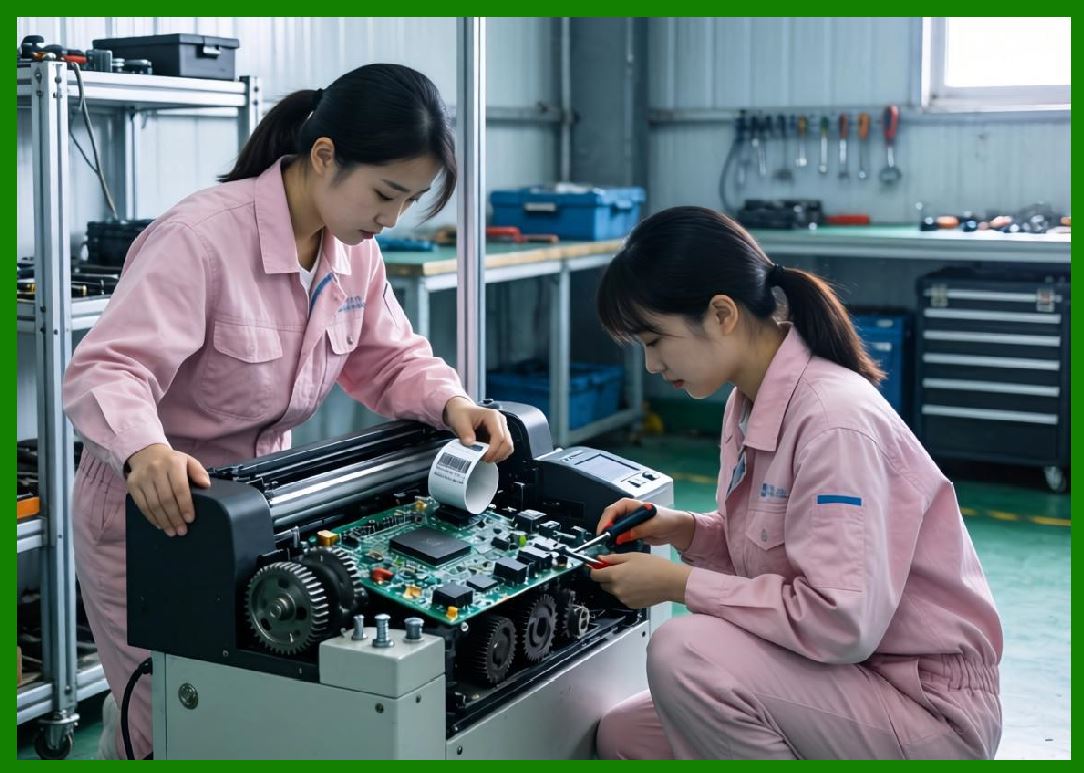
15. Maintenance Requirements |
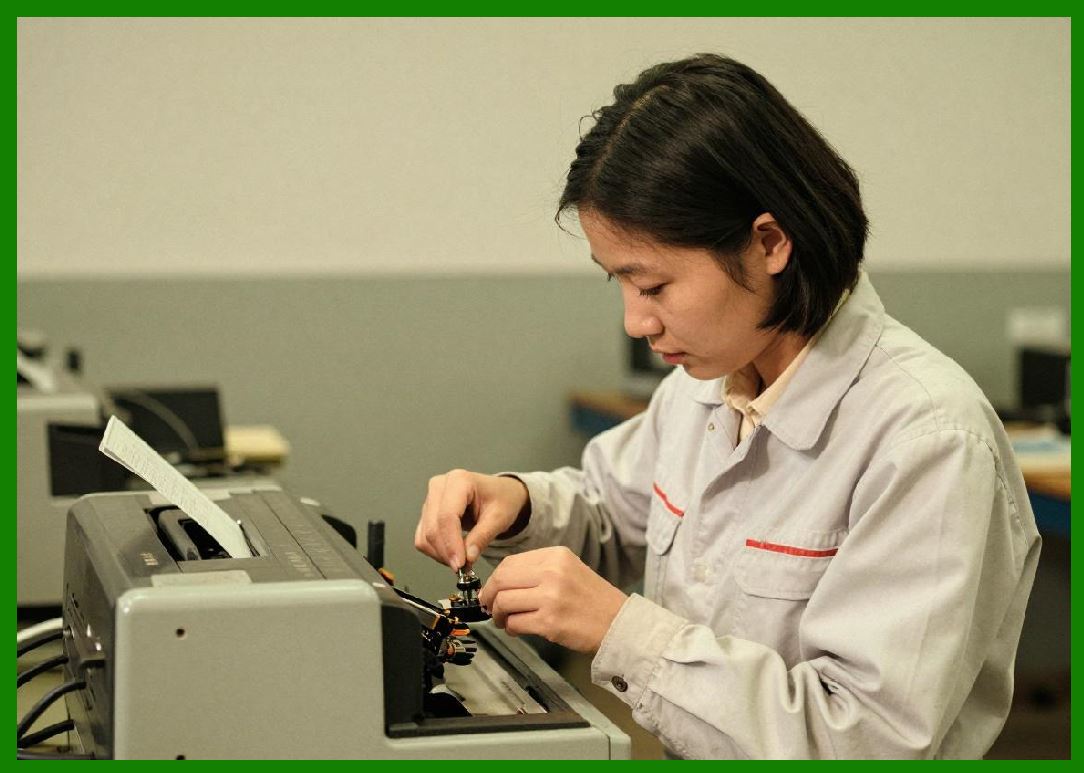
15.1 Maintenance includes: |
* Printhead cleaning |
* Firmware updates |
* Memory management |
* Mechanical servicing |
15.2 Maintenance needs are generally moderate. |

|
16. Energy Consumption |
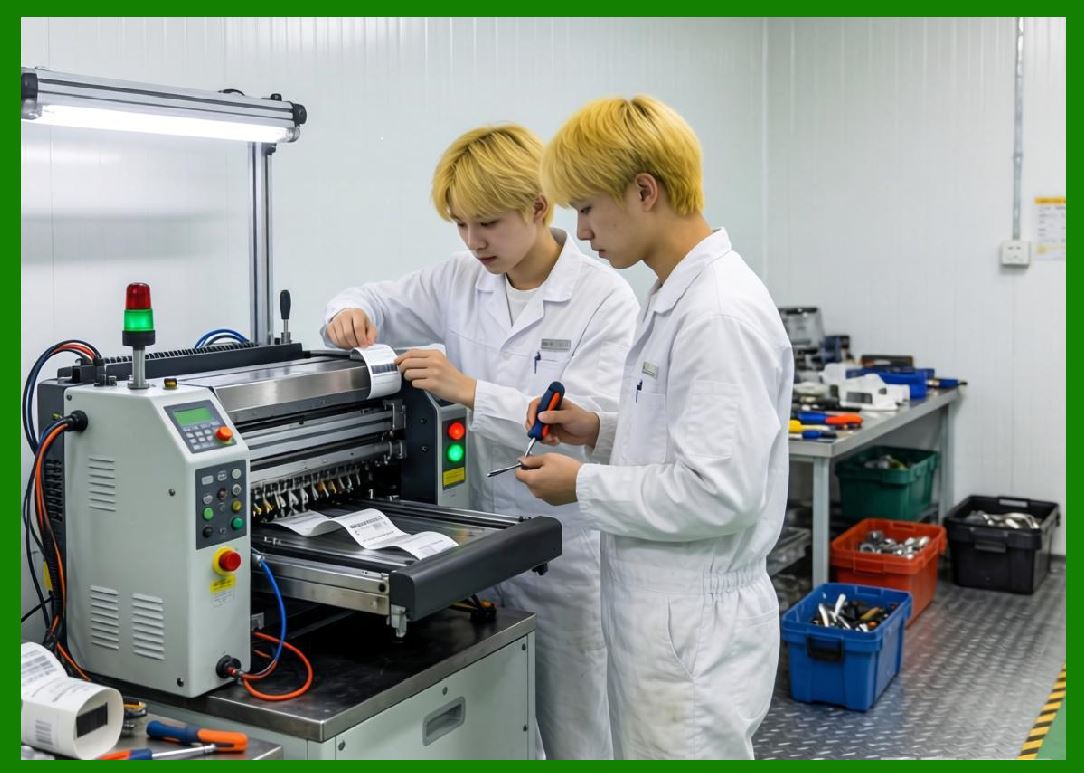
16.1 Energy usage depends on: |
* Processing load |
* Print frequency |
* Display usage |
16.2 Embedded systems are optimized for energy efficiency. |
|
17. Cost Considerations |
17.1 Cost factors include: |
* Embedded system complexity |
* Storage and memory components |
* Interface hardware |
17.2 Standalone printers may cost more than basic desktop models due to integrated intelligence. |
|
18. Application Scenarios |
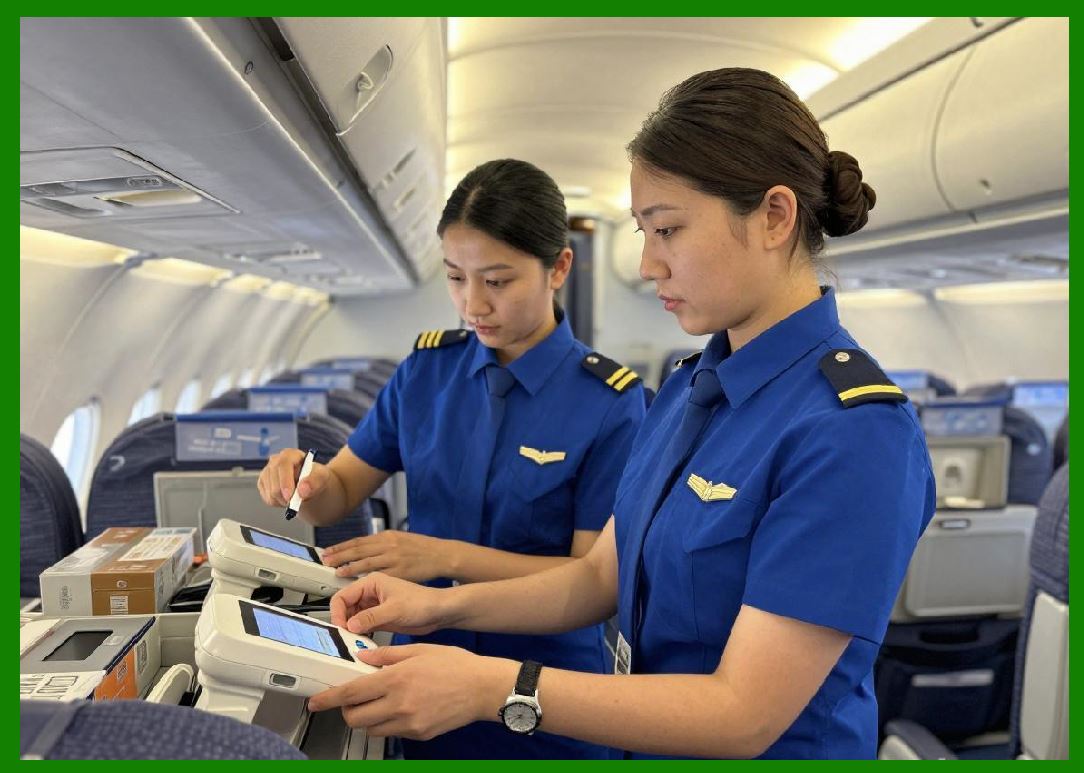
18.1 Standalone barcode printers are used in: |
1. Retail checkout labeling |
2. Warehouse labeling stations |
3. Manufacturing checkpoints |
4. Ticketing systems |
5. Healthcare identification stations |
18.2 They are especially useful where network access is limited or unnecessary. |

|
19. Advantages of Standalone Barcode Printers |
19.1 Key advantages include: |
1. Independent operation |
2. Reduced system dependency |
3. Built-in data processing |
4. Ease of deployment |
|
20. Limitations and Trade-offs |
20.1 Limitations include: |
1. Limited processing power compared to external systems |
2. Smaller storage capacity |
3. Less flexible than PC-based systems |
20.2 These limitations are balanced by operational simplicity. |

|
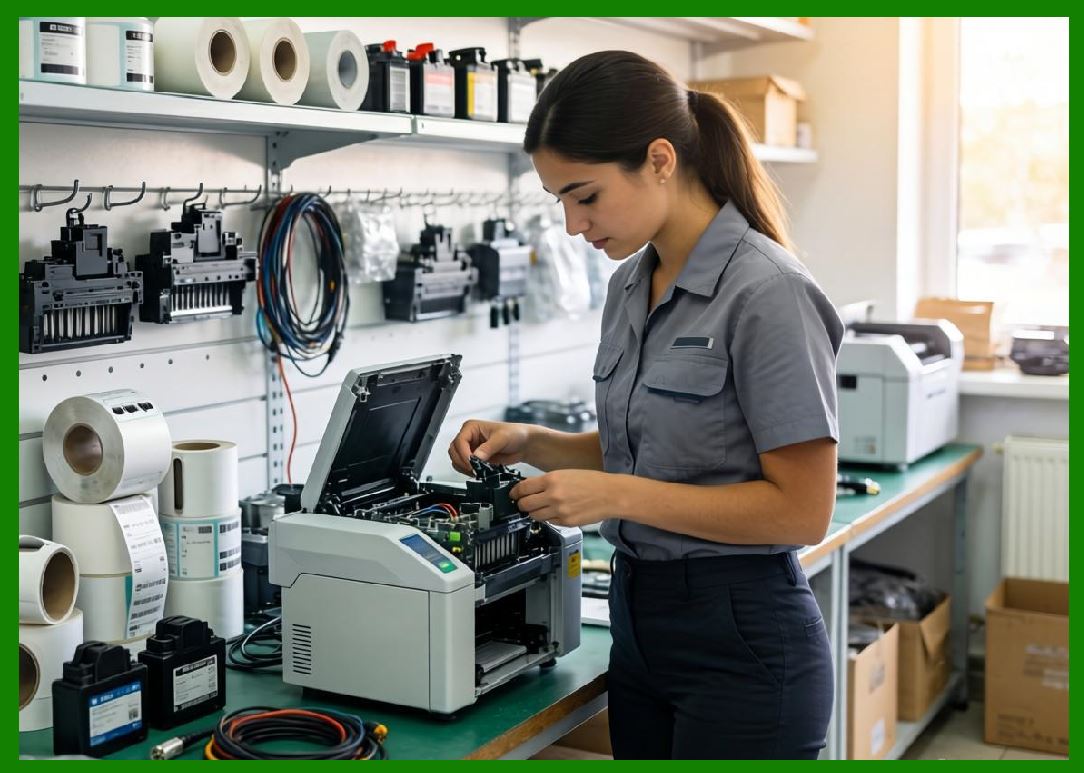
21. Comparison with Other Printer Types |
21.1 Compared to desktop printers: |
* More autonomous |
* Slightly more complex |
21.2 Compared to industrial printers: |
* Less powerful but more self-contained |
21.3 Compared to mobile printers: |
* Less portable but more stable |
|
22. Technological Innovations |
22.1 Recent innovations include: |
1. Touchscreen interfaces |
2. Cloud-connected standalone systems |
3. AI-assisted label generation |
4. Advanced embedded processors |

|
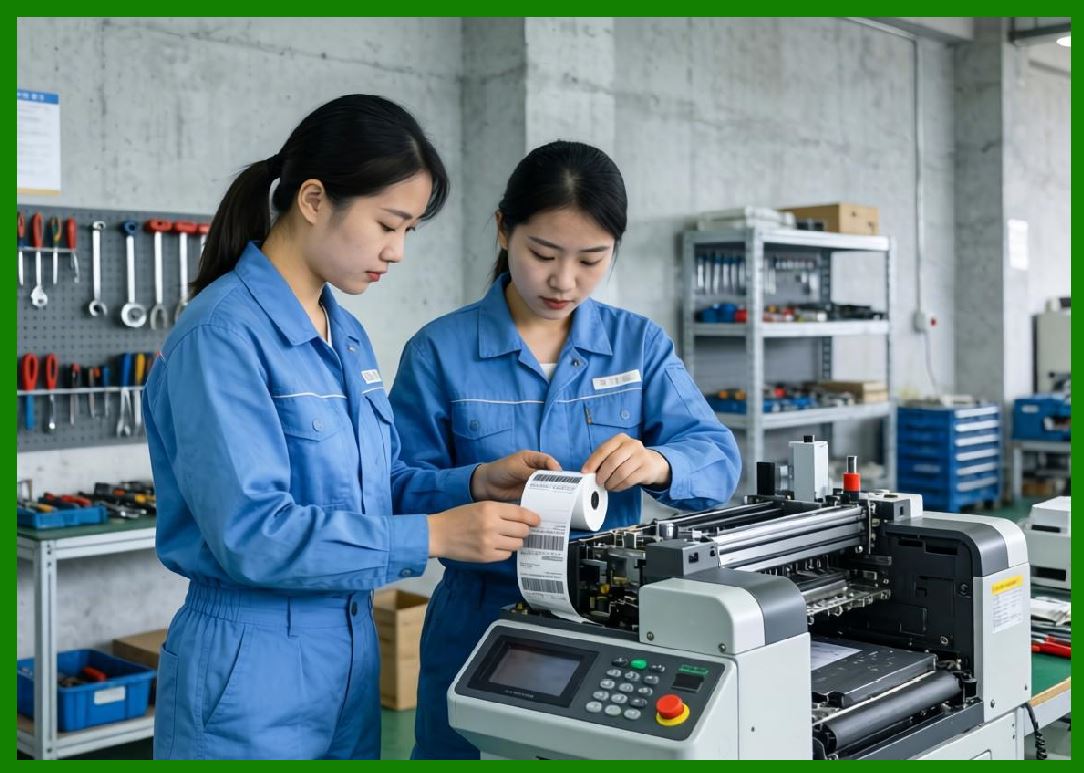
23. Future Trends |
23.1 Future developments may include: |
1. Fully cloud-synchronized standalone printers |
2. Voice-controlled operation |
3. AI-driven workflow automation |
4. Greater integration with IoT ecosystems |
|
24. Summary of Part 9 |
24.1 Standalone barcode printers represent a highly efficient category of self-sufficient printing systems. |
24.2 Their embedded computing capabilities allow them to operate independently, making them ideal for decentralized environments. |
24.3 While they may not match industrial systems in raw performance, their autonomy and simplicity provide significant operational advantages. |
End of Part 9 |
|
Part 10: Print-and-Apply Barcode Systems (Automation, Robotics Integration, and High-Speed Label Application). |
 cs@easiersoft.com