Part 10. Fully Automatic Order Receiving Technology in Cloud Printing Ecosystems |
10.1 Introduction to Fully Automatic Order Receiving |
Fully automatic order receiving technology is one of the most important operational foundations of modern cloud printing ecosystems. It allows digital orders generated by customers to move automatically through cloud infrastructure, merchant systems, kitchen workflows, delivery coordination systems, and intelligent cloud printers without requiring continuous human intervention. |
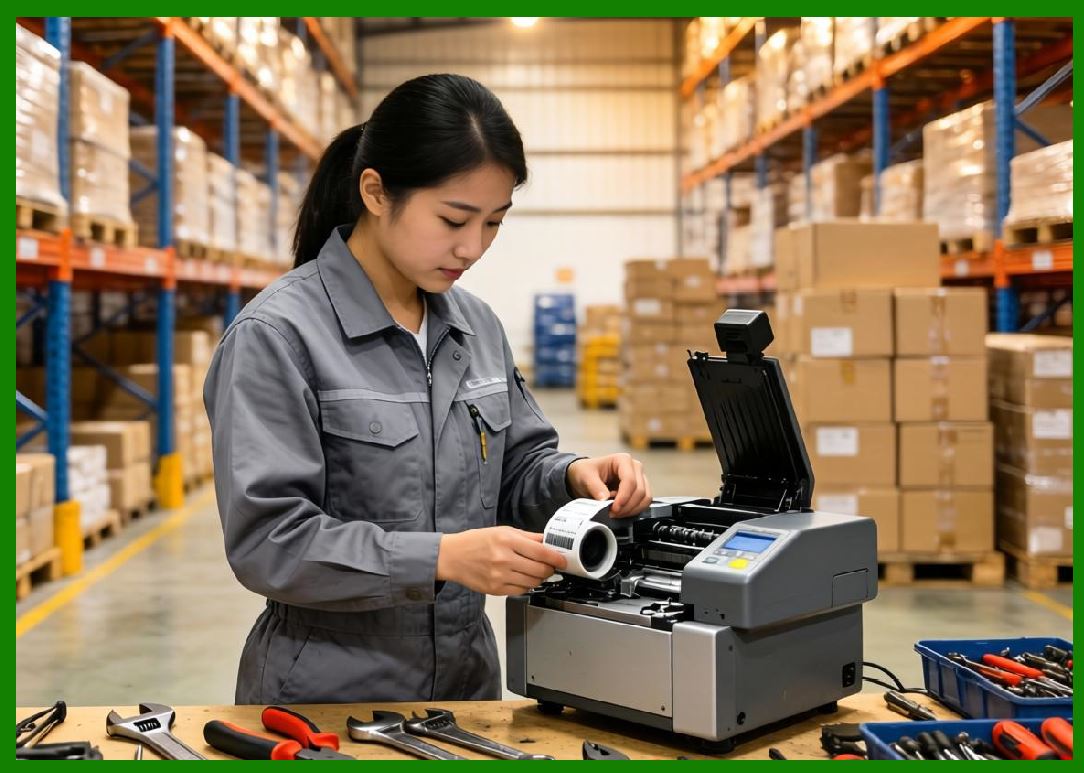
In traditional business environments, order reception was often manual. |
|
Typical manual workflows included: |
1. Telephone calls. |
2. Handwritten order tickets. |
3. Manual POS entry. |
4. Human kitchen communication. |
5. Verbal confirmation. |
6. Paper-based workflows. |
7. Manual dispatch coordination. |
8. Human payment verification. |
9. Separate inventory checks. |
10. Independent delivery assignment. |
|
These workflows introduced multiple operational problems: |
1. Slow response times. |
2. Human transcription errors. |
3. Lost orders. |
4. Communication delays. |
5. Operational inconsistency. |
6. Increased labor costs. |
7. Queue congestion. |
8. Customer dissatisfaction. |
9. Scalability limitations. |
10. Poor real-time coordination. |
Fully automatic order receiving systems fundamentally transformed operational workflows by enabling intelligent machine-driven coordination. |
|
10.2 Core Objectives of Automatic Order Receiving Systems |
Modern automatic order receiving systems are designed to achieve several operational objectives simultaneously. |
Major goals include: |
1. Real-time order transmission. |
2. Zero manual intervention. |
3. High processing reliability. |
4. Extremely low latency. |
5. Continuous operational scalability. |
6. Intelligent workflow coordination. |
7. Automatic queue management. |
8. Delivery synchronization. |
9. Real-time analytics integration. |
10. Autonomous operational orchestration. |
|
The system must reliably handle: |
1. Massive concurrent requests. |
2. Variable network conditions. |
3. Multi-device coordination. |
4. Distributed cloud infrastructure. |
5. Dynamic business logic. |
6. Fault recovery. |
7. Security enforcement. |
8. Data synchronization. |
9. Regional traffic surges. |
10. Real-time operational visibility. |
Automatic order receiving therefore operates as a large-scale distributed event-processing system. |

|
10.3 Digital Order Lifecycle Overview |
The automatic order lifecycle involves multiple interconnected systems operating simultaneously. |
The overall process generally includes: |
1. Customer submits order. |
2. Payment verification occurs. |
3. Cloud platform validates transaction. |
4. Merchant availability confirms. |
5. Inventory checks execute. |
6. Intelligent dispatch systems initialize. |
7. Print tasks generate automatically. |
8. Cloud printers receive instructions. |
9. Kitchen workflow begins. |
10. Delivery coordination activates. |
11. Packaging workflows synchronize. |
12. Driver assignment finalizes. |
13. Customer tracking updates continuously. |
14. Delivery verification completes. |
15. Operational analytics synchronize. |
Every stage may involve multiple cloud services, APIs, message queues, and IoT devices operating together in real time. |

|
10.4 Event-Driven Architecture in Order Reception |
Modern automatic order systems heavily rely on event-driven architecture. |
In event-driven systems: |
1. User actions generate events. |
2. Events trigger workflows. |
3. Systems communicate asynchronously. |
4. Components operate independently. |
5. Real-time scalability improves. |
6. Failure isolation becomes easier. |
7. Distributed coordination improves. |
8. Dynamic processing becomes possible. |
9. Infrastructure elasticity increases. |
10. Workflow automation accelerates. |
Examples of operational events include: |
1. New order submission. |
2. Payment completion. |
3. Merchant confirmation. |
4. Printer acknowledgment. |
5. Kitchen preparation start. |
6. Driver assignment. |
7. Delivery pickup. |
8. Customer notification. |
9. Delivery completion. |
10. Exception handling alerts. |
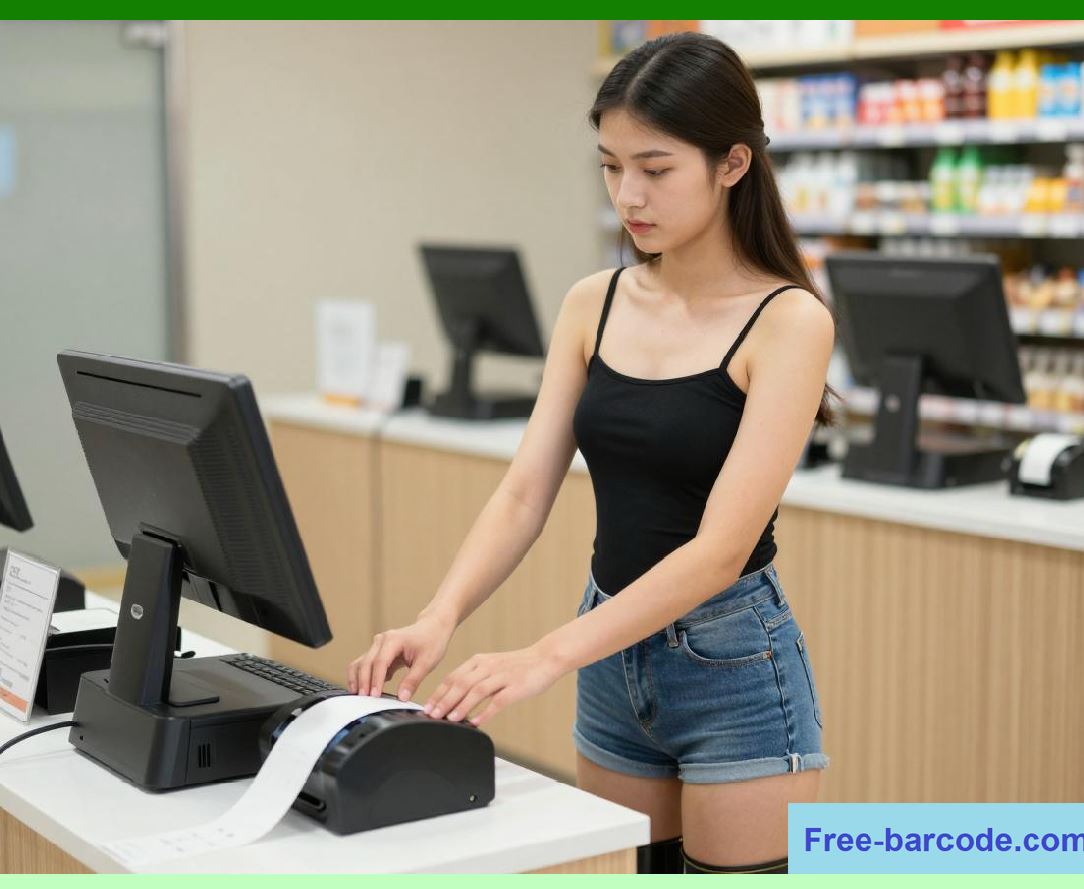
Cloud printing systems are deeply integrated into this event-driven architecture. |
|
10.5 Real-Time Order Submission Systems |
Customer order submission is the entry point of the automation pipeline. |
Modern ordering systems support: |
1. Mobile applications. |
2. Web ordering. |
3. QR-code ordering. |
4. Voice ordering. |
5. Smart kiosks. |
6. Mini-program ecosystems. |
7. Group ordering systems. |
8. Corporate ordering platforms. |
9. Subscription ordering. |
10. Smart device ordering. |
When a customer submits an order: |
1. Authentication verifies identity. |
2. Product availability checks execute. |
3. Merchant operating status validates. |
4. Pricing calculations occur. |
5. Promotional rules apply dynamically. |
6. Delivery estimates calculate. |
7. Payment authorization processes. |
8. Order metadata generates. |
9. Cloud workflow activates. |
10. Event propagation begins. |
These operations typically occur within seconds. |
|
10.6 Payment Verification and Workflow Triggering |
Payment systems are tightly integrated with automatic order receiving workflows. |
Payment confirmation often acts as the trigger event for downstream operational automation. |
The payment pipeline may include: |
1. User authentication. |
2. Risk analysis. |
3. Fraud detection. |
4. Payment authorization. |
5. Transaction verification. |
6. Settlement coordination. |
7. Digital receipt generation. |
8. Merchant settlement updates. |
9. Financial logging. |
10. Cloud event generation. |
After successful payment: |
1. Order state changes. |
2. Merchant systems notify automatically. |
3. Cloud printing tasks generate. |
4. Kitchen queues update. |
5. Delivery coordination initializes. |
6. Analytics pipelines activate. |
7. Notification systems synchronize. |
8. Inventory systems update. |
9. AI forecasting recalculates. |
10. Operational orchestration continues automatically. |
This integration greatly reduces workflow delays. |

|
10.7 Merchant-Side Automatic Order Reception |
Merchant systems automatically receive orders from cloud infrastructure. |
Merchant-side components may include: |
1. Cloud printers. |
2. Merchant tablets. |
3. POS systems. |
4. Kitchen display systems. |
5. Barcode label printers. |
6. Mobile management apps. |
7. Voice notification systems. |
8. Queue management terminals. |
9. Inventory systems. |
10. AI workflow systems. |
Once an order arrives: |
1. Merchant dashboard updates. |
2. Cloud printer receives task. |
3. Audible notifications trigger. |
4. Kitchen workflows initialize. |
5. Queue sequencing updates. |
6. Delivery coordination synchronizes. |
7. Packaging instructions generate. |
8. Operational analytics update. |
9. Inventory calculations recalculate. |
10. Real-time tracking activates. |
Automation minimizes merchant response time. |

|
10.8 Automatic Cloud Print Task Generation |
Automatic print task generation is a critical workflow stage. |
After order validation: |
1. Cloud platform selects template. |
2. Order metadata formats dynamically. |
3. QR codes generate. |
4. Barcode identifiers create. |
5. Localization rules apply. |
6. Kitchen instructions insert. |
7. Delivery metadata synchronizes. |
8. Formatting optimization occurs. |
9. Print payload packages. |
10. Transmission pipeline activates. |
The print payload may include: |
1. Order number. |
2. Customer notes. |
3. Food preparation instructions. |
4. Delivery timing. |
5. Driver metadata. |
6. Payment status. |
7. QR codes. |
8. Kitchen routing information. |
9. Packaging instructions. |
10. Traceability identifiers. |
This fully automated pipeline eliminates manual ticket preparation. |
|
10.9 Real-Time Print Queue Synchronization |
Cloud print queues continuously synchronize across distributed infrastructure. |
Queue systems manage: |
1. Task sequencing. |
2. Priority handling. |
3. Retry coordination. |
4. Load balancing. |
5. Device assignment. |
6. Failover routing. |
7. Queue persistence. |
8. Distributed synchronization. |
9. Latency optimization. |
10. Error recovery. |
During high-volume operations such as lunch peaks, queue systems may process massive bursts of orders simultaneously. |
Queue synchronization mechanisms ensure: |
1. No order loss. |
2. Correct task ordering. |
3. Consistent state management. |
4. Reliable retries. |
5. Operational continuity. |
6. Multi-printer coordination. |
7. Intelligent congestion control. |
8. Dynamic scaling. |
9. Regional optimization. |
10. Continuous synchronization. |
Queue engineering is therefore critical to operational stability. |

|
10.10 Automatic Kitchen Ticket Processing |
Once print tasks reach the merchant environment, kitchen processing begins automatically. |
Kitchen printing workflows may include: |
1. Thermal receipt printing. |
2. Barcode label printing. |
3. Multi-station ticket routing. |
4. Preparation timing coordination. |
5. Packaging synchronization. |
6. Queue prioritization. |
7. Delivery staging coordination. |
8. Smart batching. |
9. Dynamic preparation sequencing. |
10. Real-time status tracking. |
The printed ticket becomes a physical operational trigger inside the kitchen environment. |
Kitchen staff can immediately begin: |
1. Food preparation. |
2. Ingredient allocation. |
3. Cooking sequencing. |
4. Packaging workflows. |
5. Beverage preparation. |
6. Pickup staging. |
7. Delivery coordination. |
8. Order consolidation. |
9. Final verification. |
10. Quality control. |
Automation significantly reduces operational delays. |

|
10.11 Multi-Printer Intelligent Routing |
Large restaurants often use multiple cloud printers. |
Intelligent routing systems determine: |
1. Which printer receives tasks. |
2. Task sequencing. |
3. Station-specific distribution. |
4. Redundant routing. |
5. Failover handling. |
6. Queue balancing. |
7. Priority optimization. |
8. Delivery coordination. |
9. Kitchen workload balancing. |
10. Operational efficiency optimization. |
Examples include: |
1. Beverage orders routed separately. |
2. Grill station tickets isolated. |
3. Packaging labels synchronized independently. |
4. Dessert preparation coordinated separately. |
5. Pickup labels generated automatically. |
This improves operational parallelization and throughput. |

|
10.12 Automatic Order Confirmation Systems |
Automatic order confirmation systems validate that operational workflows are functioning correctly. |
Confirmation mechanisms may include: |
1. Printer acknowledgment. |
2. Merchant dashboard confirmation. |
3. Kitchen queue synchronization. |
4. Print completion reporting. |
5. Device heartbeat validation. |
6. Delivery initialization confirmation. |
7. Real-time operational logging. |
8. Exception detection. |
9. AI anomaly monitoring. |
10. Cloud telemetry synchronization. |
If confirmation fails: |
1. Automatic retries initiate. |
2. Backup communication activates. |
3. Alternate printer routing occurs. |
4. Merchant alerts trigger. |
5. Operational escalation activates. |
6. Queue persistence protects tasks. |
7. Monitoring systems update. |
8. AI diagnosis analyzes anomalies. |
9. Support systems notify automatically. |
10. Recovery workflows initiate. |
This reduces risk of lost orders. |
|
10.13 Intelligent Queue Prioritization |
Not all orders are processed equally. |
Intelligent prioritization systems analyze: |
1. Delivery deadlines. |
2. Preparation complexity. |
3. Driver availability. |
4. Merchant workload. |
5. Customer VIP status. |
6. Geographic routing efficiency. |
7. Food perishability. |
8. Batch delivery opportunities. |
9. Peak-hour congestion. |
10. Dynamic operational conditions. |
Cloud printing systems respond dynamically by: |
1. Reordering print queues. |
2. Adjusting task priority. |
3. Splitting workflows. |
4. Synchronizing kitchen timing. |
5. Coordinating packaging. |
6. Optimizing dispatch timing. |
7. Reducing delivery delay risk. |
8. Improving throughput. |
9. Balancing workloads. |
10. Enhancing customer satisfaction. |
AI increasingly supports these optimization mechanisms. |

|
10.14 Automatic Exception Handling |
Large-scale operational systems inevitably encounter exceptions. |
Potential problems include: |
1. Printer offline status. |
2. Communication interruption. |
3. Kitchen overload. |
4. Payment verification failure. |
5. Inventory shortages. |
6. Delivery delays. |
7. Network instability. |
8. Queue congestion. |
9. Device malfunction. |
10. Data synchronization errors. |
Automatic exception handling systems respond dynamically through: |
1. Retry logic. |
2. Failover routing. |
3. Merchant alerts. |
4. Queue reprocessing. |
5. Backup printer activation. |
6. Operational escalation. |
7. Dynamic dispatch adjustment. |
8. Customer notification updates. |
9. AI-assisted diagnosis. |
10. Continuous monitoring. |
These mechanisms are essential for large-scale operational resilience. |

|
10.15 Cloud-Edge Collaborative Order Processing |
Modern systems increasingly use cloud-edge collaborative processing. |
Cloud infrastructure handles: |
1. Global coordination. |
2. Analytics. |
3. AI optimization. |
4. Centralized management. |
5. Distributed orchestration. |
6. Multi-region synchronization. |
7. Large-scale scalability. |
8. Security enforcement. |
9. Workflow governance. |
10. Data aggregation. |
Edge systems handle: |
1. Local queue buffering. |
2. Offline operation. |
3. Immediate print execution. |
4. Device coordination. |
5. Local workflow continuity. |
6. Fast response operations. |
7. Temporary data caching. |
8. Local telemetry collection. |
9. Real-time device management. |
10. Autonomous recovery operations. |
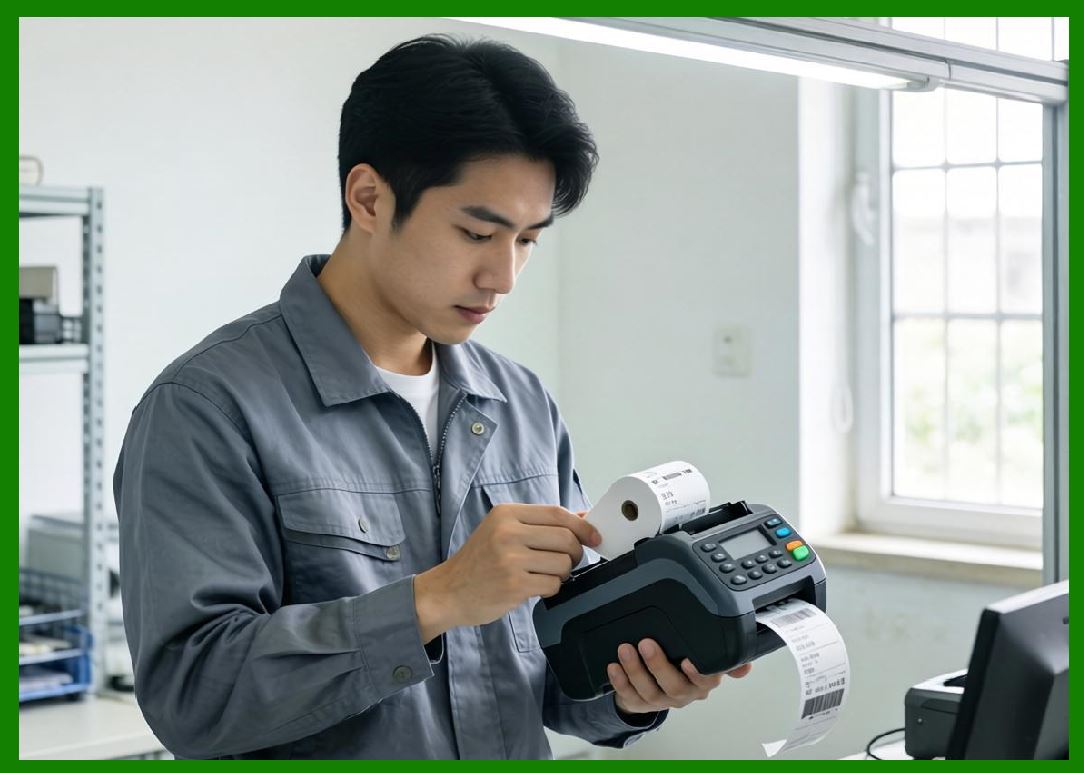
This hybrid architecture improves reliability and performance. |
|
10.16 Intelligent Delivery Synchronization |
Automatic order systems coordinate tightly with delivery infrastructure. |
Synchronization includes: |
1. Preparation timing prediction. |
2. Driver assignment coordination. |
3. Pickup scheduling. |
4. Packaging synchronization. |
5. Delivery batching. |
6. ETA calculation. |
7. Real-time route optimization. |
8. Dynamic workload balancing. |
9. Customer notification timing. |
10. Operational forecasting. |
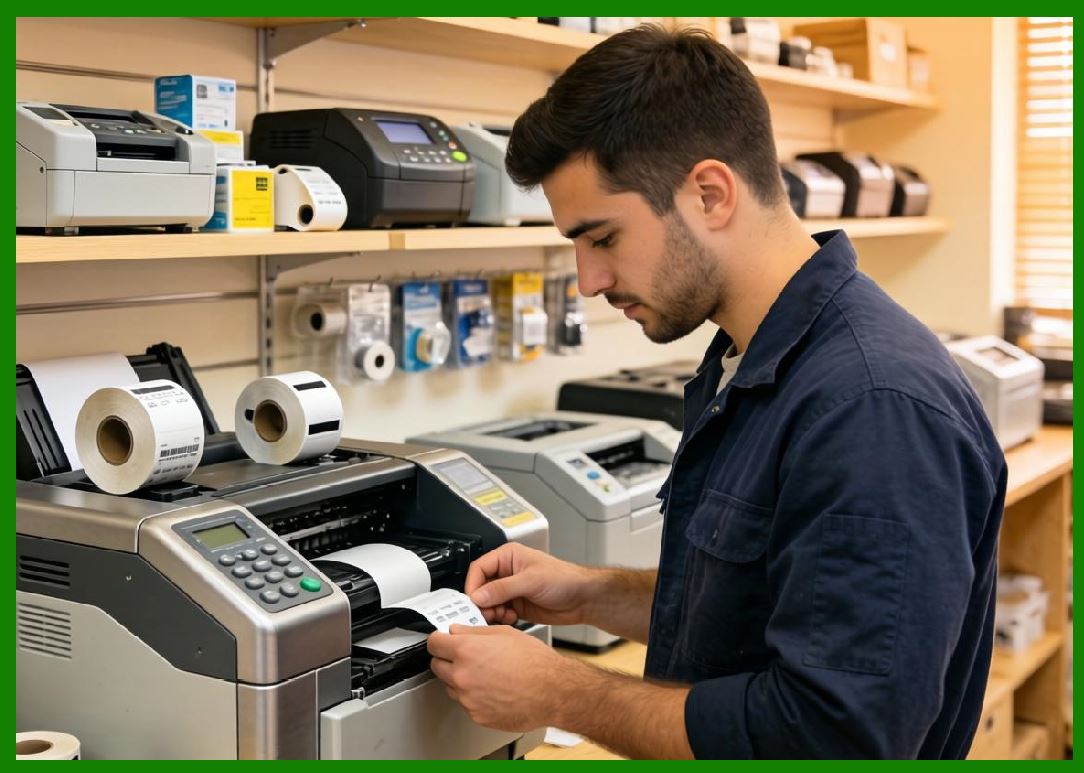
Cloud printing directly affects delivery coordination because print completion often indicates operational readiness. |
This creates tightly synchronized digital-physical workflows. |
|
10.17 AI-Driven Operational Automation |
Artificial intelligence increasingly controls automatic order processing. |
AI systems may optimize: |
1. Queue balancing. |
2. Preparation forecasting. |
3. Dynamic routing. |
4. Driver scheduling. |
5. Kitchen workload analysis. |
6. Print prioritization. |
7. Congestion prediction. |
8. Delivery timing optimization. |
9. Resource allocation. |
10. Infrastructure scaling. |
AI-assisted automation reduces: |
1. Delivery delays. |
2. Kitchen congestion. |
3. Order conflicts. |
4. Resource waste. |
5. Manual coordination. |
6. Operational inefficiency. |
7. Customer wait times. |
8. Dispatch conflicts. |
9. Queue overload. |
10. Infrastructure costs. |
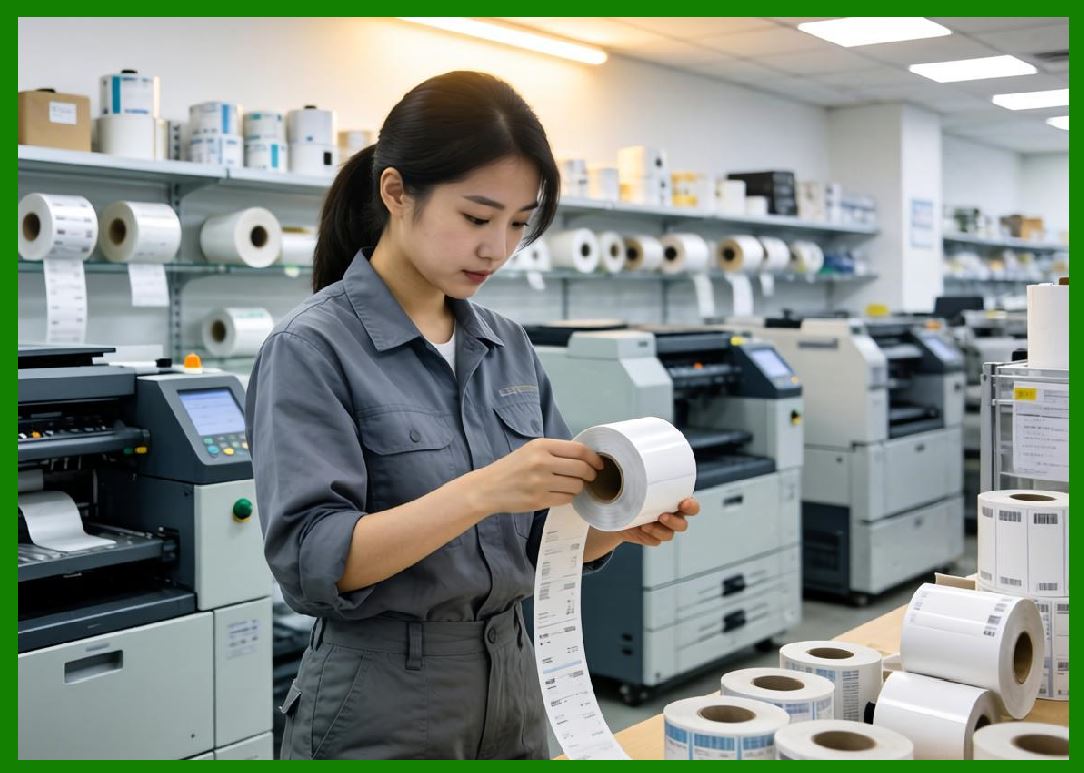
AI is becoming central to intelligent operational orchestration. |
|
10.18 Scalability Challenges in Automatic Order Systems |
Large food delivery ecosystems face extreme scalability demands. |
Operational challenges include: |
1. National traffic surges. |
2. Lunch-hour spikes. |
3. Festival promotions. |
4. Weather-related demand changes. |
5. Regional congestion. |
6. Flash-sale events. |
7. Merchant onboarding growth. |
8. Device fleet expansion. |
9. Delivery driver coordination complexity. |
10. Real-time operational unpredictability. |
To support scalability, systems use: |
1. Distributed microservices. |
2. Elastic cloud infrastructure. |
3. Auto-scaling systems. |
4. Distributed message queues. |
5. Cloud-native orchestration. |
6. Regional deployment clusters. |
7. Edge computing. |
8. AI-driven scaling prediction. |
9. Multi-layer caching. |
10. Load-balanced communication infrastructure. |
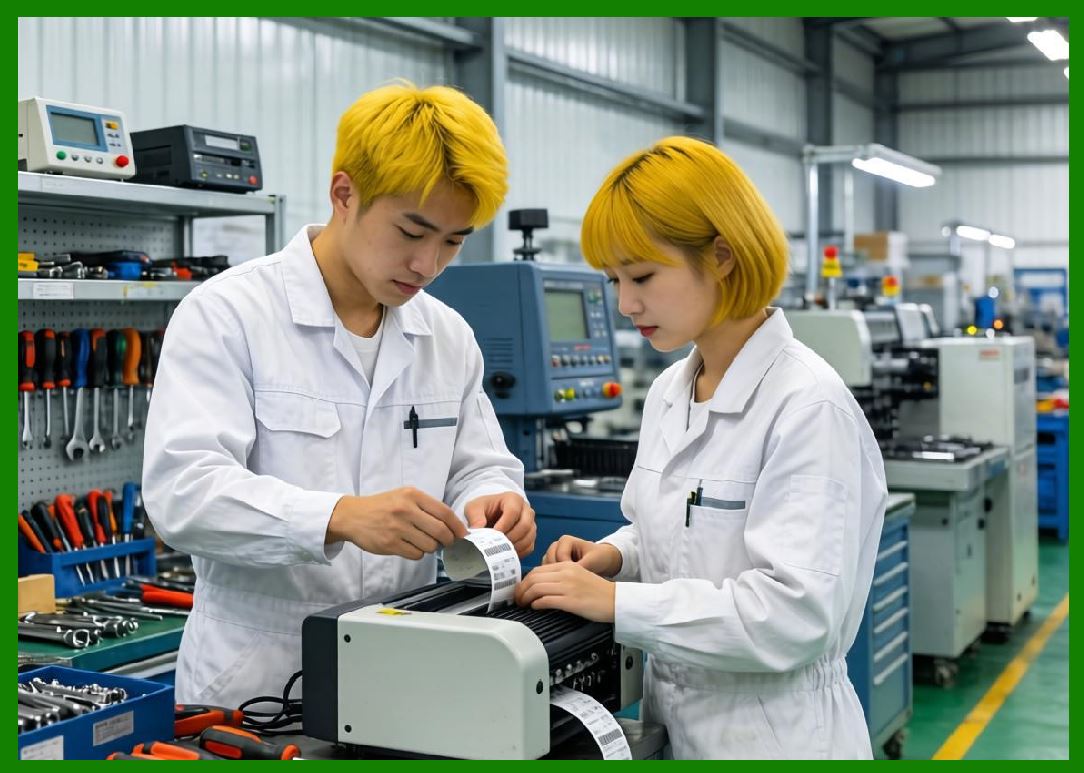
Cloud printing infrastructure must scale seamlessly during peak demand. |
|
10.19 Security in Automatic Order Processing |
Automatic order systems process sensitive commercial and customer data. |
Security protections include: |
1. TLS encryption. |
2. Device authentication. |
3. Merchant identity verification. |
4. API security. |
5. Secure firmware. |
6. Access control systems. |
7. Cloud isolation. |
8. Threat monitoring. |
9. Audit logging. |
10. Compliance enforcement. |
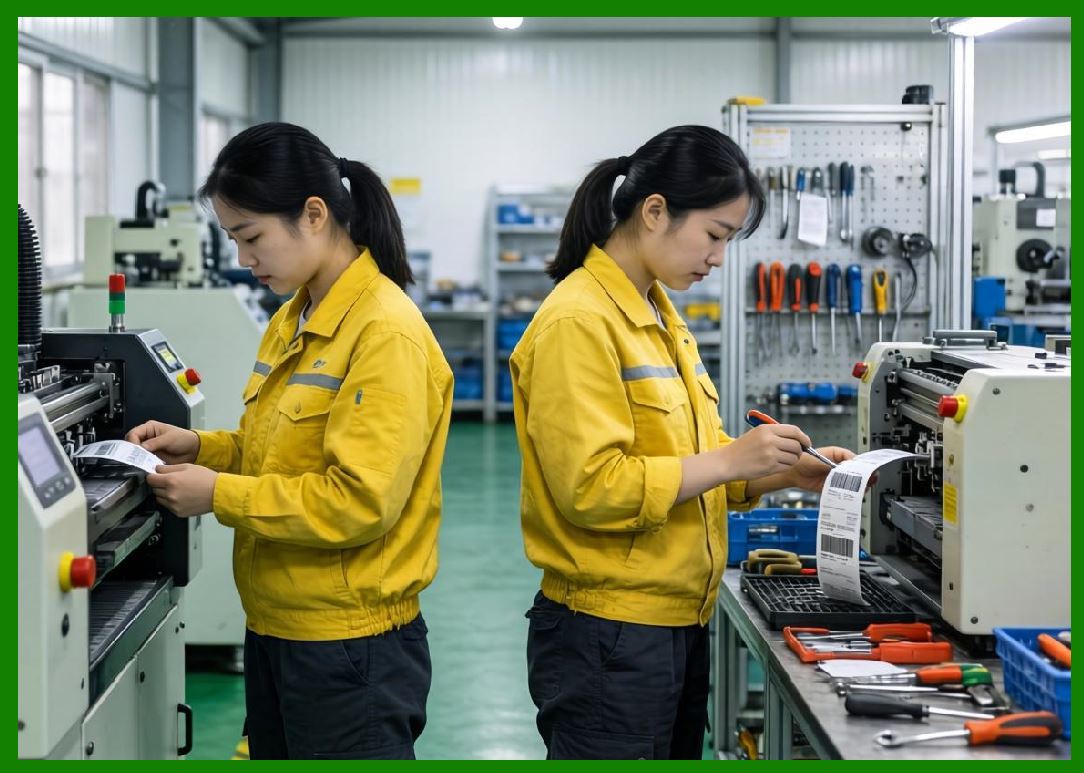
Security is especially important because cloud printers themselves are internet-connected IoT endpoints. |
Compromised devices could potentially affect operational integrity. |
|
10.20 Operational Benefits of Fully Automatic Order Receiving |
Fully automatic order systems provide major operational advantages. |
Benefits include: |
1. Faster order processing. |
2. Reduced labor costs. |
3. Lower error rates. |
4. Improved scalability. |
5. Better customer experience. |
6. Higher delivery efficiency. |
7. Real-time operational visibility. |
8. Intelligent workflow coordination. |
9. Continuous operational analytics. |
10. AI-driven optimization opportunities. |
These systems transformed industries such as: |
1. Food delivery. |
2. E-commerce logistics. |
3. Smart retail. |
4. Healthcare logistics. |
5. Transportation systems. |
6. Warehouse automation. |
7. Industrial manufacturing. |
8. Smart vending. |
9. Hospitality services. |
10. Urban delivery ecosystems. |
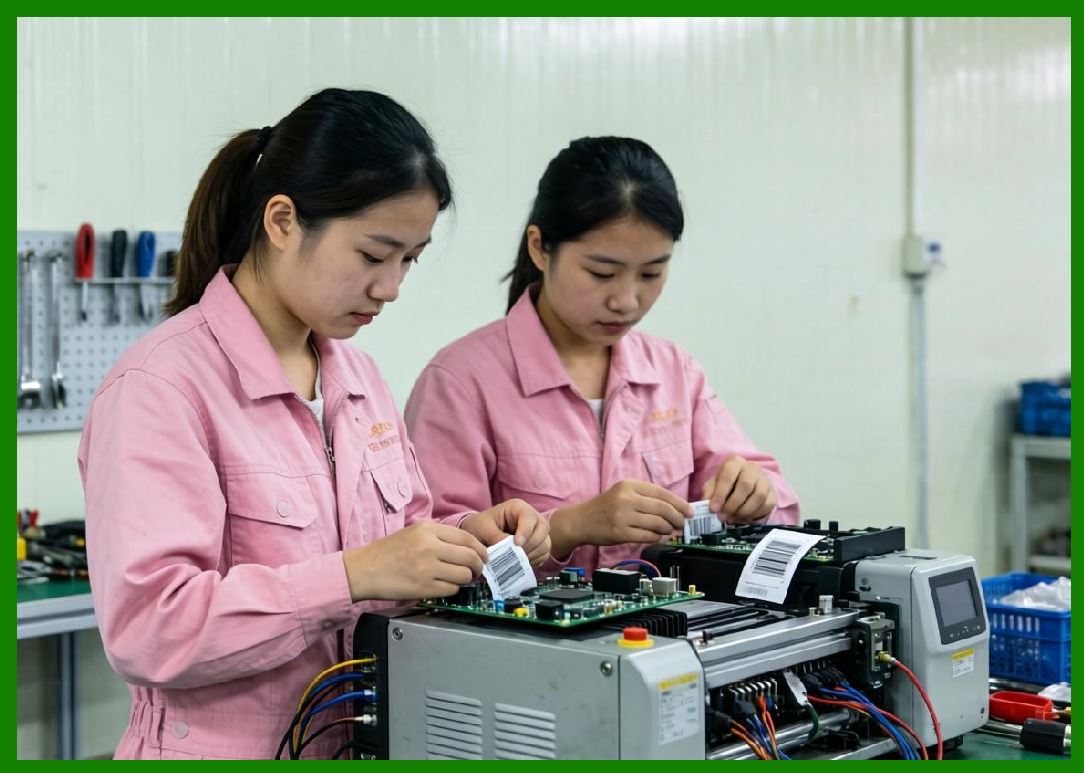
Cloud printing became a foundational operational technology within these industries. |
|
10.21 Future Evolution of Automatic Order Systems |
Future development directions may include: |
1. Fully autonomous workflow orchestration. |
2. AI-native kitchen coordination. |
3. Robot-assisted food preparation. |
4. Predictive operational optimization. |
5. Ultra-low-latency edge processing. |
6. Digital twin operational modeling. |
7. Self-healing infrastructure. |
8. Autonomous logistics coordination. |
9. Cross-platform intelligent integration. |
10. Fully intelligent smart city delivery ecosystems. |
Automatic order receiving systems will likely become increasingly autonomous and predictive. |
|
Part 10 Technical Summary |
This part explored fully automatic order receiving technology within cloud printing ecosystems. The discussion covered digital order lifecycles, event-driven architecture, real-time order submission systems, payment-triggered workflow automation, merchant-side order reception, automatic print task generation, and real-time queue synchronization. |
The article analyzed kitchen ticket automation, intelligent multi-printer routing, automatic confirmation systems, intelligent queue prioritization, exception handling mechanisms, cloud-edge collaborative processing, delivery synchronization, AI-driven orchestration, scalability engineering, and cybersecurity protections. |
Special emphasis was placed on how automatic order receiving systems transform digital customer interactions into fully automated physical operational workflows involving cloud printers, kitchen coordination systems, delivery logistics, and real-time analytics infrastructure. |
The section demonstrated how fully automatic order receiving has become a foundational technology enabling the large-scale operational efficiency of modern food delivery ecosystems such as those operated by Meituan. |
In the next part, the discussion will focus specifically on intelligent order processing technology, including AI-assisted workflow optimization, dynamic kitchen scheduling, predictive preparation systems, intelligent delivery orchestration, real-time analytics engines, adaptive operational coordination, and machine-learning-driven cloud printing workflows. |
 cs@easiersoft.com