Part 11. Intelligent Order Processing and AI-Driven Cloud Printing Workflows |
11.1 Introduction to Intelligent Order Processing |
Intelligent order processing is the next evolutionary stage after fully automatic order receiving. While automatic order systems focus on moving data reliably through the pipeline, intelligent order processing focuses on optimizing how that data is interpreted, prioritized, scheduled, and executed across the entire operational ecosystem. |
In cloud printing environments, intelligence is embedded into every stage of workflow execution, including: |
1. Order interpretation. |
2. Priority assignment. |
3. Kitchen scheduling. |
4. Print task generation. |
5. Delivery coordination. |
6. Resource balancing. |
7. Exception prediction. |
8. System optimization. |
9. Real-time decision-making. |
10. Continuous learning feedback loops. |
In large-scale ecosystems such as those operated by Meituan, intelligent order processing transforms millions of daily transactions into dynamically optimized operational workflows that continuously adapt to demand, geography, and system conditions. |
|
11.2 From Automation to Intelligence |
Traditional automation focuses on executing predefined rules. |
Intelligent processing goes further by introducing: |
1. Prediction instead of reaction. |
2. Optimization instead of execution. |
3. Learning instead of static rules. |
4. Adaptation instead of rigidity. |
5. Context awareness instead of fixed logic. |
6. Dynamic prioritization instead of static queues. |
7. Real-time feedback loops instead of linear workflows. |
8. Multi-variable optimization instead of single metrics. |
9. System-wide coordination instead of isolated execution. |
10. Continuous improvement cycles. |
In cloud printing systems, this means that print jobs are no longer simply triggered - they are computed, optimized, and dynamically adjusted in real time. |
|
11.3 AI-Based Order Understanding and Classification |
The first stage of intelligent processing is understanding the order itself. |
AI systems classify incoming orders based on multiple dimensions: |
1. Food type complexity. |
2. Preparation time estimation. |
3. Ingredient dependency. |
4. Station workload requirements. |
5. Packaging complexity. |
6. Delivery urgency. |
7. Geographic constraints. |
8. Merchant capability profile. |
9. Historical performance patterns. |
10. Seasonal or contextual factors. |
For example: |
1. A simple beverage order is classified as low complexity. |
2. A multi-dish meal is classified as high complexity. |
3. Orders with customization requests increase processing weight. |
4. Orders with multiple preparation stations are decomposed into sub-tasks. |
5. Orders requiring special packaging are flagged for extended processing. |
This classification directly influences: |
1. Print priority. |
2. Kitchen routing. |
3. Driver assignment. |
4. Packaging sequence. |
5. Delivery ETA calculations. |
AI-driven classification ensures that every order is processed in the most efficient operational path. |
|
11.4 Dynamic Priority Scoring Systems |
Once an order is classified, it is assigned a dynamic priority score. |
Priority scoring models may include variables such as: |
1. Customer wait time expectations. |
2. Real-time kitchen workload. |
3. Driver availability. |
4. Delivery distance. |
5. Weather conditions. |
6. Traffic congestion. |
7. Merchant operational load. |
8. Order size and complexity. |
9. Perishability of food items. |
10. Platform-level optimization goals. |
Each order is continuously re-evaluated as conditions change. |
For example: |
1. An order may increase in priority if the customer has been waiting too long. |
2. Orders may be downgraded if kitchen congestion increases. |
3. High-value customers may receive priority weighting. |
4. Orders close to delivery cutoff time may be escalated. |
5. Orders may be grouped dynamically for efficiency. |
In cloud printing systems, priority directly determines: |
1. Print order sequence. |
2. Printer routing. |
3. Kitchen task urgency. |
4. Driver assignment speed. |
5. Packaging workflow timing. |
This dynamic scoring system replaces static first-in-first-out logic with adaptive optimization. |
|
11.5 Intelligent Kitchen Load Balancing |
Modern restaurants operate multiple preparation stations, and intelligent systems distribute workloads dynamically. |
Load balancing systems consider: |
1. Station capacity. |
2. Current queue length. |
3. Preparation time per item. |
4. Staff availability. |
5. Equipment constraints. |
6. Order composition. |
7. Peak-hour load conditions. |
8. Ingredient availability. |
9. Delivery deadlines. |
10. Real-time operational disruptions. |
Cloud printing systems contribute by: |
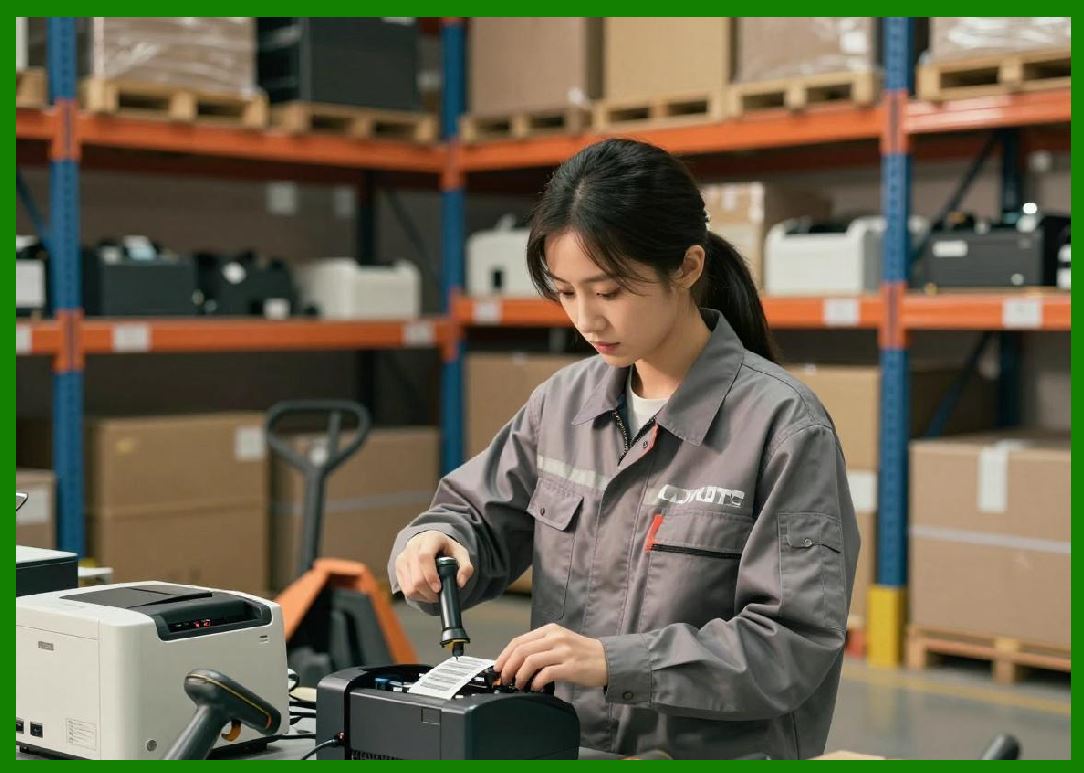
1. Sending station-specific tickets. |
2. Splitting orders into sub-tasks. |
3. Synchronizing preparation timing. |
4. Adjusting print timing dynamically. |
5. Prioritizing critical kitchen tasks. |
6. Coordinating batch processing. |
7. Managing concurrent order flows. |
8. Reducing bottlenecks. |
9. Optimizing workflow sequencing. |
10. Supporting parallel execution. |
This ensures kitchens operate like coordinated production systems rather than sequential manual workflows. |
|
11.6 Predictive Preparation Timing Models |
One of the most important AI capabilities is predicting preparation time. |
Prediction models use: |
1. Historical order data. |
2. Real-time kitchen performance. |
3. Staff efficiency patterns. |
4. Ingredient complexity. |
5. Time-of-day variations. |
6. Weather and demand trends. |
7. Restaurant-specific behavior models. |
8. Machine learning regression systems. |
9. Queue congestion metrics. |
10. External event influences. |
The system estimates: |
1. When food will be ready. |
2. When printing should occur. |
3. When drivers should be dispatched. |
4. When batching is efficient. |
5. When delays are likely. |
This allows cloud printing systems to: |
1. Delay or accelerate print tasks. |
2. Adjust queue ordering. |
3. Synchronize with dispatch systems. |
4. Reduce idle time. |
5. Improve delivery accuracy. |
Prediction transforms cloud printing from reactive output into proactive orchestration. |
|
11.7 Intelligent Print Task Optimization |
In intelligent systems, print tasks are no longer static outputs - they are optimized digital instructions. |
Optimization includes: |
1. Template selection based on order type. |
2. Dynamic layout adjustment. |
3. QR code optimization. |
4. Barcode encoding efficiency. |
5. Language localization. |
6. Kitchen routing logic embedding. |
7. Packaging instruction formatting. |
8. Delivery metadata compression. |
9. Priority-based formatting. |
10. Multi-station decomposition. |
For example: |
1. High-priority orders may print with larger fonts. |
2. Complex orders may split across multiple tickets. |
3. Multi-dish orders may generate sequential labels. |
4. Delivery-sensitive orders may include highlighted warnings. |
5. Batch orders may include grouping identifiers. |
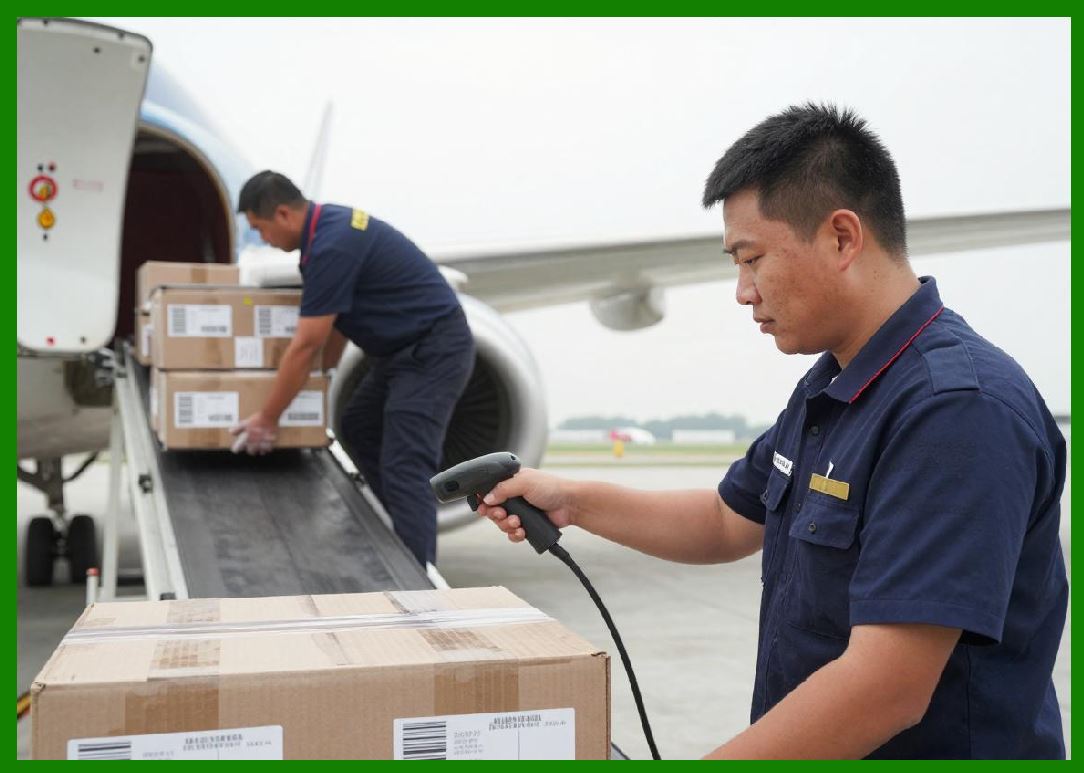
This improves both machine readability and human operational clarity. |
|
11.8 Real-Time Adaptive Scheduling |
Adaptive scheduling is a core function of intelligent order systems. |
Scheduling decisions are continuously updated based on: |
1. Kitchen load changes. |
2. Driver availability shifts. |
3. Traffic fluctuations. |
4. Weather conditions. |
5. Order cancellations. |
6. New incoming orders. |
7. Merchant performance variation. |
8. System resource constraints. |
9. Regional demand spikes. |
10. AI forecasting outputs. |
Cloud printing systems respond dynamically by: |
1. Reordering print queues. |
2. Rescheduling print tasks. |
3. Adjusting printer allocation. |
4. Updating workflow sequences. |
5. Modifying priority levels. |
6. Coordinating batch execution. |
7. Optimizing station workload. |
8. Reducing idle time. |
9. Preventing bottlenecks. |
10. Maintaining system stability. |
This makes scheduling a continuous optimization process rather than a fixed plan. |
|
11.9 AI-Driven Exception Prediction |
Modern systems do not only respond to failures - they predict them. |
AI models detect potential issues such as: |
1. Printer failure risk. |
2. Network instability. |
3. Kitchen congestion buildup. |
4. Delivery delay probability. |
5. Driver shortage conditions. |
6. Peak load overload scenarios. |
7. Order backlog accumulation. |
8. System latency spikes. |
9. Merchant inefficiency patterns. |
10. Regional imbalance conditions. |
When risks are detected: |
1. Print tasks may be rerouted. |
2. Queue priorities adjusted. |
3. Backup printers activated. |
4. Orders redistributed. |
5. Drivers reassigned. |
6. Kitchen loads rebalanced. |
7. Alerts generated automatically. |
8. System scaling initiated. |
9. Edge nodes activated. |
10. Operational strategies adjusted. |
This predictive capability significantly improves system resilience. |

|
11.10 Cross-System Coordination in Intelligent Workflows |
Intelligent order processing requires coordination across multiple systems: |
1. Cloud printing platforms. |
2. Order management systems. |
3. Dispatch engines. |
4. Payment systems. |
5. Merchant systems. |
6. Inventory systems. |
7. Logistics tracking systems. |
8. AI analytics engines. |
9. Mobile applications. |
10. Edge computing devices. |
Each system continuously exchanges data through: |
1. Event streams. |
2. APIs. |
3. Message queues. |
4. Webhooks. |
5. Real-time synchronization channels. |
Cloud printing acts as a physical execution interface within this distributed intelligence network. |

|
11.11 Feedback Loops and Continuous Learning |
Intelligent order processing systems rely heavily on feedback loops. |
Feedback data includes: |
1. Delivery completion time. |
2. Kitchen preparation accuracy. |
3. Printer performance metrics. |
4. Driver efficiency. |
5. Customer satisfaction. |
6. Order delay incidents. |
7. System congestion events. |
8. Merchant throughput. |
9. Error rates. |
10. Regional performance variation. |
This data is fed back into AI models to improve: |
1. Prediction accuracy. |
2. Scheduling efficiency. |
3. Print optimization. |
4. Routing decisions. |
5. Workflow automation. |
6. Resource allocation. |
7. Failure prediction. |
8. Demand forecasting. |
9. System resilience. |
10. Operational intelligence. |
The system continuously becomes smarter over time. |

|
11.12 Real-Time Decision-Making Engines |
At the core of intelligent processing are real-time decision engines. |
These engines must decide within milliseconds: |
1. Which order to process first. |
2. Which printer to use. |
3. When to trigger printing. |
4. How to route kitchen tasks. |
5. When to dispatch drivers. |
6. How to batch orders. |
7. How to adjust priorities. |
8. How to handle exceptions. |
9. How to scale resources. |
10. How to balance workloads. |
These decisions are driven by: |
1. AI models. |
2. Rule engines. |
3. Statistical systems. |
4. Event streams. |
5. System constraints. |
6. Business policies. |
7. Real-time telemetry. |
8. Historical patterns. |
9. Predictive analytics. |
10. Optimization algorithms. |
Cloud printing systems act as execution endpoints for these decisions. |

|
11.13 Intelligent Batching and Order Grouping |
Batching is a key optimization technique. |
Systems group orders based on: |
1. Geographic proximity. |
2. Preparation similarity. |
3. Delivery timing. |
4. Driver availability. |
5. Kitchen efficiency. |
6. Route optimization. |
7. Customer expectations. |
8. Traffic conditions. |
9. Restaurant capacity. |
10. System load balancing. |
Cloud printing systems support batching by: |
1. Combining multiple orders into unified tickets. |
2. Printing grouped labels. |
3. Coordinating preparation sequences. |
4. Synchronizing dispatch timing. |
5. Optimizing packaging workflows. |
6. Reducing redundant printing. |
7. Improving kitchen efficiency. |
8. Minimizing delivery time. |
9. Balancing workload. |
10. Increasing system throughput. |

|
11.14 AI-Enhanced Cloud Printing Evolution |
Cloud printing is no longer just a mechanical output system. |
It is evolving into: |
1. A decision execution layer. |
2. A real-time orchestration node. |
3. A distributed intelligence interface. |
4. A workflow optimization engine. |
5. A logistics coordination system. |
6. A predictive execution platform. |
7. An edge computing endpoint. |
8. A business automation layer. |
9. A data-driven control system. |
10. A smart infrastructure component. |
In ecosystems such as those operated by Meituan, cloud printers are now deeply embedded into AI-driven operational decision systems. |

|
11.15 Future Trends in Intelligent Order Processing |
Future development directions include: |
1. Fully autonomous kitchen orchestration. |
2. AI-native operational systems. |
3. Robot-assisted food preparation. |
4. Fully predictive logistics systems. |
5. Zero-latency edge decision-making. |
6. Self-optimizing cloud printing networks. |
7. Digital twin-based simulation systems. |
8. Cross-platform AI coordination. |
9. Autonomous failure recovery systems. |
10. Fully intelligent urban delivery ecosystems. |
Cloud printing will continue evolving into a foundational component of intelligent urban infrastructure. |
|
Part 11 Technical Summary |
This part explored intelligent order processing technology in cloud printing ecosystems. The discussion covered AI-based order classification, dynamic priority scoring, intelligent kitchen load balancing, predictive preparation timing, optimized print task generation, adaptive scheduling, and exception prediction systems. |
It also examined real-time decision-making engines, cross-system coordination, feedback-driven learning loops, intelligent batching strategies, and AI-enhanced cloud printing evolution. |
Special emphasis was placed on how cloud printing systems in platforms such as Meituan have evolved from simple output devices into intelligent execution nodes within large-scale AI-driven logistics and food delivery ecosystems. |
The section demonstrated how intelligent order processing transforms cloud printing into a core infrastructure layer for real-time decision execution, enabling highly optimized, adaptive, and autonomous operational workflows. |
In the next part, the discussion will focus specifically on edge computing and cloud-edge hybrid architectures in cloud printing systems, including offline resilience mechanisms, local processing intelligence, distributed synchronization models, latency optimization, and real-world deployment strategies in large-scale barcode label printing networks. |
 cs@easiersoft.com