Part 12. Edge Computing and Cloud Edge Hybrid Architecture in Cloud Barcode Printing Systems |
12.1 Introduction to Cloud Edge Hybrid Printing Architecture |
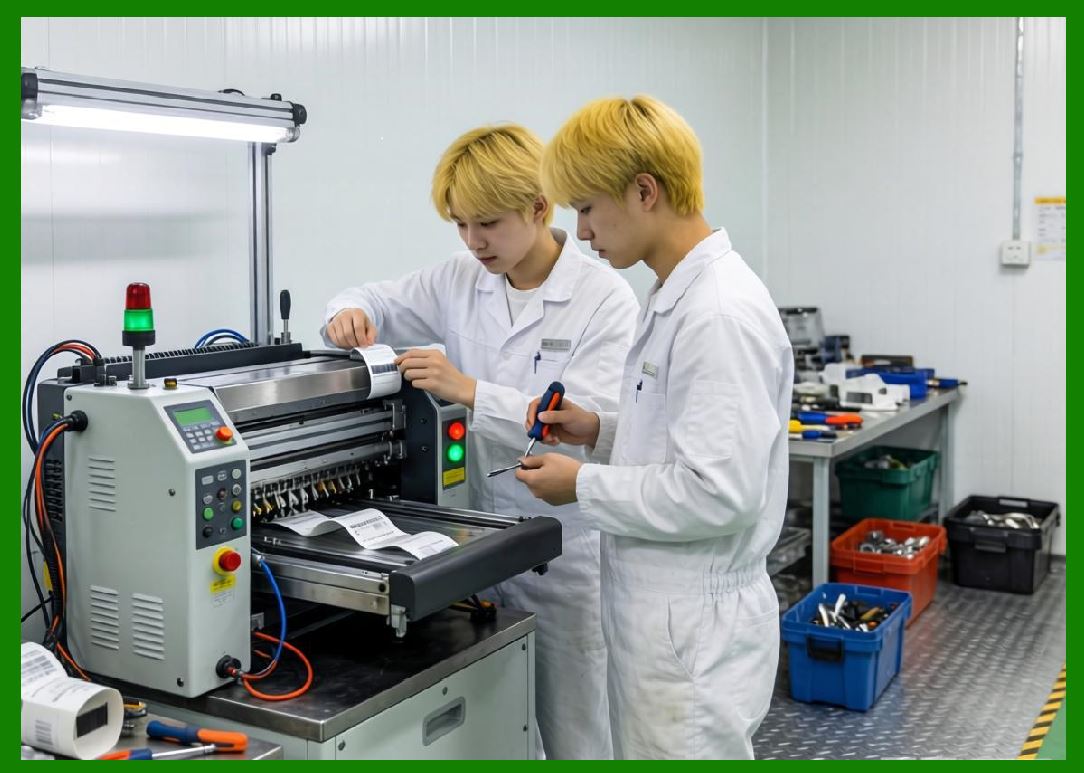
As cloud printing systems scale to millions of devices and real-time transactions, purely centralized cloud processing becomes insufficient for maintaining low latency, high reliability, and continuous operation. This is especially critical in environments such as food delivery, logistics, and retail automation, where cloud barcode label printers must respond instantly to incoming orders. |
Cloud Edge hybrid architecture solves this by distributing computation between: |
1. Central cloud systems (global intelligence layer). |
2. Regional cloud nodes (distributed coordination layer). |
3. Edge devices such as printers (local execution layer). |
4. Nearby gateway nodes (buffering and relay layer). |
5. Mobile terminals (user interaction layer). |
In ecosystems such as those operated by Meituan, this architecture ensures that cloud barcode printers continue functioning even under unstable networks, peak traffic, or partial system outages. |
The result is a highly resilient, low-latency, distributed operational model. |
|
12.2 Why Edge Computing is Essential for Cloud Printing |
Cloud printing systems face unique operational constraints: |
1. Orders must be printed instantly. |
2. Network interruptions are common in retail environments. |
3. Kitchens cannot tolerate delays. |
4. Delivery workflows depend on real-time synchronization. |
5. Device fleets are geographically distributed. |
6. Peak traffic is highly unpredictable. |
7. Offline operation is sometimes required. |
8. Latency must remain extremely low. |
9. Reliability must approach 100%. |
10. System recovery must be automatic. |
If every print task depended entirely on cloud round-trips, delays and failures would be unavoidable. |
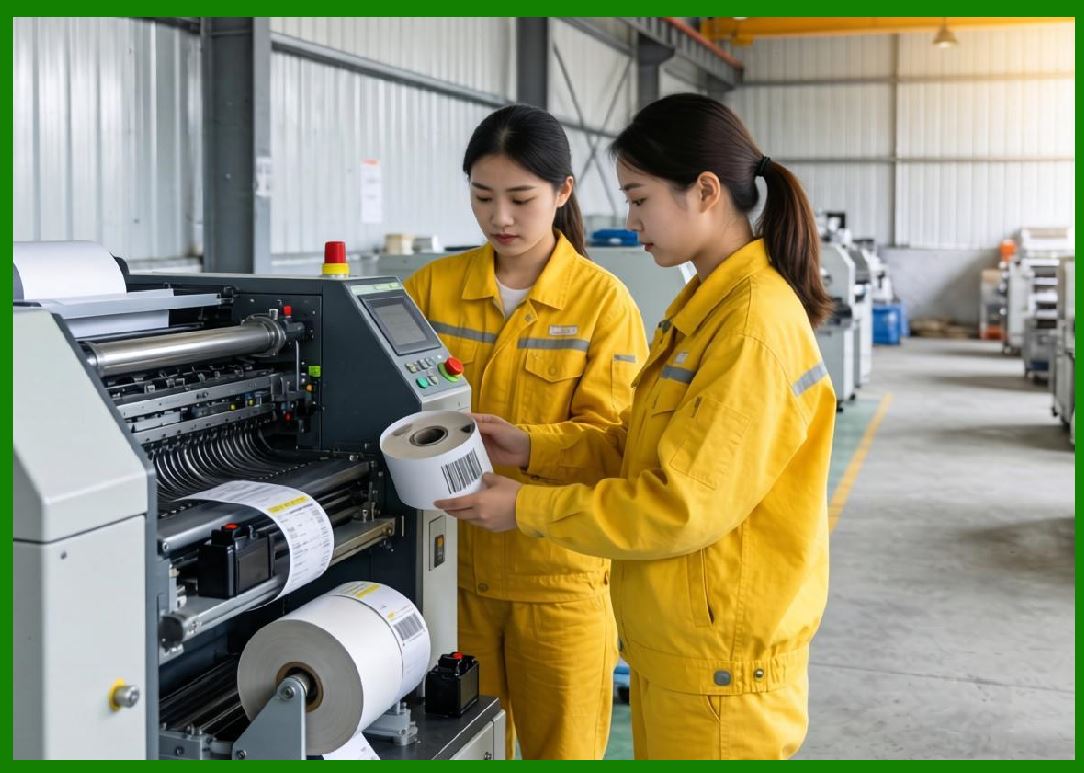
Edge computing solves this by moving critical execution logic closer to the printer. |
|
12.3 Functional Layers in Cloud Edge Architecture |
A modern cloud barcode printing system is typically divided into multiple functional layers: |
1. Cloud Control Layer |
This layer handles: |
1. Order ingestion. |
2. AI decision-making. |
3. Global scheduling. |
4. Analytics processing. |
5. Merchant management. |
6. Pricing logic. |
7. Dispatch coordination. |
8. System monitoring. |
9. Model training. |
10. Cross-region synchronization. |

|
2. Regional Cloud Layer |
This layer provides: |
1. Regional traffic routing. |
2. Latency optimization. |
3. Data replication. |
4. Load balancing. |
5. Merchant clustering. |
6. Edge node coordination. |
7. Failover handling. |
8. Event buffering. |
9. Service caching. |
10. Traffic shaping. |

|
3. Edge Gateway Layer |
This layer acts as an intermediary: |
1. Aggregates cloud instructions. |
2. Buffers print jobs. |
3. Translates protocols. |
4. Manages local device groups. |
5. Handles offline fallback. |
6. Ensures message reliability. |
7. Compresses data streams. |
8. Synchronizes queues. |
9. Monitors printer health. |
10. Executes local routing logic. |

|
4. Printer Edge Layer |
This is the physical execution layer: |
1. Receives print commands. |
2. Stores local queue buffers. |
3. Executes thermal printing. |
4. Handles offline mode. |
5. Processes QR/barcode generation. |
6. Manages template rendering. |
7. Reports status telemetry. |
8. Detects hardware faults. |
9. Performs auto-recovery. |
10. Maintains local logs. |

|
12.4 Offline Operation and Local Buffering Mechanisms |
One of the most critical features of edge printing systems is offline resilience. |
In real-world restaurant environments, network interruptions are common due to: |
1. Wi-Fi instability. |
2. Router failures. |
3. ISP disruptions. |
4. High congestion periods. |
5. Power fluctuations. |
To handle this, cloud barcode printers include local buffering systems: |
Offline Buffering Functions: |
1. Store incoming print tasks locally. |
2. Queue tasks in persistent memory. |
3. Maintain execution order integrity. |
4. Retry failed transmissions automatically. |
5. Synchronize with cloud when restored. |
6. Prevent duplicate printing. |
7. Preserve order consistency. |
8. Continue kitchen workflow uninterrupted. |
9. Log offline activity for reconciliation. |
10. Maintain minimal operational latency. |
Even if the cloud connection is lost temporarily, kitchen operations continue without disruption. |

|
12.5 Local Decision-Making at the Edge |
Edge printers are no longer passive devices; they perform localized decision-making. |
Local logic may include: |
1. Print prioritization when cloud is unreachable. |
2. Queue reordering based on timestamps. |
3. Local batching of similar orders. |
4. Retry logic for failed prints. |
5. Device health-based task acceptance. |
6. Temporary workload balancing. |
7. Emergency fallback templates. |
8. Minimal routing decisions. |
9. Conflict resolution for duplicate tasks. |
10. Local synchronization reconciliation. |
This ensures continuity even in degraded network conditions. |

|
12.6 Cloud Edge Synchronization Models |
Synchronization between cloud and edge is one of the most complex aspects of modern printing systems. |
Common synchronization models include: |
1. Push Model |
Cloud sends tasks directly to edge devices in real time. |
2. Pull Model |
Edge devices periodically request pending tasks. |
3. Hybrid Model |
Combines push for real-time tasks and pull for recovery. |
4. Event Streaming Model |
Continuous stream of order events delivered to edge nodes. |
5. Queue Replication Model |
Cloud and edge maintain mirrored queues. |
Synchronization ensures: |
1. No missing print tasks. |
2. No duplicate execution. |
3. Consistent ordering. |
4. Fault recovery. |
5. Real-time consistency. |
6. Event integrity. |
7. State alignment. |
8. Load balancing. |
9. Multi-device coordination. |
10. Reliable delivery confirmation. |

|
12.7 Latency Optimization in Edge Printing Systems |
Latency is a critical performance metric. |
To achieve ultra-low latency, systems optimize: |
1. Network routing paths. |
2. Data compression techniques. |
3. Edge caching strategies. |
4. Local execution prioritization. |
5. Regional server selection. |
6. Persistent connections. |
7. Message batching. |
8. Protocol optimization. |
9. Hardware acceleration. |
10. Preloaded templates. |
In high-performance systems like those used by Meituan, printing latency is often reduced to near-instant execution after order confirmation. |

|
12.8 Distributed Device Fleet Management |
Cloud barcode printers are deployed at massive scale, requiring fleet management systems. |
Fleet management includes: |
1. Device registration. |
2. Remote configuration. |
3. Firmware updates. |
4. Health monitoring. |
5. Performance tracking. |
6. Error diagnostics. |
7. Usage analytics. |
8. Security enforcement. |
9. Geographic mapping. |
10. Lifecycle management. |
Each printer acts as a managed IoT endpoint in a global network. |
Fleet management ensures: |
1. System-wide consistency. |
2. Rapid troubleshooting. |
3. Automated recovery. |
4. Scalable deployment. |
5. Centralized control. |
6. Distributed execution. |
7. Security compliance. |
8. Operational visibility. |
9. Performance optimization. |
10. Continuous upgrades. |

|
12.9 Fault Isolation and Recovery Mechanisms |
Edge architectures significantly improve fault isolation. |
When failures occur, systems can isolate issues at different layers: |
Cloud-level failures: |
1. Failover to backup regions. |
2. Load redistribution. |
3. Event replay. |
4. Queue reconstruction. |
5. Data replication recovery. |
Edge-level failures: |
1. Local fallback execution. |
2. Device restart protocols. |
3. Queue rollback. |
4. Offline mode activation. |
5. Self-diagnosis routines. |
Printer-level failures: |
1. Automatic reprinting. |
2. Hardware reset. |
3. Task requeueing. |
4. Error reporting. |
5. Service switching. |
This layered recovery model ensures high availability even under adverse conditions. |

|
12.10 Edge Intelligence in Barcode Label Printing |
Modern edge printers can perform intelligent operations locally: |
1. Dynamic template selection. |
2. Local barcode generation. |
3. QR code encoding. |
4. Print optimization. |
5. Label formatting adjustment. |
6. Font scaling. |
7. Layout correction. |
8. Partial reprinting. |
9. Multi-language rendering. |
10. Offline data parsing. |
This reduces dependency on cloud round-trips and improves resilience. |

|
12.11 Real-World Deployment Scenarios |
Cloud Edge printing systems are deployed in many real-world environments: |
1. Restaurants and food delivery kitchens. |
2. Warehouse logistics centers. |
3. Retail checkout systems. |
4. Hospital labeling systems. |
5. Transportation hubs. |
6. E-commerce fulfillment centers. |
7. Smart vending machines. |
8. Dark stores. |
9. Quick-service restaurants. |
10. Pop-up retail locations. |
Each environment benefits from: |
1. Fast local execution. |
2. Reliable offline support. |
3. Centralized cloud control. |
4. Scalable deployment. |
5. Real-time monitoring. |

|
12.12 Security in Edge Printing Systems |
Security becomes more complex at the edge due to distributed devices. |
Security measures include: |
1. Device authentication certificates. |
2. Encrypted communication channels. |
3. Secure boot mechanisms. |
4. Firmware integrity checks. |
5. Role-based access control. |
6. API token validation. |
7. Network isolation. |
8. Threat detection systems. |
9. Tamper resistance. |
10. Audit logging. |
Cloud printers are treated as trusted execution endpoints within enterprise security architecture. |

|
12.13 Edge Computing and AI Integration |
AI increasingly runs at both cloud and edge layers. |
Edge AI capabilities include: |
1. Local anomaly detection. |
2. Print failure prediction. |
3. Queue optimization. |
4. Offline decision-making. |
5. Performance monitoring. |
6. Energy optimization. |
7. Task prioritization. |
8. Adaptive retry logic. |
9. Local pattern recognition. |
10. Device health forecasting. |
This reduces cloud dependency and improves responsiveness. |

|
12.14 Energy Efficiency and Hardware Optimization |
Edge devices must also optimize energy usage. |
Optimization strategies include: |
1. Sleep mode scheduling. |
2. Efficient thermal printing cycles. |
3. Reduced communication overhead. |
4. Batch processing. |
5. Idle-state power reduction. |
6. Hardware acceleration. |
7. Optimized firmware execution. |
8. Low-power networking modes. |
9. Intelligent wake-up triggers. |
10. Dynamic load adjustment. |
This improves sustainability and operational cost efficiency. |

|
12.15 Future Evolution of Cloud Edge Printing Systems |
Future trends include: |
1. Fully autonomous edge intelligence. |
2. Self-healing printer networks. |
3. AI-native distributed printing systems. |
4. Zero-latency cloud-edge synchronization. |
5. Fully decentralized IoT printing networks. |
6. Blockchain-based print verification. |
7. Digital twin simulation of printer fleets. |
8. Predictive infrastructure scaling. |
9. Robot-integrated printing workflows. |
10. Smart city-level operational integration. |
Cloud printing will increasingly become part of broader autonomous urban infrastructure. |

|
Part 12 Technical Summary |
This part explored cloud Edge hybrid architecture in cloud barcode printing systems. The discussion covered system layering, offline buffering, local decision-making, synchronization models, latency optimization, fleet management, fault recovery mechanisms, edge intelligence, security frameworks, and real-world deployment scenarios. |
The section highlighted how cloud printing systems in large-scale ecosystems such as those operated by Meituan rely heavily on distributed edge computing to ensure reliability, low latency, and continuous operation across massive geographic deployments. |
It demonstrated that modern cloud barcode printers are no longer simple output devices but intelligent edge computing nodes integrated into a global distributed operational network. |
In the next part, the discussion will focus on cloud printing communication protocols and message transmission systems, including MQTT, HTTP-based APIs, WebSocket streaming, message queues, protocol optimization strategies, and real-time synchronization mechanisms used in large-scale barcode label printing infrastructures. |
 cs@easiersoft.com