Part 15. Cloud Printing Device Management and Fleet Orchestration Systems |
15.1 Introduction to Printer Fleet Management at Scale |
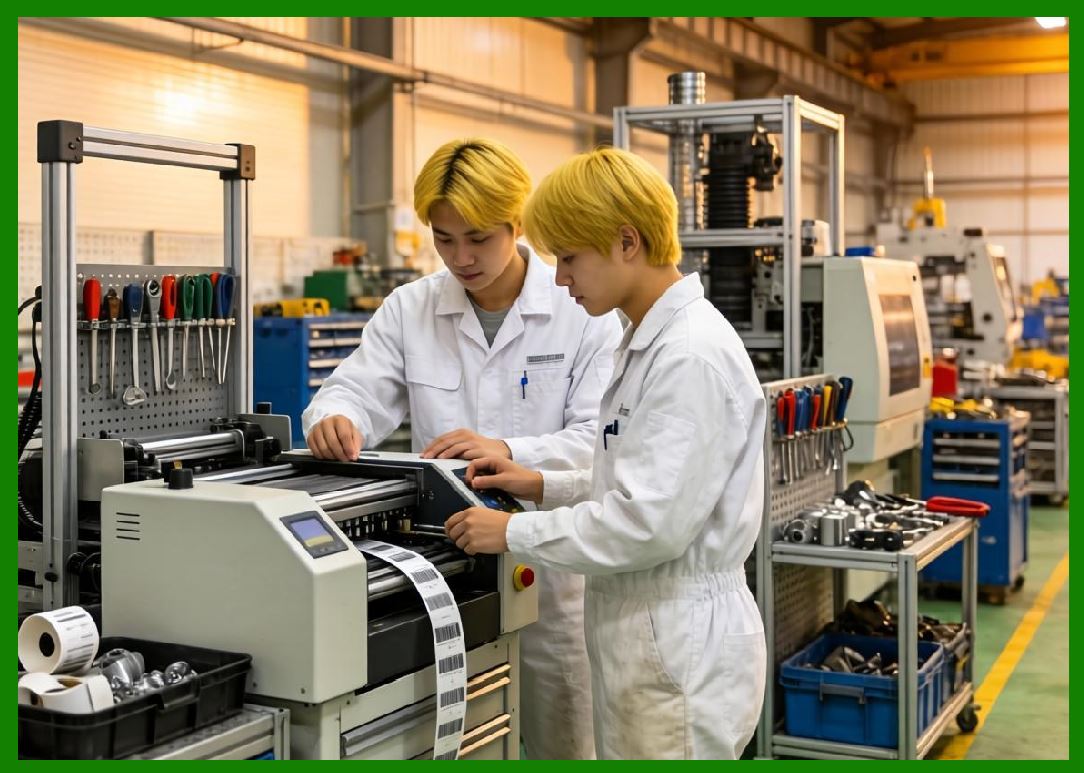
Cloud printing systems are not just software platforms - they are massive distributed hardware fleets composed of thousands to millions of cloud barcode label printers deployed across restaurants, warehouses, retail stores, and logistics hubs. |
In large ecosystems such as those operated by Meituan, device management is a critical operational layer that ensures every printer: |
1. Remains online and reachable. |
2. Receives correct print tasks. |
3. Maintains firmware consistency. |
4. Executes reliably under peak load. |
5. Reports health status continuously. |
6. Supports remote configuration. |
7. Recovers from failures automatically. |
8. Operates securely within cloud infrastructure. |
9. Syncs with merchant workflows. |
10. Participates in real-time logistics operations. |
Printer fleet management transforms individual devices into a coordinated intelligent infrastructure network. |
|
15.2 Lifecycle of a Cloud Barcode Label Printer |
Each printer goes through a structured lifecycle: |
1. Manufacturing Stage |
1. Hardware assembly. |
2. Firmware installation. |
3. Identity provisioning. |
4. Security key embedding. |
5. Quality testing. |
6. Calibration. |
7. Certification validation. |
8. Initial configuration. |
9. Packaging and distribution. |
10. Inventory registration. |

|
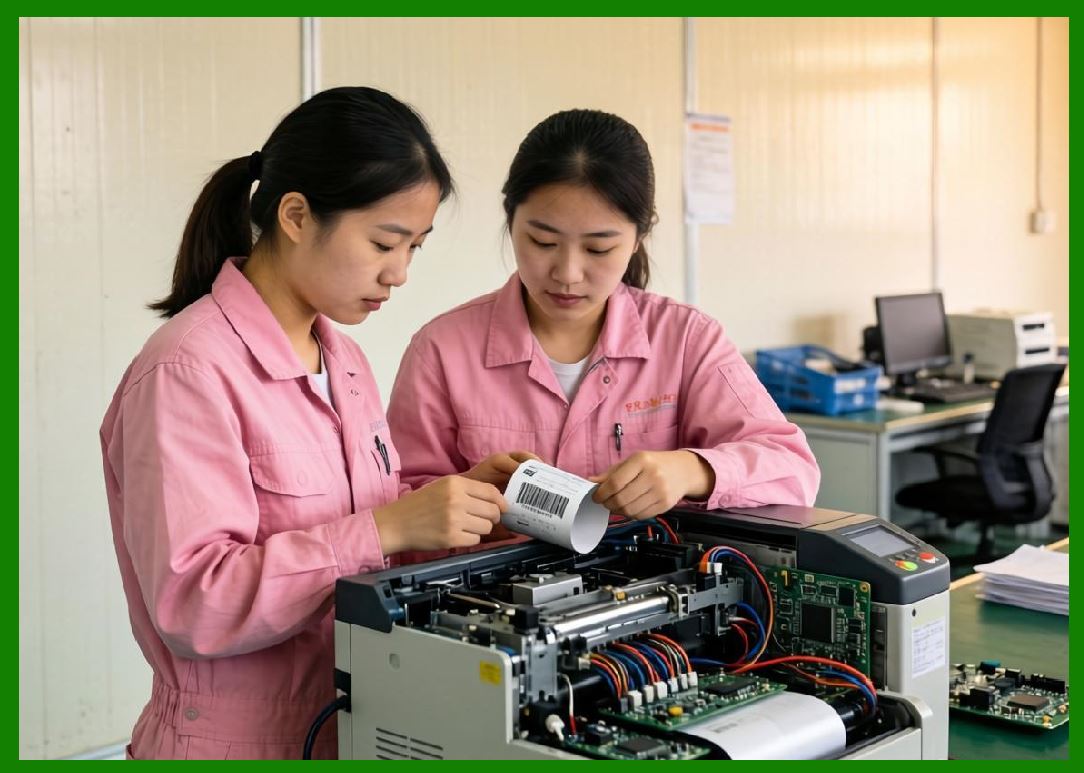
2. Deployment Stage |
1. Device installation at merchant site. |
2. Network connection setup. |
3. Cloud registration. |
4. QR-code binding activation. |
5. Merchant account association. |
6. Initial configuration sync. |
7. Template deployment. |
8. Connectivity testing. |
9. Print validation. |
10. Activation confirmation. |
|
3. Operational Stage |
1. Real-time print execution. |
2. Queue processing. |
3. Health monitoring. |
4. Firmware updates. |
5. Configuration updates. |
6. Performance tracking. |
7. Error reporting. |
8. Remote diagnostics. |
9. Load balancing participation. |
10. Continuous telemetry streaming. |

|
4. Maintenance Stage |
1. Fault detection. |
2. Predictive maintenance alerts. |
3. Remote troubleshooting. |
4. Firmware patching. |
5. Component replacement. |
6. Performance optimization. |
7. Security updates. |
8. Calibration adjustments. |
9. Network reconnection. |
10. Operational recovery. |

|
5. Retirement Stage |
1. Deactivation from cloud. |
2. Data wiping. |
3. Identity revocation. |
4. Merchant unbinding. |
5. Hardware recycling. |
6. Asset decommissioning. |
7. Replacement provisioning. |
8. Inventory update. |
9. Audit logging. |
10. Lifecycle closure. |

|
15.3 Device Provisioning and Onboarding Systems |
Device onboarding is the process of connecting a physical printer to the cloud ecosystem. |
Provisioning includes: |
1. Device identity registration. |
2. Secure certificate assignment. |
3. Merchant binding via QR code or token. |
4. Network configuration. |
5. Cloud endpoint assignment. |
6. Region allocation. |
7. Template synchronization. |
8. Policy configuration. |
9. Security initialization. |
10. Activation confirmation. |

|
Provisioning must be: |
1. Fast (seconds to minutes). |
2. Secure (zero trust model). |
3. Scalable (mass deployment). |
4. Automated (no manual IT required). |
5. Reliable (no failed onboarding states). |
15.4 Remote Device Monitoring Systems |
Once deployed, printers continuously report status to the cloud. |

|
Monitoring data includes: |
1. Online/offline status. |
2. Print success rates. |
3. Queue length. |
4. Error logs. |
5. Temperature status. |
6. Paper availability. |
7. Network latency. |
8. CPU/memory usage (embedded systems). |
9. Firmware version. |
10. Operational throughput. |

|
Monitoring systems provide: |
1. Real-time dashboards. |
2. Alert notifications. |
3. Historical analytics. |
4. Performance scoring. |
5. Regional comparisons. |
6. Failure detection. |
7. SLA tracking. |
8. Merchant performance insights. |
9. Predictive maintenance signals. |
10. System-wide operational visibility. |

|
15.5 Fleet-Oriented Architecture Design |
Printer fleets are managed using distributed architecture principles. |
Key components include: |
1. Device registry service. |
2. Configuration management system. |
3. Message delivery platform. |
4. Telemetry ingestion pipeline. |
5. Analytics engine. |
6. Firmware update service. |
7. Health monitoring system. |
8. Alerting system. |
9. Identity management service. |
10. Regional orchestration nodes. |
This architecture ensures: |
1. Scalability across millions of devices. |
2. Fault tolerance. |
3. Regional isolation. |
4. High availability. |
5. Real-time responsiveness. |
6. Centralized control. |
7. Decentralized execution. |
8. Efficient data flow. |
9. Secure communication. |
10. Continuous system evolution. |

|
15.6 Remote Configuration Management |
Cloud printers can be configured remotely without physical access. |
Configuration parameters include: |
1. Print templates. |
2. Font styles and layouts. |
3. Language settings. |
4. Order routing rules. |
5. Queue priority settings. |
6. Notification settings. |
7. Network configurations. |
8. Security policies. |
9. Firmware update policies. |
10. Device behavior rules. |
Configuration updates are delivered via: |
1. Push updates. |
2. Pull synchronization. |
3. Scheduled updates. |
4. Event-triggered updates. |
5. Emergency override commands. |
This enables centralized control over distributed fleets. |

|
15.7 Predictive Maintenance Systems |
Predictive maintenance uses AI to forecast device failure before it happens. |
Models analyze: |
1. Print error frequency. |
2. Thermal head degradation. |
3. Paper feed irregularities. |
4. Network instability patterns. |
5. Device uptime cycles. |
6. Temperature fluctuations. |
7. Power cycle history. |
8. Firmware performance logs. |
9. Queue congestion behavior. |
10. Historical failure patterns. |
When risk is detected: |
1. Maintenance alerts are generated. |
2. Devices are marked for inspection. |
3. Print load is redistributed. |
4. Backup devices are activated. |
5. Merchant notifications are sent. |
6. Service tickets are created. |
7. Firmware patches may be applied. |
8. Operational rerouting occurs. |
9. Risk scores are updated. |
10. Lifecycle tracking is adjusted. |
This reduces downtime and improves reliability. |

|
15.8 Load Balancing Across Printer Fleets |
Large-scale systems dynamically distribute workload across printers. |
Load balancing strategies include: |
1. Geographic distribution. |
2. Merchant-level partitioning. |
3. Queue-based balancing. |
4. Priority-based routing. |
5. Device health-based selection. |
6. Real-time performance metrics. |
7. Network latency optimization. |
8. Regional traffic control. |
9. Failure-aware redistribution. |
10. AI-driven load prediction. |
This ensures no single printer becomes a bottleneck. |

|
15.9 Firmware Update and Version Control Systems |
Firmware management is critical for long-term stability. |
Update mechanisms include: |
1. OTA (over-the-air) updates. |
2. Staged rollouts. |
3. Canary deployments. |
4. Regional updates. |
5. Automatic rollback systems. |
6. Version compatibility checks. |
7. Signed firmware validation. |
8. Incremental updates. |
9. Emergency patch deployment. |
10. Update scheduling controls. |
Version control ensures: |
1. Device consistency. |
2. Feature compatibility. |
3. Security patch coverage. |
4. Stability across fleets. |
5. Controlled evolution. |

|
15.10 Fault Detection and Auto-Recovery Systems |
Printer fleets must recover automatically from failures. |
Common faults include: |
1. Paper jams. |
2. Network loss. |
3. Hardware overheating. |
4. Queue desynchronization. |
5. Power interruptions. |
6. Firmware crashes. |
7. Print head failure. |
8. Data corruption. |
9. Message loss. |
10. Device freeze states. |
Auto-recovery mechanisms include: |
1. Automatic reboot. |
2. Queue reprocessing. |
3. Failover routing. |
4. Local buffer replay. |
5. Cloud resynchronization. |
6. Device isolation. |
7. Diagnostic execution. |
8. Alert escalation. |
9. Remote reset commands. |
10. Backup printer activation. |
These mechanisms ensure continuous service availability. |

|
15.11 Telemetry and Data Collection Systems |
Telemetry systems collect continuous device data. |
Collected metrics include: |
1. Print throughput. |
2. Error rates. |
3. Latency measurements. |
4. Queue depth. |
5. Device uptime. |
6. Power consumption. |
7. Network conditions. |
8. Firmware performance. |
9. User interaction logs. |
10. System anomalies. |
Telemetry enables: |
1. AI optimization. |
2. Predictive analytics. |
3. Business intelligence. |
4. System debugging. |
5. Capacity planning. |
6. Performance tuning. |
7. Failure prediction. |
8. Regional analysis. |
9. Merchant optimization. |
10. Operational transparency. |

|
15.12 Multi-Tenant Fleet Management Architecture |
Cloud printing platforms serve many merchants simultaneously. |
Multi-tenant architecture ensures: |
1. Data isolation between merchants. |
2. Secure resource allocation. |
3. Independent configuration spaces. |
4. Separate print queues. |
5. Isolated analytics. |
6. Controlled API access. |
7. Custom templates per tenant. |
8. Independent device binding. |
9. Billing separation. |
10. Access control enforcement. |
This is essential for scalability in platforms like Meituan. |

|
15.13 Edge Fleet Coordination and Hierarchical Control |
Printer fleets are managed hierarchically: |
Cloud Layer |
1. Global orchestration. |
2. AI decision-making. |
3. Policy control. |
Regional Layer |
1. Load balancing. |
2. Latency optimization. |
3. Aggregation. |
Edge Layer |
1. Local execution. |
2. Offline buffering. |
3. Device coordination. |
Device Layer |
1. Print execution. |
2. Local queue handling. |
3. Status reporting. |
This hierarchical structure ensures scalability and reliability. |

|
15.14 Security in Fleet Management Systems |
Fleet management systems require strong security controls: |
1. Device authentication. |
2. Encrypted telemetry. |
3. Secure firmware updates. |
4. Access control policies. |
5. API security layers. |
6. Intrusion detection. |
7. Behavior anomaly monitoring. |
8. Identity verification systems. |
9. Audit logging. |
10. Zero-trust enforcement. |
Security ensures that fleet-wide operations remain trustworthy and tamper-resistant. |

|
15.15 Future Evolution of Fleet Orchestration Systems |
Future developments may include: |
1. Fully autonomous fleet orchestration. |
2. AI-driven self-healing printer networks. |
3. Digital twin simulation of entire fleets. |
4. Predictive global load balancing. |
5. Autonomous firmware evolution systems. |
6. Blockchain-based device identity systems. |
7. Self-optimizing distributed networks. |
8. Robot-assisted maintenance systems. |
9. Cross-platform unified device ecosystems. |
10. Fully intelligent urban printing infrastructure. |
Cloud printing fleets will evolve into self-managing distributed computing ecosystems. |

|
Part 15 Technical Summary |
This part explored cloud printing device management and fleet orchestration systems. The discussion covered full printer lifecycle management, provisioning systems, remote monitoring, predictive maintenance, load balancing, firmware updates, telemetry collection, fault recovery, multi-tenant architecture, and hierarchical fleet control. |
It highlighted how large-scale ecosystems such as those operated by Meituan manage millions of cloud barcode printers as a unified intelligent infrastructure network. |
The section demonstrated that modern cloud printing systems are not simply device networks but fully orchestrated, AI-driven IoT ecosystems with continuous monitoring, automation, and self-healing capabilities. |
In the next part, the discussion will focus on real-time analytics and big data processing in cloud printing systems, including operational intelligence dashboards, predictive modeling, performance optimization, and data-driven decision systems in large-scale barcode label printing infrastructures. |
 cs@easiersoft.com