Part 18. Workflow Orchestration and Business Process Automation in Cloud Printing Systems |
18.1 Introduction to Workflow Orchestration in Cloud Printing |
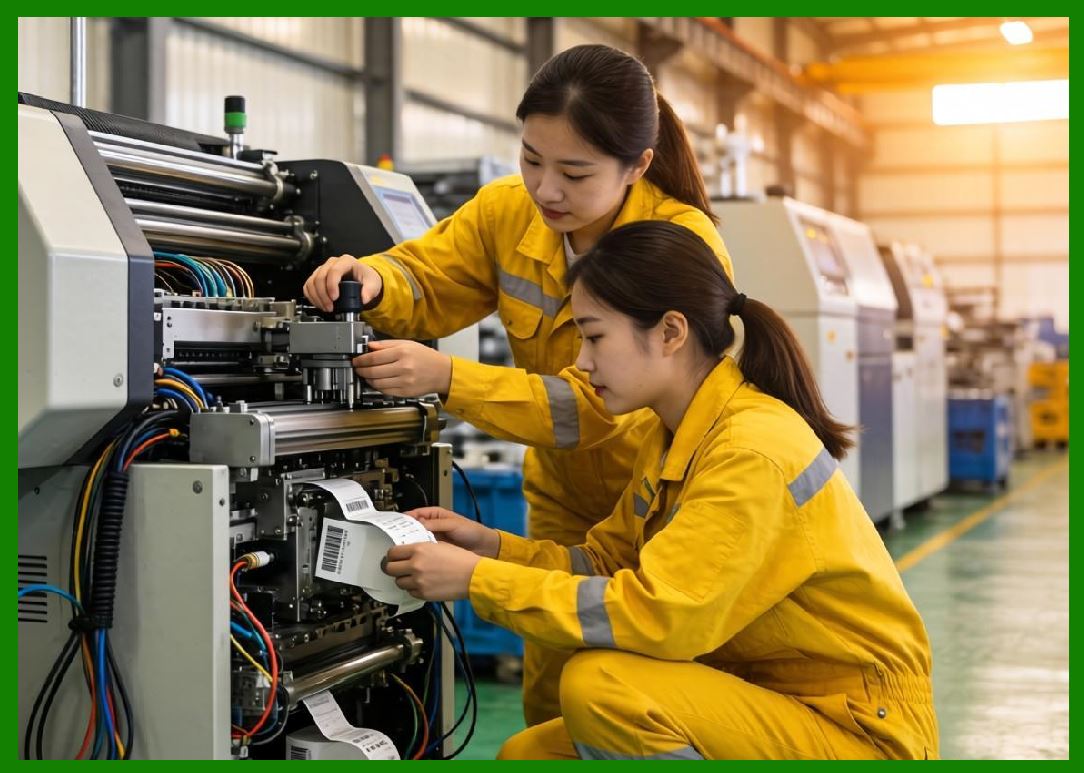
Cloud printing systems are not isolated execution engines - they are workflow orchestration platforms that coordinate complex, multi-stage business processes in real time. Every barcode label printed in a cloud system is the final output of a structured workflow that spans ordering, validation, decision-making, routing, printing, and delivery execution. |
In large-scale ecosystems such as those operated by Meituan, workflow orchestration ensures that: |
1. Orders move seamlessly through multiple processing stages. |
2. Printing is triggered at the correct operational moment. |
3. Kitchen, logistics, and delivery systems stay synchronized. |
4. Exceptions are handled automatically. |
5. Business rules are consistently enforced. |
6. AI systems continuously optimize execution paths. |
7. Multi-tenant merchant workflows remain isolated. |
8. Edge devices execute instructions deterministically. |
9. System-wide efficiency is maximized. |
10. End-to-end traceability is maintained. |
Cloud printing becomes the execution layer of a larger business automation engine. |
|
18.2 Concept of End-to-End Order Lifecycle Automation |
A cloud printing system is deeply embedded in the full lifecycle of an order. |
The lifecycle includes: |
1. Order Creation Stage |
1. Customer places order. |
2. Order is validated. |
3. Payment is confirmed. |
4. Merchant receives request. |
5. System assigns order ID. |
6. Initial routing begins. |
7. AI estimates preparation time. |
8. System checks merchant capacity. |
9. Order enters processing queue. |
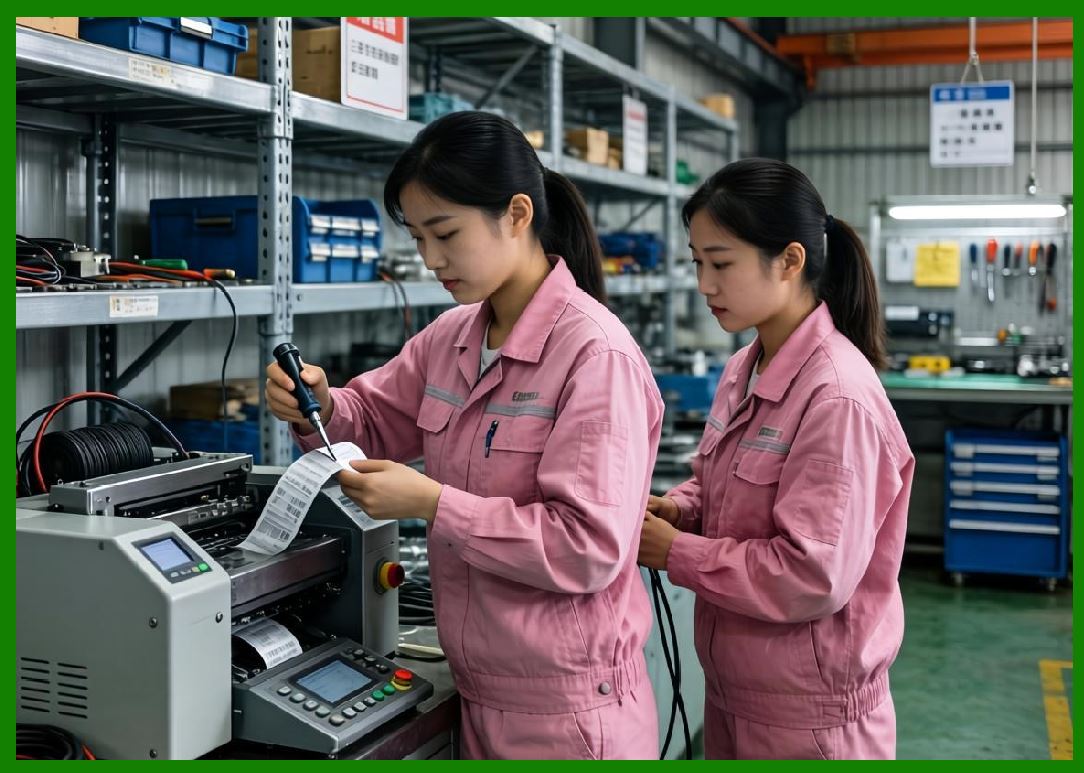
10. Print trigger conditions are evaluated. |
|
2. Order Processing Stage |
1. Order is decomposed into items. |
2. Preparation steps are identified. |
3. Kitchen stations are assigned. |
4. Print templates are selected. |
5. Priority level is calculated. |
6. Delivery ETA is estimated. |
7. Workflow path is determined. |
8. Edge printer is selected. |
9. Print task is generated. |
10. Execution schedule is finalized. |

|
3. Printing Execution Stage |
1. Print command is transmitted. |
2. Printer receives structured data. |
3. Label is rendered. |
4. Barcode is generated. |
5. QR code is embedded. |
6. Layout is finalized. |
7. Paper feed begins. |
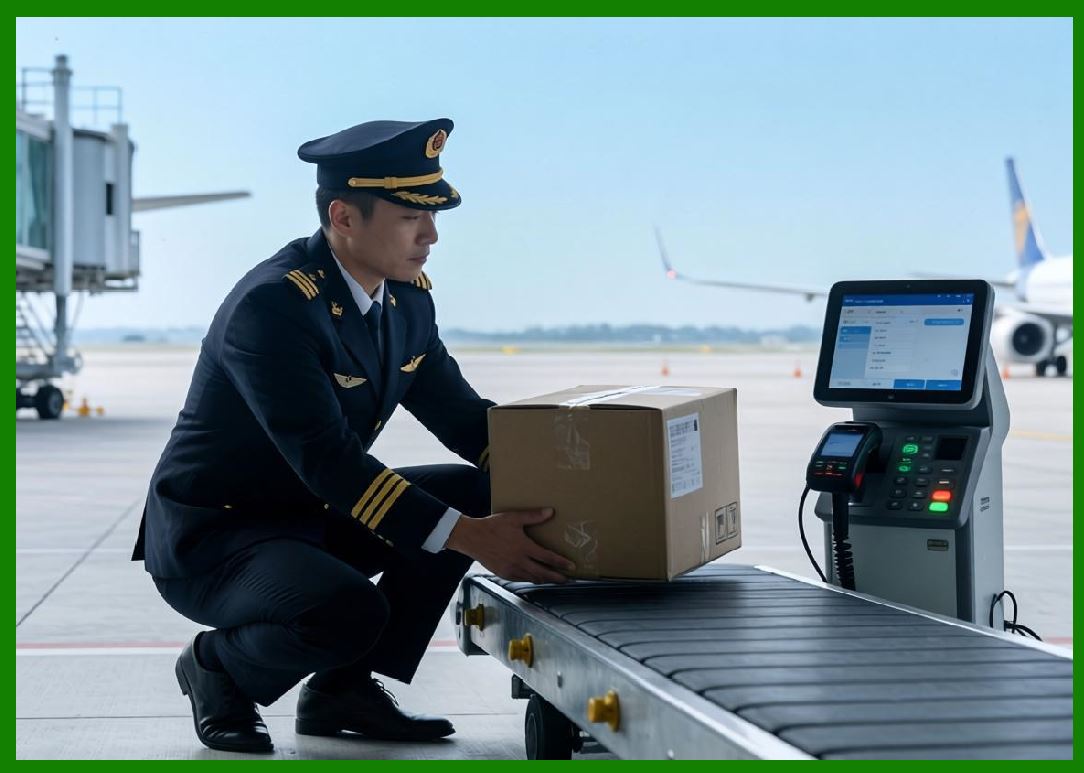
8. Physical printing occurs. |
9. Output is verified. |
10. Status is reported back. |
|
4. Fulfillment Stage |
1. Kitchen prepares food. |
2. Labels are attached. |
3. Order is packaged. |
4. Delivery is assigned. |
5. Driver picks up order. |
6. Route is optimized. |
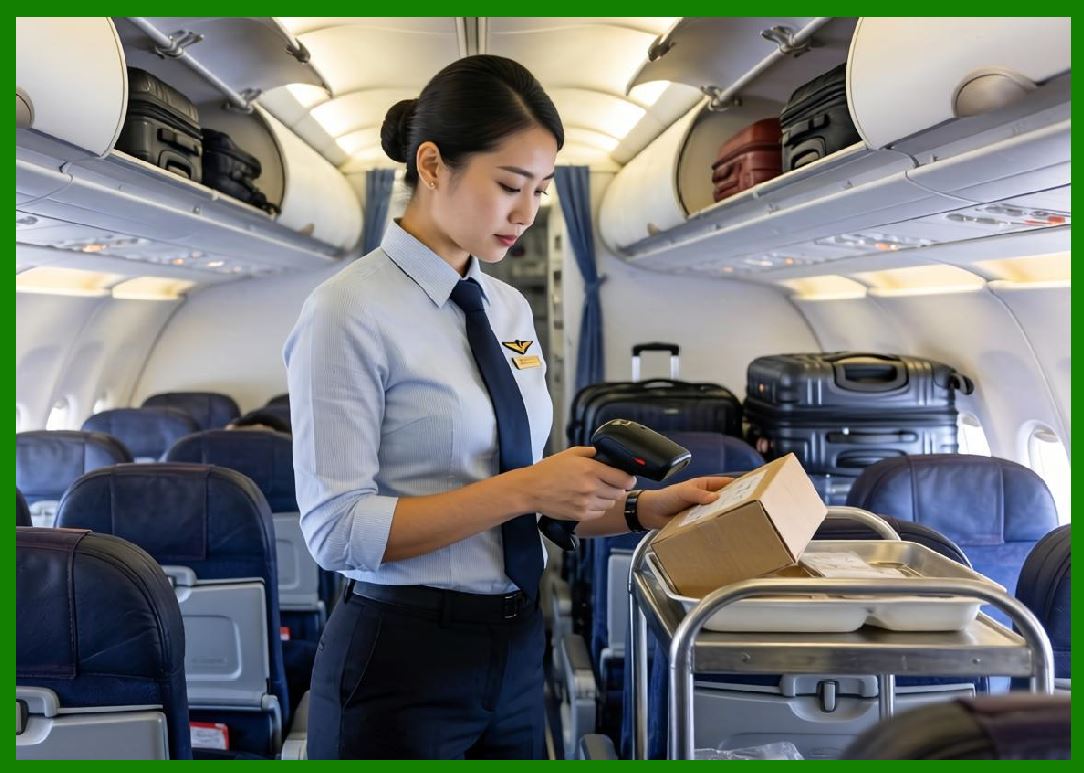
7. Delivery is executed. |
8. Status updates are sent. |
9. Completion is confirmed. |
10. Data is logged. |
|
5. Post-Order Stage |
1. Feedback is collected. |
2. Performance metrics are stored. |
3. Delivery time is analyzed. |
4. Merchant rating is updated. |
5. System learns from data. |
6. AI models are updated. |
7. Exceptions are recorded. |
8. Reports are generated. |
9. Billing is finalized. |
10. Analytics are updated. |

|
18.3 Workflow Engine Architecture in Cloud Printing Systems |
Workflow orchestration is typically powered by a distributed workflow engine composed of: |
1. Workflow Definition Layer |
1. Business rules definition. |
2. Process modeling. |
3. State machine design. |
4. Event condition mapping. |
5. Template configuration. |

|
2. Workflow Execution Layer |
1. Task scheduling engine. |
2. State transition manager. |
3. Event processor. |
4. Execution tracker. |
5. Retry handler. |

|
3. Decision Engine Layer |
1. AI-based routing decisions. |
2. Priority scoring systems. |
3. Resource allocation logic. |
4. Optimization algorithms. |
5. Exception handling logic. |

|
4. Integration Layer |
1. Payment systems. |
2. Logistics systems. |
3. Merchant systems. |
4. Printer networks. |
5. Inventory systems. |

|
5. Monitoring Layer |
1. Workflow tracking dashboards. |
2. SLA monitoring. |
3. Error reporting systems. |
4. Performance analytics. |
5. Bottleneck detection tools. |
|
18.4 Event-Driven Workflow Execution Model |
Modern cloud printing systems are built on event-driven architecture. |
Key events include: |
1. Order created. |
2. Payment confirmed. |
3. Merchant accepted order. |
4. Print task generated. |
5. Printer acknowledged task. |
6. Print completed. |
7. Order prepared. |
8. Order dispatched. |
9. Delivery completed. |
10. Order closed. |
Each event triggers downstream actions automatically. |
|
Event-driven execution enables: |
1. Loose coupling between services. |
2. High scalability. |
3. Real-time responsiveness. |
4. Fault isolation. |
5. Flexible workflow design. |
6. Parallel execution paths. |
7. Asynchronous processing. |
8. System resilience. |
9. Continuous state updates. |
10. Efficient resource utilization. |

|
18.5 Multi-Stage Workflow Orchestration |
Cloud printing workflows are often multi-stage and parallelized. |
Examples include: |
1. Kitchen Workflow |
1. Ingredient preparation. |
2. Cooking process initiation. |
3. Station coordination. |
4. Timing synchronization. |
5. Packaging instruction generation. |
|
2. Printing Workflow |
1. Order segmentation. |
2. Template selection. |
3. Label generation. |
4. Barcode encoding. |
5. Print execution. |

|
3. Delivery Workflow |
1. Driver assignment. |
2. Route optimization. |
3. Pickup coordination. |
4. Real-time tracking. |
5. Delivery confirmation. |
These workflows operate simultaneously and are tightly synchronized. |

|
18.6 Intelligent Routing in Workflow Systems |
Routing determines how tasks flow through the system. |
Routing decisions consider: |
1. Printer availability. |
2. Kitchen load. |
3. Delivery distance. |
4. Order priority. |
5. Merchant capability. |
6. Network conditions. |
7. Device health. |
8. Regional constraints. |
9. Traffic conditions. |
10. AI predictions. |
Routing mechanisms include: |
1. Dynamic path selection. |
2. Load-aware routing. |
3. Priority-based routing. |
4. Failover routing. |
5. Geo-distributed routing. |
Intelligent routing ensures efficient system-wide execution. |

|
18.7 Business Rule Automation in Cloud Printing |
Business rules define how workflows behave. |
Examples include: |
1. Printing only after payment confirmation. |
2. Prioritizing VIP customers. |
3. Grouping orders by region. |
4. Delaying print until kitchen readiness. |
5. Escalating urgent orders. |
6. Splitting complex orders. |
7. Assigning printers based on load. |
8. Enforcing merchant constraints. |
9. Applying promotional rules. |
10. Handling cancellation logic. |
These rules are enforced automatically through workflow engines. |

|
18.8 Exception Handling in Workflow Systems |
Exceptions are inevitable in real-world operations. |
Common exceptions include: |
1. Printer offline. |
2. Order cancellation. |
3. Payment failure. |
4. Network outage. |
5. Kitchen overload. |
6. Delivery delay. |
7. Data inconsistency. |
8. Template errors. |
9. Queue overflow. |
10. Device malfunction. |
Handling mechanisms include: |
1. Automatic retries. |
2. Alternative routing. |
3. Task reallocation. |
4. Workflow rollback. |
5. Fallback execution paths. |
6. Alert generation. |
7. Manual intervention triggers. |
8. System compensation logic. |
9. Queue reprocessing. |
10. State reconciliation. |

|
18.9 Workflow State Management Systems |
Every order passes through multiple states. |
State management ensures consistency across distributed systems. |
States include: |
1. Created. |
2. Paid. |
3. Processing. |
4. Printed. |
5. In preparation. |
6. Ready for dispatch. |
7. In delivery. |
8. Completed. |
9. Cancelled. |
10. Failed. |
State systems ensure: |
1. Consistency across services. |
2. Reliable transitions. |
3. Recovery from failures. |
4. Traceability. |
5. Auditability. |
6. Synchronization. |
7. Event alignment. |
8. Data integrity. |
9. Workflow correctness. |
10. System transparency. |

|
18.10 Workflow Optimization Using AI |
AI improves workflow efficiency by analyzing: |
1. Order patterns. |
2. Printer performance. |
3. Kitchen efficiency. |
4. Delivery timing. |
5. Regional demand. |
6. Historical workflows. |
7. Error patterns. |
8. Queue congestion. |
9. Merchant behavior. |
10. Customer satisfaction. |
AI optimizes: |
1. Print timing. |
2. Task routing. |
3. Queue ordering. |
4. Resource allocation. |
5. Delivery scheduling. |
6. Batch grouping. |
7. Exception prediction. |
8. System load balancing. |
9. Workflow sequencing. |
10. Execution efficiency. |

|
18.11 Integration with Enterprise Systems |
Cloud printing workflows integrate with multiple enterprise systems: |
1. Payment gateways. |
2. Logistics platforms. |
3. Inventory systems. |
4. CRM systems. |
5. Merchant dashboards. |
6. AI prediction engines. |
7. Customer apps. |
8. Delivery tracking systems. |
9. Analytics platforms. |
10. Support systems. |
Integration ensures seamless end-to-end automation. |
|
18.12 Scalability Challenges in Workflow Orchestration |
Key challenges include: |
1. Massive concurrent workflows. |
2. High event frequency. |
3. Cross-system dependencies. |
4. State synchronization complexity. |
5. Real-time processing constraints. |
6. Fault tolerance requirements. |
7. Data consistency issues. |
8. Network variability. |
9. Multi-region execution. |
10. AI decision latency. |
Solving these requires distributed orchestration systems. |

|
18.13 Role of Cloud Printing in Workflow Execution |
Cloud printers serve as: |
1. Physical execution nodes. |
2. Workflow output terminals. |
3. Real-time task consumers. |
4. Edge decision endpoints. |
5. Operational synchronization points. |
They bridge digital workflows and physical operations. |
18.14 Future Trends in Workflow Automation |
Future developments include: |
1. Fully autonomous workflow engines. |
2. AI-generated dynamic workflows. |
3. Self-healing process orchestration. |
4. Real-time adaptive business logic. |
5. Digital twin workflow simulation. |
6. Zero-code workflow generation. |
7. Cross-platform unified orchestration. |
8. Predictive workflow optimization. |
9. Fully decentralized execution systems. |
10. Intelligent robotic workflow integration. |
Cloud printing will become part of autonomous business automation ecosystems. |

|
Part 18 Technical Summary |
This part examined workflow orchestration and business process automation in cloud printing systems. It covered end-to-end order lifecycle automation, event-driven execution models, multi-stage workflow coordination, intelligent routing, business rule automation, exception handling, state management, AI-based optimization, and enterprise system integration. |
It highlighted how platforms such as Meituan use cloud printing as a core execution layer within large-scale automated business workflows spanning ordering, preparation, logistics, and delivery. |
The section demonstrated that cloud printing systems function as real-time orchestration engines that connect digital business processes with physical operational execution. |
In the next part, the discussion will focus on cloud printing integration with logistics and supply chain systems, including warehouse coordination, delivery optimization, inventory synchronization, and end-to-end fulfillment automation. |
 cs@easiersoft.com