Part 19. Logistics and Supply Chain Integration in Cloud Printing Systems |
19.1 Introduction to Cloud Printing in Logistics Ecosystems |
Cloud printing systems are deeply embedded in modern logistics and supply chain infrastructures. A cloud barcode label printer is not just an output device - it is a real-time coordination endpoint that translates digital logistics decisions into physical-world execution artifacts such as shipping labels, food delivery tickets, warehouse sorting tags, and dispatch identifiers. |
In large-scale ecosystems such as those operated by Meituan, cloud printing acts as a synchronization bridge between: |
1. Order management systems. |
2. Warehouse management systems (WMS). |
3. Transportation management systems (TMS). |
4. Last-mile delivery platforms. |
5. Inventory control systems. |
6. Fulfillment centers. |
7. Merchant preparation systems. |
8. Real-time dispatch engines. |
9. Customer tracking systems. |
10. AI logistics optimization systems. |
This integration ensures that every physical movement in the supply chain is triggered, labeled, and tracked through cloud-generated print outputs. |

|
19.2 Role of Cloud Printing in Supply Chain Execution |
Cloud printing supports multiple logistics functions: |
1. Shipping label generation. |
2. Sorting barcode creation. |
3. Warehouse shelf labeling. |
4. Delivery routing tags. |
5. Pickup verification labels. |
6. Parcel tracking identifiers. |
7. Batch grouping labels. |
8. Cold-chain indicators. |
9. Priority handling tags. |
10. Exception handling stickers. |
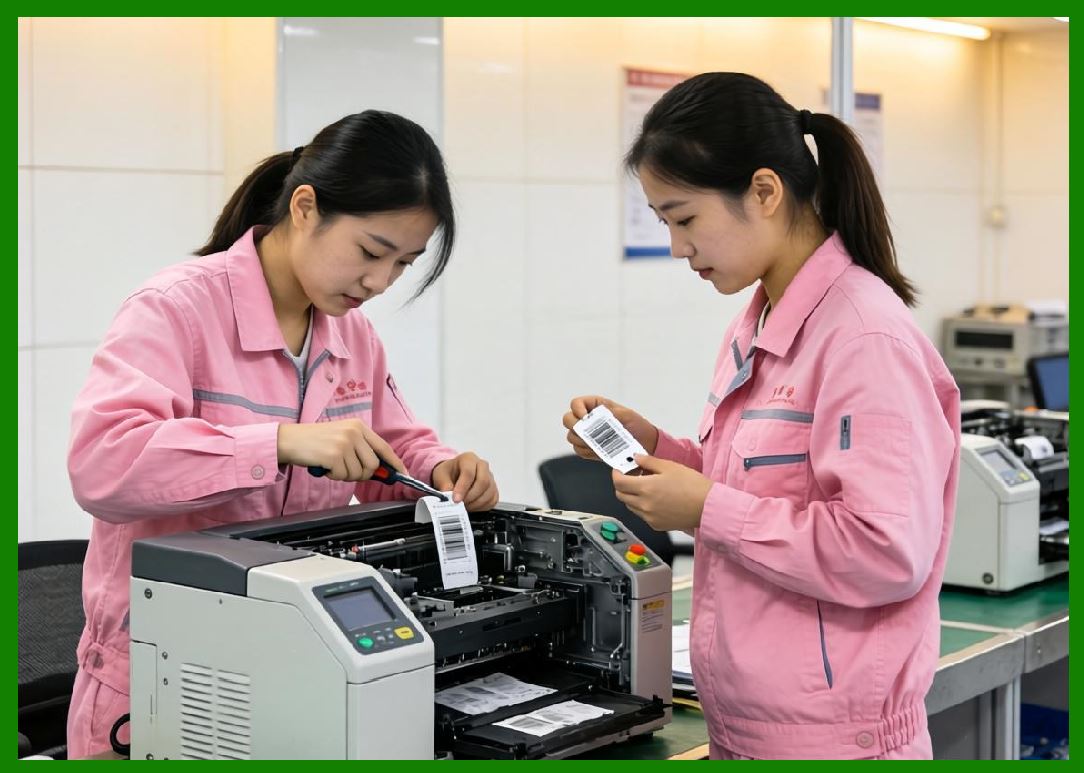
Each printed label becomes a machine-readable instruction set that drives downstream logistics automation. |
|
19.3 Integration with Warehouse Management Systems (WMS) |
In warehouse environments, cloud printing is tightly integrated with WMS platforms. |
Key interactions include: |
1. Inbound Processing |
1. Goods arrive at warehouse. |
2. System assigns inbound ID. |
3. Cloud printer generates receiving labels. |
4. Items are scanned and registered. |
5. Storage location is assigned. |
2. Storage Management |
1. Shelf labels are printed dynamically. |
2. Inventory locations are updated. |
3. Barcode labels link items to storage nodes. |
4. Re-labeling occurs during reorganization. |
5. Stock movements are continuously tracked. |
3. Outbound Processing |
1. Order retrieval triggered. |
2. Pick lists are printed. |
3. Packing labels are generated. |
4. Shipping barcodes are assigned. |
5. Dispatch labels are printed. |
Cloud printing ensures every warehouse action is digitally traceable and physically executable. |

|
19.4 Integration with Transportation Management Systems (TMS) |
Cloud printing systems connect directly with transportation logistics. |
TMS integration supports: |
1. Driver assignment labels. |
2. Route optimization tags. |
3. Vehicle loading instructions. |
4. Delivery sequence barcodes. |
5. Hub transfer labels. |
6. Cross-docking identifiers. |
7. Time-window delivery tags. |
8. Priority shipment labels. |
9. Return logistics tags. |
10. Exception handling labels. |
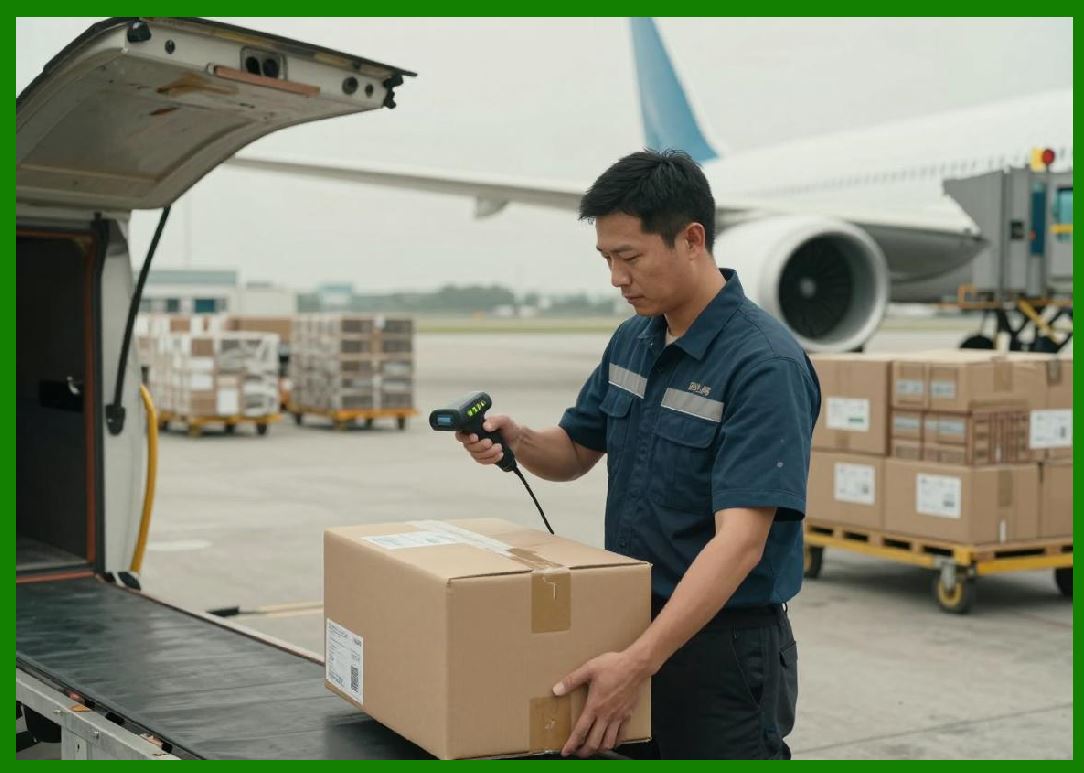
Printed labels guide drivers, sorting hubs, and automated logistics equipment. |
|
19.5 Last-Mile Delivery Optimization and Cloud Printing |
Last-mile delivery is one of the most complex logistics challenges. |
Cloud printing contributes by generating: |
1. Delivery address labels. |
2. Customer identification barcodes. |
3. Order grouping tags. |
4. Multi-stop route identifiers. |
5. Priority delivery stickers. |
6. Real-time adjustment labels. |
7. Contactless delivery markers. |
8. Time-sensitive delivery flags. |
9. Re-delivery instructions. |
10. Proof-of-delivery QR codes. |
These labels ensure that delivery execution is precise and efficient. |

|
19.6 Real-Time Inventory Synchronization |
Cloud printing systems are tightly coupled with inventory management. |
Inventory synchronization includes: |
1. Stock level updates. |
2. Reorder triggers. |
3. Item labeling updates. |
4. Batch tracking labels. |
5. Expiration date printing. |
6. FIFO/FEFO labeling. |
7. Warehouse redistribution tags. |
8. Stock correction labels. |
9. Damage reporting tags. |
10. Real-time inventory audits. |
Each print event reflects the current state of inventory systems. |

|
19.7 Cold Chain and Special Logistics Labeling |
For temperature-sensitive logistics, cloud printing systems generate specialized labels: |
1. Cold-chain temperature indicators. |
2. Refrigeration handling instructions. |
3. Frozen goods warnings. |
4. Time-sensitive handling tags. |
5. Hazard condition labels. |
6. Insulated packaging instructions. |
7. Monitoring QR codes. |
8. Temperature threshold markers. |
9. Expiry time alerts. |
10. Compliance verification labels. |
These ensure safe handling across the entire supply chain. |

|
19.8 Batch Processing and Grouped Logistics Optimization |
Cloud printing enables efficient batch logistics processing. |
Batching strategies include: |
1. Geographic grouping of orders. |
2. Time-window batching. |
3. Warehouse zone-based batching. |
4. Delivery route clustering. |
5. Merchant-based grouping. |
6. Priority-based consolidation. |
7. Vehicle capacity optimization. |
8. Order similarity grouping. |
9. Real-time dynamic batching. |
10. AI-optimized batch formation. |
Printed batch labels simplify downstream sorting and routing. |

|
19.9 Cross-Docking and Transfer Hub Integration |
Cross-docking systems rely heavily on cloud printing for rapid transfer operations. |
Key functions include: |
1. Incoming shipment labeling. |
2. Outgoing routing tags. |
3. Transfer hub identifiers. |
4. Real-time reassignment labels. |
5. Priority redistribution tags. |
6. Load balancing indicators. |
7. Vehicle transfer labels. |
8. Time-critical handling markers. |
9. Destination re-routing codes. |
10. Exception transfer instructions. |
Cloud printing ensures near real-time coordination across logistics hubs. |

|
19.10 Real-Time Logistics Decision Feedback Loop |
Cloud printing systems are part of a continuous feedback loop: |
1. Order is created. |
2. Logistics system calculates route. |
3. Cloud printer generates labels. |
4. Warehouse executes picking. |
5. Delivery is dispatched. |
6. Status is updated in real time. |
7. AI analyzes performance. |
8. Adjustments are made dynamically. |
9. Labels are regenerated if needed. |
10. System continuously optimizes flow. |
This loop ensures adaptive logistics execution. |

|
19.11 AI Optimization in Supply Chain Printing |
AI improves logistics printing systems by optimizing: |
1. Label placement timing. |
2. Batch grouping efficiency. |
3. Warehouse workload distribution. |
4. Delivery route labeling. |
5. Inventory labeling accuracy. |
6. Predictive demand labeling. |
7. Error reduction in scanning. |
8. Packaging optimization labels. |
9. Transport coordination tags. |
10. Supply chain efficiency metrics. |
In ecosystems such as those operated by Meituan, AI-driven logistics optimization directly improves delivery speed and reduces operational cost. |

|
19.12 Error Handling in Logistics Printing Systems |
Common logistics printing failures include: |
1. Missing labels. |
2. Duplicate prints. |
3. Incorrect routing labels. |
4. Barcode scanning errors. |
5. Printer downtime. |
6. Network interruptions. |
7. Warehouse misalignment. |
8. Inventory mismatches. |
9. Delivery re-routing errors. |
10. Label degradation issues. |
Recovery strategies include: |
1. Automatic reprinting. |
2. Label validation checks. |
3. Redundant printing nodes. |
4. Real-time correction updates. |
5. AI-based error detection. |
6. Queue reprocessing. |
7. Manual override systems. |
8. Audit reconciliation. |
9. Device failover. |
10. System-wide synchronization corrections. |

|
19.13 Scalability of Logistics Printing Systems |
At massive scale, logistics printing systems must handle: |
1. Millions of labels per hour. |
2. Real-time warehouse synchronization. |
3. Multi-region distribution. |
4. High-frequency order bursts. |
5. Dynamic route changes. |
6. Continuous inventory updates. |
7. Multi-tenant operations. |
8. Edge device coordination. |
9. Cross-system dependencies. |
10. Fault-tolerant execution. |
Scalability is achieved through distributed cloud-edge architecture. |

|
19.14 Security in Logistics Printing Workflows |
Security is essential in logistics printing because it involves physical goods movement. |
Security measures include: |
1. Label authenticity verification. |
2. Encrypted logistics data transmission. |
3. Access control for warehouse printers. |
4. Secure API integrations. |
5. Anti-tampering label design. |
6. Digital signature validation. |
7. Device authentication. |
8. Audit trail logging. |
9. Fraud detection systems. |
10. Role-based workflow permissions. |
These ensure integrity across the supply chain. |

|
19.15 Future Trends in Logistics Cloud Printing |
Future evolution includes: |
1. Fully autonomous warehouse printing systems. |
2. AI-driven logistics orchestration. |
3. Robot-integrated labeling systems. |
4. Digital twin supply chain simulation. |
5. Predictive logistics labeling. |
6. Blockchain-based tracking labels. |
7. Fully decentralized logistics networks. |
8. Real-time adaptive routing labels. |
9. Self-healing supply chain systems. |
10. Smart city logistics integration. |
Cloud printing will become a core infrastructure layer of intelligent global logistics systems. |

|
Part 19 Technical Summary |
This part explored logistics and supply chain integration in cloud printing systems. It covered warehouse management integration, transportation systems, last-mile delivery optimization, inventory synchronization, batch processing, cross-docking operations, AI-driven logistics optimization, error handling, scalability, and security mechanisms. |
It highlighted how ecosystems such as those operated by Meituan use cloud printing as a critical bridge between digital logistics intelligence and real-world supply chain execution. |
The section demonstrated that cloud printing is a foundational component of modern logistics infrastructure, enabling real-time coordination, traceability, and automation across the entire supply chain. |
In the next part, the discussion will focus on cloud printing hardware architecture and printer engineering design, including thermal printing technology, embedded systems, memory architecture, firmware design, and industrial-grade printer optimization. |
 cs@easiersoft.com