Part 20. Cloud Barcode Label Printer Hardware Architecture and Embedded Engineering Design |
20.1 Introduction to Printer Hardware in Cloud Systems |
Cloud barcode label printers are not simple peripheral devices. In modern cloud printing ecosystems, they are embedded computing nodes with real-time operating capabilities, tightly integrated into distributed cloud infrastructure. |
In large-scale operational environments such as those operated by Meituan, each printer functions as: |
1. A thermal printing engine. |
2. A network-connected IoT device. |
3. A secure execution endpoint. |
4. A local buffering system. |
5. A real-time workflow executor. |
6. A barcode rendering engine. |
7. A firmware-controlled embedded computer. |
8. A cloud-synchronized state machine. |
9. A fault-tolerant output device. |
10. A telemetry-generating sensor node. |
This hybrid nature requires deep integration between hardware engineering, embedded systems, and cloud software architecture. |

|
20.2 Core Hardware Components of Cloud Barcode Label Printers |
A cloud barcode label printer typically includes the following subsystems: |
1. Main Control Board |
1. Microcontroller or embedded SoC. |
2. CPU for task execution. |
3. Memory controller. |
4. Peripheral interfaces. |
5. Network communication module. |
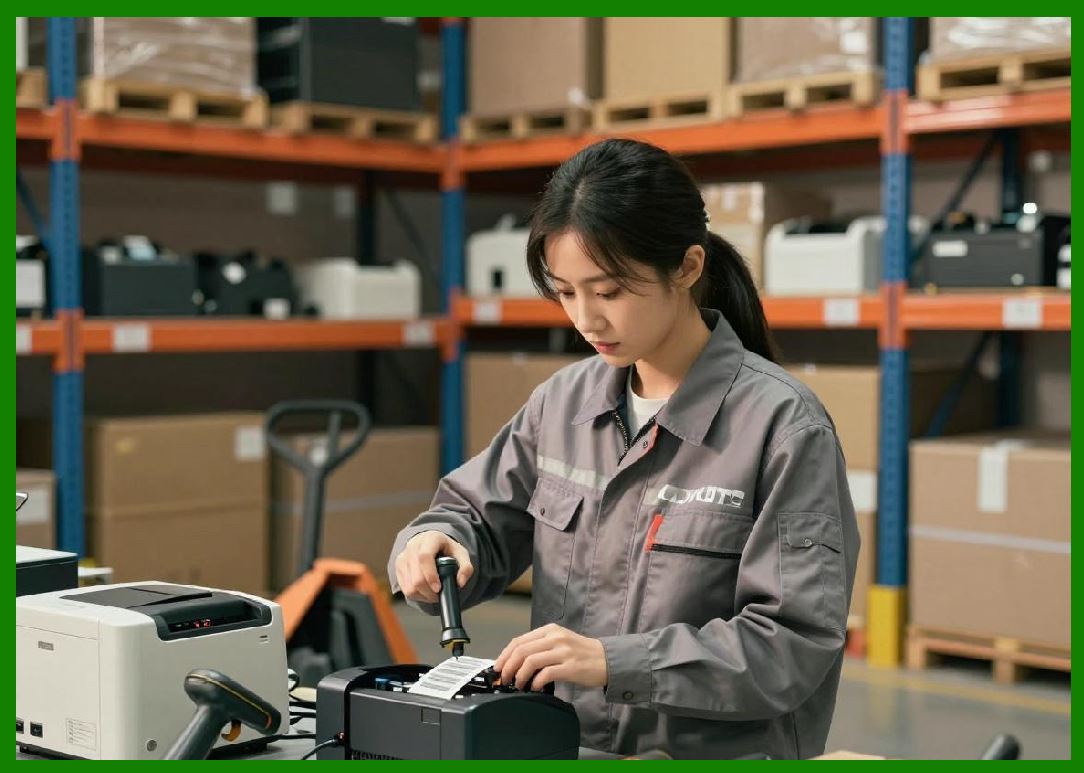
The control board acts as the brain of the printer, coordinating all operations. |
|
2. Thermal Printing Engine |
1. Thermal print head. |
2. Heating resistor array. |
3. Precision temperature control system. |
4. Paper feed synchronization. |
5. Print density calibration module. |
This subsystem converts digital data into physical inkless printing. |

|
3. Paper Feeding Mechanism |
1. Motor-driven rollers. |
2. Stepper motor control. |
3. Paper alignment sensors. |
4. Jam detection system. |
5. Feed calibration system. |
The feeding system ensures accurate label positioning. |

|
4. Communication Module |
1. Wi-Fi module. |
2. Ethernet interface. |
3. Bluetooth connectivity. |
4. Cloud API interface chip. |
5. Network protocol stack. |
This enables real-time cloud communication. |

|
5. Power Management System |
1. AC/DC power conversion. |
2. Voltage regulation circuits. |
3. Power surge protection. |
4. Energy efficiency control. |
5. Sleep mode management. |
Stable power delivery ensures consistent printing performance. |

|
6. Sensor System |
1. Paper detection sensors. |
2. Temperature sensors. |
3. Cover open sensors. |
4. Print head position sensors. |
5. Inkless thermal monitoring sensors. |
Sensors provide real-time feedback for reliability. |

|
20.3 Embedded System Architecture in Cloud Printers |
Cloud printers run embedded firmware designed for real-time operations. |
Key components include: |
1. Real-Time Operating System (RTOS) |
1. Task scheduling. |
2. Interrupt handling. |
3. Memory management. |
4. Device driver coordination. |
5. Timing precision control. |

|
2. Firmware Layer |
1. Print instruction interpreter. |
2. Network communication handler. |
3. Device control logic. |
4. Error handling routines. |
5. Security validation modules. |

|
3. Application Layer |
1. Print job processor. |
2. Barcode rendering engine. |
3. Template parser. |
4. Cloud synchronization module. |
5. Local queue manager. |

|
4. Hardware Abstraction Layer |
1. Motor control abstraction. |
2. Sensor input processing. |
3. Print head control. |
4. Network interface abstraction. |
5. Power management interface. |
This layered architecture ensures portability, reliability, and modularity. |

|
20.4 Thermal Printing Technology Principles |
Thermal printing is the dominant technology in barcode label printers. |
It operates based on: |
1. Heat-sensitive paper coating. |
2. Controlled heating elements. |
3. Precise dot matrix activation. |
4. Temperature-controlled inkless printing. |
5. High-speed line-by-line rendering. |
Advantages include: |
1. No ink or toner required. |
2. Low maintenance cost. |
3. High printing speed. |
4. Compact device design. |
5. High reliability in industrial environments. |
Thermal printing is ideal for logistics and cloud printing workloads. |

|
20.5 Barcode Rendering Engine Design |
The barcode rendering engine transforms digital data into machine-readable patterns. |
Key functions include: |
1. Barcode encoding (Code128, QR, DataMatrix). |
2. Layout formatting. |
3. Text alignment and scaling. |
4. Error correction encoding. |
5. Image rasterization. |
6. Print resolution optimization. |
7. Dynamic sizing adjustments. |
8. Multi-label batching. |
9. Template rendering logic. |
10. Print preview generation. |
This engine ensures accuracy and scan reliability. |

|
20.6 Memory and Storage Architecture |
Cloud printers require internal memory systems: |
1. RAM |
1. Temporary print buffers. |
2. Real-time processing data. |
3. Queue management structures. |
4. Image rendering cache. |
5. Network packet buffers. |
2. Flash Storage |
1. Firmware storage. |
2. Configuration data. |
3. Print templates. |
4. Logs and diagnostics. |
5. Cached cloud data. |
3. Persistent Queue Storage |
1. Offline print queue retention. |
2. Crash recovery data. |
3. Retry buffers. |
4. Job state persistence. |
5. Synchronization logs. |
This ensures no print job is lost during disruptions. |

|
20.7 Cloud-to-Device Communication Protocols |
Communication between cloud systems and printers is optimized for reliability and low latency. |
Protocols include: |
1. HTTPS-based API communication. |
2. MQTT message streaming. |
3. WebSocket persistent connections. |
4. Binary protocol optimization. |
5. Compressed payload transmission. |
6. Secure TLS encryption. |
7. Acknowledgment-based delivery. |
8. Retry and recovery mechanisms. |
9. Heartbeat signaling. |
10. Event-driven messaging. |
These protocols ensure real-time synchronization. |

|
20.8 Print Job Execution Pipeline |
Each print job passes through a structured pipeline: |
1. Cloud job creation. |
2. Task validation. |
3. Device selection. |
4. Secure transmission. |
5. Local queue insertion. |
6. Template rendering. |
7. Barcode generation. |
8. Thermal print execution. |
9. Output verification. |
10. Status reporting. |
This pipeline ensures deterministic execution of every label. |

|
20.9 Firmware Update and Device Lifecycle Management |
Firmware is continuously updated to improve performance and security. |
Update mechanisms include: |
1. OTA (over-the-air) updates. |
2. Incremental patch deployment. |
3. Signed firmware validation. |
4. Rollback protection. |
5. Staged rollout strategy. |
6. Device compatibility checks. |
7. Fail-safe recovery mode. |
8. Cloud-controlled update scheduling. |
9. Version synchronization. |
10. Update success verification. |
This ensures long-term stability across fleets. |

|
20.10 Fault Detection and Hardware Reliability Systems |
Cloud printers include built-in fault detection mechanisms: |
1. Paper jam detection. |
2. Overheating protection. |
3. Motor failure detection. |
4. Network disconnection alerts. |
5. Print head degradation monitoring. |
6. Sensor malfunction detection. |
7. Power fluctuation monitoring. |
8. Buffer overflow detection. |
9. Firmware crash detection. |
10. Mechanical wear tracking. |
When faults occur: |
1. System pauses printing. |
2. Alerts are sent to cloud. |
3. Recovery procedures are initiated. |
4. Backup printers may take over. |
5. Logs are stored for analysis. |

|
20.11 Edge Intelligence in Printer Hardware |
Modern cloud printers include edge intelligence capabilities: |
1. Local print decision caching. |
2. Offline mode execution. |
3. Adaptive queue processing. |
4. Local error correction. |
5. Basic template rendering. |
6. Predictive maintenance signals. |
7. Network failure handling. |
8. Local load balancing. |
9. Device health analytics. |
10. Autonomous recovery logic. |
This reduces dependency on constant cloud connectivity. |

|
20.12 Industrial Design and Reliability Engineering |
Cloud printers must operate in harsh environments such as kitchens and warehouses. |
Design considerations include: |
1. Heat resistance. |
2. Grease and humidity protection. |
3. Dust-proof enclosures. |
4. Shock resistance. |
5. Continuous operation durability. |
6. High-frequency usage tolerance. |
7. Easy paper replacement design. |
8. Minimal maintenance requirements. |
9. Compact industrial footprint. |
10. Long lifecycle durability. |
These ensure reliability in real-world logistics environments. |

|
20.13 Security in Printer Hardware Systems |
Hardware security is critical for cloud-connected devices. |
Security features include: |
1. Secure boot process. |
2. Encrypted firmware storage. |
3. Device identity certificates. |
4. Hardware root of trust. |
5. Anti-tampering protection. |
6. Secure communication modules. |
7. Access control enforcement. |
8. Debug port locking. |
9. Authentication handshake protocols. |
10. Integrity verification systems. |
These protect devices from unauthorized access and manipulation. |

|
20.14 Scalability Considerations in Hardware Deployment |
At scale, hardware systems must support: |
1. Mass device provisioning. |
2. Automated configuration. |
3. Remote diagnostics. |
4. Fleet-wide firmware updates. |
5. Centralized monitoring. |
6. Standardized hardware models. |
7. Regional deployment distribution. |
8. Device clustering strategies. |
9. Load-aware assignment. |
10. Lifecycle automation. |
Scalability ensures millions of printers can operate simultaneously. |

|
20.15 Future Evolution of Cloud Printer Hardware |
Future hardware innovations may include: |
1. AI-powered embedded processors. |
2. Fully autonomous self-repair systems. |
3. Advanced sensor fusion systems. |
4. Ultra-low power communication chips. |
5. Fully modular printer components. |
6. Blockchain-based device identity chips. |
7. Real-time adaptive thermal control. |
8. Fully wireless power systems. |
9. Smart predictive maintenance hardware. |
10. Integrated edge-cloud hybrid chips. |
Cloud printers will evolve into fully intelligent autonomous edge computing devices. |

|
Part 20 Technical Summary |
This part examined cloud barcode label printer hardware architecture and embedded system design. It covered core hardware components, thermal printing technology, firmware architecture, memory systems, communication protocols, print execution pipelines, fault detection systems, edge intelligence, industrial design, and hardware security. |
It highlighted how ecosystems such as those operated by Meituan rely on deeply integrated hardware-software systems to ensure reliable, real-time cloud printing at massive scale. |
The section demonstrated that modern cloud printers are not simple output devices but sophisticated embedded computing systems tightly coupled with cloud intelligence platforms. |
In the next part, the discussion will focus on cloud printing software platforms and SDK/API ecosystems, including developer integration models, enterprise APIs, mobile SDKs, cross-platform printing frameworks, and third-party ecosystem expansion. |
 cs@easiersoft.com