Part 22. Reliability Engineering and Fault Tolerance in Cloud Printing Systems |
22.1 Introduction to Reliability in Cloud Printing Infrastructure |
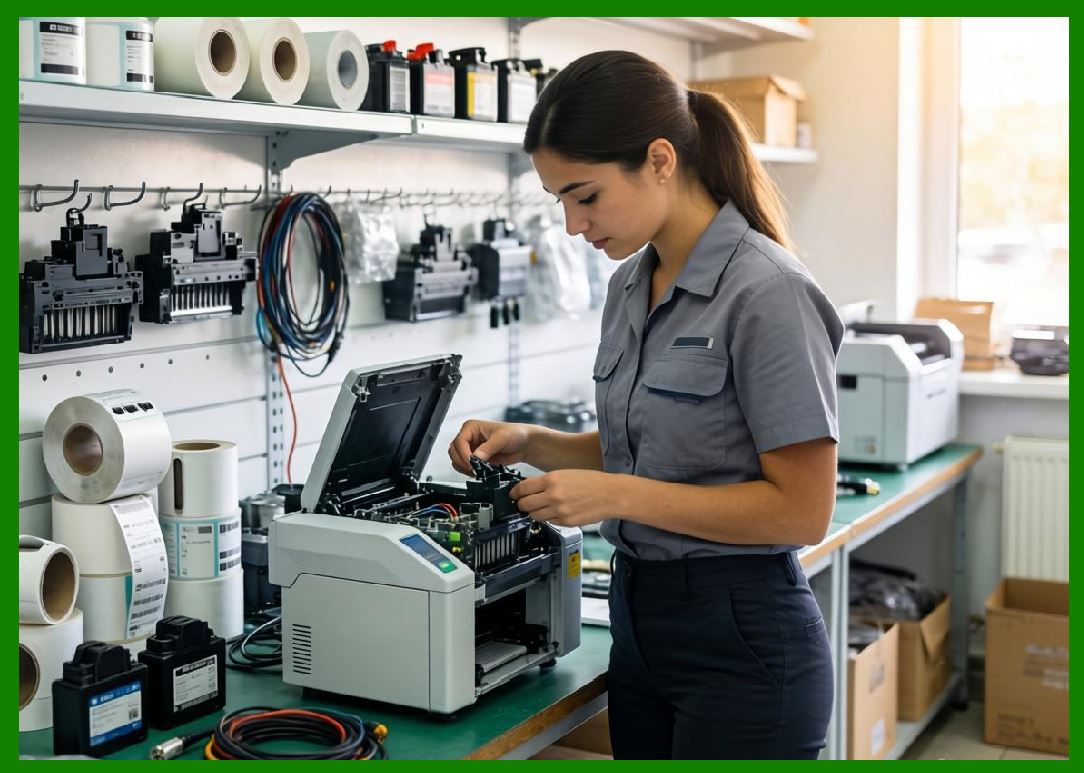
Cloud printing systems operate in environments where failure is not an exception - it is a constant possibility. Printers can go offline, networks can degrade, orders can surge unpredictably, and hardware can fail at any moment. Despite this, the system must continue delivering correct print outputs in real time. |
In large-scale ecosystems such as those operated by Meituan, reliability engineering ensures that: |
1. Print jobs are never silently lost. |
2. System failures do not interrupt order processing. |
3. Printer outages are automatically compensated. |
4. Data consistency is preserved across distributed systems. |
5. Recovery happens without manual intervention. |
6. Edge and cloud systems remain synchronized. |
7. Business operations continue under partial failure. |
8. User experience remains stable under stress. |
9. System state is always recoverable. |
10. End-to-end workflows remain deterministic. |
Reliability in cloud printing is therefore a core system property, not an optional enhancement. |
|
22.2 Principles of Fault-Tolerant System Design |
Fault-tolerant cloud printing systems are built on several key principles: |
1. Assume failure is normal. |
2. Design for redundancy at every layer. |
3. Decouple system components. |
4. Persist all critical state. |
5. Retry operations safely. |
6. Ensure idempotent execution. |
7. Degrade gracefully under load. |
8. Isolate failures to prevent propagation. |
9. Continuously monitor system health. |
10. Automate recovery wherever possible. |
These principles ensure resilience at massive scale. |

|
22.3 Redundancy Architecture in Cloud Printing Systems |
Redundancy is implemented across multiple layers: |
1. Device Redundancy |
1. Multiple printers per merchant. |
2. Backup devices in hot standby. |
3. Load sharing across printers. |
4. Automatic failover routing. |
5. Regional device pools. |
2. Service Redundancy |
1. Multiple API gateway instances. |
2. Replicated microservices. |
3. Stateless service design. |
4. Cross-zone deployment. |
5. Load-balanced service clusters. |
3. Data Redundancy |
1. Distributed database replication. |
2. Multi-region backups. |
3. Event log persistence. |
4. Transaction journaling. |
5. Incremental snapshots. |
4. Network Redundancy |
1. Multi-path routing. |
2. Failover internet links. |
3. Edge-to-cloud fallback paths. |
4. Load-balanced traffic routing. |
5. Regional network isolation. |

|
22.4 Failure Detection Mechanisms |
Detecting failures early is essential for system reliability. |
Detection methods include: |
1. Heartbeat monitoring from devices. |
2. Latency threshold detection. |
3. Error rate anomaly detection. |
4. Queue backlog monitoring. |
5. API timeout tracking. |
6. Sensor-based hardware alerts. |
7. Network packet loss detection. |
8. Print job acknowledgment failures. |
9. AI-driven anomaly detection. |
10. Cross-system consistency checks. |
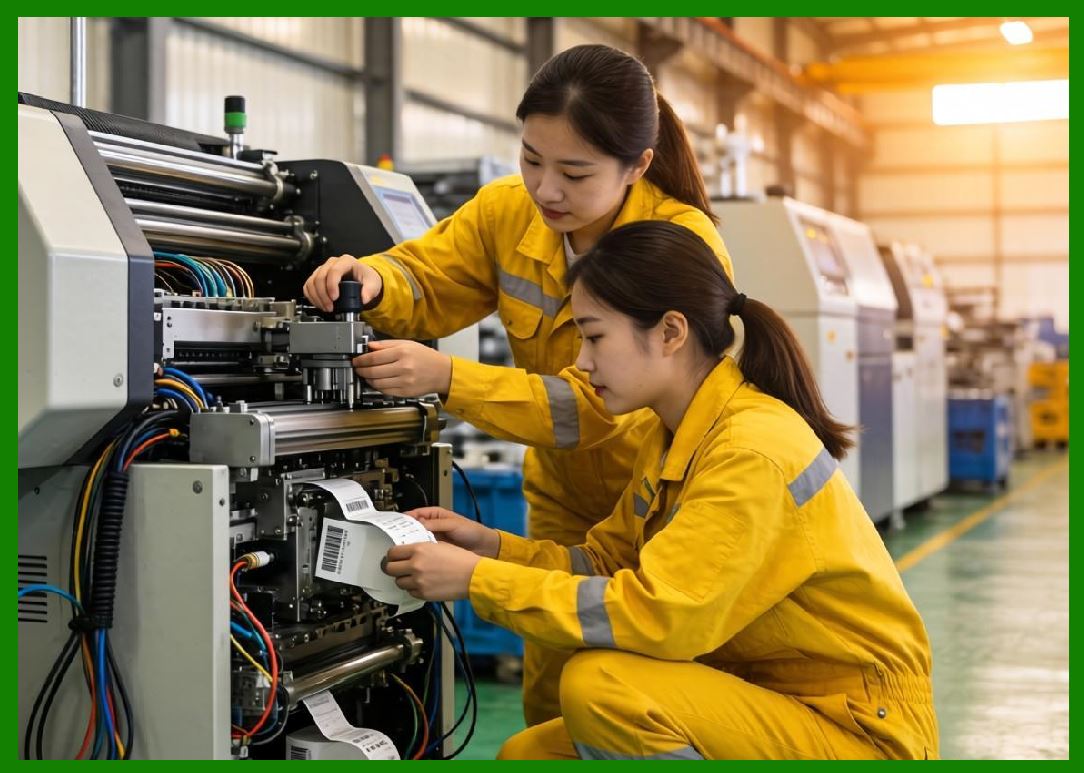
Once detected, failures trigger automated recovery workflows. |
|
22.5 Retry and Idempotency Mechanisms |
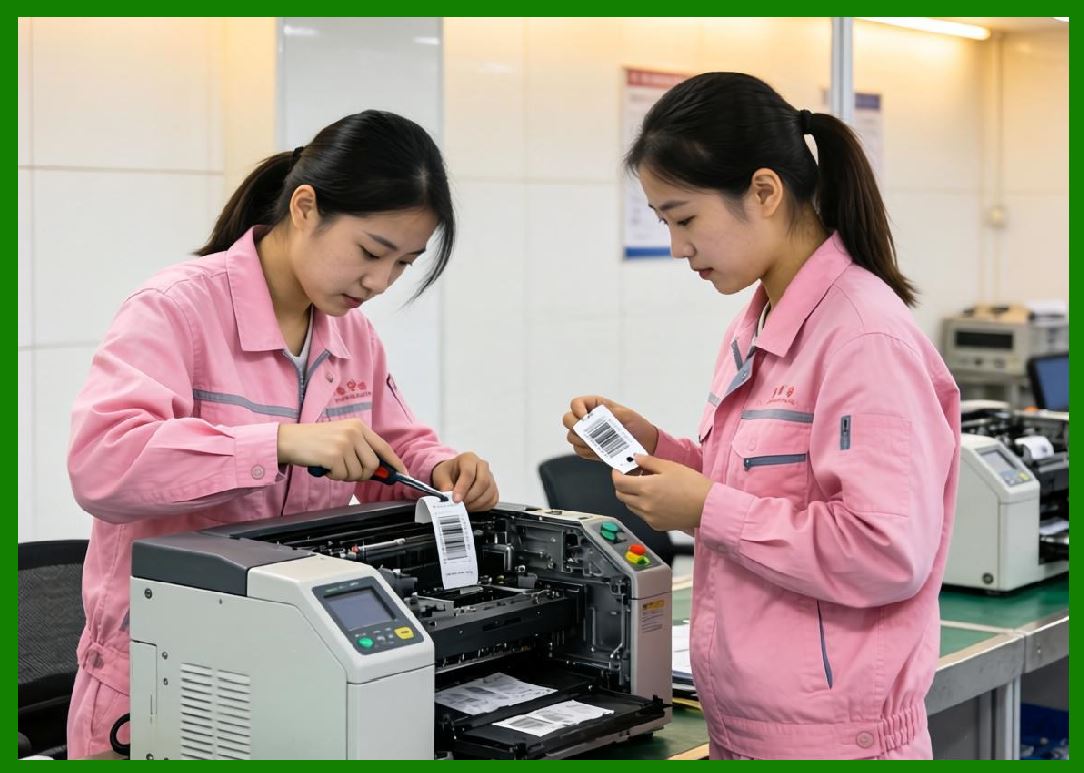
Cloud printing systems must safely retry operations without duplication. |
Key mechanisms include: |
1. Idempotent Print Jobs |
1. Each print job has a unique ID. |
2. Duplicate execution is prevented. |
3. State tracking ensures consistency. |
4. Retries do not create duplicates. |
5. Execution history is recorded. |
2. Retry Policies |
1. Exponential backoff retries. |
2. Maximum retry thresholds. |
3. Conditional retry logic. |
4. Priority-based retry ordering. |
5. Region-aware retry routing. |
3. Safe Execution Guarantees |
1. Exactly-once delivery simulation. |
2. Deduplication at queue level. |
3. State reconciliation mechanisms. |
4. Checkpoint-based execution. |
5. Transactional print confirmation. |
|
22.6 Graceful Degradation Strategies |
When system load exceeds capacity, cloud printing systems degrade gracefully rather than failing completely. |
Degradation strategies include: |
1. Reducing print resolution temporarily. |
2. Switching to simplified templates. |
3. Batching print jobs. |
4. Delaying low-priority jobs. |
5. Disabling non-critical analytics. |
6. Reducing telemetry frequency. |
7. Offloading to edge devices. |
8. Limiting API throughput. |
9. Prioritizing essential orders. |
10. Activating emergency mode printing. |
These ensure core operations continue even under stress. |

|
22.7 Circuit Breaker Patterns in Cloud Printing |
Circuit breakers prevent cascading system failures. |
They operate by: |
1. Monitoring service health. |
2. Detecting failure thresholds. |
3. Temporarily blocking requests. |
4. Redirecting traffic to fallback services. |
5. Gradually restoring normal flow. |
Circuit breakers are applied to: |
1. Printer communication channels. |
2. API services. |
3. Database queries. |
4. External integrations. |
5. Message queues. |
This prevents system-wide collapse. |

|
22.8 Disaster Recovery Systems |
Disaster recovery ensures system continuity during major failures. |
DR strategies include: |
1. Multi-Region Failover |
1. Automatic traffic rerouting. |
2. Region isolation handling. |
3. Cross-region replication. |
4. Hot standby environments. |
5. Geo-distributed redundancy. |
2. Backup Systems |
1. Continuous data snapshots. |
2. Incremental backups. |
3. Offsite storage replication. |
4. Restore testing systems. |
5. Versioned recovery points. |
3. Recovery Automation |
1. Automatic system rebooting. |
2. Service redeployment. |
3. Queue restoration. |
4. Device resynchronization. |
5. State reconciliation processes. |

|
22.9 Chaos Engineering in Cloud Printing Systems |
Chaos engineering intentionally introduces failures to test system resilience. |
Common experiments include: |
1. Simulating printer offline events. |
2. Injecting network latency. |
3. Killing microservices randomly. |
4. Overloading queues. |
5. Corrupting messages. |
6. Disabling regions temporarily. |
7. Throttling API requests. |
8. Breaking device connectivity. |
9. Simulating database failures. |
10. Injecting packet loss. |
The system is evaluated based on its ability to recover automatically. |

|
22.10 State Recovery and Consistency Management |
Maintaining consistent state across distributed systems is critical. |
Mechanisms include: |
1. Event sourcing architecture. |
2. Distributed state logs. |
3. Checkpoint synchronization. |
4. Consensus algorithms. |
5. Version-controlled state updates. |
6. Conflict resolution rules. |
7. Replayable event streams. |
8. Cross-system reconciliation. |
9. Idempotent state transitions. |
10. Audit-based correction mechanisms. |
These ensure system correctness after failure. |

|
22.11 Edge-Level Reliability Mechanisms |
Edge printers play a key role in reliability. |
Edge systems include: |
1. Offline print buffering. |
2. Local queue persistence. |
3. Automatic retry execution. |
4. Local error correction. |
5. Network reconnection logic. |
6. Fallback mode operation. |
7. Device-level state recovery. |
8. Local template caching. |
9. Autonomous restart systems. |
10. Local decision execution. |
Edge reliability reduces dependency on cloud connectivity. |

|
22.12 Monitoring and Alerting Systems |
Continuous monitoring ensures rapid detection of failures. |
Monitoring systems track: |
1. Printer uptime. |
2. API response latency. |
3. Queue depth. |
4. Error rates. |
5. Network stability. |
6. Device health signals. |
7. Regional system load. |
8. Print success rates. |
9. Data consistency metrics. |
10. Service availability levels. |
Alerting systems trigger: |
1. Automatic remediation. |
2. Operator notifications. |
3. System failover. |
4. Load redistribution. |
5. Emergency protocols. |

|
22.13 Scalability and Reliability Trade-offs |
At scale, systems must balance: |
1. Performance vs consistency. |
2. Availability vs strict correctness. |
3. Latency vs redundancy. |
4. Cost vs reliability. |
5. Centralization vs distribution. |
Cloud printing systems optimize these trade-offs dynamically based on operational conditions. |

|
22.14 Reliability Engineering in Meituan-Scale Systems |
In large ecosystems such as those operated by Meituan, reliability engineering includes: |
1. Nationwide multi-region deployment. |
2. Massive printer fleet redundancy. |
3. AI-driven failure prediction. |
4. Real-time system healing. |
5. Distributed chaos testing. |
6. Automated disaster recovery. |
7. Continuous system reinforcement learning. |
8. Intelligent traffic rerouting. |
9. Edge-cloud hybrid reliability systems. |
10. Fully automated operational recovery pipelines. |
These systems ensure uninterrupted food delivery and logistics operations at massive scale. |

|
22.15 Future of Reliability Engineering in Cloud Printing |
Future reliability systems will evolve toward: |
1. Self-healing autonomous infrastructure. |
2. AI-driven predictive failure avoidance. |
3. Fully automated chaos recovery systems. |
4. Digital twin simulation of entire fleets. |
5. Self-optimizing redundancy networks. |
6. Quantum-resilient fault tolerance. |
7. Zero-downtime global printing systems. |
8. Autonomous incident resolution agents. |
9. Fully decentralized reliability frameworks. |
10. Cognitive infrastructure resilience systems. |
Cloud printing systems will evolve into self-managing, self-repairing distributed ecosystems. |

|
Part 22 Technical Summary |
This part explored reliability engineering and fault tolerance in cloud printing systems. It covered redundancy architecture, failure detection mechanisms, retry and idempotency models, graceful degradation strategies, circuit breaker patterns, disaster recovery systems, chaos engineering, state consistency management, edge reliability systems, and monitoring frameworks. |
It highlighted how ecosystems such as those operated by Meituan ensure continuous operation of cloud barcode printing infrastructure even under large-scale failures and unpredictable system stress. |
The section demonstrated that reliability engineering is a foundational discipline enabling cloud printing systems to maintain stability, consistency, and availability at massive scale. |
In the next part, the discussion will focus on AI-driven intelligence in cloud printing systems, including predictive decision-making, autonomous optimization, reinforcement learning for logistics printing, and intelligent automation across end-to-end workflows. |
 cs@easiersoft.com