Part 23. AI-Driven Intelligence and Autonomous Optimization in Cloud Printing Systems |
23.1 Introduction to AI in Cloud Printing Ecosystems |
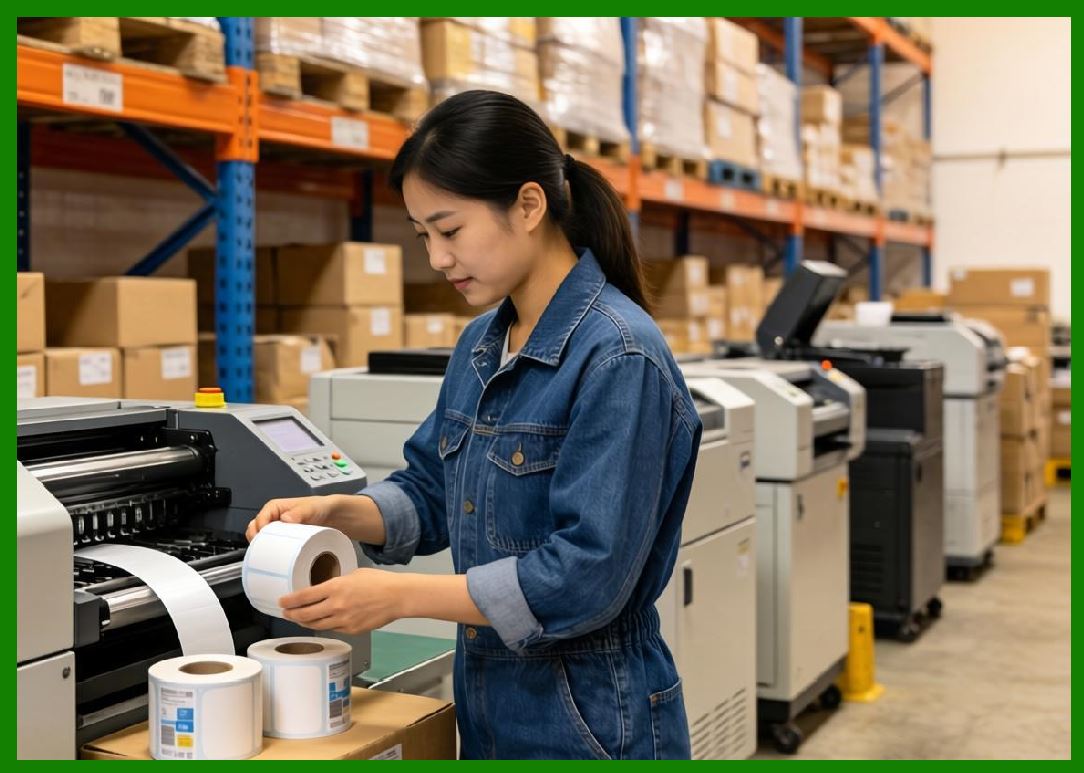
Cloud printing systems have evolved from simple request printpipelines into AI-driven autonomous decision networks. In modern architectures, printing is no longer a passive action triggered by an order; instead, it is the result of continuous machine intelligence that evaluates timing, routing, prioritization, device health, and logistics constraints in real time. |
In large-scale ecosystems such as those operated by Meituan, AI is embedded across every layer of the cloud printing stack: |
1. Print job generation decisions. |
2. Printer selection and load balancing. |
3. Queue optimization and prioritization. |
4. Logistics synchronization timing. |
5. Device failure prediction. |
6. Template selection and layout adaptation. |
7. Regional demand forecasting. |
8. System anomaly detection. |
9. Workflow orchestration optimization. |
10. End-to-end delivery acceleration. |
This transforms cloud printing into a self-optimizing cyber-physical system. |
|
23.2 AI Decision Layer Architecture in Cloud Printing |
The AI layer is typically structured into multiple functional subsystems: |
1. Perception Layer |
1. Collects printer telemetry data. |
2. Monitors queue states in real time. |
3. Tracks order inflow patterns. |
4. Observes network conditions. |
5. Captures device health signals. |
2. Prediction Layer |
1. Forecasts order volumes. |
2. Predicts printer failures. |
3. Estimates queue congestion. |
4. Anticipates delivery delays. |
5. Models regional demand fluctuations. |
3. Optimization Layer |
1. Assigns print tasks to optimal devices. |
2. Balances system-wide load. |
3. Minimizes latency in printing. |
4. Optimizes batch processing. |
5. Reduces system resource consumption. |
4. Decision Execution Layer |
1. Triggers print jobs. |
2. Re-routes workflows. |
3. Adjusts queue priorities. |
4. Activates backup devices. |
5. Initiates recovery procedures. |
5. Feedback Learning Layer |
1. Evaluates decision outcomes. |
2. Measures system performance impact. |
3. Updates AI models continuously. |
4. Refines prediction accuracy. |
5. Improves long-term optimization behavior. |
|
23.3 Machine Learning Models Used in Cloud Printing |
Cloud printing systems rely on multiple machine learning model types: |
1. Time-Series Forecasting Models |
1. Predict order volume spikes. |
2. Forecast printer workload. |
3. Estimate peak traffic periods. |
4. Model seasonal fluctuations. |
5. Predict queue accumulation. |
2. Classification Models |
1. Detect faulty printers. |
2. Identify abnormal system behavior. |
3. Classify order priority levels. |
4. Detect fraudulent print requests. |
5. Categorize workflow states. |
3. Regression Models |
1. Estimate printing latency. |
2. Predict delivery time. |
3. Forecast system load. |
4. Calculate resource utilization. |
5. Model throughput performance. |
4. Reinforcement Learning Models |
1. Optimize printer selection policies. |
2. Learn best routing strategies. |
3. Improve queue scheduling. |
4. Adapt to dynamic system conditions. |
5. Maximize system efficiency over time. |
5. Graph-Based Models |
1. Model logistics networks. |
2. Optimize routing paths. |
3. Analyze device relationships. |
4. Detect network bottlenecks. |
5. Improve cross-region coordination. |
|
23.4 AI-Driven Print Task Optimization |
One of the most critical AI functions is optimizing print task execution. |
AI determines: |
1. Which printer should handle each task. |
2. When a print job should be executed. |
3. How tasks should be batched. |
4. Which template version should be used. |
5. How priority ordering should be applied. |
Optimization goals include: |
1. Minimizing latency. |
2. Reducing queue congestion. |
3. Maximizing printer utilization. |
4. Preventing device overload. |
5. Ensuring delivery synchronization. |
In systems like those operated by Meituan, this directly affects real-world food delivery speed. |
|
23.5 Predictive Maintenance Using AI |
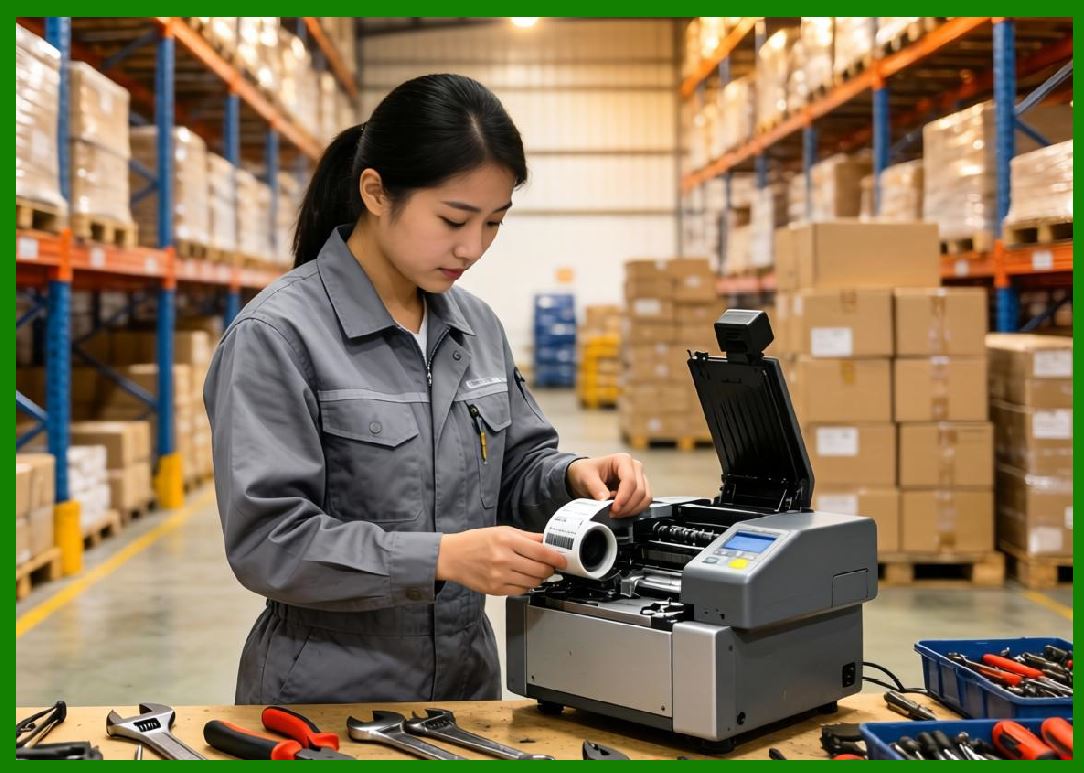
AI plays a major role in preventing printer failure before it occurs. |
Predictive maintenance models analyze: |
1. Thermal print head wear patterns. |
2. Paper feed irregularities. |
3. Motor vibration signatures. |
4. Network instability trends. |
5. Error frequency escalation. |
6. Device temperature fluctuations. |
7. Print density degradation. |
8. Power fluctuation patterns. |
9. Queue overflow behavior. |
10. Historical failure trajectories. |
When risk is detected: |
1. Printer workload is reduced. |
2. Maintenance alerts are generated. |
3. Backup printers are activated. |
4. Print routing is adjusted. |
5. Devices may be temporarily isolated. |
This reduces downtime significantly. |
|
23.6 Reinforcement Learning for Print Scheduling |
Reinforcement learning (RL) is increasingly used to optimize scheduling decisions. |
The RL agent learns: |
State: |
1. Printer health. |
2. Queue length. |
3. Order urgency. |
4. Network latency. |
5. Regional load. |
Actions: |
1. Assign printer. |
2. Delay execution. |
3. Batch orders. |
4. Re-route tasks. |
5. Trigger failover. |
Reward: |
1. Reduced latency. |
2. Increased throughput. |
3. Lower error rates. |
4. Balanced load. |
5. Improved delivery performance. |
Over time, the system learns optimal scheduling strategies without explicit rules. |
|
23.7 Intelligent Queue Optimization Systems |
AI continuously optimizes print queues in real time. |
Queue optimization includes: |
1. Dynamic priority adjustment. |
2. Real-time reordering of tasks. |
3. Batch merging of similar orders. |
4. Load-aware queue distribution. |
5. Emergency queue escalation. |
6. Delay minimization strategies. |
7. Device-aware scheduling. |
8. Regional queue balancing. |
9. Predictive congestion avoidance. |
10. Adaptive queue splitting. |
This ensures efficient throughput under variable load conditions. |

|
23.8 AI-Based Anomaly Detection in Printing Systems |
AI detects abnormal system behavior such as: |
1. Sudden printer offline clusters. |
2. Abnormal queue growth patterns. |
3. Unexpected latency spikes. |
4. Print failure rate surges. |
5. Network instability patterns. |
6. Device overheating trends. |
7. Data inconsistency anomalies. |
8. API usage irregularities. |
9. Regional imbalance patterns. |
10. Malformed print job detection. |
Detection methods include: |
1. Neural anomaly detection models. |
2. Statistical deviation scoring. |
3. Clustering-based outlier detection. |
4. Time-series anomaly forecasting. |
5. Behavioral baseline modeling. |
These systems enable proactive intervention. |

|
23.9 AI in Logistics-Printing Synchronization |
AI ensures tight synchronization between printing and logistics execution. |
It optimizes: |
1. Print timing vs kitchen readiness. |
2. Delivery dispatch synchronization. |
3. Warehouse picking coordination. |
4. Batch printing alignment. |
5. Real-time routing adjustments. |
6. Order splitting decisions. |
7. Label generation timing. |
8. Multi-hub coordination. |
9. Cross-system event alignment. |
10. End-to-end workflow timing. |
This reduces delays and improves operational efficiency. |

|
23.10 Real-Time AI Feedback Loops |
Cloud printing systems operate continuous feedback loops: |
1. Data is collected from printers. |
2. AI models analyze performance. |
3. Optimization decisions are made. |
4. Actions are executed instantly. |
5. Results are measured. |
6. Models are updated continuously. |
7. System adapts dynamically. |
8. Performance improves over time. |
9. Errors are minimized. |
10. Efficiency is maximized. |
This creates a self-improving system. |

|
23.11 Multi-Agent AI Systems in Cloud Printing |
Advanced systems use multiple AI agents working collaboratively: |
1. Scheduling agents. |
2. Load balancing agents. |
3. Failure prediction agents. |
4. Routing optimization agents. |
5. Queue management agents. |
6. Logistics coordination agents. |
7. Device health agents. |
8. Security monitoring agents. |
9. Demand forecasting agents. |
10. System optimization agents. |
These agents interact to manage the entire ecosystem. |

|
23.12 Edge AI in Cloud Printers |
Edge AI allows printers to make local decisions: |
1. Offline print execution. |
2. Local queue optimization. |
3. Basic anomaly detection. |
4. Network failure handling. |
5. Local template rendering decisions. |
6. Print retry logic. |
7. Device health monitoring. |
8. Local batching optimization. |
9. Emergency mode operation. |
10. Autonomous recovery behavior. |
Edge intelligence reduces dependency on cloud latency. |

|
23.13 Scalability Challenges in AI-Driven Printing Systems |
AI systems must scale across: |
1. Millions of printers. |
2. Real-time event streams. |
3. Multi-region deployments. |
4. High-frequency order bursts. |
5. Complex dependency graphs. |
6. Distributed training pipelines. |
7. Edge-cloud coordination. |
8. Low-latency decision requirements. |
9. Massive telemetry ingestion. |
10. Continuous model updates. |
This requires distributed AI infrastructure. |

|
23.14 AI Integration in Meituan-Scale Systems |
In ecosystems such as those operated by Meituan, AI integration enables: |
1. Real-time food delivery optimization. |
2. Intelligent printer routing. |
3. Predictive demand balancing. |
4. Automated logistics coordination. |
5. Dynamic workflow orchestration. |
6. Failure prevention systems. |
7. System-wide load optimization. |
8. Merchant performance enhancement. |
9. Customer experience improvement. |
10. Continuous operational learning. |
AI becomes the core decision engine of the system. |

|
23.15 Future Trends in AI-Driven Cloud Printing |
Future systems will evolve toward: |
1. Fully autonomous printing ecosystems. |
2. Self-optimizing logistics intelligence. |
3. AI-driven global print orchestration. |
4. Digital twin simulation of operations. |
5. Fully predictive infrastructure management. |
6. Multi-agent cooperative intelligence systems. |
7. Zero-latency decision architectures. |
8. Autonomous failure prevention systems. |
9. Self-evolving AI workflows. |
10. Cognitive infrastructure networks. |
Cloud printing will become a fully intelligent autonomous system. |

|
Part 23 Technical Summary |
This part explored AI-driven intelligence and autonomous optimization in cloud printing systems. It covered machine learning models, reinforcement learning scheduling, predictive maintenance, anomaly detection, queue optimization, logistics synchronization, multi-agent systems, and edge AI capabilities. |
It highlighted how ecosystems such as those operated by Meituan use AI as the central control mechanism for real-time cloud printing optimization and logistics coordination. |
The section demonstrated that cloud printing systems are evolving into fully autonomous AI-driven infrastructures capable of self-optimization, prediction, and continuous learning. |
In the next part, the discussion will focus on cloud printing network communication protocols and distributed messaging systems, including MQTT, WebSocket architectures, message brokers, and real-time synchronization at massive scale. |
 cs@easiersoft.com