Part 31. Advanced Printer Fleet Management and Large-Scale Device Orchestration in Cloud Printing Systems |
31.1 Introduction to Printer Fleet Management at Scale |
At enterprise scale, cloud printing is no longer about individual printers - it becomes about managing a distributed fleet of tens of thousands to millions of devices operating simultaneously across cities, regions, and business environments. |
In large ecosystems such as those operated by Meituan, printer fleet management functions as a real-time cyber-physical orchestration system, where every printer is treated as a managed, observable, and remotely controllable node in a global infrastructure network. |

|
Fleet management must ensure: |
1. Continuous device availability. |
2. Real-time status visibility. |
3. Remote configuration and control. |
4. Load-aware task distribution. |
5. Fault isolation and recovery. |
6. Firmware lifecycle management. |
7. Performance optimization across devices. |
8. Geographic fleet coordination. |
9. Automated scaling of printer deployments. |
10. End-to-end operational reliability. |
This transforms printers from passive hardware into active managed infrastructure assets. |

|
31.2 Device Registration and Lifecycle Management |
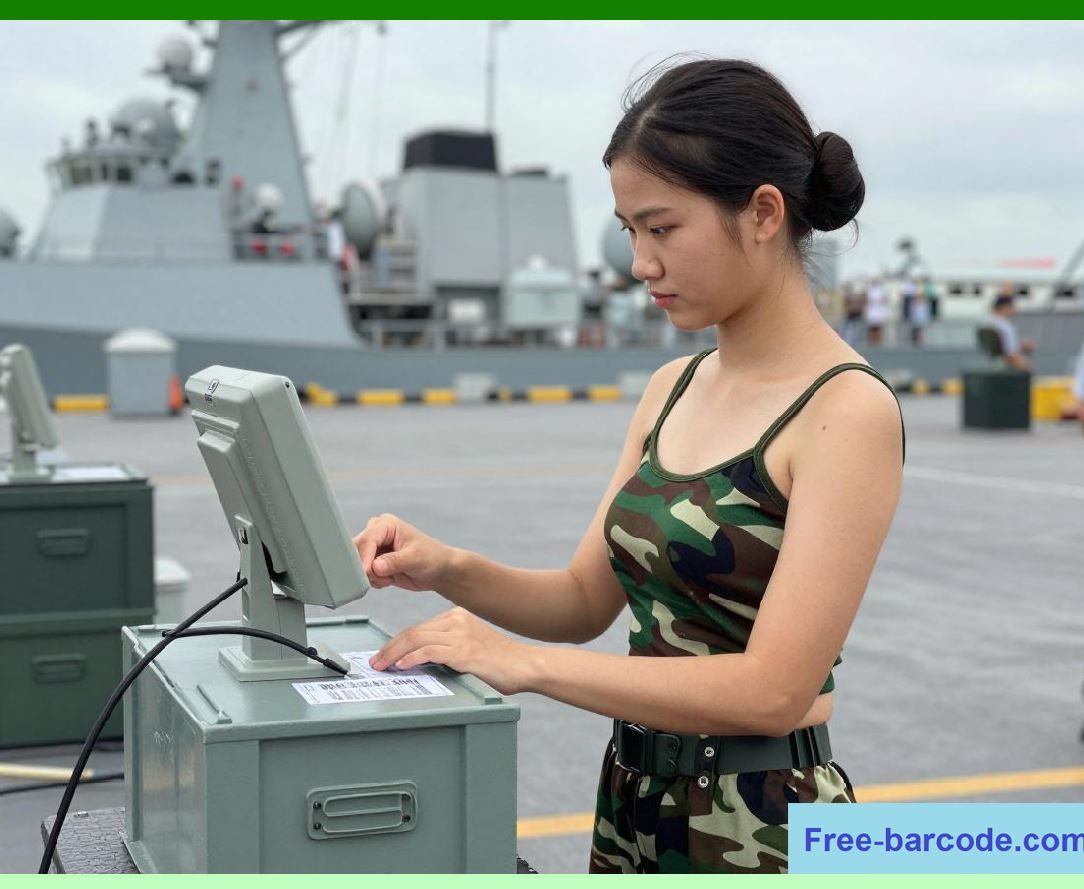
Every printer in a cloud printing system goes through a structured lifecycle: |
1. Provisioning Phase |
1. Device manufacturing identity is assigned. |
2. Secure certificates are installed. |
3. Initial firmware is loaded. |
4. Device is registered in cloud registry. |
5. Ownership is bound to a tenant or merchant. |

|
2. Activation Phase |
1. Printer is powered on and connected. |
2. Network handshake with cloud is established. |
3. Device authentication is verified. |
4. Configuration profile is downloaded. |
5. Printer enters operational state. |

|
3. Operational Phase |
1. Print jobs are received and executed. |
2. Device telemetry is continuously reported. |
3. Performance metrics are tracked. |
4. Queue synchronization is maintained. |
5. Firmware updates are periodically applied. |

|
4. Maintenance Phase |
1. Remote diagnostics are performed. |
2. Error logs are analyzed. |
3. Preventive maintenance is scheduled. |
4. Hardware issues are flagged. |
5. Device performance is optimized. |

|
5. Decommissioning Phase |
1. Device is removed from active fleet. |
2. Certificates are revoked. |
3. Data is securely wiped. |
4. Ownership is released. |
5. Device is recycled or replaced. |
|
31.3 Fleet Monitoring and Real-Time Telemetry Systems |
Fleet management depends heavily on telemetry data. |
Key signals include: |
1. Printer online/offline status. |
2. Print success/failure rate. |
3. Queue backlog length. |
4. Paper level indicators. |
5. Thermal head temperature. |
6. Device error logs. |
7. Network connectivity quality. |
8. Print latency per job. |
9. Firmware version state. |
10. Device health score. |
Telemetry is continuously streamed to cloud observability systems. |

|
31.4 Intelligent Fleet Scheduling and Load Distribution |
Cloud printing systems dynamically distribute workloads: |
1. Load Balancing Strategies |
1. Geographic proximity routing. |
2. Printer capacity-aware assignment. |
3. Real-time queue balancing. |
4. Priority-based task allocation. |
5. AI-driven workload prediction. |
2. Optimization Objectives |
1. Minimize print latency. |
2. Avoid printer overload. |
3. Balance regional demand. |
4. Reduce queue congestion. |
5. Maximize fleet utilization efficiency. |
3. Adaptive Reassignment |
1. Failed printers are excluded instantly. |
2. Overloaded devices are throttled. |
3. Idle printers receive extra tasks. |
4. High-priority jobs are rerouted. |
5. Regional demand spikes are absorbed. |

|
31.5 Firmware and Configuration Management at Scale |
Managing firmware across fleets is a critical challenge. |
Key mechanisms include: |
1. Centralized firmware repository. |
2. Version-controlled deployment pipelines. |
3. Staged rollout strategies. |
4. Canary device testing groups. |
5. Rollback mechanisms for failures. |
6. Configuration templating systems. |
7. Region-specific firmware variations. |
8. Device compatibility validation. |
9. Secure OTA update channels. |
10. Update success verification systems. |
This ensures stability during large-scale updates. |

|
31.6 Fault Detection and Device Health Scoring |
Each printer is assigned a dynamic health score. |
Factors include: |
1. Error frequency rate. |
2. Print quality consistency. |
3. Network stability. |
4. Thermal performance. |
5. Mechanical wear indicators. |
6. Queue processing efficiency. |
7. Uptime ratio. |
8. Firmware stability. |
9. Paper feed reliability. |
10. Response latency. |
Low-scoring devices are automatically deprioritized or scheduled for maintenance. |

|
31.7 Predictive Maintenance in Fleet Systems |
Predictive maintenance uses AI models to anticipate failures: |
1. Detect early hardware degradation patterns. |
2. Predict print head wear-out cycles. |
3. Identify network instability trends. |
4. Forecast paper feed failures. |
5. Detect abnormal thermal behavior. |
6. Identify firmware instability signals. |
7. Predict queue processing slowdown. |
8. Analyze historical failure patterns. |
9. Trigger preemptive maintenance alerts. |
10. Automatically reroute workloads away from risky devices. |
This reduces downtime and improves fleet reliability. |

|
31.8 Geo-Distributed Fleet Coordination |
Large-scale fleets are distributed geographically: |
1. City-level printer clusters. |
2. Regional orchestration hubs. |
3. Cross-city load balancing. |
4. Localized failure containment. |
5. Regional demand forecasting. |
6. Time-zone-based scheduling optimization. |
7. Disaster recovery across regions. |
8. Cross-region redundancy support. |
9. Local compliance enforcement. |
10. Edge-aware routing strategies. |
This ensures scalability across large geographic areas. |

|
31.9 Fleet Security and Device Trust Management |
Fleet security ensures every printer is trusted: |
1. Device identity verification. |
2. Certificate-based authentication. |
3. Secure boot validation. |
4. Firmware integrity checks. |
5. Encrypted communication channels. |
6. Role-based device permissions. |
7. Remote wipe capabilities. |
8. Tamper detection systems. |
9. Unauthorized access prevention. |
10. Continuous security validation. |
This protects against device-level compromise. |

|
31.10 Fleet Performance Optimization Systems |
Performance optimization at fleet scale includes: |
1. Real-time queue redistribution. |
2. Dynamic load scaling. |
3. AI-based print routing. |
4. Batch optimization strategies. |
5. Device utilization balancing. |
6. Latency-aware scheduling. |
7. Priority-based task execution. |
8. Predictive workload adjustment. |
9. Edge-cloud hybrid optimization. |
10. Continuous feedback tuning loops. |
These ensure maximum efficiency across the fleet. |
|
31.11 Fleet Orchestration Control Systems |
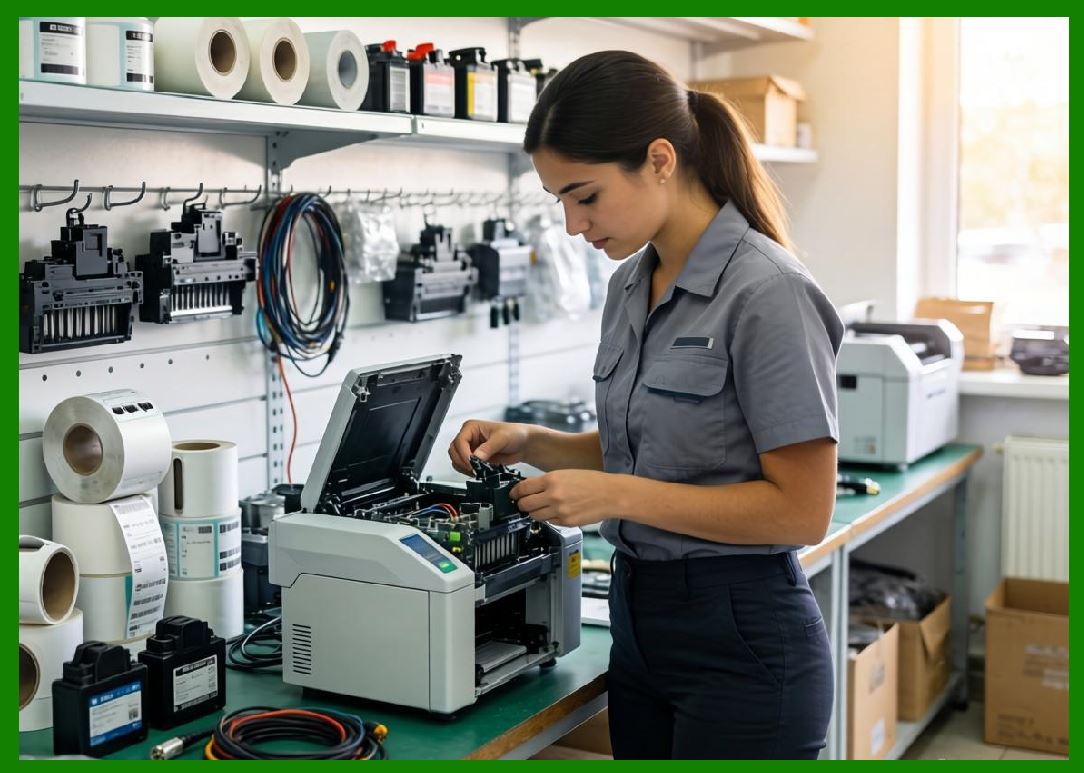
Fleet orchestration systems act as centralized control planes: |
1. Global device registry. |
2. Real-time fleet dashboard. |
3. Remote command execution. |
4. Configuration management system. |
5. Workflow orchestration engine. |
6. Device lifecycle manager. |
7. Health monitoring dashboard. |
8. AI optimization controller. |
9. Incident response automation. |
10. Regional coordination systems. |
These systems coordinate millions of devices in real time. |
|
31.12 Scalability Challenges in Fleet Management |
Scaling fleets introduces complex challenges: |
1. Massive telemetry ingestion load. |
2. High-frequency device state updates. |
3. Cross-region synchronization delays. |
4. Firmware rollout coordination. |
5. Device heterogeneity management. |
6. Network instability handling. |
7. AI model deployment scaling. |
8. Monitoring system overload. |
9. Configuration drift across devices. |
10. Real-time orchestration complexity. |
These require advanced distributed system design. |

|
31.13 Real-World Fleet Management in Meituan-Scale Systems |
In ecosystems such as those operated by Meituan, fleet management enables: |
1. City-wide printer coordination. |
2. Real-time food order printing at scale. |
3. Dynamic restaurant load balancing. |
4. Automated device failure recovery. |
5. Continuous logistics synchronization. |
6. High availability delivery operations. |
7. AI-driven dispatch optimization. |
8. Seamless merchant onboarding. |
9. Distributed operational resilience. |
10. Real-time system-wide optimization. |
Fleet management is essential to large-scale delivery infrastructure. |

|
31.14 Future of Printer Fleet Management |
Future systems will evolve toward: |
1. Fully autonomous fleet orchestration. |
2. AI-native device management systems. |
3. Self-healing printer fleets. |
4. Predictive global device coordination. |
5. Fully decentralized fleet architectures. |
6. Digital twin simulation of entire fleets. |
7. Cognitive fleet intelligence systems. |
8. Zero-touch lifecycle management. |
9. Autonomous firmware evolution systems. |
10. Self-optimizing global printing networks. |
Printer fleets will become self-managing intelligent infrastructure networks. |

|
Part 31 Technical Summary |
This part explored advanced printer fleet management and large-scale device orchestration in cloud printing systems. It covered device lifecycle management, telemetry systems, load distribution, firmware management, predictive maintenance, geo-distributed coordination, security frameworks, performance optimization, and orchestration control systems. |
It highlighted how ecosystems such as those operated by Meituan manage massive distributed printer fleets as real-time, AI-optimized infrastructure systems. |
The section demonstrated that printer fleet management is a foundational capability enabling cloud printing systems to operate reliably at massive scale across diverse geographic and operational environments. |
In the next part, the discussion will focus on cloud printing workflow automation and business process orchestration, including end-to-end order lifecycle automation, rule engines, and enterprise integration pipelines. |
 cs@easiersoft.com