Part 32. Workflow Automation and Business Process Orchestration in Cloud Printing Systems |
32.1 Introduction to Workflow Automation in Cloud Printing |
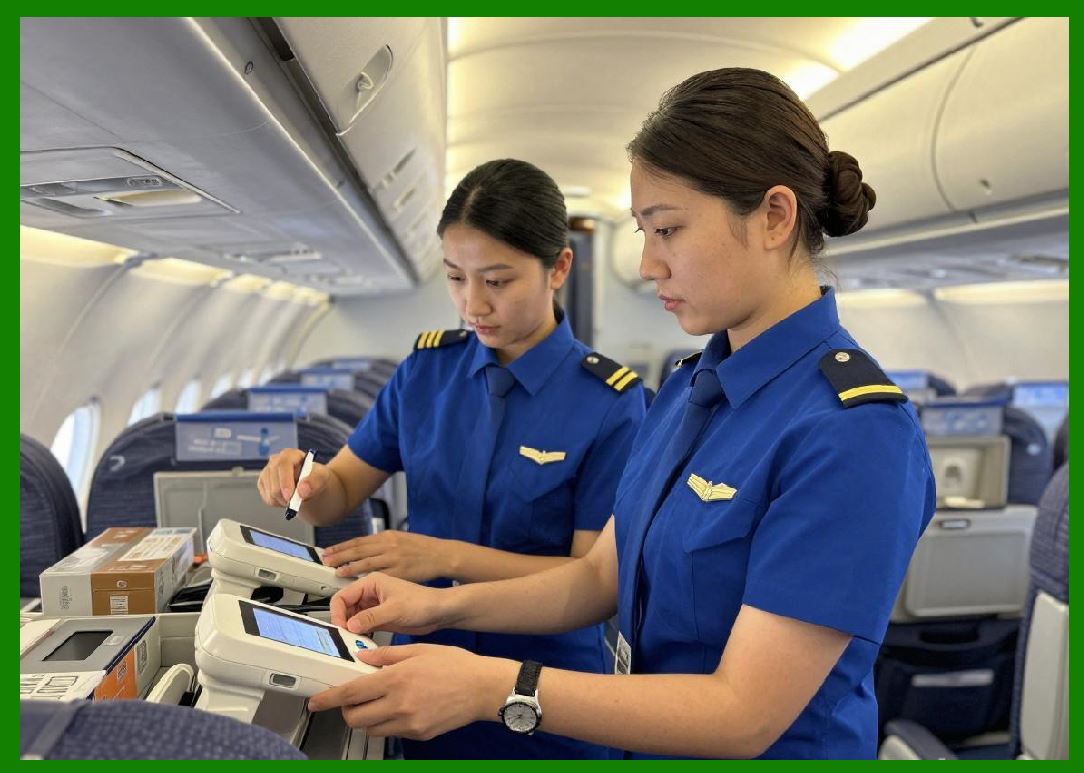
Cloud printing is not an isolated technical function; it is a critical execution layer inside larger business workflows. Every print job is typically the final step of a broader automated process that begins with an order, payment, inventory update, and routing decision. |
In large-scale ecosystems such as those operated by Meituan, cloud printing is deeply embedded into end-to-end business process orchestration, where printing is triggered automatically based on complex event-driven workflows. |
|
Workflow automation ensures: |
1. Orders are processed without manual intervention. |
2. Printing is triggered in real time. |
3. Business rules are consistently enforced. |
4. Multi-system integration is seamless. |
5. Operational efficiency is maximized. |
6. Human errors are minimized. |
7. System scalability is maintained. |
8. Decisions are standardized across merchants. |
9. Real-time synchronization is guaranteed. |
10. Entire business pipelines are automated. |
Cloud printing becomes a real-world execution endpoint of digital business logic. |
|
32.2 Event-Driven Workflow Architecture |
Modern cloud printing systems are built on event-driven architecture. |
1. Event Sources |
1. Customer order placement. |
2. Payment confirmation events. |
3. Inventory updates. |
4. Delivery assignment triggers. |
5. Merchant configuration changes. |

|
2. Event Processing Layer |
1. Event ingestion services. |
2. Stream processing engines. |
3. Rule evaluation systems. |
4. AI decision modules. |
5. Workflow dispatch engines. |

|
3. Action Execution Layer |
1. Print job generation. |
2. Printer routing selection. |
3. Template rendering. |
4. Queue assignment. |
5. Device execution trigger. |
|
4. Feedback Layer |
1. Print success confirmation. |
2. Failure notifications. |
3. Retry triggers. |
4. System logging updates. |
5. Workflow completion signals. |
|
32.3 Business Process Orchestration Engine |
A central orchestration engine coordinates workflows: |
1. Defines workflow states. |
2. Manages transitions between steps. |
3. Executes conditional logic. |
4. Integrates external systems. |
5. Handles parallel task execution. |
6. Ensures idempotency of operations. |
7. Maintains execution history. |
8. Supports rollback mechanisms. |
9. Enforces business rules. |
10. Coordinates cross-service dependencies. |
This engine acts as the brain of automated business execution. |

|
32.4 Rule-Based Workflow Engines |
Rule engines determine how workflows behave: |
1. IF order type = food delivery select kitchen printer. |
2. IF order priority = high bypass queue. |
3. IF printer offline reroute to backup device. |
4. IF peak traffic batch print jobs. |
5. IF merchant config updated reload templates. |
6. IF payment fails cancel print. |
7. IF inventory low trigger alert instead of print. |
8. IF delivery delay update ticket priority. |
9. IF region overload redistribute load. |
10. IF error threshold exceeded enter safe mode. |
These rules ensure deterministic execution behavior. |

|
32.5 Microservices-Based Workflow Architecture |
Cloud printing workflows are built on microservices: |
1. Order service. |
2. Payment service. |
3. Printing service. |
4. Notification service. |
5. Inventory service. |
6. Delivery dispatch service. |
7. AI optimization service. |
8. Device management service. |
9. Logging and monitoring service. |
10. Template rendering service. |
Each service communicates via APIs and message queues. |

|
32.6 Workflow State Management Systems |
Every order passes through multiple states: |
1. Order created. |
2. Payment confirmed. |
3. Print job generated. |
4. Print queued. |
5. Sent to printer. |
6. Printing in progress. |
7. Print completed. |
8. Delivery assigned. |
9. Order fulfilled. |
10. Closed and archived. |
State management ensures consistency across distributed systems. |

|
32.7 Parallel Workflow Execution |
Modern systems execute workflows in parallel: |
1. Payment and printing triggered simultaneously. |
2. Inventory updates run concurrently. |
3. Notification services operate independently. |
4. Delivery routing runs in parallel. |
5. AI optimization runs continuously. |
6. Logging is asynchronous. |
7. Queue processing is distributed. |
8. Template rendering is precomputed. |
9. Device assignment is parallelized. |
10. Analytics pipelines run independently. |
Parallelization reduces overall latency. |

|
32.8 Idempotency and Workflow Reliability |
Idempotency ensures repeated events do not cause duplication: |
1. Duplicate order prevention. |
2. Print job deduplication. |
3. Retry-safe API calls. |
4. Message replay protection. |
5. Consistent state transitions. |
6. Unique workflow identifiers. |
7. Transaction-safe execution. |
8. Event version tracking. |
9. Conflict resolution logic. |
10. Safe reprocessing mechanisms. |
This is essential in distributed systems. |

|
32.9 Workflow Orchestration at Scale |
At enterprise scale, workflow systems must handle: |
1. Millions of concurrent orders. |
2. High-frequency event streams. |
3. Real-time decision execution. |
4. Cross-region coordination. |
5. Fault-tolerant execution. |
6. Multi-tenant workflow isolation. |
7. Burst traffic handling. |
8. AI-assisted decision routing. |
9. Distributed consistency management. |
10. High availability guarantees. |
|
32.10 AI-Driven Workflow Optimization |
AI enhances workflow systems by: |
1. Predicting order surges. |
2. Optimizing print routing. |
3. Reducing queue congestion. |
4. Automating rule tuning. |
5. Improving resource allocation. |
6. Detecting workflow inefficiencies. |
7. Suggesting process improvements. |
8. Automating exception handling. |
9. Enhancing decision accuracy. |
10. Continuous learning from operational data. |
AI transforms workflows into adaptive systems. |
|
32.11 Cross-System Integration Pipelines |
Cloud printing workflows integrate with multiple systems: |
1. POS (Point of Sale) systems. |
2. ERP platforms. |
3. Logistics dispatch systems. |
4. Inventory management systems. |
5. Payment gateways. |
6. CRM systems. |
7. Mobile ordering platforms. |
8. Warehouse systems. |
9. Analytics platforms. |
10. AI decision systems. |
Integration ensures seamless end-to-end automation. |
|
32.12 Exception Handling in Workflow Systems |
When failures occur, systems must recover gracefully: |
1. Retry failed print jobs. |
2. Reroute orders to backup printers. |
3. Pause affected workflows. |
4. Trigger alert notifications. |
5. Rollback inconsistent states. |
6. Switch to degraded mode. |
7. Escalate critical errors. |
8. Reprocess failed events. |
9. Log detailed error traces. |
10. Maintain system continuity. |
|
32.13 Scalability Challenges in Workflow Automation |
Key challenges include: |
1. High event throughput. |
2. Workflow state explosion. |
3. Cross-service dependency complexity. |
4. Real-time processing constraints. |
5. Distributed consistency issues. |
6. AI model latency overhead. |
7. Rule engine complexity. |
8. Multi-tenant isolation pressure. |
9. Debugging distributed workflows. |
10. System-wide orchestration overhead. |
These require robust distributed architecture design. |
|
32.14 Real-World Application in Meituan-Scale Systems |
In ecosystems such as those operated by Meituan, workflow automation enables: |
1. Instant food order printing upon payment. |
2. Automatic routing of kitchen tickets. |
3. Real-time delivery dispatch integration. |
4. Automated merchant workflow configuration. |
5. High-speed peak-hour order processing. |
6. Dynamic load balancing across restaurants. |
7. Intelligent failure recovery. |
8. Seamless multi-system synchronization. |
9. Fully automated logistics pipelines. |
10. End-to-end order lifecycle execution. |
Workflow automation is the backbone of real-time commerce execution. |
|
32.15 Future Trends in Workflow Orchestration |
Future systems will evolve toward: |
1. Fully autonomous workflow engines. |
2. AI-generated business processes. |
3. Self-healing orchestration systems. |
4. Real-time adaptive rule systems. |
5. Zero-code workflow design platforms. |
6. Cognitive process automation. |
7. Predictive workflow execution. |
8. Fully decentralized orchestration systems. |
9. Digital twin workflow simulation. |
10. Autonomous enterprise execution systems. |
Cloud printing workflows will become self-evolving intelligent execution systems. |
|
Part 32 Technical Summary |
This part explored workflow automation and business process orchestration in cloud printing systems. It covered event-driven architecture, orchestration engines, rule-based systems, microservices integration, state management, parallel execution, idempotency, AI-driven optimization, and cross-system integration. |
It highlighted how ecosystems such as those operated by Meituan rely on deeply integrated workflow automation systems to convert digital orders into real-world execution through cloud printing. |
The section demonstrated that workflow orchestration is the central mechanism that connects business logic, distributed systems, and physical printing operations into a unified automated pipeline. |
In the next part, the discussion will focus on cloud printing template systems and dynamic document rendering engines, including barcode generation pipelines, layout optimization, and multi-format print rendering architectures. |
 cs@easiersoft.com