Part 4. Core Technical Principles of Cloud Barcode Label Printers |
4.1 Overview of Cloud Barcode Label Printer Technology |
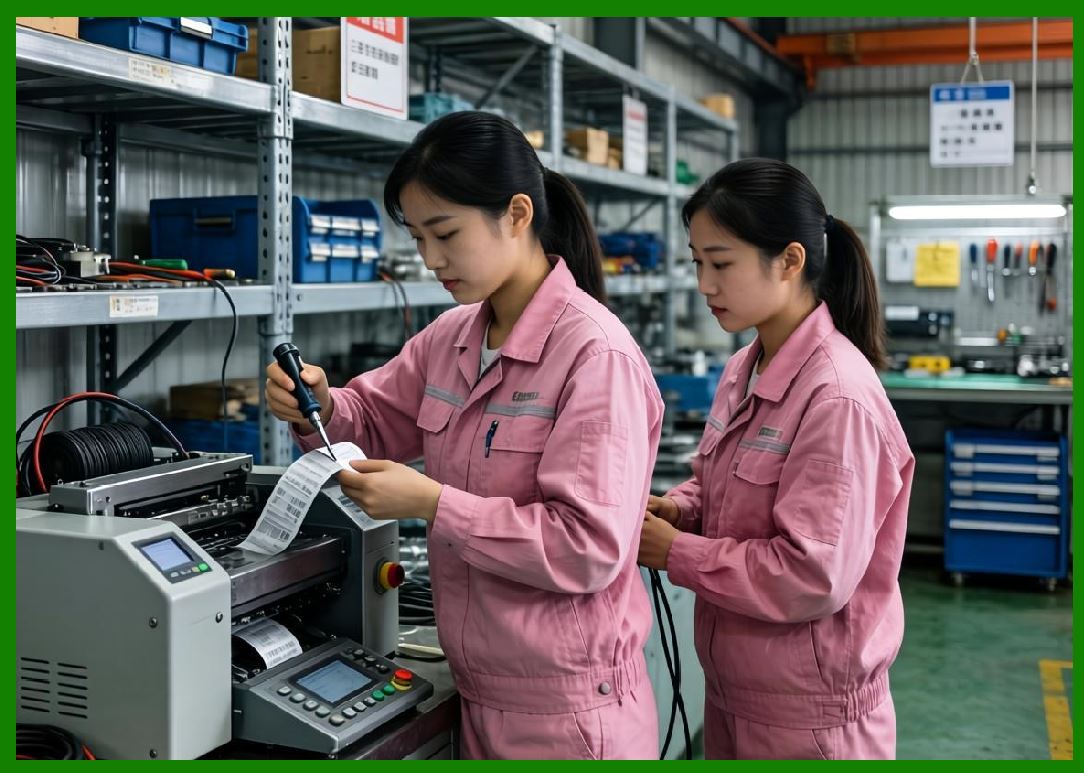
Cloud barcode label printers are highly specialized intelligent printing devices that combine thermal printing hardware, embedded operating systems, internet communication technologies, barcode rendering engines, cloud synchronization mechanisms, and remote management capabilities into a unified platform. |
|
Unlike ordinary desktop printers, cloud barcode label printers are designed for: |
1. Continuous operation. |
2. High-speed printing. |
3. Real-time task processing. |
4. Industrial reliability. |
5. Automatic networking. |
6. Remote management. |
7. Distributed deployment. |
8. Barcode precision. |
9. Integration with enterprise systems. |
10. Unattended operation. |
These printers operate as edge computing terminals within cloud ecosystems. They are capable of independently receiving print tasks, processing data, rendering barcode images, managing print queues, and reporting operational status back to cloud servers. |

|
Modern cloud barcode printers are widely deployed in: |
1. Food delivery systems. |
2. E-commerce logistics. |
3. Warehouse automation. |
4. Retail supply chains. |
5. Healthcare systems. |
6. Pharmaceutical labeling. |
7. Industrial manufacturing. |
8. Transportation logistics. |
9. Smart retail stores. |
10. Cross-border shipping systems. |
The technical complexity of these printers is significantly greater than traditional standalone printing devices. |
|
4.2 Hardware Architecture of Cloud Barcode Printers |
The hardware structure of cloud barcode label printers consists of multiple integrated subsystems. |
The major hardware components include: |
1. Main processor. |
2. Embedded memory. |
3. Thermal print head. |
4. Motor control systems. |
5. Communication modules. |
6. Sensor systems. |
7. Power management modules. |
8. Interface controllers. |
9. Storage devices. |
10. Firmware execution systems. |
These components must operate together with extremely high reliability because many commercial environments require nonstop printing operations. |
|
4.3 Embedded Processor Systems |
At the core of every cloud barcode printer is an embedded processor. |
Modern cloud printers commonly use: |
1. ARM Cortex processors. |
2. RISC-V processors. |
3. MIPS architectures. |
4. Embedded x86 systems. |
5. DSP processors. |
6. FPGA-assisted controllers. |
7. Microcontroller units. |
8. Multi-core embedded CPUs. |
9. IoT-oriented SoCs. |
10. Hybrid processor architectures. |
The processor performs several critical tasks: |
1. Network communication. |
2. Print data interpretation. |
3. Barcode rendering. |
4. Queue management. |
5. Memory allocation. |
6. Print head control. |
7. Sensor monitoring. |
8. Error recovery. |
9. Encryption operations. |
10. Firmware execution. |
Higher-end industrial cloud printers often include more powerful processors to support: |
1. Large graphics rendering. |
2. RFID encoding. |
3. AI-assisted diagnostics. |
4. Local database caching. |
5. Multi-task processing. |
6. Complex barcode generation. |
7. Real-time analytics. |
8. Video-assisted maintenance. |
9. High-speed concurrent operations. |
10. Edge computing applications. |
Processor performance directly influences print speed, response latency, and system stability. |

|
4.4 Embedded Memory Systems |
Cloud barcode printers contain multiple memory subsystems. |
These usually include: |
1. RAM memory. |
2. Flash storage. |
3. EEPROM storage. |
4. Cache memory. |
5. Firmware partitions. |
6. Configuration storage. |
7. Temporary spool memory. |
8. Log storage. |
9. Backup memory. |
10. Secure key storage. |
RAM is used for: |
1. Temporary print buffering. |
2. Barcode image rendering. |
3. Communication processing. |
4. Queue handling. |
5. Real-time operations. |
Flash storage is used for: |
1. Firmware storage. |
2. Print templates. |
3. Local cache. |
4. Device configuration. |
5. Security certificates. |
6. Offline task storage. |
7. Font libraries. |
8. Barcode libraries. |
9. Diagnostic logs. |
10. OTA update packages. |
Advanced cloud printers may include gigabyte-level storage for local offline operations. |

|
4.5 Thermal Printing Principles |
Most cloud barcode label printers use thermal printing technology because it provides fast, reliable, and low-maintenance operation. |
Thermal printing systems operate by applying controlled heat to media surfaces. |
There are two major thermal printing methods. |
4.5.1 Direct Thermal Printing |
Direct thermal printing uses chemically treated heat-sensitive paper. |
The process operates as follows: |
1. Thermal print head generates heat. |
2. Heat activates chemical coating. |
3. Blackened image appears. |
4. Paper advances through rollers. |
5. Barcode or text is formed. |
Advantages include: |
1. Simpler design. |
2. Lower maintenance. |
3. Faster startup. |
4. No ribbon requirement. |
5. Lower operating cost. |
6. Reduced mechanical complexity. |
7. Compact hardware size. |
8. Quiet operation. |
9. High print speed. |
10. Easy deployment. |
Disadvantages include: |
1. Lower durability. |
2. Sensitivity to heat. |
3. Fading over time. |
4. Limited outdoor use. |
5. Lower archival lifespan. |
Direct thermal printing is widely used in: |
1. Food delivery receipts. |
2. POS receipts. |
3. Temporary labels. |
4. Queue tickets. |
5. Delivery tags. |
6. Shipping receipts. |
7. Short-term logistics labels. |
8. Retail transaction printing. |
9. Parking tickets. |
10. Event passes. |

|
4.6 Thermal Transfer Printing |
Thermal transfer printing uses ribbons to transfer ink onto label surfaces. |
The process includes: |
1. Ribbon positioning. |
2. Controlled heating. |
3. Ink melting. |
4. Media bonding. |
5. Label advancement. |
6. Cooling stabilization. |
7. Sensor calibration. |
8. Barcode formation. |
9. Media alignment. |
10. Final output verification. |
Advantages include: |
1. Long-term durability. |
2. Chemical resistance. |
3. Water resistance. |
4. UV resistance. |
5. Heat resistance. |
6. Industrial reliability. |
7. High barcode clarity. |
8. Better outdoor performance. |
9. Longer archival lifespan. |
10. Wider material compatibility. |
Thermal transfer systems are commonly used in: |
1. Industrial logistics. |
2. Manufacturing. |
3. Pharmaceutical labeling. |
4. Warehouse management. |
5. Asset tracking. |
6. Healthcare identification. |
7. Aerospace applications. |
8. Automotive supply chains. |
9. Electronics manufacturing. |
10. Cold-chain logistics. |

|
4.7 Thermal Print Head Technology |
The thermal print head is one of the most important components in a barcode printer. |
The print head contains arrays of microscopic heating elements. |
Modern print heads commonly support resolutions such as: |
1. 203 DPI. |
2. 300 DPI. |
3. 406 DPI. |
4. 600 DPI. |
5. Industrial ultra-high resolutions. |
The print head operates through: |
1. Heating element activation. |
2. Timing control. |
3. Voltage regulation. |
4. Thermal compensation. |
5. Pulse-width modulation. |
6. Temperature balancing. |
7. Dot positioning. |
8. Density control. |
9. Wear management. |
10. Energy optimization. |
Cloud printers often include intelligent thermal management systems because excessive heat can damage print heads. |
Monitoring systems may track: |
1. Temperature levels. |
2. Voltage fluctuations. |
3. Print head wear. |
4. Failed heating elements. |
5. Print consistency. |
6. Cooling performance. |
7. Thermal overload. |
8. Duty cycle usage. |
9. Environmental temperature. |
10. Long-term degradation. |
Advanced firmware can dynamically adjust printing parameters to extend print head lifespan. |

|
4.8 Stepper Motors and Motion Control |
Barcode label printers require highly accurate mechanical motion systems. |
The primary motion components include: |
1. Stepper motors. |
2. Roller systems. |
3. Gear assemblies. |
4. Belt mechanisms. |
5. Media feeders. |
6. Ribbon spindles. |
7. Cutter systems. |
8. Sensor wheels. |
9. Pressure systems. |
10. Alignment mechanisms. |
Stepper motors are commonly used because they provide precise movement control. |
Motion control systems regulate: |
1. Paper advancement. |
2. Label positioning. |
3. Ribbon synchronization. |
4. Print alignment. |
5. Cutter timing. |
6. Media calibration. |
7. Gap detection. |
8. Black mark detection. |
9. Print density consistency. |
10. Multi-label sequencing. |
Precision is extremely important because barcode readability depends heavily on accurate printing alignment. |
|
4.9 Sensor Systems in Cloud Barcode Printers |
Cloud barcode printers contain many sensor systems for intelligent operation. |
Common sensors include: |
1. Paper sensors. |
2. Gap sensors. |
3. Black mark sensors. |
4. Ribbon sensors. |
5. Temperature sensors. |
6. Cover-open sensors. |
7. Cutter sensors. |
8. Print head pressure sensors. |
9. Jam detection sensors. |
10. Motion sensors. |
These sensors allow the printer to: |
1. Detect media position. |
2. Prevent misalignment. |
3. Monitor consumables. |
4. Detect failures. |
5. Prevent overheating. |
6. Trigger maintenance alerts. |
7. Improve print accuracy. |
8. Automate calibration. |
9. Reduce downtime. |
10. Support remote diagnostics. |
Cloud-connected printers continuously report sensor data back to management platforms. |

|
4.10 Communication Modules in Cloud Printers |
Cloud barcode printers require advanced communication systems. |
Modern devices may support: |
1. Ethernet. |
2. Wi-Fi. |
3. Bluetooth. |
4. 4G LTE. |
5. 5G communication. |
6. USB interfaces. |
7. RS232 serial ports. |
8. NFC communication. |
9. VPN connectivity. |
10. IoT communication modules. |
Communication modules enable: |
1. Cloud connectivity. |
2. Real-time synchronization. |
3. Remote management. |
4. Firmware updates. |
5. Multi-device coordination. |
6. Task delivery. |
7. Device telemetry. |
8. Secure authentication. |
9. Offline recovery. |
10. Distributed deployment. |
Wireless communication has become especially important in restaurant and delivery environments where cabling flexibility is critical. |

|
4.11 Embedded Operating Systems |
Modern cloud barcode printers usually run embedded operating systems. |
Common systems include: |
1. Embedded Linux. |
2. FreeRTOS. |
3. VxWorks. |
4. RTLinux. |
5. Android-based systems. |
6. Custom RTOS platforms. |
7. Embedded UNIX systems. |
8. Lightweight IoT operating systems. |
9. ARM Linux distributions. |
10. Proprietary embedded firmware systems. |
Embedded operating systems provide: |
1. Multi-threading. |
2. Network stack management. |
3. Memory allocation. |
4. Driver control. |
5. File systems. |
6. Security frameworks. |
7. Communication protocols. |
8. Real-time task scheduling. |
9. Hardware abstraction. |
10. Process isolation. |
Linux-based systems are especially popular because they provide: |
1. Open-source flexibility. |
2. Mature networking support. |
3. Strong security frameworks. |
4. Extensive driver support. |
5. IoT compatibility. |
6. Remote management tools. |
7. Containerization support. |
8. Stable development environments. |
9. Multi-platform compatibility. |
10. Active developer ecosystems. |

|
4.12 Firmware Architecture |
Firmware is the internal software environment controlling printer operation. |
Modern firmware architectures are highly modular. |
Typical firmware modules include: |
1. Bootloader. |
2. Network manager. |
3. Cloud communication engine. |
4. Print rendering engine. |
5. Barcode generation library. |
6. Sensor controller. |
7. Queue manager. |
8. Error recovery system. |
9. OTA update module. |
10. Security subsystem. |
Firmware responsibilities include: |
1. Device startup. |
2. Cloud registration. |
3. Print task execution. |
4. Media calibration. |
5. Print optimization. |
6. Fault handling. |
7. Local caching. |
8. Communication encryption. |
9. Remote diagnostics. |
10. Telemetry reporting. |
Advanced firmware systems support autonomous operation even when temporarily disconnected from cloud servers. |

|
4.13 Bootloaders and Secure Startup |
The bootloader initializes printer hardware during startup. |
Its responsibilities include: |
1. Hardware initialization. |
2. Memory checks. |
3. Firmware verification. |
4. Secure boot validation. |
5. Device diagnostics. |
6. Recovery mode activation. |
7. OTA update recovery. |
8. Partition management. |
9. Authentication initialization. |
10. Startup logging. |
Secure boot systems help prevent malicious firmware installation. |
Security mechanisms may include: |
1. Digital signatures. |
2. Hash verification. |
3. Trusted certificates. |
4. Encrypted firmware packages. |
5. Secure key storage. |
6. TPM integration. |
7. Rollback protection. |
8. Runtime validation. |
9. Integrity monitoring. |
10. Secure firmware partitions. |
These protections are increasingly important because cloud printers are internet-connected devices vulnerable to cyberattacks. |

|
4.14 Barcode Rendering Engines |
Barcode rendering engines generate machine-readable barcode images. |
The rendering engine converts structured data into graphical barcode patterns. |
The process includes: |
1. Data parsing. |
2. Encoding. |
3. Error correction generation. |
4. Symbol construction. |
5. Pixel mapping. |
6. Resolution optimization. |
7. Margin calculation. |
8. Checksum generation. |
9. Scaling control. |
10. Raster output generation. |
Barcode rendering must be highly accurate because even minor defects can cause scanning failures. |
Cloud barcode printers commonly support: |
1. Code 128. |
2. Code 39. |
3. EAN-13. |
4. UPC-A. |
5. ITF-14. |
6. QR Code. |
7. Data Matrix. |
8. PDF417. |
9. GS1 DataBar. |
10. Aztec Code. |
Advanced rendering systems support: |
1. Dynamic scaling. |
2. High-density optimization. |
3. Error recovery. |
4. Vector rendering. |
5. Multi-language support. |
6. GS1 compliance. |
7. Unicode encoding. |
8. Real-time previewing. |
9. AI-assisted optimization. |
10. Industrial compliance validation. |

|
4.15 QR Code Generation Technology |
QR codes are extremely important in cloud printing systems. |
QR-code generation involves: |
1. Data encoding. |
2. Reed-Solomon error correction. |
3. Matrix construction. |
4. Mask pattern optimization. |
5. Format information generation. |
6. Version selection. |
7. Quiet zone creation. |
8. Binary module mapping. |
9. Symbol rendering. |
10. Print optimization. |
Cloud systems frequently use QR codes for: |
1. Delivery tracking. |
2. Mobile payment. |
3. Customer authentication. |
4. Logistics routing. |
5. Product traceability. |
6. Smart packaging. |
7. Electronic invoices. |
8. Warehouse management. |
9. Driver verification. |
10. Digital ticketing. |
China digital economy heavily accelerated QR-code integration within cloud printing ecosystems. |

|
4.16 Cloud Communication Stack |
The cloud communication stack enables internet connectivity between printers and cloud infrastructure. |
The communication stack may include: |
1. TCP/IP protocols. |
2. MQTT clients. |
3. HTTPS clients. |
4. WebSocket engines. |
5. SSL/TLS encryption. |
6. DNS resolution. |
7. VPN support. |
8. Firewall traversal. |
9. NAT handling. |
10. Reconnection logic. |
The communication stack must handle unstable network conditions gracefully. |
Important features include: |
1. Automatic reconnection. |
2. Offline caching. |
3. Heartbeat monitoring. |
4. Packet retransmission. |
5. Failover routing. |
6. Bandwidth optimization. |
7. Compression systems. |
8. Session persistence. |
9. Device authentication. |
10. Real-time synchronization. |
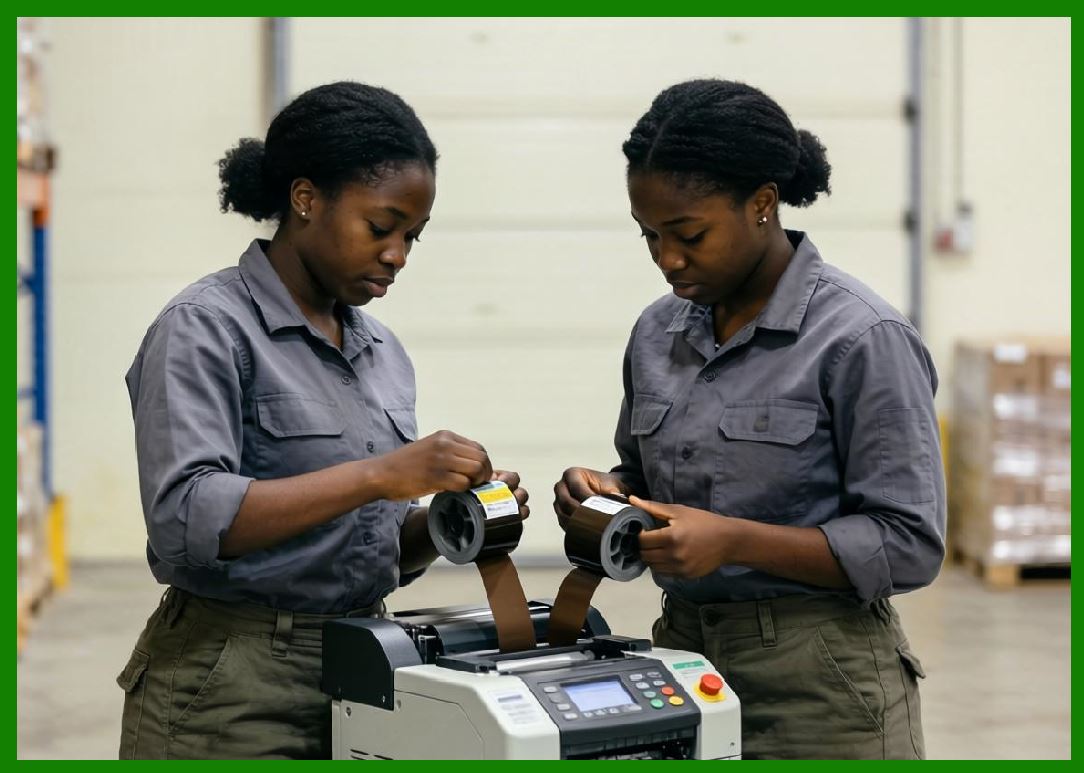
Restaurant and logistics environments often experience unstable connectivity, making robust communication systems essential. |
|
4.17 Local Print Queue Systems |
Cloud barcode printers frequently include local queue systems. |
Local queues provide several benefits: |
1. Offline operation. |
2. Reduced task loss. |
3. Network resilience. |
4. Faster local execution. |
5. Temporary cloud independence. |
6. Retry handling. |
7. Print sequencing. |
8. Local prioritization. |
9. Traffic smoothing. |
10. Fault recovery. |
The local queue may store: |
1. Pending print tasks. |
2. Failed tasks. |
3. Retry records. |
4. Print logs. |
5. Temporary cache. |
6. Device status updates. |
7. Template resources. |
8. Barcode assets. |
9. Synchronization metadata. |
10. Diagnostic information. |
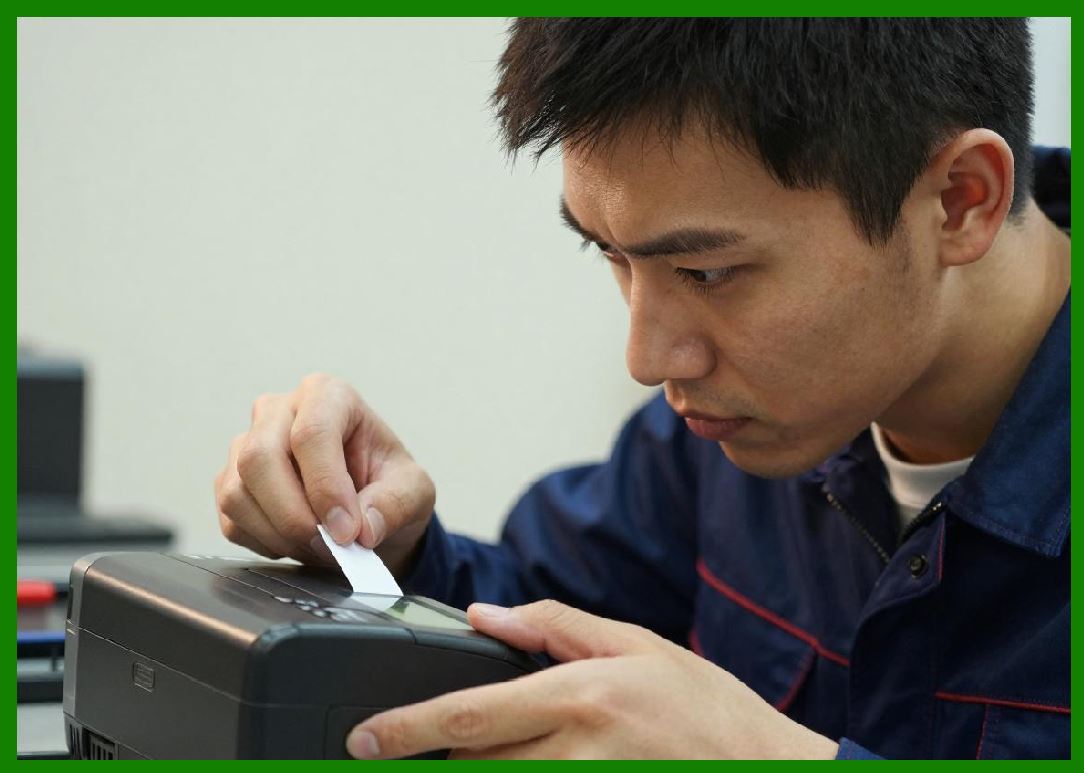
Local queue management is especially important during peak-order periods. |
|
4.18 Over-the-Air Firmware Update Technology |
OTA firmware updates allow remote software upgrades. |
The update process typically includes: |
1. Version checking. |
2. Package downloading. |
3. Signature verification. |
4. Integrity validation. |
5. Partition switching. |
6. Rollback preparation. |
7. Installation execution. |
8. Restart coordination. |
9. Post-update diagnostics. |
10. Status reporting. |
OTA systems provide major operational advantages: |
1. Remote maintenance. |
2. Security patch deployment. |
3. Feature upgrades. |
4. Bug fixes. |
5. Performance optimization. |
6. Reduced service costs. |
7. Fleet-wide synchronization. |
8. Faster deployment cycles. |
9. Lower downtime. |
10. Improved scalability. |
Large cloud printer fleets may contain millions of devices requiring centralized update management. |

|
4.19 Intelligent Error Recovery Systems |
Commercial cloud barcode printers require advanced fault recovery capabilities. |
Error recovery systems handle: |
1. Paper jams. |
2. Network failures. |
3. Power interruptions. |
4. Print head overheating. |
5. Memory overflow. |
6. Queue corruption. |
7. Communication timeouts. |
8. Sensor failures. |
9. Firmware crashes. |
10. Media calibration errors. |
Intelligent recovery mechanisms may include: |
1. Automatic retries. |
2. Self-diagnostics. |
3. Cloud reporting. |
4. Safe restart procedures. |
5. Task replay. |
6. Redundant buffering. |
7. Offline continuation. |
8. Watchdog monitoring. |
9. Dynamic parameter adjustment. |
10. AI-assisted fault analysis. |
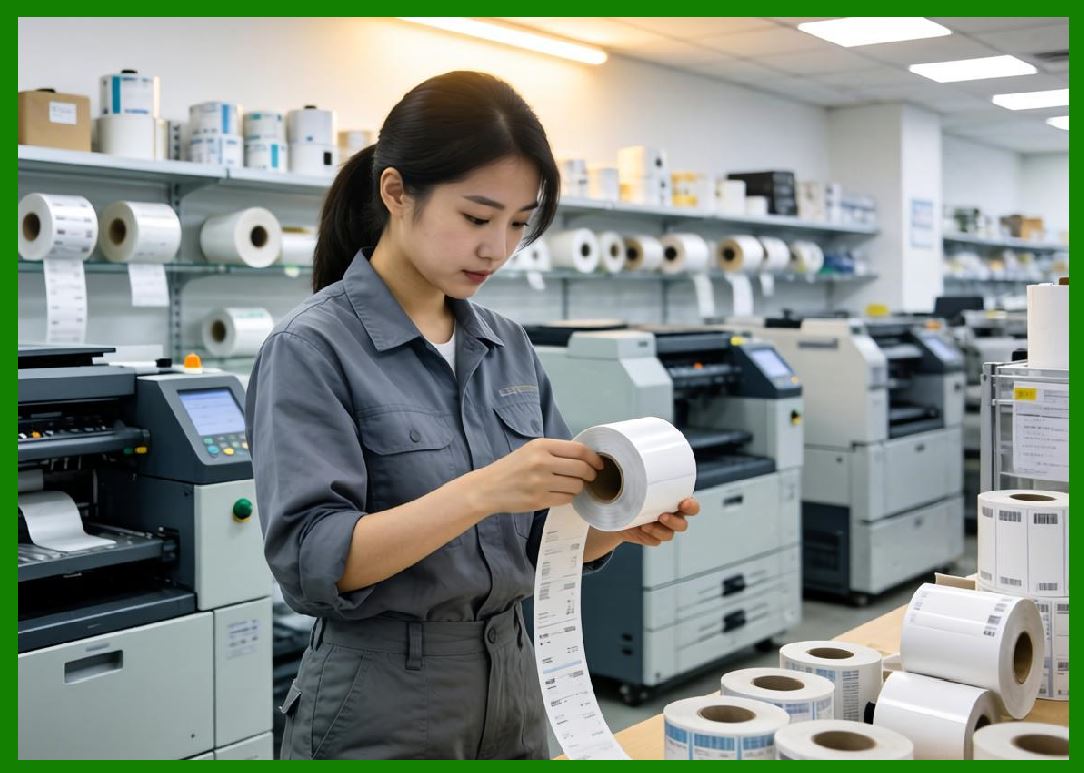
These systems are essential for minimizing downtime in commercial operations. |
|
4.20 Energy Management Systems |
Modern cloud barcode printers increasingly include intelligent energy management systems. |
These systems control: |
1. Power consumption. |
2. Thermal efficiency. |
3. Sleep modes. |
4. Startup optimization. |
5. Voltage regulation. |
6. Battery operation. |
7. Peak-load balancing. |
8. Thermal protection. |
9. Power failure handling. |
10. Environmental optimization. |
Energy efficiency is especially important for: |
1. Mobile printers. |
2. Vehicle-mounted systems. |
3. Battery-powered terminals. |
4. Large-scale deployments. |
5. Green computing initiatives. |
6. Smart retail environments. |
7. IoT ecosystems. |
8. Edge computing systems. |
9. Remote installations. |
10. Sustainable infrastructure planning. |

|
4.21 Security Technologies in Cloud Barcode Printers |
Security is critically important because cloud printers process commercial and customer data. |
Modern printers implement: |
1. TLS encryption. |
2. Secure boot. |
3. Device authentication. |
4. Certificate management. |
5. API token verification. |
6. Encrypted storage. |
7. Access control systems. |
8. Firmware integrity checks. |
9. Intrusion detection. |
10. Zero-trust communication models. |
Security threats may include: |
1. Device hijacking. |
2. Print interception. |
3. Data theft. |
4. Firmware tampering. |
5. Malware injection. |
6. Network spoofing. |
7. Credential theft. |
8. Distributed attacks. |
9. Unauthorized access. |
10. Supply chain attacks. |
Cloud printer security increasingly resembles enterprise cybersecurity infrastructure. |

|
4.22 Edge Computing Capabilities |
Modern cloud barcode printers increasingly support edge computing functionality. |
Edge computing allows printers to perform local processing instead of relying entirely on cloud servers. |
Capabilities may include: |
1. Local analytics. |
2. Intelligent routing. |
3. AI inference. |
4. Local decision-making. |
5. Template rendering. |
6. Data preprocessing. |
7. Compression. |
8. Local synchronization. |
9. Queue optimization. |
10. Autonomous operation. |
Edge computing reduces: |
1. Cloud dependency. |
2. Latency. |
3. Bandwidth consumption. |
4. Network congestion. |
5. Operational delays. |
6. Service interruptions. |
7. Centralized bottlenecks. |
8. Infrastructure cost. |
9. Synchronization overhead. |
10. Real-time response limitations. |
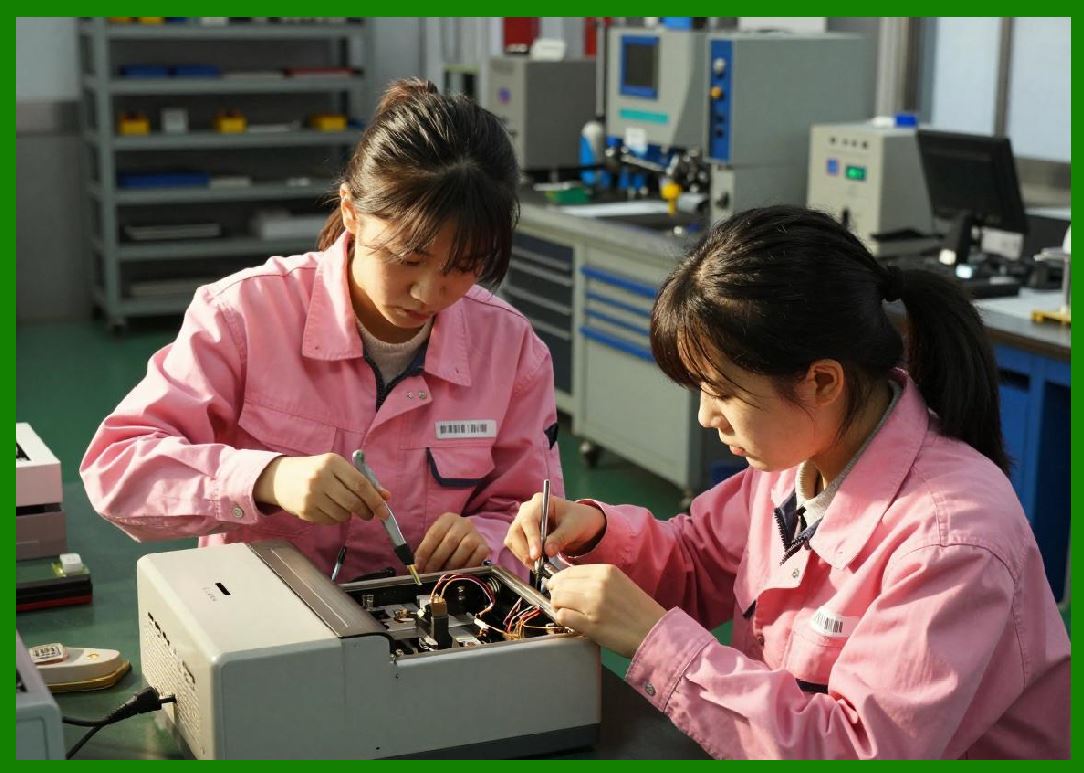
This technology is becoming increasingly important in high-frequency printing environments. |
|
Part 4 Technical Summary |
This part examined the detailed technical principles of cloud barcode label printers. The discussion covered the internal hardware architecture of these devices, including embedded processors, memory systems, thermal print heads, motion control systems, sensors, communication modules, and energy management systems. |
The article explained both direct thermal and thermal transfer printing technologies, along with the operation of thermal print heads and precision stepper motor systems. It also explored embedded operating systems, firmware architecture, bootloaders, secure startup systems, barcode rendering engines, and QR-code generation mechanisms. |
Additionally, this section analyzed communication stacks, local print queues, OTA firmware updates, intelligent error recovery systems, cybersecurity protections, and edge computing capabilities. These technologies collectively transform cloud barcode printers from simple output devices into intelligent, internet-connected edge computing terminals capable of autonomous operation within large-scale cloud ecosystems. |
In the next part, the discussion will focus on cloud printing communication protocols and networking technologies, including MQTT architecture, WebSocket communication, HTTPS APIs, IoT networking methods, printer-cloud synchronization mechanisms, network optimization strategies, and real-time distributed communication systems used in large-scale commercial deployments such as food delivery platforms and logistics networks. |
 cs@easiersoft.com