Part 8. Development History of Cloud Printing Technology and Cloud Barcode Label Printers |
8.1 Introduction to the Historical Evolution of Cloud Printing |
The development of cloud printing technology is closely connected to the evolution of computer networking, internet infrastructure, embedded systems, e-commerce, barcode automation, mobile communication, and cloud computing. |
Cloud printing did not emerge suddenly. Instead, it evolved gradually through multiple technological stages over several decades. |

|
The development process involved major transitions in: |
1. Printer hardware architecture. |
2. Communication technologies. |
3. Networking infrastructure. |
4. Embedded operating systems. |
5. Barcode automation systems. |
6. Enterprise workflow management. |
7. Internet protocols. |
8. Cloud computing platforms. |
9. IoT ecosystems. |
10. Mobile internet technologies. |

|
Each stage of technological progress expanded the role of printers from isolated output devices into intelligent internet-connected operational terminals. |
The evolution of cloud barcode label printers especially accelerated when industries began requiring: |
1. Real-time distributed operations. |
2. Large-scale logistics coordination. |
3. Automated order processing. |
4. Remote device management. |
5. Mobile commerce support. |
6. Smart warehouse automation. |
7. Food delivery synchronization. |
8. AI-assisted workflows. |
9. Cloud-edge collaboration. |
10. Internet-scale operational infrastructure. |
The historical development of cloud printing reflects the broader transformation of the global digital economy. |

|
8.2 Early Mechanical Printing Systems |
Before digital computing, printing systems were entirely mechanical. |
Early commercial printing technologies included: |
1. Typewriters. |
2. Mechanical receipt printers. |
3. Telegraph printers. |
4. Dot-impact mechanical devices. |
5. Cash register printing systems. |
6. Electro-mechanical ticket printers. |
7. Mechanical labeling systems. |
8. Ink-based industrial coding systems. |
9. Line printers. |
10. Early accounting printers. |
These systems operated independently without networking capabilities. |
Limitations included: |
1. Manual operation. |
2. Low automation. |
3. Slow processing. |
4. No digital connectivity. |
5. Limited scalability. |
6. High maintenance requirements. |
7. Minimal workflow integration. |
8. No centralized management. |
9. No real-time coordination. |
10. Low operational intelligence. |
Despite these limitations, early printing systems established foundational concepts later used in digital printing automation. |

|
8.3 Emergence of Computer Printers |
The rise of computers fundamentally changed printing technology. |
During the 1950s through 1970s, early computer printers appeared in enterprise and government computing environments. |
Major technologies included: |
1. Drum printers. |
2. Chain printers. |
3. Dot matrix printers. |
4. Line printers. |
5. Impact printers. |
6. Thermal printers. |
7. Daisy wheel printers. |
8. Plotters. |
9. Teletype systems. |
10. Early label printers. |
These printers connected directly to mainframe or minicomputer systems. |
Communication methods included: |
1. Parallel interfaces. |
2. Serial communication. |
3. Proprietary control protocols. |
4. Punch-card systems. |
5. Tape-based systems. |
6. Direct electrical signaling. |
7. Character-stream interfaces. |
8. Hardware-specific communication. |
9. Local bus systems. |
10. Terminal interfaces. |
Although primitive by modern standards, these systems introduced the concept of computer-controlled printing. |

|
8.4 Development of Barcode Printing Technology |
Barcode technology emerged as a revolutionary advancement in automated identification. |
Early barcode development accelerated during the 1970s and 1980s. |
Important milestones included: |
1. UPC adoption in retail. |
2. Industrial barcode standardization. |
3. Thermal label printer development. |
4. Logistics barcode systems. |
5. Warehouse automation. |
6. Manufacturing traceability. |
7. Healthcare barcode applications. |
8. Transportation labeling systems. |
9. Postal automation. |
10. Retail inventory management. |
Barcode printers gradually evolved into specialized industrial devices optimized for: |
1. Precision printing. |
2. High-speed operation. |
3. Label durability. |
4. Machine readability. |
5. Industrial reliability. |
6. Long operational lifespan. |
7. Continuous production environments. |
8. Automated workflows. |
9. Supply chain integration. |
10. Enterprise data systems. |
Barcode technology became a critical foundation for future cloud barcode printing ecosystems. |

|
8.5 Rise of Thermal Printing Systems |
Thermal printing technology significantly accelerated barcode printer adoption. |
Thermal printing became popular because it offered: |
1. Faster printing speeds. |
2. Lower maintenance requirements. |
3. Better reliability. |
4. Reduced moving parts. |
5. Improved barcode quality. |
6. Lower operational cost. |
7. Smaller hardware size. |
8. Industrial durability. |
9. Quiet operation. |
10. Better automation compatibility. |
Thermal printing technologies evolved into: |
1. Direct thermal systems. |
2. Thermal transfer systems. |
3. Industrial thermal printers. |
4. Mobile thermal printers. |
5. Embedded thermal systems. |
6. Kiosk thermal printers. |
7. Medical thermal printers. |
8. Logistics label printers. |
9. RFID-enabled thermal printers. |
10. Cloud-connected thermal printers. |
Thermal printing became the dominant hardware foundation for modern cloud barcode printers. |

|
8.6 Networking Revolution and Shared Printing |
The emergence of computer networking transformed printing infrastructure. |
During the 1980s and 1990s, printers increasingly became shared network resources. |
Key networking technologies included: |
1. Ethernet networking. |
2. TCP/IP communication. |
3. Network print servers. |
4. Shared print queues. |
5. Local area networks. |
6. Corporate intranets. |
7. SMB file sharing. |
8. SNMP monitoring. |
9. Network printer discovery. |
10. Distributed office printing. |
This stage introduced centralized print management concepts. |
Organizations began managing: |
1. Shared office printers. |
2. Department print queues. |
3. Network-based print access. |
4. Multi-user printing systems. |
5. Print accounting. |
6. Centralized maintenance. |
7. Remote diagnostics. |
8. Driver management. |
9. Printer permissions. |
10. Enterprise printing policies. |
However, these systems still mainly operated inside local corporate networks. |

|
8.7 Internet Expansion and Remote Printing Concepts |
The global expansion of the internet during the 1990s created new possibilities for remote printing. |
Researchers and companies began exploring: |
1. Internet-based print delivery. |
2. Remote document transmission. |
3. Web printing services. |
4. Distributed print coordination. |
5. Email-to-print systems. |
6. Online print submission. |
7. Cloud queue concepts. |
8. Internet print protocols. |
9. Browser-based printing. |
10. Remote enterprise printing. |
This period saw the emergence of early internet printing standards such as: |
1. IPP (Internet Printing Protocol). |
2. Web-based print services. |
3. HTTP printing frameworks. |
4. Internet-connected print servers. |
5. Early print portals. |
Although internet speeds and infrastructure were still limited, foundational cloud printing concepts were beginning to form. |

|
8.8 Evolution of Embedded Systems in Printers |
Printer intelligence increased significantly with advances in embedded systems. |
Earlier printers used relatively simple microcontrollers. |
Later generations incorporated: |
1. Embedded CPUs. |
2. ARM processors. |
3. Embedded Linux systems. |
4. Real-time operating systems. |
5. Network stacks. |
6. Flash storage. |
7. Wireless communication modules. |
8. Advanced firmware systems. |
9. IoT connectivity. |
10. Local data processing. |
Embedded systems enabled printers to become semi-autonomous computing devices rather than passive peripherals. |
This evolution allowed printers to: |
1. Process network traffic independently. |
2. Connect directly to internet services. |
3. Manage local queues. |
4. Execute remote commands. |
5. Support firmware updates. |
6. Perform local analytics. |
7. Authenticate securely. |
8. Store templates locally. |
9. Recover from failures autonomously. |
10. Participate in distributed cloud architectures. |
These advances laid the groundwork for true cloud printing ecosystems. |

|
8.9 Wireless Networking and Mobile Internet Expansion |
Wireless networking dramatically accelerated cloud printing adoption. |
Major technologies included: |
1. Wi-Fi. |
2. Bluetooth. |
3. Cellular communication. |
4. 3G networks. |
5. 4G LTE infrastructure. |
6. Mobile broadband systems. |
7. IoT wireless protocols. |
8. Wireless LAN expansion. |
9. Portable hotspot systems. |
10. Mobile edge networking. |
Wireless communication removed many deployment barriers. |
Businesses could deploy printers in: |
1. Restaurants. |
2. Delivery stations. |
3. Mobile retail systems. |
4. Temporary installations. |
5. Smart kiosks. |
6. Outdoor logistics centers. |
7. Warehouses. |
8. Mobile vehicles. |
9. Healthcare facilities. |
10. Smart city environments. |
The rise of smartphones further accelerated demand for real-time connected printing systems. |

|
8.10 Cloud Computing Revolution |
Cloud computing fundamentally transformed the software architecture of printing systems. |
Before cloud computing, organizations often maintained: |
1. Local print servers. |
2. On-premise infrastructure. |
3. Internal network management. |
4. Local database systems. |
5. Dedicated IT teams. |
6. Physical maintenance systems. |
7. Hardware-based scalability. |
8. Local backup infrastructure. |
9. Static deployment models. |
10. Limited geographic coordination. |
Cloud computing introduced: |
1. Elastic infrastructure. |
2. SaaS platforms. |
3. Centralized management. |
4. Distributed scalability. |
5. Global accessibility. |
6. API-based integration. |
7. Cloud-native architecture. |
8. Automated deployment. |
9. Centralized analytics. |
10. Internet-scale device coordination. |
Cloud printing became commercially viable because cloud infrastructure could now support millions of simultaneously connected devices. |

|
8.11 Rise of the Internet of Things (IoT) |
The IoT revolution had enormous influence on cloud printing systems. |
Printers increasingly became classified as IoT devices. |
IoT technologies introduced: |
1. Persistent connectivity. |
2. Device telemetry. |
3. Remote monitoring. |
4. Cloud synchronization. |
5. Sensor integration. |
6. Event-driven communication. |
7. Edge computing. |
8. Device automation. |
9. Machine-to-machine communication. |
10. Large-scale fleet management. |
Cloud barcode printers evolved into intelligent IoT endpoints capable of participating in broader digital ecosystems. |
This shift transformed printer roles from simple output hardware into: |
1. Smart operational terminals. |
2. Workflow automation nodes. |
3. Real-time communication endpoints. |
4. Distributed business infrastructure. |
5. Intelligent logistics devices. |
6. Automated production systems. |
7. Cloud-edge computing terminals. |
8. Industrial IoT components. |
9. Data collection platforms. |
10. Autonomous workflow coordinators. |

|
8.12 Development of Mobile Commerce |
Mobile commerce greatly accelerated cloud printing adoption. |
Smartphone applications created demand for: |
1. Real-time order processing. |
2. Mobile payment integration. |
3. Delivery synchronization. |
4. Instant receipt generation. |
5. Dynamic logistics coordination. |
6. QR-code ecosystems. |
7. Smart retail systems. |
8. Contactless transactions. |
9. Distributed merchant coordination. |
10. Real-time customer engagement. |
Cloud printing became essential for converting digital mobile transactions into physical operational workflows. |
Industries heavily influenced included: |
1. Food delivery. |
2. E-commerce retail. |
3. Transportation services. |
4. Mobile healthcare. |
5. Smart vending. |
6. Ticketing systems. |
7. Hospitality. |
8. Warehouse logistics. |
9. Last-mile delivery. |
10. Retail automation. |

|
8.13 Rise of QR-Code Ecosystems |
QR-code adoption especially accelerated cloud printing evolution. |
QR codes became widely used for: |
1. Mobile payments. |
2. Delivery verification. |
3. Customer authentication. |
4. Product traceability. |
5. Digital marketing. |
6. Electronic tickets. |
7. Smart retail interaction. |
8. Healthcare tracking. |
9. Logistics management. |
10. IoT integration. |
Cloud barcode printers increasingly needed advanced QR-code generation capabilities. |
China became one of the largest QR-code economies globally. |
This accelerated development of: |
1. Mobile payment ecosystems. |
2. Cloud printing infrastructure. |
3. Smart retail systems. |
4. Food delivery automation. |
5. Logistics coordination. |
6. Contactless workflows. |
7. Digital consumer services. |
8. AI-assisted commerce. |
9. Integrated platform economies. |
10. Intelligent urban infrastructure. |
QR-code ecosystems became deeply integrated into cloud printing workflows. |

|
8.14 Emergence of Food Delivery Platforms |
Food delivery platforms became one of the most important drivers of cloud printing innovation. |
Early food delivery operations relied heavily on: |
1. Telephone orders. |
2. Manual order entry. |
3. Paper tickets. |
4. Human dispatch coordination. |
5. Manual delivery assignment. |
6. Local delivery tracking. |
7. Fragmented communication. |
8. Cash-based transactions. |
9. Delayed processing. |
10. Operational inefficiency. |
Digital food delivery platforms transformed the industry through: |
1. Mobile ordering. |
2. Real-time dispatch systems. |
3. Cloud order management. |
4. Integrated payment systems. |
5. GPS delivery tracking. |
6. Intelligent routing. |
7. Automated kitchen coordination. |
8. Cloud printing integration. |
9. Data-driven operations. |
10. AI-assisted logistics. |
Cloud receipt printers and barcode label printers became central infrastructure within these ecosystems. |

|
8.15 China Rapid Cloud Printing Expansion |
China experienced particularly rapid growth in cloud printing technology. |
Several factors accelerated this development: |
1. Massive urban populations. |
2. High smartphone penetration. |
3. Widespread QR-code adoption. |
4. Rapid e-commerce growth. |
5. Dense delivery infrastructure. |
6. Mobile payment dominance. |
7. Platform economy expansion. |
8. Government digitalization initiatives. |
9. Logistics modernization. |
10. Strong IoT ecosystem growth. |
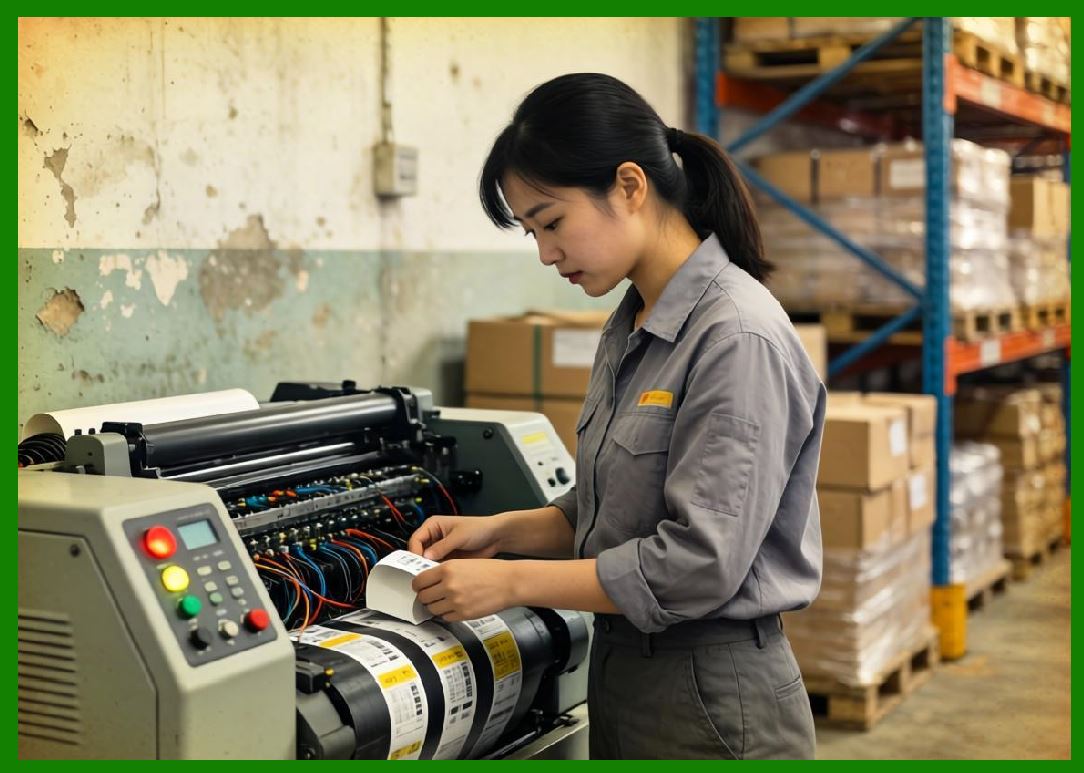
Companies such as Meituan, Alibaba Group, and JD.com accelerated large-scale cloud printing deployment. |
Chinese food delivery systems became some of the world largest real-time cloud printing environments. |
|
8.16 Evolution of Cloud Printer Manufacturers |
Printer manufacturers gradually adapted to cloud-era requirements. |
Traditional printer vendors originally focused mainly on: |
1. Hardware engineering. |
2. Mechanical systems. |
3. Print quality. |
4. Driver compatibility. |
5. Enterprise office markets. |
6. Consumable systems. |
7. Industrial durability. |
8. Standalone functionality. |
9. Peripheral connectivity. |
10. Local networking. |
Cloud-era demands forced manufacturers to develop expertise in: |
1. Embedded Linux. |
2. IoT communication. |
3. Cloud APIs. |
4. MQTT integration. |
5. OTA updates. |
6. Cybersecurity. |
7. SaaS integration. |
8. Fleet management. |
9. AI analytics. |
10. Edge computing. |
Printer companies increasingly transformed into hardware-software-cloud solution providers. |

|
8.17 Emergence of Cloud-Native Printing Platforms |
Cloud-native technologies greatly changed print management architecture. |
Older systems often used: |
1. Monolithic applications. |
2. Fixed infrastructure. |
3. Static scaling. |
4. Local databases. |
5. Manual deployment. |
6. Limited redundancy. |
7. Hardware-centric management. |
8. Slow upgrade cycles. |
9. Localized operations. |
10. Limited observability. |
Cloud-native platforms introduced: |
1. Microservices. |
2. Containers. |
3. Kubernetes orchestration. |
4. Distributed databases. |
5. Elastic scalability. |
6. Event-driven systems. |
7. API gateways. |
8. CI/CD pipelines. |
9. Infrastructure automation. |
10. Real-time observability. |
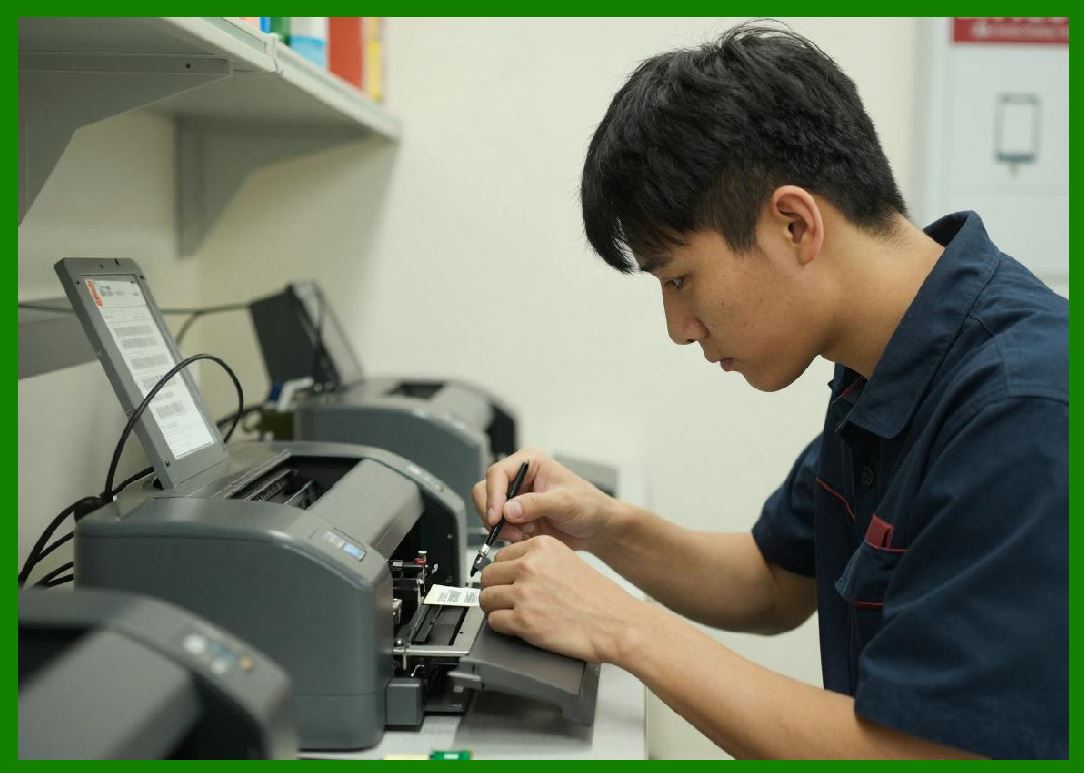
Cloud-native architecture enabled internet-scale cloud printer deployment. |
|
8.18 AI and Data-Driven Printing Systems |
Modern cloud printing systems increasingly incorporate AI technologies. |
AI integration includes: |
1. Predictive maintenance. |
2. Intelligent scheduling. |
3. Queue optimization. |
4. Failure prediction. |
5. Dynamic routing. |
6. Operational forecasting. |
7. Intelligent diagnostics. |
8. Automated anomaly detection. |
9. Smart workflow orchestration. |
10. Energy optimization. |
Data collected from millions of printers enables continuous operational improvement. |
Cloud printing is gradually evolving into an intelligent autonomous operational infrastructure. |

|
8.19 Edge Computing and Decentralized Processing |
As cloud printing scale increased, centralized processing alone became insufficient. |
Edge computing emerged to improve: |
1. Latency. |
2. Reliability. |
3. Offline resilience. |
4. Local decision-making. |
5. Bandwidth optimization. |
6. Distributed processing. |
7. Real-time operation. |
8. Autonomous recovery. |
9. Local analytics. |
10. Scalability. |
Modern cloud barcode printers increasingly function as intelligent edge computing terminals. |
This hybrid cloud-edge architecture is becoming standard in high-volume operational environments. |

|
8.20 Current State of Cloud Barcode Printing Technology |
Today cloud barcode printing ecosystems combine: |
1. Cloud computing. |
2. IoT infrastructure. |
3. Embedded Linux systems. |
4. Real-time communication. |
5. AI analytics. |
6. Mobile networking. |
7. QR-code ecosystems. |
8. Edge computing. |
9. Distributed cloud infrastructure. |
10. Intelligent automation. |
Modern systems support: |
1. Millions of connected devices. |
2. Real-time global coordination. |
3. Fully automated workflows. |
4. Intelligent logistics. |
5. Smart retail operations. |
6. Industrial automation. |
7. Healthcare traceability. |
8. Food delivery synchronization. |
9. Large-scale analytics. |
10. Continuous remote management. |
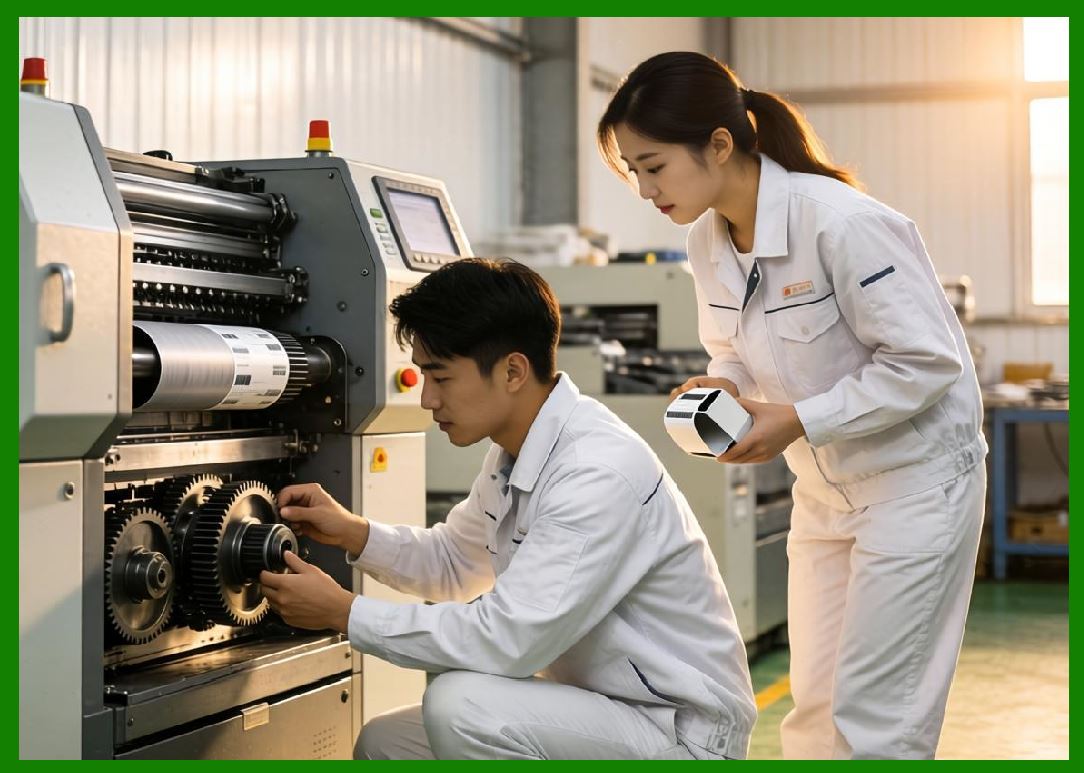
Cloud printing has evolved into a core infrastructure technology within the digital economy. |
|
8.21 Future Historical Direction |
The historical evolution of cloud printing continues. |
Future development trends likely include: |
1. Autonomous operational systems. |
2. AI-native printing infrastructure. |
3. Fully decentralized edge networks. |
4. Blockchain verification. |
5. Smart city integration. |
6. Robot-assisted logistics. |
7. Digital twin coordination. |
8. Ultra-low-latency communication. |
9. Sustainable energy optimization. |
10. Intelligent self-healing infrastructure. |
Cloud printing will likely become increasingly integrated with broader intelligent infrastructure ecosystems. |

|
Part 8 Technical Summary |
This part explored the historical development of cloud printing technology and cloud barcode label printers. The discussion traced the evolution from early mechanical printing systems and computer printers to modern cloud-native IoT printing ecosystems. |
The article examined the rise of barcode printing technology, thermal printing systems, networking infrastructure, internet printing concepts, embedded systems, wireless communication, cloud computing, IoT architecture, mobile commerce, and QR-code ecosystems. |
Special emphasis was placed on the rapid expansion of cloud printing in China, particularly within large-scale food delivery and e-commerce ecosystems driven by companies such as Meituan, Alibaba Group, and JD.com. |
The section also analyzed the evolution of printer manufacturers, cloud-native printing platforms, AI-driven systems, and edge computing architectures. It demonstrated how cloud printing evolved from isolated hardware devices into intelligent distributed operational infrastructure supporting modern digital commerce and logistics ecosystems. |
In the next part, the discussion will focus specifically on the technical architecture and operational model of China Meituan food delivery platform, including automatic order receiving systems, intelligent kitchen coordination, cloud printer deployment strategies, real-time order synchronization, distributed cloud infrastructure, and intelligent order processing workflows powered by cloud printing technology. |
 cs@easiersoft.com