Detailed Explanation of the Principles and Structure of Barcode Printer |
Part 1: Overview, Definition, and Historical Evolution of Barcode Printers |
1. Definition and Core Concept of Barcode Printers |
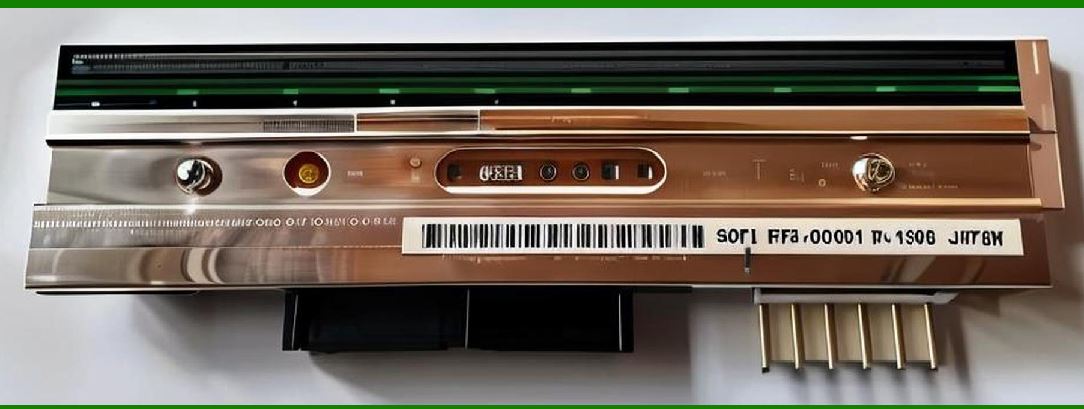
1.1 A barcode printer is a specialized output device designed to produce machine-readable symbols primarily barcodes in various media such as paper labels, synthetic labels, tags, wristbands, and packaging materials. Unlike general-purpose printers, barcode printers are engineered to achieve high precision in line width, spacing, and contrast, which are essential for accurate scanning and decoding. |
1.2 The fundamental purpose of a barcode printer is not merely to print visual patterns but to ensure that these patterns conform to strict technical standards defined by organizations such as ISO/IEC and GS1. These standards dictate parameters such as module width, quiet zones, reflectance, and error tolerance. |
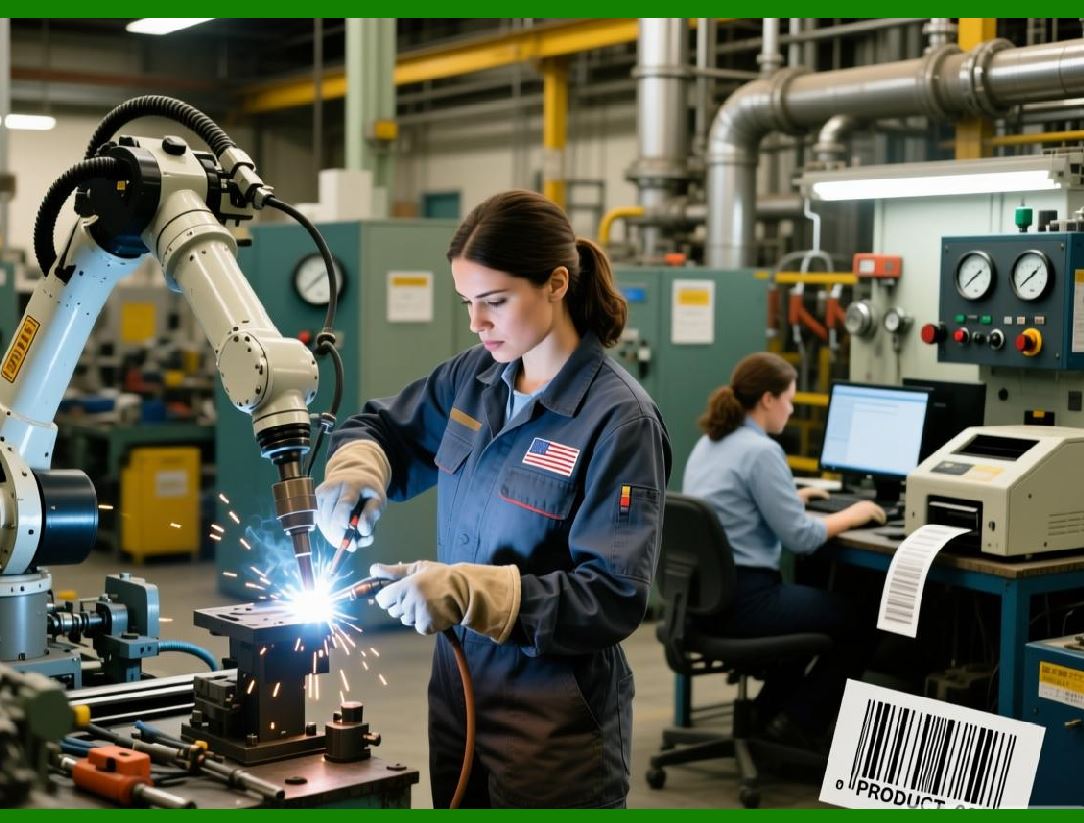
1.3 Barcode printers are widely used in industries including logistics, retail, healthcare, manufacturing, and warehousing. Their role is integral to automatic identification and data capture (AIDC) systems, enabling efficient tracking, inventory control, and data management. |
1.4 At a conceptual level, a barcode printer converts digital data into a physical representation using controlled deposition or transfer of material (ink, toner, or thermal reaction). This process involves coordinated interaction between hardware components and embedded firmware. |
|
2. Historical Development of Barcode Printing Technology |
2.1 The origins of barcode printing can be traced back to the early development of barcode symbologies in the mid-20th century. The first commercial barcode system, introduced in the 1970s, relied on simple printing technologies that lacked the precision required for high-density codes. |
2.2 Early barcode printing was performed using impact printers and dot matrix printers. These devices produced barcodes by striking an ink ribbon against paper. However, the limited resolution and inconsistent dot placement often resulted in poor scan reliability. |
2.3 The introduction of laser printers marked a significant advancement. Laser printing enabled higher resolution and more consistent line quality, improving barcode readability. However, laser printers were not optimized for label printing or continuous media, limiting their applicability in industrial environments. |
2.4 Thermal printing technology emerged as a breakthrough in barcode printing. It eliminated the need for ink or toner and provided consistent, high-quality output. Two primary methods direct thermal and thermal transfer became the dominant technologies in the industry. |
2.5 In the 1980s and 1990s, dedicated barcode printers began to appear, featuring specialized firmware capable of interpreting barcode commands directly. This reduced the computational burden on host systems and improved printing efficiency. |
2.6 The evolution continued with the integration of microprocessors, memory modules, and communication interfaces, transforming barcode printers into intelligent devices capable of standalone operation. |
2.7 Modern barcode printers incorporate advanced features such as network connectivity, RFID encoding, high-resolution printing (up to 600 dpi or higher), and compatibility with a wide range of barcode symbologies, including 2D codes like QR Code and Data Matrix. |

|
3. Classification of Barcode Printers |
3.1 Barcode printers can be classified based on printing technology, application environment, and structural design. |
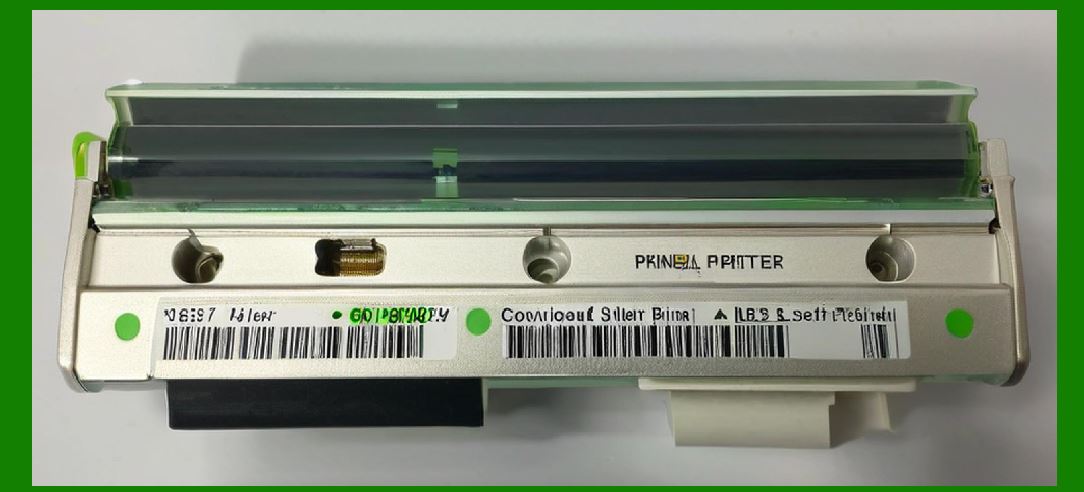
3.2 Based on printing technology, barcode printers are divided into: |
* Direct thermal printers |
* Thermal transfer printers |
* Inkjet barcode printers |
* Laser barcode printers |
3.3 Based on application environment, they are categorized as: |
* Desktop barcode printers |
* Industrial barcode printers |
* Mobile barcode printers |
3.4 Based on structural design, barcode printers may include: |
* Standalone printers |
* Integrated print-and-apply systems |
* RFID-enabled printers |
3.5 Each classification reflects differences in durability, printing speed, resolution, and intended use cases. |
|
4. Fundamental Working Principle of Barcode Printing |
4.1 The operation of a barcode printer begins with data input. This data may originate from a computer system, a database, or an embedded application. The data typically includes the barcode content, format, and label layout. |
4.2 The printer firmware processes this data using a page description language or command language such as ZPL (Zebra Programming Language) or EPL (Eltron Programming Language). |
4.3 The processed data is translated into a bitmap or vector representation, which determines the exact placement of bars, spaces, and other graphical elements. |
4.4 The print engine executes the printing process by activating specific mechanisms—such as heating elements in thermal printers or ink nozzles in inkjet printers to produce the barcode on the chosen media. |
4.5 The synchronization between media movement and print head operation is critical. Any deviation can result in distorted barcodes that fail to scan correctly. |
4.6 Feedback systems, including sensors and encoders, are used to monitor the printing process and ensure accuracy. |

|
5. Importance of Print Quality in Barcode Printing |
5.1 Barcode readability depends heavily on print quality. Even minor defects such as smudging, inconsistent line width, or insufficient contrast can lead to scanning errors. |
5.2 Key parameters affecting print quality include: |
* Resolution (measured in dots per inch) |
* Print density |
* Contrast ratio |
* Edge definition |
5.3 Barcode verification standards define grading systems to evaluate print quality. These grades are based on factors such as symbol contrast, modulation, and defects. |
5.4 High-quality printing is especially critical for 2D barcodes, which contain dense data patterns and require precise reproduction. |
5.5 Environmental factors such as temperature, humidity, and media type also influence print quality and must be carefully managed. |

|
6. Role of Firmware in Barcode Printers |
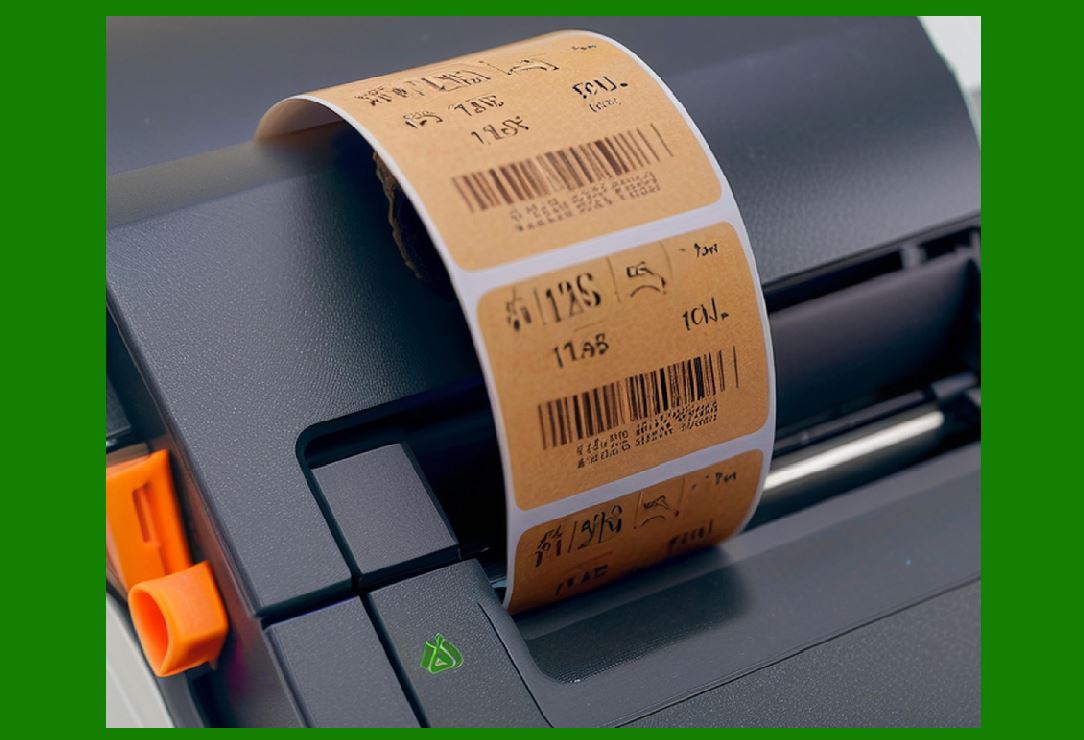
6.1 Firmware acts as the control system of a barcode printer. It interprets incoming commands, manages hardware components, and ensures accurate printing. |
6.2 Firmware includes built-in support for various barcode symbologies, eliminating the need for external software to generate barcode images. |
6.3 It also handles font rendering, graphic processing, and memory management. |
6.4 Advanced firmware supports features such as: |
* Real-time clock for timestamp printing |
* Database connectivity |
* Wireless communication protocols |
6.5 Firmware updates allow manufacturers to enhance functionality and address compatibility issues. |
|
7. Media Types Used in Barcode Printing |
7.1 Barcode printers support a wide range of media types, including: |
* Paper labels |
* Synthetic labels (e.g., polyester, polypropylene) |
* Tags |
* Continuous rolls |
* Fanfold media |
7.2 The choice of media depends on the application requirements, such as durability, environmental resistance, and cost. |
7.3 Adhesive properties are also important, especially for labels used in logistics and retail. |
7.4 Media compatibility with the printing technology (direct thermal or thermal transfer) must be considered to achieve optimal results. |

|
8. Basic Structure of a Barcode Printer |
8.1 A barcode printer consists of several key components: |
* Print head |
* Platen roller |
* Media supply system |
* Ribbon system (for thermal transfer printers) |
* Control board |
* Power supply |
* Sensors |
8.2 Each component plays a specific role in the printing process and must operate in coordination with others. |
8.3 The structural design varies depending on the printer type and intended application. |

|
9. Advantages of Dedicated Barcode Printers |
9.1 Barcode printers offer several advantages over general-purpose printers: |
* Higher print accuracy |
* Better durability |
* Faster printing speeds |
* Support for specialized media |
* Integrated barcode generation capabilities |
9.2 These advantages make them essential in high-volume and mission-critical environments. |
|
10. Limitations and Challenges |
10.1 Despite their advantages, barcode printers face certain challenges: |
* Maintenance requirements |
* Sensitivity to environmental conditions |
* Media compatibility issues |
* Initial cost of industrial models |
10.2 Addressing these challenges requires proper selection, installation, and maintenance practices. |

|
11. Future Trends in Barcode Printing |
11.1 Emerging trends include: |
* Integration with IoT systems |
* Cloud-based printing management |
* Increased use of RFID technology |
* Higher resolution and faster speeds |
11.2 Sustainability is also becoming a key focus, with the development of eco-friendly media and energy-efficient designs. |
 cs@easiersoft.com