Detailed Explanation of the Principles and Structure of Barcode Printer |
Part 14: Barcode Symbology Rendering Engine and 2D Code Construction Mechanics |
1. Introduction to Barcode Rendering Inside Printers |
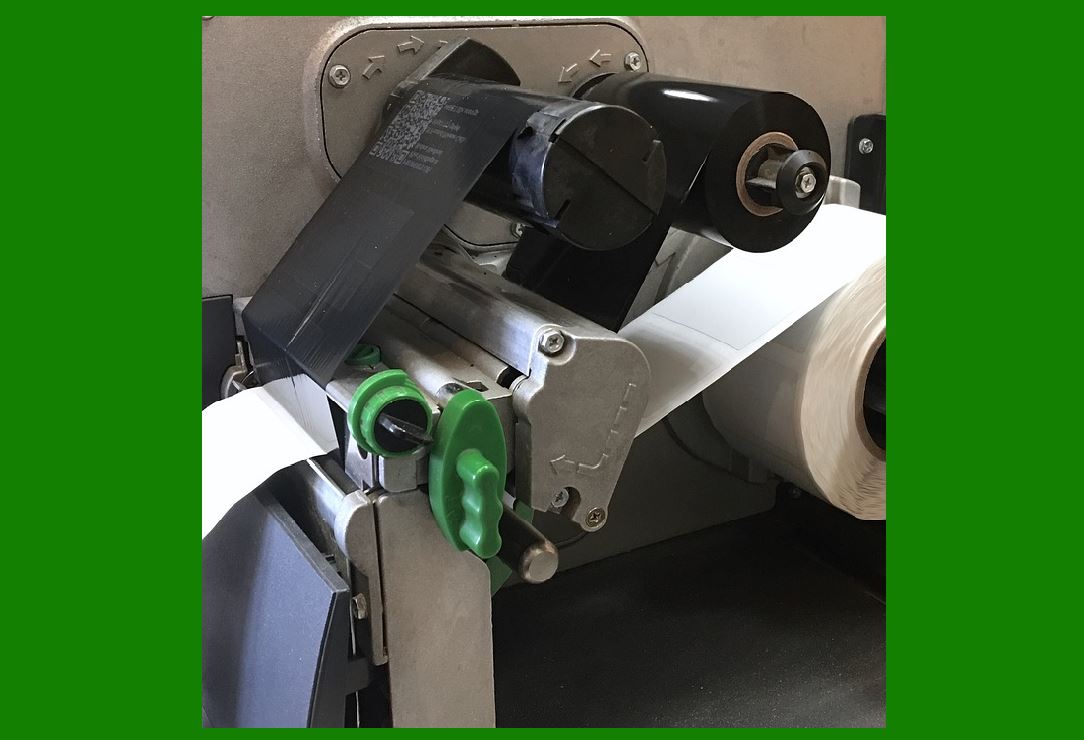
1.1 The barcode rendering engine is the software and firmware subsystem that converts encoded data into a precise geometric pattern ready for printing. |
1.2 This process is not a simple drawing operation. Instead, it is a strict mathematical transformation governed by barcode symbology standards such as ISO/IEC and GS1 specifications. |
1.3 The rendering engine ensures that every bar, space, or module is positioned with exact dimensional accuracy so that scanners can reliably decode the information. |
|
2. Difference Between Encoding and Rendering |
2.1 Encoding is the process of converting data into symbolic structure (e.g., character barcode representation). |
2.2 Rendering is the process of converting that symbolic structure into a physical pixel or dot map for the print head. |
2.3 In simple terms: |
* Encoding = logic structure |
* Rendering = physical output structure |
2.4 Both steps must be perfectly aligned to avoid decoding errors. |

|
3. Linear Barcode Rendering Process |
3.1 Linear barcodes (1D codes) such as Code 128 or Code 39 are constructed using alternating bars and spaces. |
3.2 The rendering engine performs: |
* Character mapping |
* Width calculation |
* Module scaling |
3.3 Each symbol is translated into a sequence of: |
* Narrow bars |
* Wide bars |
* Corresponding spaces |
3.4 The system ensures that the total width fits within the defined print area. |

|
4. Module-Based Construction Principle |
4.1 A barcode is fundamentally composed of modules, where one module represents the smallest width unit. |
4.2 All bars and spaces are multiples of this module width. |
4.3 The rendering engine must ensure: |
* Uniform module width |
* No distortion during scaling |
* Correct alignment across entire barcode |
4.4 Even small deviations can lead to scanning failure. |

|
5. 2D Barcode Rendering Fundamentals |
5.1 Unlike linear barcodes, 2D barcodes such as QR Code and Data Matrix use a matrix structure. |
5.2 Data is encoded into a grid of black and white modules. |
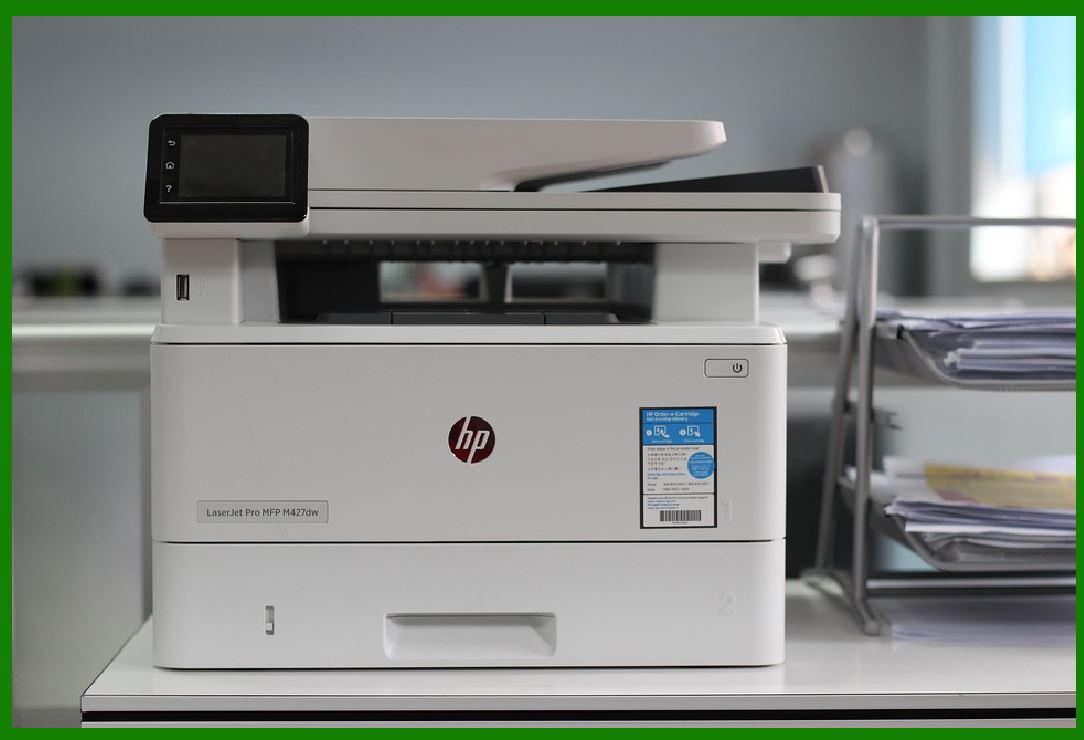
5.3 The rendering engine must construct: |
* Finder patterns |
* Timing patterns |
* Alignment patterns |
* Data modules |
* Error correction modules |
|
6. QR Code Structural Rendering |
6.1 A QR Code consists of multiple functional regions: |
* Position detection patterns (three corners) |
* Timing patterns |
* Alignment patterns |
* Version information |
* Format information |
* Data and error correction modules |
6.2 The rendering engine places each element according to strict spatial rules. |
6.3 The final result is a square matrix that maintains readability regardless of orientation. |

|
7. Data Matrix Rendering Structure |
7.1 Data Matrix codes are more compact than QR codes and often used in industrial marking. |
7.2 Their structure includes: |
* L-shaped finder pattern |
* Alternating data cells |
* Error correction blocks |
7.3 The rendering engine must ensure precise placement of each cell in a grid. |

|
8. Error Correction Module Integration |
8.1 2D barcodes include built-in error correction using mathematical algorithms. |
8.2 Common methods include: |
* Reed-Solomon coding |
* Error correction blocks distributed across matrix |
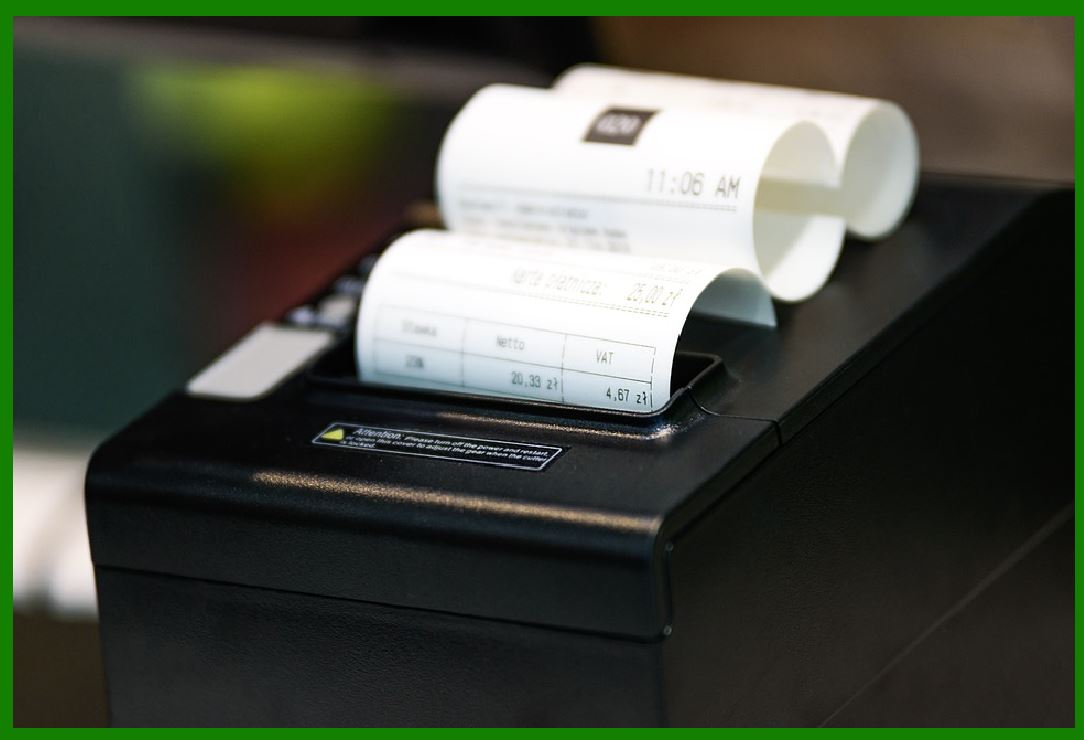
8.3 The rendering engine places these redundant modules strategically to ensure recoverability. |
|
9. Geometric Scaling and Resolution Mapping |
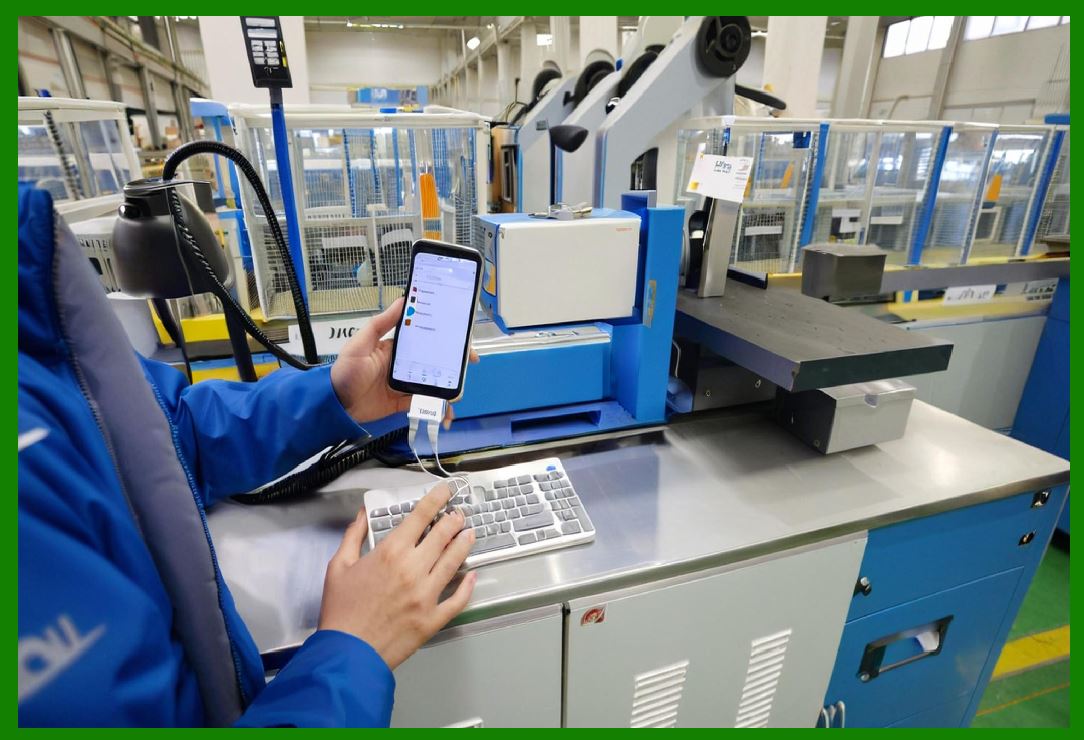
9.1 Rendering must convert abstract modules into physical dots based on printer resolution. |
9.2 If printer resolution is 300 dpi: |
* Each module is mapped to a specific number of dots |
9.3 Scaling must preserve: |
* Aspect ratio |
* Module integrity |
* Quiet zone spacing |
|
10. Quiet Zone Rendering |
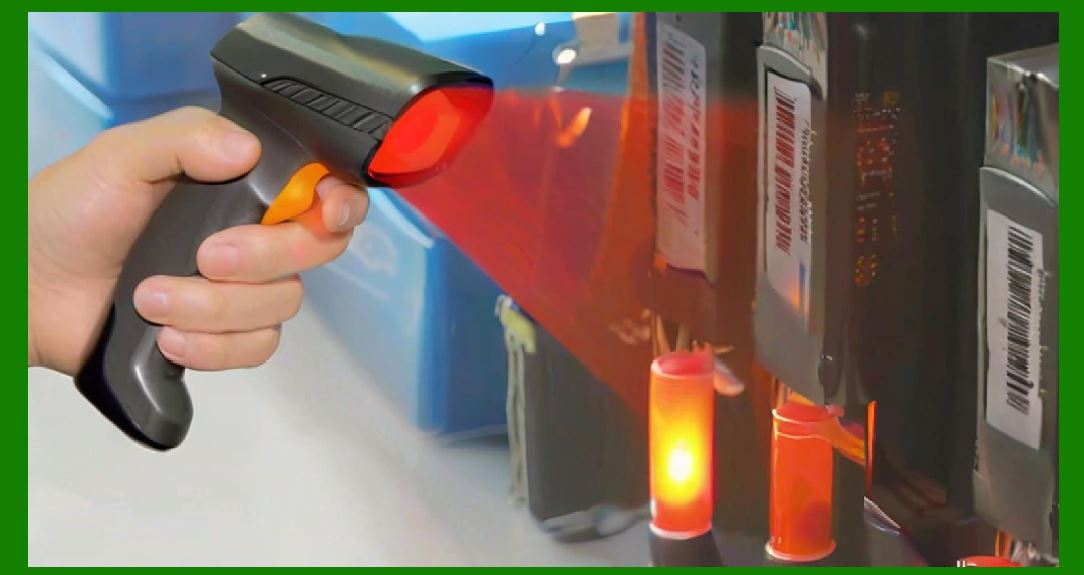
10.1 The quiet zone is a mandatory blank margin around barcodes. |
10.2 The rendering engine ensures: |
* No printing within this area |
* Adequate spacing from surrounding graphics |
10.3 This region is critical for scanner detection. |
|
11. Rotation and Orientation Handling |
11.1 Barcodes may be printed in different orientations: |
* 0* 90* 180* 270 |
11.2 The rendering engine recalculates coordinates for each rotation. |
11.3 All patterns must remain geometrically consistent after transformation. |
|
12. Scaling and Proportional Integrity |
12.1 Scaling ensures barcodes fit within label dimensions. |
12.2 The engine must maintain: |
* Correct module ratios |
* No distortion of bars or cells |
12.3 Improper scaling can render barcodes unreadable. |

|
13. Bitmap Conversion Process |
13.1 After geometric construction, the barcode is converted into a bitmap. |
13.2 Each module becomes a grid of pixels based on printer DPI. |
13.3 The bitmap is then sent to the thermal print head driver. |
|
14. Dithering and Anti-Aliasing Considerations |
14.1 In high-resolution systems, anti-aliasing techniques may be applied. |
14.2 However, barcode printing typically avoids smoothing because: |
* It can distort edges |
* It reduces scanner accuracy |
14.3 Therefore, rendering is usually binary (black/white only). |

|
15. Print Head Mapping from Rendering Output |
15.1 The final bitmap is mapped to individual heating elements. |
15.2 Each pixel corresponds to: |
* ON (heated) or OFF (not heated) state |
15.3 Timing ensures correct spatial alignment with moving media. |

|
16. Multi-Symbology Support in Rendering Engine |
16.1 Modern printers support multiple barcode standards simultaneously. |
16.2 The rendering engine must dynamically switch between: |
* Linear symbologies |
* 2D symbologies |
* Composite codes |
16.3 This requires flexible architecture and modular design. |

|
17. Performance Optimization in Rendering |
17.1 Rendering must be optimized for speed and efficiency. |
17.2 Techniques include: |
* Precomputed symbol libraries |
* Cached rendering templates |
* Hardware acceleration |
17.3 Optimization is critical in high-throughput environments. |

|
18. Error Prevention in Rendering Process |
18.1 The rendering engine includes validation checks such as: |
* Module alignment verification |
* Size constraint validation |
* Quiet zone enforcement |
18.2 These checks prevent invalid barcode generation. |

|
19. Industrial Applications of Rendering Engine |
19.1 Rendering engines are essential in: |
* Logistics labeling |
* Pharmaceutical tracking |
* Electronics traceability |
19.2 High reliability is required in regulated industries. |

|
20. Future Developments in Barcode Rendering |
20.1 Future rendering systems may include: |
* AI-assisted layout optimization |
* Real-time adaptive scaling |
* Cloud-based rendering engines |
20.2 These advancements aim to improve flexibility and automation. |

|
21. Conclusion of Symbology Rendering and 2D Construction |
21.1 The rendering engine is the final transformation stage between digital encoding and physical printing. |
21.2 It ensures mathematical accuracy, spatial precision, and compliance with barcode standards. |
21.3 Without precise rendering, even correctly encoded data cannot be reliably scanned. |
 cs@easiersoft.com