Detailed Explanation of the Principles and Structure of Barcode Printer |
Part 16: Industrial Applications, System Integration, and Real-World Deployment of Barcode Printers |
1. Introduction to Industrial Deployment of Barcode Printers |
1.1 Barcode printers are not standalone office devices; they are core infrastructure components in modern industrial automation systems. |
1.2 Their primary role is to generate machine-readable identifiers that connect physical objects to digital systems in real time. |
1.3 In industrial environments, barcode printers operate under conditions such as: |
* Continuous 24/7 usage |
* High-speed production lines |
* Harsh environmental conditions (dust, vibration, temperature variation) |

|
2. Role of Barcode Printers in the Global Supply Chain |
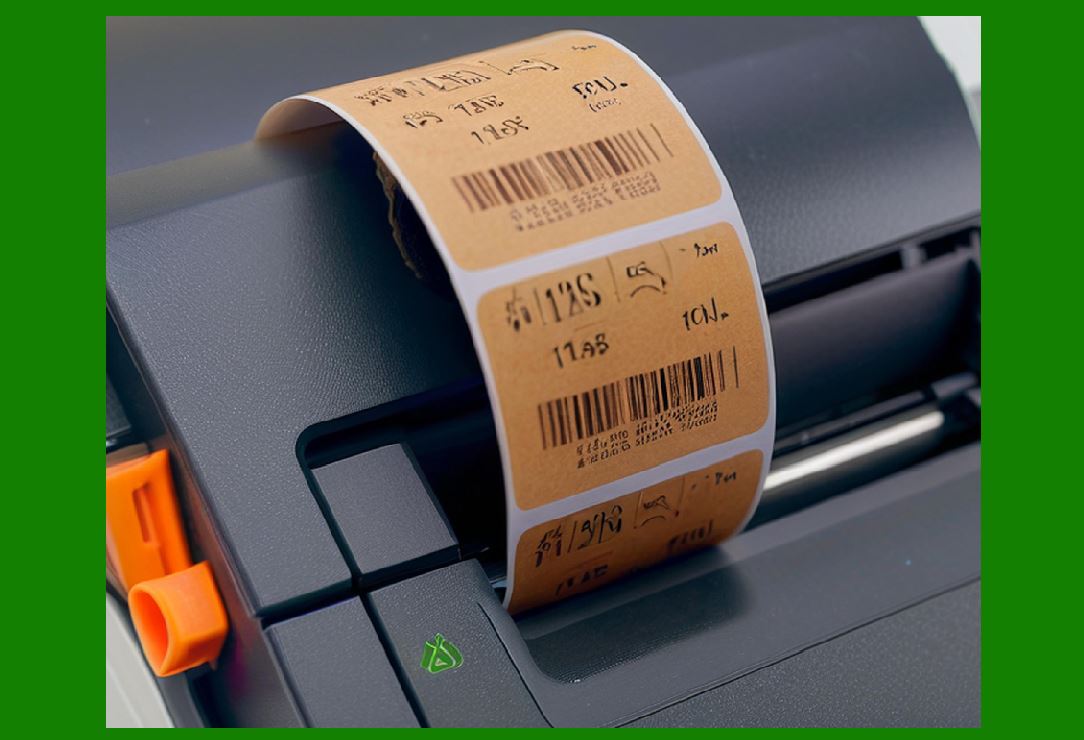
2.1 Barcode printers serve as a critical link in the supply chain by enabling: |
* Product identification |
* Inventory tracking |
* Shipment verification |
* Traceability across multiple logistics stages |
2.2 Each printed barcode acts as a digital identityfor a physical object. |
2.3 This identity is used across warehouses, transport systems, and retail networks. |
|
3. Manufacturing Industry Applications |
3.1 In manufacturing, barcode printers are integrated into production lines. |
3.2 They are used for: |
* Component labeling |
* Work-in-progress tracking |
* Finished goods identification |
3.3 Each stage of production may generate a new barcode reflecting updated status information. |
3.4 This enables real-time production monitoring and quality control. |

|
4. Warehouse and Logistics Systems |
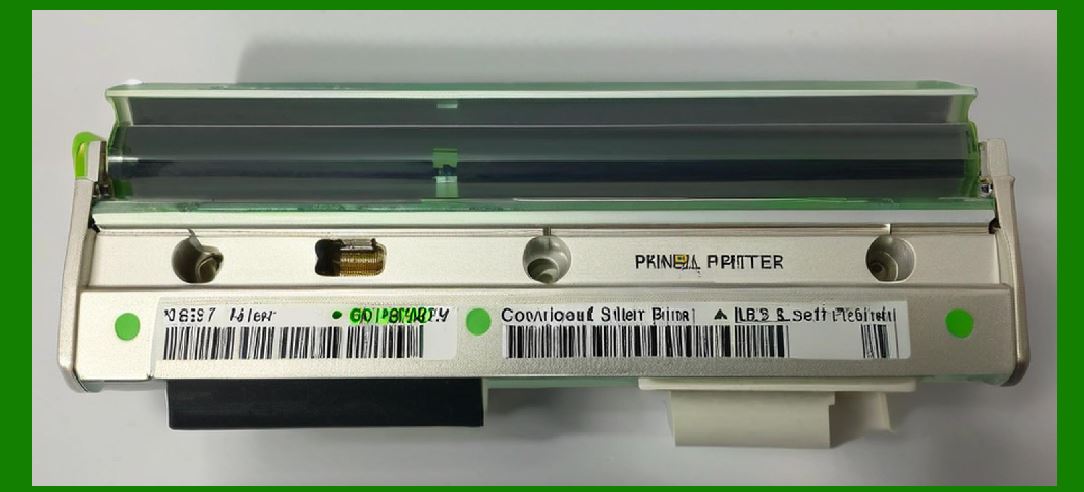
4.1 Warehouses rely heavily on barcode printing systems for automation. |
4.2 Applications include: |
* Shelf labeling |
* Package tracking |
* Sorting and routing identification |
4.3 Barcode printers are often connected directly to warehouse management systems (WMS). |
4.4 This integration ensures accurate inventory updates and reduces human error. |
|
5. Transportation and Shipping Industry |
5.1 In logistics and shipping, barcode printers generate labels for: |
* Parcels |
* Pallets |
* Containers |
5.2 These labels are scanned at multiple checkpoints across transport networks. |
5.3 This enables: |
* Real-time shipment tracking |
* Route optimization |
* Delivery confirmation |
|
6. Retail Industry Integration |
6.1 Retail environments use barcode printers for: |
* Price labeling |
* Shelf tags |
* Promotional labels |
6.2 Integration with point-of-sale (POS) systems allows: |
* Automatic price updates |
* Inventory synchronization |
6.3 Retail barcode systems improve efficiency and reduce pricing errors. |

|
7. Healthcare and Pharmaceutical Applications |
7.1 In healthcare, barcode printers are used for: |
* Patient identification wristbands |
* Medication labeling |
* Laboratory sample tracking |
7.2 In pharmaceuticals, they ensure: |
* Drug traceability |
* Regulatory compliance |
* Anti-counterfeiting measures |
7.3 Accuracy is critical because errors can impact patient safety. |

|
8. Food and Beverage Industry Use Cases |
8.1 Barcode printers are widely used for: |
* Expiry date labeling |
* Batch tracking |
* Packaging identification |
8.2 This supports: |
* Food safety compliance |
* Recall management |
* Inventory rotation (FIFO systems) |

|
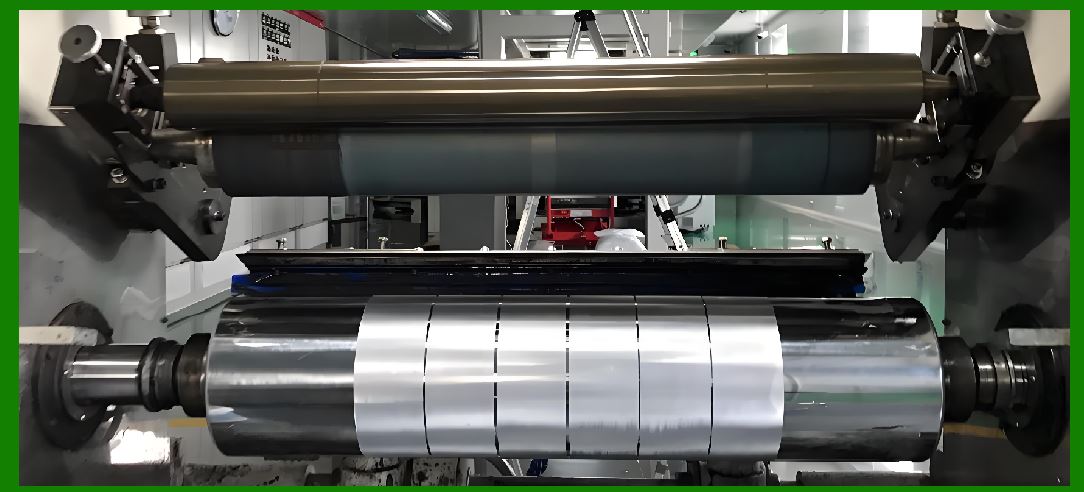
9. Electronics and Semiconductor Industry |
9.1 High-precision barcode printing is essential for electronics manufacturing. |
9.2 Applications include: |
* Component traceability |
* PCB labeling |
* Serial number tracking |
9.3 Due to small component sizes, high-resolution printing is required. |
|
10. System Integration with Enterprise Software |
10.1 Barcode printers are integrated into enterprise systems such as: |
* ERP (Enterprise Resource Planning) |
* WMS (Warehouse Management Systems) |
* MES (Manufacturing Execution Systems) |
10.2 Integration enables: |
* Automated label generation |
* Real-time data synchronization |
* Centralized control |

|
11. API and Middleware Connectivity |
11.1 Modern barcode printers support API-based communication. |
11.2 Middleware systems act as intermediaries between: |
* Business software |
* Printer hardware |
11.3 This allows: |
* Dynamic label creation |
* Cloud-based printing workflows |

|
12. Real-Time Data-Driven Printing |
12.1 Barcode printers often operate in real-time environments. |
12.2 Data sources include: |
* Inventory databases |
* Order processing systems |
* Sensor networks |
12.3 Labels are generated instantly based on live data streams. |
|
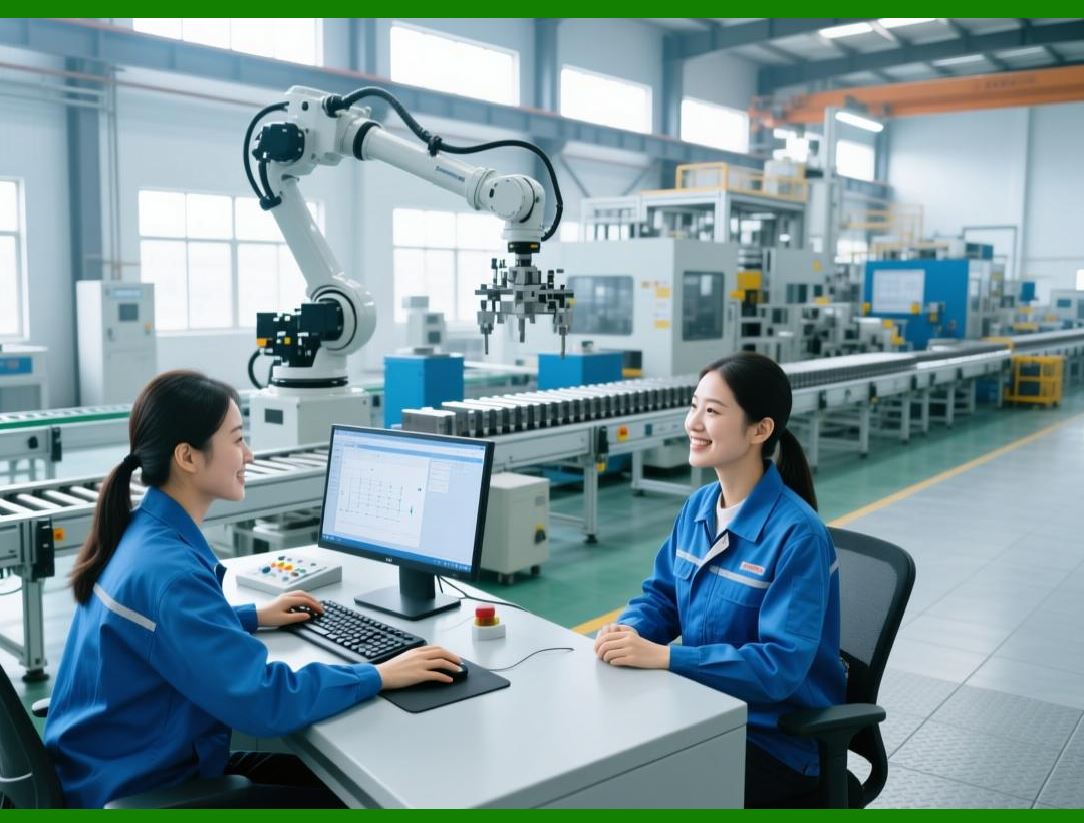
13. Automation and Industry 4.0 Integration |
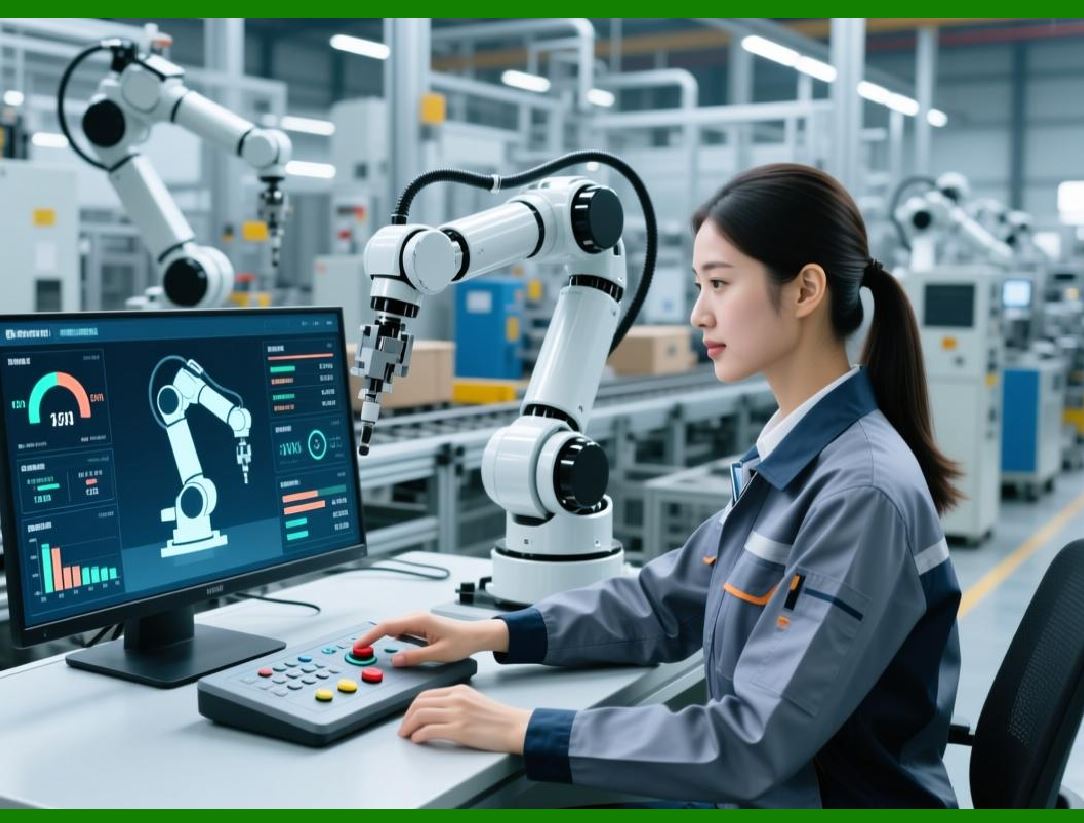
13.1 Barcode printers are key components of Industry 4.0 automation systems. |
13.2 They interact with: |
* Robots |
* Conveyor belts |
* Automated sorting systems |
13.3 This enables fully automated production and logistics workflows. |

|
14. Print-and-Apply Systems |
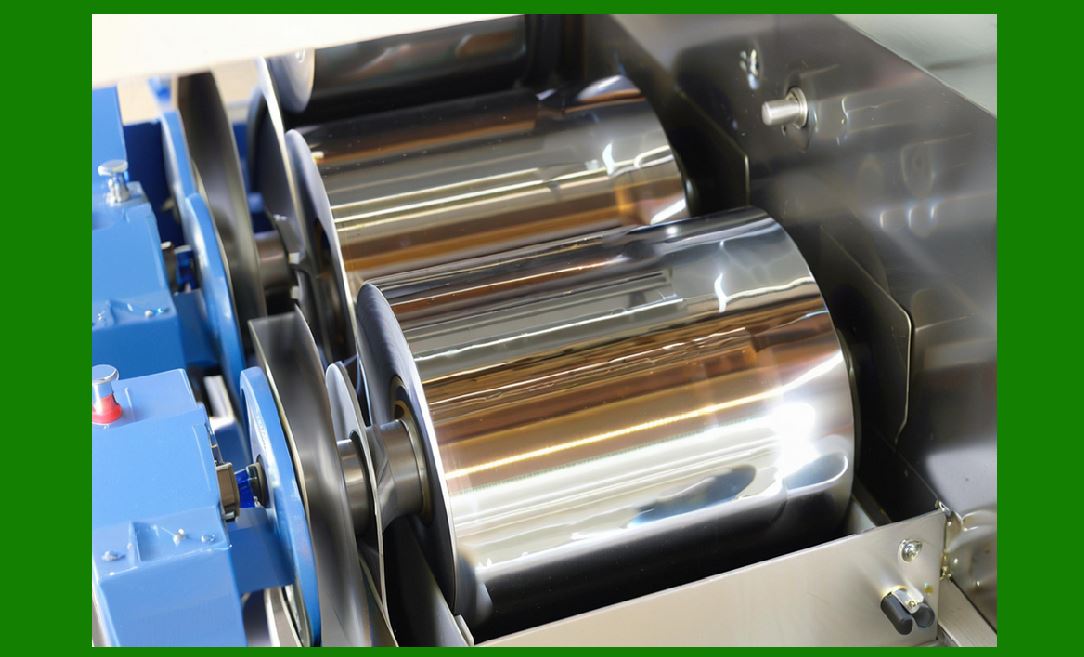
14.1 Advanced industrial systems combine printing with automated label application. |
14.2 These systems: |
* Print barcode labels |
* Immediately apply them to products |
14.3 This reduces manual labor and increases throughput. |
|
15. High-Volume Production Environments |
15.1 In high-volume environments, printers must: |
* Operate continuously |
* Maintain consistent quality |
* Handle large label batches |
15.2 Reliability and speed are critical performance factors. |

|
16. Environmental Challenges in Industrial Deployment |
16.1 Industrial environments present challenges such as: |
* Dust and debris |
* Temperature fluctuations |
* Mechanical vibration |
16.2 Barcode printers must be engineered to withstand these conditions. |

|
17. Regulatory Compliance Requirements |
17.1 Many industries require compliance with standards such as: |
* GS1 identification standards |
* ISO barcode quality standards |
* FDA regulations (for healthcare and food) |
17.2 Compliance ensures global interoperability and safety. |

|
18. Traceability and Product Lifecycle Tracking |
18.1 Barcode systems enable full lifecycle tracking of products. |
18.2 Each scan event updates: |
* Location |
* Status |
* History |
18.3 This is critical for recall management and quality assurance. |

|
19. Cost Efficiency and Operational Benefits |
19.1 Barcode printers reduce operational costs by: |
* Minimizing manual data entry |
* Reducing errors |
* Increasing automation efficiency |
19.2 They improve overall supply chain visibility. |

|
20. Future Industrial Integration Trends |
20.1 Future developments include: |
* AI-driven logistics systems |
* Fully autonomous warehouses |
* Blockchain-based traceability systems |
20.2 Barcode printers will continue to serve as foundational data input devices in these ecosystems. |

|
21. Conclusion of Industrial Applications and Integration |
21.1 Barcode printers are deeply embedded in modern industrial ecosystems. |
21.2 Their role extends beyond printing, acting as a bridge between physical goods and digital information systems. |
21.3 As industries become more automated, their importance will continue to grow. |
 cs@easiersoft.com