Detailed Explanation of the Principles and Structure of Barcode Printer |
Part 17: Firmware Architecture, Embedded Systems Design, and Internal Control Logic of Barcode Printers |
1. Introduction to Firmware in Barcode Printers |
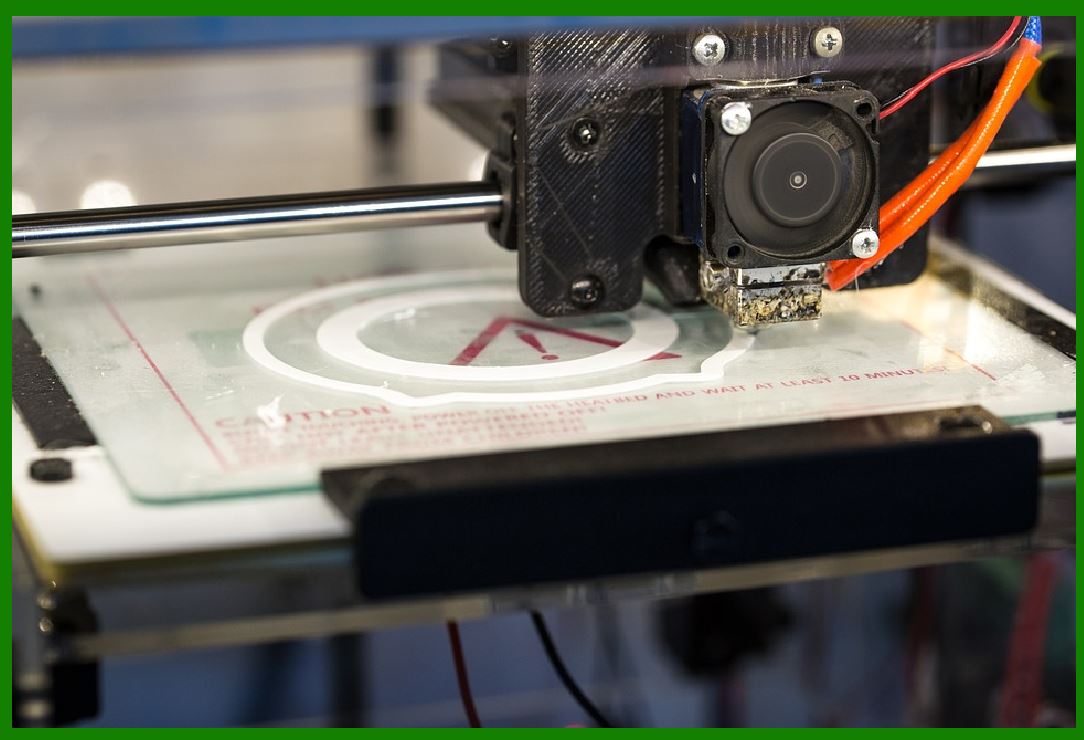
1.1 Firmware is the embedded software layer that directly controls the hardware of a barcode printer. |
1.2 Unlike general-purpose software, firmware operates at a low level, often directly interacting with microcontrollers, sensors, motors, and the print head. |
1.3 It is responsible for transforming high-level print commands into precise electrical and mechanical actions. |
1.4 In essence, firmware is the brain of the barcode printer. |
|
2. Embedded System Architecture Overview |
2.1 A barcode printer is built around an embedded system consisting of: |
* Microcontroller or embedded CPU |
* Memory (RAM and Flash) |
* Peripheral controllers |
* Input/output interfaces |
2.2 These components work together in a tightly integrated real-time system. |
2.3 The architecture is optimized for deterministic behavior, meaning tasks must occur within predictable time constraints. |

|
3. Microcontroller and Processing Unit |
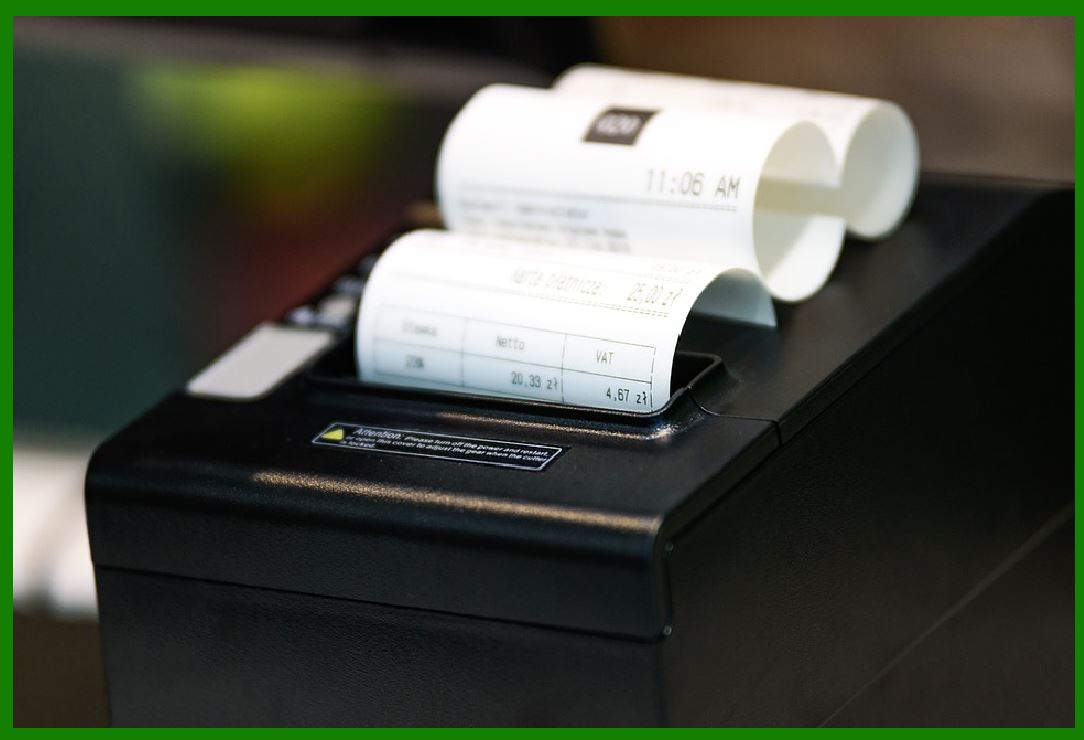
3.1 The microcontroller is responsible for executing firmware instructions. |
3.2 Key functions include: |
* Command parsing |
* Timing control |
* Motor coordination |
* Print head control |
3.3 Many modern printers use ARM-based processors due to their balance of performance and power efficiency. |
|
4. Memory Organization in Firmware Systems |
4.1 Memory in barcode printers is divided into: |
* Flash memory (stores firmware and permanent data) |
* RAM (temporary processing workspace) |
* Buffer memory (print job storage) |
4.2 Efficient memory management is essential for handling complex labels and high-speed printing. |

|
5. Real-Time Operating Principles |
5.1 Barcode printer firmware typically operates as a real-time system (RTOS or bare-metal loop). |
5.2 Real-time constraints include: |
* Print timing precision |
* Motor synchronization |
* Thermal pulse control |
5.3 Tasks must be executed within strict deadlines to maintain print accuracy. |

|
6. Firmware Execution Loop Structure |
6.1 Most printers operate using a continuous loop structure: |
* Receive data |
* Parse commands |
* Render bitmap |
* Execute printing |
* Monitor system status |
6.2 This loop runs continuously during operation. |
|
7. Command Interpreter Module |
7.1 The command interpreter processes languages such as ZPL, EPL, or TSPL. |
7.2 It performs: |
* Syntax analysis |
* Parameter extraction |
* Instruction mapping |
7.3 The interpreter converts textual commands into internal machine instructions. |

|
8. Print Job Management System |
8.1 Firmware manages print jobs as structured tasks. |
8.2 Each job includes: |
* Label layout |
* Barcode data |
* Print parameters |
8.3 Jobs are queued and executed sequentially or in buffered streams. |
|
9. Print Engine Control Logic |
9.1 The print engine control module coordinates: |
* Thermal head activation |
* Media movement |
* Ribbon synchronization |
9.2 It ensures precise timing between electrical pulses and mechanical motion. |
|
10. Motor Control Algorithms |
10.1 Stepper motors are controlled using pulse sequences generated by firmware. |
10.2 Control algorithms manage: |
* Speed |
* Acceleration |
* Position accuracy |
10.3 Feedback mechanisms ensure no step loss occurs during operation. |
|
11. Thermal Head Control Logic |
11.1 The thermal print head is controlled at the pixel level. |
11.2 Firmware determines: |
* Which heating elements activate |
* Duration of heating pulses |
* Energy intensity levels |
11.3 This control is synchronized with media movement to form accurate images. |

|
12. Sensor Integration and Feedback Processing |
12.1 Printers use multiple sensors such as: |
* Media gap sensors |
* Ribbon sensors |
* Temperature sensors |
12.2 Firmware continuously processes sensor data to adjust operations in real time. |
|
13. Interrupt Handling System |
13.1 Interrupts are critical events that require immediate response. |
13.2 Examples include: |
* Paper out detection |
* Overheating alerts |
* Motor stall detection |
13.3 Firmware prioritizes interrupts over normal execution flow. |
|
14. Error Handling and Recovery Logic |
14.1 Firmware includes structured error handling routines. |
14.2 When errors occur, the system may: |
* Pause printing |
* Retry operations |
* Enter safe mode |
14.3 Error codes are logged for diagnostics. |

|
15. Firmware Update Mechanism |
15.1 Barcode printers support firmware updates for: |
* Bug fixes |
* Feature enhancements |
* Security improvements |
15.2 Update methods include: |
* USB update |
* Network update |
* Cloud-based update |
15.3 Secure verification ensures firmware integrity. |

|
16. Modular Firmware Design |
16.1 Modern firmware is modular, consisting of independent components such as: |
* Communication module |
* Print engine module |
* User interface module |
16.2 Modular design improves maintainability and scalability. |

|
17. Power Management Control Logic |
17.1 Firmware actively manages power usage by: |
* Adjusting thermal energy output |
* Controlling sleep modes |
* Regulating peripheral activation |
17.2 This improves efficiency and reduces heat generation. |

|
18. Security in Embedded Firmware |
18.1 Security is increasingly important in network-connected printers. |
18.2 Measures include: |
* Secure boot mechanisms |
* Encrypted communication |
* Access control policies |
18.3 These protect against unauthorized modifications or attacks. |

|
19. Diagnostics and Self-Test Routines |
19.1 Firmware runs self-test routines at startup and during operation. |
19.2 Tests include: |
* Memory checks |
* Motor calibration |
* Print head diagnostics |
19.3 These ensure system readiness and reliability. |

|
20. Real-Time Performance Optimization |
20.1 Firmware is optimized for: |
* Minimal latency |
* Efficient resource usage |
* Predictable execution timing |
20.2 Optimization ensures smooth high-speed printing. |

|
21. Future Trends in Firmware Development |
21.1 Emerging trends include: |
* AI-assisted firmware optimization |
* Cloud-managed embedded systems |
* Adaptive self-learning control algorithms |
21.2 These innovations aim to make printers more intelligent and autonomous. |

|
22. Conclusion of Firmware Architecture |
22.1 Firmware is the central control system of barcode printers. |
22.2 It integrates hardware control, data processing, and real-time decision-making. |
22.3 A well-designed firmware architecture ensures accuracy, stability, and long-term reliability. |
 cs@easiersoft.com