Detailed Explanation of the Principles and Structure of Barcode Printer |
Part 20: Full System Integration, Industrial Automation Workflows, and End-to-End Barcode Printing Architecture |
1. Introduction to Full-System Integration |
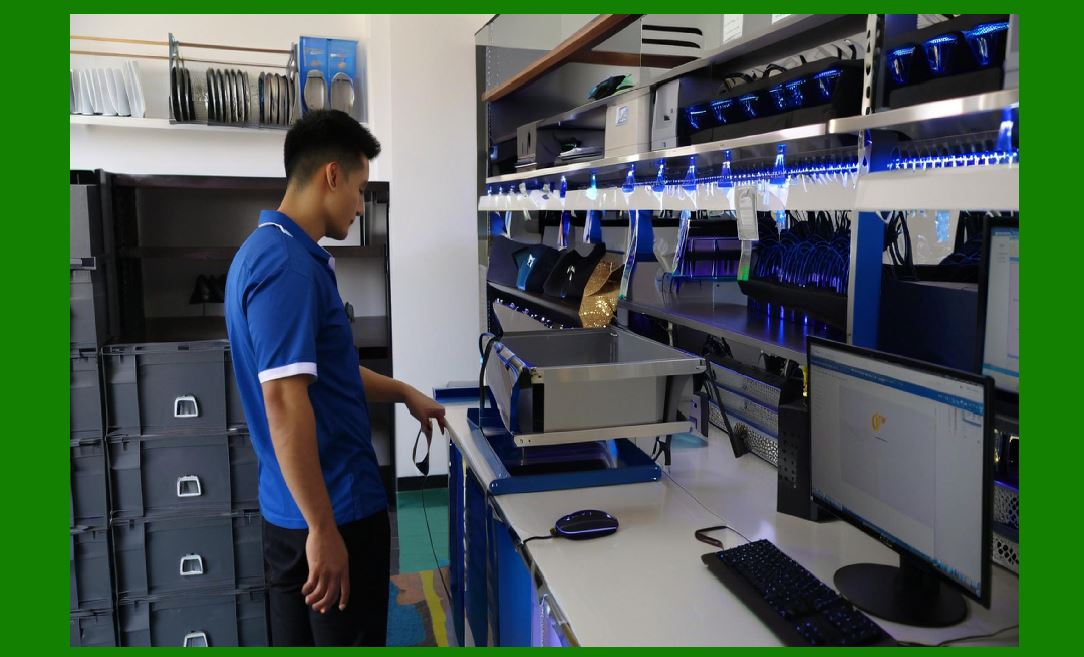
1.1 A barcode printer is not an isolated device it is a tightly integrated subsystem within a larger digital-physical ecosystem. |
1.2 Full-system integration refers to how hardware, firmware, software, sensors, communication interfaces, and industrial systems work together to produce a continuous, automated labeling workflow. |
1.3 In modern industry, barcode printing is part of a data-to-physical-object pipeline,where information flows seamlessly from enterprise databases to physical labels attached to products. |
|
2. End-to-End Barcode Printing Workflow Overview |
2.1 The complete workflow of barcode printing can be understood as a chain of transformations: |
* Business data generation |
* Software processing (ERP/WMS/MES) |
* Label design and formatting |
* Command generation (ZPL/EPL/TSPL or API output) |
* Data transmission via network/interface |
* Firmware interpretation |
* Bitmap rendering |
* Mechanical and thermal execution |
* Physical label output |
* Scanning and feedback into systems |
2.2 Each stage must operate synchronously for the system to function reliably. |

|
3. Enterprise System Integration (ERP / WMS / MES) |
3.1 Barcode printers are typically integrated into enterprise software systems: |
* ERP (Enterprise Resource Planning): manages business-wide data such as orders, inventory, and logistics |
* WMS (Warehouse Management System): handles storage, picking, and shipping operations |
* MES (Manufacturing Execution System): controls production line execution and tracking |
3.2 These systems generate structured data that is passed to the printer for label creation. |
3.3 This integration ensures real-time synchronization between physical operations and digital records. |

|
4. Data Flow from Enterprise Systems to Printer |
4.1 The data flow typically follows this path: |
* Database query or event trigger |
* Middleware processing or API call |
* Label template population |
* Command generation (print language or JSON/XML structure) |
* Transmission via network or USB |
4.2 The printer receives structured instructions, not raw business data. |
|
5. Middleware and Label Management Systems |
5.1 Middleware acts as a bridge between enterprise systems and printers. |
5.2 It performs functions such as: |
* Data formatting |
* Label template management |
* Printer selection and routing |
5.3 This layer enables centralized control of multiple printers across large facilities. |

|
6. Print Job Lifecycle Management |
6.1 Each print job follows a structured lifecycle: |
* Creation |
* Queuing |
* Transmission |
* Rendering |
* Execution |
* Completion confirmation |
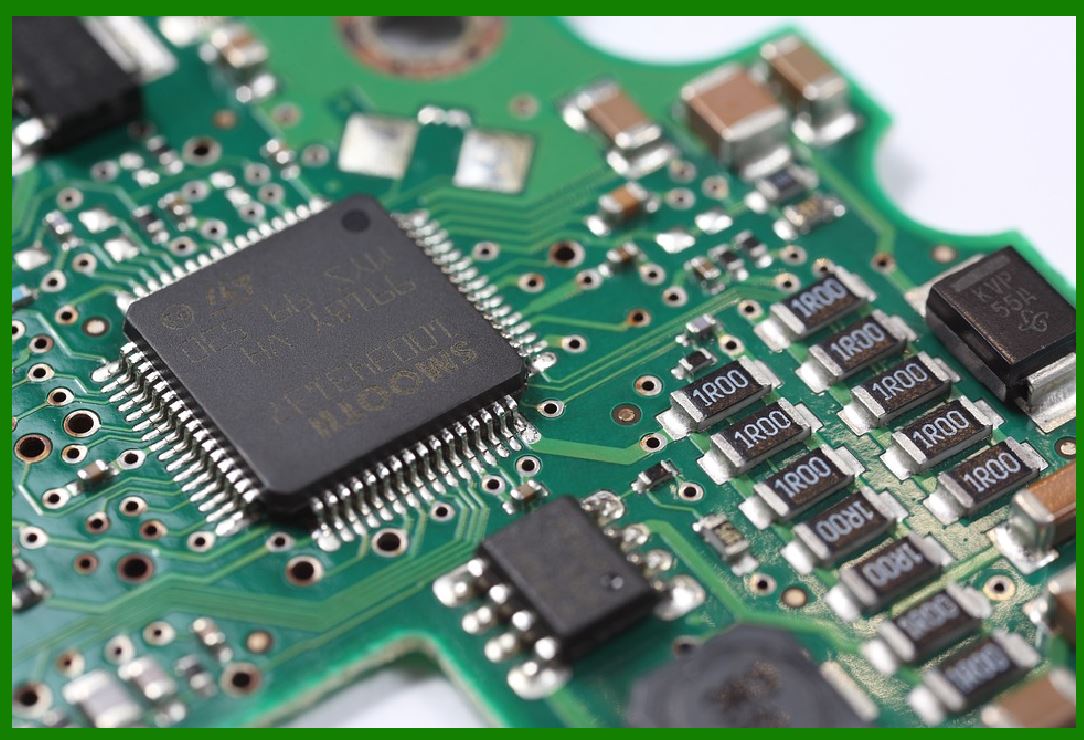
6.2 The printer firmware tracks each stage to ensure reliability and traceability. |
|
7. Real-Time Automation in Industrial Environments |
7.1 In automated factories, barcode printers are synchronized with production lines. |
7.2 Trigger signals may come from: |
* Sensors on conveyor belts |
* Robotics systems |
* Machine PLC controllers |
7.3 Printing occurs exactly when an item reaches a specific position. |

|
8. PLC (Programmable Logic Controller) Integration |
8.1 PLC systems are widely used in industrial automation. |
8.2 Barcode printers connect to PLCs to receive: |
* Start/stop signals |
* Product identification data |
* Timing triggers |
8.3 This ensures precise coordination between production and labeling. |

|
9. Conveyor-Based Printing Systems |
9.1 In conveyor systems, items move continuously while labels are printed in real time. |
9.2 The system must synchronize: |
* Item speed |
* Print head activation |
* Label placement timing |
9.3 Even millisecond-level errors can cause mislabeling. |

|
10. Print-and-Apply Automation Systems |
10.1 Advanced systems combine printing and physical label application. |
10.2 Workflow includes: |
* Barcode printing |
* Robotic or pneumatic label application |
* Verification scanning |
10.3 These systems eliminate manual labor in packaging lines. |

|
11. Feedback Loop from Scanning Systems |
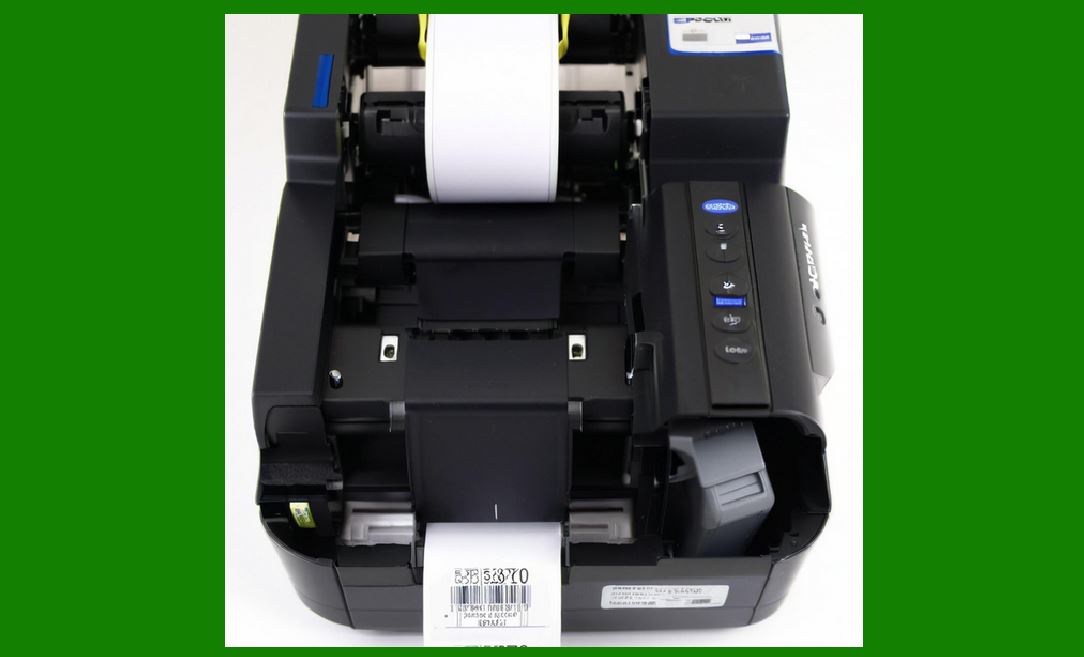
11.1 After printing, barcodes are often scanned immediately. |
11.2 Scanning systems provide feedback such as: |
* Print success confirmation |
* Barcode readability verification |
* Data accuracy validation |
11.3 This creates a closed-loop control system. |
|
12. Traceability and Data Synchronization |
12.1 Each printed barcode is linked to digital records. |
12.2 Scanning updates system databases in real time: |
* Location tracking |
* Inventory updates |
* Shipment status changes |
12.3 This ensures full traceability across the supply chain. |
|
13. Multi-Printer Network Coordination |
13.1 Large enterprises often use hundreds of printers simultaneously. |
13.2 Network management systems handle: |
* Load balancing |
* Job distribution |
* Printer status monitoring |
13.3 This prevents bottlenecks and ensures efficiency. |

|
14. Failover and Redundancy in System Architecture |
14.1 Industrial systems must remain operational even if a printer fails. |
14.2 Failover mechanisms include: |
* Automatic rerouting of print jobs |
* Backup printers |
* Job queue persistence |
14.3 This ensures continuous operation in mission-critical environments. |

|
15. Cloud-Based Printing Architecture |
15.1 Modern systems increasingly use cloud infrastructure. |
15.2 Features include: |
* Remote label design |
* Centralized printer management |
* Global access to print services |
15.3 Cloud systems enable scalable deployment across multiple locations. |

|
16. IoT Integration in Barcode Printing Systems |
16.1 Barcode printers are becoming IoT-enabled devices. |
16.2 They can: |
* Send real-time status updates |
* Receive remote commands |
* Integrate with smart factory systems |
16.3 This enhances automation and visibility. |

|
17. Cybersecurity in Integrated Printing Systems |
17.1 As printers become network-connected, cybersecurity becomes critical. |
17.2 Risks include: |
* Unauthorized printing |
* Data interception |
* Firmware tampering |
17.3 Security measures include: |
* Encryption protocols |
* Authentication systems |
* Secure firmware boot processes |
|
18. System Latency and Performance Optimization |
18.1 End-to-end system performance depends on minimizing latency. |
18.2 Bottlenecks can occur in: |
* Network transmission |
* Firmware processing |
* Mechanical execution |
18.3 Optimization techniques ensure smooth continuous operation. |

|
19. Human-Machine Interaction in Integrated Systems |
19.1 Operators interact with systems through: |
* Control panels |
* Software dashboards |
* Mobile applications |
19.2 Modern interfaces simplify monitoring and configuration. |

|
20. Scalability of Barcode Printing Architectures |
20.1 Systems must scale from: |
* Single desktop printers |
* To large distributed industrial networks |
20.2 Scalability is achieved through modular architecture and network-based control. |

|
21. Future of Fully Integrated Printing Ecosystems |
21.1 Future systems will likely include: |
* Fully autonomous production lines |
* AI-driven logistics coordination |
* Real-time global synchronization of labeling systems |
21.2 Barcode printing will become part of fully intelligent manufacturing ecosystems. |

|
22. Conclusion of Full-System Integration |
22.1 Barcode printers function as integral nodes in complex industrial ecosystems. |
22.2 Their role extends far beyond printing, serving as real-time data-to-physical conversion devices. |
22.3 Full-system integration ensures accuracy, automation, and scalability across global supply chains. |
 cs@easiersoft.com