Detailed Explanation of the Principles and Structure of Barcode Printer |
Part 21: Advanced Print Algorithms, Adaptive Quality Control, and Intelligent Optimization Systems |
1. Introduction to Advanced Print Intelligence |
1.1 Modern barcode printers are no longer purely mechanical-output devices; they incorporate advanced algorithms that continuously adjust printing behavior in real time. |
1.2 These algorithms bridge the gap between static instruction execution and dynamic decision-making based on environmental, mechanical, and material conditions. |
1.3 The goal is to maintain consistent barcode readability under all operating conditions while maximizing speed, efficiency, and reliability. |
|
2. Concept of Adaptive Printing Systems |
2.1 Adaptive printing refers to the printer ability to modify internal parameters automatically based on feedback. |
2.2 Instead of using fixed settings, the system continuously adjusts: |
* Thermal energy output |
* Print speed |
* Dot intensity |
* Motor timing |
2.3 This adaptability is essential in industrial environments where conditions constantly change. |

|
3. Real-Time Quality Control Algorithms |
3.1 Real-time quality control monitors print output during operation. |
3.2 The system evaluates: |
* Contrast levels |
* Edge sharpness |
* Dot consistency |
* Barcode geometry integrity |
3.3 If deviations are detected, adjustments are made instantly without stopping the print process. |
|
4. Closed-Loop Feedback Optimization |
4.1 Closed-loop control is the foundation of intelligent printing systems. |
4.2 The process works as follows: |
* Output is produced (printed barcode) |
* Sensors or models evaluate output quality |
* System compares output to target standards |
* Corrections are applied in next cycle |
4.3 This loop operates continuously during printing. |
|
5. Thermal Compensation Algorithms |
5.1 Print head temperature increases during continuous operation. |
5.2 Without compensation, this causes: |
* Darkening of output |
* Loss of sharpness |
* Inconsistent density |
5.3 Thermal compensation algorithms adjust: |
* Pulse duration |
* Energy levels |
* Cooling intervals |
5.4 This ensures uniform output across long print jobs. |
|
6. Media Type Detection and Adjustment |
6.1 Barcode printers must support multiple media types: |
* Matte paper |
* Glossy labels |
* Synthetic materials |
* Thermal-sensitive paper |
6.2 Adaptive systems detect media properties using sensors or preloaded profiles. |
6.3 Based on detection, the system adjusts: |
* Temperature settings |
* Print speed |
* Pressure levels |

|
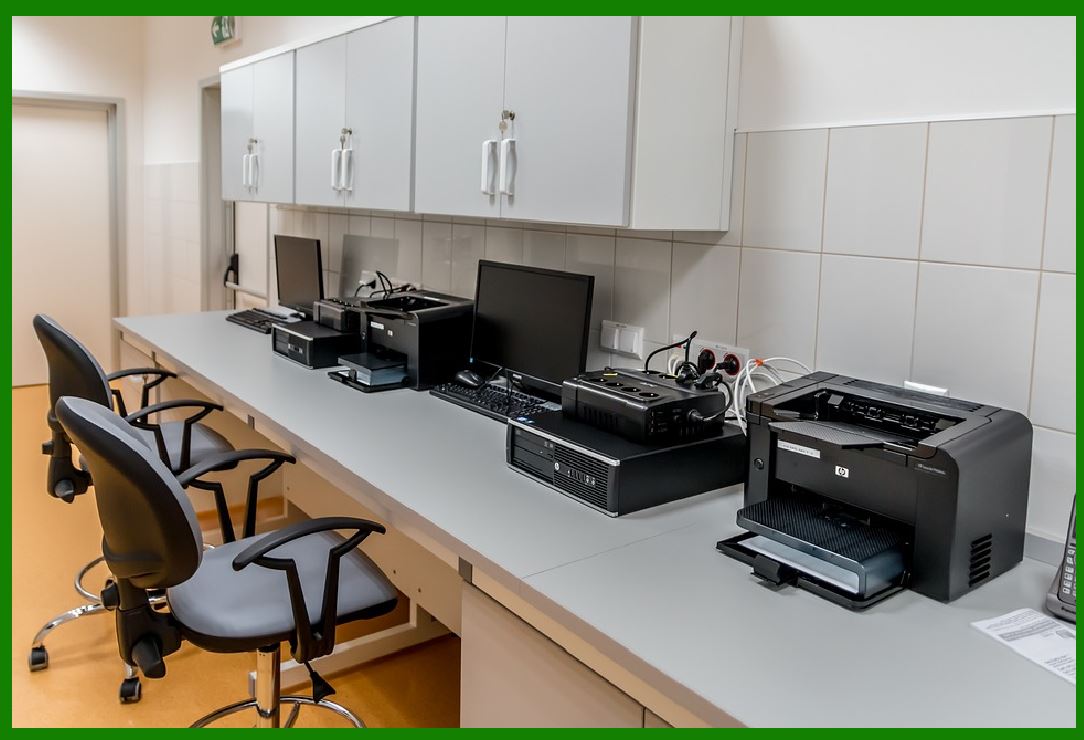
7. Dynamic Print Speed Optimization |
7.1 Print speed is not fixed in advanced systems. |
7.2 Algorithms adjust speed based on: |
* Label complexity |
* Barcode density |
* Thermal load |
* Mechanical stability |
7.3 For example: |
* Simple labels higher speed |
* Dense QR codes slower speed |
|
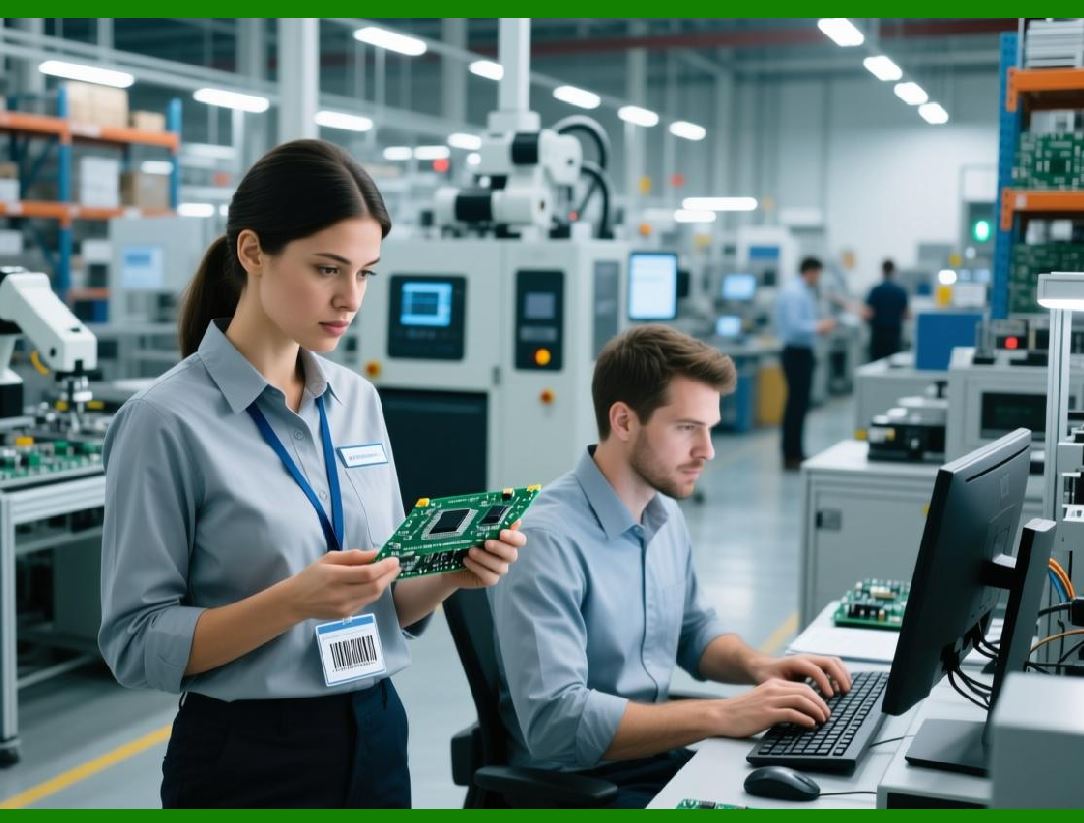
8. Intelligent Dot Energy Distribution |
8.1 Each dot printed requires precise energy control. |
8.2 Intelligent systems vary energy based on: |
* Position on print head |
* Environmental temperature |
* Media absorption characteristics |
8.3 This ensures uniform darkness across the entire label. |
|
9. Predictive Error Prevention Models |
9.1 Predictive algorithms anticipate errors before they occur. |
9.2 These models analyze: |
* Motor load trends |
* Temperature drift patterns |
* Sensor anomalies |
9.3 The system may proactively: |
* Reduce speed |
* Adjust heat |
* Recalibrate alignment |

|
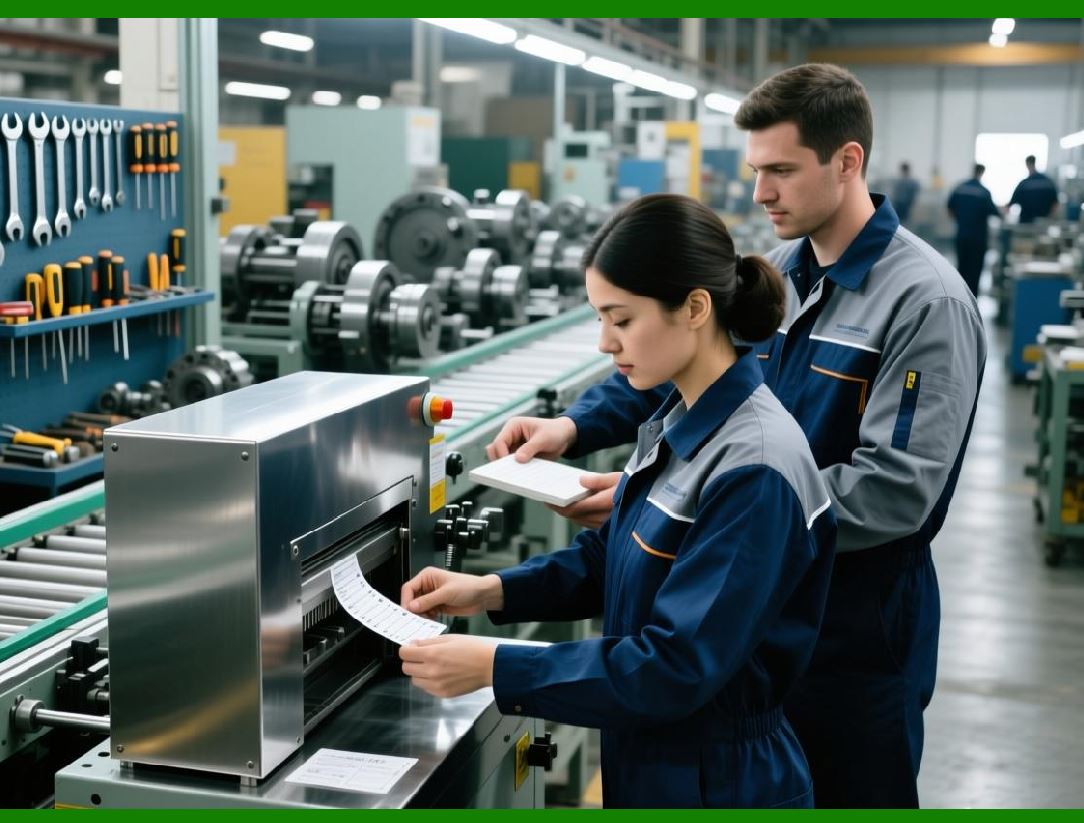
10. Self-Learning Optimization Systems |
10.1 Some modern printers include learning-based optimization. |
10.2 These systems record historical performance data such as: |
* Successful print parameters |
* Failure conditions |
* Environmental patterns |
10.3 Over time, the printer “learnsoptimal settings for different conditions. |
|
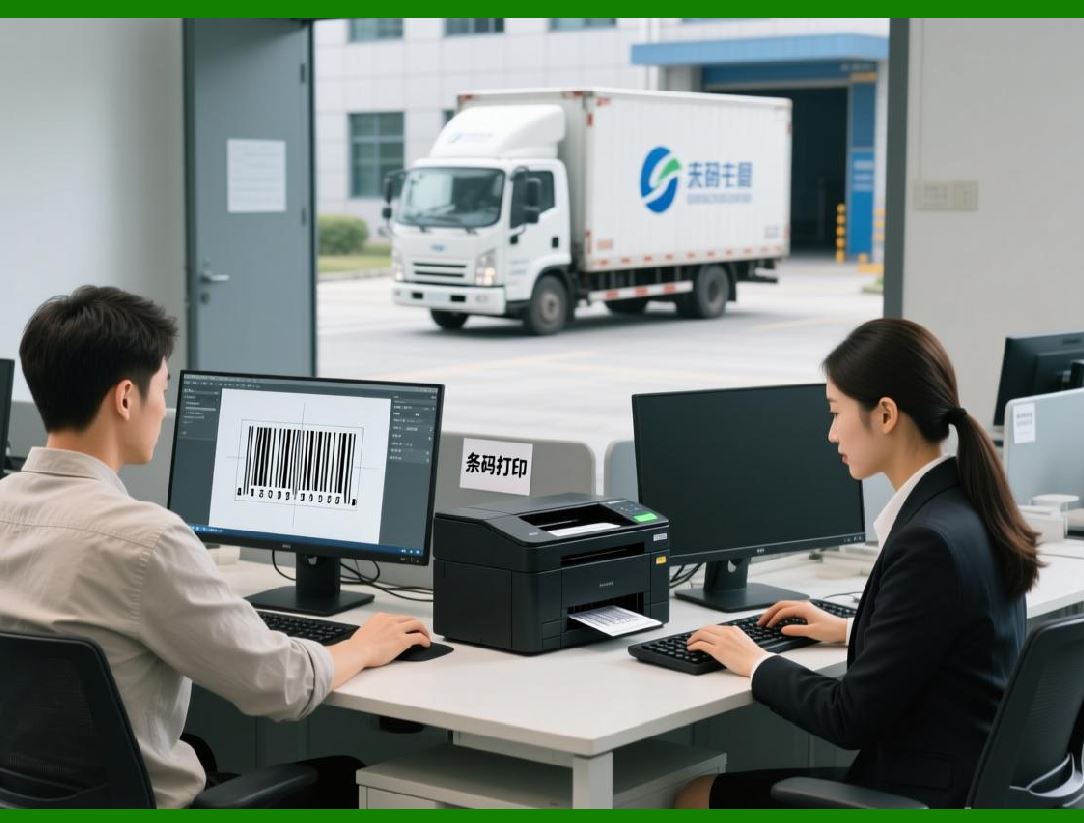
11. Adaptive Resolution Scaling |
11.1 Resolution is dynamically adjusted in some systems. |
11.2 For example: |
* High-density barcodes require maximum DPI usage |
* Simple text labels may use reduced resolution for speed |
11.3 This balances quality and performance. |
|
12. Intelligent Ribbon and Media Interaction Control |
12.1 In thermal transfer systems, ribbon behavior is dynamically controlled. |
12.2 Algorithms adjust: |
* Ribbon tension |
* Feed speed |
* Contact pressure |
12.3 This prevents: |
* Wrinkling |
* Smudging |
* Misalignment |

|
13. Noise Filtering in Signal Processing |
13.1 Sensor data often contains noise due to mechanical vibration or electrical interference. |
13.2 Filtering algorithms include: |
* Moving average filters |
* Digital smoothing techniques |
* Adaptive thresholding |
13.3 This ensures stable decision-making. |

|
14. Multi-Parameter Optimization Systems |
14.1 Printing quality depends on multiple interacting variables: |
* Temperature |
* Speed |
* Pressure |
* Media type |
14.2 Advanced algorithms optimize all parameters simultaneously rather than independently. |

|
15. Machine Learning in Print Quality Prediction |
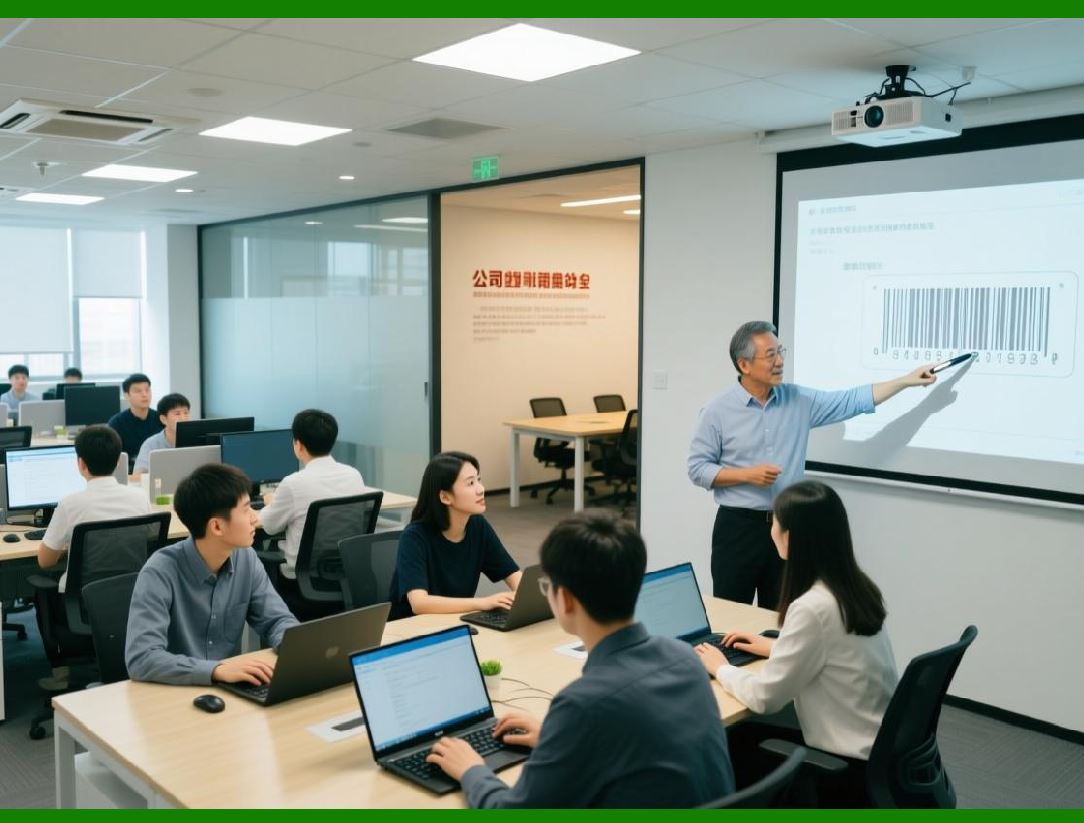
15.1 Some advanced systems use machine learning models to predict output quality. |
15.2 These models analyze: |
* Past print jobs |
* Environmental conditions |
* Material characteristics |
15.3 The system can predict and prevent defects before printing begins. |
|
16. Adaptive Error Correction Enhancement |
16.1 Even though barcode standards include built-in error correction, printers can enhance reliability further. |
16.2 Techniques include: |
* Over-print compensation |
* Edge reinforcement |
* Contrast boosting |

|
17. Energy Efficiency Optimization Algorithms |
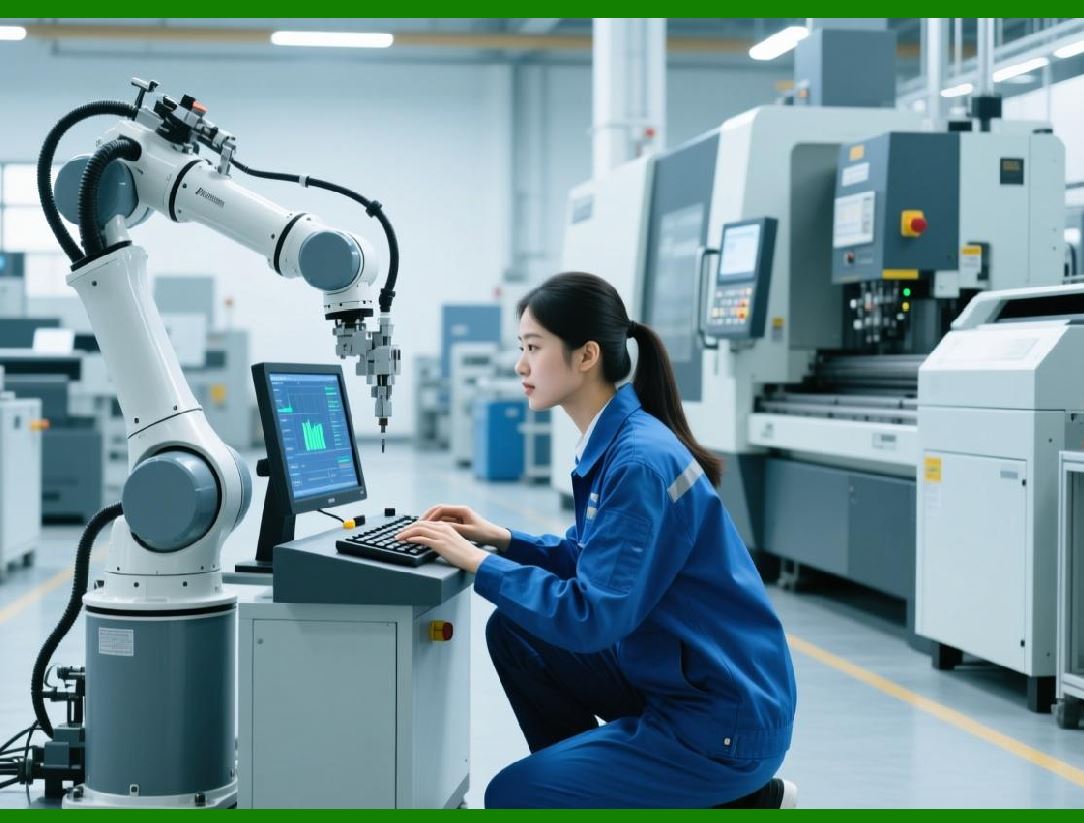
17.1 Intelligent systems reduce energy consumption by: |
* Minimizing unnecessary heating cycles |
* Optimizing pulse width usage |
* Adjusting idle states |
17.2 This improves efficiency and reduces wear. |
|
18. Real-Time System Balancing |
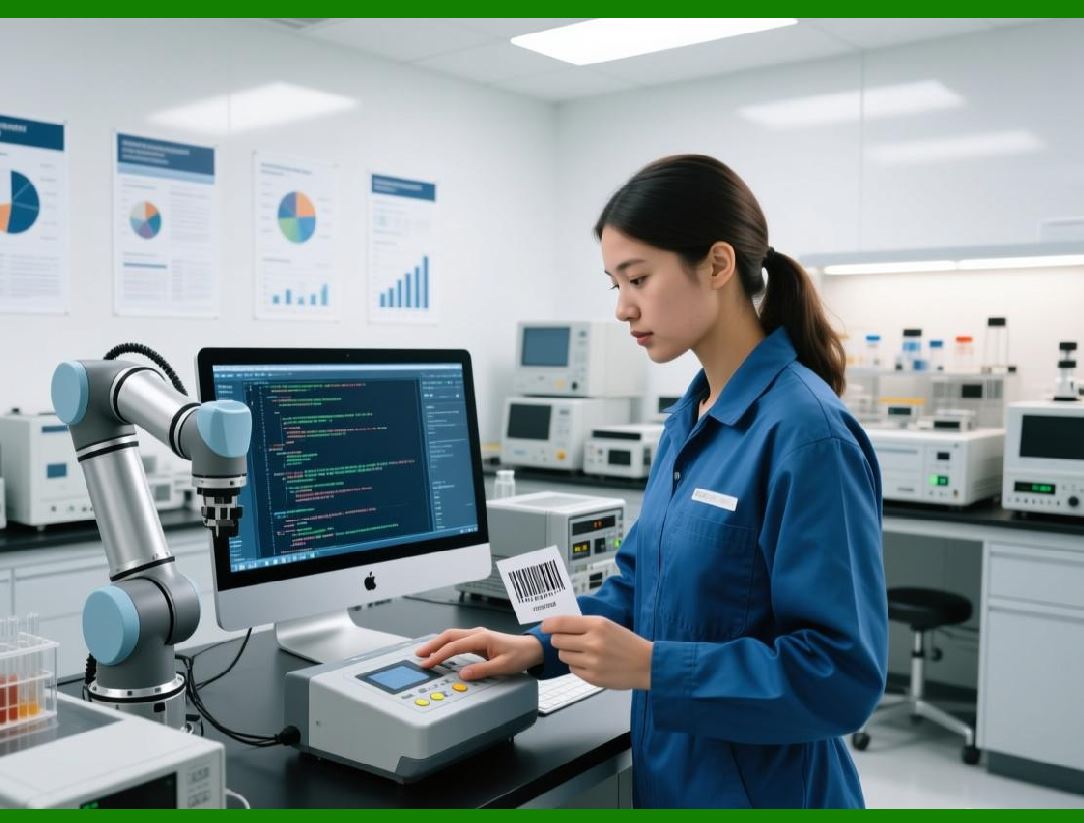
18.1 The printer continuously balances: |
* Speed |
* Quality |
* Energy consumption |
18.2 This dynamic balancing ensures optimal performance under all conditions. |
|
19. Industrial-Level Adaptive Control Systems |
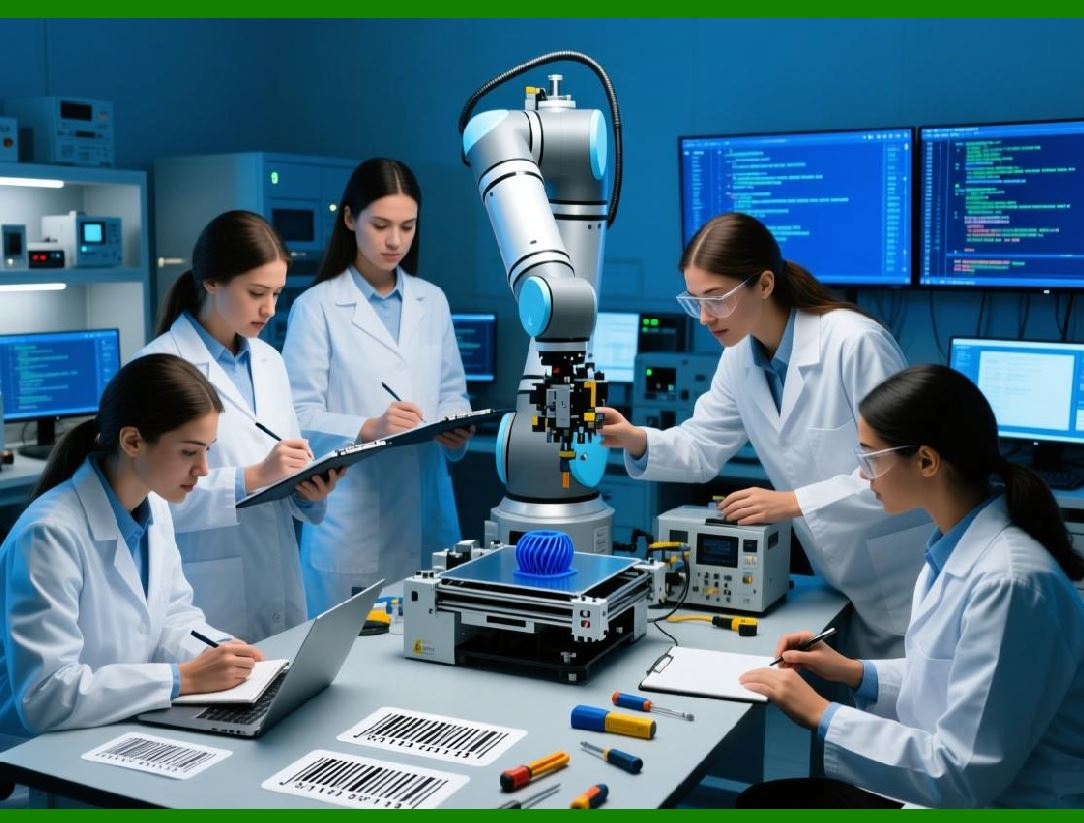
19.1 In industrial environments, adaptive control is critical for: |
* Continuous production lines |
* Variable product types |
* High-volume operations |
19.2 These systems ensure stability even under fluctuating workloads. |
|
20. Future of Intelligent Barcode Printing Systems |
20.1 Future developments include: |
* Fully autonomous self-optimizing printers |
* Cloud-trained optimization models |
* AI-driven predictive maintenance and print adjustment |
20.2 These systems will require minimal human intervention. |

|
21. Conclusion of Intelligent Optimization Systems |
21.1 Advanced print algorithms transform barcode printers from static devices into adaptive intelligent systems. |
21.2 Through continuous feedback, prediction, and optimization, they ensure high-quality output under diverse conditions. |
21.3 This represents a major evolution toward autonomous industrial printing systems. |
 cs@easiersoft.com