Detailed Explanation of the Principles and Structure of Barcode Printer |
Part 22: Industrial Reliability Engineering, Lifecycle Design, and Failure Mode Analysis of Barcode Printers |
1. Introduction to Reliability Engineering in Barcode Printers |
1.1 Barcode printers used in industrial environments are engineered not just for performance, but for long-term reliability under continuous stress. |
1.2 Reliability engineering focuses on ensuring that the printer can operate consistently over long periods with minimal failure rates. |
1.3 This involves careful design of hardware, firmware, thermal systems, and mechanical structures to withstand cumulative wear. |

|
2. Concept of Lifecycle Design |
2.1 Lifecycle design refers to engineering a barcode printer to perform reliably across its entire operational life. |
2.2 The lifecycle is typically divided into: |
* Early life (initial use and calibration phase) |
* Mid-life (stable operational period) |
* End-of-life (wear-out phase) |
2.3 Each phase exhibits different failure characteristics and maintenance needs. |

|
3. Reliability Metrics and Engineering Targets |
3.1 Reliability is measured using statistical and engineering metrics such as: |
* Mean Time Between Failures (MTBF) |
* Failure rate curves |
* Duty cycle endurance |
3.2 Engineers design systems to maximize MTBF while minimizing maintenance costs. |

|
4. Failure Mode and Effects Analysis (FMEA) |
4.1 FMEA is a structured method used to identify potential failure points in barcode printers. |
4.2 It evaluates: |
* What can fail |
* Why it can fail |
* What happens if it fails |
* How serious the impact is |
4.3 This method is applied to every subsystem, including: |
* Print head |
* Motors |
* Sensors |
* Firmware |

|
5. Mechanical Failure Modes |
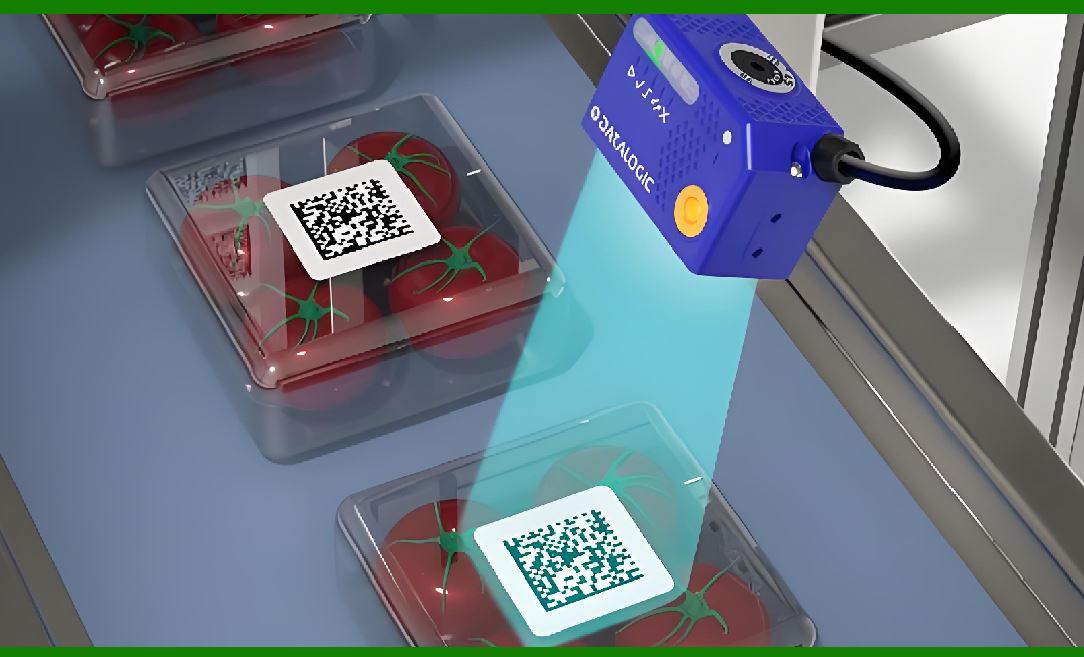
5.1 Mechanical components are subject to physical wear over time. |
5.2 Common failure modes include: |
* Roller degradation |
* Gear wear |
* Bearing fatigue |
* Structural misalignment |
5.3 These failures are often caused by: |
* High-speed operation |
* Continuous friction |
* Material fatigue |
|
6. Thermal Degradation and Aging Effects |
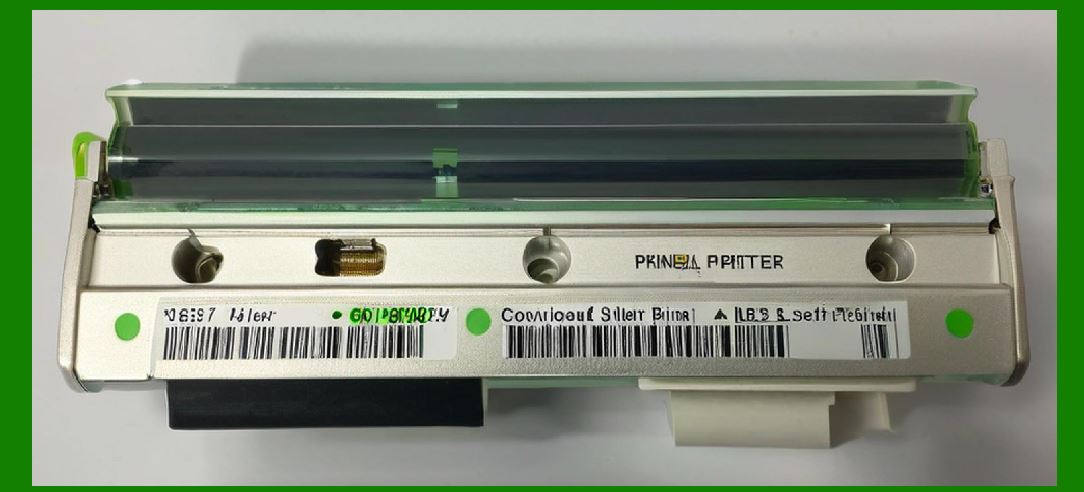
6.1 The print head is particularly vulnerable to thermal aging. |
6.2 Repeated heating cycles cause: |
* Resistive material degradation |
* Protective layer erosion |
* Reduced heating efficiency |
6.3 Over time, this results in: |
* Missing dots |
* Reduced contrast |
* Uneven printing |

|
7. Electrical Failure Mechanisms |
7.1 Electrical failures may occur due to: |
* Power surges |
* Component aging |
* Circuit fatigue |
7.2 Typical issues include: |
* Short circuits |
* Open circuits in heating elements |
* Voltage instability |
7.3 Protective circuits are used to mitigate these risks. |
|
8. Sensor Degradation and Drift |
8.1 Sensors gradually lose accuracy due to environmental exposure. |
8.2 Causes include: |
* Dust accumulation |
* Optical lens degradation |
* Electronic drift |
8.3 This leads to: |
* Incorrect media detection |
* Misalignment errors |

|
9. Firmware and Software Failure Modes |
9.1 Firmware failures can occur due to: |
* Memory corruption |
* Logic errors |
* Interrupted updates |
9.2 Software-related issues include: |
* Command misinterpretation |
* Buffer overflow |
* Timing misalignment |

|
10. Environmental Stress Factors |
10.1 Industrial environments introduce stress conditions such as: |
* High temperature |
* High humidity |
* Dust and debris |
* Continuous vibration |
10.2 These factors accelerate component aging. |

|
11. Vibration-Induced Mechanical Fatigue |
11.1 Continuous vibration affects: |
* Mechanical alignment |
* Motor stability |
* Sensor accuracy |
11.2 Over time, this leads to: |
* Structural loosening |
* Print misalignment |

|
12. Wear-Out Phase Behavior |
12.1 In the final lifecycle phase, components begin to degrade rapidly. |
12.2 Signs include: |
* Increased error frequency |
* Reduced print quality |
* Higher maintenance requirements |

|
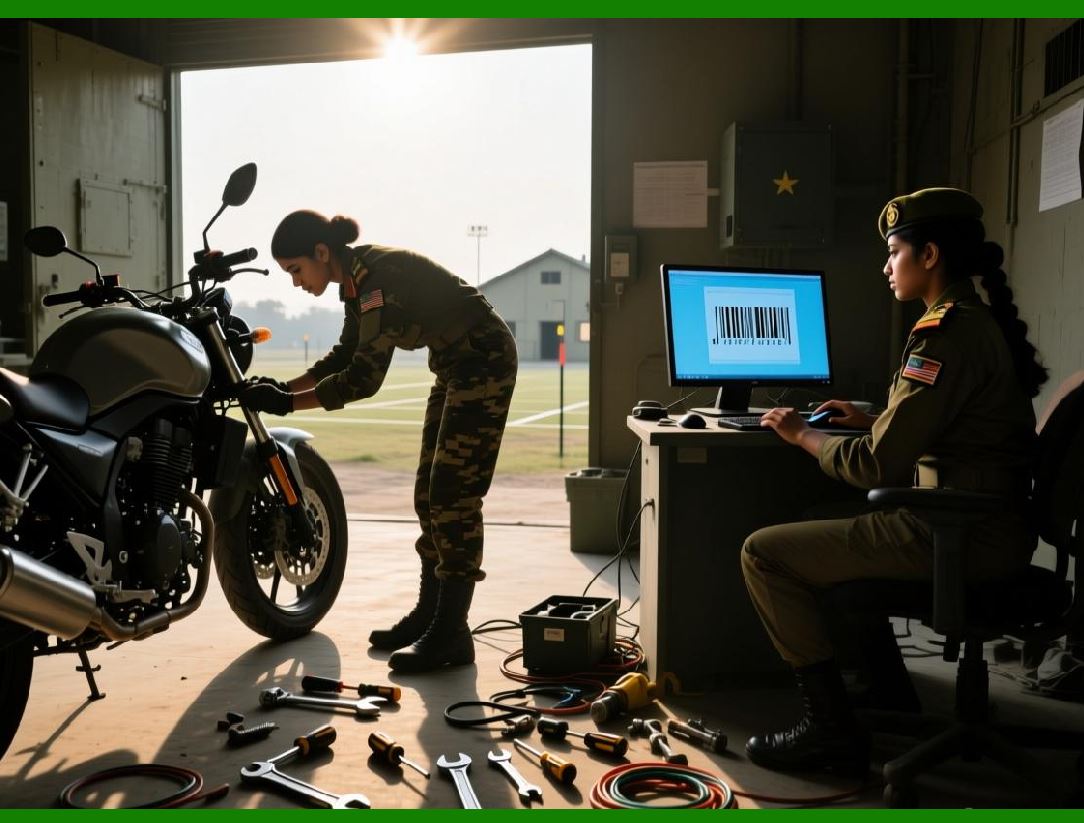
13. Redundancy Engineering for Reliability |
13.1 Redundancy improves reliability by duplicating critical functions. |
13.2 Examples include: |
* Dual sensors |
* Backup memory systems |
* Redundant control paths |
13.3 This ensures continued operation even when one component fails. |
|
14. Predictive Maintenance Systems |
14.1 Predictive maintenance uses data analysis to forecast failures. |
14.2 Inputs include: |
* Temperature trends |
* Motor load data |
* Print head usage cycles |
14.3 The system schedules maintenance before failure occurs. |

|
15. Failure Isolation Design |
15.1 Failure isolation ensures that a single fault does not cascade into system-wide failure. |
15.2 This is achieved by: |
* Modular hardware design |
* Independent circuit zones |
* Firmware-level isolation |

|
16. Safety Margins in Engineering Design |
16.1 Engineers design systems with safety margins beyond normal operating conditions. |
16.2 These margins include: |
* Higher thermal tolerance |
* Overrated electrical components |
* Mechanical stress buffering |
16.3 This prevents premature failure under heavy usage. |

|
17. Accelerated Life Testing |
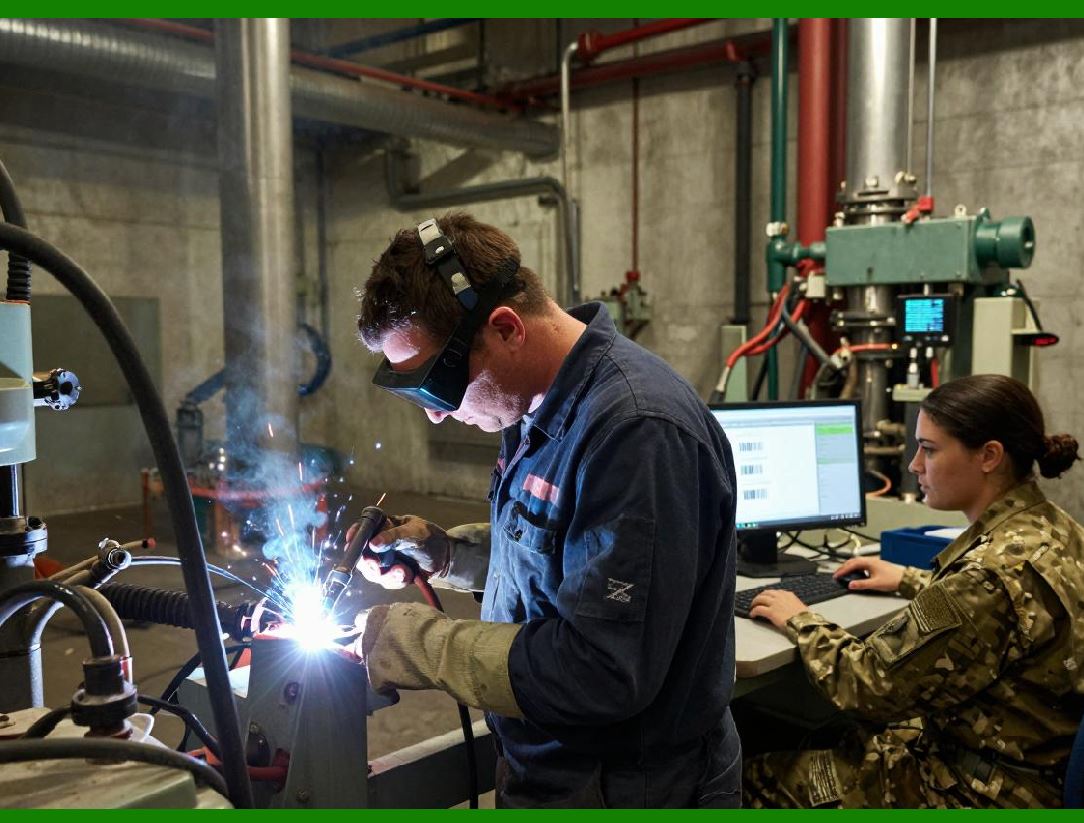
17.1 Manufacturers perform accelerated life testing to simulate long-term usage in a short time. |
17.2 Conditions include: |
* Elevated temperature |
* Continuous operation |
* High-speed cycling |
17.3 This helps identify weak points before mass production. |
|
18. Quality Control in Manufacturing |
18.1 Each barcode printer undergoes strict quality control checks. |
18.2 Tests include: |
* Print head consistency |
* Motor accuracy |
* Sensor calibration |
18.3 Only units meeting reliability standards are shipped. |
19. Maintenance Strategies for Industrial Use |
19.1 Maintenance is divided into: |
* Preventive maintenance |
* Predictive maintenance |
* Corrective maintenance |
19.2 Proper maintenance significantly extends device lifespan. |

|
20. Future Improvements in Reliability Engineering |
20.1 Future barcode printers will include: |
* Self-healing materials |
* AI-based failure prediction |
* Autonomous maintenance systems |
20.2 These innovations aim to reduce downtime to near zero. |

|
21. Conclusion of Reliability Engineering and Lifecycle Design |
21.1 Reliability engineering ensures barcode printers can operate continuously in demanding industrial environments. |
21.2 Through lifecycle analysis, failure modeling, and redundancy design, these systems achieve high durability and stability. |
21.3 Understanding failure modes is essential for designing next-generation industrial printing systems. |
 cs@easiersoft.com