Detailed Explanation of the Principles and Structure of Barcode Printer |
Part 24: Label Media Physics, Material Science, and Print Surface Interaction Mechanisms |
1. Introduction to Label Media in Barcode Printing |
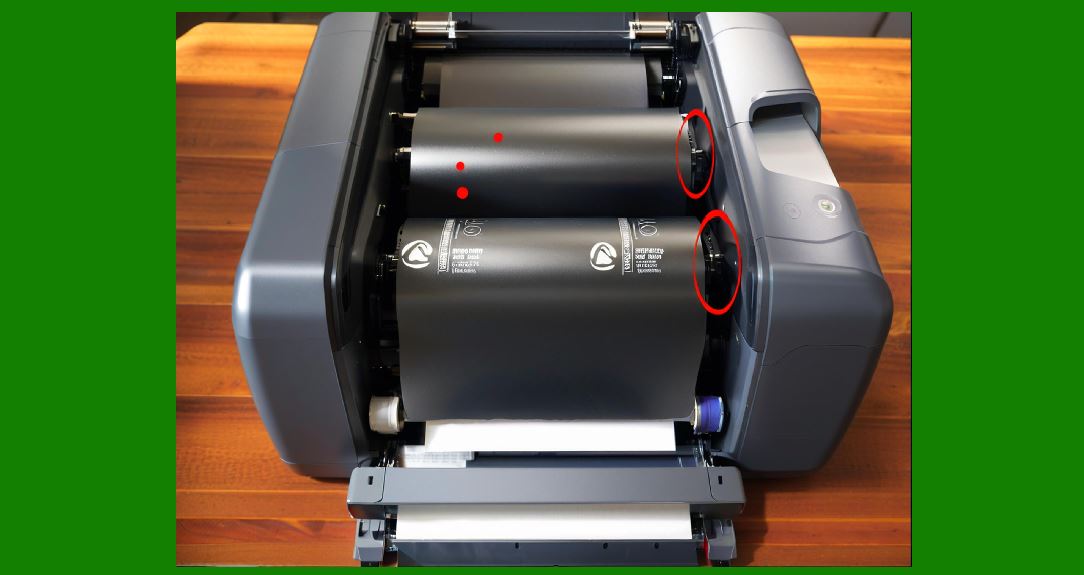
1.1 Label media is a critical physical component in barcode printing systems, directly influencing print quality, durability, and scanning reliability. |
1.2 While the printer provides energy and control, the label material determines how that energy is absorbed, reflected, or transformed into visible output. |
1.3 Different industrial applications require different label materials, each engineered for specific environmental and mechanical conditions. |
|
2. Categories of Label Media Materials |
2.1 Barcode printer media can generally be classified into: |
* Paper-based labels |
* Synthetic polymer labels |
* Thermal-sensitive paper |
* Laminated composite materials |
* Specialty industrial coatings |
2.2 Each category has unique physical and chemical properties affecting printing behavior. |

|
3. Thermal Paper Chemistry in Direct Thermal Printing |
3.1 Direct thermal labels rely on heat-sensitive chemical coatings. |
3.2 These coatings typically include: |
* Leuco dyes (color-forming agents) |
* Developers (acidic activators) |
* Sensitizers (temperature regulators) |
3.3 When heat is applied, a chemical reaction occurs, producing a visible image. |
3.4 This reaction is irreversible, meaning the printed barcode is permanent but sensitive to environmental conditions. |
|
4. Thermal Transfer Media Interaction |
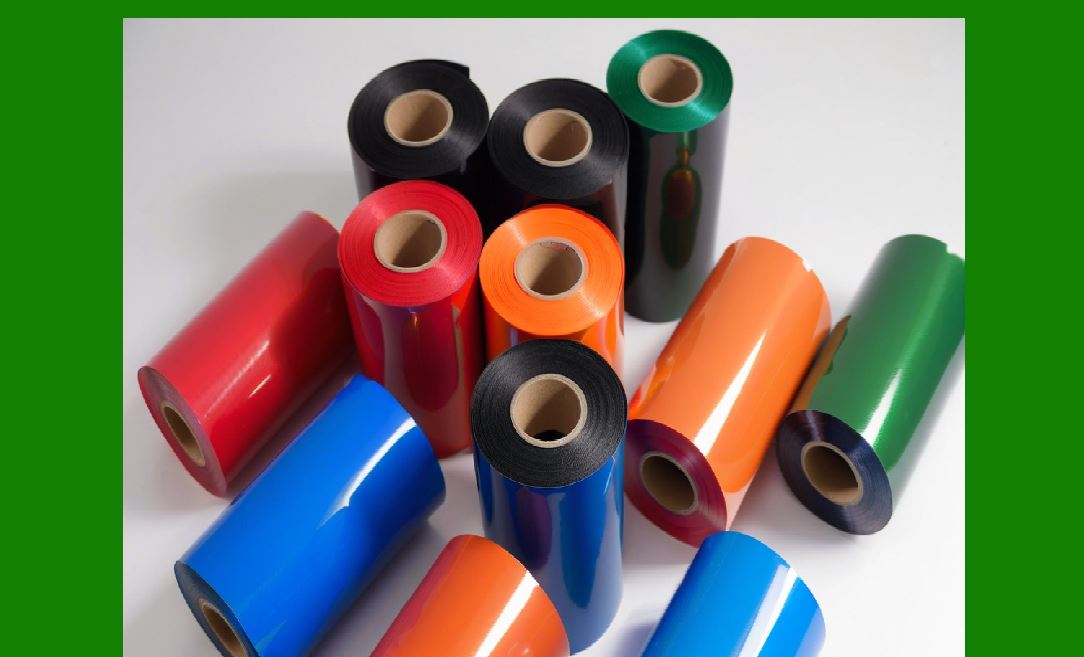
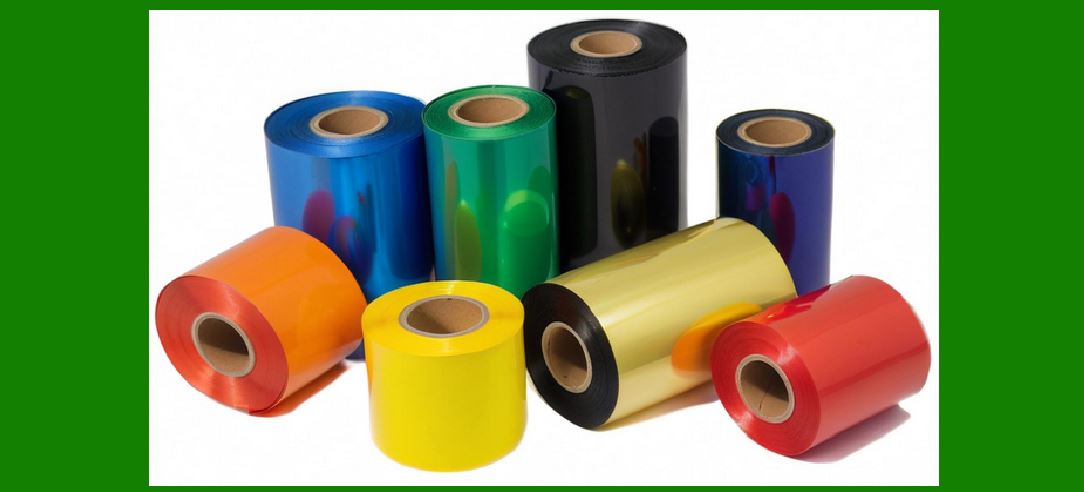
4.1 In thermal transfer printing, ink is not chemically activated but physically transferred. |
4.2 The process involves: |
* Melting wax, resin, or wax-resin ribbon ink |
* Transferring it onto label surface |
4.3 The quality of transfer depends on: |
* Surface energy of label |
* Heat intensity |
* Pressure applied |

|
5. Surface Energy and Adhesion Physics |
5.1 Surface energy determines how well ink or coating adheres to a material. |
5.2 High surface energy materials: |
* Allow strong ink bonding |
* Produce sharp and durable prints |
5.3 Low surface energy materials: |
* Resist adhesion |
* Require special coatings or ribbons |
|
6. Absorption and Diffusion Behavior |
6.1 When thermal energy is applied, it spreads into the material through conduction and diffusion. |
6.2 Materials differ in thermal conductivity: |
* Paper: high absorption, fast diffusion |
* Synthetic films: controlled diffusion, sharper edges |
6.3 Excessive diffusion can cause blurred barcode edges. |

|
7. Coating Thickness and Uniformity |
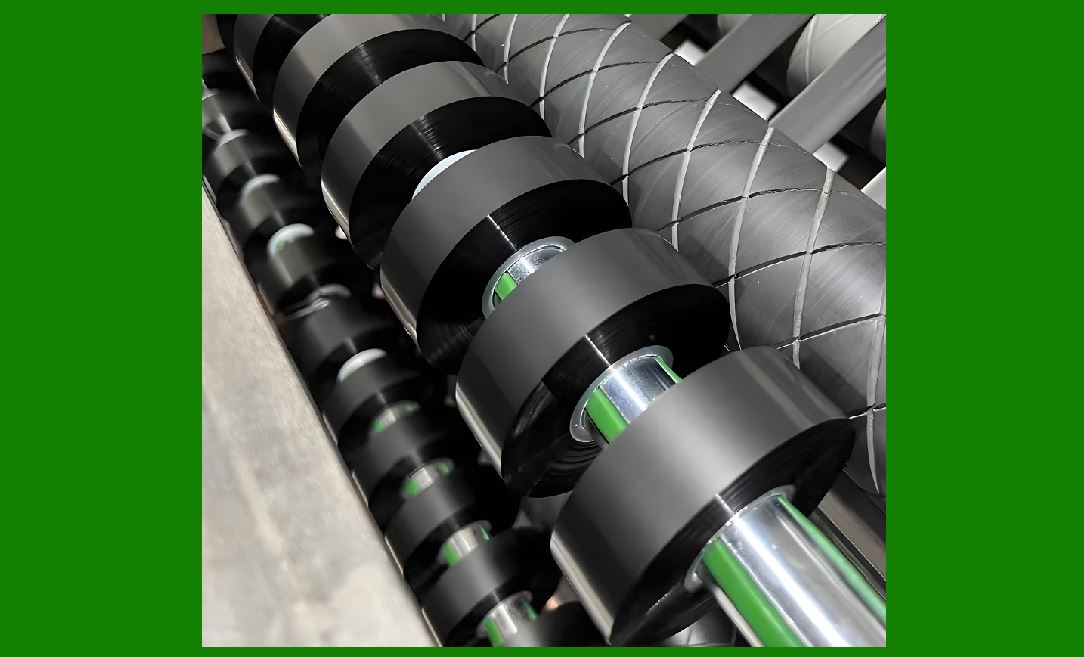
7.1 The thickness of coating layers affects print quality. |
7.2 Uneven coatings can lead to: |
* Patchy print density |
* Inconsistent barcode contrast |
7.3 Industrial-grade labels are manufactured with strict uniformity tolerances. |
|
8. Reflectivity and Optical Contrast |
8.1 Barcode scanners rely on contrast between dark and light regions. |
8.2 Label materials must ensure: |
* High black-to-white contrast ratio |
* Minimal reflectivity interference |
8.3 Glossy surfaces may require special inks or matte finishes. |

|
9. Mechanical Strength and Durability |
9.1 Label materials must withstand physical stress such as: |
* Scratching |
* Folding |
* Abrasion |
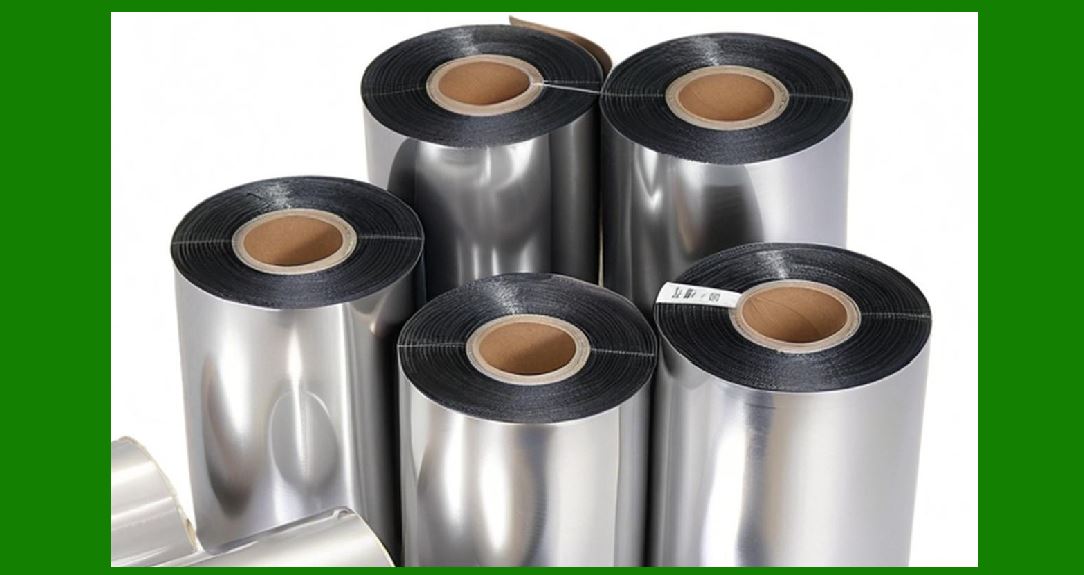
9.2 Synthetic materials such as PET or polypropylene offer higher durability than paper. |
|
10. Environmental Resistance Properties |
10.1 Industrial labels must resist environmental factors including: |
* Moisture |
* UV radiation |
* Chemical exposure |
* Extreme temperatures |
10.2 Specialized coatings enhance resistance in harsh conditions. |

|
11. Temperature Stability of Label Materials |
11.1 Temperature affects both printing and long-term label stability. |
11.2 High temperatures may cause: |
* Fading (thermal labels) |
* Adhesive weakening |
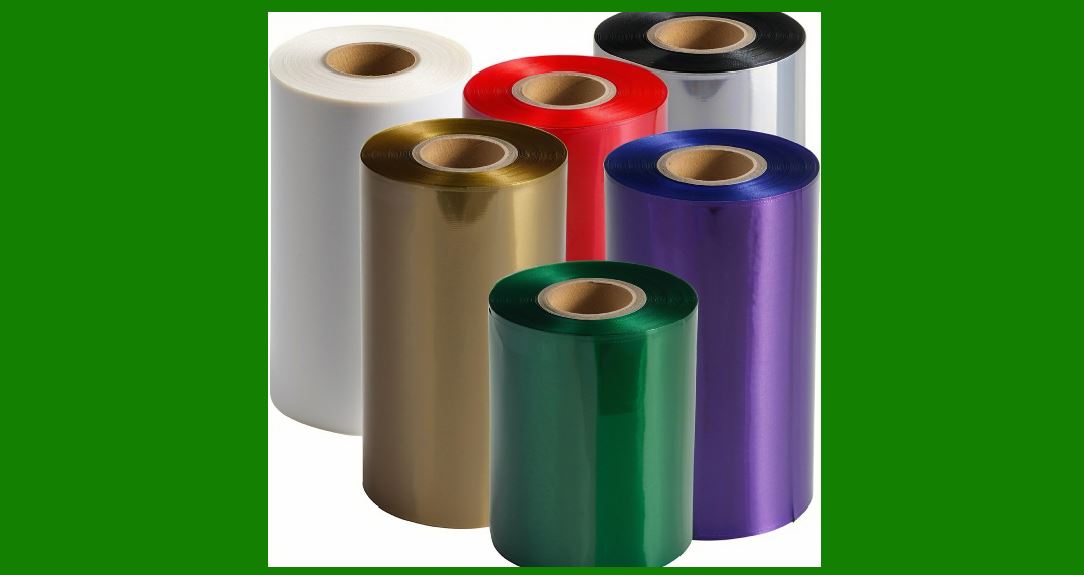
11.3 Low temperatures may reduce ink adhesion or flexibility. |
|
12. Adhesive Layer Engineering |
12.1 Label adhesives are engineered for different surfaces such as: |
* Cardboard |
* Plastic |
* Metal |
* Glass |
12.2 Adhesive performance depends on: |
* Initial tack |
* Long-term bonding strength |
* Temperature resistance |
|
13. Peel Strength and Application Behavior |
13.1 Peel strength determines how firmly a label adheres to a surface. |
13.2 Too weak: |
* Labels fall off |
13.3 Too strong: |
* Difficult removal during rework or recycling |
13.4 Industrial applications require balanced adhesive performance. |
|
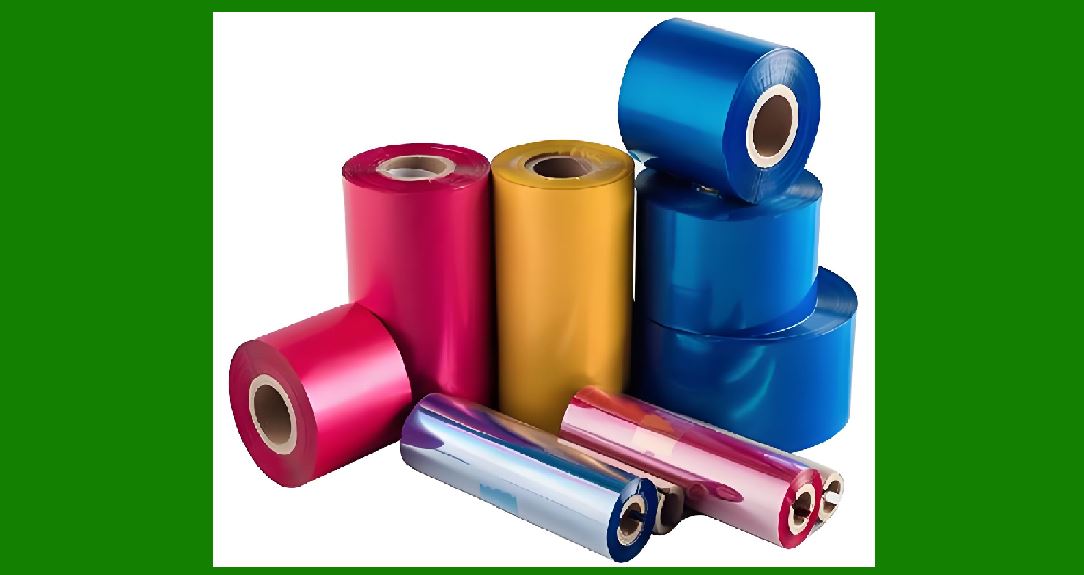
14. Media Thickness and Printer Calibration |
14.1 Different media thickness affects: |
* Print head pressure |
* Thermal transfer efficiency |
* Mechanical feeding accuracy |
14.2 Printers must calibrate automatically or manually for each media type. |
|
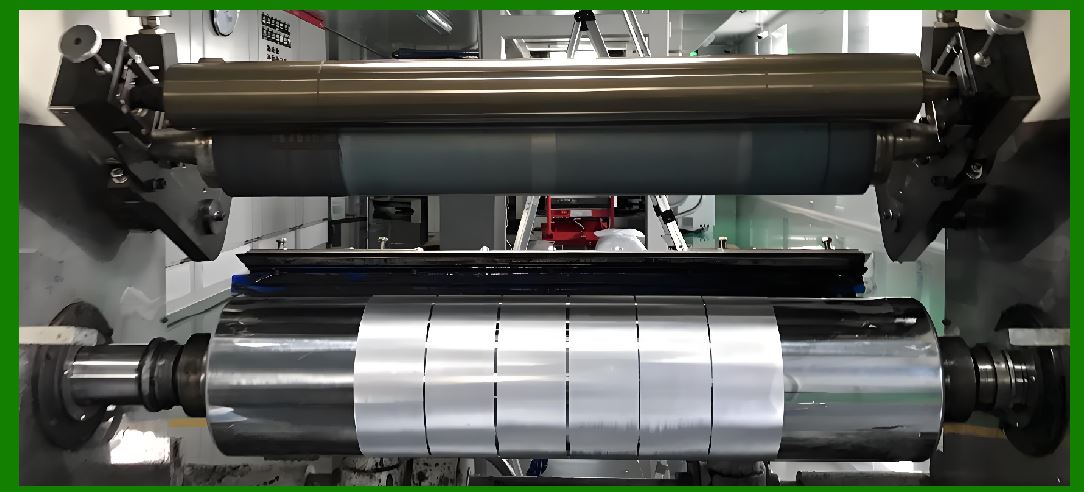
15. Friction and Feed Dynamics |
15.1 Media movement depends on friction between: |
* Platen roller |
* Label backing material |
15.2 Inconsistent friction causes: |
* Misalignment |
* Skipping or slipping |
15.3 Roll tension must also be precisely controlled. |
|
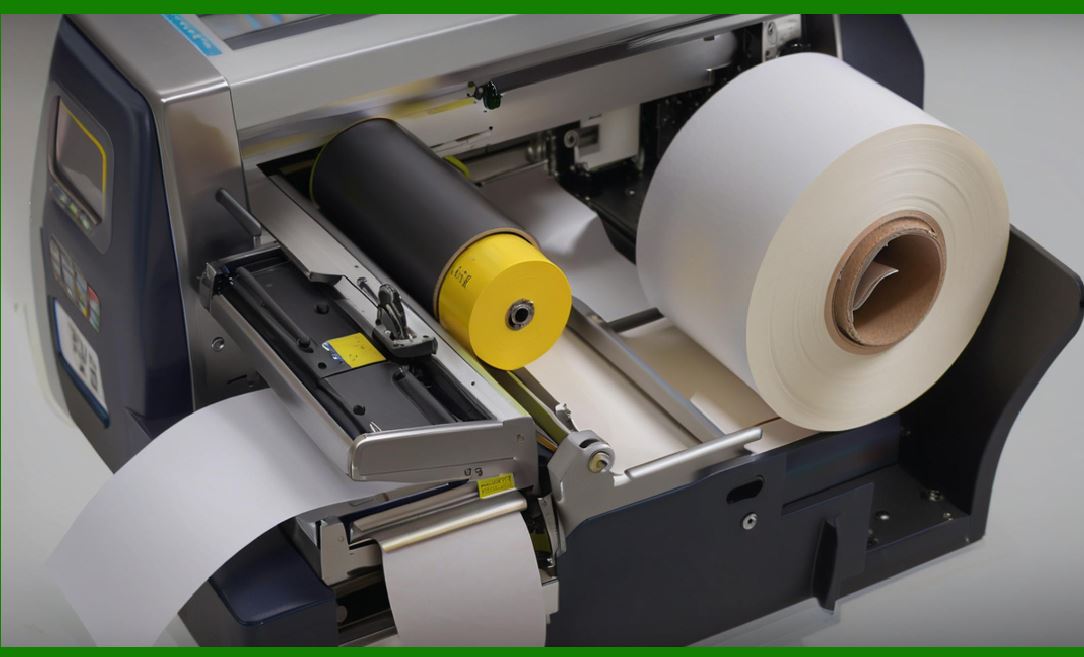
16. Static Electricity Effects |
16.1 Synthetic materials can accumulate static charge. |
16.2 Static electricity may cause: |
* Label sticking |
* Dust attraction |
* Feeding errors |
16.3 Anti-static coatings are often used in industrial media. |
|
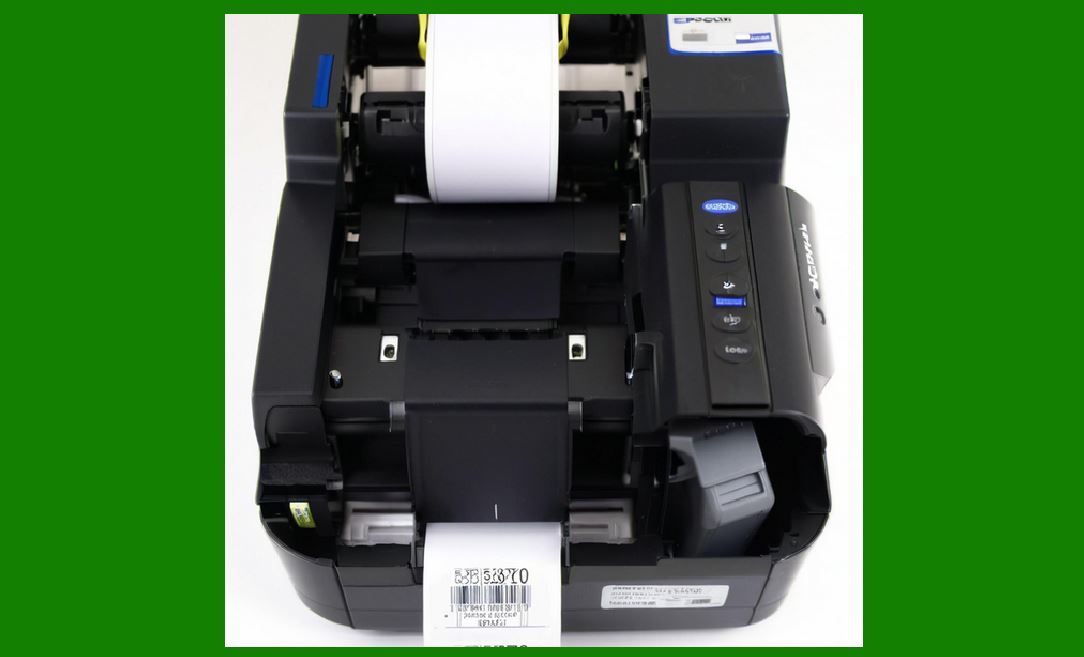
17. Optical Recognition and Scanner Compatibility |
17.1 Label materials must be optimized for scanner readability. |
17.2 Factors include: |
* Reflectance consistency |
* Ink absorption behavior |
* Surface smoothness |
17.3 Poor material selection can lead to scanning failures even if printing is correct. |
|
18. Material Aging and Degradation |
18.1 Over time, labels may degrade due to: |
* UV exposure |
* Chemical oxidation |
* Moisture absorption |
18.2 This affects barcode readability and long-term traceability. |
|
19. Specialized Industrial Label Materials |
19.1 Some applications require advanced materials such as: |
* Cryogenic-resistant labels |
* High-temperature resistant films |
* Chemical-resistant laminated labels |
19.2 These are used in healthcare, aerospace, and chemical industries. |
|
20. Interaction Between Print Head and Media |
20.1 The interface between print head and media is a critical physical interaction zone. |
20.2 Key factors include: |
* Contact pressure |
* Heat transfer efficiency |
* Surface alignment |
20.3 Any deviation affects print quality directly. |
|
21. Future Developments in Label Material Science |
21.1 Future innovations include: |
* Smart labels with embedded sensors |
* Self-healing coatings |
* Nano-engineered surface layers |
21.2 These materials may enable dynamic or multi-layered data storage. |
|
22. Conclusion of Label Media Physics and Material Science |
22.1 Label materials are not passive substrates but active components in the barcode printing system. |
22.2 Their physical and chemical properties directly influence print quality, durability, and scan reliability. |
22.3 Understanding material science is essential for optimizing industrial barcode printing performance. |
 cs@easiersoft.com