Detailed Explanation of the Principles and Structure of Barcode Printer |
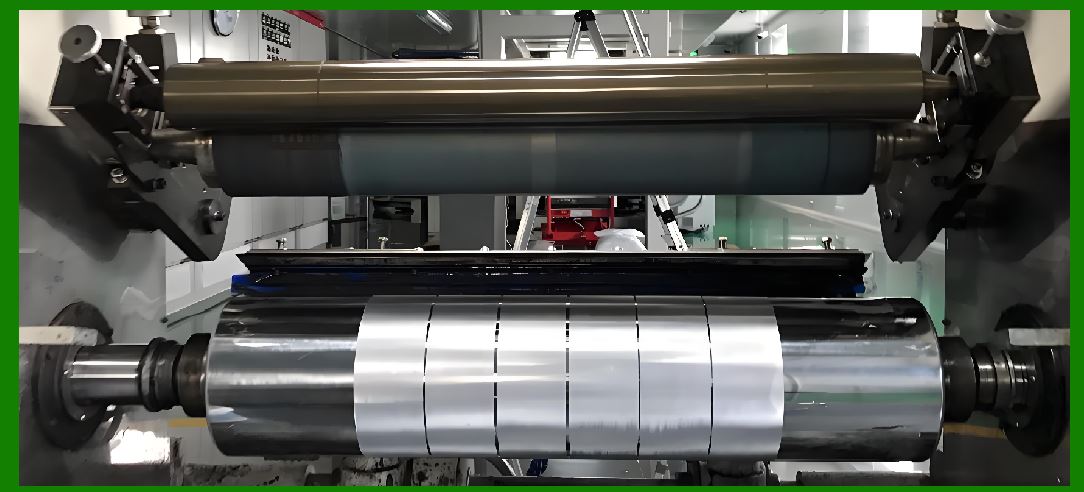
Part 26 (Final Part): Future Evolution of Barcode Printer Technology, AI Integration, and Next-Generation Intelligent Printing Systems |
1. Introduction to the Future of Barcode Printing |
1.1 Barcode printers are evolving from dedicated output devices into intelligent, networked, and adaptive data-to-physical transformation systems. |
1.2 The future direction is driven by three major forces: |
* Automation and Industry 4.0 |
* Artificial intelligence and predictive systems |
* Global supply chain digitalization |
1.3 This final part summarizes how barcode printers will evolve beyond traditional architectures. |
|
2. Transition from Mechanical Systems to Intelligent Systems |
2.1 Traditional barcode printers rely on deterministic firmware and fixed control logic. |
2.2 Future systems will behave more like adaptive computing nodes capable of: |
* Learning from historical print behavior |
* Adjusting output dynamically without manual configuration |
* Optimizing performance in real time |
2.3 This marks a shift from device operationto system intelligence. |

|
3. AI-Driven Print Optimization |
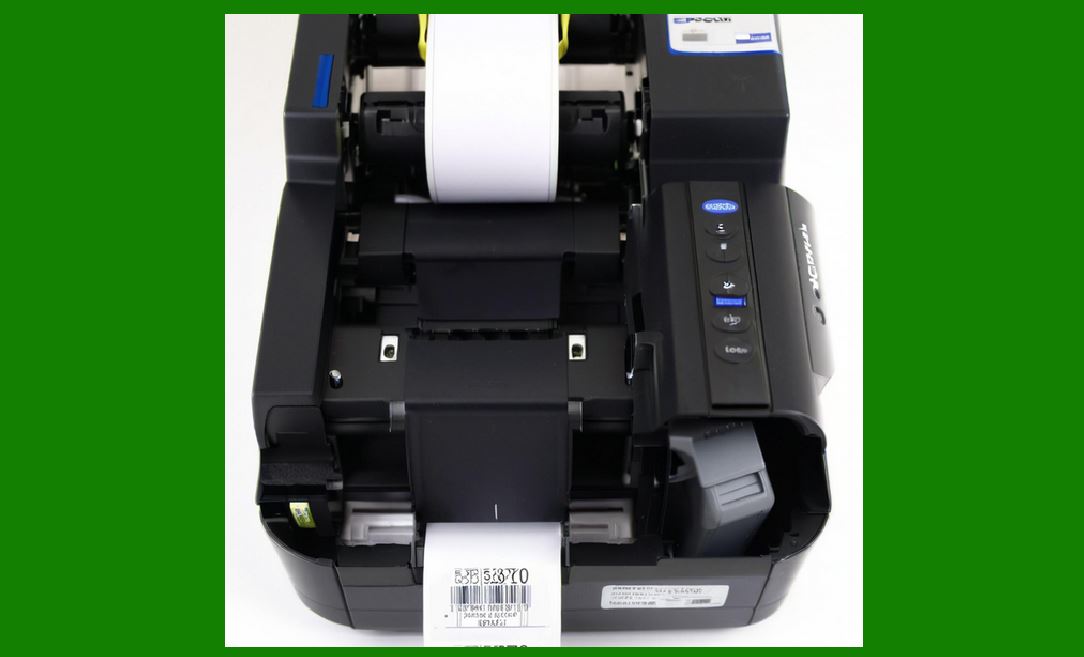
3.1 Artificial intelligence will increasingly control: |
* Print density |
* Thermal energy distribution |
* Speed adjustment |
* Error prediction |
3.2 Instead of static rules, AI models will analyze: |
* Environmental conditions |
* Media behavior patterns |
* Print head aging trends |
3.3 The system will continuously self-optimize for best output quality. |
|
4. Predictive Maintenance and Self-Healing Systems |
4.1 Future printers will not only detect faults but predict them before they occur. |
4.2 Predictive systems will analyze: |
* Motor vibration signatures |
* Thermal degradation curves |
* Sensor drift patterns |
4.3 Self-healing capabilities may include: |
* Automatic recalibration routines |
* Dynamic dot remapping for failed heating elements |
* Adaptive compensation for worn components |
|
5. Cloud-Native Printing Architectures |
5.1 Printing systems will increasingly migrate to cloud-native models. |
5.2 In this architecture: |
* Label design is centralized in the cloud |
* Print jobs are distributed globally |
* Printers act as edge execution nodes |
5.3 This enables: |
* Real-time global synchronization |
* Centralized compliance control |
* Scalable deployment across continents |

|
6. Edge Computing in Barcode Printers |
6.1 Edge computing brings processing closer to the printer itself. |
6.2 Benefits include: |
* Reduced network latency |
* Faster decision-making |
* Offline operational capability |
6.3 Printers will increasingly perform: |
* Local rendering |
* AI inference |
* Real-time error correction |

|
7. Integration with Internet of Things (IoT) |
7.1 Barcode printers will become fully integrated IoT devices. |
7.2 They will continuously transmit: |
* Operational status |
* Usage statistics |
* Maintenance alerts |
7.3 This enables full visibility across industrial ecosystems. |
|
8. Digital Twin Technology for Printing Systems |
8.1 Digital twins are virtual models of physical printers. |
8.2 These models simulate: |
* Mechanical wear |
* Thermal behavior |
* Production load |
8.3 Engineers use digital twins to optimize performance before physical deployment. |

|
9. Blockchain-Based Traceability Systems |
9.1 Blockchain technology may be used to enhance traceability. |
9.2 Each printed barcode event can be: |
* Logged securely |
* Verified immutably |
* Tracked across supply chains |
9.3 This improves trust and anti-counterfeiting measures. |
|
10. Ultra-High Resolution Microfabrication Advances |
10.1 Future print heads will use advanced nanofabrication techniques. |
10.2 Improvements include: |
* Higher DPI density |
* Lower energy consumption per dot |
* Greater thermal efficiency |
10.3 This enables extremely compact and high-precision printing. |

|
11. Smart Materials in Label and Print Head Technology |
11.1 Smart materials will revolutionize both print heads and label media. |
11.2 Examples include: |
* Self-regulating thermal materials |
* Adaptive adhesion surfaces |
* Conductive nano-coatings |
11.3 These materials will improve durability and adaptability. |

|
12. Fully Autonomous Printing Systems |
12.1 Future industrial systems may operate without human intervention. |
12.2 Autonomous capabilities include: |
* Automatic job scheduling |
* Self-calibration |
* Predictive replenishment of consumables |
12.3 These systems will function as independent production units. |
|
13. Human-AI Collaboration in Printing Systems |
13.1 Human operators will shift from manual control to supervisory roles. |
13.2 AI systems will handle: |
* Optimization decisions |
* Fault detection |
* Workflow management |
13.3 Humans will focus on strategy, oversight, and exception handling. |

|
14. Energy-Efficient and Sustainable Printing Technologies |
14.1 Sustainability will become a major design priority. |
14.2 Future improvements include: |
* Lower thermal energy consumption |
* Recyclable consumables |
* Reduced material waste |
14.3 This aligns with global environmental regulations. |

|
15. Security and Trust in Future Systems |
15.1 As systems become more connected, cybersecurity becomes critical. |
15.2 Future protections will include: |
* AI-based anomaly detection |
* Quantum-resistant encryption (future research direction) |
* Hardware-level trust anchors |
|
16. Global Standardization Evolution |
16.1 Barcode systems will continue to evolve under global standards like GS1. |
16.2 Future standards will likely include: |
* Unified digital-physical identity frameworks |
* Enhanced 2D/3D code systems |
* Integration with digital product passports |
|
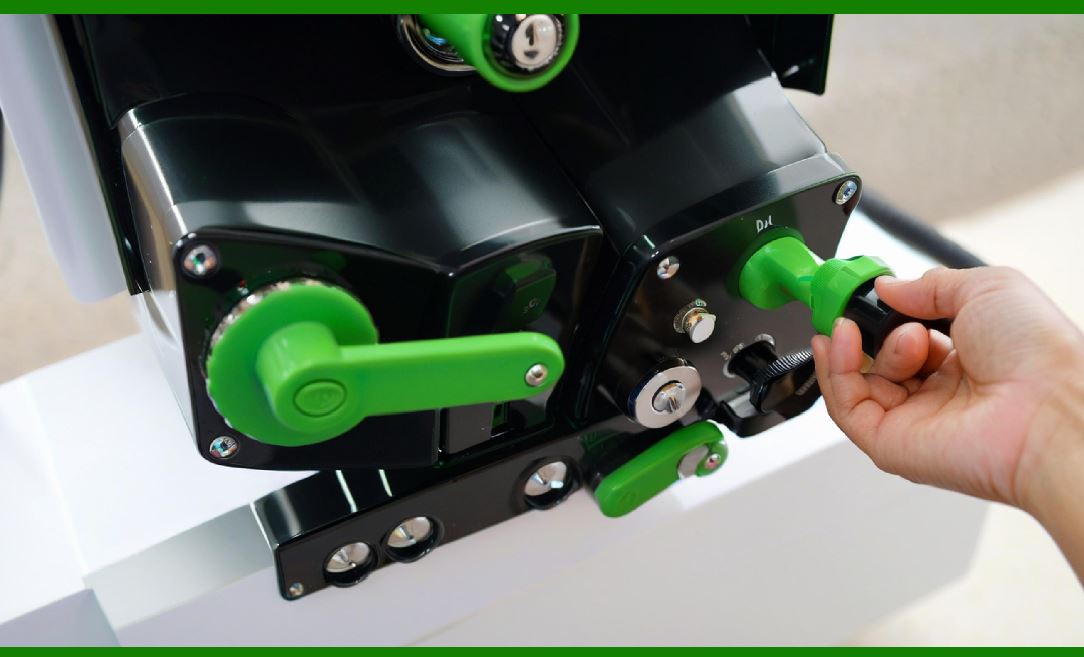
17. Potential Shift Beyond Traditional Barcodes |
17.1 While barcodes will remain dominant, future systems may expand into: |
* Embedded micro-pattern identifiers |
* Invisible ink tagging systems |
* Multi-layer data encoding surfaces |
17.2 These technologies may complement or extend traditional barcodes. |
|
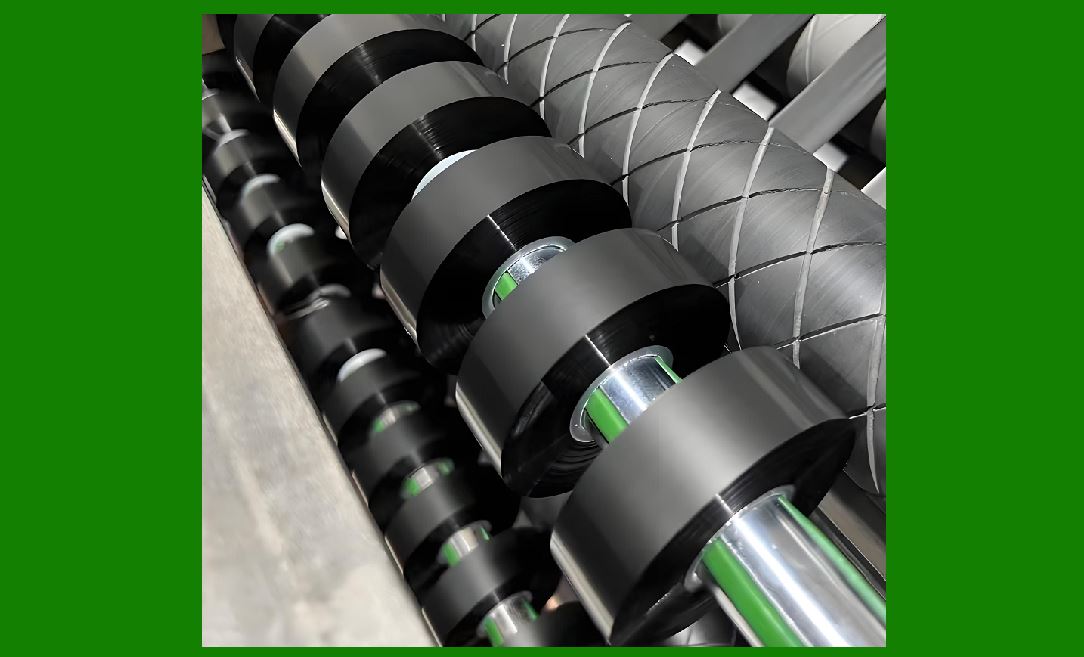
18. Full Lifecycle Automation Vision |
18.1 The ultimate goal is a fully automated lifecycle system where: |
* Product is created |
* Labeled automatically |
* Tracked continuously |
* Verified in real time |
18.2 Barcode printers will remain a foundational component of this ecosystem. |
|
19. Long-Term Industrial Impact |
19.1 Barcode printing technology will continue to support: |
* Global logistics |
* Healthcare safety systems |
* Manufacturing traceability |
* Retail automation |
19.2 Its role will expand as digital-physical integration deepens. |

|
20. Final Conclusion of the Entire Series |
20.1 Barcode printers are highly complex systems combining: |
* Mechanical engineering |
* Thermal physics |
* Embedded firmware |
* Communication networks |
* Material science |
* Artificial intelligence |
20.2 From a simple concept of printing lines and dots, they have evolved into intelligent industrial nodes that connect the physical world with digital information systems. |
20.3 The future of barcode printing is not just about printing faster or better it is about becoming part of a fully autonomous, intelligent, and globally connected infrastructure. |
End of Part 26 (Complete 26-Part Series) |
 cs@easiersoft.com