Detailed Explanation of the Principles and Structure of Barcode Printer |
Part 7: Print Quality Control, Resolution, and Barcode Accuracy Standards |
1. Introduction to Print Quality in Barcode Systems |
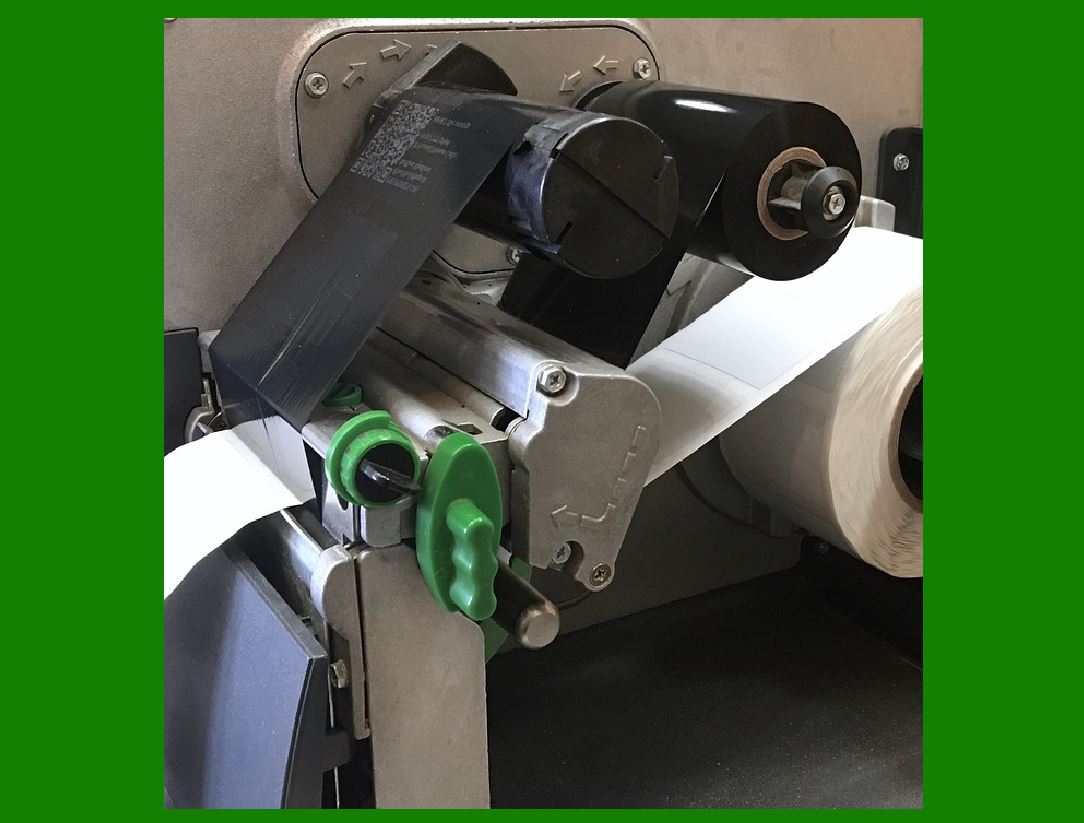
1.1 Print quality is one of the most critical factors in barcode printing because it directly determines whether a barcode can be successfully scanned and decoded. |
1.2 Unlike human-readable text, barcodes must meet strict machine readability requirements. Even small imperfections often invisible to the naked eye can cause scanning failures. |
1.3 Therefore, barcode printers are designed not only to produce images but to meet measurable quality standards defined by international organizations. |
|
2. Key Parameters of Barcode Print Quality |
2.1 Barcode quality is evaluated based on several measurable parameters, including: |
* Symbol contrast |
* Edge definition |
* Modulation |
* Defects |
* Decodability |
2.2 These parameters collectively determine how easily a scanner can interpret the barcode. |
2.3 Each parameter is influenced by both hardware (print head, media, ribbon) and software (firmware, control algorithms). |

|
3. Resolution and Its Impact on Barcode Printing |
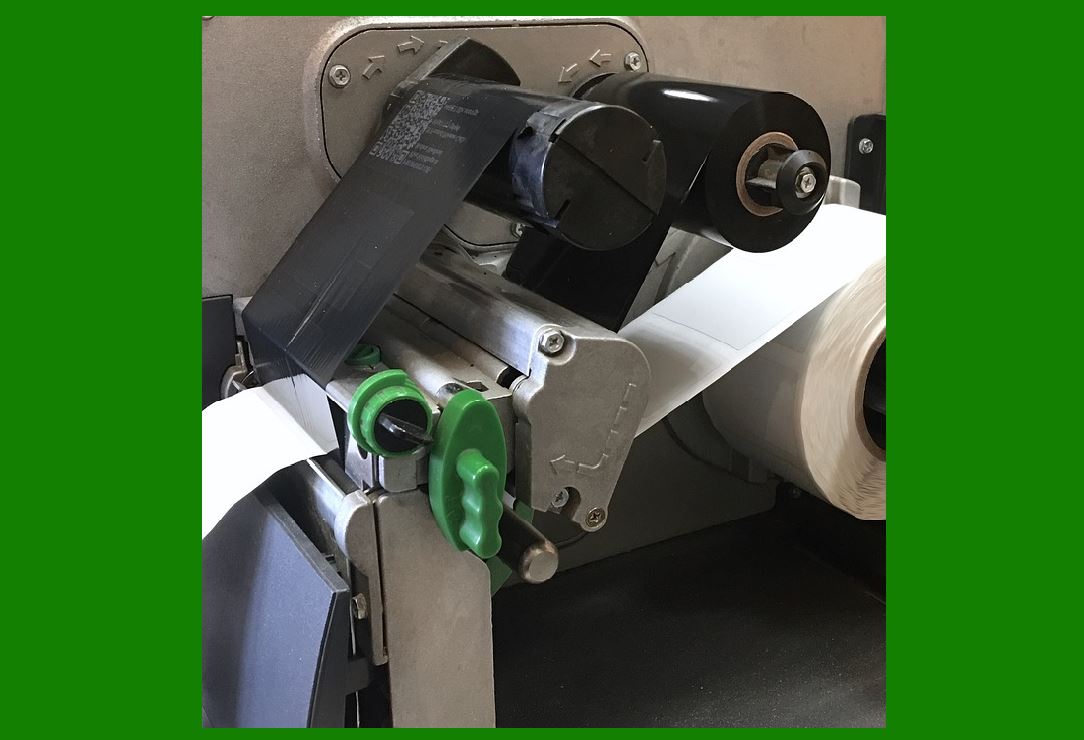
3.1 Resolution refers to the number of dots per inch (dpi) that a printer can produce. |
3.2 Common resolutions include: |
* 203 dpi |
* 300 dpi |
* 600 dpi |
3.3 Higher resolution enables: |
* Finer detail |
* Smaller barcodes |
* Better 2D code accuracy |
3.4 However, higher resolution also increases processing requirements and may reduce print speed. |
|
4. Dot Size and Module Width |
4.1 In barcode terminology, the smallest unit is called a module. |
4.2 The width of a module must be consistent across the entire barcode. |
4.3 Variations in dot size can cause: |
* Bar width errors |
* Poor decoding |
4.4 Thermal printers must carefully control heat and timing to maintain uniform dot (size). |

|
5. Contrast and Reflectance |
5.1 Symbol contrast is the difference in reflectance between dark bars and light spaces. |
5.2 High contrast is essential for reliable scanning. |
5.3 Factors affecting contrast include: |
* Ribbon type |
* Media surface |
* Print density settings |
5.4 Poor contrast can result in unreadable barcodes, especially under low (light) conditions. |

|
6. Edge Definition and Sharpness |
6.1 Edge definition refers to how sharply the transition occurs between dark and light areas. |
6.2 Blurred edges can confuse scanners, leading to misinterpretation. |
6.3 Causes of poor edge definition include: |
* Excessive heat |
* Low-quality media |
* Mechanical vibration |

|
7. Print Density and Energy Control |
7.1 Print density determines how dark the printed image appears. |
7.2 It is controlled by adjusting the energy delivered to the print head. |
7.3 Too much energy can cause: |
* Ink spreading |
* Smudging |
7.4 Too little energy results in: |
* Faint prints |
* Incomplete bars |
7.5 Optimal density settings depend on ribbon and media combinations. |

|
8. Barcode Verification Standards |
8.1 Barcode quality is evaluated using international standards such as: |
* ISO/IEC 15416 (linear barcodes) |
* ISO/IEC 15415 (2D barcodes) |
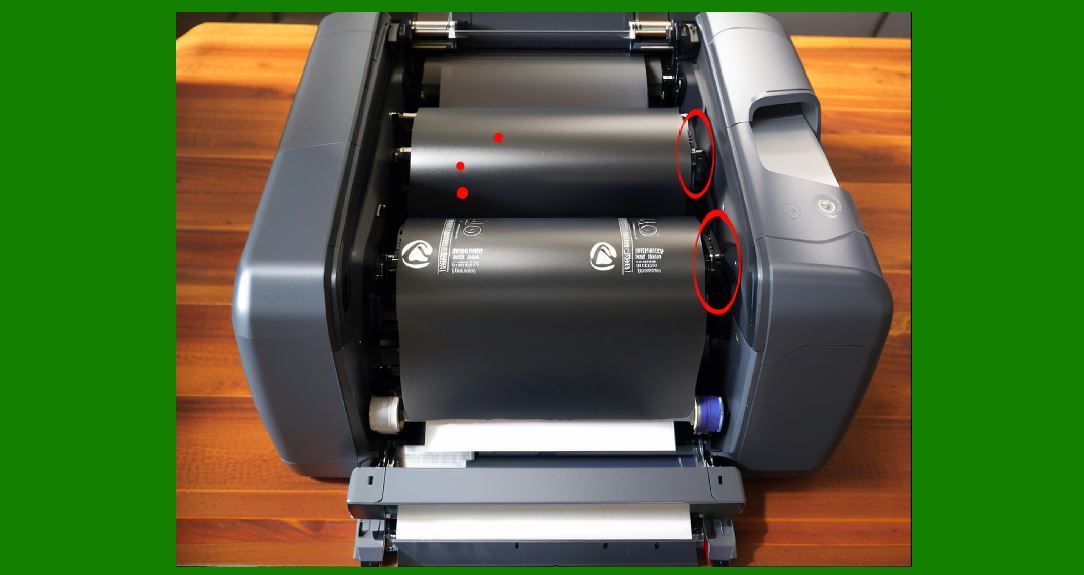
8.2 These standards define grading systems to assess barcode quality. |
8.3 Grades typically range from: |
* A (excellent) |
* B |
* C |
* D |
* F (fail) |
|
9. Parameters Measured in Verification |
9.1 Verification systems measure multiple parameters, including: |
* Symbol contrast |
* Minimum reflectance |
* Edge contrast |
* Modulation |
* Defects |
9.2 Each parameter contributes to the overall grade. |
9.3 The lowest parameter grade usually determines the final result. |

|
10. Decodability and Scanner Performance |
10.1 Decodability measures how closely a printed barcode matches its ideal form. |
10.2 It reflects the likelihood that a scanner will correctly decode the symbol. |
10.3 Factors affecting decodability include: |
* Print precision |
* Media quality |
* Scanner capabilities |

|
11. Quiet Zone Requirements |
11.1 The quiet zone is the blank area surrounding a barcode. |
11.2 It ensures that scanners can distinguish the barcode from surrounding content. |
11.3 Insufficient quiet zones can cause scanning errors. |
11.4 Printers must maintain proper margins to meet standards. |

|
12. Impact of Print Speed on Quality |
12.1 Higher print speeds can reduce print quality due to: |
* Reduced heating time |
* Increased vibration |
* Synchronization challenges |
12.2 Slower speeds generally produce higher-quality barcodes. |
12.3 Users must balance speed and quality based on application needs. |

|
13. Environmental Influences on Print Quality |
13.1 Environmental factors can significantly affect print quality: |
* Temperature |
* Humidity |
* Dust |
13.2 High humidity may cause: |
* Media swelling |
* Ink adhesion issues |
13.3 Temperature variations affect thermal response and print consistency. |

|
14. Media and Ribbon Selection |
13.1 Choosing the correct media and ribbon combination is essential. |
13.2 Compatibility affects: |
* Adhesion |
* Durability |
* Print clarity |
13.3 Manufacturers often provide recommended pairings. |

|
15. Calibration and Optimization |
15.1 Calibration ensures that the printer operates with optimal settings. |
15.2 Calibration processes include: |
* Adjusting sensor thresholds |
* Setting print density |
* Aligning media |
15.3 Regular calibration improves consistency and reduces errors. |

|
16. Common Print Defects |
16.1 Common defects include: |
* Voids (missing dots) |
* Smearing |
* Banding |
* Uneven density |
16.2 These defects can significantly impact barcode readability. |

|
17. Quality Control in Industrial Environments |
17.1 In high-volume environments, quality control is critical. |
17.2 Practices include: |
* (regular) verification |
* Maintenance schedules |
* Use of certified media |
17.3 Automated systems may reject (defective) labels. |

|
18. Role of Firmware in Quality Control |
18.1 Firmware plays a key role in maintaining print quality. |
18.2 It adjusts parameters dynamically based on: |
* Sensor feedback |
* Environmental conditions |
18.3 Advanced firmware can compensate for minor hardware imperfections. |

|
19. 2D Barcode Quality Considerations |
19.1 2D barcodes require higher precision due to their density. |
19.2 Additional factors include: |
* Cell uniformity |
* Error correction capability |
19.3 High-resolution printers are often required for 2D codes. |

|
20. Verification Equipment and Tools |
20.1 Barcode verifiers are specialized devices used to measure print quality. |
20.2 They simulate scanner (performance) and provide detailed reports. |
20.3 Verification is essential for compliance with industry standards. |

|
21. Continuous Improvement and Optimization |
21.1 Print quality is not static; it requires ongoing optimization. |
21.2 Continuous improvement involves: |
* Monitoring performance |
* Adjusting settings |
* Updating firmware |
21.3 This ensures long-term reliability and efficiency. |

|
22. Conclusion of Print Quality and Standards |
22.1 Print quality control is a complex process involving multiple factors. |
22.2 It requires coordination between hardware, software, and materials. |
22.3 Adhering to standards ensures that barcodes remain readable and reliable across different systems. |
 cs@easiersoft.com