Detailed Explanation of the Principles and Structure of Barcode Printer |
Part 8: Barcode Encoding, Data Processing, and Command Languages (ZPL / EPL / TSPL) |
1. Introduction to Barcode Data Processing |
1.1 Barcode printing is not merely a mechanical process; it begins with the transformation of digital data into a structured symbolic representation that can be printed and later decoded by scanners. |
1.2 This transformation involves encoding rules, data formatting, and command interpretation. The barcode printer must accurately convert input data into a pattern of bars, spaces, or modules that comply with specific symbology standards. |
1.3 The entire process is controlled by firmware and command languages, which act as intermediaries between the user/application and the printer hardware. |
|
2. Concept of Barcode Encoding |
2.1 Barcode encoding is the process of converting human-readable or machine data (numbers, letters, binary sequences) into a graphical representation. |
2.2 Each barcode symbology defines: |
* Character sets |
* Encoding rules |
* Error detection or correction mechanisms |
2.3 Examples include: |
* Linear barcodes (e.g., Code 128, Code 39) |
* 2D barcodes (e.g., QR Code, Data Matrix) |
2.4 Encoding must strictly follow symbology specifications to ensure compatibility with scanners. |

|
3. Data Input Sources |
3.1 Barcode printers receive data from various sources: |
* Personal computers |
* Mobile devices |
* Industrial control systems |
* Network servers |
3.2 Data may be transmitted through interfaces such as USB, Ethernet, or wireless connections. |
3.3 The input data can include: |
* Barcode content |
* Label layout |
* Fonts and graphics |
* Printer control commands |
|
4. Printer Command Languages Overview |
4.1 Barcode printers use specialized command languages to interpret instructions. |
4.2 Common command languages include: |
* ZPL (Zebra Programming Language) |
* EPL (Eltron Programming Language) |
* TSPL (TSC Printer Language) |
4.3 These languages define how data is structured and how the printer should render the output. |

|
5. ZPL (Zebra Programming Language) |
5.1 ZPL is one of the most widely used barcode printer languages. |
5.2 It uses a text-based command format, where instructions are enclosed within specific control characters. |
5.3 ZPL supports: |
* Complex label layouts |
* Multiple barcode symbologies |
* Graphics and fonts |
5.4 Commands specify: |
* Positioning (X, Y coordinates) |
* Barcode type |
* Data content |
5.5 ZPL is powerful and flexible, making it suitable for industrial applications. |

|
6. EPL (Eltron Programming Language) |
6.1 EPL is a simpler command language compared to ZPL. |
6.2 It is designed for ease of use and is commonly found in legacy or low-cost printers. |
6.3 EPL provides basic functionality for: |
* Printing barcodes |
* Text placement |
* Simple label formatting |
6.4 Its simplicity makes it suitable for applications with limited complexity. |
|
7. TSPL (TSC Printer Language) |
7.1 TSPL is used by TSC barcode printers and offers a balance between simplicity and functionality. |
7.2 It uses a command structure similar to BASIC programming. |
7.3 TSPL supports: |
* Barcode generation |
* Graphics printing |
* File management |
7.4 It is widely used in logistics and manufacturing environments. |
|
8. Parsing and Interpretation of Commands |
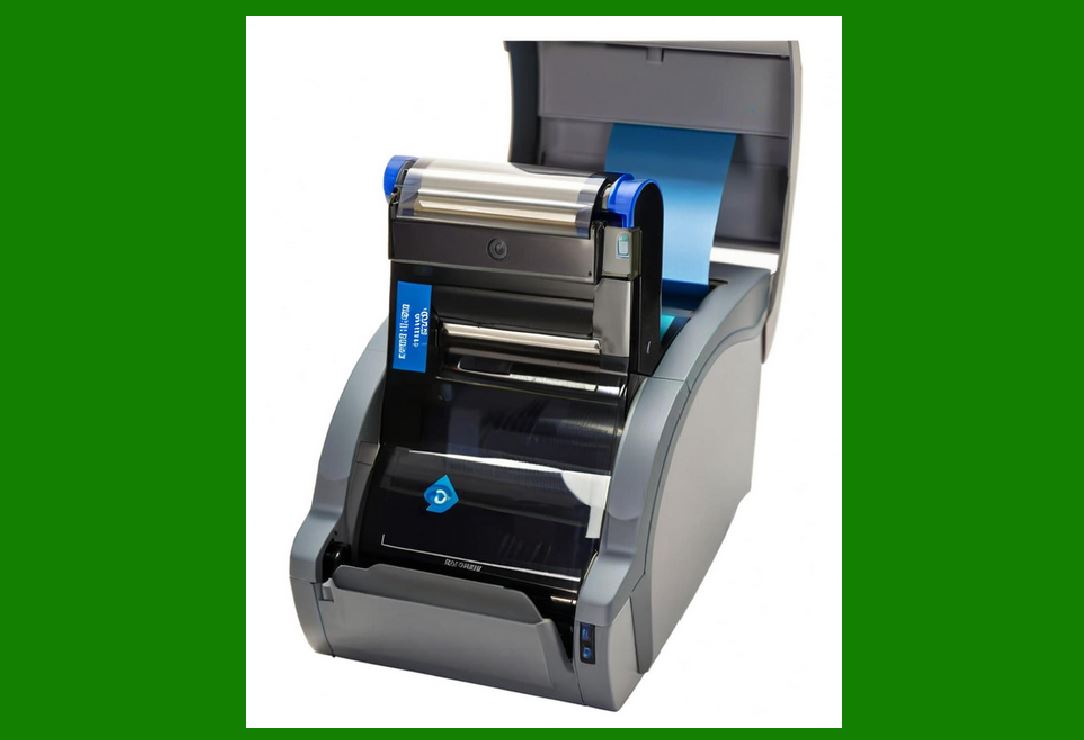
8.1 When a printer receives a command stream, the firmware parses the data. |
8.2 Parsing involves: |
* Identifying command boundaries |
* Interpreting parameters |
* Validating syntax |
8.3 The parsed commands are converted into internal instructions that control the printer. |
|
9. Label Formatting and Layout Engine |
9.1 The label formatting engine determines how elements are arranged on the label. |
9.2 It processes: |
* Coordinates |
* Alignment |
* Rotation |
* Scaling |
9.3 The engine ensures that all elements are correctly positioned relative to the label dimensions. |

|
10. Barcode Generation Algorithms |
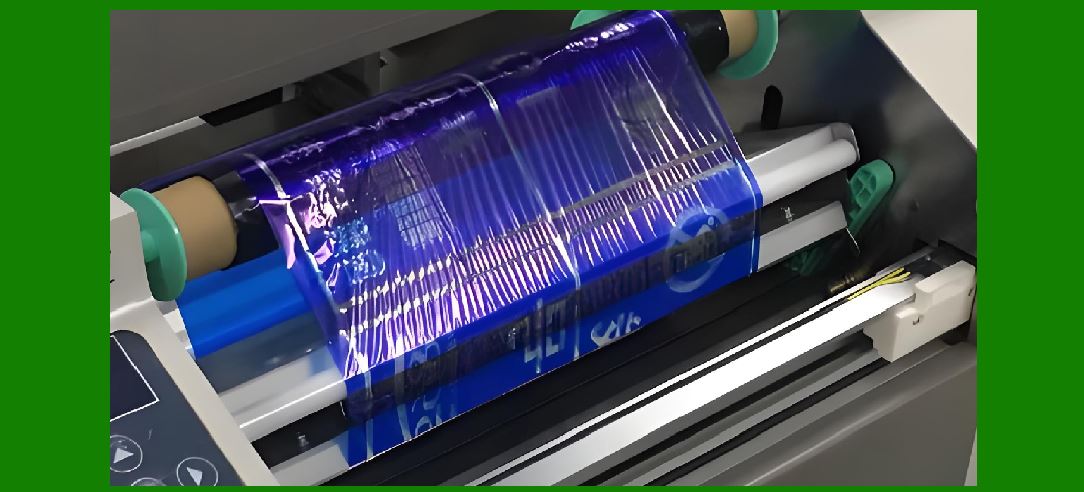
10.1 The firmware includes algorithms for generating barcode patterns. |
10.2 For linear barcodes: |
* Data is converted into sequences of bars and spaces |
* Each character maps to a predefined pattern |
10.3 For 2D barcodes: |
* Data is encoded into a matrix of modules |
* Error correction codes are added |
10.4 These algorithms must adhere strictly to symbology specifications. |
|
11. Error Detection and Correction Encoding |
11.1 Many barcode symbologies include error detection or correction mechanisms. |
11.2 Examples include: |
* Check digits (linear barcodes) |
* Reed-Solomon error correction (2D barcodes) |
11.3 The printer firmware calculates and embeds these codes automatically. |
11.4 This ensures that barcodes remain readable even if partially damaged. |
|
12. Bitmap Rendering Process |
12.1 After encoding, the barcode is converted into a bitmap representation. |
12.2 Each pixel in the bitmap corresponds to a dot printed by the thermal print head. |
12.3 The resolution of the bitmap depends on the printer dpi. |
12.4 The bitmap is stored in memory before being sent to the print head. |
|
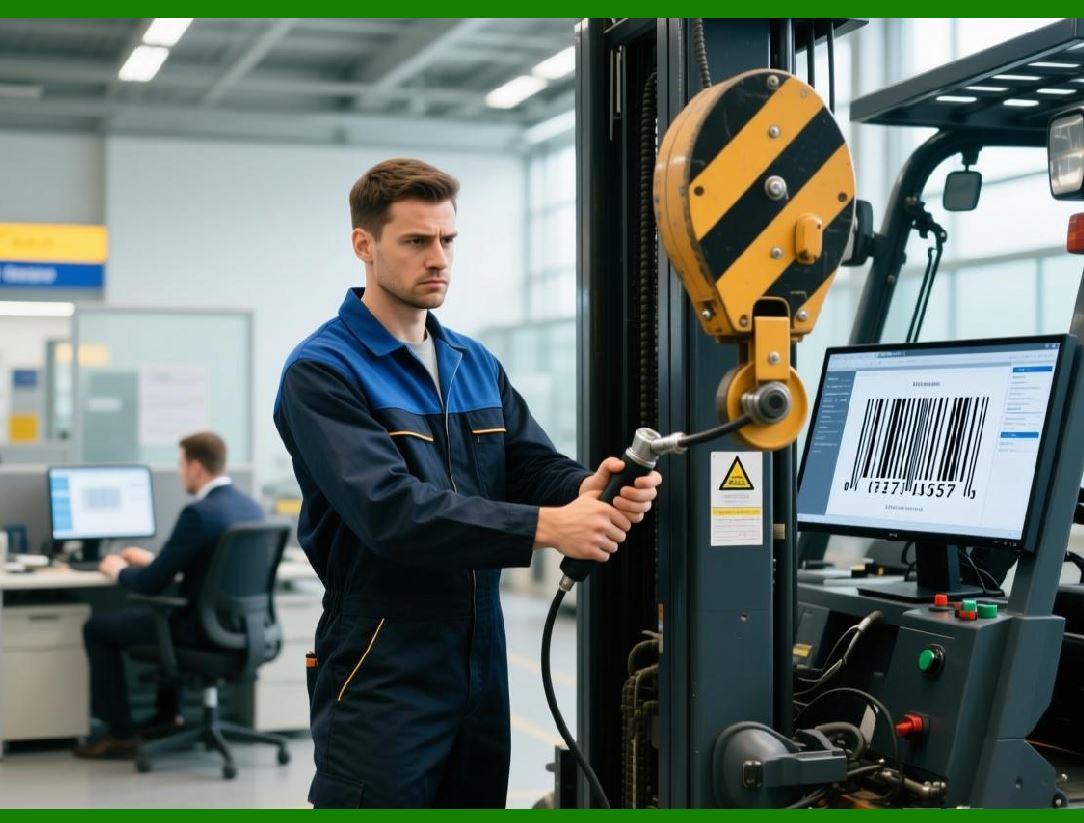
13. Font and Graphics Integration |
13.1 In addition to barcodes, labels often include text and graphics. |
13.2 The printer supports: |
* Built-in fonts |
* Downloadable fonts |
* Bitmap graphics |
13.3 These elements are integrated into the final label layout. |
|
14. Memory Buffering and Spooling |
14.1 Print jobs are stored in memory buffers before execution. |
14.2 Buffering allows: |
* Continuous printing |
* Handling of large jobs |
* Reduced communication delays |
14.3 Spooling ensures that data is processed in the correct sequence. |

|
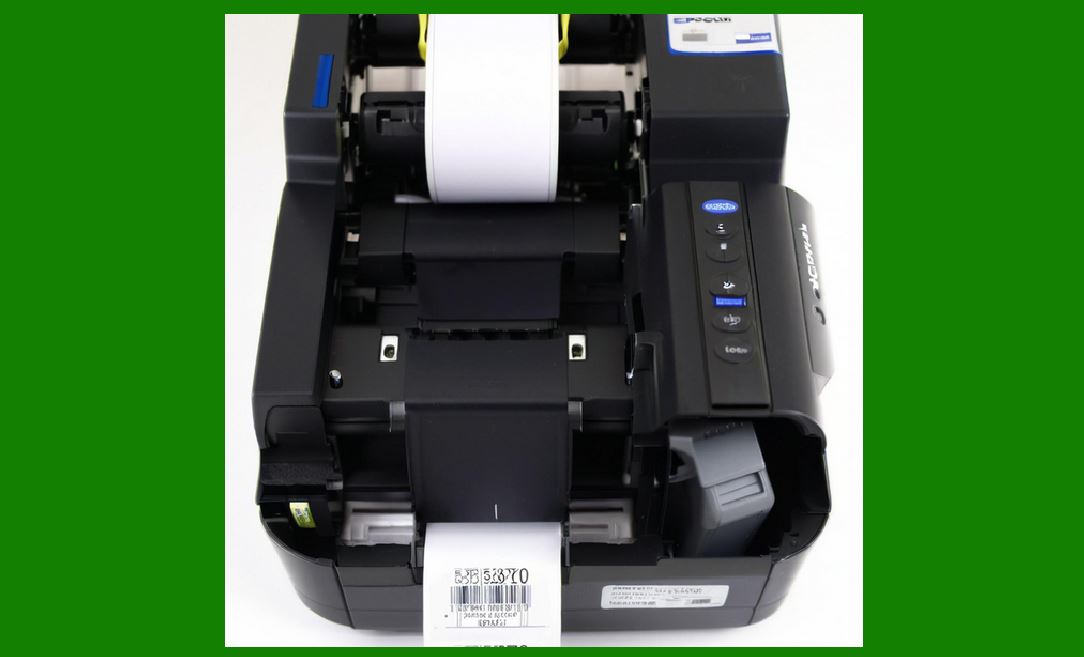
15. Real-Time Data Processing |
15.1 Barcode printers often operate in real time, especially in industrial environments. |
15.2 Real-time processing requires: |
* Fast parsing |
* Efficient memory usage |
* Minimal latency |
15.3 This ensures that printing keeps up with production (lines). |
|
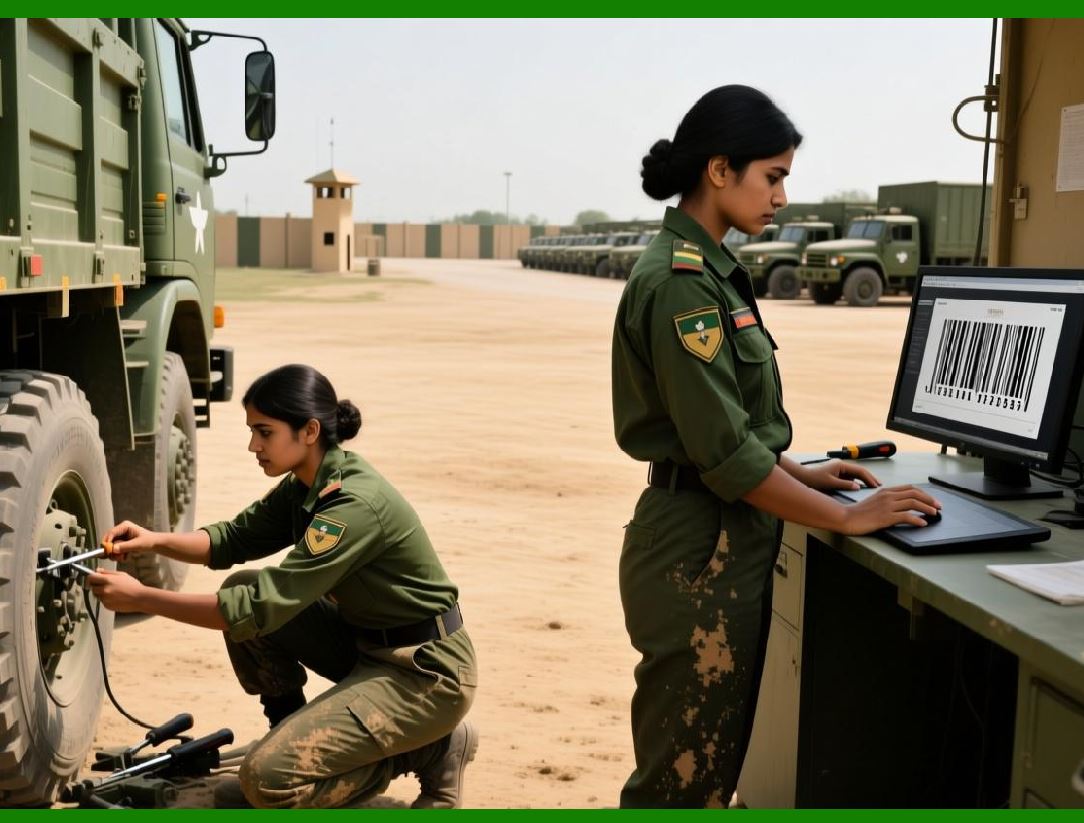
16. Variable Data Printing |
16.1 Many applications require printing unique data on each label. |
16.2 Variable data may include: |
* Serial numbers |
* Dates |
* Product information |
16.3 The printer processes dynamic data streams to generate unique barcodes for each label. |
|
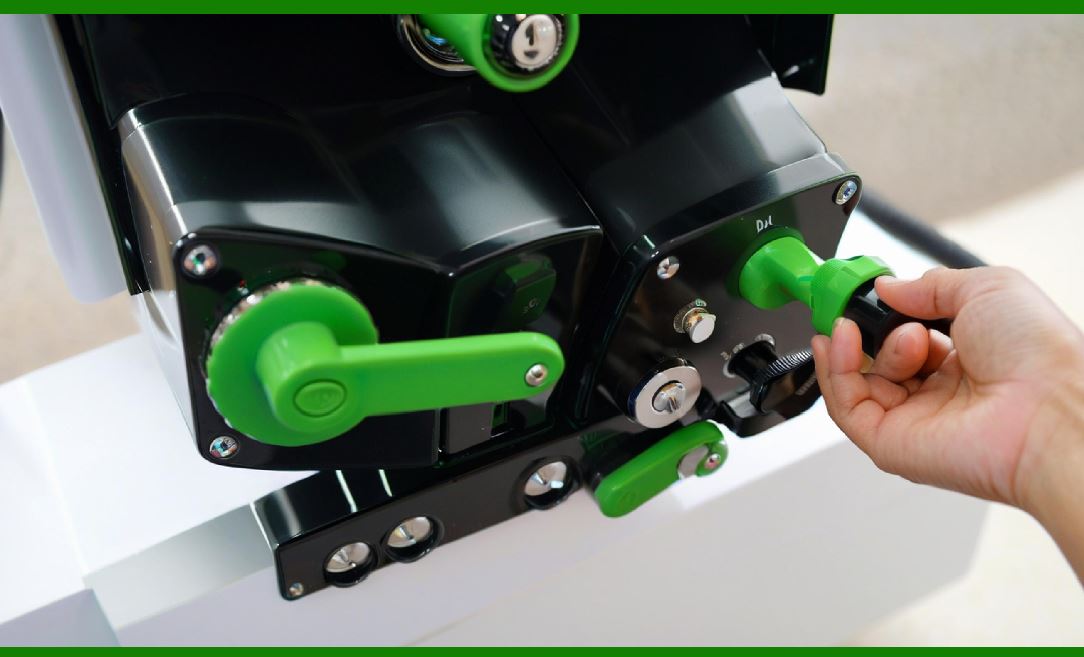
17. Integration with Databases and Systems |
17.1 Barcode printers can integrate with external databases. |
17.2 This allows: |
* Automatic data retrieval |
* Real-time updates |
* Centralized control |
17.3 Integration is often achieved through middleware or direct network communication. |
|
18. Error Handling in Data Processing |
18.1 Errors in data or commands can cause printing failures. |
18.2 The firmware includes mechanisms to: |
* Detect invalid commands |
* Report errors |
* Prevent incorrect printing |
18.3 Proper error handling ensures system reliability. |
|
19. Optimization Techniques |
19.1 Data processing is optimized to improve performance. |
19.2 Techniques include: |
* Command caching |
* Preloaded label templates |
* Efficient encoding algorithms |
19.3 Optimization reduces processing time and increases throughput. |
|
20. Security and Data Integrity |
20.1 Ensuring data integrity is important in barcode printing. |
20.2 Measures include: |
* Error-checking protocols |
* Secure communication channels |
20.3 These features prevent data corruption and unauthorized modifications. |
|
21. Future Trends in Barcode Data Processing |
21.1 Emerging trends include: |
* Cloud-based label design |
* API-driven printing |
* Integration with IoT systems |
21.2 These advancements enhance flexibility and scalability. |
|
22. Conclusion of Barcode Encoding and Command Languages |
22.1 Barcode encoding and command languages form the foundation of barcode printing. |
22.2 They bridge the gap between digital data and physical output. |
22.3 A deep understanding of these systems enables efficient and accurate barcode generation. |
 cs@easiersoft.com