Detailed Explanation of the Principles and Structure of Barcode Printer |
Part 9: Mechanical Structure Design and Industrial Engineering of Barcode Printers |
1. Introduction to Mechanical Structure Design |
1.1 The mechanical structure of a barcode printer defines its physical integrity, durability, and operational stability. While electronic and thermal systems determine functionality, the mechanical design ensures that all components operate reliably under real-world conditions. |
1.2 Barcode printers are often deployed in demanding environments such as warehouses, factories, logistics centers, and healthcare facilities. (therefore), their mechanical design must withstand continuous operation, vibration, dust, and user handling. |
1.3 Industrial engineering principles are applied to optimize strength, accessibility, manufacturability, and maintenance. |

|
2. Structural Framework and Chassis Design |
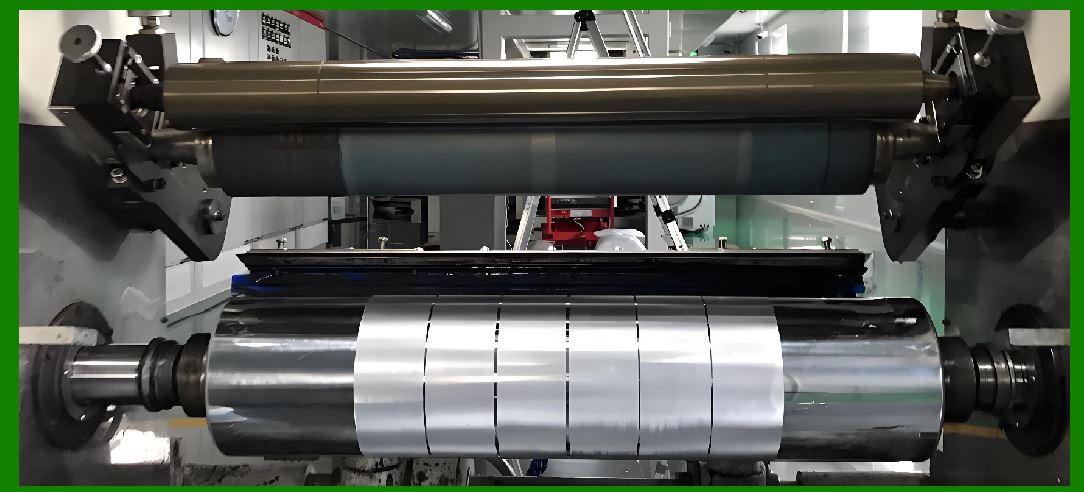
2.1 The chassis serves as the main structural (framework) of the printer, supporting all internal components. |
2.2 Materials commonly used include: |
* Metal (steel or aluminum) for industrial printers |
* High-strength plastics for desktop models |
2.3 Metal chassis designs offer: |
* Superior rigidity |
* Better heat dissipation |
* Increased (resistance) to impact |
2.4 Plastic enclosures provide: |
* Lower cost |
* Reduced weight |
* Ease of manufacturing |
|
3. Internal Layout and Component Arrangement |
3.1 The internal layout determines how components are positioned within the printer. |
3.2 Key considerations include: |
* Space optimization |
* Ease of assembly |
* Accessibility for maintenance |
3.3 Components such as the print head, platen roller, motors, and control board must be arranged to minimize interference and maximize efficiency. |

|
4. Load Distribution and Structural Stability |
4.1 Mechanical design must ensure even distribution of loads across the structure. |
4.2 Uneven load distribution can lead to: |
* Deformation |
* Misalignment |
* Reduced print accuracy |
4.3 Reinforced mounting points and (support) structures are used to maintain stability. |

|
5. Print Head Mounting Mechanism |
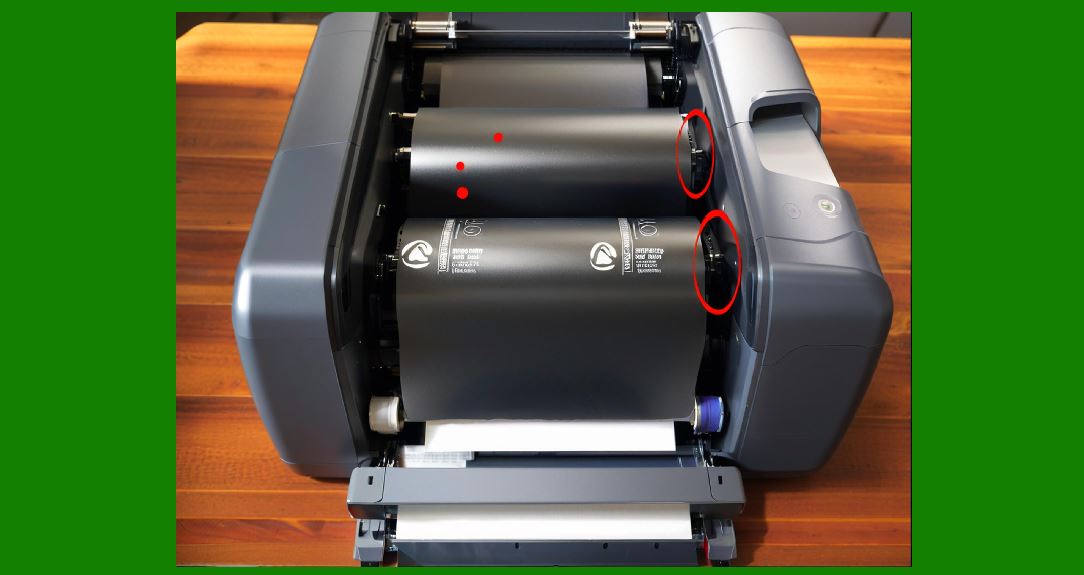
5.1 The print head must be securely mounted while allowing controlled movement. |
5.2 Common mounting features include: |
* Hinged assemblies |
* Spring-loaded (pressure) systems |
* Adjustable alignment mechanisms |
5.3 Proper mounting ensures consistent contact with the media and platen roller. |
|
6. Media Compartment Design |
6.1 The media compartment houses label rolls or fanfold media. |
6.2 Design considerations include: |
* (easy) loading and unloading |
* Adjustable guides for different widths |
* (protection) against dust and damage |
6.3 Industrial printers often support large capacities to reduce downtime. |

|
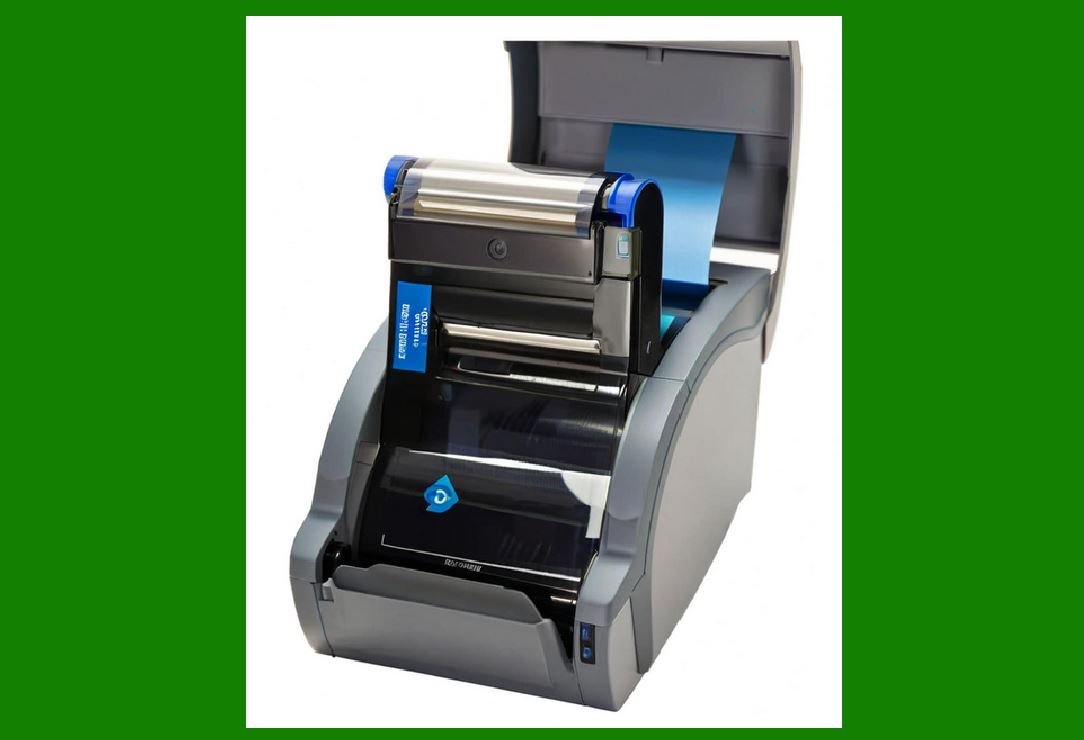
7. Ribbon Compartment Engineering |
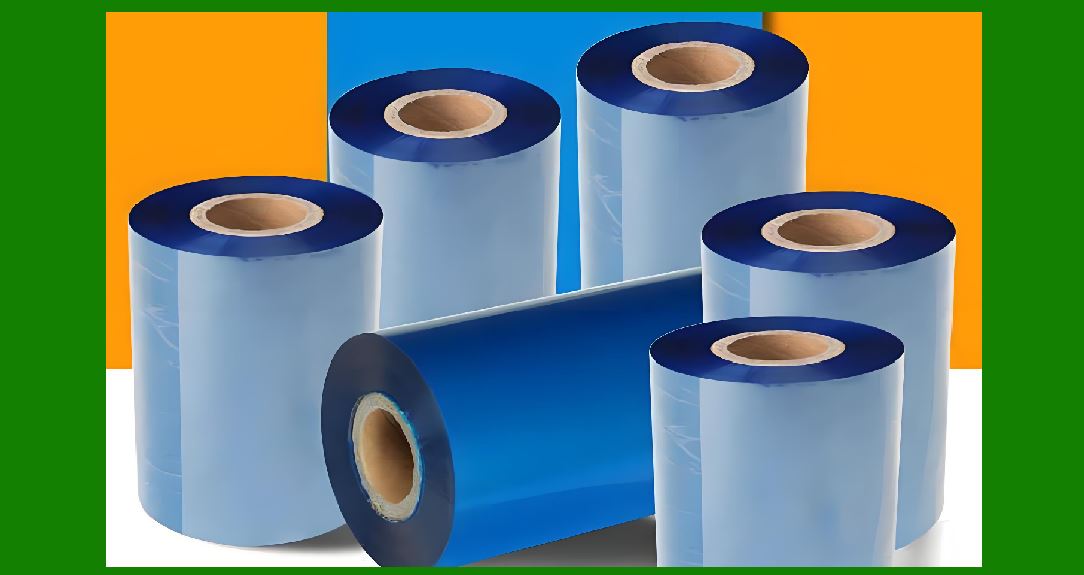
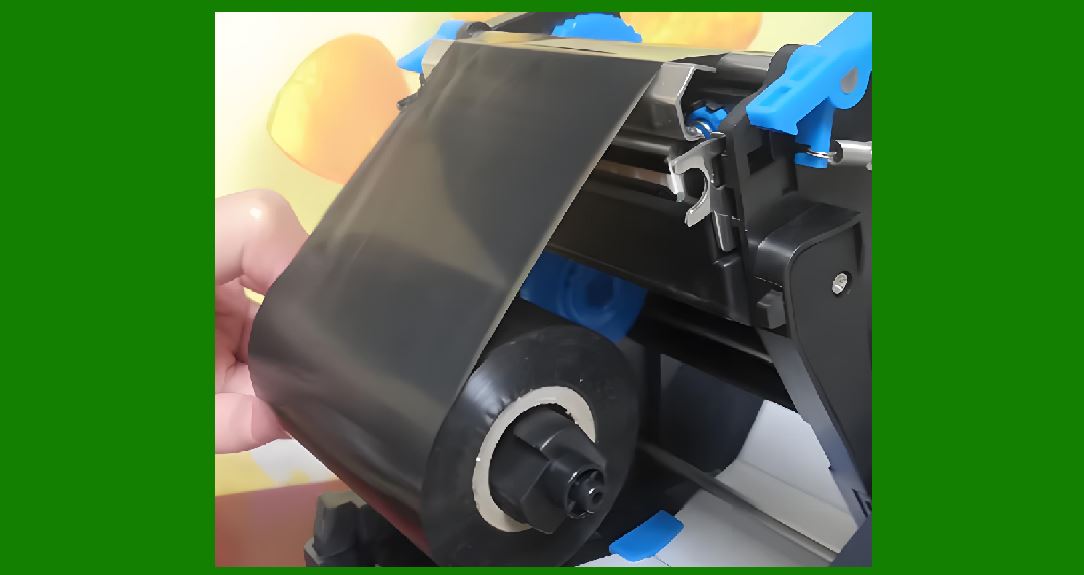
7.1 Thermal transfer printers include a dedicated ribbon compartment. |
7.2 It must accommodate: |
* Ribbon supply spindle |
* Take-up spindle |
* Tension mechanisms |
7.3 The design ensures smooth ribbon movement and easy replacement. |

|
8. Accessibility and Maintenance Design |
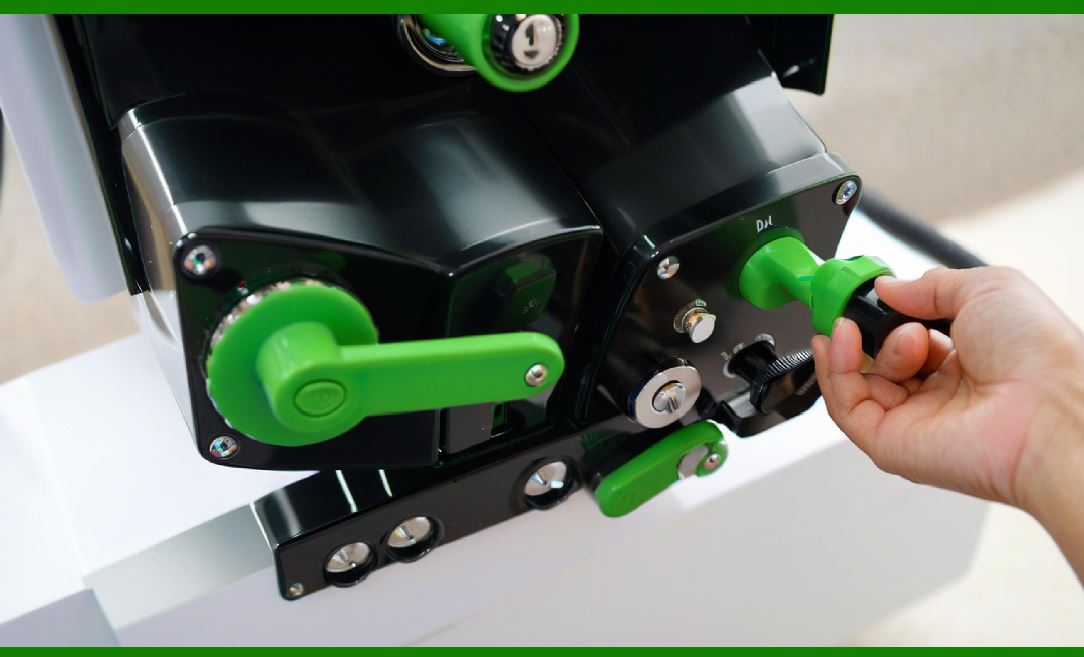
8.1 Ease of maintenance is a key design objective. |
8.2 Features include: |
* Tool-less access panels |
* Quick-release mechanisms |
* (clear) component visibility |
8.3 These features reduce maintenance time and operational disruptions. |

|
9. Cooling and Ventilation Design |
9.1 Heat generated by the print head and electronics must be dissipated. |
9.2 Cooling strategies include: |
* Passive ventilation openings |
* Heat sinks |
* Internal airflow channels |
9.3 Proper cooling prevents overheating and extends component lifespan. |
|
10. Vibration and Shock Resistance |
10.1 Barcode printers must resist vibration and shock, especially in industrial environments. |
10.2 Design techniques include: |
* Reinforced frames |
* Rubber dampers |
* Secure component mounting |
10.3 These measures protect sensitive components such as sensors and electronics. |
|
11. Noise Reduction Engineering |
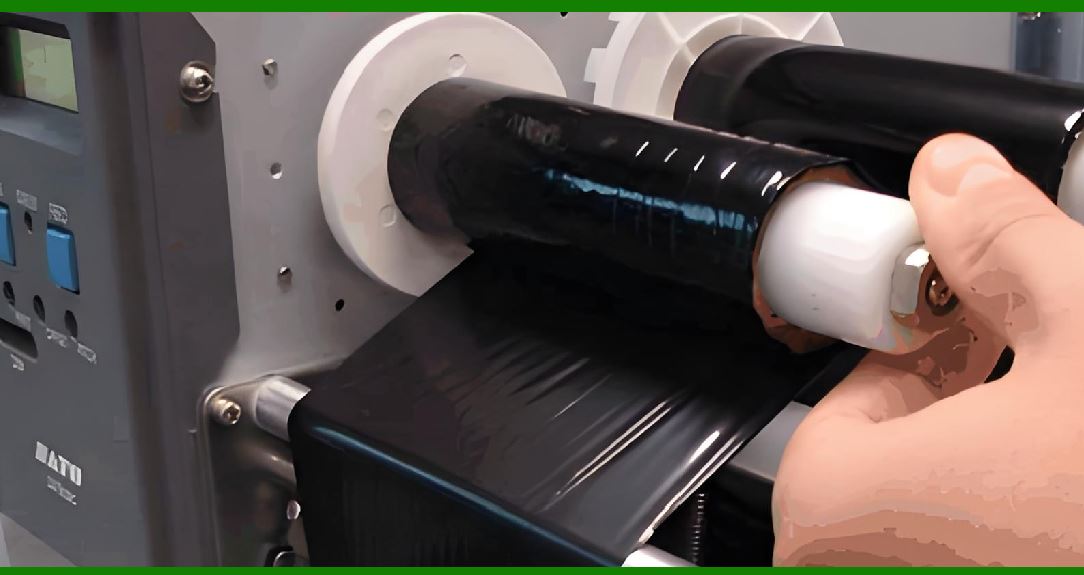
11.1 Mechanical (movement) can generate noise. |
11.2 Noise reduction strategies include: |
* Using belt drives instead of gears |
* Adding insulation materials |
* Optimizing motor control |
11.3 Low noise levels improve user comfort and workplace conditions. |
|
12. Ergonomics and User Interaction |
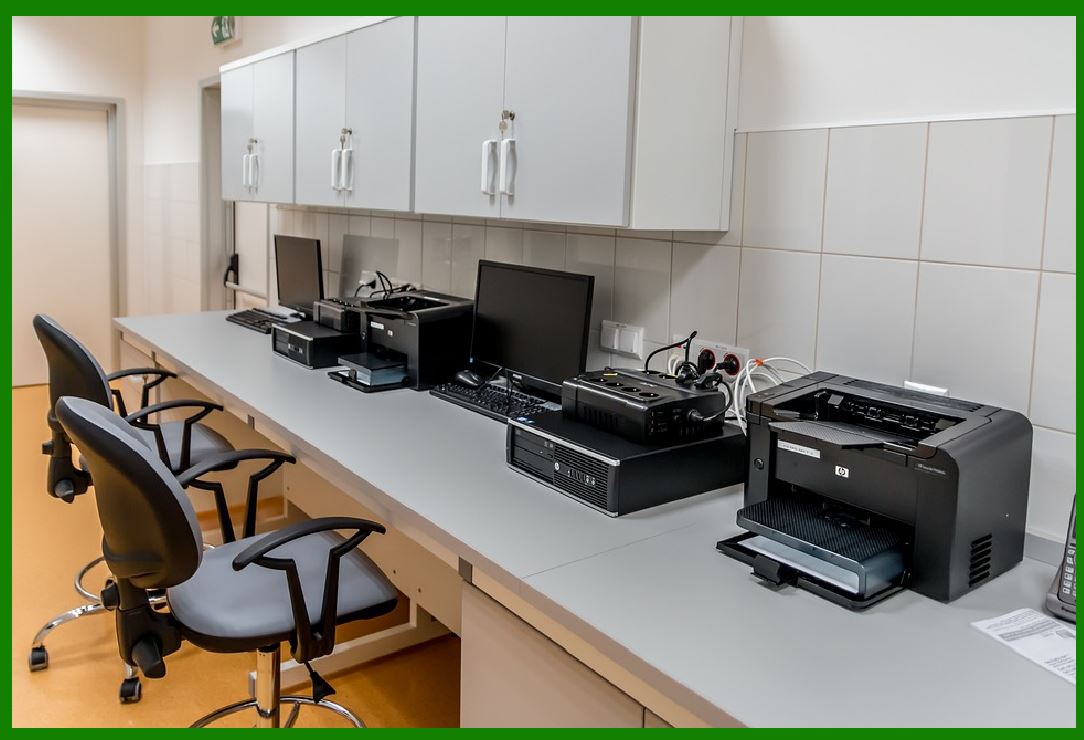
12.1 Ergonomic design enhances usability and reduces operator fatigue. |
12.2 Considerations include: |
* Intuitive media loading |
* Accessible control panels |
* Compact (size) |
12.3 User-friendly design improves efficiency and reduces errors. |
|
13. Modular Design Approach |
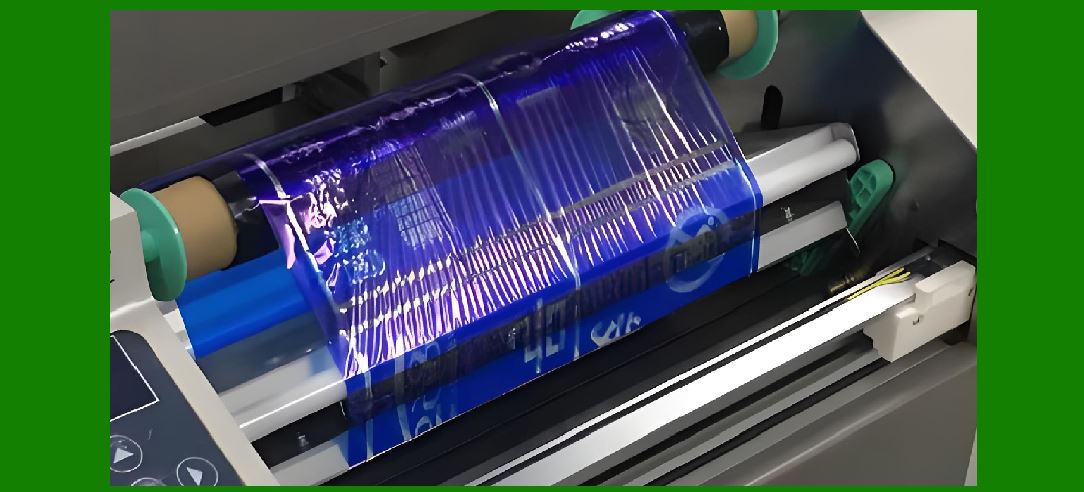
13.1 Modular design allows components to be easily replaced or upgraded. |
13.2 Benefits include: |
* Simplified maintenance |
* Reduced downtime |
* Flexibility in product configuration |
13.3 Modules may include: |
* Print head assemblies |
* Control boards |
* Power supplies |
|
14. Durability and Lifecycle Engineering |
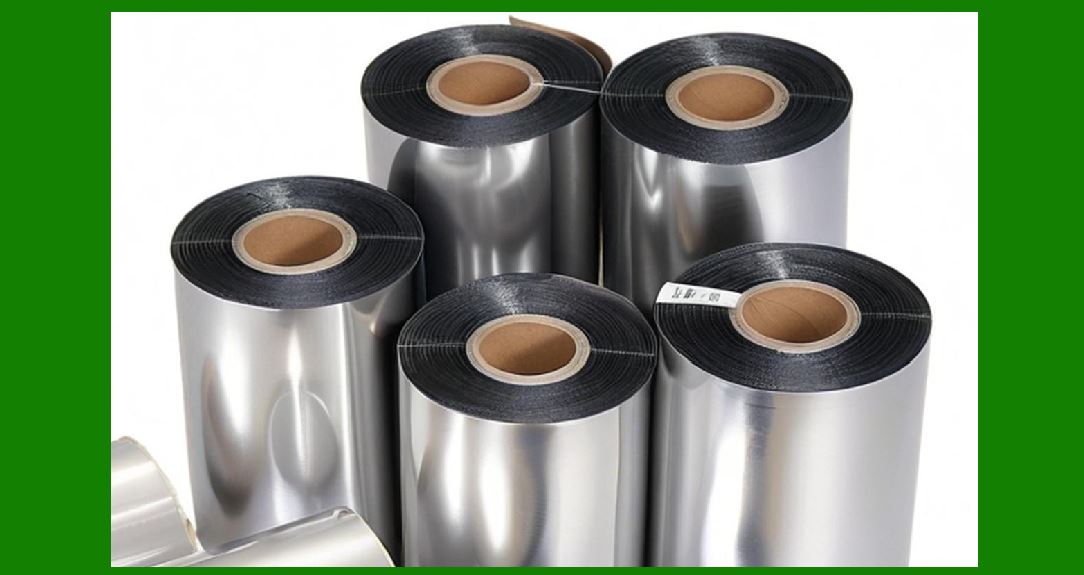
14.1 Barcode printers are designed for long operational lifespans. |
14.2 Durability is achieved through: |
* High-quality materials |
* Robust (construction) |
* Wear-resistant components |
14.3 Lifecycle testing simulates years of operation to ensure reliability. |
|
15. Environmental Protection Features |
15.1 Printers may include features against: |
* Dust |
* Moisture |
* Temperature extremes |
15.2 Industrial models often meet IP (Ingress Protection) ratings. |
15.3 Sealed enclosures and protective coatings enhance reliability. |
|
16. Cable Management and Internal Routing |
16.1 Proper cable management prevents interference and damage. |
16.2 Design features include: |
* Organized cable paths |
* Secured connectors |
* Shielding against electromagnetic interference |
16.3 Good cable management improves reliability and serviceability. |
|
17. Manufacturing and Assembly Considerations |
17.1 Mechanical design must support efficient manufacturing. |
17.2 Considerations include: |
* Minimizing part count |
* Standardizing components |
* assembly processes |
17.3 These factors reduce production costs and improve consistency. |
|
18. Safety Features in Mechanical Design |
18.1 Safety is a critical aspect of printer design. |
18.2 Features include: |
* Protective covers |
* Interlock switches |
* Rounded edges |
18.3 These measures protect users from (injury) and equipment damage. |
|
19. Integration with External Systems |
19.1 Mechanical design must accommodate integration with external (equipment). |
19.2 Examples include: |
* Conveyor systems |
* Print-and-apply machines |
* Mounting brackets |
19.3 Integration enhances automation and productivity. |
|
20. Aesthetic and Industrial Design |
20.1 While functionality is primary, appearance also matters. |
20.2 Industrial design focuses on: |
* Professional look |
* Brand identity |
* User perception |
20.3 A well-designed exterior enhances product appeal. |
|
21. Testing and Quality Assurance |
21.1 Mechanical components undergo rigorous testing, including: |
* Stress testing |
* Vibration testing |
* Thermal cycling |
21.2 Quality assurance ensures that the printer meets performance and durability standards. |
|
22. Future Trends in Mechanical Design |
22.1 Emerging trends include: |
* Lightweight materials |
* Compact designs |
* Integration with smart systems |
22.2 These innovations aim to improve efficiency and adaptability. |
|
23. Conclusion of Mechanical Structure Design |
23.1 The mechanical structure is fundamental to the reliability and performance of barcode printers. |
23.2 It combines principles of engineering, ergonomics, and industrial design. |
23.3 A well-engineered structure ensures long-term stability, ease of use, and consistent print quality. |
 cs@easiersoft.com