1. Introduction to Thermal Printing Technology |
1.1 Basic Concept of Thermal Printing |
Thermal printing refers to the process of printing by selectively heating regions of thermal paper or a thermal transfer ribbon to create text or images. The technology operates using a printhead made of small, heated elements that activate chemical reactions in the paper or transfer medium. |
1.2 Thermal Printing Types |
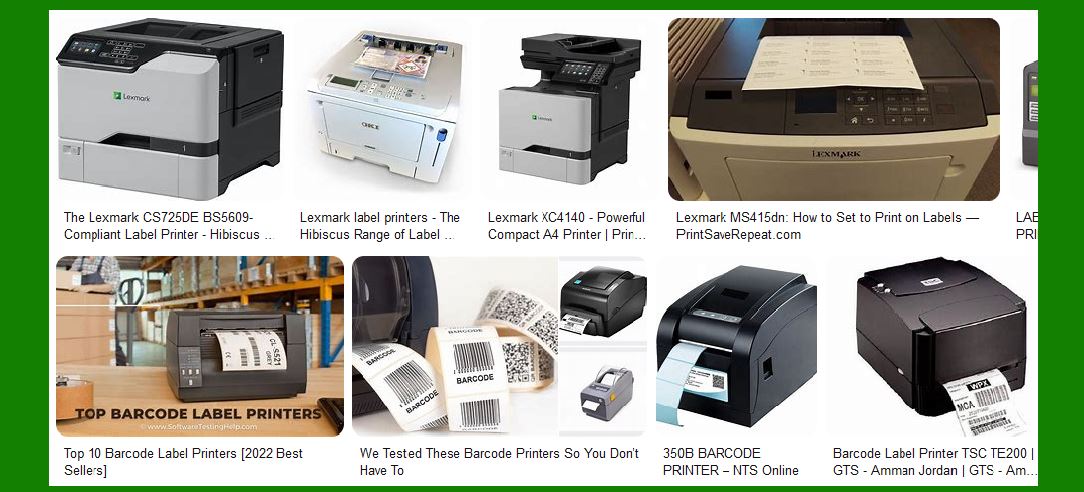
There are two main types of thermal printing technologies: Direct Thermal Printing and Thermal Transfer Printing. While both use heat to create images, the methods and materials used are different, leading to distinct advantages and disadvantages. |
|
2. Direct Thermal Printing |
2.1 How Direct Thermal Printers Work |
Direct Thermal Printing uses heat-sensitive paper that changes color when exposed to heat. The printhead generates heat at specific locations on the paper, causing the thermal coating to turn black, thus creating the desired image or text. |
2.2 Materials Used in Direct Thermal Printing |
Direct thermal printers use thermal paper, a special type of paper coated with a heat-sensitive layer. This layer consists of dye crystals that darken when heated, creating an image. Thermal paper is typically less expensive than other forms of printing media, but it has limitations regarding longevity. |
2.3 Advantages of Direct Thermal Printing |
No Ink, Toner, or Ribbon Required: Direct thermal printers do not require ink or toner cartridges, which makes them simpler and cheaper to maintain. |
Low Operating Cost: Since the printer does not require ink or ribbons, the ongoing operational costs are relatively low. |
Quiet Operation: Direct thermal printers are quieter compared to impact printers, making them suitable for environments requiring low noise levels. |
Compact and Lightweight: Direct thermal printers tend to be more compact and lighter, making them ideal for small businesses or portable applications. |
Faster Print Speed: Since no external materials (like ribbons) are needed, print speeds are faster than thermal transfer printers. |
2.4 Disadvantages of Direct Thermal Printing |
Limited Durability: Direct thermal prints can fade over time, especially when exposed to heat, sunlight, or friction. This makes them unsuitable for long-term storage or labeling of items that will be subjected to harsh conditions. |
No Color Printing: Most direct thermal printers are limited to black-and-white printing, which is a limitation for businesses that require colorful or high-quality images. |
Paper Sensitivity: Direct thermal paper is sensitive to temperature and light, which can lead to image degradation if not properly stored. |
2.5 Applications of Direct Thermal Printing |
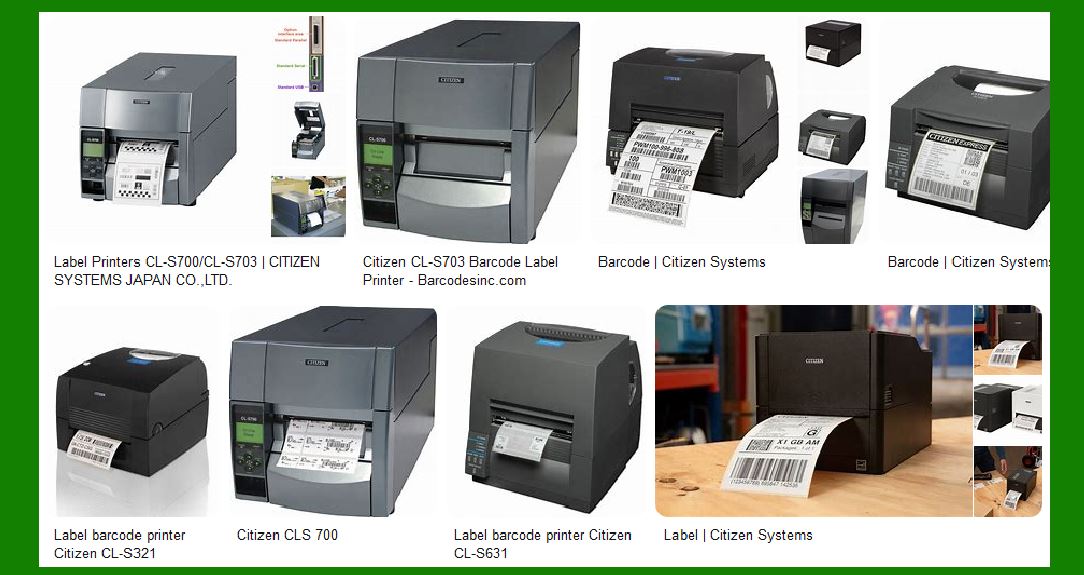
Direct thermal printers are commonly used in situations where short-term, cost-effective labeling is needed. Typical applications include: |
Shipping Labels: Direct thermal printers are commonly used in logistics for printing shipping labels and barcodes. |
Retail Receipts: Many retail establishments use direct thermal printers to print customer receipts due to their low operational costs. |
Event Ticketing: Event tickets that need to be printed quickly and inexpensively often use direct thermal technology. |
|
3. Thermal Transfer Printing |
3.1 How Thermal Transfer Printers Work |
Thermal Transfer Printing involves the use of a thermal ribbon, which is heated by the printhead and transferred onto a medium (usually paper or synthetic materials). The heat melts the ink from the ribbon onto the surface, creating the image or text. |
3.2 Materials Used in Thermal Transfer Printing |
Thermal transfer printing uses thermal ribbons that contain wax, resin, or a blend of both. These ribbons are heated by the printhead and are used to transfer ink onto a variety of surfaces such as paper, plastic, polyester, or vinyl. |
3.3 Advantages of Thermal Transfer Printing |
Durability: Thermal transfer prints are far more durable than direct thermal prints. The ink can resist fading, heat, chemicals, and abrasion, making them suitable for long-term applications. |
Color Printing Capability: Thermal transfer printers can handle ribbons with various colors, allowing them to print in a range of colors, including full-color images. |
Versatility: Thermal transfer printers can print on a wide variety of materials, including paper, synthetic labels, polyester, and even textiles. |
High-Quality Print: Thermal transfer printers are capable of producing sharp, high-resolution prints, which is especially beneficial for barcode printing, logos, and detailed graphics. |
3.4 Disadvantages of Thermal Transfer Printing |
Higher Operational Costs: Thermal transfer printers require the purchase of ribbons, which adds to the cost of printing, as well as the need for more frequent maintenance compared to direct thermal printers. |
Slower Print Speed: Thermal transfer printers tend to be slower than direct thermal printers, as the process involves additional materials and a more complex printing mechanism. |
Larger and Heavier Printers: These printers are often larger and heavier than direct thermal printers, making them less ideal for portable or space-constrained applications. |
3.5 Applications of Thermal Transfer Printing |
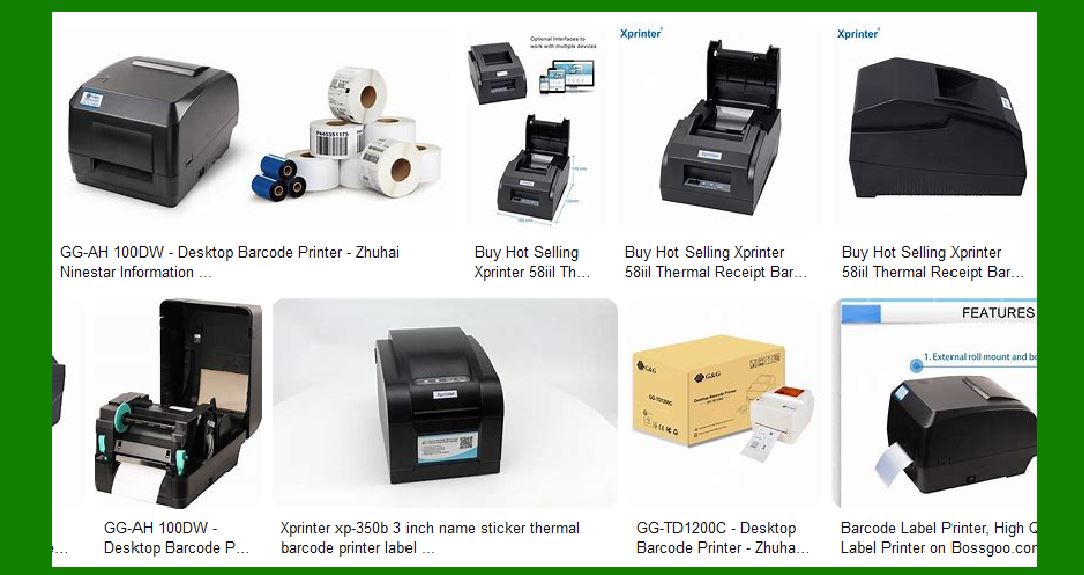
Thermal transfer printing is widely used in industries where durability and high-quality prints are necessary. Common applications include: |
Product Labels: Thermal transfer printers are often used to print high-quality, durable labels for products that require long-term durability. |
Asset Tracking: Since thermal transfer prints are more resistant to wear and tear, they are ideal for tracking valuable assets that need to withstand environmental factors. |
Barcodes: Many industries that require high-density barcodes use thermal transfer printers due to their ability to produce sharp and durable prints. |
Industrial Applications: Thermal transfer printers are used in environments where products may be exposed to chemicals, oils, or extreme temperatures. |
|
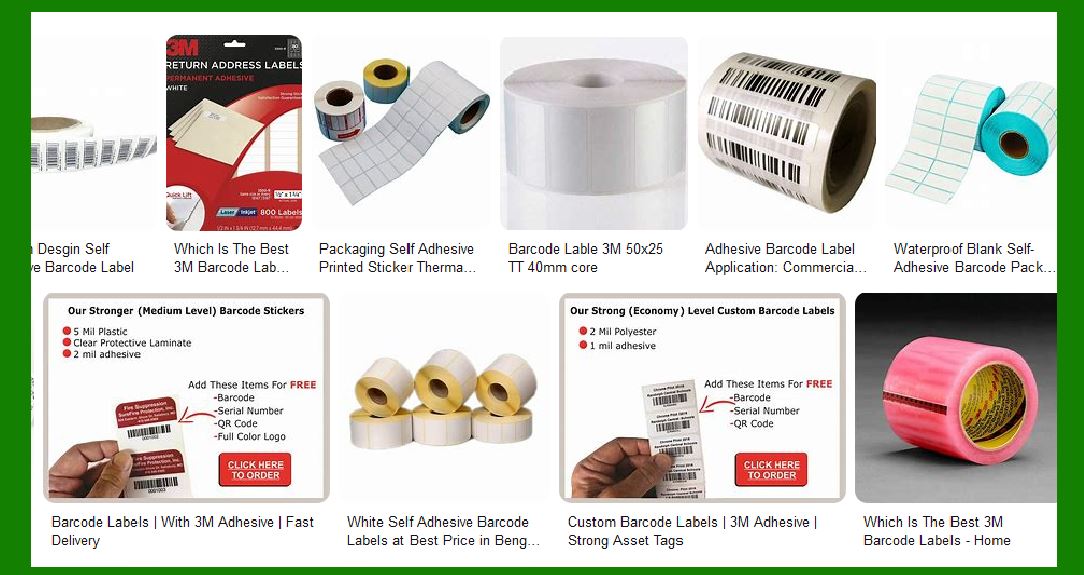
4. Key Differences Between Direct Thermal and Thermal Transfer Printers |
4.1 Print Technology |
Direct Thermal Printing: Uses heat-sensitive paper and applies heat directly to the surface to create an image. |
Thermal Transfer Printing: Uses a ribbon that is heated to transfer ink onto a material (paper or synthetic surfaces). |
4.2 Durability |
Direct Thermal: The prints are vulnerable to fading, heat, and light exposure, making them less durable. |
Thermal Transfer: Prints are more durable and can resist fading, chemicals, and abrasions, making them suitable for harsh conditions. |
4.3 Cost |
Direct Thermal: Generally cheaper to operate as no ink, toner, or ribbons are required. |
Thermal Transfer: Involves additional costs for ribbons and maintenance, leading to higher operational costs. |
4.4 Printing Speed |
Direct Thermal: Faster printing speed since no ribbons are involved. |
Thermal Transfer: Typically slower printing speed due to the additional materials involved in the printing process. |
4.5 Material Flexibility |
Direct Thermal: Limited to thermal paper and materials that are sensitive to heat. |
Thermal Transfer: Capable of printing on a variety of materials, including plastics, textiles, and synthetic papers. |
|
5. Choosing Between Direct Thermal and Thermal Transfer Printers |
5.1 Factors to Consider When Choosing a Printer |
Print Quality: If high-quality prints with sharp images, barcodes, and logos are necessary, thermal transfer printers are typically the better option. |
Durability Requirements: If the printed label or image needs to withstand exposure to harsh environments, thermal transfer printing is more suitable. |
Cost Efficiency: For low-volume or short-term applications like receipts, direct thermal printers are more cost-effective. |
5.2 Ideal Use Cases |
Direct Thermal Printers: Ideal for retail receipts, shipping labels, event ticketing, and other short-term applications. |
Thermal Transfer Printers: Best suited for industrial labeling, product packaging, asset tracking, and long-term or outdoor applications. |
|
6. Conclusion |
Both direct thermal and thermal transfer printers offer specific advantages that cater to different business needs. Direct thermal printing is ideal for low-cost, short-term printing needs, while thermal transfer printing provides durability, versatility, and high-quality results suitable for demanding environments. |
This comparison provides a clear understanding of the differences between these two technologies, allowing businesses to choose the right printer based on their specific printing requirements and budget. |
|
further expansions on: Which label printer should be used for medical, logistics, and warehouse management? |
When selecting label printers for industries such as medical, logistics, and warehouse management, several key factors need to be considered, such as durability, print quality, speed, cost, regulatory compliance, and ease of use. Both direct thermal and thermal transfer printers can be useful depending on the specific requirements of each industry. Below, I will dive deeper into the considerations for each sector and recommend the most suitable printer types for these environments. |
1. Medical Industry |
The medical industry has strict regulations regarding labeling due to the need for clear, accurate, and durable information on medical products and equipment. Labels often contain vital information such as barcodes, patient information, expiration dates, dosage instructions, and lot numbers, making the quality of printing crucial. |
1.1 Key Considerations in the Medical Sector |
Durability and Longevity: Medical labels must withstand extreme conditions like temperature fluctuations, moisture, chemicals, and handling. Labels on medical devices, pharmaceuticals, and packaging must not fade or degrade quickly. |
Regulatory Compliance: In the medical field, labeling often falls under stringent regulations (e.g., FDA regulations, ISO standards) that require high accuracy and legibility. Labels must be clear, compliant, and able to survive rigorous handling. |
Print Quality: High-quality prints are essential for the clarity of small font sizes, barcodes, and detailed graphics like logos, expiration dates, or product identification codes. |
1.2 Recommended Printer Types for Medical Applications |
Thermal Transfer Printers: |
Reasoning: Given that medical labels are often subjected to environmental stresses (e.g., extreme temperatures, moisture, and chemicals), thermal transfer printers are generally the preferred choice. The print produced by thermal transfer technology is more durable and resistant to fading, scratches, and smudging compared to direct thermal prints. |
Material Flexibility: Thermal transfer printers can print on a wide range of materials such as synthetic labels, vinyl, polyester, and even specialty medical adhesive materials, which are common in medical packaging. |
High-Resolution Printing: Thermal transfer printers offer high resolution, which is essential for printing small text (such as barcodes, serial numbers, and lot numbers) and ensuring legibility on medical labels. |
Direct Thermal Printers (in Certain Use Cases): |
Reasoning: For applications that require quick, low-cost printing (e.g., temporary patient wristbands, shipping labels for medical supplies), direct thermal printers may be appropriate, provided the labels won¡¯t be exposed to harsh conditions for prolonged periods. |
1.3 Specific Examples: |
Zebra ZT610 (Thermal Transfer): Ideal for medical device manufacturers and pharmaceutical companies due to its high-resolution printing and ability to print on a variety of materials. |
TSC TTP-2410MT (Thermal Transfer): A solid option for the medical field with its versatility and durability, capable of printing on specialized labels that meet industry standards. |
|
2. Logistics Industry |
The logistics industry relies heavily on efficient and accurate labeling to track goods, shipments, and inventory. Labels typically include barcodes, tracking numbers, and shipment information, which are crucial for seamless operations in warehouses, distribution centers, and during transportation. |
2.1 Key Considerations in the Logistics Sector |
Speed: In logistics, time is money. Printers must be capable of producing labels quickly, especially during peak shipping seasons. |
Durability: Labels must endure rough handling, environmental exposure (e.g., rain, snow, heat), and long transit times. |
Cost Efficiency: As logistics often involves high volumes of labels, cost per label and printer maintenance must be considered. |
Print Quality: Barcode clarity is essential for accurate scanning during sorting, transportation, and delivery. |
2.2 Recommended Printer Types for Logistics Applications |
Direct Thermal Printers: |
Reasoning: Direct thermal printers are widely used in logistics due to their fast print speed, low maintenance costs, and cost-effectiveness. For items that don't require long-term durability or exposure to extreme conditions (e.g., shipping labels, packaging labels), direct thermal technology is suitable. |
Speed: These printers can print labels rapidly, which is essential for high-volume environments such as distribution centers. |
Low Operating Costs: Since direct thermal printers do not require ink, toner, or ribbons, they offer lower long-term operational costs, making them ideal for logistics businesses that need to print labels in bulk. |
Thermal Transfer Printers (for Certain Applications): |
Reasoning: For logistics applications that require durable, long-lasting labels (e.g., hazardous material labels, labels for high-value goods), thermal transfer printers may be the better choice. |
Durability: In cases where labels need to withstand rough handling or exposure to chemicals, extreme temperatures, or moisture, thermal transfer labels are more durable and resistant to wear. |
High-Quality Barcodes: Thermal transfer printers can produce high-resolution barcodes that are easy to scan in the warehouse, ensuring efficient sorting and inventory management. |
2.3 Specific Examples: |
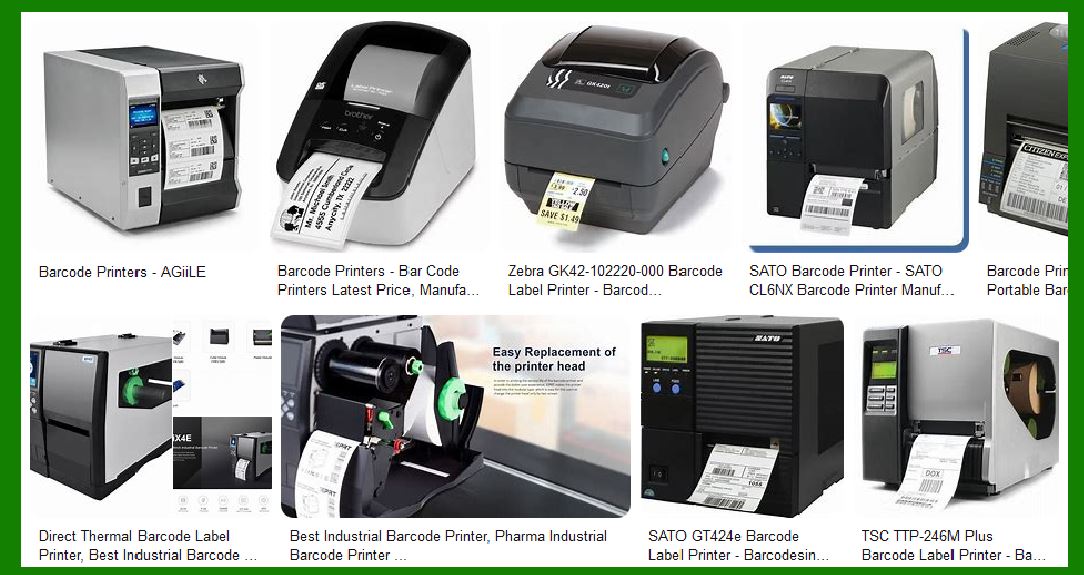
Zebra GK420d (Direct Thermal): A highly efficient and affordable printer suitable for producing shipping labels, inventory labels, and barcode labels quickly and efficiently. |
TSC TTP-243E (Thermal Transfer): Offers both thermal transfer and direct thermal printing, providing flexibility for logistics companies that may require both short-term and long-term labeling options. |
|
3. Warehouse Management |
In warehouse management, accurate and reliable labeling is essential for inventory tracking, shipping, receiving, and storage operations. Warehouse environments often have high levels of activity, and labels need to be easily scannable and durable enough to withstand handling, stacking, and movement of goods. |
3.1 Key Considerations in Warehouse Management |
Readability: Barcodes need to be scannable, even if labels are subjected to dirt, moisture, or other environmental factors. |
Durability: Labels may be exposed to heavy handling, chemicals, or extreme temperatures in the warehouse. Durability is critical for ensuring that barcodes remain readable. |
Volume: Warehouses typically print large quantities of labels, making printer speed, cost per label, and maintenance requirements important factors in selecting the right printer. |
Speed: Since many warehouse operations require quick label printing for rapid item tracking and shipment processing, printers must be capable of high-volume, fast printing. |
3.2 Recommended Printer Types for Warehouse Applications |
Thermal Transfer Printers: |
Reasoning: Thermal transfer printers are ideal for warehouses because of their durability and ability to print on a wide variety of materials, including synthetic label stocks, which are often used in rugged warehouse environments. |
Durability: Thermal transfer labels resist fading, scratching, and smudging, making them suitable for products and packages that will undergo extensive handling or exposure to harsh conditions. |
High-Quality Barcodes: High-quality barcodes printed with thermal transfer printers ensure efficient inventory management, which is vital in large warehouses where accuracy is paramount. |
Flexibility: The ability to print on a wide range of label materials allows warehouses to select the best labels for different types of items (e.g., fragile items, pallets, or outdoor products). |
Direct Thermal Printers (for certain use cases): |
Reasoning: In some warehouse applications where labels do not need to last for extended periods (e.g., temporary shelf tags, short-term product labeling), direct thermal printers may be a suitable option due to their lower operational costs and faster printing speeds. |
Cost-Efficiency: For high-volume, low-cost printing of shipping or temporary labels, direct thermal printers provide an economical solution. |
3.3 Specific Examples: |
Zebra ZT410 (Thermal Transfer): Designed for high-volume, durable printing, making it perfect for warehouses that need to print long-lasting labels for products in various storage conditions. |
Honeywell PC42t (Thermal Transfer): Offers excellent quality printing, fast speeds, and flexibility for medium-volume warehouse operations. |
Conclusion: Which Printer to Choose? |
Medical Industry: Thermal Transfer Printers are generally recommended due to their durability, high-resolution printing, and ability to handle harsh environments. |
Logistics Industry: Direct Thermal Printers are suitable for short-term labeling applications such as shipping labels and product packaging. For high-durability applications (e.g., hazardous materials), Thermal Transfer Printers are better. |
Warehouse Management: Thermal Transfer Printers are the best option for long-lasting, high-quality labels, while Direct Thermal Printers are cost-effective for temporary labels. |
Choosing the right label printer depends on specific requirements such as durability, cost, speed, and environmental factors, ensuring that operations in each industry run efficiently and effectively. |
|
Detailed analysis of the use costs of the two printers |
Understanding the use costs of Direct Thermal and Thermal Transfer Printers is critical for businesses to make cost-effective decisions when selecting the right printer for their operations. The costs of using these printers go beyond the initial purchase price and involve recurring costs for media, maintenance, and operation. Below, I¡¯ll provide a detailed breakdown of each cost category to give you a comprehensive understanding of the long-term financial impact of both types of printers. |
1. Initial Purchase Cost |
1.1 Direct Thermal Printers |
Lower Initial Purchase Price: Direct thermal printers typically have a lower initial purchase cost compared to thermal transfer printers. This is because direct thermal printers are simpler in design, using only a heated printhead and thermal paper, without requiring ribbons or additional consumables. |
Range of Prices: Entry-level models of direct thermal printers can start at around $100 to $300, while higher-end models can cost up to $500 to $1,500, depending on features like print speed, print resolution, and connectivity options. |
1.2 Thermal Transfer Printers |
Higher Initial Purchase Price: Thermal transfer printers are generally more expensive because they require additional components such as thermal ribbons and are built for higher durability and versatility in printing materials. |
Range of Prices: Entry-level thermal transfer printers typically start at around $250 to $700, while industrial-grade models can exceed $2,000 to $4,000 depending on their capabilities and print quality. |
Conclusion on Initial Costs: |
Direct thermal printers generally have a lower upfront cost compared to thermal transfer printers, which makes them attractive for businesses with tight initial budgets or those requiring a simple labeling solution. |
|
2. Media Costs |
Media costs are a significant component of the overall cost of using both direct thermal and thermal transfer printers. These costs include the price of the label materials (paper or synthetic) and the ribbons used for printing. |
2.1 Direct Thermal Printers |
Thermal Paper: Direct thermal printers only require thermal paper (a special heat-sensitive paper), which is typically less expensive than the combined cost of ribbons and labels for thermal transfer printing. |
Price of Thermal Paper: Thermal paper rolls cost about $0.05 to $0.20 per label for standard-sized labels (depending on the size and type of thermal paper used). Specialty thermal paper for harsher environments (e.g., weather-resistant or heat-resistant paper) can cost more. |
No Additional Consumables: The absence of ink or ribbons means there are no additional consumable costs involved, making the per-label cost lower over time. |
2.2 Thermal Transfer Printers |
Thermal Ribbons: Thermal transfer printers require a ribbon (usually made of wax, resin, or a combination), which adds to the cost of printing. The ribbon is used to transfer ink onto the label material, so each print requires both a ribbon and the label itself. |
Price of Thermal Ribbons: The cost of thermal ribbons varies depending on the material and width. Generally, ribbons cost around $0.10 to $0.40 per label (for standard labels), depending on the ribbon type (wax-based, resin-based, or mixed). |
Cost Variability: The cost of thermal ribbons can vary significantly depending on the type of label material used, the type of ribbon (wax vs. resin), and the quality required for durable printing. |
Label Materials: Thermal transfer printers can print on a wide range of materials, including paper, plastic, polyester, and other synthetic materials. The cost of these labels can range from $0.05 to $0.25 per label, depending on the material. |
Specialty Labels: For industries like medical, logistics, and warehouse management, where durability is crucial, specialty labels (such as those designed to resist chemicals or extreme weather) can cost $0.30 to $1.00 per label or more. |
Conclusion on Media Costs: |
Direct Thermal Printers are cheaper in terms of consumables, as they only require thermal paper, which is usually less expensive than the combination of thermal ribbons and labels used in thermal transfer printing. |
Thermal Transfer Printers involve additional costs due to the need for ribbons and the higher cost of durable materials for long-lasting labels. |
|
3. Maintenance Costs |
The maintenance cost of both printer types depends on how frequently the printer is used and the type of environment in which it operates. |
3.1 Direct Thermal Printers |
Lower Maintenance Costs: Direct thermal printers have fewer moving parts and require less maintenance because they don't use ribbons or toner cartridges. This makes them simpler to maintain overall. |
Printhead Wear: The most common form of maintenance is replacing the printhead, which can wear out over time with continuous use. However, printhead replacement is generally infrequent and less costly compared to thermal transfer printers. |
Cost of Printhead Replacement: Printhead replacement typically costs between $100 to $300 depending on the printer model, and it may last for millions of prints, so the replacement frequency is low. |
3.2 Thermal Transfer Printers |
Higher Maintenance Costs: Thermal transfer printers require more frequent maintenance because of the additional components involved, such as the ribbons and the ability to handle a wider variety of label materials. |
Printhead and Ribbon Replacements: The printhead may need to be replaced more often than with direct thermal printers due to the extra wear caused by the ribbons and different materials. Additionally, ribbons may create residue on the printhead, leading to more frequent cleanings. |
Cost of Printhead Replacement: Printhead replacements for thermal transfer printers typically cost between $150 to $400. |
Ribbon and Media Changes: The need to replace ribbons regularly also adds to the operational costs, especially for high-volume applications. |
Conclusion on Maintenance Costs: |
Direct Thermal Printers tend to have lower maintenance costs due to fewer consumables and simpler technology. |
Thermal Transfer Printers have higher maintenance costs due to the additional components involved, such as ribbons and varied label materials, which require more upkeep. |
|
4. Energy Consumption and Operational Costs |
Energy consumption is generally not a major factor in the overall cost of thermal printers, but it can add up over time, especially for high-volume environments. |
4.1 Direct Thermal Printers |
Lower Power Consumption: Direct thermal printers typically consume less energy than thermal transfer printers because they only use the printhead for heat and require no additional components like ribbons or motors for handling ribbons. |
Efficiency: These printers are more energy-efficient because they have fewer moving parts, leading to less wear and lower operating costs over time. |
4.2 Thermal Transfer Printers |
Higher Power Consumption: Thermal transfer printers tend to consume more energy because of the extra motors used for ribbon handling, as well as the larger printheads and more complex mechanisms required to manage both ribbons and labels. |
Inefficiencies with Ribbon Handling: As thermal transfer printers must load and unload ribbons, this additional complexity can lead to slightly higher energy consumption compared to direct thermal models. |
Conclusion on Energy Costs: |
Direct Thermal Printers are more energy-efficient, which may result in lower electricity costs over time, especially in high-volume environments. |
Thermal Transfer Printers may have slightly higher energy consumption due to the additional components involved in handling both ribbons and labels. |
|
5. Cost per Label |
The cost per label is a critical factor in deciding between the two technologies, particularly for businesses with high-volume printing needs. |
5.1 Direct Thermal Printers |
Lower Cost per Label: The direct thermal printing process does not require ribbons, so the primary consumable cost is for the thermal paper. |
Estimated Cost per Label: Depending on the size and type of label, the cost per label for direct thermal printing is typically $0.05 to $0.20 per label. |
5.2 Thermal Transfer Printers |
Higher Cost per Label: Thermal transfer printers require both labels and ribbons, which adds to the overall cost of printing. The ribbon costs increase the price of each label, especially if high-durability labels are required. |
Estimated Cost per Label: For standard labels, the cost per label for thermal transfer printing ranges from $0.10 to $0.50 per label, depending on the ribbon and label material used. |
Conclusion on Cost per Label: |
Direct Thermal Printers offer a lower cost per label, making them ideal for high-volume, short-term labeling needs where durability is not a primary concern. |
Thermal Transfer Printers incur a higher cost per label, but they offer more durable, long-lasting labels, which are essential for industries where label longevity is crucial. |
|
Conclusion on Overall Use Costs: |
Direct Thermal Printers tend to have lower overall use costs, thanks to their simpler design, cheaper consumables, and fewer maintenance requirements. However, they are more suited for applications that do not require long-lasting labels. |
Thermal Transfer Printers, while more expensive to maintain and operate, offer higher durability and versatility. These printers are better suited for industries where label longevity, durability, and high-quality prints are necessary, despite the higher ongoing operational costs. |
In summary, the choice between direct thermal and thermal transfer printing involves a trade-off between initial cost and long-term operational costs, with direct thermal printers being more cost-effective in terms of media and maintenance, and thermal transfer printers providing better durability at a higher operational cost. |
 cs@easiersoft.com