Historical Development of Barcode Printing Technology (Part 1) |
*(Focus: Origins to Early Laser Printing Era Expanded Technical Analysis)* |
1. Introduction to Barcode Printing Technology Evolution |
1.1 |
Barcode printing technology represents a convergence of multiple disciplines, including optical engineering, materials science, computer science, and industrial automation. Its historical development cannot be understood in isolation; rather, it must be viewed as a parallel evolution alongside barcode symbology design, scanning technologies, and data processing systems. |
1.2 |
At its core, barcode printing technology is responsible for transforming digital or encoded information into a physical, machine-readable pattern. This pattern must meet strict tolerances in terms of contrast, dimensional accuracy, edge definition, and durability. Any deviation can lead to scanning failures, which directly impacts logistics, retail operations, healthcare systems, and manufacturing workflows. |
1.3 |
The development of barcode printing technology has historically been driven by three primary forces: |
1.3.1 |
The increasing need for automation in supply chains, particularly in retail and warehousing. |
1.3.2 |
The demand for higher data density, leading to more compact and precise barcode formats. |
1.3.3 |
The requirement for durability and reliability, especially in harsh industrial environments. |
1.4 |
This article traces the evolution of barcode printing technology beginning from its earliest conceptual roots in the mid-20th century through the emergence of specialized industrial printing systems. The discussion is structured to emphasize not only chronological development but also the underlying technical innovations that enabled each stage. |
|
2. Origins of Barcode Printing (Expansion of 2.1) |
2.1 Early Conceptual Foundations of Barcode Systems |
2.1.1 |
The origins of barcode printing are inseparable from the invention of barcode symbologies themselves. The first barcode concept was developed in 1948 by Bernard Silver and Norman Joseph Woodland. Their original idea was inspired by Morse code, where dots and dashes could be extended into lines of varying thickness. |
2.1.2 |
The earliest barcode designs were circular (often referred to as bulls eye patterns), intended to allow scanning from any direction. However, printing such patterns with available technologies proved extremely challenging due to limitations in precision and consistency. |
2.1.3 |
At this stage, printing technology was not yet capable of reliably reproducing fine geometric patterns. Most printing methods were adapted from traditional document printing processes such as: |
2.1.3.1 |
Letterpress printing |
2.1.3.2 |
Lithography |
2.1.3.3 |
Early offset printing |
2.1.4 |
These methods were designed for human readability rather than machine readability. As a result, they lacked the necessary precision in line width control and edge sharpness required for accurate barcode scanning. |
2.1.2 Early Printing Challenges |
2.1.5 |
Several critical challenges defined early barcode printing efforts: |
2.1.5.1 |
Resolution Limitations |
Printing devices could not consistently produce narrow bars with precise widths. Variations in ink spread (dot gain) caused distortion. |
2.1.5.2 |
Ink Behavior |
Ink absorption into paper substrates caused bleeding, which altered the effective width of bars. |
2.1.5.3 |
Substrate Variability |
Different paper types produced inconsistent results due to varying absorption and surface roughness. |
2.1.5.4 |
Mechanical Instability |
Printing mechanisms lacked the mechanical precision required for consistent reproduction across large volumes. |
2.1.6 |
These issues made early barcode printing unreliable, limiting adoption despite the conceptual promise of automated data capture. |
2.1.3 The First Commercial Barcode System (1970s) |
2.1.7 |
The first widely adopted commercial barcode system emerged in the early 1970s with the introduction of the Universal Product Code (UPC). This system marked a turning point in both barcode design and printing technology. |
2.1.8 |
The UPC system required a standardized method of printing linear barcodes with strict dimensional tolerances. This forced advancements in printing techniques to meet the following requirements: |
2.1.8.1 |
Consistent bar width ratios |
2.1.8.2 |
High contrast between bars and background |
2.1.8.3 |
Minimal distortion across large print runs |
2.1.9 |
The first commercial barcode scan occurred in 1974, when a pack of Wrigley gum was scanned in a supermarket. This milestone demonstrated the practical viability of barcode systems, but also highlighted the need for improved printing technologies. |
2.1.4 Early Printing Methods Used for Barcodes |
2.1.10 |
In the 1970s, barcode printing relied primarily on adapted general-purpose printing technologies: |
2.1.10.1 |
Offset printing for mass production of packaging |
2.1.10.2 |
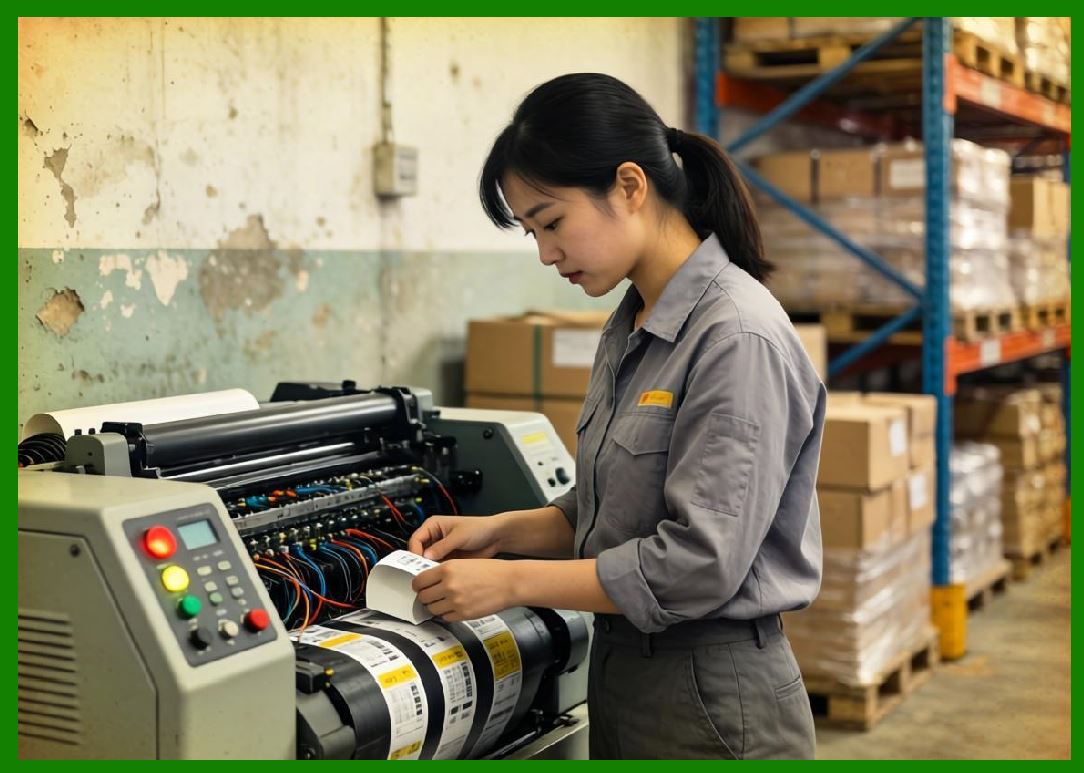
Flexographic printing for labels and packaging materials |
2.1.10.3 |
Impact printing for on-demand printing applications |
2.1.11 |
Among these, flexographic printing became particularly important due to its compatibility with various substrates, including plastic films and corrugated cardboard. |
2.1.12 |
However, these methods were optimized for bulk production rather than dynamic, on-demand barcode generation. This limitation would later drive the development of specialized barcode printers. |
|
3. Impact and Dot Matrix Printing Era (Expansion of 2.2) |
3.1 Introduction to Impact Printing Technologies |
3.1.1 |
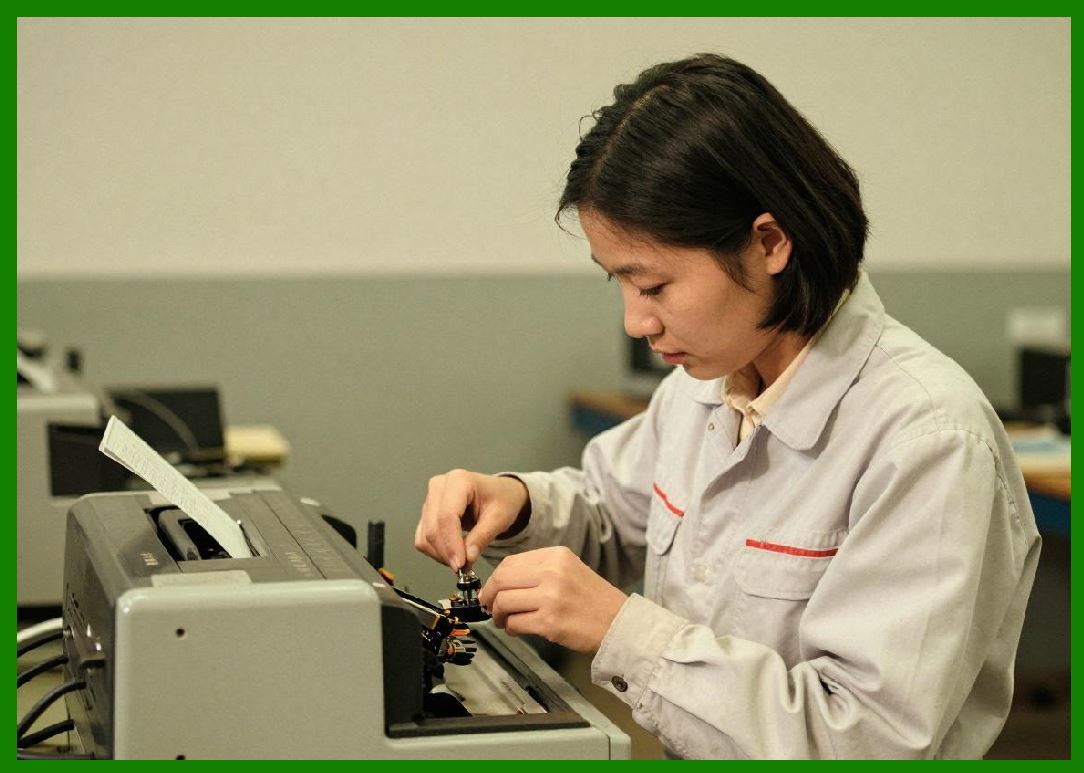
Impact printers represent one of the earliest methods used for on-demand barcode printing. These devices operate by physically striking an ink ribbon against paper to form characters or patterns. |
3.1.2 |
The two primary types of impact printers used for barcode printing were: |
3.1.2.1 |
Dot matrix printers |
3.1.2.2 |
Line printers (less commonly used for barcodes) |
3.2 Dot Matrix Printing Mechanism |
3.2.1 |
Dot matrix printers use a print head containing a vertical array of pins (typically 9 or 24 pins). These pins strike an ink ribbon to create a pattern of dots on the paper. |
3.2.2 |
Barcodes were generated by arranging these dots into vertical columns, approximating continuous bars. |
3.2.3 |
The resolution of dot matrix printers is typically measured in dots per inch (DPI), with early models offering: |
3.2.3.1 |
72 DPI (low resolution) |
3.2.3.2 |
120 DPI (moderate resolution) |
3.2.4 |
Such resolutions were insufficient for high-quality barcode printing, particularly for dense symbologies. |
3.3 Limitations of Dot Matrix Barcode Printing |
3.3.1 |
Dot matrix printing introduced several critical limitations: |
3.3.1.1 |
Discrete Dot Structure |
Bars were not continuous but composed of individual dots, leading to uneven edges. |
3.3.1.2 |
Inconsistent Dot Placement |
Mechanical wear and vibration caused variations in dot alignment. |
3.3.1.3 |
Low Contrast |
Ink ribbons degraded over time, reducing print quality. |
3.3.1.4 |
Limited Resolution |
Insufficient DPI prevented accurate reproduction of narrow bars. |
3.3.2 |
These limitations resulted in poor scan reliability, especially when using early optical scanners with limited tolerance for distortion. |
3.4 Practical Use Cases Despite Limitations |
3.3.3 |
Despite their shortcomings, dot matrix printers were widely used for barcode printing in the following contexts: |
3.3.3.1 |
Shipping labels |
3.3.3.2 |
Warehouse inventory tags |
3.3.3.3 |
Internal tracking systems |
3.3.4 |
Their popularity was due to: |
3.3.4.1 |
Low cost |
3.3.4.2 |
Ability to print multi-part forms |
3.3.4.3 |
Durability in industrial environments |
3.5 Influence on Barcode Standards |
3.3.5 |
The limitations of dot matrix printing influenced the design of early barcode standards. For example: |
3.3.5.1 |
Wider bar widths were used to accommodate low resolution |
3.3.5.2 |
Lower data density was preferred to ensure readability |
3.3.6 |
This demonstrates how printing technology constraints directly shaped barcode symbology design. |

|
4. Transition to Laser Printing (Expansion of 2.3) |
4.1 Introduction to Laser Printing Technology |
4.1.1 |
Laser printers represent a major technological leap in barcode printing. Unlike impact printers, laser printers use an electrostatic imaging process combined with toner-based printing. |
4.1.2 |
The key components of a laser printer include: |
4.1.2.1 |
Laser scanning unit |
4.1.2.2 |
Photoreceptor drum |
4.1.2.3 |
Toner cartridge |
4.1.2.4 |
Fuser assembly |
4.2 Laser Printing Process |
4.2.1 |
The laser printing process involves several stages: |
4.2.1.1 |
The laser beam scans across the drum, creating a latent electrostatic image. |
4.2.1.2 |
Toner particles adhere to the charged areas. |
4.2.1.3 |
The toner is transferred to paper. |
4.2.1.4 |
Heat and pressure fuse the toner onto the paper surface. |
4.3 Advantages for Barcode Printing |
4.3.1 |
Laser printers introduced several advantages over impact printing: |
4.3.1.1 |
Higher Resolution |
Typical resolutions of 30000 DPI significantly improved barcode clarity. |
4.3.1.2 |
Continuous Line Formation |
Bars were printed as solid lines rather than dot approximations. |
4.3.1.3 |
Improved Edge Definition |
Sharper edges enhanced scanner recognition. |
4.3.1.4 |
Consistent Output |
Reduced mechanical variability improved repeatability. |
4.4 Limitations of Laser Printing in Barcode Applications |
4.4.2 |
Despite their advantages, laser printers had several limitations: |
4.4.2.1 |
Media Constraints |
Primarily designed for sheet-fed paper, not continuous labels. |
4.4.2.2 |
Toner Adhesion Issues |
Toner could crack or peel on flexible label materials. |
4.4.2.3 |
Heat Sensitivity |
High fusing temperatures limited compatibility with certain substrates. |
4.4.2.4 |
Cost and Complexity |
Higher cost compared to dot matrix printers. |
4.5 Role in Transition Toward Modern Systems |
4.5.1 |
Laser printing served as a transitional technology, bridging the gap between low-resolution impact printing and high-precision thermal printing. |
4.5.2 |
It demonstrated the importance of: |
4.5.2.1 |
High resolution |
4.5.2.2 |
Consistent print quality |
4.5.2.3 |
Reliable edge definition |
4.5.3 |
These factors became foundational requirements for future barcode printing technologies. |
|
5. Summary of Part 1 |
5.1 |
The early development of barcode printing technology was heavily constrained by the limitations of available printing methods. |
5.2 |
Impact and dot matrix printers enabled initial adoption but suffered from poor precision and reliability. |
5.3 |
Laser printers introduced significant improvements in resolution and consistency but were not fully suited for industrial barcode applications. |
5.4 |
These limitations set the stage for the emergence of thermal printing technologies, which would revolutionize barcode printing in the following decades. |

|
Next Step |
* Thermal printing technology (Direct Thermal & Thermal Transfer) |
* Engineering principles behind heat-based imaging |
* Material science of ribbons and label coatings |
* Why thermal printing became dominant globally |
 cs@easiersoft.com