Historical Development of Barcode Printing Technology (Part 12) |
*(Focus: Communication Protocols, Network Printing Architectures, Driver Models, Cloud Integration, and Fleet Management Systems)* |
92. Introduction to Connectivity in Barcode Printing |
92.1 |
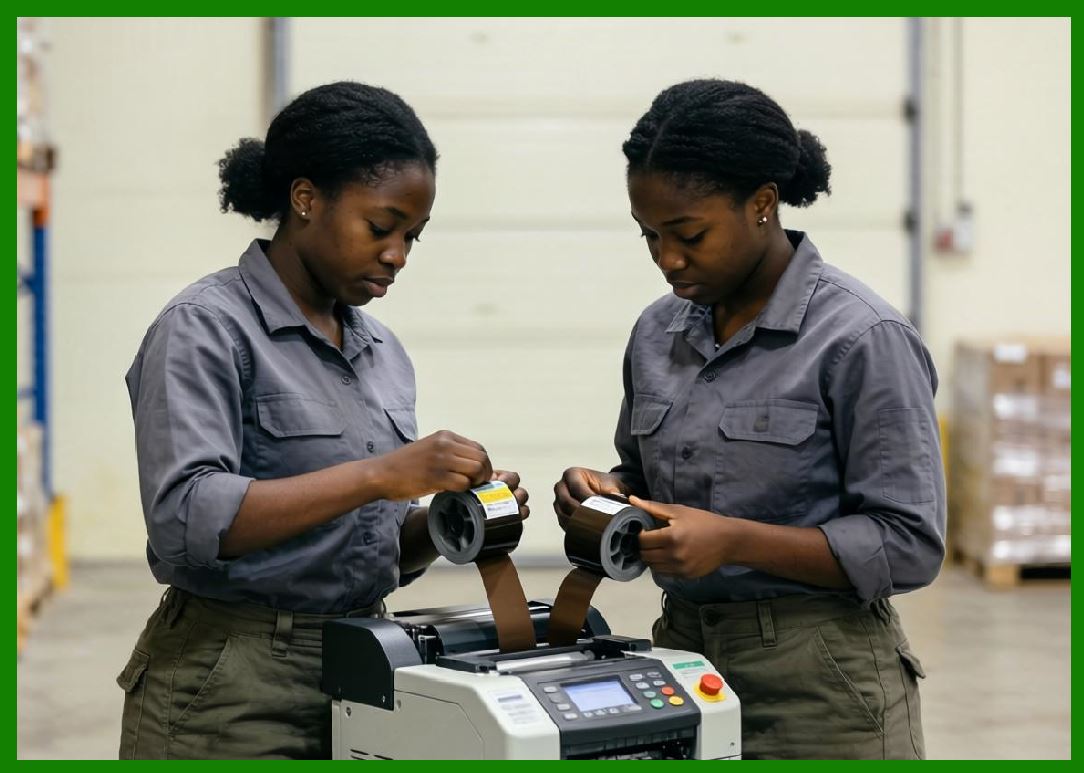
As barcode printers evolved from standalone devices into integral components of enterprise systems, connectivity became a defining feature. Modern barcode printing is no longer confined to direct connections with a single computer; instead, it operates within distributed, networked, and cloud-based environments. |
92.2 |
Connectivity enables: |
92.2.1 |
Real-time data exchange |
92.2.2 |
Centralized control and monitoring |
92.2.3 |
Integration with enterprise software systems |
92.2.4 |
Scalable deployment across global operations |
92.3 |
This transformation required the development of sophisticated communication protocols, driver architectures, and network management systems. |
|
93. Communication Interfaces in Barcode Printers |
93.1 Wired Interfaces |
93.1.1 |
Early barcode printers relied on wired communication interfaces. |
93.1.2 |
Common types include: |
93.1.2.1 |
Serial communication (RS-232) |
93.1.2.2 |
Parallel ports (Centronics interface) |
93.1.2.3 |
Universal Serial Bus (USB) |
93.1.3 |
Each interface has unique characteristics: |
93.1.3.1 |
Serial: simple and reliable but slower |
93.1.3.2 |
Parallel: faster but bulkier and less flexible |
93.1.3.3 |
USB: high-speed and widely supported |
93.2 Network Interfaces |
93.2.1 |
Modern barcode printers commonly include network connectivity. |
93.2.2 |
Network interfaces include: |
93.2.2.1 |
Ethernet (wired LAN) |
93.2.2.2 |
Wi-Fi (wireless LAN) |
93.2.2.3 |
Bluetooth (short-range communication) |
93.2.3 |
These interfaces enable integration into enterprise networks. |
93.3 Industrial Communication Interfaces |
93.3.1 |
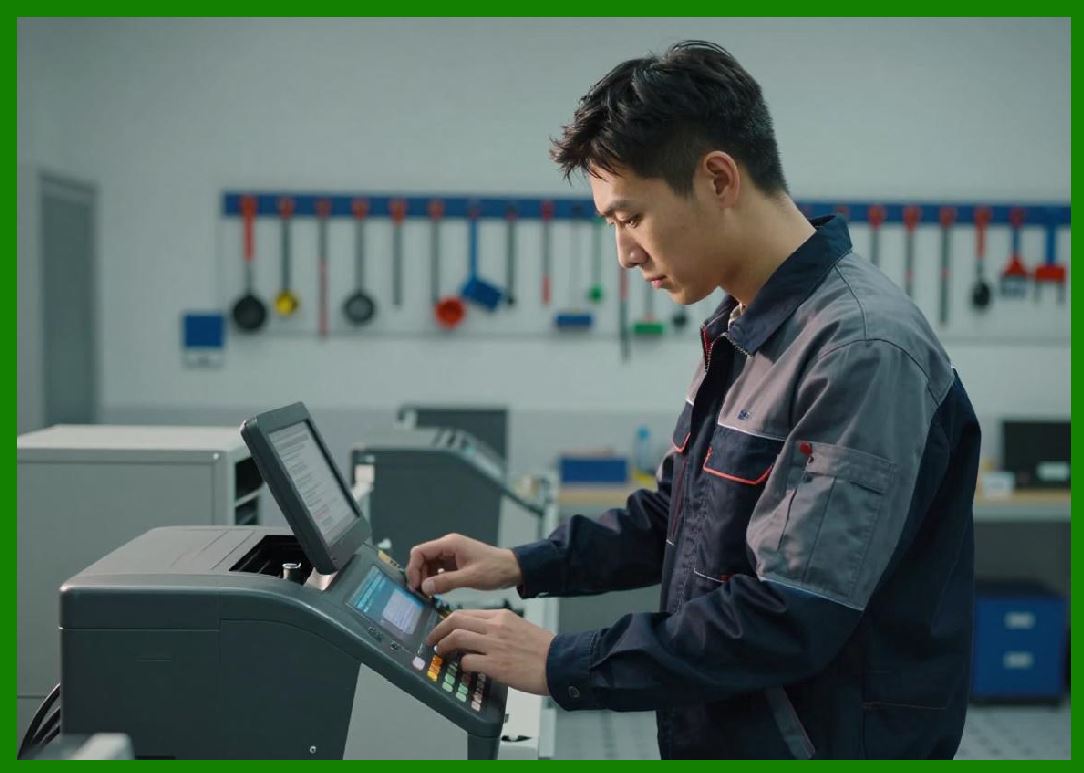
In industrial environments, specialized communication protocols are used: |
93.3.1.1 |
CAN bus |
93.3.1.2 |
Modbus |
93.3.1.3 |
Industrial Ethernet variants |
93.3.2 |
These protocols provide: |
93.3.2.1 |
High reliability |
93.3.2.2 |
Deterministic communication |
93.3.2.3 |
Resistance to electrical noise |
|
94. Communication Protocols and Data Transmission |
94.1 Basic Data Transmission Models |
94.1.1 |
Data transmission between host systems and printers follows structured protocols. |
94.1.2 |
Key elements include: |
94.1.2.1 |
Data packets |
94.1.2.2 |
Error detection codes |
94.1.2.3 |
Acknowledgment signals |
94.2 Printer Control Languages |
94.2.1 |
Barcode printers use specialized command languages to interpret print jobs. |
94.2.2 |
Examples include: |
94.2.2.1 |
ZPL (Zebra Programming Language) |
94.2.2.2 |
EPL (Eltron Programming Language) |
94.2.2.3 |
DPL (Datamax Programming Language) |
94.2.3 |
These languages define: |
94.2.3.1 |
Label layout |
94.2.3.2 |
Barcode encoding |
94.2.3.3 |
Text formatting |
94.3 Network Protocols |
94.3.1 |
When connected to networks, printers use standard protocols such as: |
94.3.1.1 |
TCP/IP (Transmission Control Protocol / Internet Protocol) |
94.3.1.2 |
HTTP/HTTPS for web-based management |
94.3.1.3 |
SNMP (Simple Network Management Protocol) |
94.3.2 |
These protocols enable: |
94.3.2.1 |
Remote configuration |
94.3.2.2 |
Status monitoring |
94.3.2.3 |
Data transmission |
94.4 Error Handling in Communication |
94.4.1 |
Reliable communication requires error detection and correction. |
94.4.2 |
Techniques include: |
94.4.2.1 |
Checksums |
94.4.2.2 |
Cyclic redundancy checks (CRC) |
94.4.2.3 |
Retransmission mechanisms |
|
95. Driver Models and Cross-Platform Compatibility |
95.1 Role of Printer Drivers |
95.1.1 |
Printer drivers act as intermediaries between applications and hardware. |
95.1.2 |
They translate application-level commands into printer-specific instructions. |
95.2 Operating System Integration |
95.2.1 |
Drivers must be compatible with various operating systems: |
95.2.1.1 |
Windows |
95.2.1.2 |
Linux |
95.2.1.3 |
macOS |
95.2.2 |
Compatibility ensures broad usability across different environments. |
95.3 Universal Driver Models |
95.3.1 |
Universal drivers support multiple printer models. |
95.3.2 |
Advantages include: |
95.3.2.1 |
Simplified deployment |
95.3.2.2 |
Reduced maintenance |
95.4 Driverless Printing Technologies |
95.4.1 |
Modern systems increasingly support driverless printing. |
95.4.2 |
Examples include: |
95.4.2.1 |
Network-based printing standards |
95.4.2.2 |
Web-based printing interfaces |
|
96. Network Printing Architectures |
96.1 Client-Server Model |
96.1.1 |
In this model, a central server manages print jobs. |
96.1.2 |
Clients send jobs to the server, which distributes them to printers. |
96.1.3 |
Advantages include: |
96.1.3.1 |
Centralized control |
96.1.3.2 |
Load balancing |
96.2 Peer-to-Peer Printing |
96.2.1 |
Clients communicate directly with printers. |
96.2.2 |
This model is simpler but less scalable. |
96.3 Distributed Printing Systems |
96.3.1 |
Large enterprises use distributed architectures. |
96.3.2 |
Features include: |
96.3.2.1 |
Multiple print servers |
96.3.2.2 |
Geographically dispersed printers |
96.4 Edge Computing in Printing |
96.4.1 |
Edge computing allows printers to process data locally. |
96.4.2 |
Benefits include: |
96.4.2.1 |
Reduced latency |
96.4.2.2 |
Improved reliability |
|
97. Cloud Printing Frameworks |
97.1 Introduction to Cloud Printing |
97.1.1 |
Cloud printing enables printers to be managed and accessed over the internet. |
97.1.2 |
It removes the need for local drivers and servers. |
97.2 Cloud-Based Print Management |
97.2.1 |
Cloud platforms provide: |
97.2.1.1 |
Centralized configuration |
97.2.1.2 |
Remote monitoring |
97.2.1.3 |
Firmware updates |
97.3 API-Based Printing Integration |
97.3.1 |
Application Programming Interfaces (APIs) allow software systems to interact with printers. |
97.3.2 |
APIs enable: |
97.3.2.1 |
Automated label generation |
97.3.2.2 |
Integration with enterprise systems |
97.4 Security Considerations in Cloud Printing |
97.4.1 |
Cloud connectivity introduces security risks. |
97.4.2 |
Mitigation strategies include: |
97.4.2.1 |
Encryption (HTTPS) |
97.4.2.2 |
Authentication mechanisms |
97.4.2.3 |
Access control policies |
|
98. Fleet Management of Barcode Printers |
98.1 Need for Fleet Management |
98.1.1 |
Large organizations may deploy hundreds or thousands of printers. |
98.1.2 |
Managing these devices requires specialized tools. |
98.2 Remote Monitoring and Diagnostics |
98.2.1 |
Fleet management systems monitor: |
98.2.1.1 |
Printer status |
98.2.1.2 |
Error conditions |
98.2.1.3 |
Usage statistics |
98.3 Firmware Updates and Configuration |
98.3.1 |
Centralized systems allow: |
98.3.1.1 |
Bulk firmware updates |
98.3.1.2 |
Configuration standardization |
98.4 Predictive Maintenance |
98.4.1 |
Data analytics can predict failures. |
98.4.2 |
This reduces downtime and maintenance costs. |

|
99. Integration with Enterprise Systems |
99.1 ERP and Warehouse Management Systems |
99.1.1 |
Barcode printers are integrated with enterprise systems such as: |
99.1.1.1 |
Enterprise Resource Planning (ERP) |
99.1.1.2 |
Warehouse Management Systems (WMS) |
99.1.2 |
This enables automated label generation. |
99.2 Real-Time Data Synchronization |
99.2.1 |
Data is synchronized in real time between systems. |
99.2.2 |
This ensures accuracy and consistency. |
99.3 Automation and Workflow Integration |
99.3.1 |
Printers are integrated into automated workflows. |
99.3.2 |
Examples include: |
99.3.2.1 |
Order fulfillment |
99.3.2.2 |
Inventory tracking |
|
100. Future Trends in Connectivity and Management |
100.1 |
Emerging trends include: |
100.1.1 |
IoT-enabled printers |
100.1.2 |
AI-driven fleet management |
100.1.3 |
5G connectivity for real-time communication |
100.1.4 |
Serverless cloud architectures |
101. Summary of Part 12 |
101.1 |
Connectivity is a critical component of modern barcode printing systems. |
101.2 |
Communication protocols enable reliable data exchange. |
101.3 |
Driver models ensure compatibility across platforms. |
101.4 |
Network architectures support scalable deployment. |
101.5 |
Cloud printing enables centralized management and remote access. |
101.6 |
Fleet management systems optimize large-scale printer operations. |
101.7 |
Integration with enterprise systems enhances automation and efficiency. |

|
Next Step |
* Mechanical engineering of barcode printers |
* Media handling systems (rollers, sensors, cutters, peelers) |
* Precision alignment and calibration mechanisms |
* Industrial design considerations for durability and ergonomics |
 cs@easiersoft.com