Historical Development of Barcode Printing Technology (Part 13) |
*(Focus: Mechanical Engineering of Barcode Printers Media Handling Systems, Precision Alignment, Motion Control, and Industrial Design)* |
102. Introduction to Mechanical Systems in Barcode Printers |
102.1 |
While electronics and firmware control the intelligence of barcode printers, their mechanical systems determine reliability, durability, and real-world performance. Mechanical engineering is responsible for ensuring that labels move precisely, consistently, and smoothly through the printer. |
102.2 |
Mechanical subsystems must meet strict requirements: |
102.2.1 |
High positional accuracy |
102.2.2 |
Stable pressure distribution |
102.2.3 |
Durability under continuous operation |
102.2.4 |
Resistance to environmental factors |
102.3 |
The evolution of barcode printing technology has involved continuous refinement of these mechanical components to support higher speeds, better print quality, and more demanding industrial applications. |

|
103. Media Handling Systems |
103.1 Overview of Media Transport |
103.1.1 |
Media handling refers to how labels or continuous media are fed through the printer. |
103.1.2 |
This system includes: |
103.1.2.1 |
Roll holders |
103.1.2.2 |
Guide mechanisms |
103.1.2.3 |
Drive rollers |
103.1.2.4 |
Take-up systems |
103.1.3 |
Accurate media transport is essential for maintaining print alignment and consistency. |
103.2 Roll Feed Mechanisms |
103.2.1 |
Most barcode printers use roll-fed media. |
103.2.2 |
Roll holders must: |
103.2.2.1 |
Support different roll sizes |
103.2.2.2 |
Allow smooth unwinding |
103.2.2.3 |
Maintain proper tension |
103.2.3 |
Tension control prevents issues such as: |
103.2.3.1 |
Slack |
103.2.3.2 |
Media misalignment |
103.3 Guide Rails and Alignment Systems |
103.3.1 |
Guide rails keep media aligned as it moves through the printer. |
103.3.2 |
Adjustable guides accommodate different label widths. |
103.3.3 |
Proper alignment ensures: |
103.3.3.1 |
Consistent print positioning |
103.3.3.2 |
Accurate barcode dimensions |
103.4 Drive Rollers and Platen Rollers |
103.4.1 |
Drive rollers move the media forward. |
103.4.2 |
The platen roller presses media against the printhead. |
103.4.3 |
Key characteristics include: |
103.4.3.1 |
Surface texture (for grip) |
103.4.3.2 |
Elasticity (for even pressure) |
103.4.3.3 |
Durability (resistance to wear) |
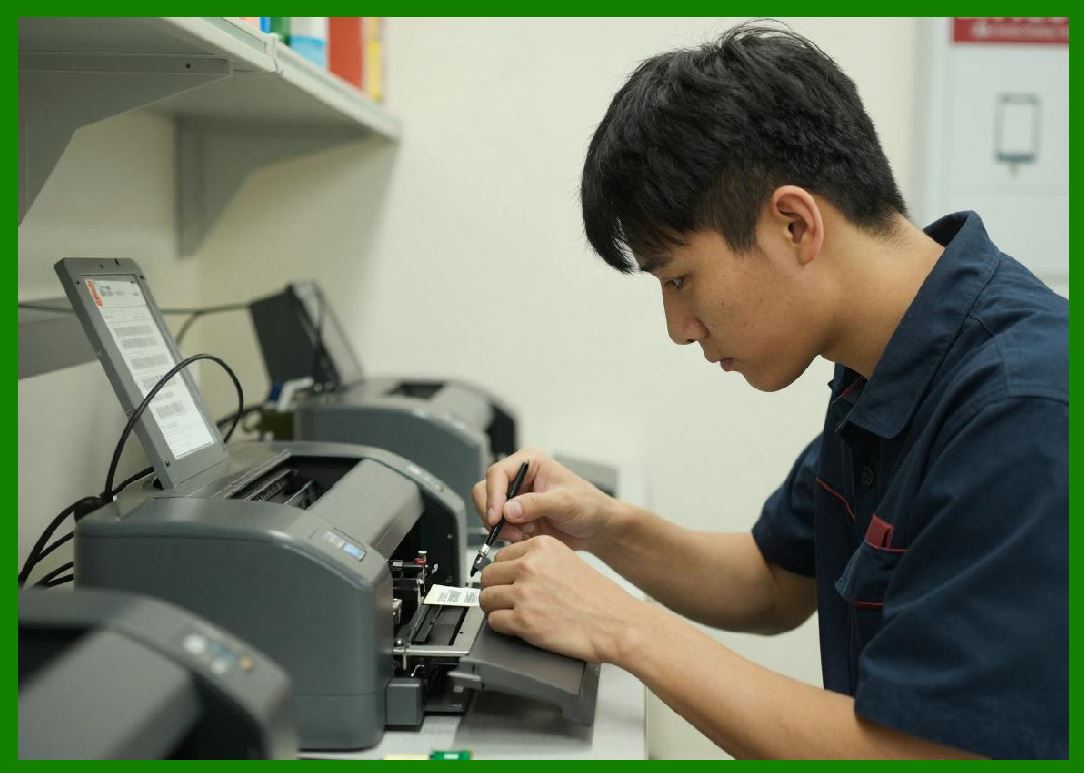
103.5 Media Sensors |
103.5.1 |
Sensors detect label position and type. |
103.5.2 |
Types include: |
103.5.2.1 |
Gap sensors (detect spaces between labels) |
103.5.2.2 |
Black mark sensors (detect printed marks) |
103.5.2.3 |
Continuous media sensors |
103.5.3 |
Accurate sensing is critical for proper label positioning. |
|
104. Ribbon Handling Systems (Thermal Transfer Printers) |
104.1 Ribbon Supply and Take-Up Mechanisms |
104.1.1 |
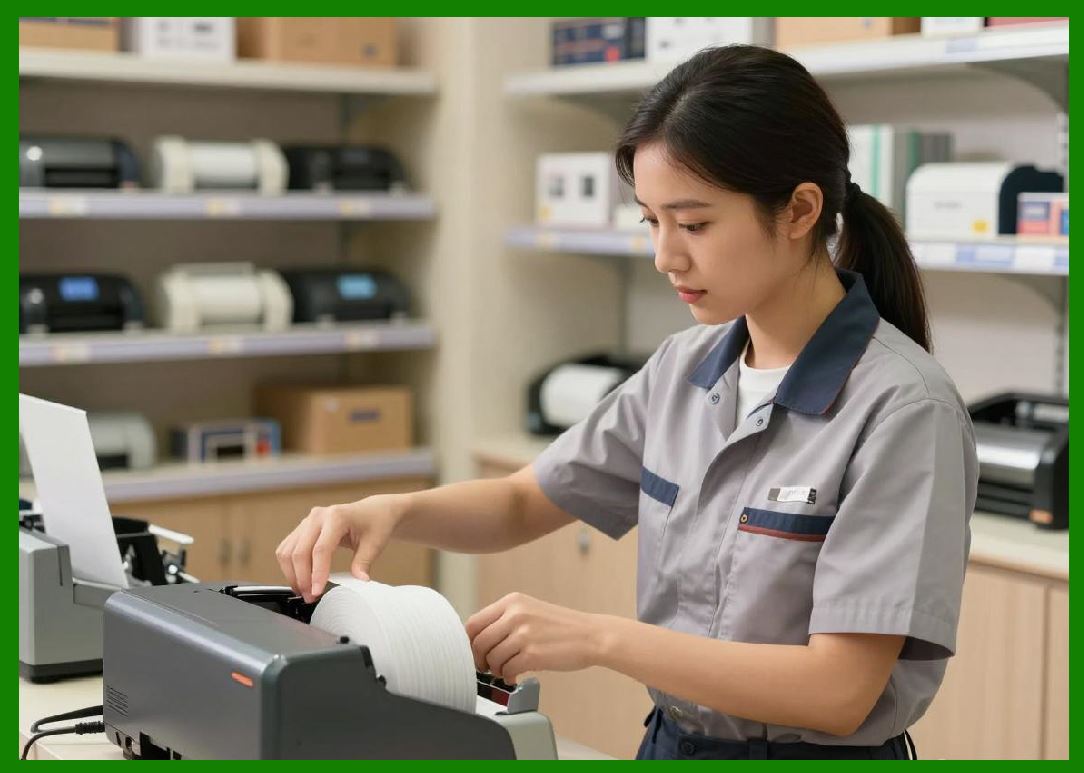
Thermal transfer printers use ribbons that must be carefully managed. |
104.1.2 |
The system includes: |
104.1.2.1 |
Supply spindle |
104.1.2.2 |
Take-up spindle |
104.1.2.3 |
Tension control mechanisms |
104.2 Ribbon Tension Control |
104.2.1 |
Proper tension ensures smooth ribbon movement. |
104.2.2 |
Too much tension can cause: |
104.2.2.1 |
Ribbon tearing |
104.2.2.2 |
Increased wear |
104.2.3 |
Too little tension can cause: |
104.2.3.1 |
Wrinkling |
104.2.3.2 |
Print defects |
104.3 Ribbon Wrinkle Prevention |
104.3.1 |
Wrinkles can distort printed barcodes. |
104.3.2 |
Mechanical solutions include: |
104.3.2.1 |
Floating printhead assemblies |
104.3.2.2 |
Adjustable pressure systems |
|
105. Printhead Pressure and Alignment Mechanisms |
105.1 Importance of Uniform Pressure |
105.1.1 |
Even pressure across the printhead ensures consistent heat transfer. |
105.1.2 |
Uneven pressure can lead to: |
105.1.2.1 |
Faded areas |
105.1.2.2 |
Uneven bar widths |
105.2 Adjustable Pressure Systems |
105.2.1 |
Modern printers allow pressure adjustments. |
105.2.2 |
This accommodates: |
105.2.2.1 |
Different media types |
105.2.2.2 |
Variable label widths |
105.3 Printhead Alignment |
105.3.1 |
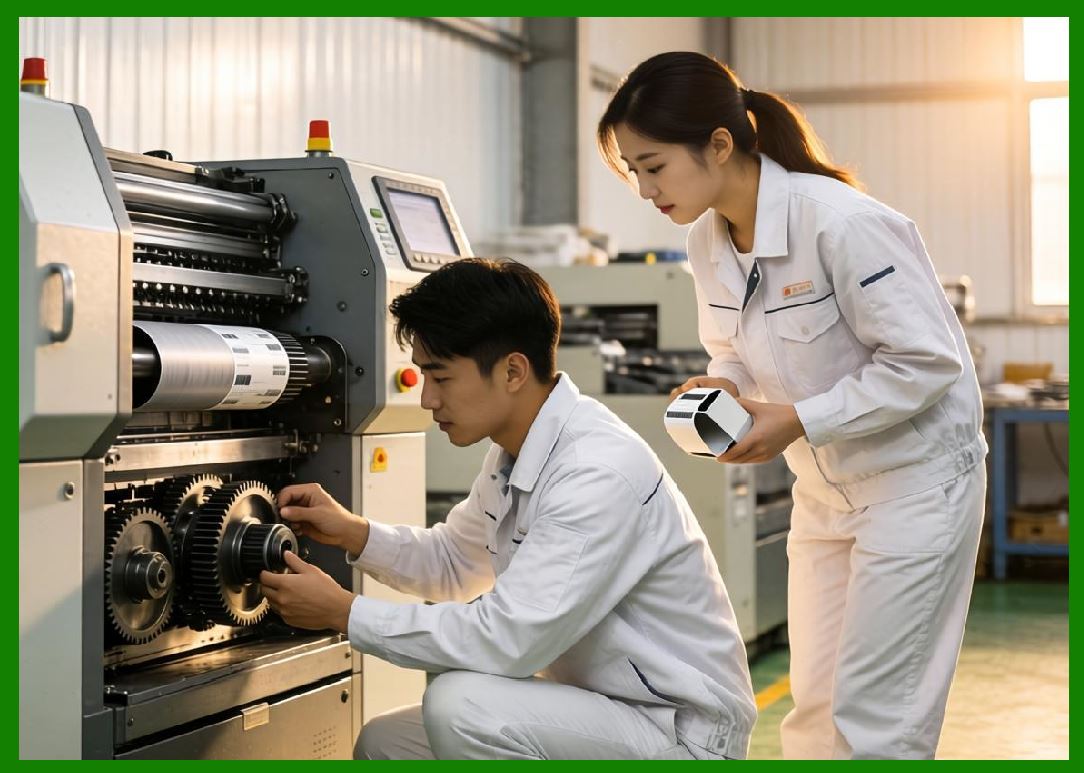
Precise alignment between the printhead and media path is critical. |
105.3.2 |
Misalignment can cause: |
105.3.2.1 |
Skewed printing |
105.3.2.2 |
Distorted barcodes |
|
106. Motion Control Systems |
106.1 Stepper Motors in Barcode Printers |
106.1.1 |
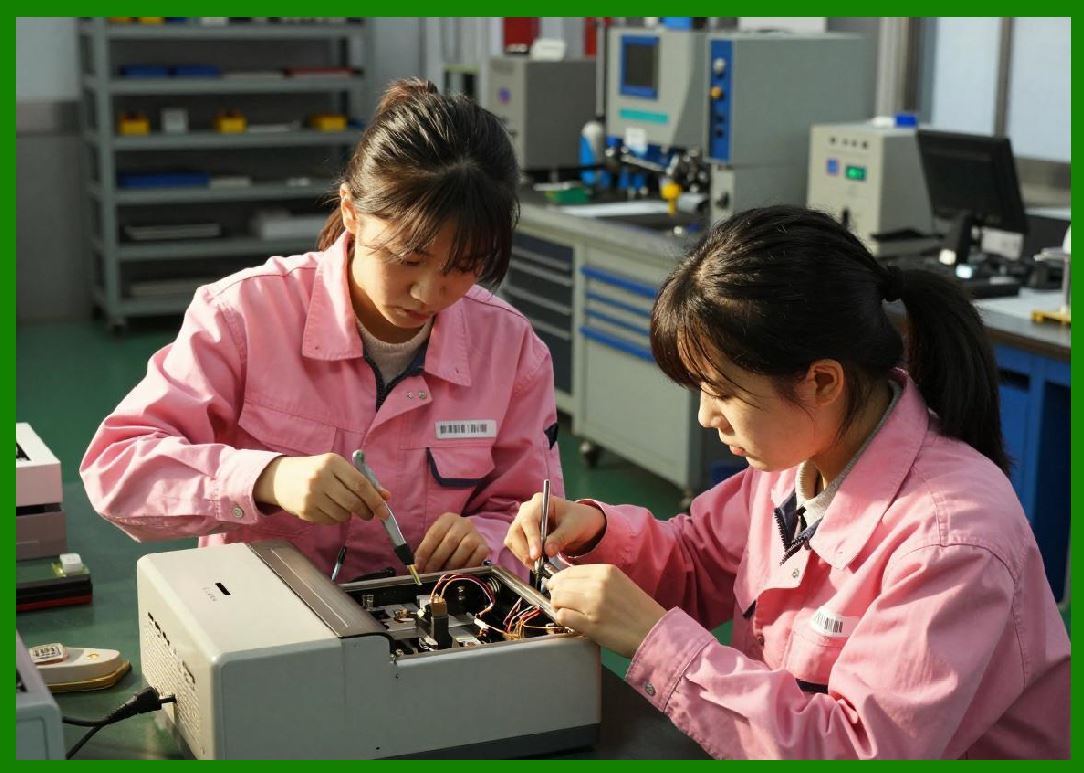
Stepper motors are commonly used for precise control of media movement. |
106.1.2 |
Advantages include: |
106.1.2.1 |
Accurate positioning |
106.1.2.2 |
Repeatability |
106.1.2.3 |
Simple control mechanisms |
106.2 Motor Drivers and Control Circuits |
106.2.1 |
Motor drivers regulate current and step sequences. |
106.2.2 |
They ensure smooth motion and prevent vibration. |
106.3 Synchronization with Printhead Operation |
106.3.1 |
Motion must be synchronized with printhead activation. |
106.3.2 |
This ensures: |
106.3.2.1 |
Correct vertical scaling |
106.3.2.2 |
Sharp image reproduction |
106.4 Acceleration and Deceleration Control |
106.4.1 |
Smooth acceleration reduces mechanical stress. |
106.4.2 |
Controlled deceleration prevents overshoot and misalignment. |
|
107. Optional Mechanical Modules |
107.1 Cutter Mechanisms |
107.1.1 |
Cutters automatically separate labels. |
107.1.2 |
Types include: |
107.1.2.1 |
Guillotine cutters |
107.1.2.2 |
Rotary cutters |
107.1.3 |
Cutting accuracy is important for label presentation. |
107.2 Peeler Mechanisms |
107.2.1 |
Peelers separate labels from backing material. |
107.2.2 |
Used in applications requiring immediate application. |
107.3 Rewinders |
107.3.1 |
Rewinders collect printed labels or backing material. |
107.3.2 |
Useful in batch processing environments. |

|
108. Mechanical Tolerances and Precision Engineering |
108.1 Importance of Tight Tolerances |
108.1.1 |
Small mechanical deviations can significantly affect print quality. |
108.1.2 |
Precision engineering ensures: |
108.1.2.1 |
Consistent output |
108.1.2.2 |
Reliable operation |
108.2 Material Selection |
108.2.1 |
Materials must provide: |
108.2.1.1 |
Strength |
108.2.1.2 |
Wear resistance |
108.2.1.3 |
Thermal stability |
108.3 Vibration and Noise Control |
108.3.1 |
Vibration can affect print quality. |
108.3.2 |
Design strategies include: |
108.3.2.1 |
Damping materials |
108.3.2.2 |
Balanced (motion) systems |

|
109. Industrial Design Considerations |
109.1 Durability and Reliability |
109.1.1 |
Industrial barcode printers must operate continuously in harsh environments. |
109.1.2 |
Design considerations include: |
109.1.2.1 |
Robust enclosures |
109.1.2.2 |
Dust and moisture protection |
109.2 Ergonomics and Usability |
109.2.1 |
User-friendly design improves efficiency. |
109.2.2 |
Features include: |
109.2.2.1 |
Easy media loading |
109.2.2.2 |
Accessible controls |
109.2.2.3 |
Clear status indicators |
109.3 Compact and Modular Design |
109.3.1 |
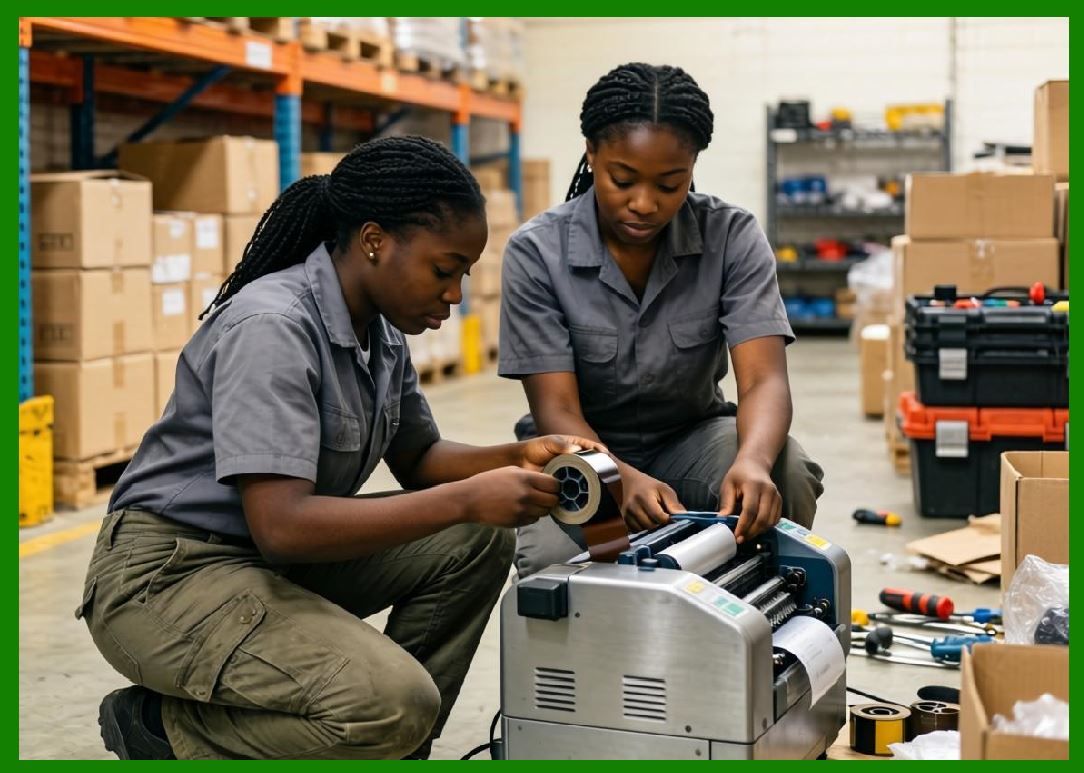
Modern printers are designed to be compact. |
109.3.2 |
Modular components allow easy maintenance and upgrades. |
|
110. Evolution of Mechanical Systems |
110.1 |
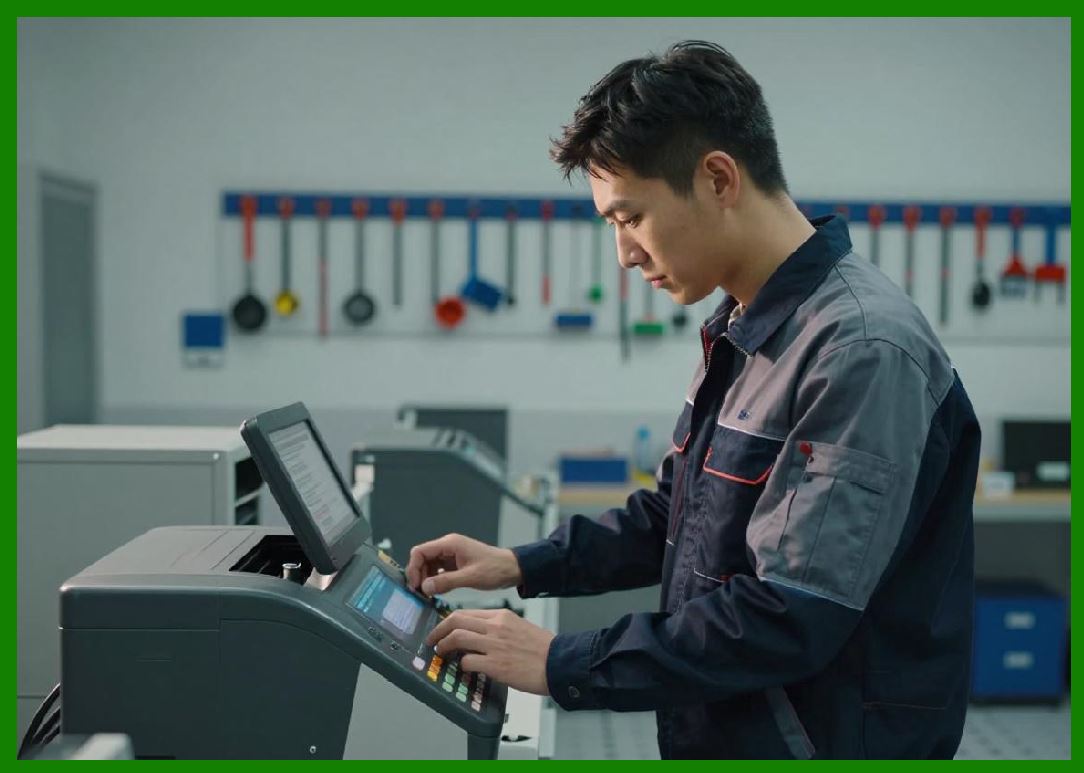
Mechanical systems have evolved from simple mechanisms to highly engineered assemblies. |
110.2 |
Advancements include: |
110.2.1 |
Improved materials |
110.2.2 |
Precision manufacturing techniques |
110.2.3 |
Integration with electronic control systems |
|
111. Summary of Part 13 |
111.1 |
Mechanical systems are fundamental to barcode printer performance. |
111.2 |
Media handling systems ensure accurate label transport. |
111.3 |
Ribbon handling mechanisms are critical for thermal transfer printing. |
111.4 |
Motion control systems provide precise positioning. |
111.5 |
Optional modules enhance functionality. |
111.6 |
Industrial design ensures durability and usability. |
111.7 |
Continuous improvements in mechanical engineering have enabled modern high-performance barcode printers. |
|
Next Step |
* Human-machine interfaces (HMI) in barcode printers |
* User interaction systems and display technologies |
* Configuration workflows and usability design |
* Remote management interfaces and dashboards |
 cs@easiersoft.com