Historical Development of Barcode Printing Technology (Part 15) |
*(Focus: Industrial Applications, Real-World Deployment Scenarios, and High-Volume Performance Optimization)* |
122. Introduction to Industrial Applications of Barcode Printing |
122.1 |
Barcode printing technology has become a foundational component across multiple industries, enabling automation, traceability, and operational efficiency. Its widespread adoption is largely due to its reliability, scalability, and compatibility with global standards. |
122.2 |
Industrial applications impose demanding requirements on barcode printing systems, including: |
122.2.1 |
High-speed operation |
122.2.2 |
Continuous uptime |
122.2.3 |
Durability under harsh conditions |
122.2.4 |
Seamless integration with enterprise systems |
122.3 |
This section explores how barcode printing technology is deployed in real-world environments and optimized for performance. |

|
123. Barcode Printing in Logistics and Supply Chain Management |
123.1 Role in Modern Logistics |
123.1.1 |
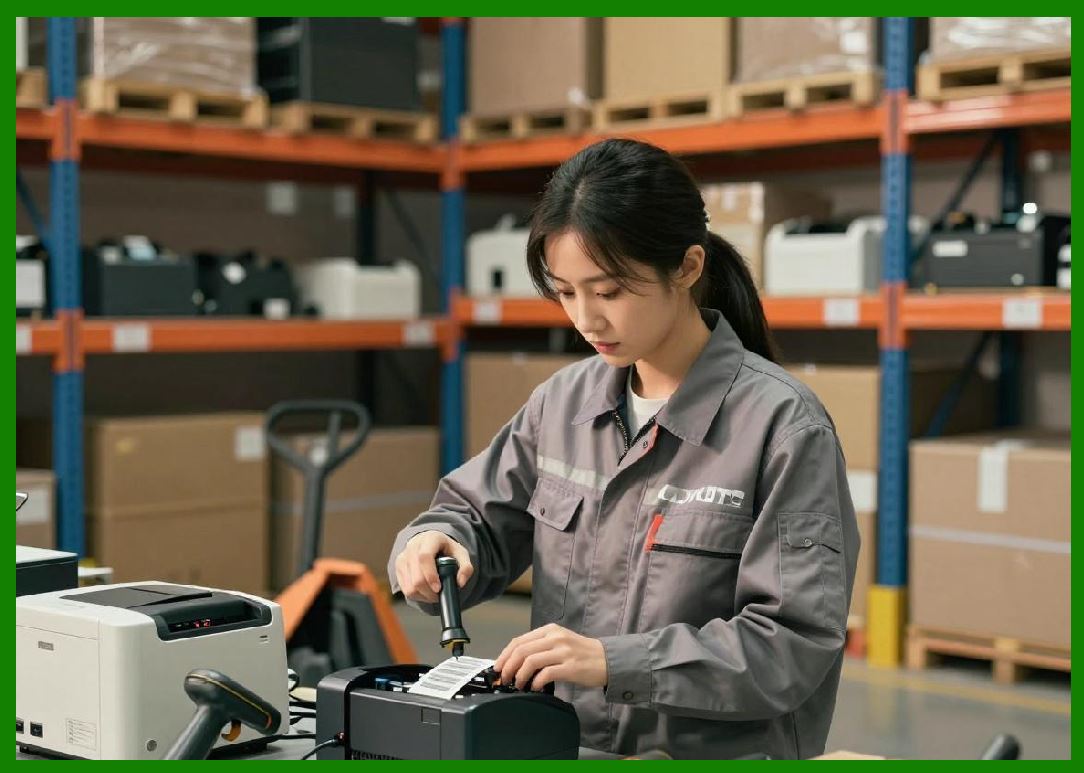
In logistics, barcode printing enables end-to-end tracking of goods. |
123.1.2 |
Applications include: |
123.1.2.1 |
Shipping labels |
123.1.2.2 |
Package identification |
123.1.2.3 |
Warehouse location labeling |
123.2 High-Volume Label Printing |
123.2.1 |
Logistics operations often require printing thousands of labels per hour. |
123.2.2 |
Key requirements include: |
123.2.2.1 |
High print speed |
123.2.2.2 |
Minimal downtime |
123.2.2.3 |
Consistent quality |
123.3 Integration with Warehouse Systems |
123.3.1 |
Barcode printers are integrated with Warehouse Management Systems (WMS). |
123.3.2 |
This enables: |
123.3.2.1 |
Real-time label generation |
123.3.2.2 |
Automated workflows |
123.4 Use of Standardized Codes |
123.4.1 |
Logistics commonly uses standardized formats such as: |
123.4.1.1 |
Shipping container codes |
123.4.1.2 |
Linear and 2D barcodes like QR Code |

|
124. Retail Industry Applications |
124.1 Point-of-Sale Systems |
124.1.1 |
Retail relies heavily on barcode printing for product identification. |
124.1.2 |
Applications include: |
124.1.2.1 |
Price labels |
124.1.2.2 |
Shelf tags |
124.1.2.3 |
Promotional labels |
124.2 Inventory Management |
124.2.1 |
Barcodes enable accurate inventory tracking. |
124.2.2 |
Benefits include: |
124.2.2.1 |
Reduced stock errors |
124.2.2.2 |
Improved replenishment processes |
124.3 In-Store Label Printing |
124.3.1 |
Retailers use on-demand printing for flexibility. |
124.3.2 |
This allows quick updates to pricing and product information. |
|
125. Manufacturing Industry Applications |
125.1 Work-in-Process (WIP) Tracking |
125.1.1 |
Barcodes are used to track products through manufacturing stages. |
125.1.2 |
This enables: |
125.1.2.1 |
Process visibility |
125.1.2.2 |
Quality control |
125.2 Component Labeling |
125.2.1 |
Individual components are labeled for traceability. |
125.2.2 |
High-density codes such as Data Matrix are often used. |
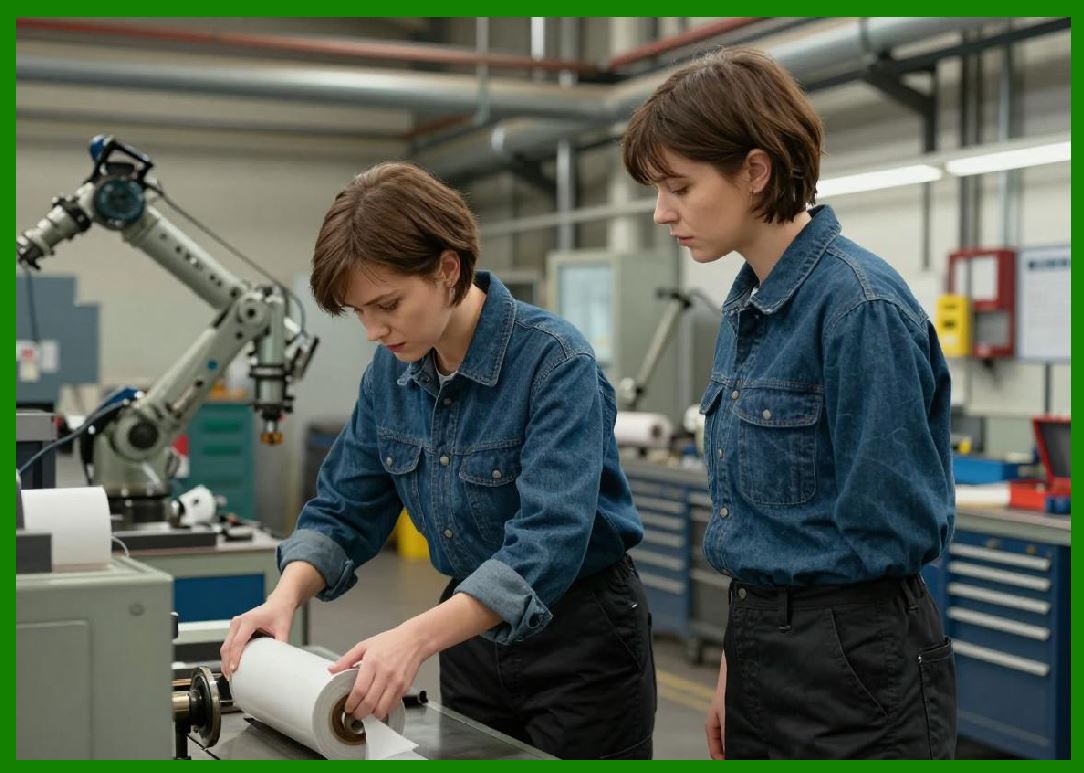
125.3 Integration with Automation Systems |
125.3.1 |
Printers are integrated with production lines. |
125.3.2 |
Labels are printed and applied automatically. |
125.4 Just-in-Time (JIT) Production |
125.4.1 |
Barcode printing supports JIT systems by enabling real-time labeling. |
125.4.2 |
This reduces inventory and improves efficiency. |

|
126. Healthcare Industry Applications |
126.1 Patient Identification |
126.1.1 |
Barcode wristbands are used to identify patients. |
126.1.2 |
This improves safety and reduces errors. |
126.2 Medication Labeling |
126.2.1 |
Medications are labeled with barcodes for verification. |
126.2.2 |
This ensures correct administration. |
126.3 Laboratory and Specimen Tracking |
126.3.1 |
Samples are labeled with barcodes for tracking. |
126.3.2 |
Requirements include: |
126.3.2.1 |
High durability |
126.3.2.2 |
Resistance to chemicals and temperature changes |

|
127. E-Commerce and Fulfillment Centers |
127.1 Rapid Order Processing |
127.1.1 |
E-commerce requires fast and accurate order fulfillment. |
127.1.2 |
Barcode printing supports: |
127.1.2.1 |
Order picking |
127.1.2.2 |
Packing |
127.1.2.3 |
Shipping |
127.2 Dynamic Label Generation |
127.2.1 |
Labels are generated dynamically based on order data. |
127.2.2 |
This requires: |
127.2.2.1 |
High-speed data processing |
127.2.2.2 |
Reliable printer performance |
127.3 Integration with Automation |
127.3.1 |
Printers are integrated with conveyor systems and robotics. |
127.3.2 |
This enables fully automated workflows. |

|
128. Case Studies of Large-Scale Deployments |
128.1 Global Logistics Networks |
128.1.1 |
Large logistics companies deploy thousands of barcode printers. |
128.1.2 |
Challenges include: |
128.1.2.1 |
Consistency across locations |
128.1.2.2 |
Centralized management |
128.2 Manufacturing Plants |
128.2.1 |
Automotive and electronics manufacturers use barcode printing extensively. |
128.2.2 |
Requirements include: |
128.2.2.1 |
High durability |
128.2.2.2 |
Integration with production systems |
128.3 Hospital Systems |
128.3.1 |
Hospitals deploy barcode printers across departments. |
128.3.2 |
Focus areas include: |
128.3.2.1 |
Patient safety |
128.3.2.2 |
Regulatory compliance |

|
129. Performance Optimization in High-Volume Environments |
129.1 Throughput Optimization |
129.1.1 |
Throughput is measured in labels per hour. |
129.1.2 |
Optimization techniques include: |
129.1.2.1 |
High-speed printers |
129.1.2.2 |
Efficient data processing |
129.2 Downtime Reduction |
129.2.1 |
Minimizing downtime is critical. |
129.2.2 |
Strategies include: |
129.2.2.1 |
Preventive maintenance |
129.2.2.2 |
Redundant systems |
129.3 Print Quality Consistency |
129.3.1 |
Consistency is essential for reliable scanning. |
129.3.2 |
Techniques include: |
129.3.2.1 |
Regular calibration |
129.3.2.2 |
Quality verification |
129.4 Resource Optimization |
129.4.1 |
Efficient use of media and consumables reduces costs. |
129.4.2 |
Optimization includes: |
129.4.2.1 |
Correct material selection |
129.4.2.2 |
Energy-efficient operation |

|
130. Challenges in Industrial Deployment |
130.1 |
Common challenges include: |
130.1.1 |
Harsh environmental conditions |
130.1.2 |
Integration complexity |
130.1.3 |
Scalability issues |
130.1.4 |
Maintenance requirements |

|
131. Future Trends in Industrial Applications |
131.1 |
Emerging trends include: |
131.1.1 |
Smart factories and Industry 4.0 integration |
131.1.2 |
AI-driven optimization |
131.1.3 |
Increased use of 2D barcodes such as QR Code |
131.1.4 |
Expansion of automation and robotics |

|
132. Summary of Part 15 |
132.1 |
Barcode printing is widely used across logistics, retail, manufacturing, healthcare, and e-commerce. |
132.2 |
Industrial applications require high performance, reliability, and integration. |
132.3 |
Large-scale deployments present unique challenges and opportunities. |
132.4 |
Performance optimization is critical in high-volume environments. |
132.5 |
Future trends will further integrate barcode printing into intelligent and automated systems. |
|
Next Step |
* Maintenance, troubleshooting, and lifecycle management |
* Failure modes and diagnostic techniques |
* Cost analysis and total cost of ownership (TCO) |
* Best practices for long-term operation |
 cs@easiersoft.com