Historical Development of Barcode Printing Technology (Part 16) |
*(Focus: Maintenance, Troubleshooting, Lifecycle Management, Failure Modes, and Total Cost of Ownership)* |
133. Introduction to Maintenance and Lifecycle Management |
133.1 |
Barcode printers are often deployed in mission-critical environments such as logistics hubs, manufacturing lines, hospitals, and retail stores. In these settings, even minor disruptions can lead to significant operational inefficiencies. Therefore, maintenance and lifecycle management are essential components of barcode printing technology. |
133.2 |
The lifecycle of a barcode printer includes: |
133.2.1 |
Installation and commissioning |
133.2.2 |
Routine operation |
133.2.3 |
Preventive and corrective maintenance |
133.2.4 |
Upgrades and optimization |
133.2.5 |
End-of-life replacement |
133.3 |
Effective lifecycle management ensures: |
133.3.1 |
High reliability |
133.3.2 |
Consistent print quality |
133.3.3 |
Reduced downtime |
133.3.4 |
Lower operational costs |

|
134. Preventive Maintenance Strategies |
134.1 Importance of Preventive Maintenance |
134.1.1 |
Preventive maintenance involves regular servicing to avoid failures. |
134.1.2 |
It is more cost-effective than reactive maintenance. |
134.2 Cleaning Procedures |
134.2.1 |
Regular cleaning is essential for maintaining print quality. |
134.2.2 |
Key components to clean include: |
134.2.2.1 |
Printhead |
134.2.2.2 |
Platen roller |
134.2.2.3 |
Media path |
134.2.3 |
Contaminants such as dust, adhesive residue, and debris can degrade performance. |
134.3 Scheduled Component Replacement |
134.3.1 |
Certain components have limited lifespans. |
134.3.2 |
These include: |
134.3.2.1 |
Printheads |
134.3.2.2 |
Rollers |
134.3.2.3 |
Cutters |
134.3.3 |
Replacing components before failure prevents downtime. |
134.4 Calibration and Adjustment |
134.4.1 |
Calibration ensures accurate operation. |
134.4.2 |
Examples include: |
134.4.2.1 |
Media sensor calibration |
134.4.2.2 |
Printhead pressure adjustment |

|
135. Common Failure Modes in Barcode Printers |
135.1 Print Quality Issues |
135.1.1 |
Common defects include: |
135.1.1.1 |
Faded printing |
135.1.1.2 |
Missing lines |
135.1.1.3 |
Blurry barcodes |
135.1.2 |
Causes may include: |
135.1.2.1 |
Dirty printhead |
135.1.2.2 |
Incorrect settings |
135.1.2.3 |
Worn components |
135.2 Mechanical Failures |
135.2.1 |
Mechanical issues include: |
135.2.1.1 |
Media jams |
135.2.1.2 |
Roller wear |
135.2.1.3 |
Motor failure |
135.3 Electrical and Electronic Failures |
135.3.1 |
Electronic failures may involve: |
135.3.1.1 |
Power supply issues |
135.3.1.2 |
Control board faults |
135.3.1.3 |
Sensor malfunctions |
135.4 Communication Errors |
135.4.1 |
Problems in data transmission can disrupt printing. |
135.4.2 |
Causes include: |
135.4.2.1 |
Network issues |
135.4.2.2 |
Driver incompatibility |

|
136. Troubleshooting Techniques |
136.1 Systematic Diagnostic Approach |
136.1.1 |
Effective troubleshooting requires a structured approach: |
136.1.1.1 |
Identify symptoms |
136.1.1.2 |
Isolate the problem |
136.1.1.3 |
Apply corrective actions |
136.2 Built-In Diagnostic Tools |
136.2.1 |
Modern printers include diagnostic features such as: |
136.2.1.1 |
Self-test modes |
136.2.1.2 |
Error logs |
136.2.1.3 |
Status indicators |
136.3 Print Quality Verification |
136.3.1 |
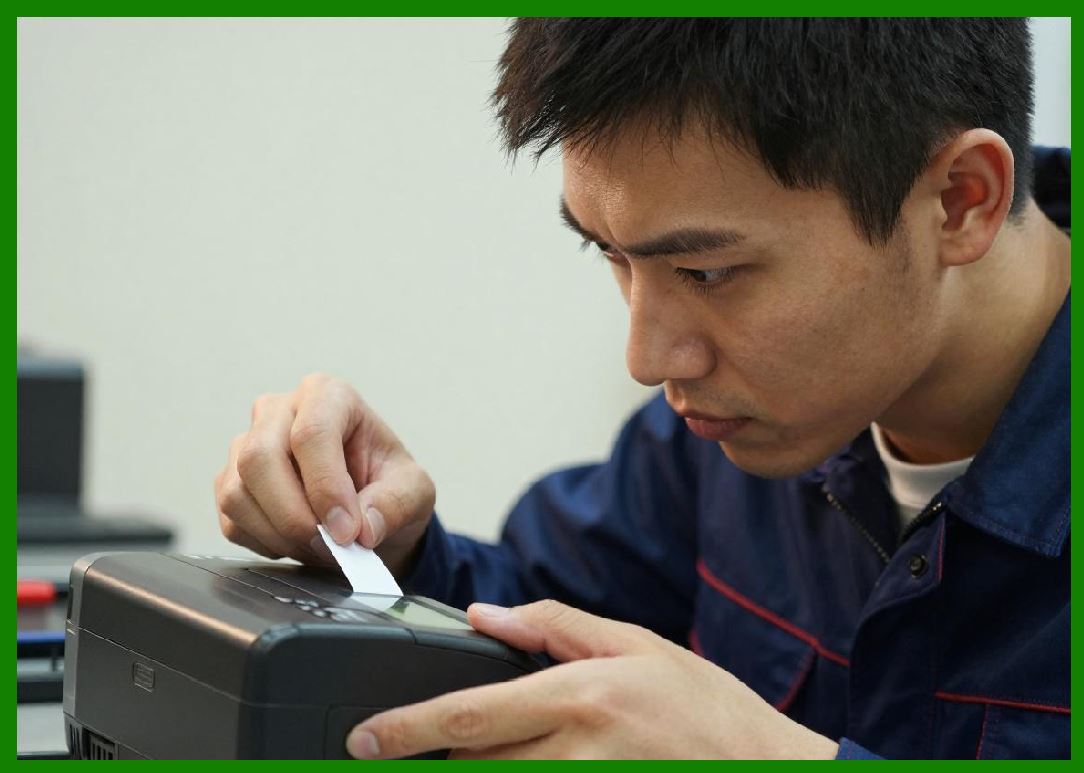
Verification tools assess barcode quality. |
136.3.2 |
These tools measure: |
136.3.2.1 |
Contrast |
136.3.2.2 |
Edge definition |
136.3.2.3 |
Decodability |
136.4 Remote Diagnostics |
136.4.1 |
Networked printers allow remote troubleshooting. |
136.4.2 |
Technicians can: |
136.4.2.1 |
Access logs |
136.4.2.2 |
Update firmware |
136.4.2.3 |
Adjust settings |

|
137. Lifecycle Management and Asset Tracking |
137.1 Asset Management Systems |
137.1.1 |
Organizations track printers as assets. |
137.1.2 |
Systems monitor: |
137.1.2.1 |
Usage |
137.1.2.2 |
Maintenance history |
137.1.2.3 |
Performance metrics |
137.2 Firmware and Software Updates |
137.2.1 |
Regular updates improve performance and security. |
137.2.2 |
Updates may include: |
137.2.2.1 |
Bug fixes |
137.2.2.2 |
New features |
137.3 End-of-Life Planning |
137.3.1 |
Printers eventually reach end-of-life. |
137.3.2 |
Planning includes: |
137.3.2.1 |
Replacement scheduling |
137.3.2.2 |
Data migration |

|
138. Total Cost of Ownership (TCO) |
138.1 Components of TCO |
138.1.1 |
TCO includes: |
138.1.1.1 |
Initial purchase cost |
138.1.1.2 |
Consumables (labels, ribbons) |
138.1.1.3 |
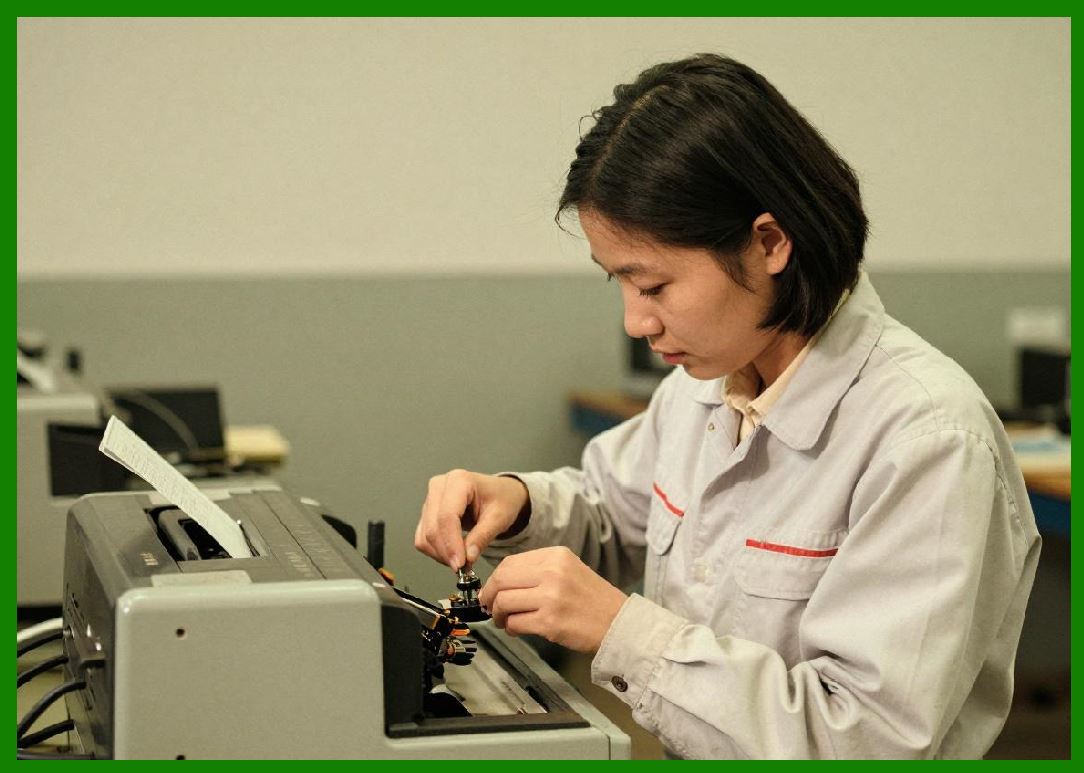
Maintenance and repairs |
138.1.1.4 |
Energy consumption |
138.2 Cost Optimization Strategies |
138.2.1 |
Strategies to reduce TCO include: |
138.2.1.1 |
Using high-quality consumables |
138.2.1.2 |
Implementing preventive maintenance |
138.2.1.3 |
Optimizing printer utilization |
138.3 ROI Considerations |
138.3.1 |
Return on investment depends on: |
138.3.1.1 |
Operational efficiency gains |
138.3.1.2 |
Error reduction |
138.3.1.3 |
Labor savings |
|
139. Best Practices for Long-Term Operation |
139.1 Standard Operating Procedures (SOPs) |
139.1.1 |
Clear procedures ensure consistent operation. |
139.1.2 |
SOPs cover: |
139.1.2.1 |
Loading media |
139.1.2.2 |
Cleaning routines |
139.2 Training and Skill Development |
139.2.1 |
Proper training reduces errors and downtime. |
139.2.2 |
Operators should understand: |
139.2.2.1 |
Basic troubleshooting |
139.2.2.2 |
Maintenance procedures |
139.3 Environmental Control |
139.3.1 |
Environmental factors affect printer performance. |
139.3.2 |
Considerations include: |
139.3.2.1 |
Temperature |
139.3.2.2 |
Humidity |
139.3.2.3 |
Dust levels |
139.4 Quality Control Processes |
139.4.1 |
Regular quality checks ensure reliable barcode scanning. |
139.4.2 |
This is especially important for codes like: |
139.4.2.1 |
QR Code |
139.4.2.2 |
Data Matrix |
|
140. Future Trends in Maintenance and Lifecycle Management |
140.1 |
Emerging trends include: |
140.1.1 |
Predictive maintenance using AI |
140.1.2 |
IoT-based monitoring systems |
140.1.3 |
Remote firmware management |
140.1.4 |
Automated diagnostics |

|
141. Summary of Part 16 |
141.1 |
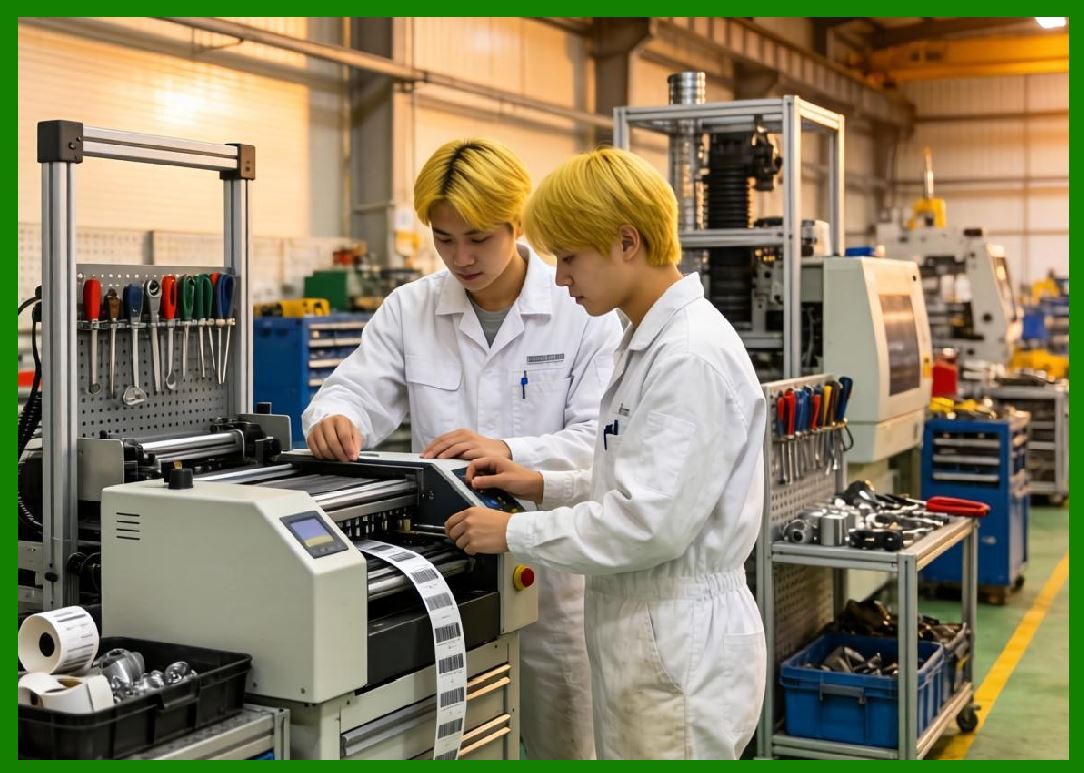
Maintenance and lifecycle management are critical for reliable barcode printing. |
141.2 |
Preventive maintenance reduces failures and downtime. |
141.3 |
Understanding failure modes aids in effective troubleshooting. |
141.4 |
Lifecycle management ensures optimal asset utilization. |
141.5 |
Total cost of ownership can be minimized through strategic planning. |
141.6 |
Best practices and emerging technologies continue to improve long-term performance. |
|
Next Step |
* Environmental and sustainability considerations |
* Energy efficiency in barcode printing |
* Eco-friendly materials and consumables |
* Regulatory compliance and environmental standards |
 cs@easiersoft.com