Historical Development of Barcode Printing Technology (Part 19) |
*(Focus: Future Innovations, AI-Driven Systems, IoT Integration, Smart Supply Chains, and the Next Generation of Barcode Printing Technology)* |
163. Introduction to the Future of Barcode Printing Technology |
163.1 |
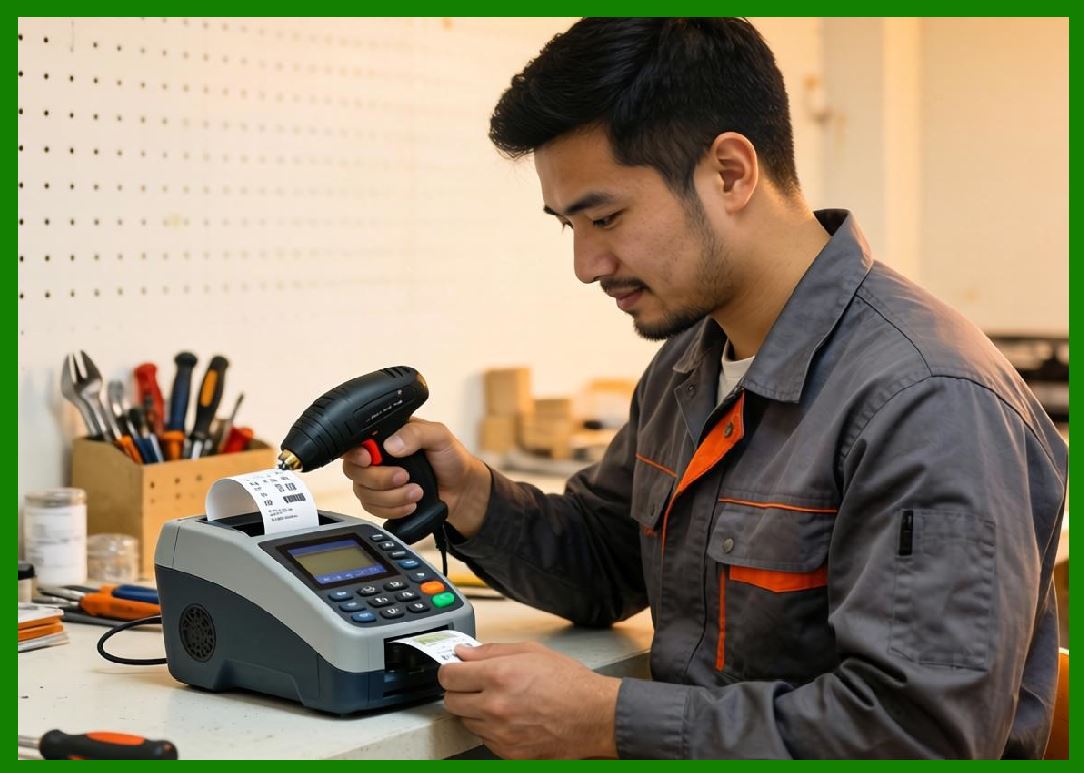
Barcode printing technology is no longer a static industrial tool. It is rapidly evolving into a connected, intelligent, and adaptive system embedded within digital ecosystems. The future of barcode printing is defined by convergence with artificial intelligence (AI), the Internet of Things (IoT), automation, and cloud-native infrastructure. |
163.2 |
The next generation of barcode systems will not only print labels but also: |
163.2.1 |
Automatically generate optimized identifiers |
163.2.2 |
Self-diagnose hardware issues |
163.2.3 |
Adapt print parameters in real time |
163.2.4 |
Interact dynamically with enterprise systems |
|
164. Artificial Intelligence in Barcode Printing |
164.1 AI-Driven Print Optimization |
164.1.1 |
AI algorithms are increasingly used to optimize print quality and efficiency. |
164.1.2 |
They can automatically adjust: |
164.1.2.1 |
Print density |
164.1.2.2 |
Heat levels |
164.1.2.3 |
Speed settings |
164.1.3 |
This reduces manual calibration and improves consistency. |
164.2 Predictive Maintenance Using AI |
164.2.1 |
AI systems analyze printer usage data to predict failures. |
164.2.2 |
Predictive models can identify: |
164.2.2.1 |
Printhead wear |
164.2.2.2 |
Motor degradation |
164.2.2.3 |
Sensor drift |
164.2.3 |
This enables maintenance before breakdown occurs. |
164.3 Intelligent Error Detection |
164.3.1 |
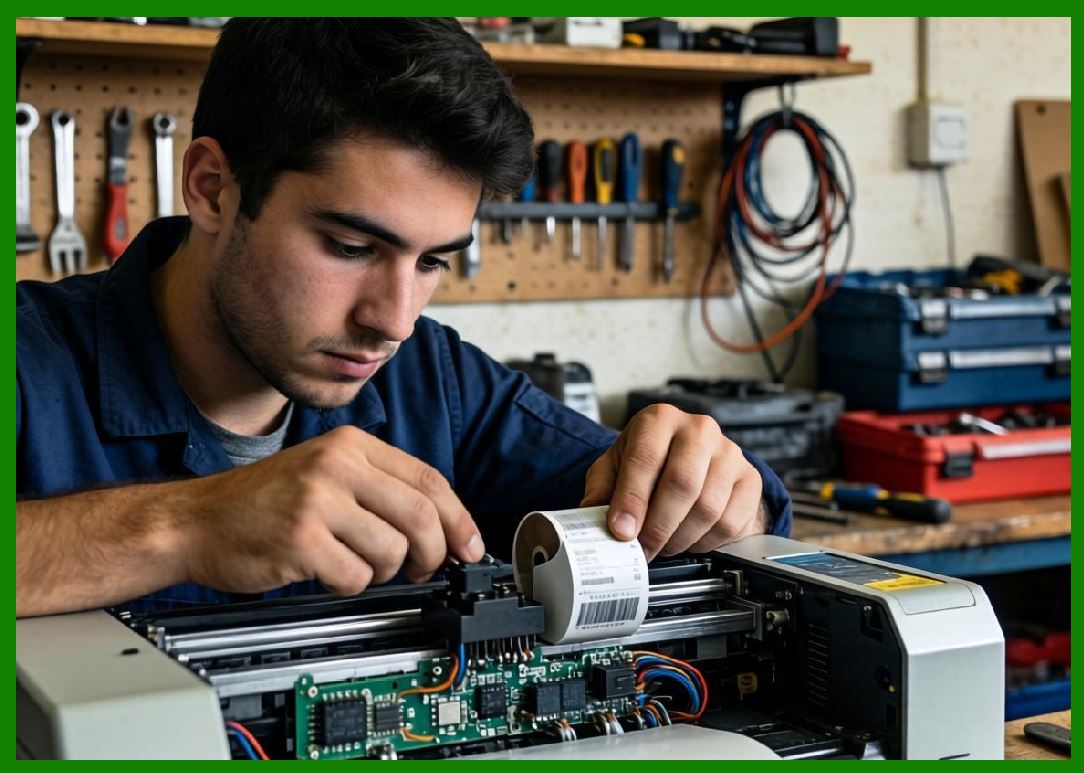
AI-enhanced systems can detect print defects in real time. |
164.3.2 |
These systems analyze: |
164.3.2.1 |
Barcode readability |
164.3.2.2 |
Contrast levels |
164.3.2.3 |
Structural integrity |
|
165. Internet of Things (IoT) Integration |
165.1 Barcode Printers as IoT Devices |
165.1.1 |
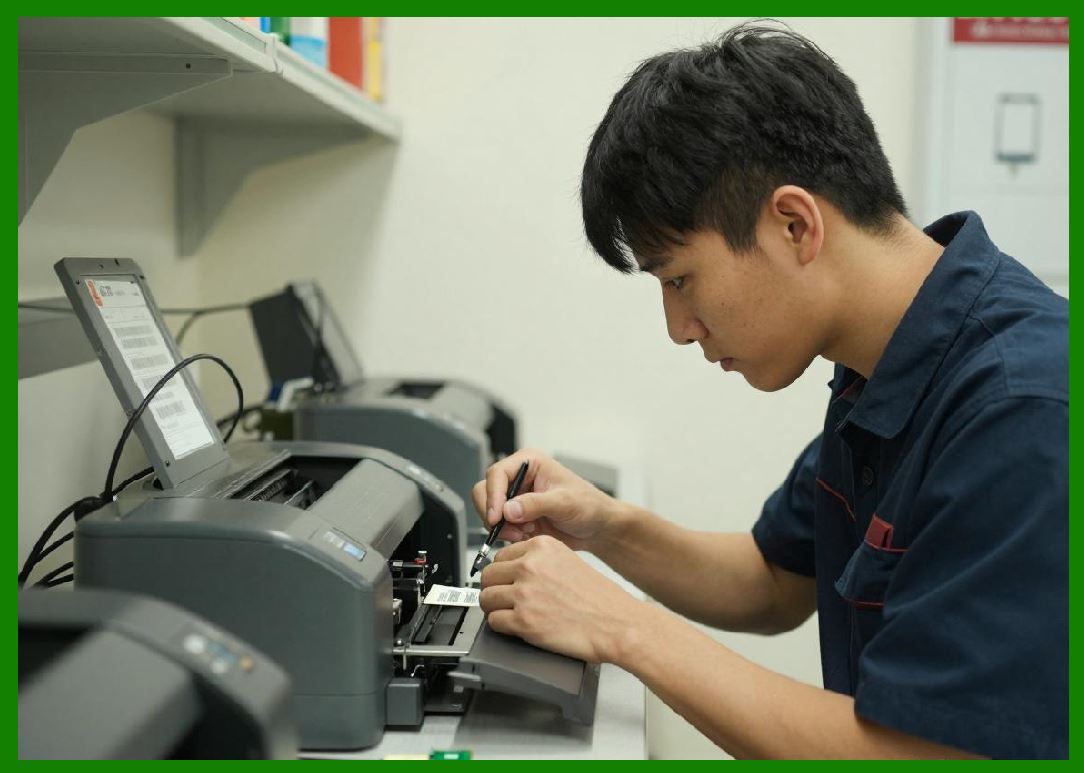
Modern printers are increasingly part of IoT ecosystems. |
165.1.2 |
They are equipped with: |
165.1.2.1 |
Sensors |
165.1.2.2 |
Network connectivity |
165.1.2.3 |
Cloud communication modules |
165.2 Real-Time Monitoring |
165.2.1 |
IoT integration enables real-time monitoring of: |
165.2.1.1 |
Printer status |
165.2.1.2 |
Consumable levels |
165.2.1.3 |
Operational performance |
165.3 Remote Control and Automation |
165.3.1 |
Printers can be controlled remotely via cloud platforms. |
165.3.2 |
Automation enables: |
165.3.2.1 |
Automatic job scheduling |
165.3.2.2 |
Dynamic label generation |
165.4 Edge and Cloud Hybrid Models |
165.4.1 |
IoT systems combine edge computing with cloud processing. |
165.4.2 |
Edge devices handle: |
165.4.2.1 |
Real-time printing |
165.4.2.2 |
Local decision-making |
165.4.3 |
Cloud systems handle: |
165.4.3.1 |
Analytics |
165.4.3.2 |
Long-term storage |
|
166. Smart Supply Chain Integration |
166.1 End-to-End Visibility |
166.1.1 |
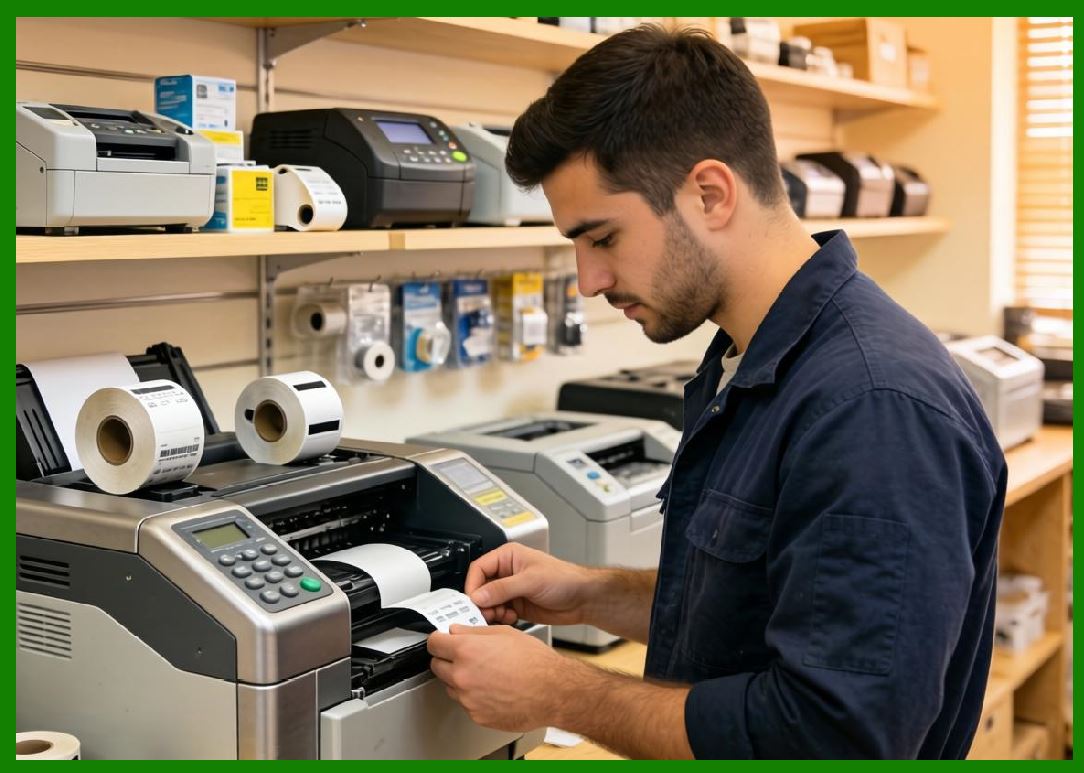
Barcode systems are central to modern smart supply chains. |
166.1.2 |
They enable tracking from: |
166.1.2.1 |
Manufacturing |
166.1.2.2 |
Warehousing |
166.1.2.3 |
Transportation |
166.1.2.4 |
Retail delivery |
166.2 Dynamic Label Generation |
166.2.1 |
Labels are no longer static—they are dynamically generated based on real-time data. |
166.2.2 |
This includes: |
166.2.2.1 |
Route optimization |
166.2.2.2 |
Inventory changes |
166.2.2.3 |
Customer-specific data |
166.3 Integration with ERP and AI Systems |
166.3.1 |
Enterprise Resource Planning (ERP) systems now integrate directly with barcode printers. |
166.3.2 |
AI systems enhance decision-making by: |
166.3.2.1 |
Forecasting demand |
166.3.2.2 |
Optimizing logistics flows |
|
167. Autonomous and Self-Configuring Printing Systems |
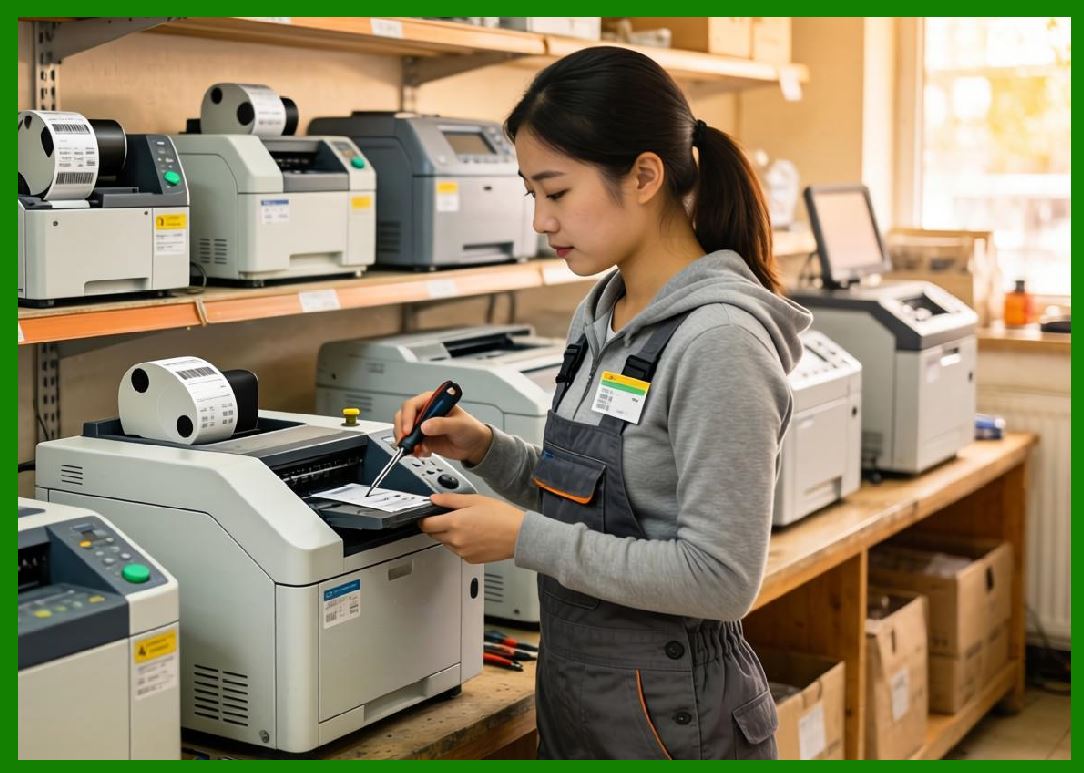
167.1 Self-Calibrating Printers |
167.1.1 |
Future printers can automatically calibrate themselves without human intervention. |
167.1.2 |
This includes: |
167.1.2.1 |
Sensor alignment |
167.1.2.2 |
Printhead adjustment |
167.2 Self-Healing Systems |
167.2.1 |
Self-healing systems can detect and compensate for minor faults. |
167.2.2 |
For example: |
167.2.2.1 |
Adjusting print parameters to compensate for wear |
167.3 Autonomous Job Scheduling |
167.3.1 |
Printers can prioritize and schedule jobs automatically. |
167.3.2 |
This improves workflow efficiency in large-scale operations. |
|
168. Next-Generation Barcode Formats |
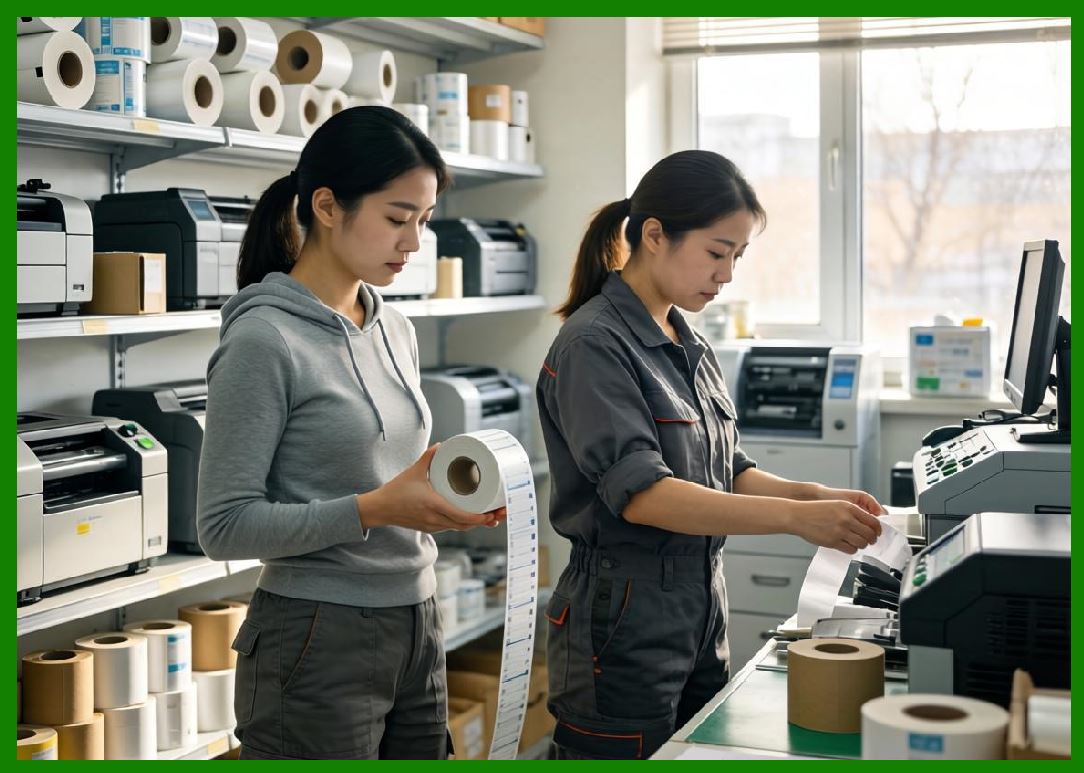
168.1 Expansion of 2D and 3D Codes |
168.1.1 |
2D codes continue to evolve in complexity and capacity. |
168.1.2 |
Examples include: |
168.1.2.1 |
High-density matrix codes |
168.1.2.2 |
Multi-layer encoded structures |
168.2 Digital Watermark Evolution |
168.2.1 |
Technologies like Digimarc Barcode are evolving toward invisible, machine-readable identifiers embedded in packaging and materials. |
168.3 Integration with AR and Computer Vision |
168.3.1 |
Augmented reality systems can interpret barcodes in real time. |
168.3.2 |
This enables: |
168.3.2.1 |
Interactive logistics |
168.3.2.2 |
Smart retail experiences |
|
169. Blockchain and Decentralized Traceability |
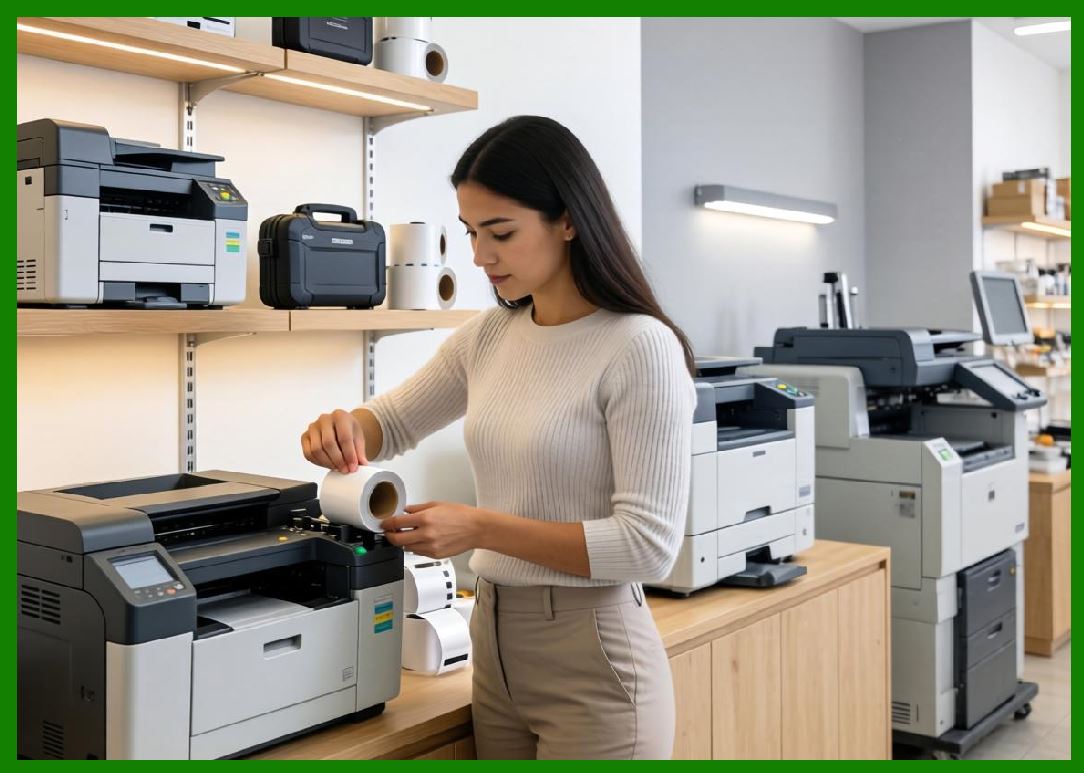
169.1 Immutable Product Records |
169.1.1 |
Blockchain technology ensures that barcode data cannot be altered. |
169.1.2 |
Each scan event is recorded as a secure transaction. |
169.2 Decentralized Supply Chain Verification |
169.2.1 |
Instead of centralized databases, verification is distributed. |
169.2.2 |
This increases transparency and trust. |
169.3 Smart Contracts and Automation |
169.3.1 |
Smart contracts can trigger actions based on barcode scans. |
169.3.2 |
Examples include: |
169.3.2.1 |
Automatic payments |
169.3.2.2 |
Inventory updates |
|
170. Human machine Collaboration in Future Systems |
170.1 Augmented Operator Interfaces |
170.1.1 |
Operators will use AI-assisted dashboards. |
170.1.2 |
These systems provide: |
170.1.2.1 |
Predictive insights |
170.1.2.2 |
Real-time recommendations |
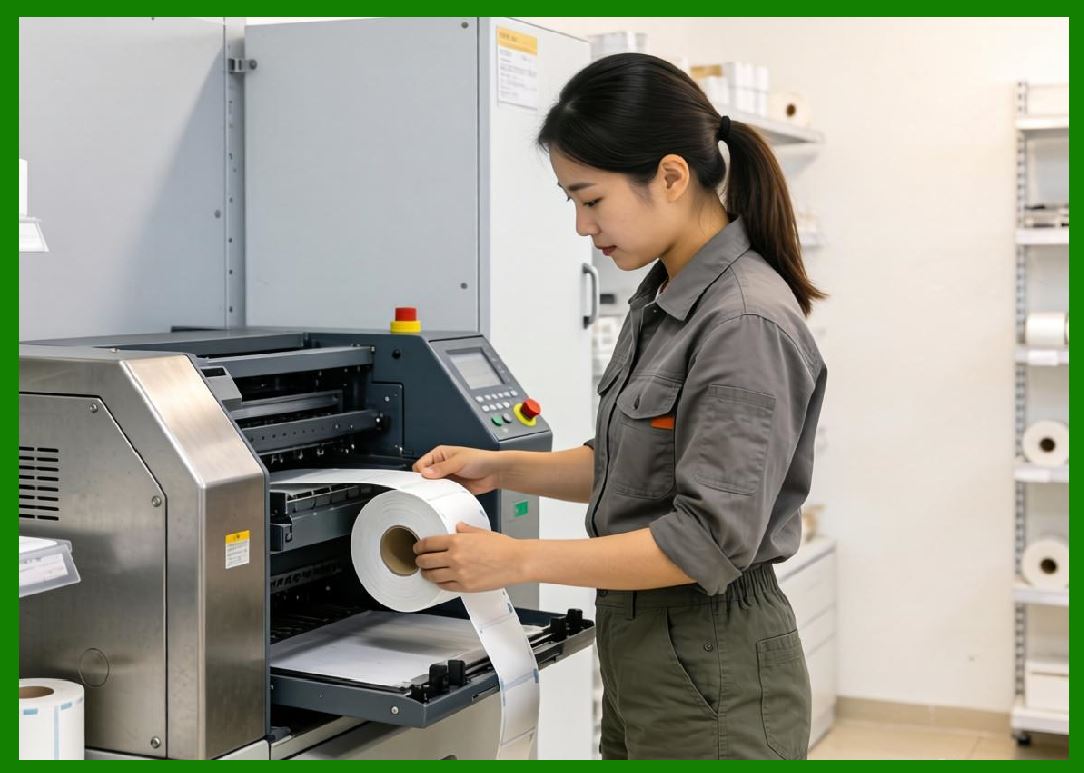
170.2 Collaborative Robotics Integration |
170.2.1 |
Barcode printers will work alongside robots in automated environments. |
170.2.2 |
This includes synchronized labeling and packaging systems. |
|
171. Sustainability in Future Barcode Systems |
171.1 |
Future systems will prioritize: |
171.1.1 |
Zero-waste printing |
171.1.2 |
Fully recyclable consumables |
171.1.3 |
Carbon-neutral production |
|
172. Summary of Part 19 |
172.1 |
The future of barcode printing is deeply interconnected with AI, IoT, and automation technologies. |
172.2 |
Printers are evolving into intelligent, autonomous systems. |
172.3 |
Smart supply chains depend heavily on real-time barcode generation and tracking. |
172.4 |
Blockchain and digital watermarking enhance traceability and security. |
172.5 |
Human-machine collaboration will become more seamless and predictive. |
172.6 |
Sustainability will remain a key driving force in future innovation. |
|
Next Step |
* Complete synthesis of barcode printing technology evolution |
* Core technological breakthroughs across all eras |
* Unified architecture of modern barcode printing systems |
* Final conclusions and future outlook summary |
 cs@easiersoft.com