Historical Development of Barcode Printing Technology (Part 2) |
*(Focus: Thermal Printing Revolution Expansion of Section 2.4 in Deep Technical Detail)* |
6. Introduction to Thermal Printing Technology |
6.1 |
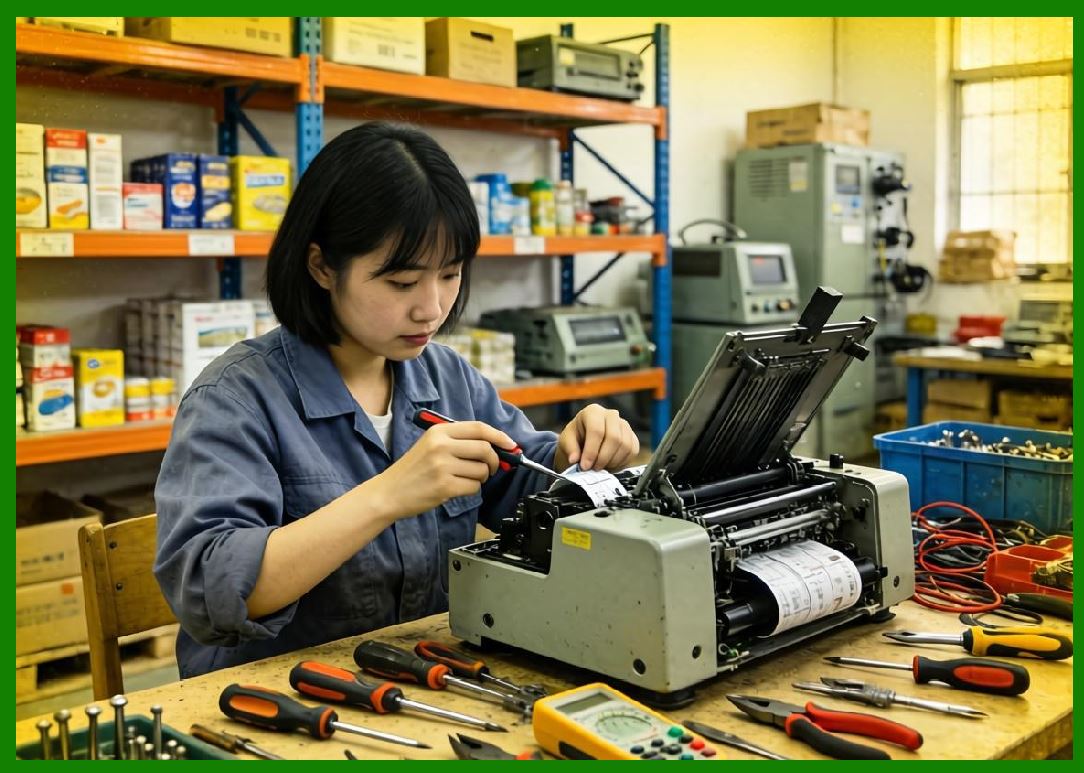
The emergence of thermal printing technology marked a decisive turning point in the history of barcode printing. Unlike earlier methods such as impact or laser printing, thermal printing introduced a fundamentally different imaging principle based on controlled heat application rather than mechanical force or electrostatic processes. |
6.2 |
This innovation addressed nearly all of the limitations that had hindered earlier barcode printing methods, including inconsistent line quality, low resolution, and high maintenance requirements. |
6.3 |
Thermal printing technology can be broadly divided into two primary categories: |
6.3.1 |
Direct Thermal Printing |
6.3.2 |
Thermal Transfer Printing |
6.4 |
Both methods rely on a thermal printhead composed of an array of microscopic heating elements. These elements selectively generate heat to produce images on specially designed media. |
6.5 |
The adoption of thermal printing in barcode applications was driven by several key advantages: |
6.5.1 |
High precision and consistent output |
6.5.2 |
Low mechanical complexity |
6.5.3 |
Reduced need for consumables (especially in direct thermal) |
6.5.4 |
Compatibility with continuous label media |
6.6 |
These characteristics made thermal printing particularly suitable for industrial, retail, logistics, and healthcare environments. |
|
7. Fundamental Principles of Thermal Printing |
7.1 Structure of a Thermal Printhead |
7.1.1 |
The thermal printhead is the core component of thermal printing systems. It consists of a linear array of resistive heating elements, each corresponding to a pixel in the printed output. |
7.1.2 |
Typical printhead resolutions include: |
7.1.2.1 |
203 dots per inch (DPI) |
7.1.2.2 |
300 DPI |
7.1.2.3 |
600 DPI (high-resolution applications) |
7.1.3 |
Each heating element can be individually controlled, allowing precise formation of barcode patterns. |
7.2 Heat-Based Imaging Mechanism |
7.2.1 |
Thermal printing operates by selectively heating specific (points) on the printhead, which in turn interact with the printing medium. |
7.2.2 |
The imaging process involves: |
7.2.2.1 |
Electrical signals activate heating (elements) |
7.2.2.2 |
Heat is transferred to the medium |
7.2.2.3 |
A chemical or physical transformation occurs, forming visible marks |
7.2.3 |
The precision of this process allows for highly accurate reproduction of narrow bars and spaces required in barcode symbologies. |
7.3 Motion Control and Media Handling |
7.3.1 |
Thermal printers use stepper motors to control the movement of label media. |
7.3.2 |
The synchronization between printhead activation and media movement is critical. Any deviation can cause: |
7.3.2.1 |
Bar width distortion |
7.3.2.2 |
Misalignment |
7.3.2.3 |
Scan failures |
7.3.3 |
Advanced printers incorporate feedback mechanisms such as: |
7.3.3.1 |
Optical sensors |
7.3.3.2 |
Gap sensors |
7.3.3.3 |
Black mark sensors |
7.3.4 |
These ensure precise positioning of each printed label. |

|
8. Direct Thermal Printing Technology |
8.1 Overview of Direct Thermal Printing |
8.1.1 |
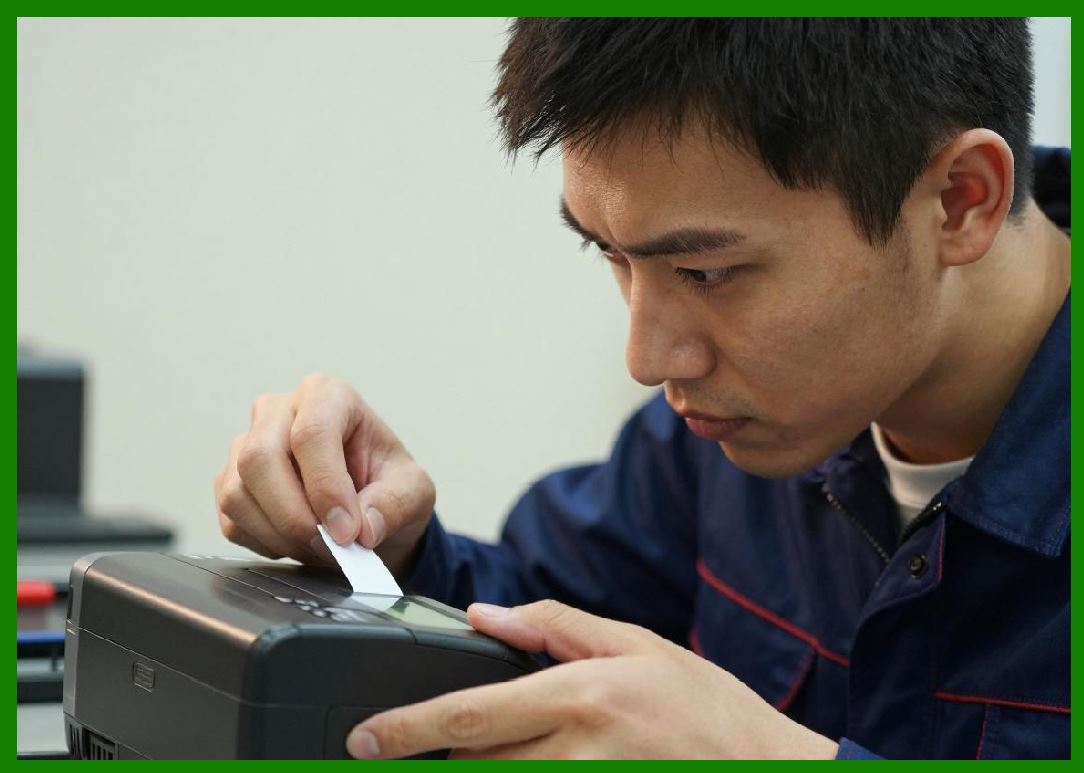
Direct thermal printing produces images by applying heat directly to specially coated thermal paper. |
8.1.2 |
The paper contains a heat-sensitive layer that undergoes a chemical reaction when exposed to heat, turning dark. |
8.2 Chemical Composition of Thermal Media |
8.2.1 |
Thermal paper typically consists of multiple layers: |
8.2.1.1 |
Base paper substrate |
8.2.1.2 |
Thermal coating layer |
8.2.1.3 |
Protective top coating |
8.2.2 |
The thermal coating contains: |
8.2.2.1 |
Leuco dyes (color-forming compounds) |
8.2.2.2 |
Developers (acidic substances) |
8.2.2.3 |
Sensitizers (control reaction temperature) |
8.2.3 |
When heated, the dye and developer react to form a visible image. |
8.3 Advantages of Direct Thermal Printing |
8.3.1 |
Direct thermal printing offers several benefits: |
8.3.1.1 |
No ink, toner, or ribbon required |
8.3.1.2 |
Lower operating costs |
8.3.1.3 |
Simplified mechanical design |
8.3.1.4 |
Reduced maintenance requirements |
8.3.2 |
These advantages make it ideal for applications such as: |
8.3.2.1 |
Shipping labels |
8.3.2.2 |
Receipt printing |
8.3.2.3 |
Short-term inventory labels |
8.4 Limitations of Direct Thermal Printing |
8.4.1 |
Despite its advantages, direct thermal printing has inherent limitations: |
8.4.1.1 |
Image Fading |
Exposure to heat, light, or chemicals can degrade the image. |
8.4.1.2 |
Limited Durability |
Not suitable for long-term labeling. |
8.4.1.3 |
Environmental Sensitivity |
High temperatures can cause unintended darkening. |
8.4.2 |
These limitations restrict its use in applications requiring long-lasting labels. |
8.5 Impact on Barcode Quality |
8.5.1 |
Direct thermal printing significantly improved barcode quality compared to earlier methods: |
8.5.1.1 |
Sharp edges |
8.5.1.2 |
Uniform bar widths |
8.5.1.3 |
High contrast |
8.5.2 |
However, long-term readability depends on environmental conditions. |
|
9. Thermal Transfer Printing Technology |
9.1 Overview of Thermal Transfer Printing |
9.1.1 |
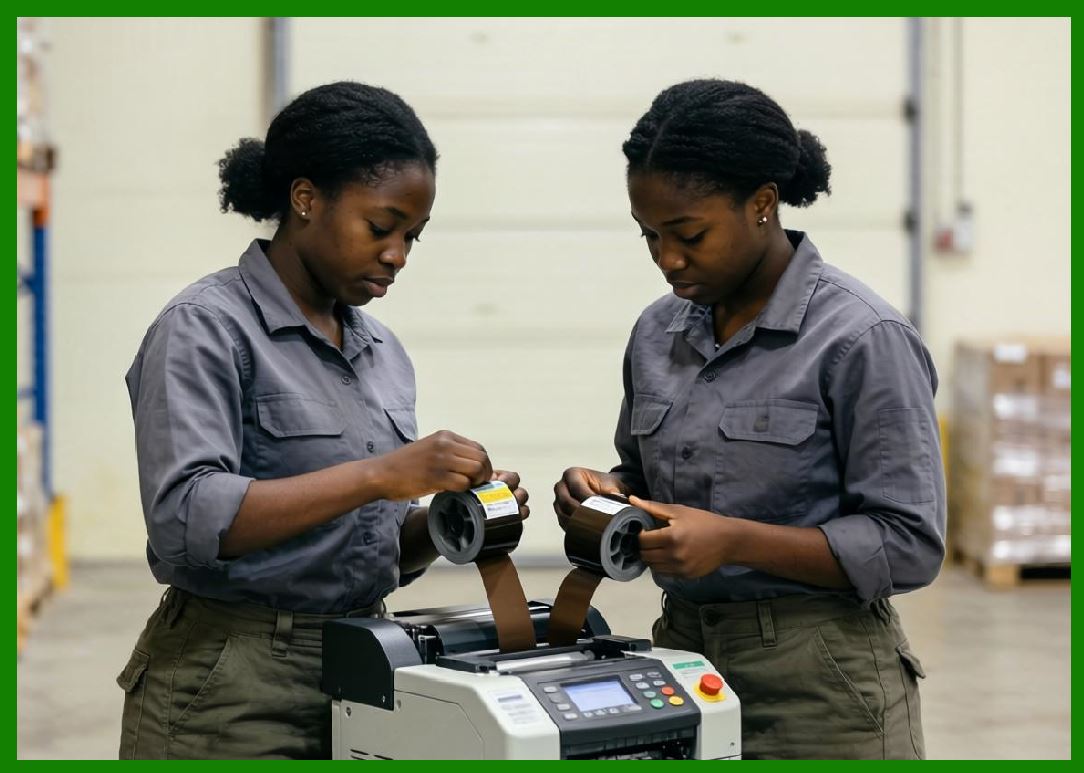
Thermal transfer printing uses a ribbon coated with ink that is melted onto the label surface by heat from the printhead. |
9.1.2 |
This method produces highly durable and long-lasting images. |
9.2 Structure of Thermal Transfer Ribbons |
9.2.1 |
Thermal transfer ribbons consist of multiple layers: |
9.2.1.1 |
Polyester base film |
9.2.1.2 |
Ink layer |
9.2.1.3 |
Protective back coating |
9.2.2 |
The ink layer may be composed of: |
9.2.2.1 |
Wax |
9.2.2.2 |
Resin |
9.2.2.3 |
Wax-resin blends |
9.3 Types of Thermal Transfer Ribbons |
9.3.1 |
Different ribbon types are used depending on application requirements: |
9.3.1.1 |
Wax Ribbons |
Low cost, suitable for paper labels |
9.3.1.2 |
Resin Ribbons |
High durability, resistant to chemicals and abrasion |
9.3.1.3 |
Wax-Resin Ribbons |
Balanced performance and cost |
9.4 Printing Process in Thermal Transfer |
9.4.1 |
The process involves: |
9.4.1.1 |
Heating specific on the printhead |
9.4.1.2 |
Melting the ribbon ink |
9.4.1.3 |
Transferring ink onto the label surface |
9.4.1.4 |
Cooling and solidifying the ink |
9.4.2 |
This results in a permanent, high-quality print. |
9.5 Advantages of Thermal Transfer Printing |
9.5.1 |
Thermal transfer printing offers: |
9.5.1.1 |
High durability |
9.5.1.2 |
Resistance to moisture, chemicals, and UV exposure |
9.5.1.3 |
Compatibility with various materials (paper, polyester, polypropylene) |
9.5.2 |
It is widely used in: |
9.5.2.1 |
Industrial labeling |
9.5.2.2 |
Asset tracking |
9.5.2.3 |
Healthcare applications |
9.6 Limitations of Thermal Transfer Printing |
9.6.1 |
Some disadvantages include: |
9.6.1.1 |
Higher cost due to ribbon usage |
9.6.1.2 |
More complex mechanical design |
9.6.1.3 |
Need for proper ribbon-media matching |

|
10. Comparison Between Direct Thermal and Thermal Transfer |
10.1 |
While both technologies share similar hardware, their differences are significant: |
10.1.1 |
Direct thermal is simpler and cheaper but less durable |
10.1.2 |
Thermal transfer is more versatile and durable but involves higher operational costs |
10.2 |
The choice between the two depends on application requirements such as: |
10.2.1 |
Label lifespan |
10.2.2 |
Environmental exposure |
10.2.3 |
Cost considerations |
|
11. Engineering Innovations in Thermal Printing |
11.1 Printhead Durability Improvements |
11.1.1 |
Advancements in materials such as ceramic coatings improved printhead lifespan. |
11.1.2 |
Wear resistance became critical due to constant (contact) with media and ribbons. |
11.2 Energy Efficiency Enhancements |
11.2.1 |
Modern printers optimize energy usage by: |
11.2.1.1 |
Dynamic heat control |
11.2.1.2 |
Selective activation |
11.3 Firmware Optimization |
11.3.1 |
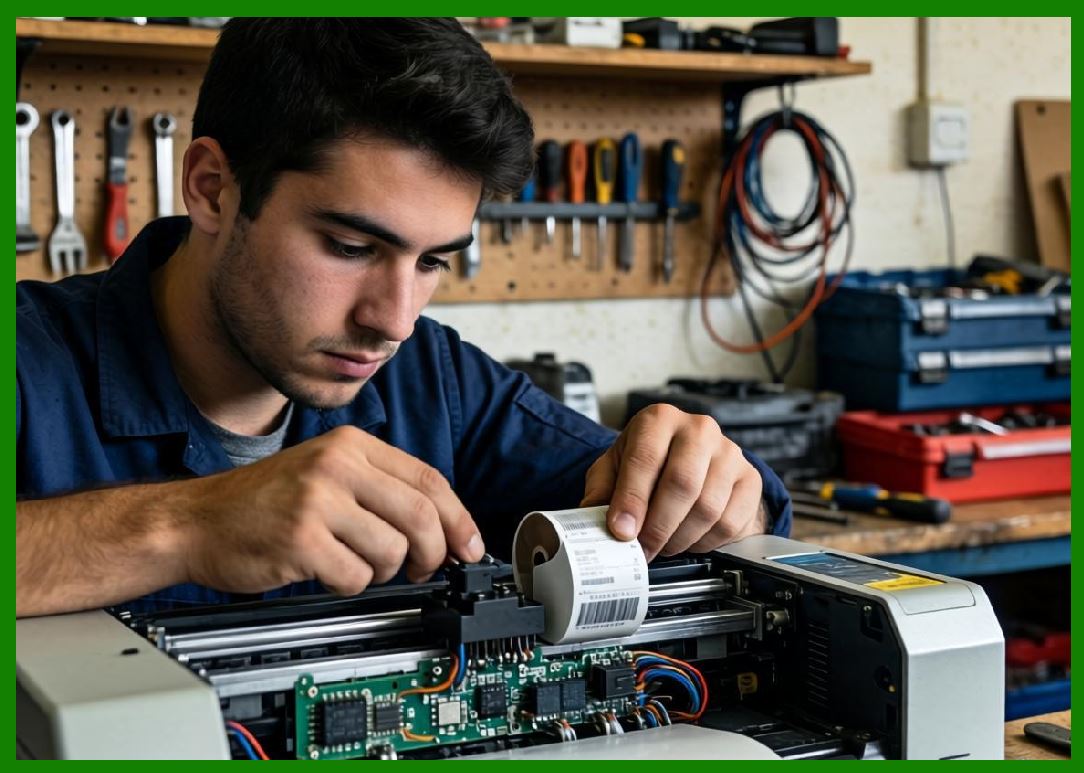
Firmware improvements enabled: |
11.3.1.1 |
Faster processing of barcode data |
11.3.1.2 |
Real-time adjustments to print quality |
|
12. Impact of Thermal Printing on Barcode Industry |
12.1 |
Thermal printing revolutionized barcode applications by enabling: |
12.1.1 |
On-demand label printing |
12.1.2 |
High-speed production |
12.1.3 |
Reliable scanning performance |
12.2 |
It became the dominant technology in industries such as: |
12.2.1 |
Retail |
12.2.2 |
Logistics |
12.2.3 |
Manufacturing |
12.2.3 |
Healthcare |

|
13. Summary of Part 2 |
13.1 |
Thermal printing technology represented a major breakthrough in barcode printing. |
13.2 |
Direct thermal printing simplified operations and reduced costs. |
13.3 |
Thermal transfer printing provided durability and versatility. |
13.4 |
Together, these technologies established the foundation for modern barcode printing systems. |
13.5 |
Their success paved the way for the development of dedicated barcode printers, which will be explored in the next section. |

|
Next Step |
* Dedicated barcode printers (1980s990s evolution) |
* Printer command languages (ZPL, EPL, etc.) |
* Firmware-based barcode rendering |
* Industrial adoption and system integration |
 cs@easiersoft.com