Historical Development of Barcode Printing Technology (Part 3) |
*(Focus: Dedicated Barcode Printers and Intelligent Printing Systems Expansion of Sections 2.5 and 2.6 in Deep Technical Detail)* |
14. Introduction to Dedicated Barcode Printers |
14.1 |
By the late 1970s and early 1980s, it became increasingly clear that general-purpose printing technologies such as dot matrix and laser printers ere insufficient for the growing demands of barcode-based automation systems. |
14.2 |
Organizations required printing systems that could: |
14.2.1 |
Produce barcodes with consistent, high precision |
14.2.2 |
Operate reliably in industrial environments |
14.2.3 |
Support continuous label media |
14.2.4 |
Generate barcodes dynamically and on demand |
14.3 |
These requirements led to the development of dedicated barcode printers, which were specifically engineered for barcode and label printing applications rather than general document output. |
14.4 |
Unlike earlier printing systems, dedicated barcode printers integrated: |
14.4.1 |
Thermal printing engines |
14.4.2 |
Specialized firmware |
14.4.3 |
Label handling mechanisms |
14.4.4 |
Communication interfaces for system integration |
14.5 |
This marked a transition from passive printing devices to intelligent printing systems capable of interpreting and executing barcode-specific instructions. |

|
15. Emergence of Specialized Firmware (Expansion of 2.5) |
15.1 Limitations of Host-Based Barcode Rendering |
15.1.1 |
In early barcode printing systems, all barcode generation tasks were performed by the host computer. |
15.1.2 |
The host system was responsible for: |
15.1.2.1 |
Encoding barcode data |
15.1.2.2 |
Rendering graphical representations |
15.1.2.3 |
Sending bitmap images to the printer |
15.1.3 |
This approach had several disadvantages: |
15.1.3.1 |
High computational load on the host |
15.1.3.2 |
Large data transmission requirements |
15.1.3.3 |
Limited flexibility in real-time printing |
15.1.4 |
As barcode usage expanded, these limitations became increasingly problematic. |
15.2 Introduction of Printer Command Languages |
15.2.1 |
To address these challenges, manufacturers developed printer command languages, allowing printers to interpret high-level instructions rather than raw image data. |
15.2.2 |
Instead of sending a bitmap, the host could send commands such as: |
15.2.2.1 |
Define barcode type |
15.2.2.2 |
Specify data content |
15.2.2.3 |
Set dimensions and positioning |
15.2.3 |
The printer would then internally generate the barcode image. |
15.3 Key Barcode Printer Languages |
15.3.1 |
Several proprietary command languages emerged, including: |
15.3.1.1 |
Zebra Programming Language (ZPL) |
15.3.1.2 |
Eltron Programming Language (EPL) |
15.3.1.3 |
Datamax Programming Language (DPL) |
15.3.1.4 |
Intermec Fingerprint Language |
15.3.2 |
Each language provided a structured syntax for defining label layouts and barcode properties. |
15.4 Advantages of Firmware-Based Rendering |
15.4.1 |
The shift to firmware-based barcode generation provided significant benefits: |
15.4.1.1 |
Reduced data transmission (text commands instead of bitmaps) |
15.4.1.2 |
Faster printing speeds |
15.4.1.3 |
Improved scalability |
15.4.1.4 |
Greater flexibility in label design |
15.4.2 |
This innovation was critical for large-scale industrial applications. |
|
16. Architecture of Early Barcode Printer Firmware |
16.1 Embedded System Design |
16.1.1 |
Barcode printers began to incorporate embedded systems, consisting of: |
16.1.1.1 |
Microprocessors |
16.1.1.2 |
Read-only memory (ROM) |
16.1.1.3 |
Random access memory (RAM) |
16.1.1.4 |
Input/output controllers |
16.1.2 |
These components enabled printers to operate independently of host systems. |
16.2 Barcode Encoding Algorithms |
16.2.1 |
Firmware included algorithms for encoding various barcode symbologies, such as: |
16.2.1.1 |
Linear barcodes (e.g., Code 39, Code 128) |
16.2.1.2 |
Stacked barcodes |
16.2.1.3 |
Early 2D barcodes |
16.2.2 |
These algorithms handled: |
16.2.2.1 |
Data validation |
16.2.2.2 |
Checksum calculation |
16.2.2.3 |
Pattern generation |
16.3 Label Formatting Engines |
16.3.1 |
Firmware also included label formatting engines capable of: |
16.3.1.1 |
Positioning text and graphics |
16.3.1.2 |
Managing fonts |
16.3.1.3 |
Handling multiple fields and templates |
16.3.2 |
This allowed users to define reusable label formats stored within the printer. |
16.4 Memory Management |
16.4.1 |
Early barcode printers had limited memory resources, requiring efficient management: |
16.4.1.1 |
Storage of fonts and graphics |
16.4.1.2 |
Buffering print jobs |
16.4.1.3 |
Caching label templates |
16.4.2 |
Memory constraints influenced firmware design and feature sets. |
|
17. Evolution into Intelligent Devices (Expansion of 2.6) |
17.1 Integration of Microprocessors |
17.1.1 |
The integration of microprocessors transformed barcode printers from simple output devices into intelligent systems. |
17.1.2 |
Microprocessors enabled: |
17.1.2.1 |
Real-time data processing |
17.1.2.2 |
Error detection and correction |
17.1.2.3 |
Dynamic adjustment of print parameters |
17.2 Standalone Operation Capabilities |
17.2.1 |
Modern barcode printers can operate without continuous host interaction. |
17.2.2 |
Standalone features include: |
17.2.2.1 |
Internal storage of label templates |
17.2.2.2 |
Execution of predefined print jobs |
17.2.2.3 |
Integration with input devices (e.g., scanners, keyboards) |
17.2.3 |
This capability is particularly valuable in industrial environments where network connectivity may be limited. |
17.3 Communication Interfaces |
17.3.1 |
Barcode printers evolved to support multiple communication interfaces: |
17.3.1.1 |
Serial (RS-232) |
17.3.1.2 |
Parallel (Centronics) |
17.3.1.3 |
USB |
17.3.1.4 |
Ethernet |
17.3.1.5 |
Wireless (Wi-Fi, Bluetooth) |
17.3.2 |
These interfaces enabled integration with a wide range of systems, including: |
17.3.2.1 |
Warehouse management systems (WMS) |
17.3.2.2 |
Enterprise resource planning (ERP) systems |
17.3.2.3 |
Point-of-sale (POS) systems |
17.4 Sensor Integration and Feedback Systems |
17.4.1 |
Advanced barcode printers incorporate sensors for monitoring printing conditions: |
17.4.1.1 |
Media sensors (gap, black mark) |
17.4.1.2 |
Ribbon sensors |
17.4.1.3 |
Temperature sensors |
17.4.2 |
These sensors provide feedback to the firmware, enabling: |
17.4.2.1 |
Automatic calibration |
17.4.2.2 |
Error detection |
17.4.2.3 |
Adaptive print quality control |
17.5 User Interface Evolution |
17.5.1 |
Early barcode printers had minimal user interfaces, often limited to: |
17.5.1.1 |
LED indicators |
17.5.1.2 |
Basic buttons |
17.5.2 |
Modern systems include: |
17.5.2.1 |
LCD or touchscreen displays |
17.5.2.2 |
Menu-driven configuration systems |
17.5.2.3 |
Remote management capabilities |
|
18. Industrial Adoption of Dedicated Barcode Printers |
18.1 Logistics and Warehousing |
18.1.1 |
Dedicated barcode printers became essential in logistics operations for: |
18.1.1.1 |
Shipping labels |
18.1.1.2 |
Inventory tracking |
18.1.1.3 |
Package identification |
18.2 Retail Sector |
18.2.1 |
Retail applications include: |
18.2.1.1 |
Shelf labeling |
18.2.1.2 |
Price tags |
18.2.1.3 |
Product identification |
18.3 Manufacturing |
18.3.1 |
In manufacturing, barcode printers are used for: |
18.3.1.1 |
Work-in-progress tracking |
18.3.1.2 |
Asset management |
18.3.1.3 |
Quality control labeling |
18.4 Healthcare Applications |
18.4.1 |
Healthcare environments rely on barcode printers for: |
18.4.1.1 |
Patient identification |
18.4.1.2 |
Medication labeling |
18.4.1.3 |
Specimen tracking |
|
19. Performance Optimization and Reliability Improvements |
19.1 Print Speed Enhancements |
19.1.1 |
Advancements in hardware and firmware enabled higher print speeds without sacrificing quality. |
19.1.2 |
This was achieved through: |
19.1.2.1 |
Faster processors |
19.1.2.2 |
Optimized data pipelines |
19.2 Error Handling Mechanisms |
19.2.1 |
Modern barcode printers include robust error handling features: |
19.2.1.1 |
Detection of missing labels |
19.2.1.2 |
Ribbon out alerts |
19.2.1.3 |
Printhead overheating protection |
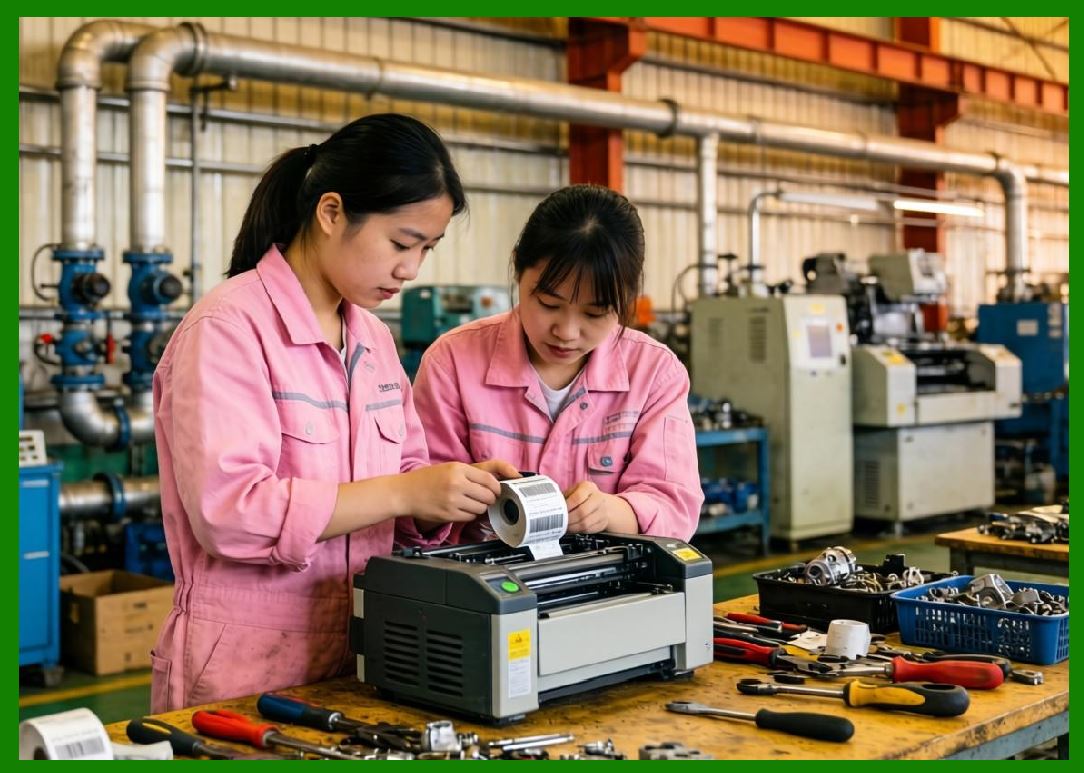
19.3 Maintenance and Durability |
19.3.1 |
Design improvements focused on: |
19.3.1.1 |
Modular components |
19.3.1.2 |
Easy printhead replacement |
19.3.1.3 |
Reduced wear and tear |
|
20. Summary of Part 3 |
20.1 |
The development of dedicated barcode printers marked a critical milestone in the evolution of barcode printing technology. |
20.2 |
The introduction of specialized firmware and command languages significantly improved efficiency and flexibility. |
20.3 |
Integration of microprocessors transformed printers into intelligent, standalone systems. |
20.4 |
Enhanced communication interfaces enabled seamless integration with enterprise systems. |
20.5 |
These advancements laid the groundwork for modern barcode printing technologies, including high-resolution printing and support for complex 2D symbologies. |
|
Next Step |
* Modern barcode printers (Expansion of 2.7) |
* High-resolution printing (600 DPI and beyond) |
* 2D barcode compatibility (QR Code, Data Matrix, etc.) |
* RFID integration and smart labeling systems |
* Networked and cloud-connected printing ecosystems |
 cs@easiersoft.com