Historical Development of Barcode Printing Technology (Part 4) |
*(Focus: Modern Barcode Printing Systems Expansion of Section 2.7 in Deep Technical Detail)* |
21. Introduction to Modern Barcode Printing Technology |
21.1 |
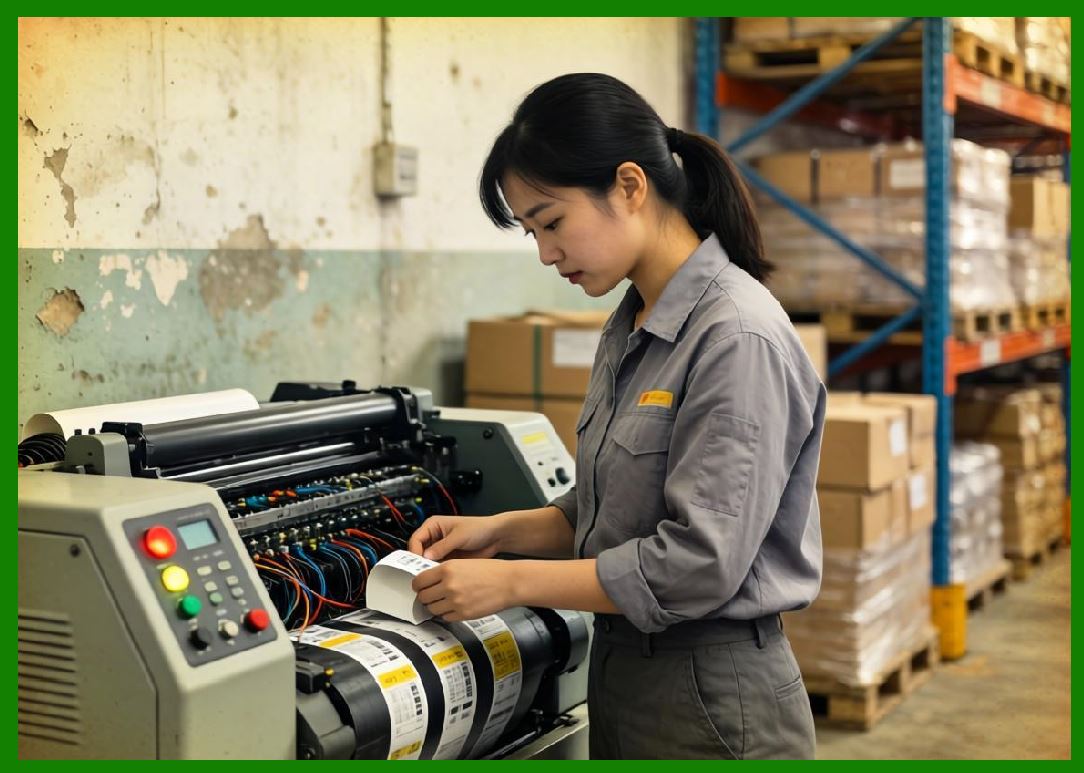
By the late 1990s and early 2000s, barcode printing technology had matured into a highly specialized and technologically sophisticated domain. The convergence of thermal printing, embedded systems, and digital communication networks led to the emergence of modern barcode printers capable of handling complex, high-density data encoding tasks. |
21.2 |
Modern barcode printers differ significantly from their predecessors in several key aspects: |
21.2.1 |
Substantially higher print resolution |
21.2.2 |
Support for both linear and two-dimensional barcode symbologies |
21.2.3 |
Integration with enterprise IT infrastructure |
21.2.4 |
Advanced media handling and sensor systems |
21.2.5 |
Incorporation of RFID encoding capabilities |
21.3 |
These advancements were driven by the increasing complexity of global supply chains, regulatory requirements, and the need for more efficient data capture systems. |
|
22. High-Resolution Printing Technology |
22.1 Evolution of Print Resolution |
22.1.1 |
Early thermal barcode printers typically operated at 203 DPI, which was sufficient for most linear barcode symbologies such as Code 39 and Code 128. |
22.1.2 |
However, the introduction of high-density barcode formats, particularly two-dimensional codes, required significantly higher resolution. |
22.1.3 |
Modern barcode printers now support: |
22.1.3.1 |
300 DPI (standard for enhanced clarity) |
22.1.3.2 |
600 DPI (high-resolution applications) |
22.1.3.3 |
In some specialized cases, resolutions exceeding 600 DPI |
22.2 Importance of Resolution in Barcode Printing |
22.2.1 |
Higher resolution enables: |
22.2.1.1 |
Printing of smaller bar widths |
22.2.1.2 |
Improved edge definition |
22.2.1.3 |
Greater data density |
22.2.1.4 |
Enhanced scan reliability |
22.2.2 |
This is particularly critical for: |
22.2.2.1 |
Small product labels |
22.2.2.2 |
Electronics components |
22.2.2.3 |
Medical devices |
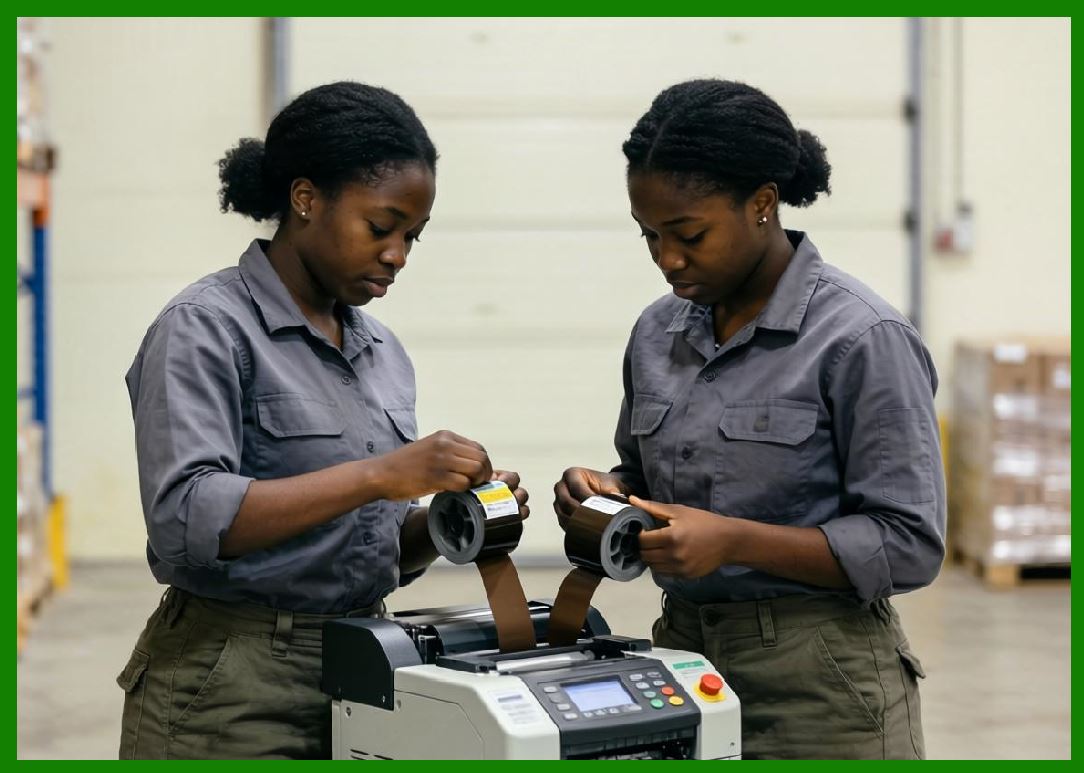
22.3 Printhead Engineering Advancements |
22.3.1 |
Modern printheads incorporate advanced materials and manufacturing techniques: |
22.3.1.1 |
Thin-film resistor technology |
22.3.1.2 |
Improved thermal conductivity |
22.3.1.3 |
Enhanced wear resistance coatings |
22.3.2 |
These innovations allow for: |
22.3.2.1 |
More precise heat control |
22.3.2.2 |
Longer operational lifespan |
22.3.2.3 |
Consistent output at high speeds |
|
23. Support for Two-Dimensional Barcode Symbologies |
23.1 Emergence of 2D Barcodes |
23.1.1 |
The limitations of linear barcodes in terms of data capacity led to the development of two-dimensional barcode symbologies. |
23.1.2 |
Unlike linear barcodes, 2D codes can store information in both horizontal and vertical dimensions. |
23.1.3 |
This allows for: |
23.1.3.1 |
Higher data capacity |
23.1.3.2 |
Error correction capabilities |
23.1.3.3 |
Compact symbol size |
23.2 Common 2D Barcode Types |
23.2.1 |
Modern barcode printers support a wide range of 2D symbologies, including: |
23.2.1.1 |
QR Code |
Widely used in mobile applications, marketing, and payments. |
23.2.1.2 |
Data Matrix |
Common in industrial and healthcare applications. |
23.2.1.3 |
PDF417 |
Used in transportation and identification systems. |
23.2.1.4 |
Aztec Code |
Used in ticketing and transportation. |
23.3 Printing Requirements for 2D Barcodes |
23.3.1 |
2D barcodes impose stricter requirements on printing technology: |
23.3.1.1 |
High resolution for small modules |
23.3.1.2 |
Accurate dot placement |
23.3.1.3 |
Uniform contrast |
23.3.1.4 |
Precise alignment |
23.3.2 |
Any deviation can significantly affect decoding performance. |
23.4 Error Correction and Print Quality |
23.4.1 |
Many 2D barcodes include built-in error correction algorithms. |
23.4.2 |
For example, QR Code uses Reed-Solomon error correction, allowing partial damage without loss of readability. |
23.4.3 |
However, print quality remains critical, as excessive distortion can exceed error correction limits. |

|
24. Integration of RFID Technology |
24.1 Introduction to RFID in Barcode Printing |
24.1.1 |
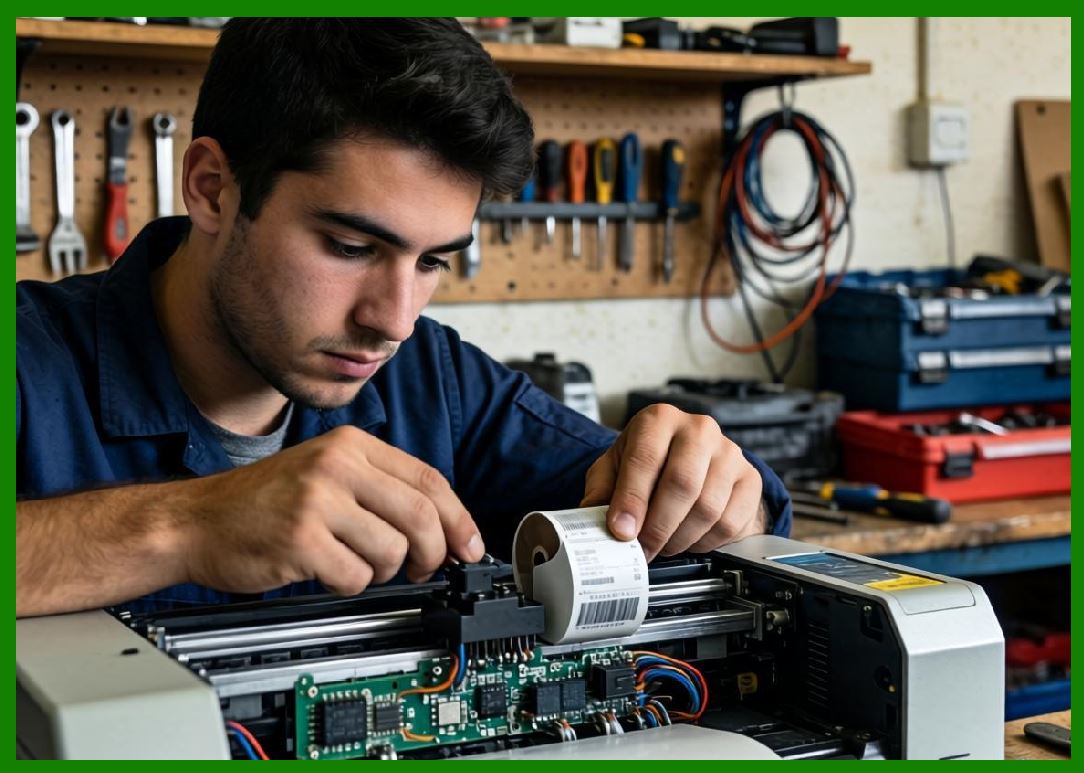
Modern barcode printers increasingly incorporate Radio Frequency Identification (RFID) capabilities. |
24.1.2 |
RFID allows data to be stored electronically in tags, which can be read without direct line-of-sight. |
24.2 RFID Encoding Process |
24.2.1 |
RFID-enabled printers can: |
24.2.1.1 |
Encode data into RFID chips embedded in labels |
24.2.1.2 |
Verify encoding accuracy |
24.2.1.3 |
Print visual barcodes on the same label |
24.2.2 |
This creates a hybrid labeling system combining optical and electronic identification. |
24.3 Advantages of RFID Integration |
24.3.1 |
RFID-enhanced barcode printers offer: |
24.3.1.1 |
Faster data capture |
24.3.1.2 |
Non-line-of-sight scanning |
24.3.1.3 |
Simultaneous reading of multiple items |
24.3.1.4 |
Improved inventory accuracy |
24.4 Applications of RFID Barcode Printers |
24.4.1 |
Common applications include: |
24.4.1.1 |
Supply chain management |
24.4.1.2 |
Retail inventory tracking |
24.4.1.3 |
Asset management |
24.4.1.4 |
Access control systems |
|
25. Advanced Connectivity and Network Integration |
25.1 Evolution of Connectivity |
25.1.1 |
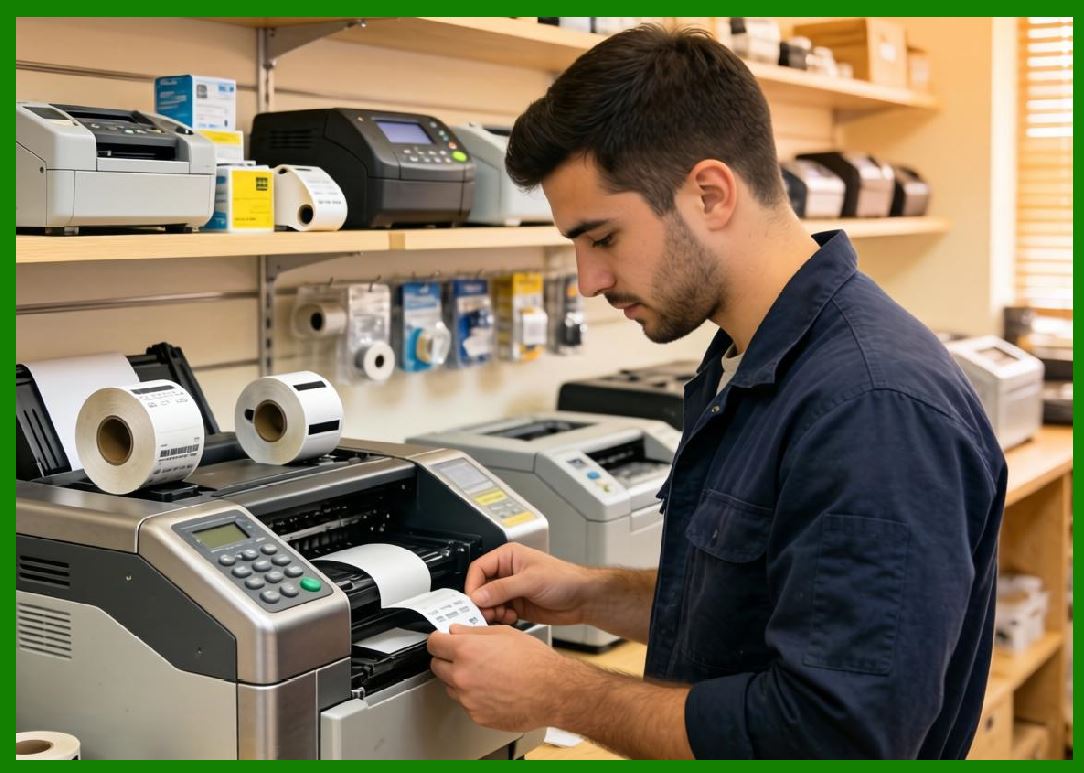
Modern barcode printers are designed to operate within networked environments. |
25.1.2 |
They support multiple connectivity options: |
25.1.2.1 |
Ethernet |
25.1.2.2 |
Wi-Fi |
25.1.2.3 |
Bluetooth |
25.1.2.4 |
USB |
25.2 Integration with Enterprise Systems |
25.2.1 |
Barcode printers are now integrated with: |
25.1.1.1 |
Enterprise Resource Planning (ERP) systems |
25.1.1.2 |
Warehouse Management Systems (WMS) |
25.1.1.3 |
Manufacturing Execution Systems (MES) |
25.2.2 |
This integration enables real-time data exchange and automation. |
25.3 Cloud-Based Printing Solutions |
25.3.1 |
Recent developments include cloud-based printing architectures. |
25.3.2 |
These systems allow: |
25.3.2.1 |
Remote printer management |
25.3.2.2 |
Centralized configuration |
25.3.2.3 |
Scalable deployment across multiple locations |
25.4 Internet of Things (IoT) Integration |
25.4.1 |
Barcode printers are increasingly becoming part of IoT ecosystems. |
25.4.2 |
Features include: |
25.4.2.1 |
Remote monitoring |
25.4.2.2 |
Predictive maintenance |
25.4.2.3 |
Usage analytics |
|
26. Media Handling and Automation Features |
26.1 Advanced Media Support |
26.1.1 |
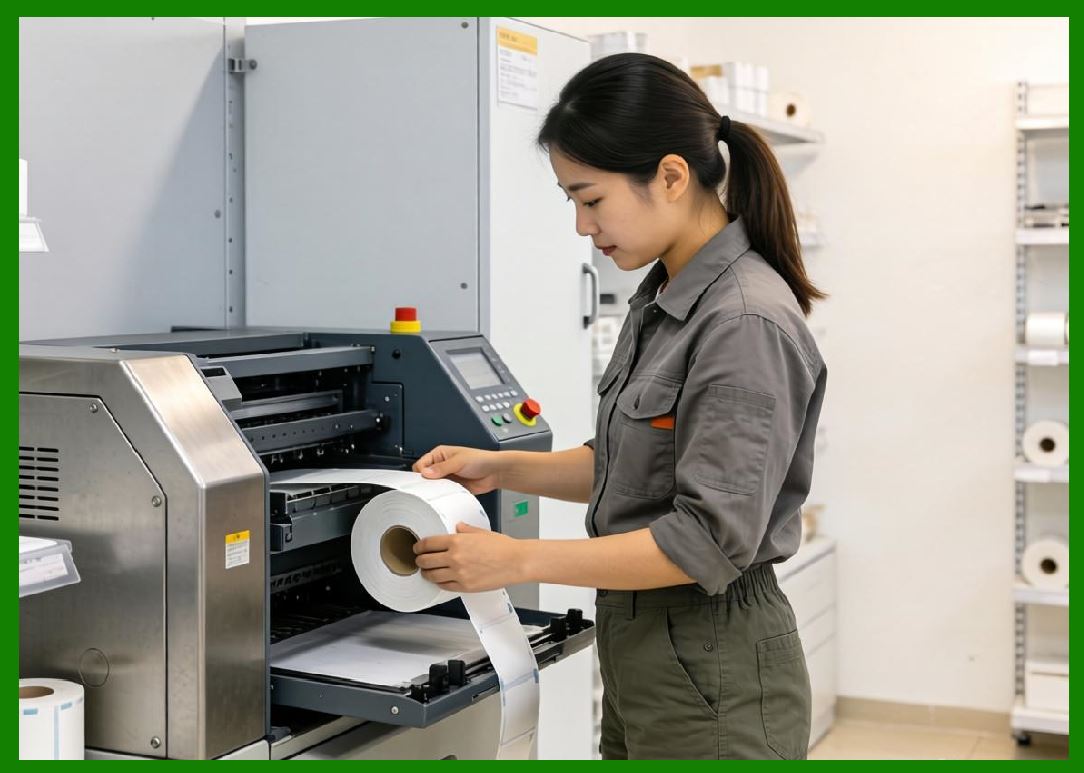
Modern printers support a wide variety of media types: |
26.1.1.1 |
Paper labels |
26.1.1.2 |
Synthetic materials |
26.1.1.3 |
Continuous rolls |
26.1.1.4 |
Fan-fold media |
26.2 Automated Label Handling |
26.2.1 |
Automation features include: |
26.2.1.1 |
Automatic label peeling |
26.2.1.2 |
Cutting mechanisms |
26.2.1.3 |
Rewinding systems |
26.2.2 |
These features improve efficiency in high-volume environments. |
26.3 Calibration and Self-Adjustment |
26.3.1 |
Modern printers can automatically calibrate: |
26.3.1.1 |
Label size |
26.3.1.2 |
Print position |
26.3.1.3 |
Sensor sensitivity |
26.3.2 |
This reduces setup time and human error. |

|
27. Software and User Interface Advancements |
27.1 Label Design Software |
27.1.1 |
Modern barcode printing relies heavily on specialized software for label design. |
27.1.2 |
These tools provide: |
27.1.2.1 |
Graphical interfaces |
27.1.2.2 |
Barcode generation tools |
27.1.2.3 |
Database integration |
27.2 Embedded Web Interfaces |
27.2.1 |
Many printers include built-in web servers. |
27.2.2 |
Users can configure and monitor printers through a web browser. |
27.3 Mobile Device Integration |
27.3.1 |
Support for mobile devices allows: |
27.3.1.1 |
Wireless printing |
27.3.1.2 |
Remote control |
27.3.1.3 |
On-the-go label generation |
|
28. Reliability and Performance Enhancements |
28.1 High-Speed Printing |
28.1.1 |
Modern printers achieve high print speeds while maintaining quality. |
28.1.2 |
This is essential for large-scale operations. |
28.2 Durability in Harsh Environments |
28.2.1 |
Industrial barcode printers are designed to withstand: |
28.2.1.1 |
Dust |
28.2.1.2 |
Moisture |
28.2.1.3 |
Extreme temperatures |
28.3 Predictive Maintenance |
28.3.1 |
Advanced systems can predict component failures. |
28.3.2 |
This reduces downtime and maintenance costs. |

|
29. Summary of Part 4 |
29.1 |
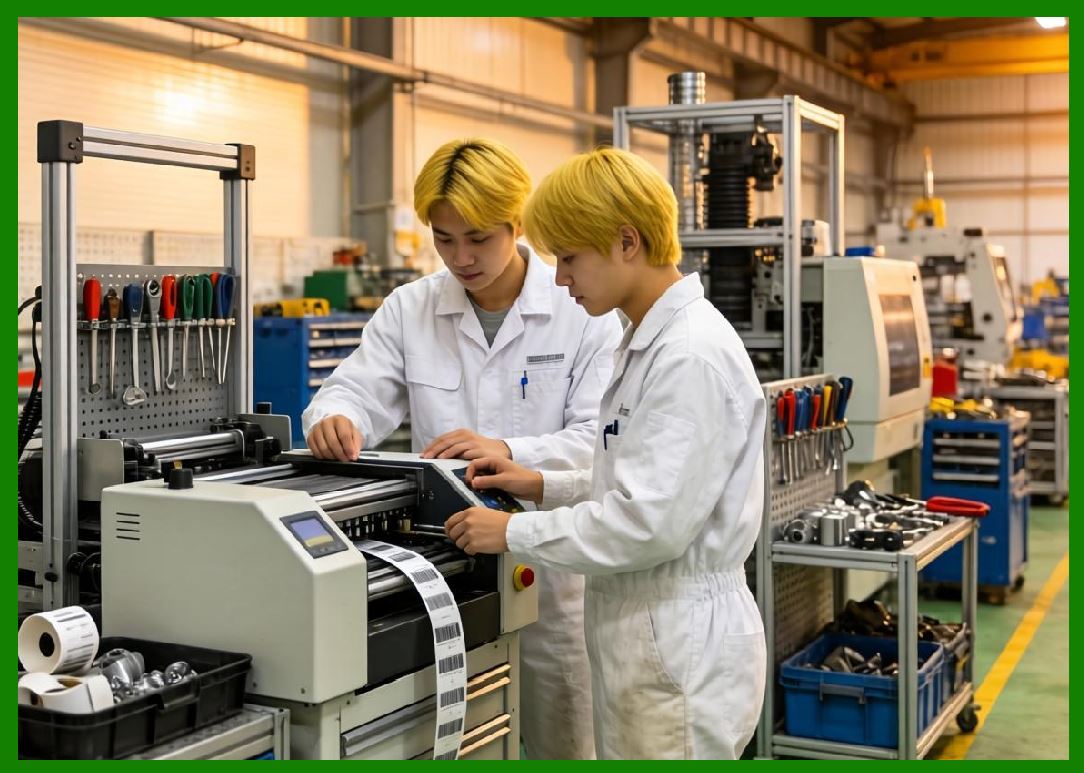
Modern barcode printing technology represents the culmination of decades of innovation. |
29.2 |
High-resolution printing enables compact, high-density barcodes. |
29.3 |
Support for 2D symbologies expands data capacity and functionality. |
29.4 |
RFID integration introduces new capabilities beyond optical scanning. |
29.5 |
Network connectivity and IoT integration transform printers into intelligent, connected devices. |
29.6 |
These advancements have made barcode printing an essential component of modern digital infrastructure. |
|
Next Step |
* Print quality standards (ISO/ANSI grading) |
* Barcode verification and validation systems |
* Error sources in modern printing |
* Advanced material science (labels, adhesives, coatings) |
 cs@easiersoft.com